Best Smart Board in 2026: 8 Interactive Smartboards Comparison Lists
Best smart board 2026: video-ready out of the box, runs your IT OS, and ships at a published US price — 8 boards compared.
all-in-one smart board comparison
interactive whiteboard comparison
Updated: Sep 22, 2026 · 9 minutes read
Global Business, Brought Near.
No Installer, No Hassle, Just Works.
The best smart board in 2026 is not the one with the longest spec sheet. It is the one that is video-ready on day one, runs the operating system your IT team already manages, and comes with a US price you can put in a budget before the first sales call.
The usual brand are here — Neat, Yealink, BenQ, Clevertouch, Promethean, Microsoft, and Cisco — plus our own NearHub Board Max, eight in total. Five arrive camera-ready. Three do not — they are included because they appear on most procurement shortlists, and a useful comparison requires transparency about what each board actually ships with.
We compared prices, specs, and operating systems, detailing the pros and cons of each product.
Prices, certification status, and specifications are current as of September 2026.
Smart Board Comparison 2026: Camera, OS, and Entry Price at a Glance
Entry prices are for the smallest available size. Cisco Board Pro G3 75" is listed at $21,023 by US reseller ChannelOnline; 55" pricing requires reseller confirmation. Specifications from publicly available product documentation as of September 2026.
Which Smart Boards Actually Ship Camera-Ready — and Which Require Extra Hardware
The criterion for qualifying as all-in-one: a hybrid meeting must be possible within ten minutes of unboxing, with no additional hardware purchases.
For this comparison, a board qualifies as all-in-one only when three conditions are met simultaneously: a built-in camera at 4K resolution with at least a 110° field of view, a built-in microphone array with a rated pickup distance, and a native operating system that runs core collaboration workflows without plugging in a separate computer.
By that standard, BenQ Board Pro RP05, Clevertouch Pro Series 3, and Promethean ActivPanel 9 do not qualify. All three are included in this comparison because they appear on most procurement shortlists alongside boards that do ship camera-ready. The honest comparison requires making that difference visible, not eliding it.
For rooms where video conferencing happens daily — or where the goal is one device to replace the display, the PC, and the conference camera — the five camera-equipped boards are the relevant shortlist.
For classrooms or training rooms where the board's primary job is teaching and annotation, and video is occasional, the camera-free boards have genuine advantages in price, touch performance, and education software that are worth evaluating on their own terms.
How to Choose a Smart Board in 2026: OS, Certification, and Budget
Three questions narrow the field before you start.
Windows or Android?
This question is decided by your IT team, not the display buyer.
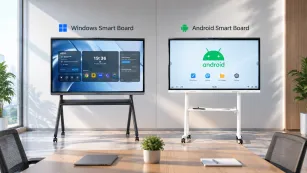
If your organization manages devices through Microsoft Intune, Active Directory, or Group Policy, a Windows board slots into that infrastructure without a separate management layer. The Windows options in this comparison are NearHub Board Max, Microsoft Surface Hub 3, and Cisco Board Pro G3.
If your organization manages Android devices through Google Admin console, or the room's primary function is teaching rather than desktop computing, Android boards cover that workload at a lower starting price.
For a detailed breakdown of what each platform means in practice — including which applications run on each and how management differs — see our Windows vs. Android smart board guide.
Is Teams Rooms or Zoom Rooms certification a hard requirement?
Running the Teams application and being a certified Teams Rooms device are not the same thing. Certification enables one-touch meeting join from the room's calendar, automatic audio and video configuration, and IT management through the Teams admin center.
If your IT policy requires certified room systems, the shortlist is four boards: Neat Board Pro, Yealink MeetingBoard 65 Pro, Microsoft Surface Hub 3, and Cisco Board Pro G3.
If the requirement is that the board runs Teams with full meeting functionality — breakout rooms, co-host controls, whiteboard integration — without formal certification, more options qualify.
Under $5,000 covers: NearHub Board Max (55" or 65"), Neat Board Pro, BenQ RP05, Clevertouch Pro Series 3 (European pricing; US unconfirmed), and Promethean ActivPanel 9. The $5,000–$10,000 range adds NearHub Board Max at 75". Above $10,000 brings in Microsoft Surface Hub 3 (85", discontinued — remaining stock) and Cisco Board Pro G3 at any size.
For a full room-cost worksheet — covering display, camera if needed, MDM licensing, installation, and extended warranty — see our smart board cost guide.
The 8 Best Smart Boards in 2026: What Each One Is Actually Built For
NearHub Board Max — Best for: Windows-Native Rooms That Need to Be Video-Ready on Day One
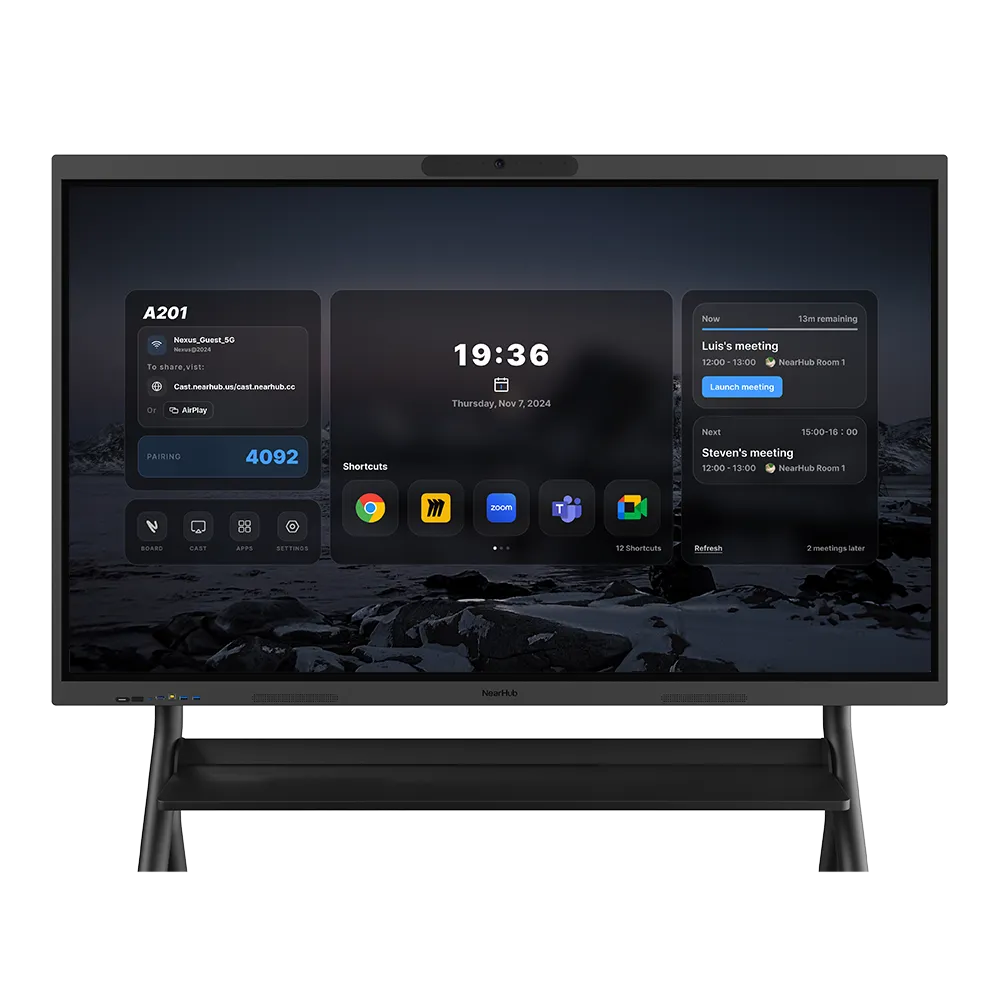
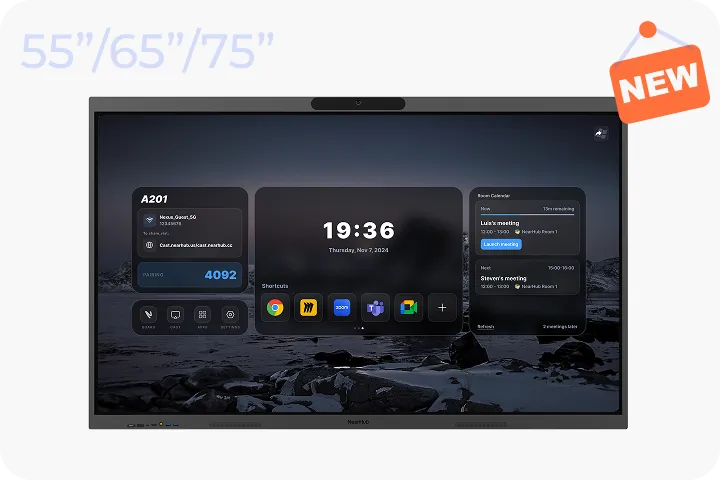
The NearHub Board Max is the only board under $10,000 in this comparison with a published US price, Windows 11 Pro, a built-in 130° 4K camera, and an 8-element microphone array simultaneously in the box. That specific combination means the room is video-ready the day it arrives — no camera to order, no IT visit to configure a separate conferencing kit.
Because it runs Windows 11 Pro on an Intel Core i5 platform, the Board Max can run any application your team uses on a laptop: a desktop Teams or Zoom client with all host controls, an Excel model with full macros, internal enterprise software, or a desktop browser with IT-managed extensions. There is no app store gating, no mobile-version limitation, and no version of "this feature isn't supported on this platform." Your IT team manages it through Microsoft Intune alongside the rest of the Windows fleet — same policies, same update cadence, no second console for the conference room display.
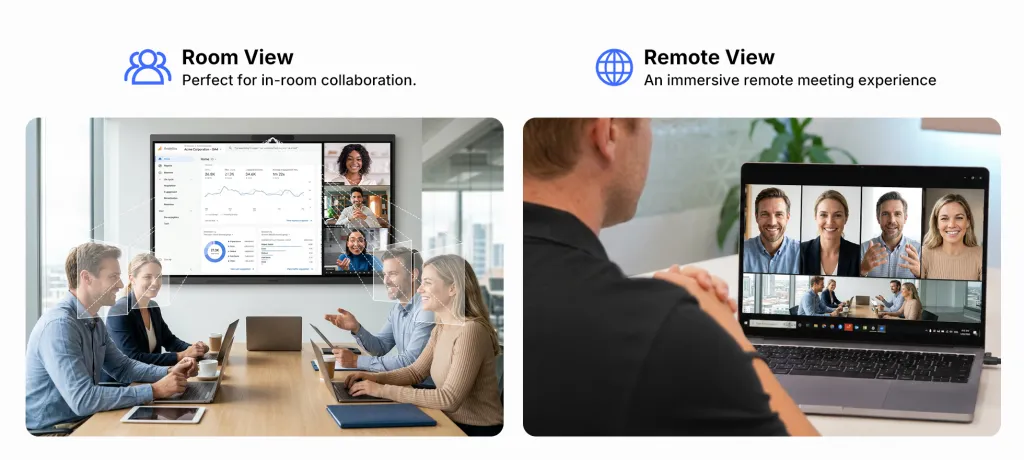
The built-in AI camera runs NearHub's AI Gallery View, which frames each speaker in their own box as the conversation shifts and auto-highlights the active one — remote attendees see faces, not a wide shot, and no one sets up a tripod first. The 8-element microphone array picks up clearly from 8 meters away with hardware echo and noise cancellation, so the person speaking from the far end of the table sounds the same as the person standing at the board.
What it does not do: The Board Max is not a certified Teams Rooms or Zoom Rooms device. It runs the full desktop clients rather than the certified room-system versions. The maximum size is 75 inches; rooms requiring 86 inches or larger need a different board. Standard warranty is 12 months — NearHub Care+ extends that at $299 per year — which is significantly shorter than the Clevertouch Pro Series 3's seven-year coverage.
The honest limitation: If your procurement policy requires certified room systems, or if warranty length is a primary evaluation criterion, the Board Max does not lead this comparison on those dimensions.
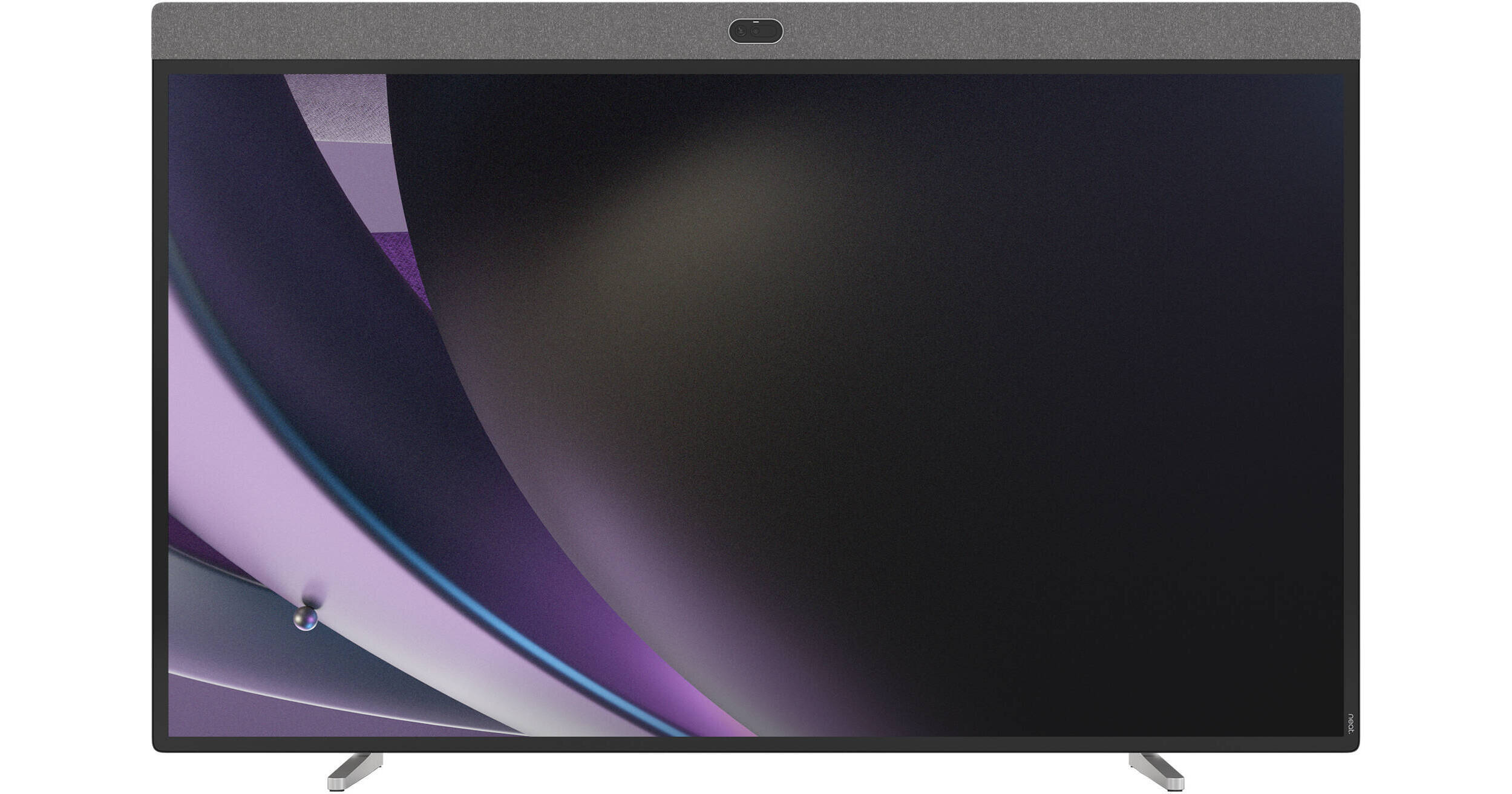
Neat Board Pro — Best for: Teams-Certified Rooms That Need to Just Work, Every Time
Neat's product line was built around a single question: what does a meeting room device have to be so that no one ever has to troubleshoot it? The answer is NeatOS — a closed, purpose-built platform that does nothing except run Microsoft Teams Rooms and Zoom Rooms. There is no general-purpose OS, no app store, no browser. Plug it into the network, sign in to your room account, and the calendar appears on screen. Someone walks in, taps the meeting, and the call starts.
The Board Pro ships with a built-in 4K camera and an integrated microphone array — Teams Rooms and Zoom Rooms certified at the device level, not just app-compatible. For IT teams deploying a fleet of meeting rooms, this means every room behaves identically: same join experience, same audio and video behavior, same admin tools in the Teams admin center. For users, it means no one in the room is spending the first five minutes of a meeting dealing with a display. If you want to understand exactly what sets Neat apart from a broader smart board alternative, our Neat Board alternatives guide maps that in detail.
What it does not do: NeatOS is a deliberately closed platform. If someone in the room needs to open a Windows application, pull up a file from a local server, or use software outside the Teams and Zoom ecosystems, the Board Pro cannot do that. It is not a computing device; it is a meeting appliance. Neat does not publish US list pricing directly — contact an authorized reseller for a current quote.
The honest limitation: The appliance philosophy is the Board Pro's greatest strength and its only real constraint. Rooms where the board is also expected to run a presentation or open a desktop file between meetings are better served by a Windows-based option.
Yealink MeetingBoard 65 Pro — Best for: Organizations That Run Both Teams and Zoom Across Different Rooms
Most Teams-certified boards are not simultaneously certified for Zoom. The Yealink MeetingBoard 65 Pro holds active certification for both, which matters for organizations where the meeting platform varies by team, client, or region — or where the platform decision has not yet been made and the hardware purchase cannot wait. One board, deployed today, works correctly for either call without any reconfiguration between meetings.
The built-in 133° 4K camera covers a wide room without participants needing to reposition. Android provides access to a broader application set than a closed NeatOS device — though it remains a mobile-architecture platform, so Windows-only applications do not run natively. For organizations wrestling with the Teams-vs-Zoom question, the MeetingBoard removes that hardware dependency from the decision entirely. See our Yealink MeetingBoard alternatives comparison if you are evaluating it alongside other certified options.
What it does not do: Android 13 runs mobile versions of applications, not desktop software. A room that also needs to function as a Windows computing environment will find the MeetingBoard limiting for that use case. US list pricing requires reseller confirmation.
The honest limitation: Dual certification solves a genuine organizational problem. If that problem does not describe your situation, the dual certification premium may not be worth it.
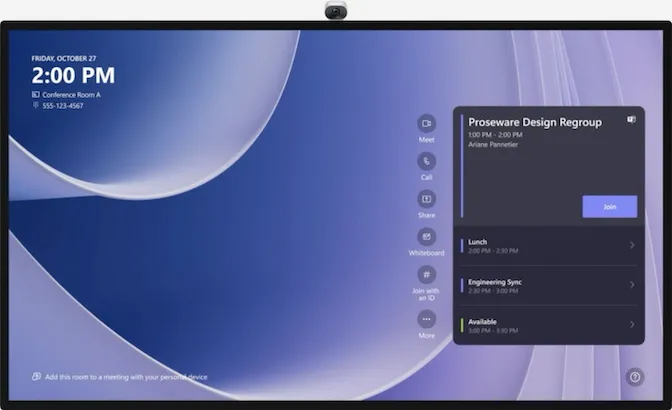
Microsoft Surface Hub 3 — Best for: Microsoft 365 Organizations That Want Teams Rooms as Part of the Windows Ecosystem
The Surface Hub 3 is the right evaluation if your organization is deeply invested in Microsoft 365 — SharePoint for files, OneNote for shared notes, Microsoft Whiteboard for collaborative ideation, and Teams Rooms as the standard room platform across all locations. In that environment, the Surface Hub 3 feels like Microsoft 365 expanded to the size of the wall: notes from a whiteboarding session appear in OneNote before the meeting ends, content from SharePoint opens without sharing a screen, and the room is managed from the same Intune console as every other Windows device in the building.
Microsoft discontinued the Surface Hub 3 on April 15, 2026. No successor model is planned, and remaining units are sold while stock lasts, with firmware and driver support committed through December 2030. Any 2026 evaluation should plan around limited availability rather than a standard procurement timeline — this is a last-chance purchase, not a rolling refresh cycle.
The 50-inch model enters at $9,499.99. The 85-inch model is significantly higher — for a room that needs that size with this level of Microsoft integration, it is worth evaluating against our Surface Hub vs. NearHub comparison to understand where the premium goes. Teams Rooms certification is built in at the device level.
What it does not do: The 50-inch entry point is undersized for most conference rooms. The 85-inch model occupies the same budget tier as the Cisco Board Pro G3 — a different product with a different purpose, but the same budget conversation. For organizations not already invested in the Microsoft 365 stack, the Surface Hub 3 charges a premium for ecosystem features that will go unused.
The honest limitation: If the room needs 75 inches and a Windows platform at a lower price point, the NearHub Board Max serves that configuration at less than half the Surface Hub 3's entry price for comparable screen size.
Cisco Board Pro G3 — Best for: Webex and CUCM Environments Where Video Quality Is Non-Negotiable
The Cisco Board Pro G3 is listed at $21,023 for the 75-inch configuration by US reseller ChannelOnline. That price reflects a specific value proposition: a board built from the ground up for Cisco's enterprise video infrastructure — Webex Control Hub fleet management, CUCM integration, and RoomOS, a purpose-built room operating system maintained as part of Cisco's collaboration portfolio.
The camera is the most capable in this comparison — a 96 MP dual-lens system with AI-based speaker tracking and audience framing that handles rooms where the board's video quality directly affects business outcomes. Fourteen beamforming microphones cover a room with precision that no other board in this list matches on paper. When video conferencing is the primary job and every seat at a 20-person table needs to sound and look identical to a remote participant, the Board Pro G3 was engineered for exactly that. For organizations already running Webex or CUCM, it integrates natively into existing management infrastructure without additional configuration.
For organizations evaluating whether that infrastructure investment is warranted, our Cisco Board Pro G3 alternatives guide covers the comparison in detail — including what the $13,524 difference versus the NearHub Board Max actually buys.
What it does not do: RoomOS is Cisco's proprietary platform. Windows applications do not run natively. If your organization runs Teams or Zoom and has no Webex infrastructure, the ecosystem that justifies the Board Pro G3's price is largely inaccessible.
The honest limitation: This board is built for Cisco shops. Outside that context, the price covers capabilities the room will not use.
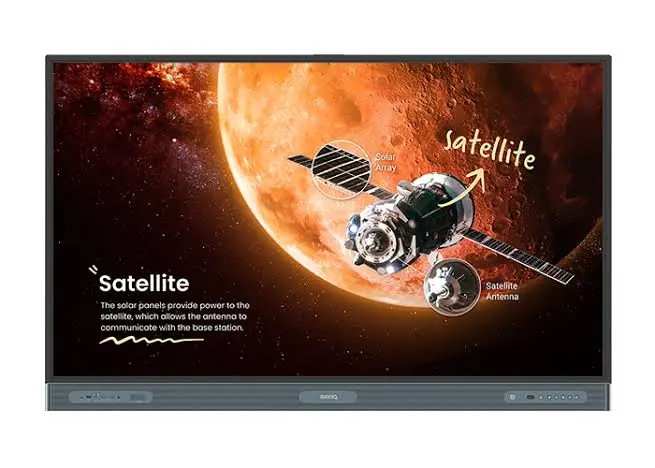
BenQ Board Pro RP05 — Best for: Education and Training Rooms Where Daily Teaching Comes First
For a classroom that runs lesson delivery, annotation, and content sharing for six hours a day — with video conferencing as an occasional rather than daily function — the BenQ Board Pro RP05 covers that workload well without the price of integrated AV hardware. Android EDLA certification means Google services run natively and the board is managed through Google Admin console, the same platform used for Chromebooks and Android devices already in the school's fleet.
BenQ's education software layer, anti-glare glass engineered for room environments, and optional air quality sensor reflect a product designed for classrooms with high-frequency shared use. Touch performance is strong. When video conferencing does need to happen, a compatible USB camera and microphone handle it — but those are budgeted separately. Our BenQ Board alternatives comparison covers how the RP05 stacks up when the room's requirements shift toward hybrid meetings.
What it does not do: No built-in camera, no built-in microphone array. US pricing varies by reseller and configuration; confirm before budgeting. The total room cost for a hybrid setup — board plus camera plus microphone — narrows the gap to the all-in-one boards above.
The honest limitation: For rooms that need to run hybrid meetings daily, budget the full room cost, not just the board price.
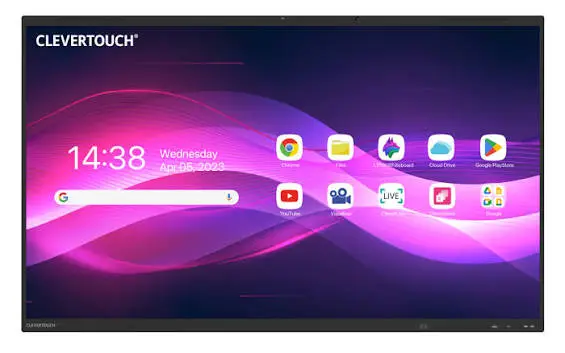
Clevertouch Pro Series 3 — Best for: K-12 Classrooms Built Around the LYNX Teaching Ecosystem
The Clevertouch Pro Series 3 has the best touch specification in this comparison: 50-point touch at 2.5 ms response time, which means handwriting on the board feels closer to pen on paper than any other display here. For a teacher who writes on the board in every class, all day, that precision is noticeable. The seven-year warranty — the longest in this comparison — reflects a deployment philosophy built for classroom fixtures that will not be replaced on a three-year refresh cycle.
LYNX Whiteboard ships with more than 80 lesson activity types built specifically for teaching, not adapted from a business tool. NFC card reader login lets teachers tap a physical badge and load their personal profile — saved lesson materials, preferred apps, whiteboard settings — on any panel in the school, without typing credentials on a shared display. CleverMessage broadcasts emergency alerts from a central console to every panel in the building simultaneously. These are features that do not exist in any general-purpose smart board and reflect years of development for K-12 specifically.
The limitation worth understanding before purchase: the official Pro Series 3 flyer states "Add a variety of USB cameras for instant video calls" — there is no built-in camera. US list pricing is not published; the product flyer references European pricing starting at €2,229 for the 65-inch, and US buyers must contact an authorized reseller for a quote. That price opacity means a parallel written vendor comparison cannot be completed without initiating a sales conversation first. The full procurement implications are covered in our Clevertouch smart board alternatives guide.
The honest limitation: For K-12 instruction where LYNX and the teaching software ecosystem are central to the curriculum, this is the strongest education display in the comparison. For any room where hybrid video meetings are a regular use case, the camera must be budgeted and procured separately.
Promethean's US market strength is in K-12 education, and the ActivPanel 9 reflects that focus. Android EDLA certification means the board integrates with Google Admin console — the same fleet management tool the district already uses for Chromebooks and school-issued Android devices. For an IT team managing hundreds of displays across multiple schools, adding the ActivPanel 9 to an existing Google Admin deployment means no new management system, no new training, and no separate device category to maintain.
For rooms where video conferencing is secondary to daily instruction, the lack of a built-in camera is a practical tradeoff: the board does its primary job — lesson delivery, annotation, content sharing — without the cost of integrated AV hardware. When video is needed, a USB camera handles it. Promethean's US support infrastructure is direct and well-established, which matters for district-scale deployments where reseller-routed support creates delays. See our Promethean board alternatives guide for a side-by-side with competing education displays.
What it does not do: No built-in camera or microphone array. US pricing varies by size and configuration — confirm with an authorized Promethean reseller before budgeting. For rooms that also serve as hybrid meeting spaces, the total room equipment cost increases.
The honest limitation: The right choice for Google-managed K-12 fleets where teaching is the primary use case. For rooms that need to function as hybrid meeting spaces with daily video calls, evaluate the total room cost including the camera before comparing against all-in-one alternatives.
Three Things Smart Board Specs Don't Tell You About Price, Certification, and Real Room Cost
Three factors that matter in a real purchase decision do not appear on any product spec sheet.
Price opacity is a procurement cost, not just an inconvenience.
Three boards in this comparison — Clevertouch Pro Series 3, Yealink MeetingBoard, and Neat Board Pro — do not publish US list pricing directly. That is not a comment on their value; some of the best boards in this list require a reseller conversation to get a price. What it means operationally: if your procurement process requires a written cost estimate before vendor engagement is authorized, the boards with published US pricing — NearHub Board Max, Microsoft Surface Hub 3, BenQ RP05, and Promethean ActivPanel 9 — allow you to complete that step independently. The others require initiating a sales conversation as a prerequisite to building a budget. That scheduling dependency has a real cost in staff time, regardless of what the final number turns out to be.
"Running Teams" and "Teams Rooms certified" create different room experiences.
A board that can install the Teams app is not a certified Teams Rooms device. Certification enables the room display to show the room's calendar and upcoming meetings before the meeting starts, join a call with one tap from the calendar entry, configure audio and video automatically rather than requiring someone to select devices, and be managed through the Teams admin center rather than a separate console. If your organization is standardizing room behavior — the same join experience, the same admin tools, the same appearance in every room — certification is worth verifying explicitly before purchase. Our Teams Rooms hardware guide covers what the distinction means in practice.
The total room cost is the comparison that matters, not the display price.
A board at $2,800 without a built-in camera and microphone costs $2,800 plus a compatible USB conference camera ($400–$800) plus a USB speakerphone or microphone ($200–$600) plus IT time for configuration. The realistic all-in cost for a camera-free board in a daily hybrid meeting room is $3,500–$4,600 before installation. A board at $4,499 with a built-in 4K camera and an 8-element microphone array covers the same room setup in one purchase, one installation, and one line item in the asset register. The number that belongs in the per-room budget is the total room equipment cost — not the display price in isolation. Our smart board cost guide includes a per-room worksheet.
Best Smart Board by Use Case: Conference Room, Classroom, and Enterprise
Your situation
Best fit
Windows desktop apps + built-in camera and mic + published price
NearHub Board Max
Teams Rooms certified, friction-free meeting appliance
Neat Board Pro
Teams and Zoom dual-certified in one device
Yealink MeetingBoard 65 Pro
Microsoft 365 enterprise, Teams Rooms, 85" display
Microsoft Surface Hub 3 (discontinued — remaining stock)
Webex or CUCM environment, premium video quality
Cisco Board Pro G3
K-12 classroom with LYNX teaching software, long warranty
Clevertouch Pro Series 3
K-12 district, Google Admin console fleet management
Promethean ActivPanel 9
Android education, budget-sensitive, camera optional
BenQ Board Pro RP05
Frequently Asked Questions About Smart Boards in 2026
What is the best all-in-one smart board in 2026?
For a conference room that needs to be video-ready without adding external hardware, the NearHub Board Max is the best all-in-one smart board under $10,000 in 2026. It ships with a built-in 130° 4K camera, an 8-element microphone array, and Windows 11 Pro at a published price starting at $3,499 for the 55-inch. For Teams Rooms-certified options in the same category, Neat Board Pro and Yealink MeetingBoard 65 Pro are the primary alternatives. For organizations with a Webex or CUCM infrastructure and a premium budget, the Cisco Board Pro G3 is the enterprise-tier option.
Which smart boards have a built-in camera and microphone?
Five of the eight boards in this comparison ship with integrated cameras and microphones: NearHub Board Max (130° 4K, 8-element array), Neat Board Pro (4K, integrated array), Yealink MeetingBoard 65 Pro (133° 4K, integrated array), Microsoft Surface Hub 3 (4K, integrated array), and Cisco Board Pro G3 (96 MP dual-lens, 14 beamforming microphones). BenQ Board Pro RP05, Clevertouch Pro Series 3, and Promethean ActivPanel 9 require external USB cameras for video conferencing. Most smart board comparison lists do not make this distinction visible.
What is the difference between a smart board and an interactive flat panel?
Smart board and interactive flat panel (IFP or IFPD) refer to the same category of hardware: a large commercial touchscreen display with a built-in computing platform. Smart board is the consumer-facing term, often associated with SMART Technologies as a brand. Interactive flat panel is the industry and procurement term. In 2026, the practical distinction matters less than the operating system the board runs — Android, Windows, or a proprietary room OS — since that determines which applications run natively on the device.
Do smart boards work without an external PC?
Most modern smart boards operate without an external PC for core workflows: whiteboarding, annotation, wireless content sharing, and video conferencing with supported applications. Android-based boards run mobile-architecture applications from their built-in app store. Windows-based boards such as the NearHub Board Max and Microsoft Surface Hub 3 run full x86 desktop software without any additional module. Some boards include an OPS slot for adding a PC module later — OPS compatibility should be verified with the manufacturer before treating it as a guaranteed upgrade path.
Which smart board works best with Microsoft Teams?
Two different answers depending on your requirement. For Teams Rooms certification — one-touch meeting join, room calendar display, and IT management through the Teams admin center — the certified boards in this comparison are Neat Board Pro, Yealink MeetingBoard 65 Pro, Microsoft Surface Hub 3, and Cisco Board Pro G3. For a board that runs the full desktop Teams client with co-host controls, breakout rooms, and whiteboard integration without requiring certification, the NearHub Board Max runs Windows 11 Pro and the complete Teams desktop application — the same version on your laptop.
How to Choose the Best Smart Board for Your Room
The best smart board in 2026 is not the one with the most features. It is the one whose operating system matches your IT infrastructure, whose camera ships in the box rather than arriving in a second shipment, and whose price appears on a page rather than arriving after a phone call.
Three boards in this comparison meet all three of those criteria simultaneously — NearHub Board Max, Neat Board Pro, and Yealink MeetingBoard. Which of the three is right depends on whether you need Windows desktop software, Teams Rooms certification for one platform, or Teams and Zoom certification for both.
For education deployments where the room's primary job is teaching rather than hybrid meetings, Clevertouch Pro Series 3 and Promethean ActivPanel 9 are the anchors — with the camera cost factored into the total room budget rather than treated as optional.
To review Board Max specifications and current pricing, visit the NearHub Board Max product page. For smaller rooms or a lower entry price on the Android platform, the NearHub Board S starts at $2,599 for the 55-inch.
Specifications, certifications, and prices referenced in this article are based on publicly available product documentation and US reseller listings as of September 2026 and are subject to change. Verify current details directly with manufacturers or authorized resellers before making a purchasing decision.