Best Neat Board Alternatives (Pricing & Specs Comparison)
Real prices, a six-row spec table, and room-level recommendations for buyers comparing the Neat Board 50 and Board Pro against NearHub, Newline, Vibe, Surface Hub 3, and the BenQ Board Pro RP04.
neat board alternatives
neat board pro alternative
Updated: Sep 1, 2026 · 10 minutes read
Global Business, Brought Near.
No Installer, No Hassle, Just Works.
If a Neat Board quote stalled your procurement, this comparison lays out five credible alternatives with verified pricing, honest limitations, and a room-by-room decision guide — including where the Neat Board itself is still the right buy.
Key Takeaways
Neat Board 50 costs about $6,390 and Board Pro about $8,490, with Zoom Rooms or Teams licences sold separately.
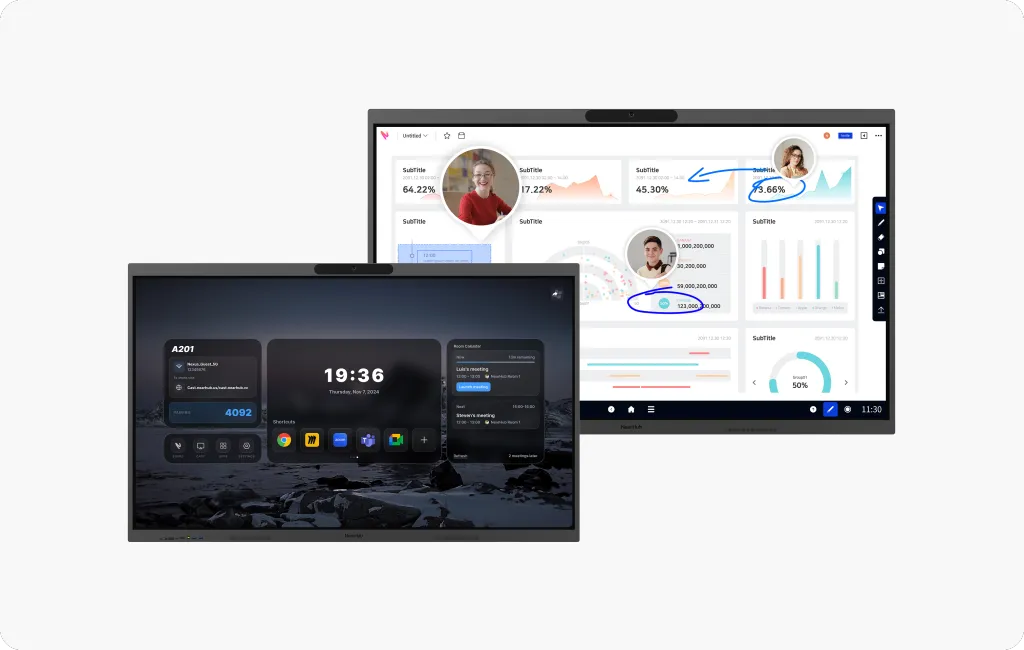
NearHub Board models start around $2,599 and run full Windows 11 Pro or Android with Google Play.
A Neat Board without a Rooms licence falls back to USB-C BYOD mode; a Windows board remains a full PC.
Microsoft Surface Hub 3 starts near $9,499 — the highest entry price in this comparison.
Neat Board Pro carries a $1,000 restocking fee on returns; factor it into pilot programs.
You got the Neat Board quote, liked the hardware, and then the total landed on your desk: roughly $6,390 for a Board 50, $8,490 for a Board Pro — before licences, mounts, or the rooms you still have to fill. If that number stalled your procurement, you are exactly who this article is for. Below are the strongest Neat Board alternatives we would put in front of a buyer holding a budget spreadsheet, with real pricing, honest limitations, and a room-level recommendation.
All prices are as of August 2026, in USD, and vary by region and reseller. Where we cannot verify a figure, we say so.
Why organizations look past the Neat Board
Cost per room at fleet scale. Ten Board 50s is $63,900 in hardware alone, before a single Zoom Rooms or Teams licence.
A gap in the lineup. 32, 50, and 65 inches leaves no 75- or 86-inch option for genuinely large rooms.
The appliance OS boundary. Neat OS runs Zoom, Teams, Meet, and a curated Neat Open app set — no general app store, no arbitrary software. That rules out the vertical tools many teams actually meet around: AEC firms cannot open AutoCAD, Revit, or Bluebeam on the board; educators cannot run their district's teaching software; engineers cannot share a live CAD model.
Add-on economics. Wall mounts run $310–$350, adaptive stands up to $2,990, and Board Pro returns carry a $1,000 restocking fee.
Neat Board vs. top alternatives: quick comparison
Model
Approx. price
Sizes
OS
Camera
Microphones
Best for
Neat Board 50
$6,390
50" 4K
Neat OS
50 MP, 113° HFOV
5 end-fire + 5 sensor
Design-led mid-size rooms
Neat Board Pro
$8,490
65" 4K
Neat OS
2×50 MP, 16× hybrid zoom
5 end-fire + 5 sensor
Large rooms, 33 ft reach
NearHub Board
from $2,599
55"–86"
Windows 11 Pro or Android
4K, 110–130° HFOV
8- to 24-element array
Windows apps, flexible sizing
Newline Q Ultra
varies by reseller
55"–86"
Android 16 (EDLA)
optional (Elite: built-in 4K)
Elite: 8-mic array
Google-first classrooms
Vibe Board S1
from $3,699
55"/75"
VibeOS (Chromium)
add-on, $399 with mic
add-on
Open app ecosystem
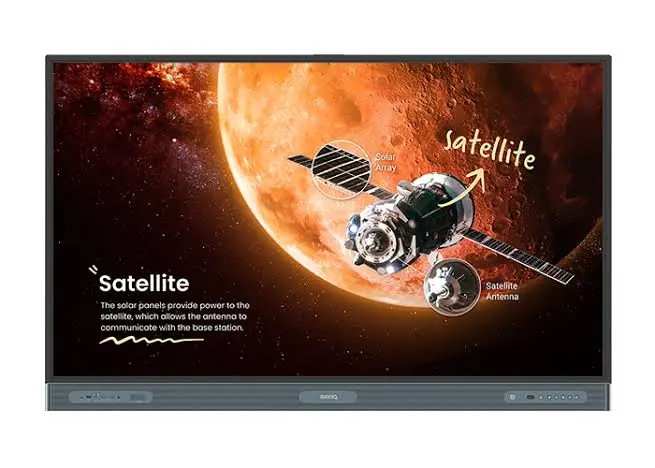
BenQ Board Pro RP04
from $3,005
65″–86″
Android 13 (EDLA), Windows via OPS
none built in
8-element array
86-inch rooms, long warranty
Surface Hub 3
from $9,499
50"/85"
Windows 11
built-in
built-in
All-Microsoft enterprises
One note before the alternatives: if price is your only objection, Neat's own Board 32 ($3,990, table stand included) is the cheapest way to stay in the Neat ecosystem. It is a desk and focus-space device, not a meeting-room board — we cover it in the "when Neat is still the right buy" section below rather than ranking it against full-size alternatives.
What a Neat Board really costs over three years
Licence pricing varies by vendor and agreement; the figures below assume a representative $250 per room per year for a Rooms licence — substitute your own quote.
Line item
Year 1
Years 2–3
Board 50 hardware
$6,390
—
Wall mount
$310
—
Rooms licence (assumed)
$250
$500
Three-year total
$6,950
≈ $7,450
Extended warranty is extra, either purchased separately or bundled into paid Neat Pulse tiers.
The honest comparison is not board vs. board — it is board plus licences plus mounting, per room, at your fleet size.
1. NearHub Board: best for Windows apps and flexible sizing
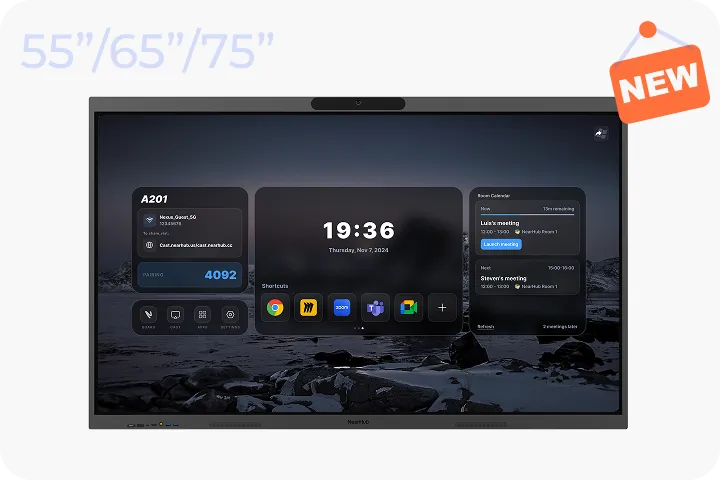
Starting price: S series from $2,599 (55″); S Pro from $3,299; Max series from $3,499| Sizes:55″, 65″, 75″, 86″ | OS: Android (NearHubOS) ); S Pro and Max series run Windows 11 Pro
Full Windows desktop software on the board, 86-inch sizing that Neat doesn't offer, and a starting price roughly 60% below the Neat Board 50 — the strongest all-round value in this comparison.
Two OS paths. NearHub Board Max and S Pro run full Windows 11 Pro (Intel Core i5, 16 GB RAM) — so an AEC team can mark up a Bluebeam session or orbit a Revit model directly on the board; the S series runs Android with Google Play. See the Windows vs. Android board comparison for the tradeoffs.
Conferencing audio at room scale. 8-element mic array on Windows models, 24 elements on the S series, with AI framing and speaker tracking.
Cost efficiency. From about $2,599 (S series) to $3,499 (Board Max,) — a 55-inch Windows board for roughly the price of a Board 50's adaptive stand.
IT management. Microsoft Intune enrolment on Windows models; app integrations cover Zoom, Teams, Meet, and Webex.
Honest limitation: the full one-touch Rooms experience still requires a Zoom Rooms or Teams licence — but without one, it remains a full Windows PC rather than dropping to BYOD-only mode.
2. Newline Q Ultra: best for Google-first classrooms with a built-in camera
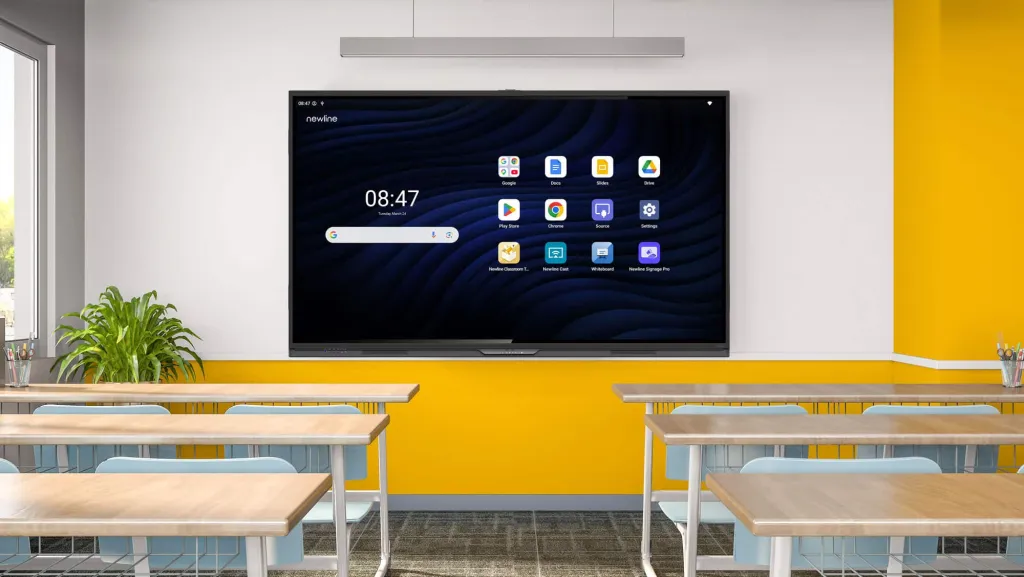
Android 16 with Google EDLA certification; clean fit for Google Workspace fleets.
Four sizes, 55–86 inches; Q Ultra Elite adds a built-in 4K camera and 8-mic array.
Cons
Zoom and Teams run as Android mobile app builds — video caps around 480p–720p, no desktop breakout tools.
No Windows software and no Intune enrolment; the ARM platform is a ceiling accessories cannot fix.
Pricing varies by reseller; the Elite typically lists above a comparable NearHub configuration. For a deeper dive, see our Newline board alternative breakdown.
3. Vibe Board S1: best for an open app ecosystem
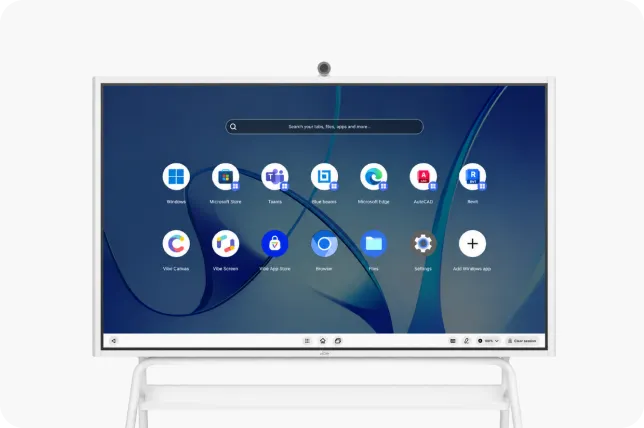
Starting price: from $3,699 (55″); S1 Pro from $5,699 | Sizes: 55″, 75″ | OS: VibeOS (Chromium); S1 Pro runs Windows 11 Pro
Pros
250+ vetted apps via the Vibe Store plus Google Play; Vibe Canvas whiteboard included.
Runs Zoom, Teams, Meet, and Webex; an S1 Pro variant runs Windows 11 Pro from about $5,699.
Cons
Camera and microphone are add-ons — roughly $399 combined, plus $599 for the stand. Add these before comparing the $3,699 headline price.
Chromium app builds often lack breakout tools and full 1080p; enterprise fleet management is restricted.
4. BenQ Board Pro RP04: best for 86-inch rooms on a five-year warranty
Starting price: from 3,005(65″);86″from4,012 | Sizes: 65″, 75″, 86″ | OS: Android 13 (EDLA); Windows via OPS slot
Pros
A Windows upgrade path Newline doesn't offer. Every 04-series board has an OPS slot, so desktop software can be added later without replacing the panel.
Fleet management built for IT. BenQ DMS pushes firmware, apps, and policies remotely; AMS handles SSO through Google Workspace, Microsoft Entra ID, ClassLink, LDAP, or SAML.
Cons
No built-in camera on any 04-series board. Conferencing needs an external camera or an OPS-driven USB camera — Neat, Newline Elite, and NearHub all include one. Confirm with your reseller.
Shorter audio reach than Neat. The 8-microphone array is rated to 8 metres, behind Neat Board Pro's 33-foot reach.
Education-oriented feature mix. EZWrite 6, germ-resistant surfaces, and air-quality sensors are tuned for classrooms.
Published US pricing varies by warranty term — the 75-inch RP04 lists above the 86-inch in some configurations, so confirm which warranty each SKU carries. For a full side-by-side, see our NearHub vs BenQ smart board comparison.
5. Microsoft Surface Hub 3: best for all-Microsoft enterprises
Starting price: from $9,499 (50″); 85″ from ~$22,999 (verify with your reseller) | Sizes: 50″, 85″ | OS: Windows 11 Pro/Enterprise | Platform: Teams and Skype only
Deep Microsoft 365 integration and enterprise security at the highest entry price here — worth it only if your organization is already all-in on Teams.
Pros
Windows 11 Pro/Enterprise with deep Microsoft 365 and Teams integration.
Familiar Surface management and security tooling for existing Microsoft shops.
Cons
Highest entry price here: 50-inch from about $9,499, 85-inch from about $22,999 (verify with your reseller — published figures conflict).
Teams and Skype only; no AirPlay, no wireless tap, and no intelligent camera framing per independent cost breakdowns.
When the Neat Board is still the right buy
Desks and focus spaces. The Board 32 ($3,990, 32-inch 4K) is Neat's own answer to the price objection. Its 7-foot mic reach rules out real meeting rooms, and its Teams support was still pending certification as of August 2026 — but for personal offices it keeps Neat's design and audio at nearly half the Board 50's price.
Single-platform organizations. If every room is Zoom Rooms or every room is Teams, the appliance OS is a feature, not a limit.
Existing Neat Pulse fleets. One management pane across your estate has real operational value.
Genuinely large rooms. Board Pro's 33-foot reach and 16× hybrid zoom are hard to match at its price.
Regulated procurement. Board Pro offers a TAA-compliant configuration.
Design-sensitive spaces. Neat's industrial design and speaker quality are legitimately best-in-class.
Which alternative fits your rooms
Choose NearHub Board Max if your rooms need Windows desktop software on the board — AEC markups in Bluebeam or Revit, client walkthroughs, engineering reviews — plus Intune management and 75-inch sizing.
Choose NearHub S series if you want the lowest per-room cost with Android app flexibility, up to 86 inches.
Choose Newline Q Ultra Elite if your fleet is standardized on Google Classroom and Workspace.
Choose Vibe S1 if app variety matters more than app fidelity — and budget the accessories.
Choose Surface Hub 3 if your enterprise is all-in on Teams and security outranks cost.
Stay with Neat if you run a single platform, value the design, need Board Pro's large-room reach — or just need a desk device, in which case the Board 32 is the honest answer.
Does a Neat Board include the Zoom Rooms or Microsoft Teams licence? No. Neat boards run Neat OS, but Rooms licences are bought separately from Zoom or Microsoft. Budget the per-room annual fee on top of hardware, and note that switching a device between platforms requires a factory reset.
What happens to a smart board if I skip the Rooms licence? A Neat board falls back to USB-C BYOD mode only. A Windows-based board like the NearHub Board Max remains a full Windows 11 PC running desktop Zoom, Teams, and Meet under your existing user licences.
Is there a cheaper Neat model than the Board 50? Yes — the Board 32 at about $3,990, with a 32-inch 4K display and included table stand. It suits desks and focus spaces, not meeting rooms, and its Teams certification was still pending as of August 2026.
How do return policies differ across these boards? Neat offers 30-day full refunds on Board 32 and Board 50, but Board Pro returns carry a $1,000 restocking fee — meaningful if you are piloting before a fleet rollout. Confirm return terms with any reseller before a multi-room order.
If you are comparing quotes for a specific room count, the fastest next step is a short conversation with our team — bring your room dimensions and platform mix, and we will map them to a configuration and a per-room number you can take back to procurement.