Webcam Privacy Guide: Do You Need a Webcam Privacy Cover or a Webcam with Privacy Shutter?
This comprehensive guide evaluates physical webcam privacy solutions, concluding that integrated shutters offer superior device safety, professional aesthetics, and long-term reliability compared to adhesive covers.
Webcam Privacy
Remote Work Security
Video Conferencing
Updated: Aug 19, 2026 · 10 minutes read
Global Business, Brought Near.
No Installer, No Hassle, Just Works.
As video meetings become a daily part of remote work, hybrid collaboration, and business communication, webcam privacy is no longer a small detail—it is a key part of a secure workspace. Many users now look for simple ways to prevent accidental camera exposure, from using a webcam privacy cover to choosing a webcam with a built-in privacy shutter.
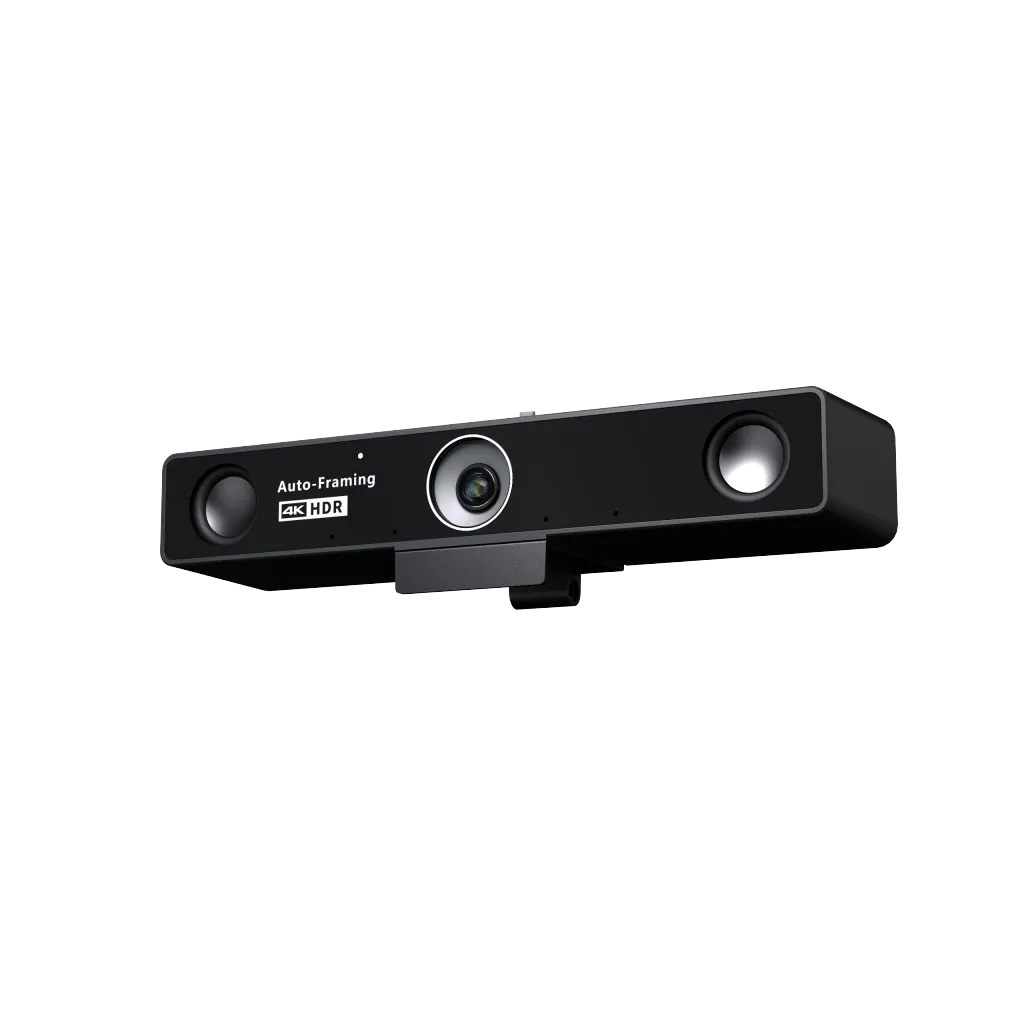
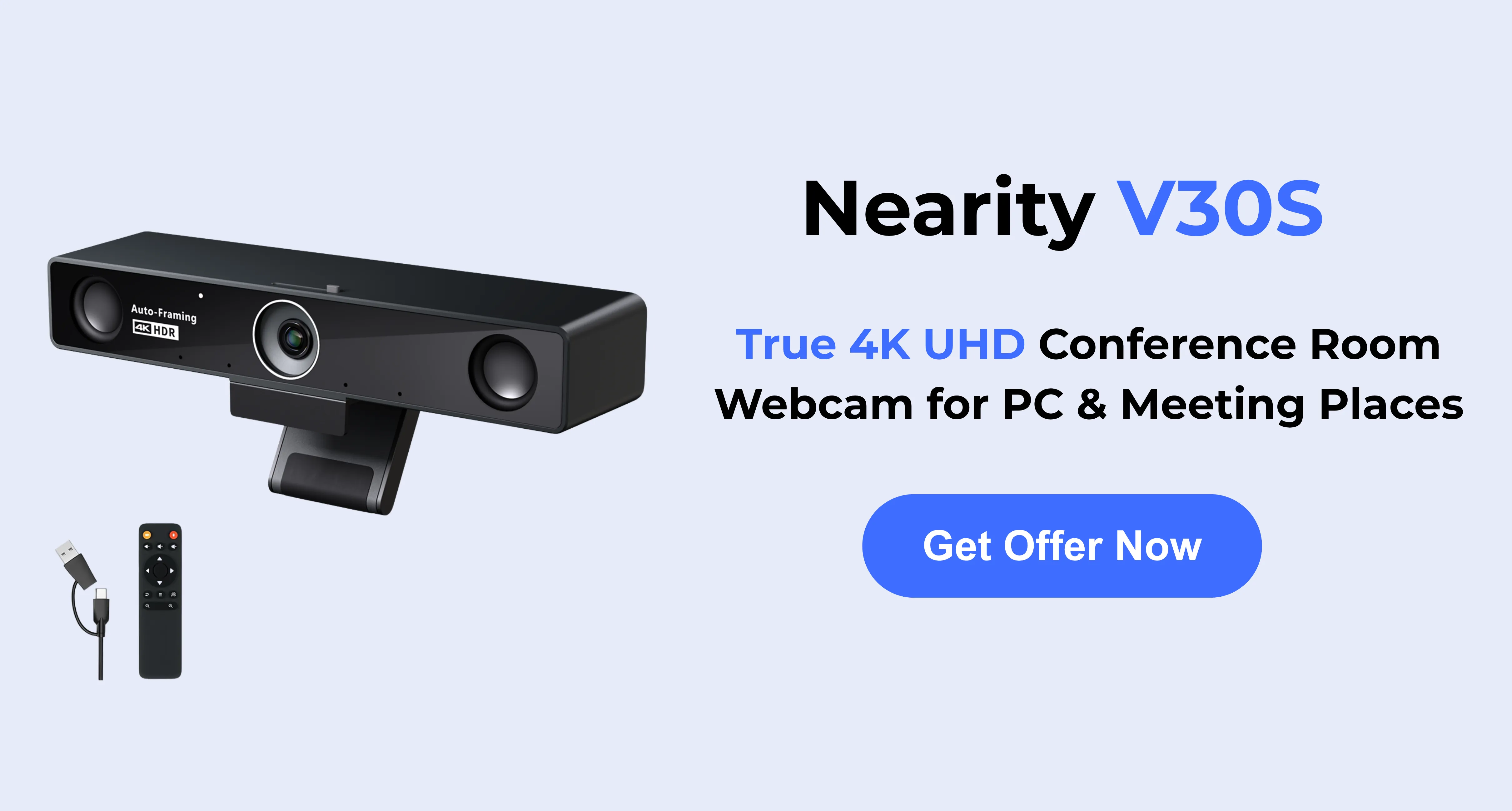
This article explains why webcam privacy matters, compares different physical privacy solutions, and helps you decide which option is best for your work setup. We will also look at how the Nearity V30S 4K conference webcam supports secure and professional video meetings with its physical privacy cover, 4K clarity, wide field of view, and business-ready design.
Key Takeaways
Hardware Safety: Adhesive covers can crack modern laptop screens; built-in shutters eliminate this risk.
Professionalism: Integrated shutters provide a sleeker, more polished look for business environments than stick-on plastic slides.
Durability: Built-in mechanisms avoid the "sticky residue" and adhesive failure common with aftermarket accessories.
Feature-Rich Security: Modern webcams like the Nearity V30S combine physical privacy with 4K UHD video and AI noise-canceling audio.
Multi-Layered Defense: Physical barriers should be paired with software permission audits and system updates for total security.
The Growing Importance of Webcam Privacy in 2026
With the rapid growth of remote work and daily video conferencing, webcam privacy has become a serious concern. Users worry about cameras being accidentally turned on or accessed remotely without their knowledge. While software permission settings are useful, they are not always perfect. As Computerworld has noted, modern systems like Windows provide built-in webcam privacy tools, but software-based protection still has limitations.
For business professionals and home office users, accidental exposure can reveal sensitive documents, private conversations, or personal spaces. Human error is also common, such as joining a meeting before being ready or forgetting to turn off the camera after a call. That is why many users prefer a physical solution. A webcam privacy cover or built-in privacy shutter directly blocks the camera lens, giving users a clearer and more reliable sense of control.
What is an Aftermarket Webcam Privacy Cover?
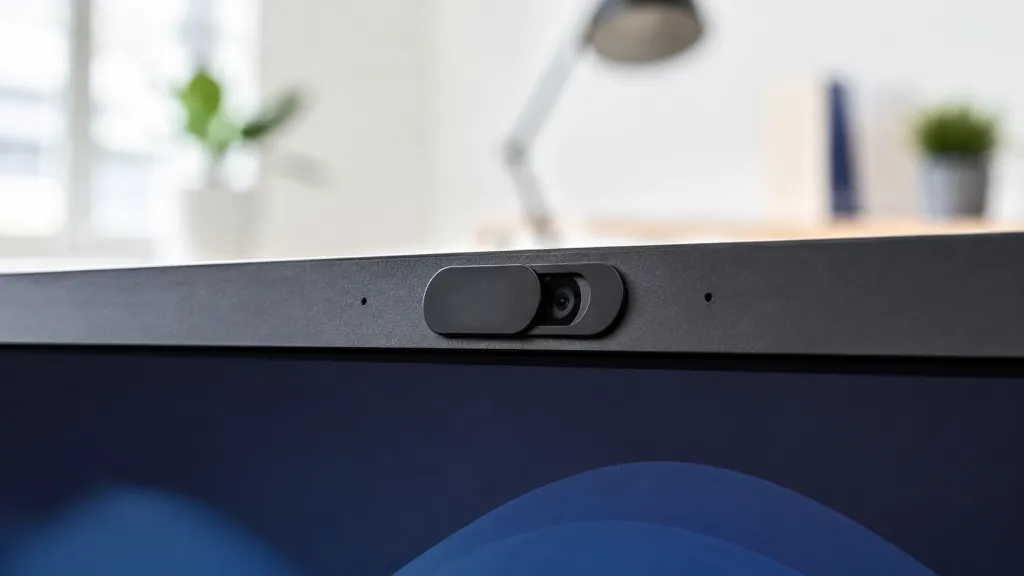
An aftermarket webcam privacy cover is a small, third-party accessory typically made from lightweight plastic or metal. These covers use an adhesive backing to stick directly onto the bezel of a laptop, monitor, or external webcam. Once installed, the user can slide a tiny panel back and forth to expose or conceal the camera lens.
The Pros of Aftermarket Covers
Cost-Effective: These accessories are incredibly inexpensive. You can easily purchase a multipack of privacy webcam covers for just a few dollars, making them a cheap, immediate fix for large teams.
Universal Application: Because they rely on adhesive tape, they can be stuck onto virtually any device with a flat surface, offering a quick retrofit for older legacy webcams or laptops that lack built-in security features.
The Cons of Aftermarket Covers
Risk of Device Damage: This is the most significant drawback. Modern laptops, especially ultra-thin models like the MacBook, feature slim bezels with virtually zero clearance between the screen and the keyboard when closed. Placing a plastic privacy webcam cover on a modern laptop can crack the glass display or damage the screen's anti-reflective coating upon closing.
Adhesive Degradation: The heat generated by monitors and external webcams eventually degrades the adhesive. Over time, the cover will slide out of place, leave a sticky residue directly over your lens, or simply fall off.
Unprofessional Appearance: In a sleek, modern conference room or a curated executive home office, sticking a cheap plastic slide onto high-end equipment looks unpolished and clunky.
Sensor Interference: Many modern webcams feature ambient light sensors or IR blasters for facial recognition located right next to the lens. A poorly placed adhesive cover can block these crucial sensors, severely degrading video quality and device functionality.
What is a Webcam with a Privacy Shutter?
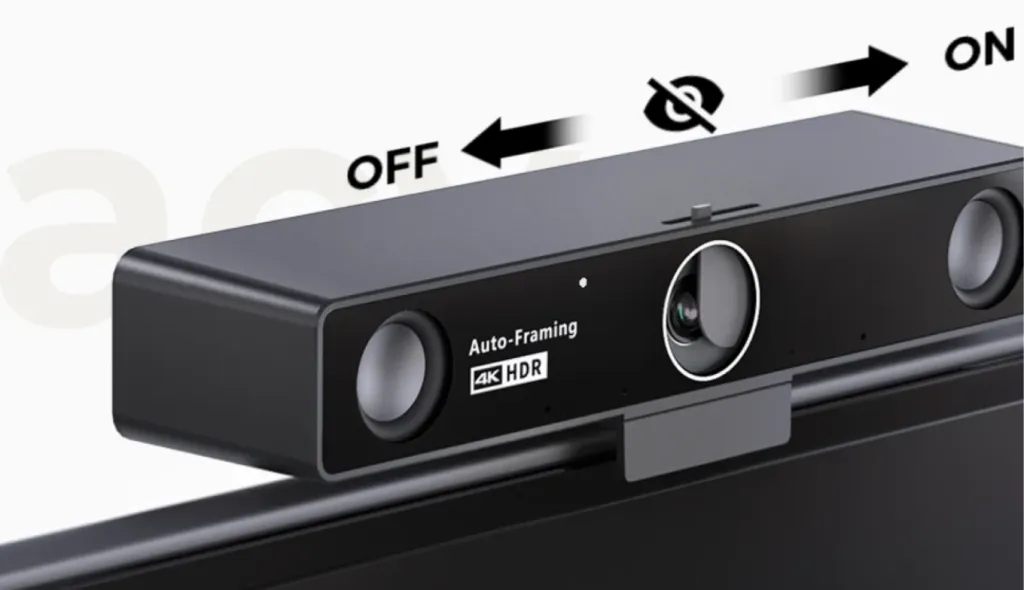
Conversely, a webcam with privacy shutter features a physical barrier that is engineered directly into the hardware of the camera itself. Rather than an afterthought stuck on with glue, this integrated mechanism—often a sliding door, a magnetic cap, or a rotating bezel—is seamlessly designed to operate in tandem with the camera's lens housing.
The Pros of Integrated Shutters
100% Device Safety: Because the webcam privacy shutter is built into an external device chassis, there is absolutely no risk of damaging your laptop screen or scratching the delicate camera lens.
Durability and Longevity: Built-in shutters utilize mechanical tracks or magnetic attachments that do not rely on degrading adhesives. They are designed to withstand thousands of sliding cycles without failing, making them ideal for heavy daily use.
Aesthetic Superiority: A built-in shutter looks professional and intentional. It matches the color, finish, and design language of the webcam, maintaining a clean, premium appearance in enterprise conference spaces.
Tamper-Proof Security: For IT managers outfitting hybrid teams, deploying a webcam with privacy shutter ensures that the security measure cannot be accidentally peeled off or lost by the user.
The Cons of Integrated Shutters
Higher Initial Investment: Obtaining an integrated shutter requires purchasing a dedicated, modern webcam rather than retrofitting an old one. However, given the massive leaps in 4K video quality and AI audio processing in recent years, replacing outdated hardware is often a necessary upgrade anyway.
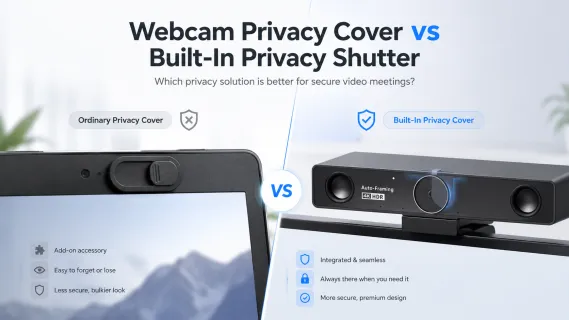
Webcam Privacy Cover vs Webcam Privacy Shutter
Comparison Point
Webcam Privacy Cover
Webcam with Privacy Shutter
Form Factor
External stick-on accessory
Built-in physical slider/cover
Cost
Very inexpensive (a few dollars)
Included in the price of the webcam
Aesthetics
Clunky, can detract from device appearance
Seamlessly integrated, sleek, and professional
Stability
Relies on adhesive; prone to falling off over time
Mechanically durable; highly stable
Best For
Occasional laptop users needing a quick, temporary fix
Remote workers, enterprise meetings, and heavy video conference users
Head-to-Head Comparison: Which Should You Choose?
When evaluating a webcam privacy cover versus a built-in shutter for secure video meetings, the decision ultimately hinges on your professional requirements and hardware ecosystem.
Security Assurance (Winner: Tie)
From a strictly functional standpoint, both solutions successfully block light from entering the lens. If your sole goal is preventing a hacker from seeing you, both a cheap sticker and a premium built-in shutter will achieve the objective.
Device Longevity and Safety (Winner: Built-in Shutter)
The risk of destroying a $2,000 laptop screen with a $2 adhesive cover is simply too high. Major laptop manufacturers actively warn against using aftermarket covers on their modern displays. By utilizing an external webcam featuring an integrated shutter, you completely bypass the risk of screen damage.
Professional Appearance (Winner: Built-in Shutter)
SMB owners, executives, and remote professionals need their workspaces to reflect their competence. A sticky, sliding piece of plastic looks haphazard. An engineered privacy shutter signals a commitment to professional-grade equipment and uncompromising security standards.
Overall Value (Winner: Built-in Shutter)
While aftermarket covers are cheaper upfront, they are ultimately a band-aid solution applied to existing, potentially outdated hardware. Investing in a new, secure webcam not only solves the privacy issue permanently but also drastically improves your video and audio quality, leading to better client interactions and team collaborations.
For IT managers outfitting meeting rooms, or remote workers looking to elevate their home office, a dedicated webcam equipped with an integrated shutter is undeniably the superior, future-proof choice.
A Smarter Privacy Choice for Business Meetings: Nearity V30S
For users who want more than a simple add-on webcam privacy cover, choosing a professional webcam with built-in physical privacy protection can be a better long-term solution. This is especially important for remote workers, hybrid teams, and business professionals who join video meetings every day and need both privacy and reliable meeting performance.
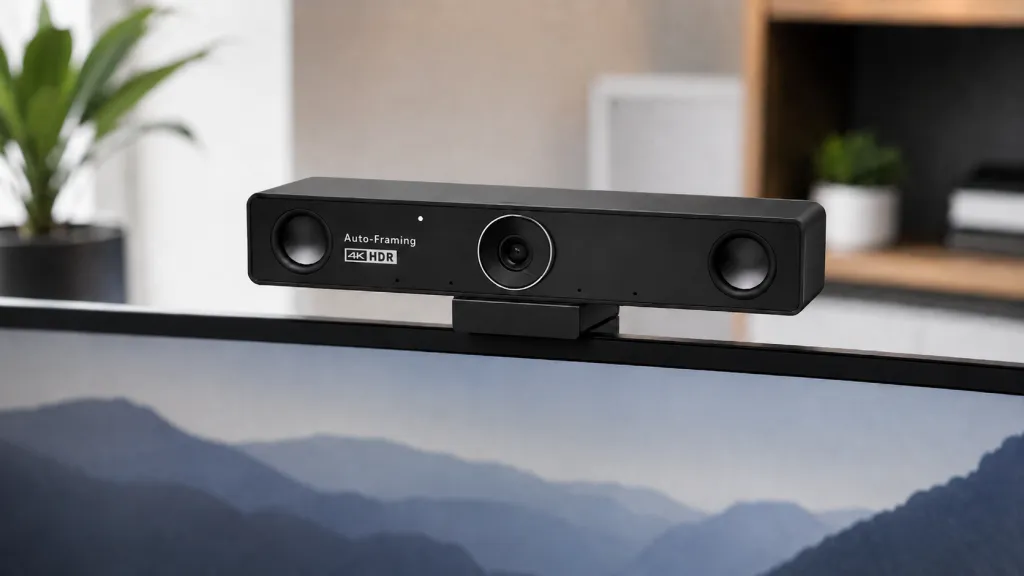
The Nearity V30S is designed for secure and professional video conferencing. It comes with a built-in physical privacy cover, allowing users to block the camera lens when it is not in use. Compared with external privacy webcam covers that may fall off, shift position, or affect the look of your device, an integrated privacy design feels cleaner and more convenient for daily work.
Beyond privacy, the Nearity V30S also supports high-quality business communication. Its 4K UHD image quality helps deliver clear and detailed video, while the 120° wide-angle field of view is suitable for personal workstations, small meeting rooms, and group calls. The built-in dual noise-cancelling microphones also help improve audio clarity by reducing unwanted background noise during meetings.
For teams looking for a webcam with privacy shutter-style protection, professional video quality, and easy setup, the Nearity V30S offers a practical all-in-one option. Whether you are joining a Zoom meeting or a Teams meeting, it helps users protect their privacy while maintaining a clear, polished, and reliable video meeting experience.
Other Webcam Privacy Tips
While physical barriers are the most effective defense, a multi-layered approach to security is always best. Here are several additional tips to ensure your video environment remains private:
Audit Browser and Software Permissions: Regularly check the camera and microphone permission settings in your web browser (Chrome, Edge, Safari) and individual meeting apps (Zoom, Teams, Slack). Revoke access for any site or application that doesn't strictly require it.
Monitor the Webcam Indicator Light: Most external webcams and laptops have a physical LED that illuminates when the camera is active. Always be mindful of this light; if it turns on when you aren't in a meeting, it’s a red flag for potential unauthorized access.
Close Apps When Not in Use: Don't just leave your video conferencing software running in the background. Completely exit the application when your meeting is over to ensure it can’t accidentally re-enable the camera.
Use Trusted Hardware: Avoid generic, unbranded webcams that may lack security certifications. Rely on reputable brands and enterprise-grade devices designed with built-in security features.
Keep Your System Updated: Ensure your operating system and security software are always up-to-date. Security patches often close the very exploits that "camfecting" malware relies on to bypass privacy controls.
Final Recommendation: Cover, Shutter, or Both?
Choosing the right privacy solution depends on your specific usage patterns and professional goals:
The Occasional User: If you only attend a video call once or twice a month and are using older hardware, a standard webcam privacy cover may be a sufficient, low-cost stopgap.
The Professional Power User: If you engage in daily video meetings, manage hybrid teams, or simply want a cleaner and more professional workspace, a webcam with privacy shutter is the superior choice. It offers unmatched convenience, long-term stability, and ensures you never have to worry about adhesive failure or device damage.
By upgrading to a premium device like the Nearity V30S, you are not just purchasing a privacy mechanism; you are investing in a comprehensive, AI-powered communication tool that ensures you look your best, sound your best, and remain securely private whenever the meeting ends. Protect your workspace and elevate your video conferencing experience by making the switch to built-in hardware security today.
FAQs
1. Is a Webcam Cover Enough for Privacy?
A webcam cover helps protect visual privacy by physically blocking the camera lens. However, it does not block microphone access or replace good security habits, such as managing app permissions and keeping your system updated. For daily video meetings, a webcam with a built-in privacy shutter offers a cleaner and more reliable solution.
2. Can a webcam cover block my microphone?
No. A webcam cover only blocks the camera lens. It does not stop the microphone from recording audio, so users should still manage microphone permissions in system and app settings.
3. Is a built-in privacy shutter better than an aftermarket cover?
For daily work and business meetings, yes. A built-in privacy shutter is usually more secure, durable, and professional-looking than an adhesive aftermarket cover. It also avoids the risk of sticky residue or device damage.