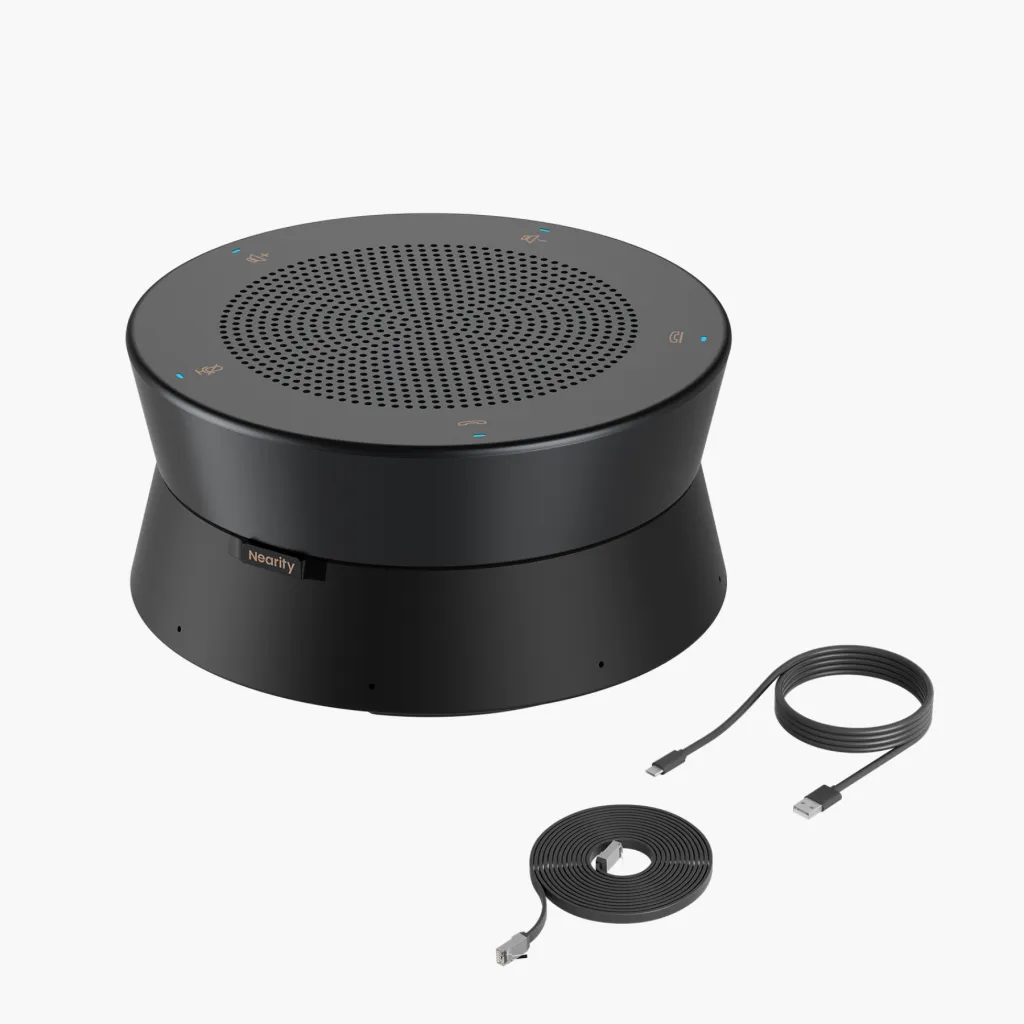
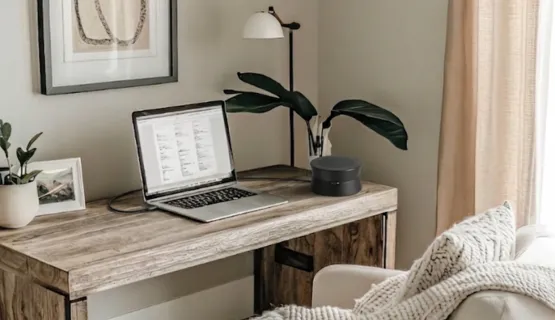
The Evolution of WFH Audio in 2026

By 2026, hybrid work technology has moved beyond laggy Bluetooth and static-filled calls. Modern speakerphones now function as intelligent hubs, using AI to instantly separate human voices from household noise.
One marketing strategist recently shared her journey: "We used to meet weekly in a local coffee shop for brainstorming and seminars. After the pandemic shifted our world, those face-to-face sessions became impossible, and working from home became my new reality."
This shift forced professional communication to move entirely online, making high-quality audio a survival tool rather than a luxury. Frictionless integration with platforms like Zoom and Teams is now the baseline standard for home setups. The focus has shifted toward high-fidelity, driver-free experiences that work the moment you plug them in, allowing you to focus on the conversation, not the connection.
Why You Need the Best Speakerphone for Home Office
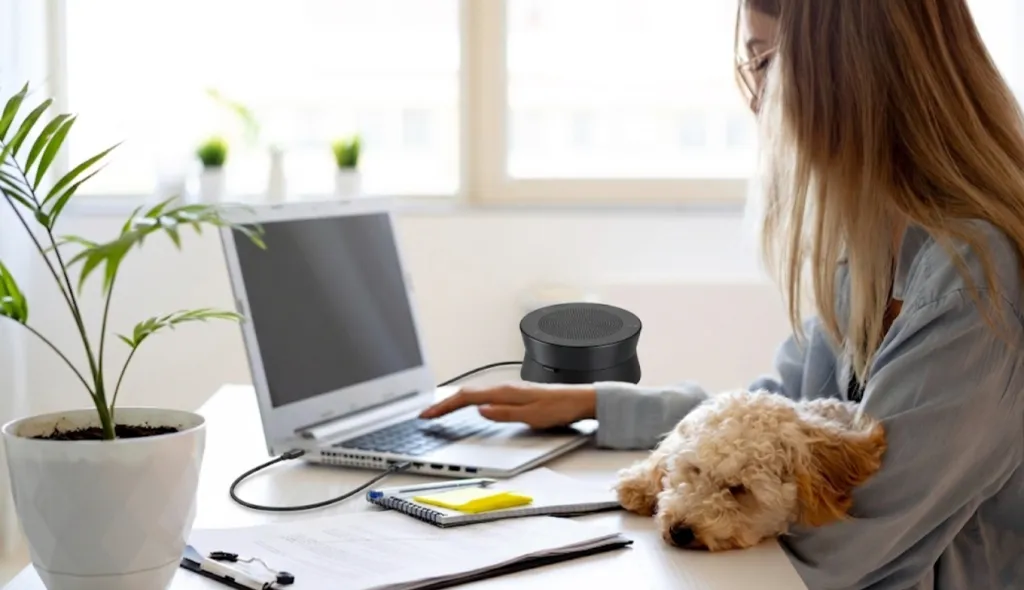
"For someone with high-energy dogs at home, choosing a professional speakerphone that filters out barking is essential," shares Sarah, a remote project manager. "I don't want these minor household distractions to compromise the quality of a high-stakes meeting with my executive team."
Sarah’s experience highlights a common struggle: many remote workers are plagued by "audio pollution"—from the clatter of mechanical keyboards and whirring coffee machines to the sounds of children playing in the next room.
Your audio quality directly impacts how your colleagues and clients perceive your competence. Research consistently shows that poor audio makes speakers seem less intelligent and less trustworthy. Investing in the best speakerphone for home office environments ensures your ideas are heard without frustrating distractions, shielding your professional image from the chaotic reality of home life.
The choice between a conference speakerphone and a traditional headset often comes down to comfort and reliability. Headset fatigue is a real issue for those in 6-8 hours of daily meetings, leading to physical discomfort and headaches. In contrast, a USB speakerphone offers total freedom; you don't have to worry about ear pressure or a battery dying mid-sentence.
As James, a freelance consultant, puts it: "Since switching to a professional speakerphone, I can move freely around my room and even check in with my family between talking points. The microphone tracks my movement, so I have a massive range of motion without ever worrying that the person on the other end can't hear me." This freedom to pace and stretch while maintaining perfect vocal clarity is a game-changer for long-term health and productivity.
Key Features to Look for in the Best Home Office Speakerphone
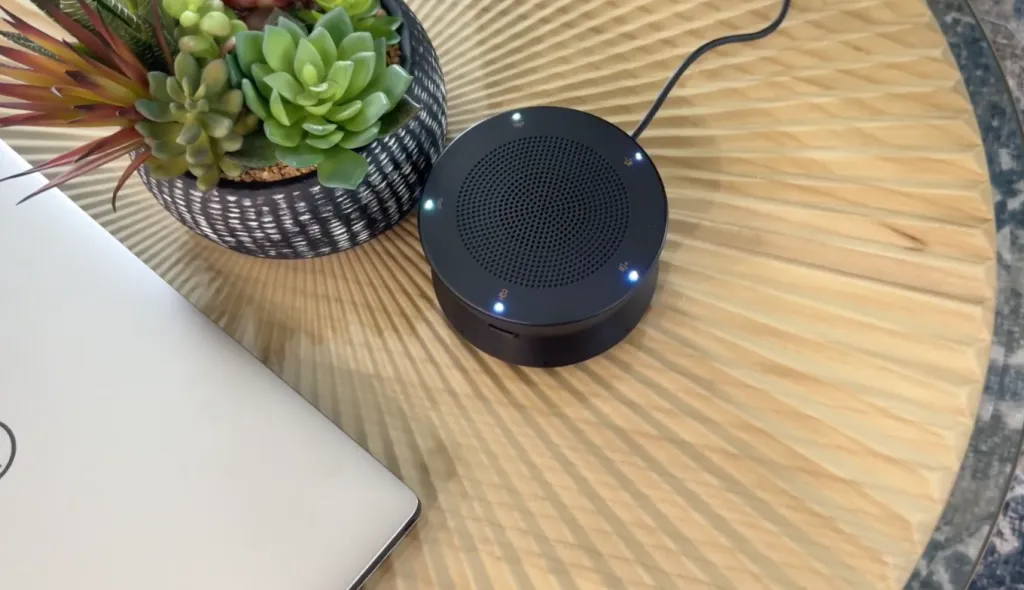
When evaluating your options, reading through technical spec sheets can quickly become overwhelming. However, finding the best home office speakerphone comes down to a few critical performance metrics. Here is what you absolutely need to look for before making a purchase.
Advanced AI Noise Cancellation
Your home is not a soundproof corporate studio; it is a living, breathing environment. You need a device equipped with AI-powered noise cancellation that goes beyond basic static reduction. The best models use deep learning to instantly filter out keyboard typing, lawnmowers, and household chatter.
Robust Microphone Arrays
A single microphone will not capture your voice evenly if you move your head or lean back in your chair. Look for devices featuring an array of multiple omnidirectional microphones. This ensures 360-degree voice pickup, capturing your speech perfectly no matter where you are positioned in the room.
True Full-Duplex Audio
Have you ever tried to speak at the same time as someone else, only to have the audio completely cut out? That happens with half-duplex devices, which only allow sound to travel in one direction at a time. Full-duplex audio is essential, as it allows natural, simultaneous two-way conversations without annoying clipping or robotic dropouts.
Extended Pickup Range
A standard cheap microphone requires you to stay within a foot or two of the device to be heard. Premium speakerphones offer an extended audio pickup range, often reaching up to 15 feet or more. This is crucial for professionals who use standing desks or like to present while standing back from the camera.
Top Scenarios: Finding Your Perfect Match (Home Office Optimization)
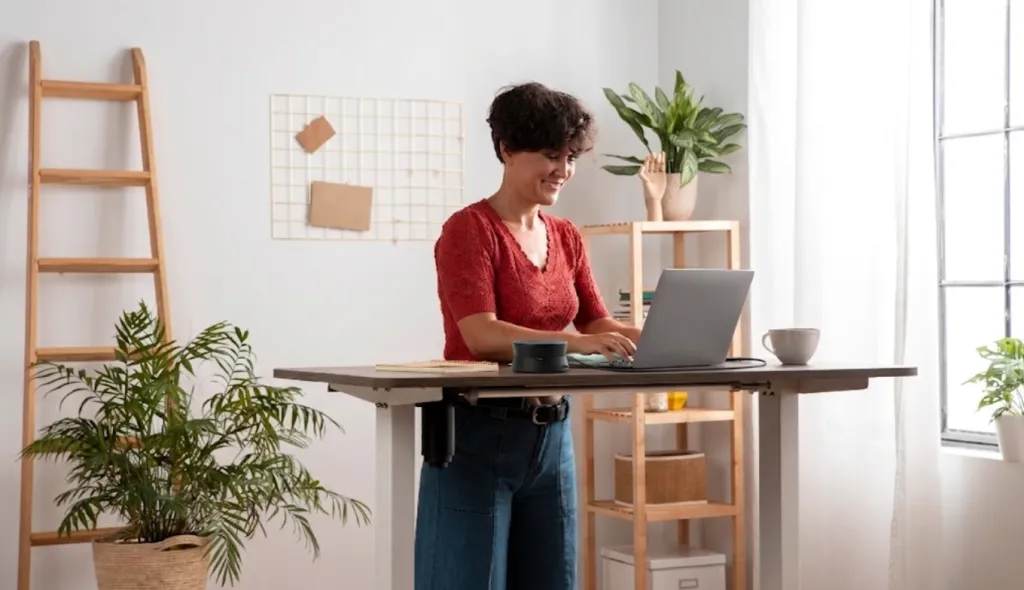
Not every remote worker has the exact same needs or physical workspace constraints. To choose the best speakerphone for home office setups, you have to consider your specific daily challenges. Let's look at three common WFH scenarios and the professional audio solutions that solve them.
Scenario 1: The Busy, Noisy Household (Noise-Cancelling Speakerphone)
If you share your home with loud pets, energetic children, or a partner who also works from home, background noise is your biggest enemy. You cannot always control your environment, but you can control what your microphone transmits. Your primary focus must be on an AI-driven noise-canceling speakerphone that acts as a filter for your professional home office.
In this scenario, raw volume is less important than sophisticated audio filtering. You need a device that acts like a sonic bouncer, only letting human speech through the gateway. This ensures you never have to scramble for the mute button when the doorbell unexpectedly rings or the neighbor's dog begins to bark.
Scenario 2: The Active Presenter (Omnidirectional Voice Pickup)
Some professionals cannot sit still during a brainstorming session or a high-stakes client pitch. If you are a pacing thinker or you use a large whiteboard in your home office, a standard mic will lose your voice. You need the best home office speakerphone equipped with a high-capacity omnidirectional microphone array and 360-degree voice tracking.
Look specifically for devices that advertise Automatic Gain Control (AGC). This technology actively balances your voice volume as you walk away from the speakerphone. To the people on the other end of the call, your voice will remain steady and consistent, even if you’re moving around your standing desk or reaching for a file.
Scenario 3: The Hybrid Team Leader (Daisy-Chain Scalability)
Perhaps you work from home most of the time, but occasionally host your local team for collaborative sessions in your home office. A small personal speakerphone won't be enough to pick up voices from across a long dining or conference table. You need a scalable conferencing device that is adaptable to larger groups.
For this scenario, daisy-chain capability is a game-changing feature. This allows you to link multiple speakerphones together to cover a much larger physical area. It gives you enterprise-level flexibility right in your own home, ensuring every participant's voice is captured with equal clarity.
Why the Nearity A20S Works for Us: Real Stories from the Home Office
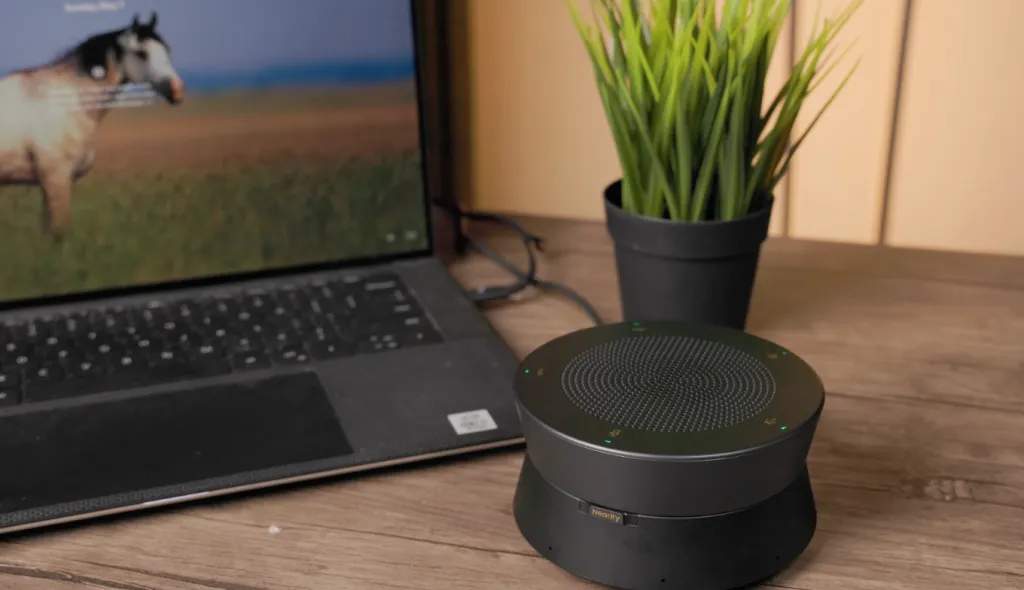
Instead of just looking at technical specs, we asked several professionals how the Nearity A20S actually changed their daily work life. It’s become the silent hero of their workspaces by solving the messy, unpredictable problems of remote communication.
"Finally, My Candidates Only Hear Me"
"My home office is right next to the kitchen, and my neighbor seems to mow his lawn every single morning," says Mark, a full-time HR professional. "Before I got the A20S, I was constantly apologizing during candidate interviews for the background noise. Now, even when I'm typing up notes during a high-pressure screening, my interviewees tell me I sound like I'm in a soundproof booth. It turned my noisy apartment into a professional, quiet office space."
"I'm No Longer Tethered to My Laptop"
"I’m a pacer—I simply can't think clearly if I'm glued to a chair during a client pitch," shares Elena, a freelance creative director. "I used to wear a headset, but it felt restrictive. Now, with the A20S on my desk, I can walk over to my whiteboard, sketch out ideas, or even grab a file from across the room. The 5-meter pickup range is incredible; I never have to worry about my voice fading out or sounding distant."
"Turning My Dining Table into a Boardroom"
"Twice a month, my local developers meet at my house for a deep-dive strategy session," explains David, a startup founder. "A standard desk mic was useless for a group of five people. The A20S was a game-changer because we can just daisy-chain two units together. Suddenly, everyone around the table is heard with the same clarity. Plus, there’s no software to install—we just plug it in and start working immediately."
How to Set Up Your New Speakerphone for Maximum Quality
Even the best home office speakerphone requires a bit of environmental optimization to perform at its absolute peak. To get the most out of your device:
- Surface Placement: Always place the speakerphone flat on a hard, stable surface. This allows the internal microphones to bounce and capture sound waves correctly.
- Distance from Noise: Keep the device away from direct noise sources like laptop exhaust fans, humming refrigerators, or open windows.
- Central Positioning: For the best vocal capture, position the speakerphone centrally between you and your monitor.
- Room Acoustics: If your office has a lot of hard surfaces (hardwood floors, bare walls), add a rug, curtains, or acoustic panels to minimize echo and achieve that rich, studio-quality sound profile.
Speakerphones vs. Headsets: Which is Right for You?

The debate between headsets and speakerphones is common, but for a dedicated home office, the winner is usually clear. Headsets are excellent for crowded environments like coffee shops or open-plan corporate floors where privacy is non-existent. However, wearing them all day leads to sweaty ears, messed-up hair, and physical exhaustion.
In the privacy of your own home office, a speakerphone is vastly superior. It allows for "ear-free" communication, which is infinitely more comfortable during a long day of back-to-back meetings. It also allows you to seamlessly share audio if a spouse or business partner needs to jump on a call with you.
Ultimately, the best speakerphone for home office use gives you your physical freedom back. You can sip your coffee, take notes, and converse with your hands completely unencumbered by wires or heavy headbands.
Frequently Asked Questions (FAQs)
- Do I need special software to use a high-end speakerphone?
Most premium devices, like the Nearity A20S, are designed to be plug-and-play. They connect via USB and are instantly recognized by your computer's operating system without requiring IT support.
- Will a speakerphone work with my specific video conferencing app?
Yes, top-tier speakerphones are universally compatible with major Unified Communications (UC) platforms. Whether your company uses Microsoft Teams, Zoom, Google Meet, or Webex, the device will integrate flawlessly.
- Can a speakerphone really block out a barking dog?
Yes, provided it features advanced AI noise cancellation. Modern algorithms are specifically trained on millions of audio samples to differentiate human speech from sharp background noises like barking or typing.
- What exactly is daisy-chaining?
Daisy-chaining is a feature that allows you to link multiple identical speakerphones together using a single cable connection. This expands the microphone pickup range and speaker volume, turning a single-person setup into a large boardroom solution.
- How do I choose between a USB and a Bluetooth speakerphone?
USB models provide the most stable, lag-free connection and never run out of battery—perfect for a permanent home office. Bluetooth models offer better portability for moving between rooms, but may face occasional pairing issues or signal interference. For maximum reliability, a plug-and-play USB model like the A20S is the best bet.
Conclusion: Make the Home Office Upgrade Today
Settling for mediocre audio is a risk your professional reputation cannot afford in 2026. Upgrading to the best speakerphone for home office use is one of the highest-ROI investments you can make in your remote career. It removes the friction from virtual communication, allowing your ideas to take center stage.
If you want a device that combines AI-driven clarity, massive microphone range, and effortless plug-and-play setup, the Nearity A20S is incredibly hard to beat. At a highly competitive price point of $360, it delivers enterprise-grade audio directly to your home desktop. Upgrade your setup today, ditch the uncomfortable headsets, and ensure you are always heard loud and clear.