In the 2026 business landscape where hybrid work has become the norm, poor audio quality is the most fatal flaw in virtual meetings. Imagine a high-stakes presentation where communication is disrupted by the muffled sound of a laptop microphone; this not only leads to meeting fatigue but directly undermines your professional image and the trust of your clients.
For IT managers, corporate executives, or remote workers striving to optimize collaboration efficiency, selecting the right audio equipment can be a daunting challenge. This guide will provide a comprehensive look into the core acoustic technologies and purchasing strategies of modern conference speakerphones, helping you make an informed investment decision.
The Benefits of Using a Speakerphone
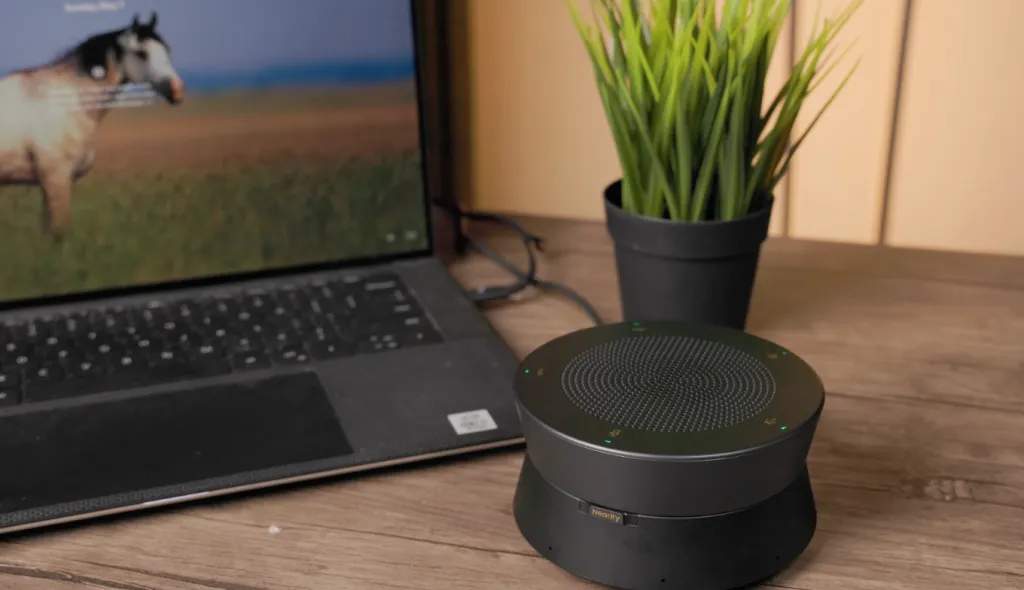
At its core, a speakerphone is a unified communication device that combines a microphone array and a loudspeaker into a single, specialized unit. Modern speakerphones are highly sophisticated, AI-driven audio endpoints designed to capture the human voice with pinpoint accuracy while rejecting environmental interference.
Deploying dedicated audio hardware offers several key advantages for both office and remote environments:
- Democratization of the Meeting Space: Allows multiple participants in a single room to speak naturally and be heard equally, ensuring everyone has an equal "voice" in the conversation.
- Freedom of Movement: Participants can move around the room freely and collaborate without being tethered to a personal headset or restricted by short cables.
- Elimination of "Headset Fatigue": For remote workers, it reduces the physical discomfort and ear fatigue associated with wearing headphones for long hours, providing a more natural auditory experience.
- Natural Multi-person Communication: Unlike standard laptop speakers or headsets, these are engineered specifically for interactive, multi-person dialogue, reducing audio clipping and background noise.
- Superior Audio Processing: Built-in AI and specialized hardware handle complex tasks like echo cancellation and noise suppression much more effectively than generic computer hardware.
- Portability and Versatility: Many models are designed for on-the-go professionals, easily fitting into a laptop bag to turn any space—from a hotel room to a cafe—into a professional conference hub instantly.
- Future-proof Scalability: Leading systems allow for daisy-chaining multiple units, meaning your audio infrastructure can grow alongside your team without requiring a complete system overhaul.
Types of Speakerphones: Choosing the Right Category
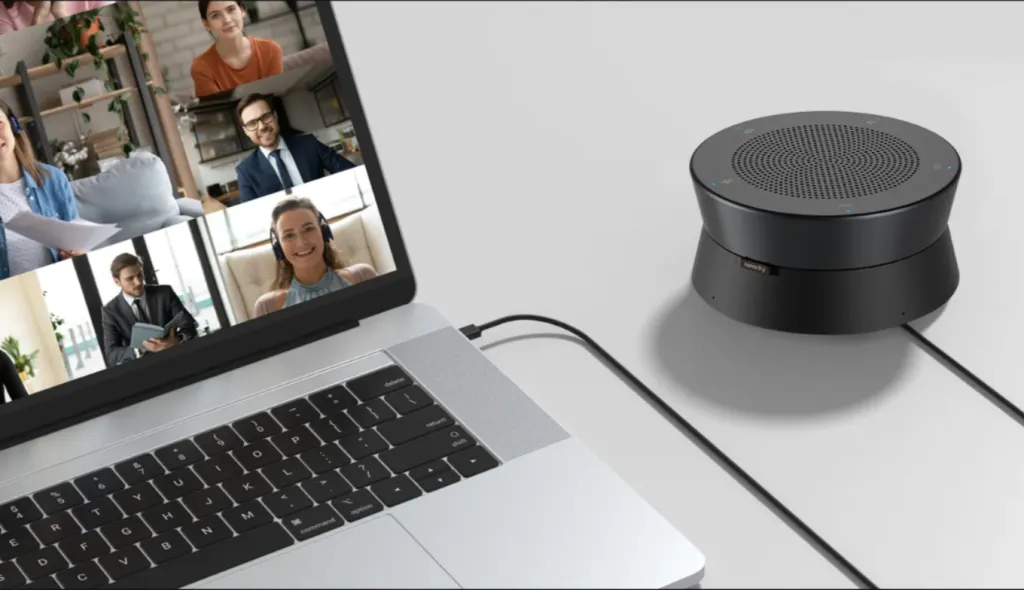
To make an informed purchase, it is essential to understand how speakerphones are categorized based on their connectivity and transmission technology. Different types offer varying levels of stability, mobility, and audio fluidness.
USB Speakerphones
- Advantages: These offer the most stable connection with zero latency and consistent power supply. Since they are "plug-and-play" via a physical cable, they avoid the interference issues common with wireless signals.
- Best For: Permanent conference room setups, dedicated home offices, and scenarios where maximum audio reliability is non-negotiable.
Bluetooth Speakerphones
- Advantages: High portability and cable-free convenience. They allow for quick pairing with mobile devices or laptops, making them ideal for spontaneous meetings or travel.
- Best For: On-the-go professionals, small huddle rooms with limited cabling, and users who frequently switch between multiple devices.
Transmission Technology: Full-Duplex vs. Half-Duplex
Full-Duplex Speakerphones (Recommended for Business)
- Mechanism: Allows audio signals to be transmitted and received simultaneously.
- Advantages: This mimics natural, in-person conversation. Multiple people can speak and hear each other at the same time without the audio cutting out. It prevents the awkward "walkie-talkie" effect where voices clash.
- Best For: Professional boardroom meetings, collaborative brainstorming sessions, and any high-stakes business communication.
Half-Duplex Speakerphones
- Mechanism: Audio can only travel in one direction at a time. When one party speaks, the other is effectively muted.
- Advantages: Generally much cheaper and simpler in design.
- Best For: Low-budget, casual use where communication is mostly one-way (like listening to a lecture) rather than an interactive dialogue.
Key Factors to Consider When Buying a Conference Speakerphone
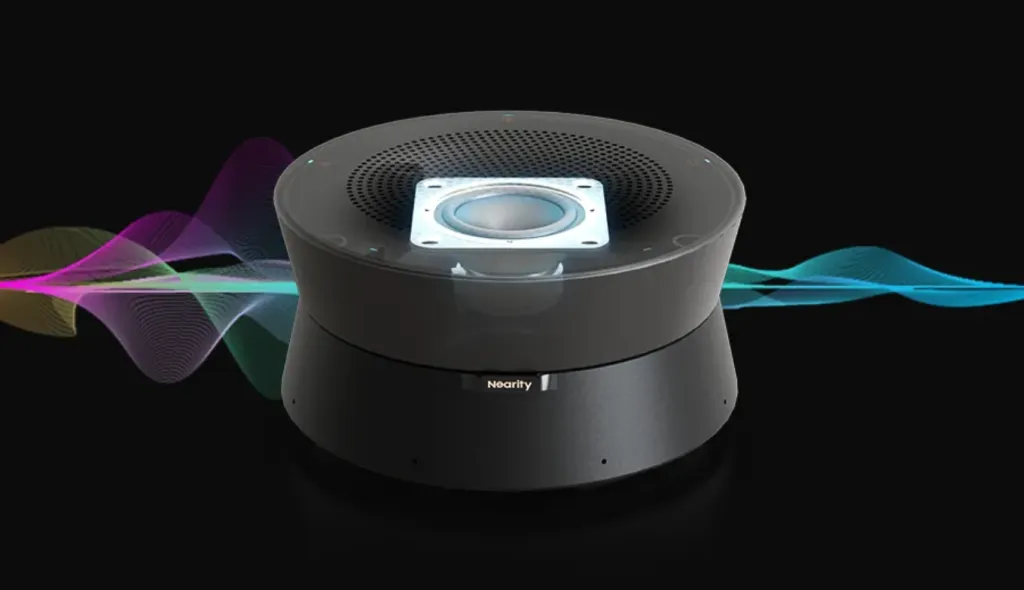
Purchasing the right audio solution requires looking beyond basic aesthetics. To ensure your meetings remain professional and distraction-free, evaluate these critical performance factors:
Acoustic Echo Cancellation (AEC)
The most disruptive issue in remote calls is the "echo loop," where the microphone picks up the remote caller's voice from the speaker and sends it back to them. Therefore, an echo cancelling speakerphone is an absolute non-negotiable for any business environment. In 2026, premium devices use deep-learning AI to adapt to room acoustics in real-time, eliminating echo even in challenging spaces with glass walls or high ceilings without clipping the local speaker's voice.
Intelligent Noise Suppression
Modern offices and home environments are filled with background noise—from keyboard typing and paper shuffling to HVAC hums. A high-quality device should feature AI-driven noise suppression that can distinguish between the human voice and ambient distractions, ensuring only the intended message is transmitted.
Microphone Pickup Range and Sensitivity
The "coverage" of a speakerphone determines how far participants can sit from the device while still being heard clearly. For a professional setup, look for a multi-microphone array (typically 4-8 elements) that offers 360-degree coverage and a pickup radius suitable for your table size.
Battery Life and Power Management
For Bluetooth models, battery longevity is a critical factor. There is nothing more disruptive than a device dying in the middle of a strategic meeting. Look for a device that offers at least 10–15 hours of talk time on a single charge. Additionally, fast-charging capabilities via USB-C ensure the device can be quickly topped up between back-to-back sessions.
As discussed earlier, ensure the device supports true full-duplex communication. This prevents audio dropouts during heated discussions or collaborative brainstorming where participants naturally tend to talk over one another.
Best Speakerphones for Conference Calls: Matching the Right Solution to Your Meeting Space
When outfitting an organization, a one-size-fits-all approach inevitably leads to poor audio performance. Choosing the right speakerphones for conference calls requires matching the device's specifications to the dimensions and unique acoustic challenges of each room. Below, we evaluate common scenarios and how the Nearity A20S provides a professional-grade solution for each.
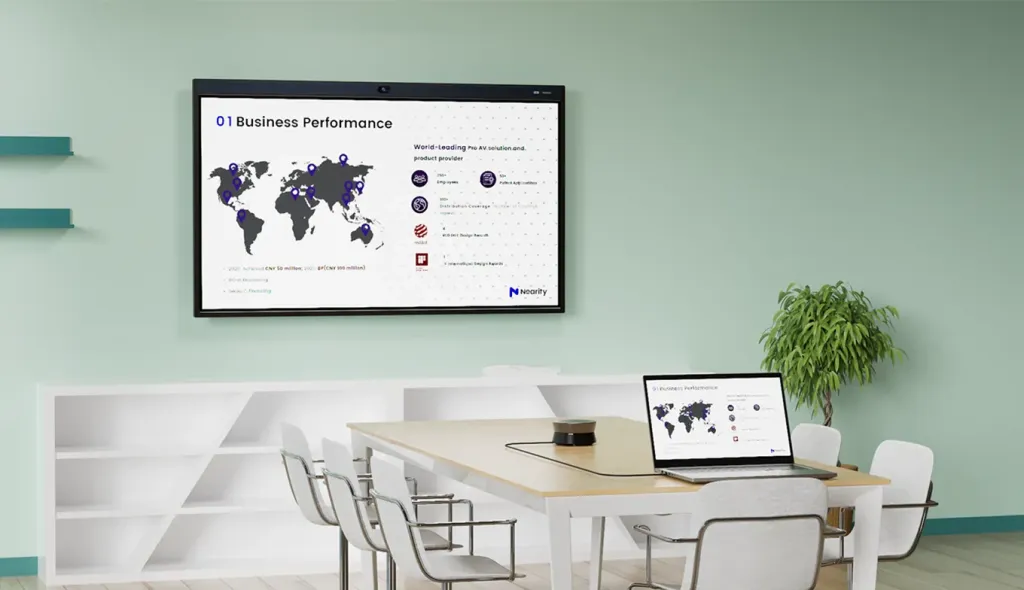
Small Huddle Rooms and Home Offices (1-4 People)
- The Challenge: Domestic or ambient noise and limited desk space.
- The Solution: A single Nearity A20S unit is more than sufficient. For these environments, the A20S is typically used with a USB wired setup, which means users never have to worry about battery life during back-to-back calls. Its AI Noise Suppression ensures that keyboard clicks or HVAC hums are filtered out, keeping the focus entirely on your voice.
Medium Conference Rooms (5-10 People)
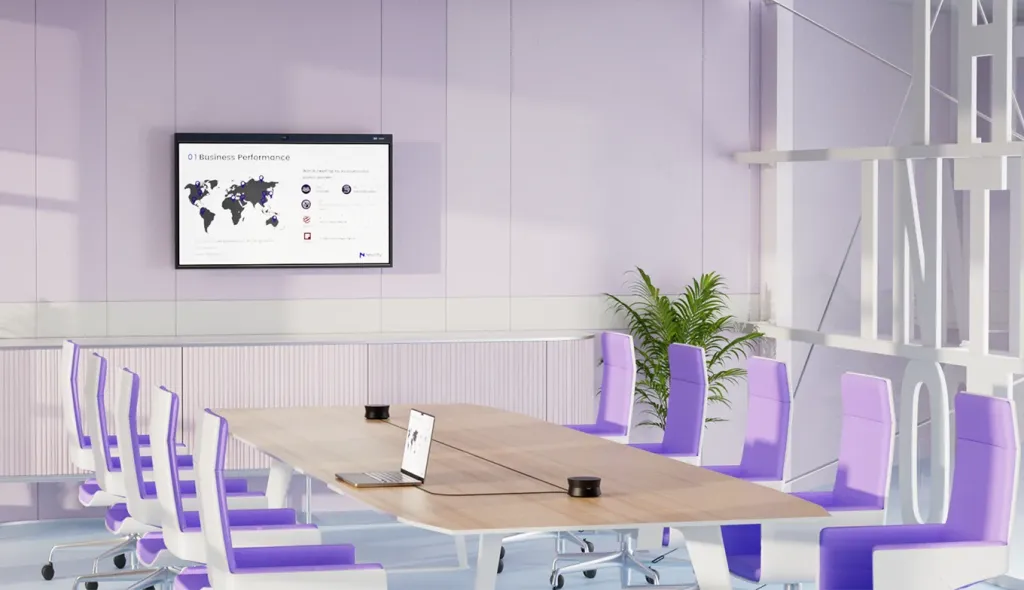
- The Challenge: Increased table length makes it difficult for a single device to capture voices at the far ends without sounding "distant."
- The Solution: For medium-sized rooms, deploying 2 to 4 Nearity A20S units ensures comprehensive coverage. With each unit featuring an 8-element microphone array and a 5-meter pickup range, this multi-unit configuration guarantees that every participant, regardless of their seat, is captured with the same level of clarity and volume.
Large Boardrooms and Training Spaces (11+ People)
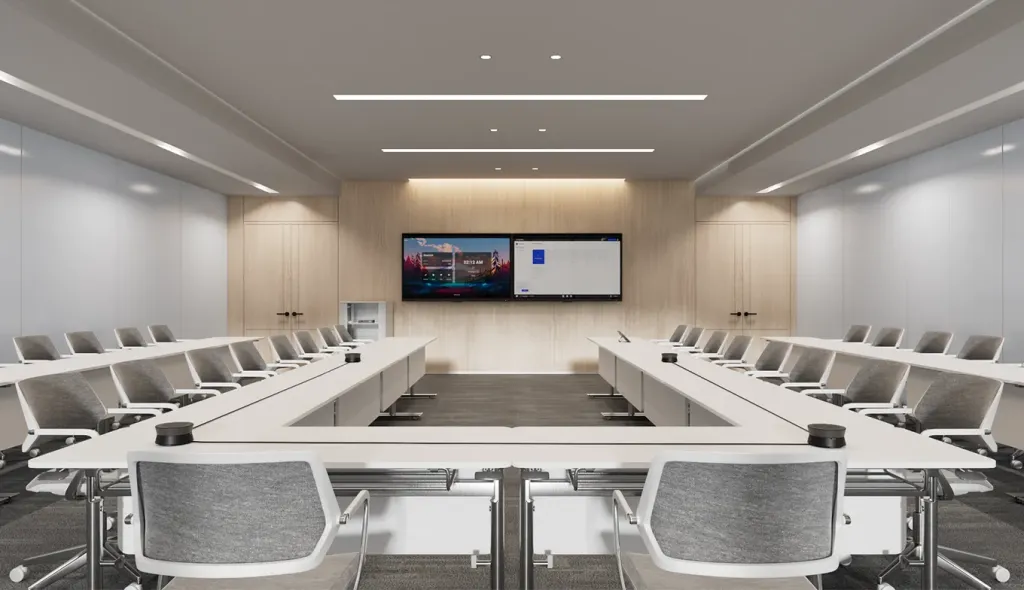
- The Challenge: Large, reflective spaces create significant audio "dead zones" and complex echoes that standard hardware cannot handle.
- The Solution: The Solution: The A20S is built for massive scalability. Unlike competitor products like Jabra, which typically limit connections to a maximum of two units, the A20S is a premier echo cancelling speakerphone that supports advanced daisy-chaining for up to 6 units. By linking these devices via PoE, you create an intelligent acoustic grid across the entire room. This setup eliminates dead zones entirely and manages complex reflections, ensuring broadcast-quality audio even in the most challenging boardroom environments.
Even the most advanced hardware requires proper deployment to function at its peak. Here are essential tips for setting up your conference audio:
- Centralized Placement: Always position the device as close to the center of the participants as possible. Ensure there are no physical obstructions, such as laptops or large centerpieces, blocking the line of sight between the speaker's mouth and the device.
- Mind the Acoustics: While AI can filter out background noise, it cannot completely fix a terrible acoustic environment. If your conference room is heavily reflective (glass, concrete, bare drywall), consider adding acoustic panels or rugs to reduce natural reverberation.
- Firmware Management: Manufacturers continuously improve their AI algorithms. IT departments should establish a routine for checking and updating device firmware to ensure the hardware is utilizing the latest audio processing capabilities.
- Hardwire When Possible: While Bluetooth is highly convenient for mobile phones, USB or Ethernet connections should always be used for permanent conference room setups to guarantee zero latency and uninterrupted power delivery.
Conclusion
The quality of your audio directly dictates the quality of your virtual collaboration. In 2026, tolerating dropped syllables, disruptive echoes, and distracting background noise is no longer acceptable in a professional environment.
Understanding the technologies that drive clear communication—such as full-duplex audio, beamforming microphone arrays, and intelligent noise suppression—is the first step toward transforming your meetings. By investing in a dedicated, high-performance echo cancelling speakerphone, you empower your team to communicate with confidence and clarity.
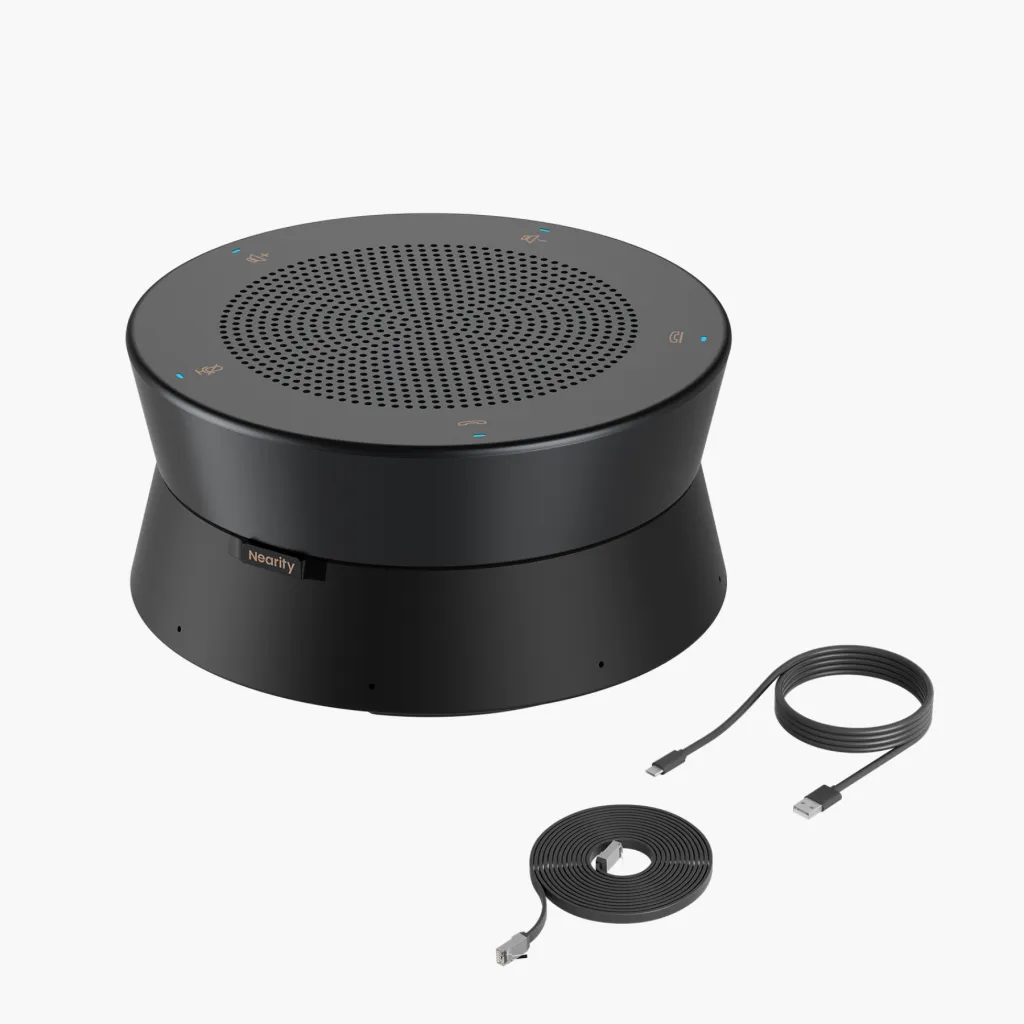
Whether you are outfitting a small home office or a sprawling corporate boardroom, choosing scalable, AI-powered hardware like the Nearity A20S ensures that distance is no longer a barrier to effective business. Prioritize your audio infrastructure, and watch your remote collaboration thrive.
FAQs
- What is the difference between a regular speaker and a speakerphone?
A regular speaker is a one-way audio output device designed only to play sound. A speakerphone is a two-way communication tool equipped with both a loudspeaker and a built-in microphone array, allowing you to hear remote participants and be heard by them simultaneously.
- If I prioritize privacy, should I choose a USB or Bluetooth model?
If security and privacy are your primary concerns, a USB wired model is the superior choice. Since data is transmitted through a physical cable rather than through the air, there is no risk of wireless signal interception or accidental pairing with nearby devices.
- Do these speakerphones work with major conference software and require extra drivers?
Modern professional speakerphones are designed as "Plug-and-Play" devices. They are fully compatible with all major platforms including Zoom, Microsoft Teams, Google Meet, and Skype. Most devices use standard UVC/UAC drivers, meaning they work instantly upon connection without requiring the installation of any additional software or specialized drivers.
- Is full-duplex audio really necessary?
Absolutely. Half-duplex devices only allow one person to speak at a time, cutting off audio if two people talk simultaneously (like a walkie-talkie). Full-duplex audio allows for simultaneous two-way transmission, which is essential for natural, overlapping conversations and collaborative brainstorming.