Best Webcam for Conference Room: How to Choose the Right One in 2026
This comprehensive guide helps IT managers and business owners choose the ideal conference room webcam by evaluating top models based on room scalability, audio intelligence, and specific hybrid meeting workflows.
Hybrid Work
Video Conferencing
IT Infrastructure
Updated: Aug 19, 2026 · 8 minutes read
Global Business, Brought Near.
No Installer, No Hassle, Just Works.
In 2026, hybrid work is the standard, and professional video hardware is the bridge that connects dispersed teams. A high-quality conference room webcam does more than just transmit an image; it ensures "meeting equity" by capturing subtle body language, eliminating distracting background noise, and making remote participants feel like they are truly in the room. Investing in the right setup reduces meeting fatigue and boosts overall collaboration efficiency.
With an overwhelming array of AI-powered bars and 360-degree cameras on the market, choosing the right fit for your space is essential. This guide simplifies the decision for IT managers and business owners by highlighting the top-performing options and the key factors to consider for your specific meeting environment.
Key Takeaways
Prioritize Meeting Equity: Choose cameras with wide-angle lenses and AI auto-framing to ensure remote participants feel fully included.
Audio is Just as Crucial: Look for built-in noise cancellation and expandable mic options to filter out distracting background sounds.
Match the Camera to the Space: * Use modular setups like the Nearity V30S for scalable huddle-to-medium rooms.
Opt for the Meeting Owl 3 for round-table, highly collaborative meetings.
Choose dedicated appliances like the Logitech Rally Bar Mini for standardized enterprise boardrooms.
Don't Use Personal Webcams: Dedicated conference cameras have the necessary wide fields of view (90-120°) and long-range audio pickup that personal webcams lack.
4K Resolution Matters: Even if meeting software compresses video, a 4K sensor enables sharp, clear digital zooming and auto-framing without pixelation.
How We Evaluated the Best Conference Room Webcams
Before diving into our recommendations, it is helpful to understand the criteria used to evaluate these devices. We did not just look at raw specifications; we focused on how these cameras solve real-world hybrid meeting challenges.
The selections in this list were evaluated based on the following factors:
Usability and Setup: Can an employee plug it in and start a meeting in 30 seconds, or does it require specialized IT intervention? We prioritized options that offer intuitive, plug-and-play experiences.
Visual Equity (Field of View & AI Framing): A good conference camera should capture everyone in the room without severe distortion. We looked for wide-angle lenses and auto-framing capabilities that ensure no one is left out of the shot.
Audio Intelligence: Video is only half the equation. The best webcam for conference room setups must have robust noise cancellation to filter out HVAC systems, keyboard typing, and background chatter.
Flexibility and Scalability: As companies grow, their meeting spaces change. Solutions that can scale from a small huddle space to a medium boardroom via expansion accessories were given high marks.
Quick Picks: The Best Conference Room Webcams for 2026
If you are short on time, here is a quick look at how the top cameras align with different business scenarios:
Best for Scalable Hybrid Rooms:Nearity V30S — A 4K powerhouse that adapts from huddle spaces to medium rooms seamlessly with an optional expansion mic.
Best for 360-Degree Collaboration: Meeting Owl 3 — The go-to choice for teams that prefer round-table discussions.
Best for Active Presenters: Obsbot Tiny 3 — An AI-tracking camera ideal for whiteboard sessions and dynamic training rooms.
Best for Enterprise IT Standardization: Logitech Rally Bar Mini — A premium, fixed installation for dedicated boardroom ecosystems.
Best for Zoom Meetings: Zoom Rooms Certified Hardware (e.g., Neat Bar) — Optimized for the Zoom ecosystem with one-touch join and native software integration.
Feature Comparison at a Glance
To help you visualize the meaningful differences between our top picks, here is a quick breakdown of their core features:
Product
Max Resolution
Field of View
Standout Feature
Best Room Scenario
Nearity V30S
4K UHD
120° Wide-Angle
Modular Mic Expansion & AI Audio
Huddle to Medium Rooms
Logitech Rally Bar Mini
4K UHD
120° (Motorized Pan/Tilt)
Built-in Appliance OS
Dedicated Enterprise Rooms
Meeting Owl 3
1080p
360° Panoramic
Center-table Speaker Tracking
Round-Table Collaboration
Poly Studio USB
4K UHD
120°
Acoustic Fence Tech
Noisy Office Environments
Obsbot Tiny 3
4K UHD
86° (Mechanical Gimbal)
PTZ Auto-Tracking
Training & Presenting
Nearity V30S: Best for Huddle and Medium Rooms Needing Flexibility
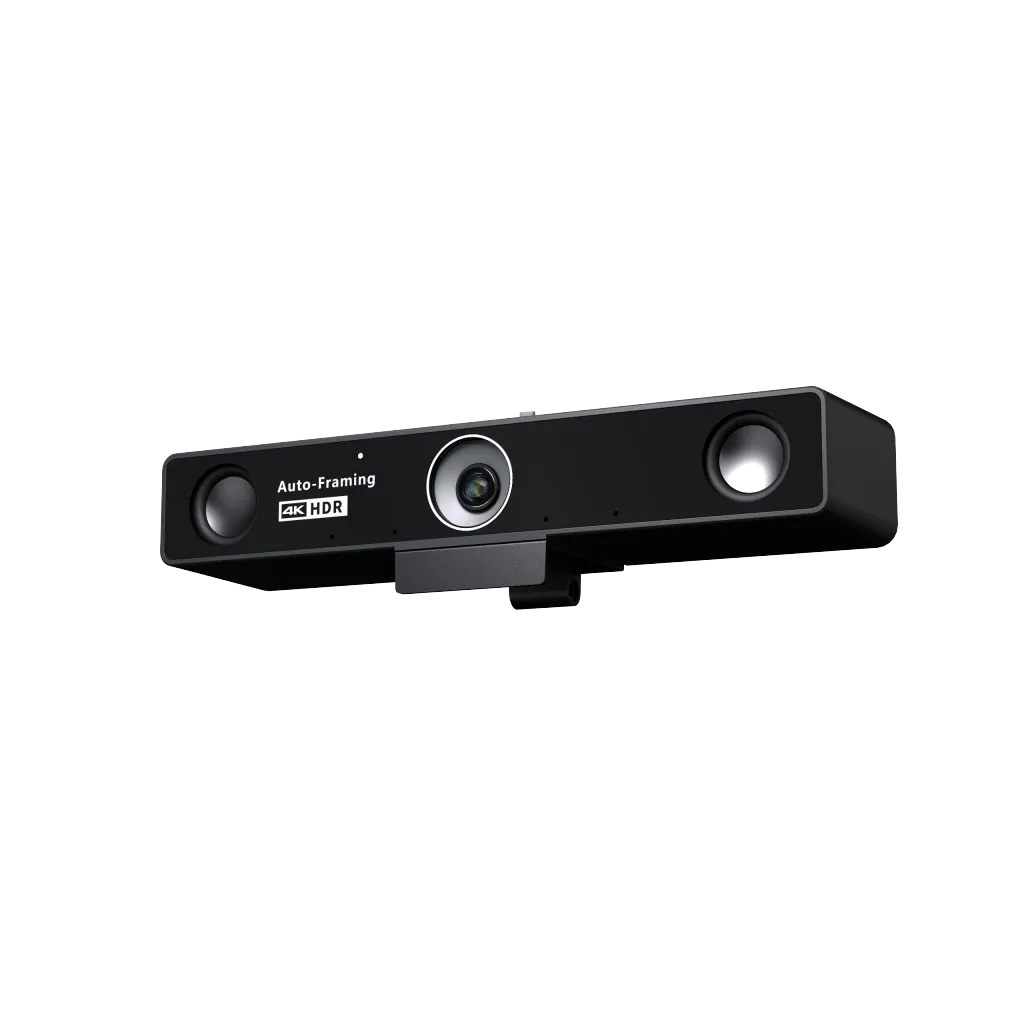
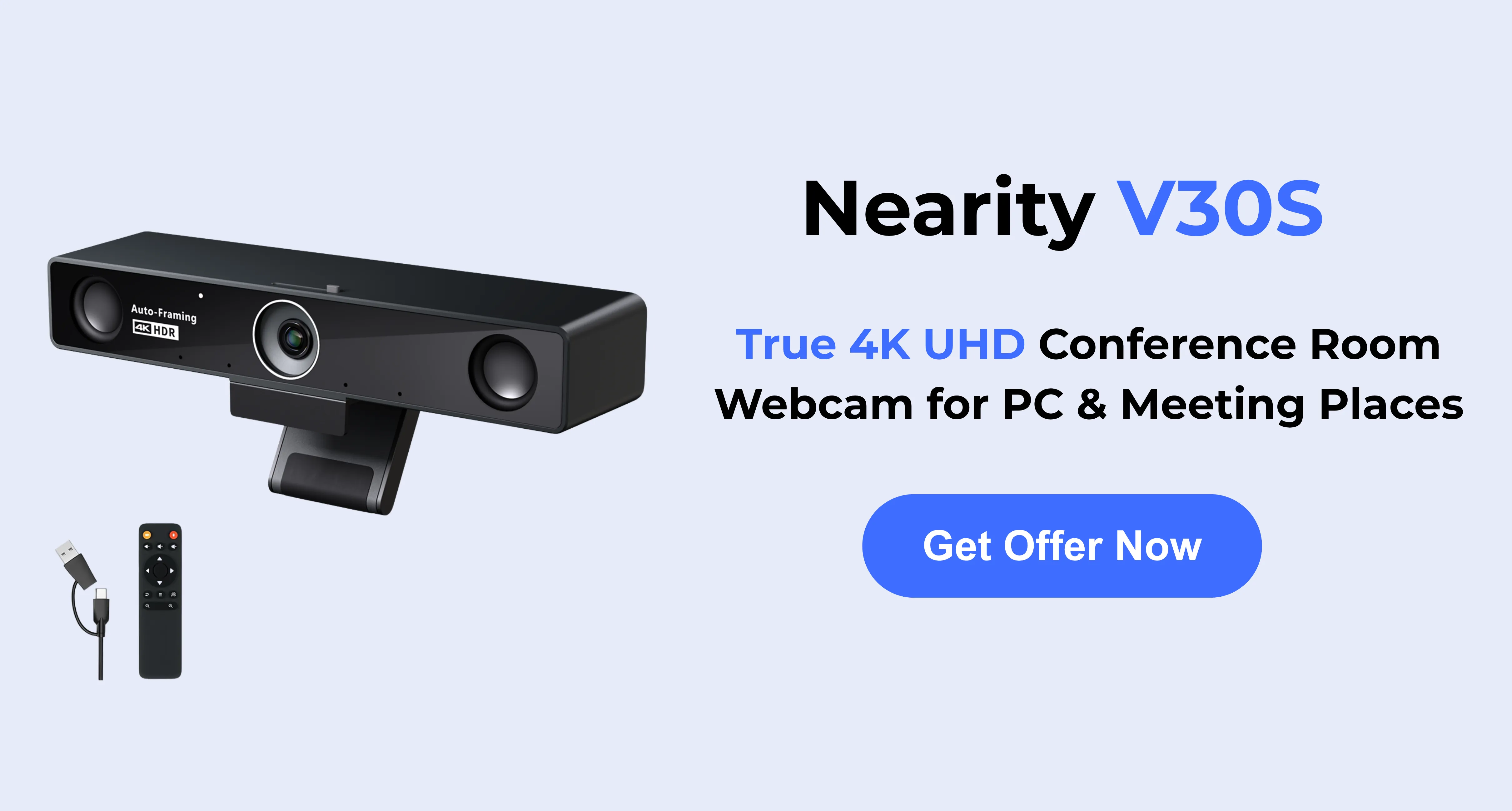
The Nearity V30S strikes a remarkable balance between high-end optics, intelligent audio, and versatile scalability. Built with a true 4K, 8-megapixel CMOS sensor, it delivers incredibly sharp video that prevents remote participants from feeling disconnected from the room.
Key Strengths: What truly sets the Nearity V30S apart is its adaptability. Out of the box, it features a 120-degree distortion-free wide-angle lens. This ultra-wide field of view is perfect for tight huddle rooms where participants are seated close to the screen, ensuring everyone is captured without having to awkwardly reposition the camera.
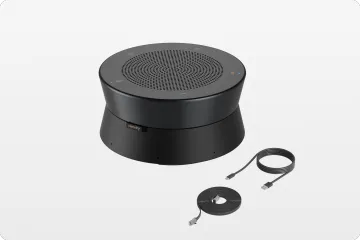
Furthermore, the audio capabilities are highly practical for evolving workspaces. The built-in 2-mic array and ProperClean™ 2.0 AI noise cancellation easily handle standard small rooms. However, if you move the camera to a larger space and do not have a dedicated conference speakerphone, you can plug in the AM01 expansion microphone to extend the audio pickup range up to 26 feet (8 meters), maintaining crystal-clear dialogue across the entire room.
Possible Limitations: Because it is designed as a modular, flexible USB webcam, it is not a standalone integrated computer appliance (like a dedicated Microsoft Teams Room system). It requires a host PC or laptop to drive the meeting software.
Best For: Small business owners and IT managers who want a single, high-quality camera standard that can be deployed in small 1:1 spaces and easily scaled up for medium-sized group syncs.
Logitech Rally Bar Mini: Best for Enterprise IT Standardization
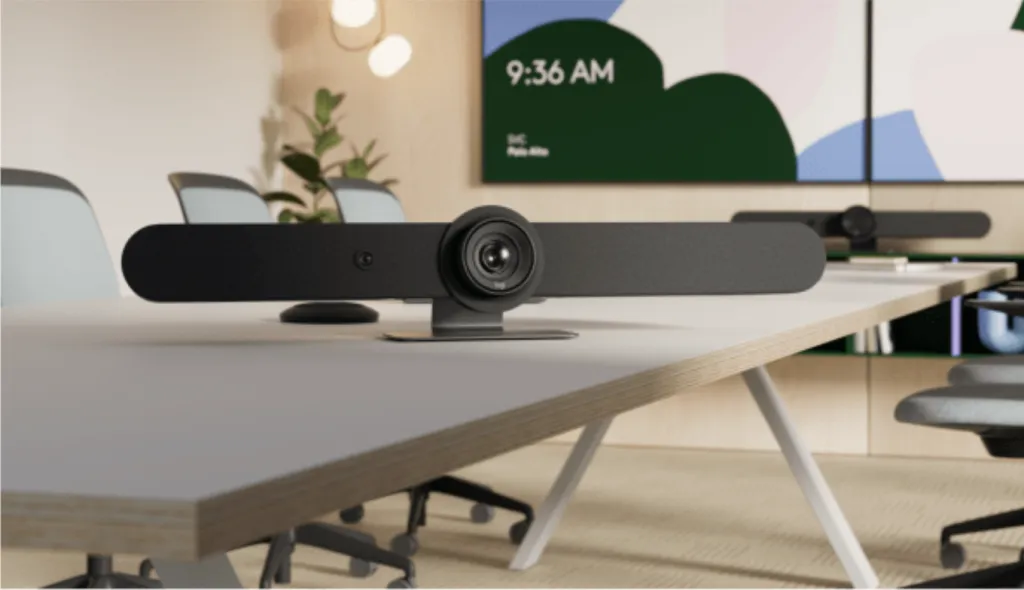
Logitech has long been a heavyweight in the video conferencing space, and the Rally Bar Mini is their gold standard for small to medium enterprise rooms. It is a comprehensive, all-in-one appliance that can run meeting platforms natively without a separate computer.
Key Strengths: The Rally Bar Mini features motorized pan and tilt alongside sharp optics. Its RightSense™ technology proactively adjusts lighting, frames participants, and optimizes voice clarity. Because it can run natively as a Zoom Room or Teams Room device, it offers a highly standardized, appliance-like experience that corporate IT departments love.
Possible Limitations: The premium build and native computing power come with a high price tag. Additionally, it is a heavy, fixed-installation device; it is not meant to be moved from room to room.
Best For: Large corporations with generous budgets looking to standardize dedicated, permanent meeting rooms on a single ecosystem.
Meeting Owl 3: Best for Round-Table Collaboration
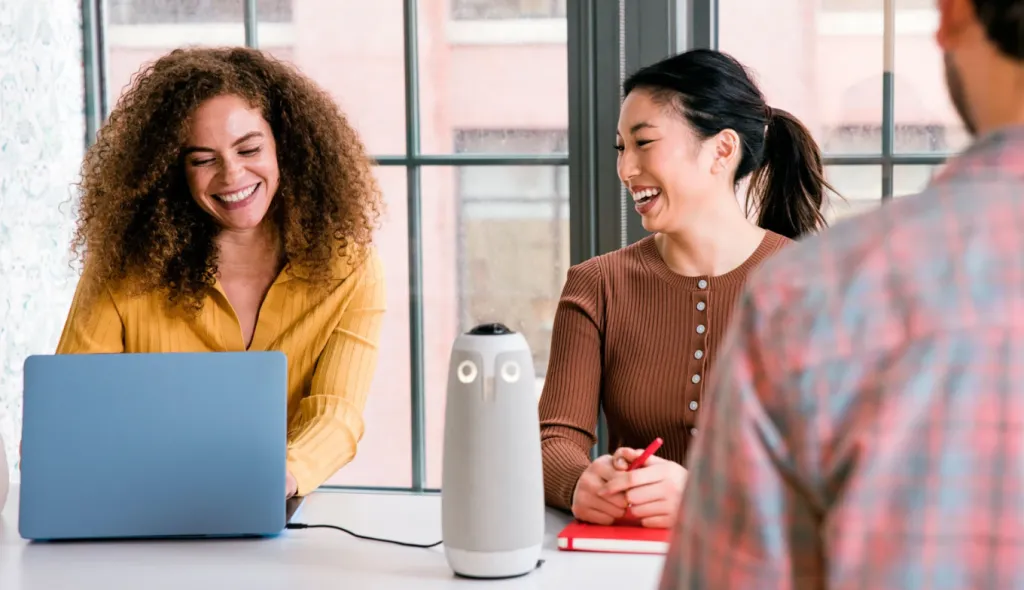
Traditional front-of-room cameras are great, but they don't always fit the culture of highly collaborative, agile teams. The Meeting Owl 3 sits in the center of the table, offering a 360-degree panoramic view of the room.
Key Strengths: The Owl is famous for its intuitive AI. It automatically listens to the room and splits the screen to highlight the active speakers while maintaining a panoramic strip at the top. This creates a highly immersive experience for remote viewers, making them feel like they are sitting at the table.
Possible Limitations: The resolution is capped at 1080p, which is generally fine for standard calls but lacks the crispness of 4K alternatives when viewed on large monitors. Additionally, placing a camera in the center of the table requires routing power and USB cables across the floor or under the table, which can clutter a clean boardroom aesthetic.
Best For: Creative agencies, design teams, and start-ups that rely on dynamic, face-to-face brainstorming around a central table rather than presenting to a screen.
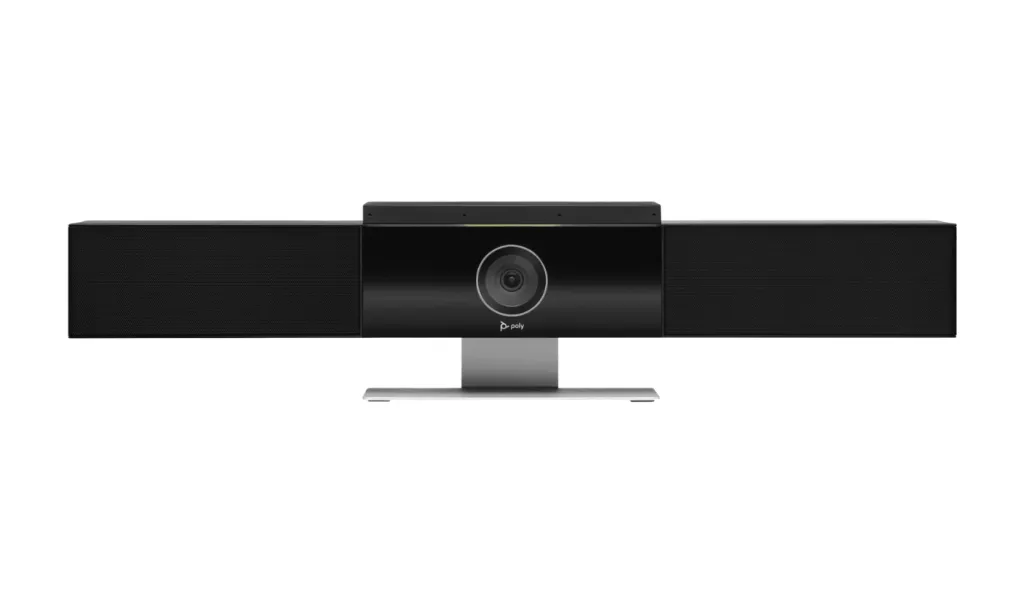
HP Poly Studio USB Video Bar: Best for Superior Acoustic Environments
The Poly Studio USB Video Bar brings decades of Polycom's audio engineering expertise into a modern, plug-and-play huddle room device.
Key Strengths: The standout feature of the Poly Studio is its Acoustic Fence and NoiseBlockAI technology. If your conference room is plagued by thin glass walls, nearby street traffic, or an open-plan sales floor right outside the door, this camera is exceptionally good at building a virtual audio "fence" that prevents outside noise from bleeding into your call. It also features a 120-degree field of view and smooth presenter tracking.
Possible Limitations: The design is somewhat bulky compared to sleeker modern webcams, making it slightly more imposing when mounted on smaller displays.
Best For: Offices located in high-traffic or noisy environments where audio isolation is the absolute top priority.
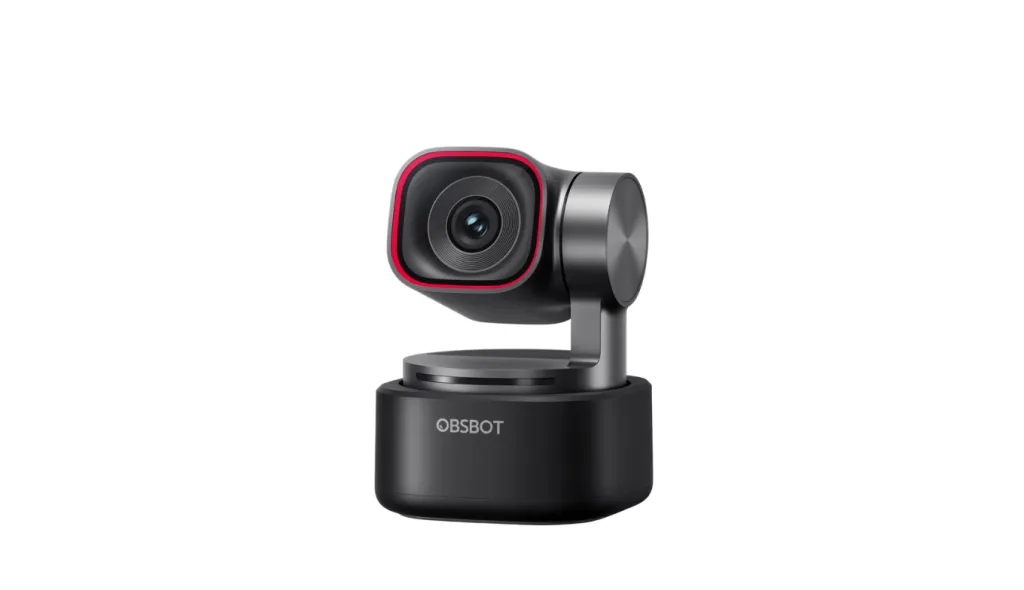
Obsbot Tiny 3: Best for Whiteboard Sessions and Active Presenters
While most conference cameras are designed to capture a group of people sitting relatively still, the Obsbot Tiny 3 is designed for movement.
Key Strengths: This compact, 4K webcam is mounted on a mechanical 2-axis gimbal. Using advanced AI, it can physically pan and tilt to track a presenter as they pace around the room. It also features gesture controls, allowing the user to simply hold up a hand to make the camera zoom in or start tracking.
Possible Limitations: The Obsbot Tiny 3 is heavily optimized for a single active presenter. While it can be used for groups, its field of view and tracking logic are not as well-suited for a wide table of six people compared to traditional wide-angle conference webcams.
Best For: Remote teachers, corporate trainers, and team leaders who frequently use whiteboards and move around the room while presenting.
Conclusion: How to Choose the Conference Room Webcam by Scenario
Finding the best conference room webcam ultimately comes down to understanding your specific floor plan, your team's workflow, and your IT budget. Rather than looking for the most expensive option, look for the most relevant one.
For the Budget-Conscious Hybrid Workplace If you need to outfit several varying room sizes without overspending, flexibility is key. In this scenario, the Nearity V30S emerges as a highly practical choice. Because it pairs a distortion-free 120-degree lens with the ability to add an external microphone, it prevents you from having to buy entirely different systems for a 3-person huddle room and an 8-person meeting space. It provides premium 4K visuals and AI noise reduction in a plug-and-play format that anyone in the office can use immediately.
For Collaboration-Heavy, Agile Teams If your meetings rarely involve a formal presentation and instead consist of people talking across a table to one another, an omnidirectional camera like the Meeting Owl 3 will provide the most natural experience for your remote workers.
For Permanent, High-End Boardrooms If budget is a secondary concern to absolute standardization, and you want rooms that turn on with a single tap on a touchscreen, investing in the Logitech Rally Bar Mini ecosystem will provide the heavy-duty reliability enterprise IT departments require.
By aligning the technology with how your team actually communicates, you can eliminate the friction of hybrid meetings and ensure that every voice is heard—and every face is seen—with perfect clarity.
FAQs
What is the best webcam for MacBook users in a conference setting?
For MacBook users, the priority is often "plug-and-play" simplicity and USB-C compatibility. The Nearity V30S is an excellent choice as it works seamlessly with macOS without requiring complex drivers. If you are using your MacBook as the "meeting brain" in a huddle room, look for cameras that support standard UVC (USB Video Class) protocols to ensure instant recognition by Zoom, Teams, and FaceTime.
Can I use a standard personal webcam for a conference room?
It is not recommended. Personal webcams typically have a narrow field of view (65-78 degrees), which will cut off people sitting at the sides of a conference table. Conference-specific cameras like the ones mentioned in this guide offer wider lenses (90-120 degrees) and specialized microphones designed to pick up voices from several meters away.
Does a conference room webcam really need 4K resolution?
While many video platforms compress streams to 1080p or 720p, a 4K sensor is still highly beneficial. High resolution allows for "digital zoom" without losing clarity. For example, the Nearity V30S uses its 4K sensor to crop in on speakers (AI Auto-framing) while still delivering a sharp, professional-looking image to the other side.
Standard webcams are built for personal use, framing one or two people at a desk. Conference cameras are more sophisticated business tools; they feature much wider fields of view and long-range audio pickup to ensure everyone in a meeting room is seen and heard clearly.