In 2026, the hybrid work model is no longer an experiment—it is the absolute standard for global business. Whether you are pitching to a high-value client, leading a remote engineering team, or outfitting a newly renovated huddle room, your video presence matters. The grainy, washed-out laptop cameras of the past simply do not cut it for professional environments anymore. Upgrading to a dedicated 4k webcam is one of the most immediate and impactful ways to elevate your digital professionalism.
But with the market flooded by ultra-high-definition options, finding the right camera goes far beyond just counting pixels. If you are a small business owner, IT manager, or hybrid team leader looking to upgrade your communication hardware, this guide will help you cut through the noise and find the perfect device for your needs.
Why Choose a 4K Webcam?
If you are accustomed to standard built-in laptop cameras, stepping up to a true 4K resolution is a revelation. But why is it necessary?
First and foremost, 4K provides four times the resolution of standard 1080p. This translates to vastly clearer pictures and sharper details. In a professional meeting, this means your facial expressions are easily readable, building stronger rapport with clients and colleagues. For remote work, a high-definition image signals that you take your setup—and by extension, your job—seriously.
Furthermore, 4K is incredibly versatile. Beyond standard Zoom or Teams calls, this high-resolution format is essential for remote teaching where physical whiteboard details need to be legible, or for livestreaming where production value is key. Even if your video conferencing platform compresses the video to 1080p, a 4K camera will "downsample" the image, providing a final picture that is significantly richer and sharper than a native 1080p camera could ever produce.
Who Needs a 4K Camera Webcam?

While almost anyone can benefit from better video quality, certain professionals will see an immediate return on investment by upgrading to a 4k camera webcam. The primary users include:
- Remote workers: To stand out in daily stand-ups and maintain a strong, professional presence from a home office.
- Business professionals: Executives and consultants who routinely pitch to clients and need to project authority and competence.
- Content creators: YouTubers and podcasters who require crisp, studio-quality visuals without the hassle of a complex DSLR setup.
- Online teachers: Educators who need to display intricate physical props, documents, or whiteboard notes clearly to their students.
- Hybrid meeting rooms: IT managers outfitting huddle spaces where multiple people need to be captured in a single, ultra-wide frame.
- Livestreamers: Broadcasters who need high frame rates, sharp details, and excellent low-light performance to keep their audiences engaged.
Key Features to Look for in the Best 4K Webcam
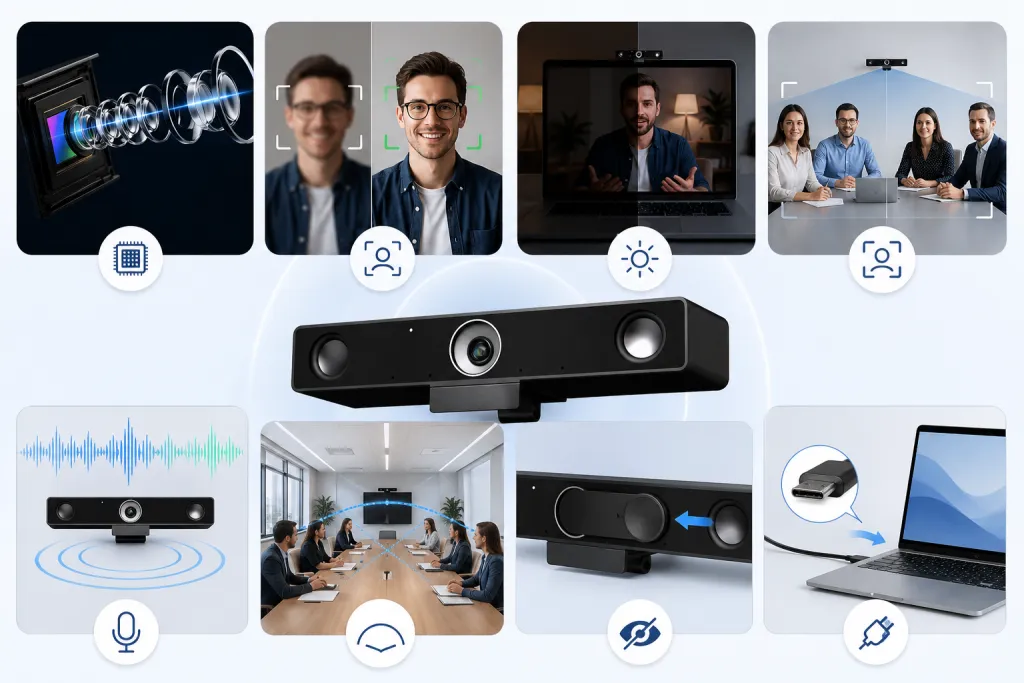
When hunting for the best webcam 4k resolution has to offer, you need to look past the "4K" label on the box. Here are the crucial features that separate premium cameras from budget alternatives:
- True 4K resolution: Ensure the camera actually features a 4K image sensor, rather than using software to artificially upscale a lower-resolution image.
- Autofocus: A fast, reliable autofocus system ensures you remain sharp even if you lean in or move around during a passionate presentation.
- Low-light correction: A larger sensor and wide aperture will pull in more light, preventing your video from looking dark and grainy in dimly lit home offices.
- AI auto-framing: This intelligent feature digitally pans, tilts, and zooms to keep you perfectly centered in the frame, which is especially useful for team meeting rooms.
- Built-in microphone: Look for advanced noise-canceling microphone arrays that can filter out background chatter and keyboard typing.
- Wide field of view (FOV): A wide FOV (90° or higher) is crucial for capturing multiple people in a conference room, while a narrower FOV (around 70°) is better for hiding messy home office backgrounds.
- Privacy cover: A physical shutter that blocks the lens provides absolute peace of mind against digital snooping.
- Plug-and-play compatibility: IT teams prefer cameras that work instantly via USB-C without requiring complicated driver installations on every single employee's computer.
Best 4K Webcam for Different Use Cases
Not every camera is built for the same environment. Here are our top recommendations based on specific user scenarios:
Best 4K Webcam for Video Meetings: Logitech MX Brio
The Logitech MX Brio is a powerhouse for solo remote workers. It features a large sensor for excellent low-light performance and a unique "Show Mode" that allows you to tilt the camera downward to share physical documents on your desk, making it perfect for one-on-one client consultations.
Boasting one of the largest sensors in a consumer webcam, the Kiyo Pro Ultra delivers an image that rivals professional DSLR cameras. It provides true optical background blur (bokeh) and flawless color reproduction. Its robust software integrates beautifully, making it a favorite for Mac-based designers and content creators.
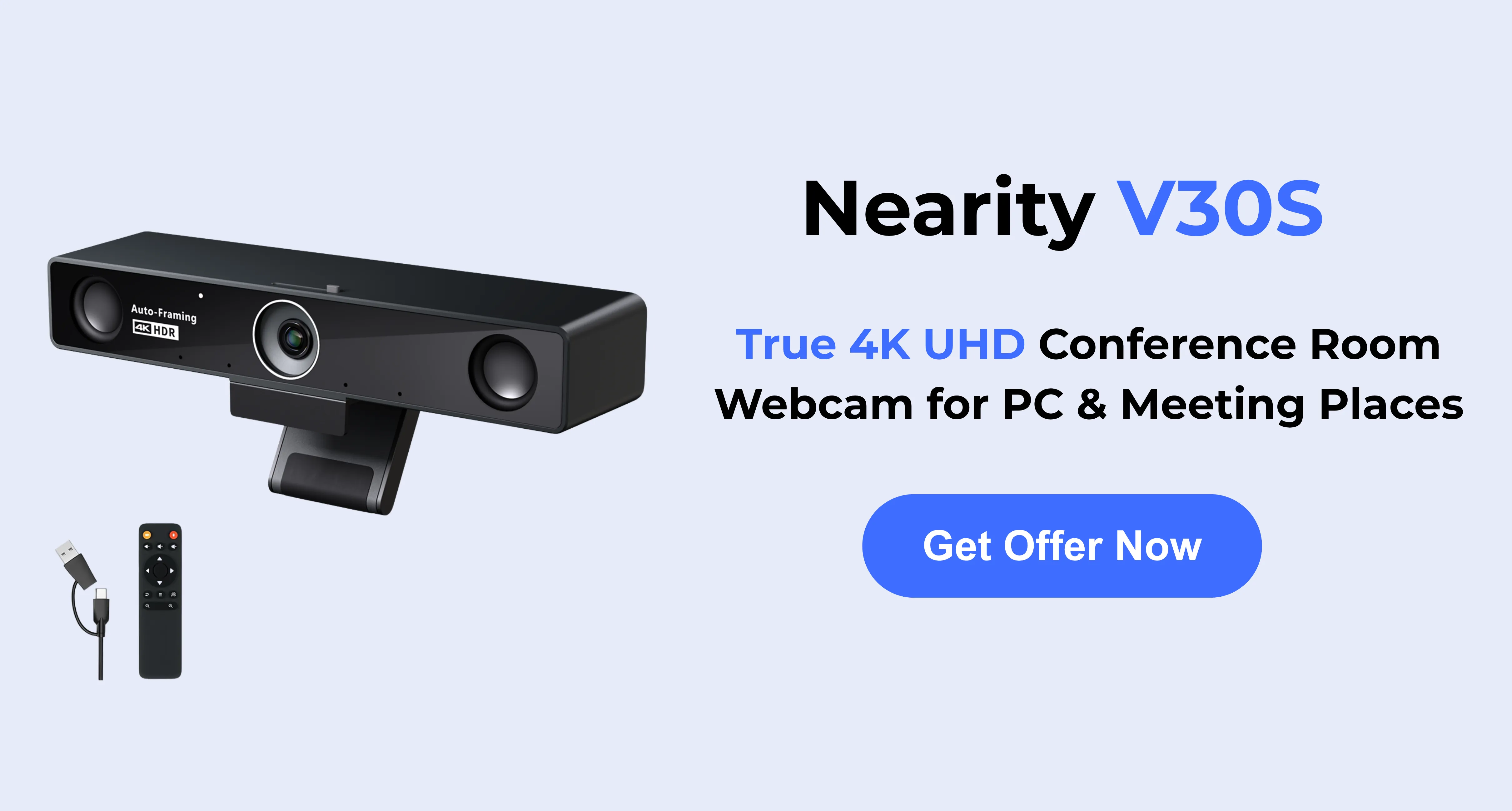
Best 4K Webcam for Conference Rooms: Nearity V30S
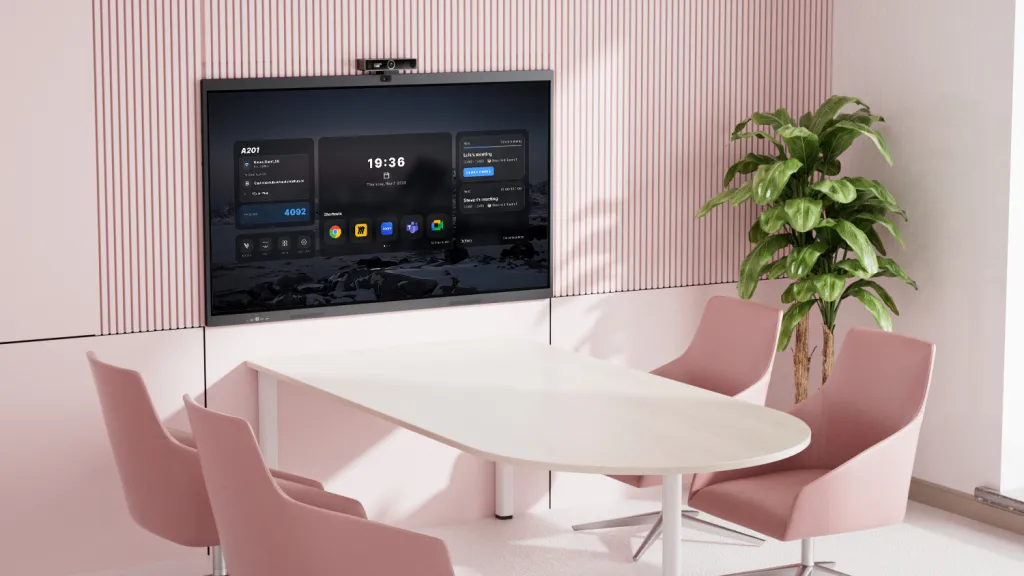
When outfitting a hybrid meeting space, the Nearity V30S is unmatched in its category. Designed specifically for team collaboration, its ultra-wide lens and intelligent group auto-framing ensure everyone at the table is seen clearly, while its enterprise-grade audio suppression eliminates room echo.
Best 4K Webcam for Streaming: Insta360 Link 2 Pro
For dynamic presenters and streamers, the Insta360 Link 2 Pro utilizes a physical 3-axis gimbal. This allows the camera to physically track your movements around the room. If you teach or present on a whiteboard, the camera will automatically follow you, ensuring you never step out of the frame.
Best Budget 4K Webcam: Lumina 4K
For companies looking to deploy high-quality cameras to a massive fleet of remote workers without breaking the budget, the Lumina 4K is an excellent choice. It offers a sleek aluminum build, a sharp 4K image, and smart software-driven color calibration at a highly competitive price point.
4K Webcam vs 1080p Webcam: Is It Worth It?
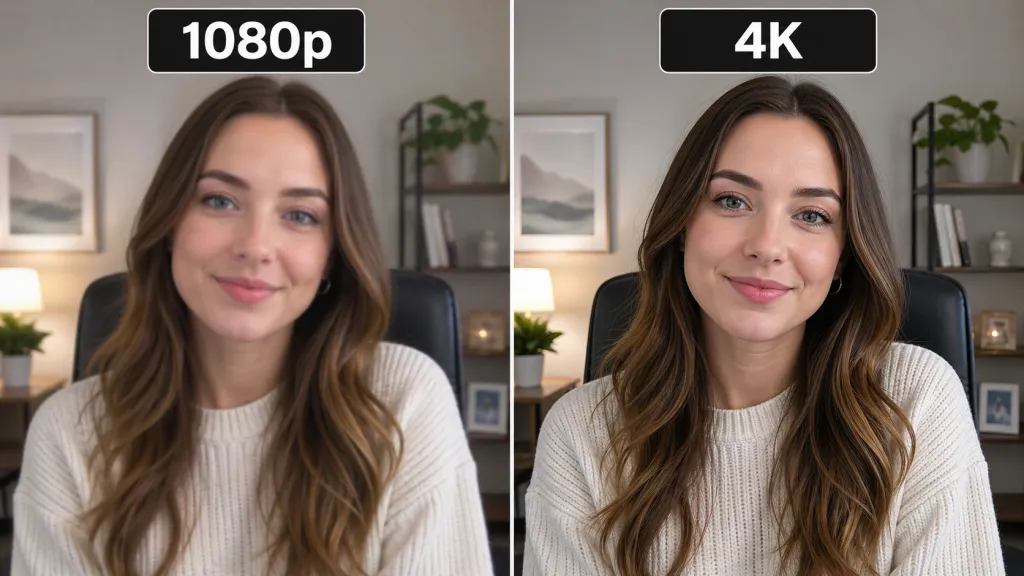
One of the most common questions buyers ask is whether the jump from 1080p to 4K is genuinely worth the investment. In 2026, the answer is a resounding yes, but perhaps not for the reasons you think.
Many major video conferencing platforms (like standard Zoom or Google Meet tiers) still compress video streams to 1080p or 720p to save bandwidth. So, does a 4K camera matter? Absolutely.
When a 4K camera captures an image, it gathers millions of additional pixels of data regarding lighting, color depth, and edge sharpness. When that massive, data-rich image is compressed down to 1080p by your conferencing app, the resulting video is remarkably clearer, better lit, and more vibrant than a video captured natively on a 1080p sensor.
Furthermore, investing in a 4K webcam is a matter of future-proofing. As internet bandwidth continues to expand and enterprise software tiers increasingly unlock native 4K streaming, owning the right hardware ensures you will not need to upgrade again in a year's time.
Recommended 4K Webcam: Nearity V30S
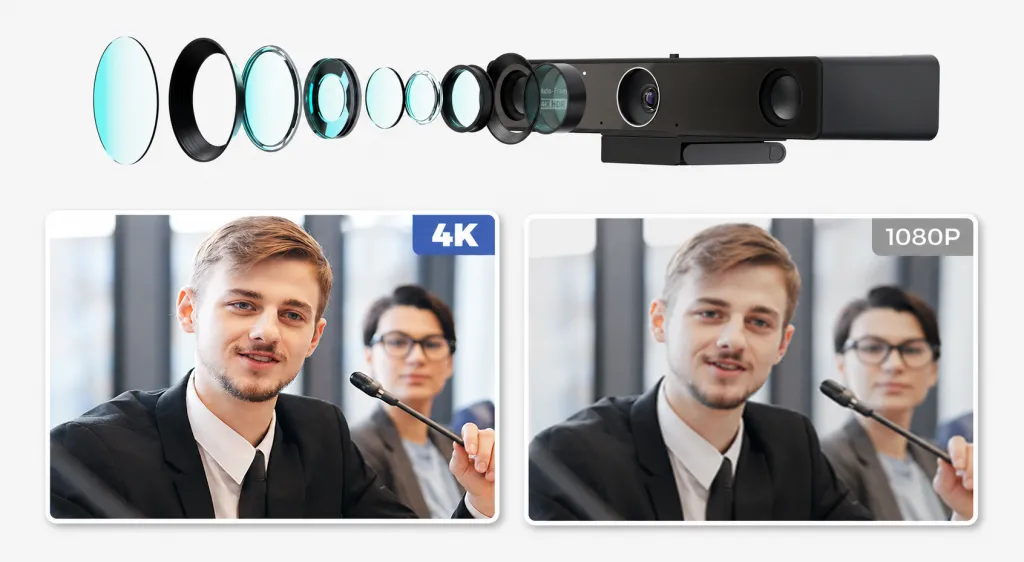
If you are looking for a reliable, enterprise-grade solution that bridges the gap between individual remote work and collaborative team spaces, the Nearity V30S is a remarkably strong choice.
The Nearity V30S is built specifically for professionals who want an uncompromised 4K webcam for video meetings, intensive remote work, and small-to-medium meeting rooms.
Why it stands out:
- Impeccable 4K Image Quality: The premium sensor delivers crystal-clear video, ensuring that every participant, chart, or presentation slide is rendered in perfect detail.
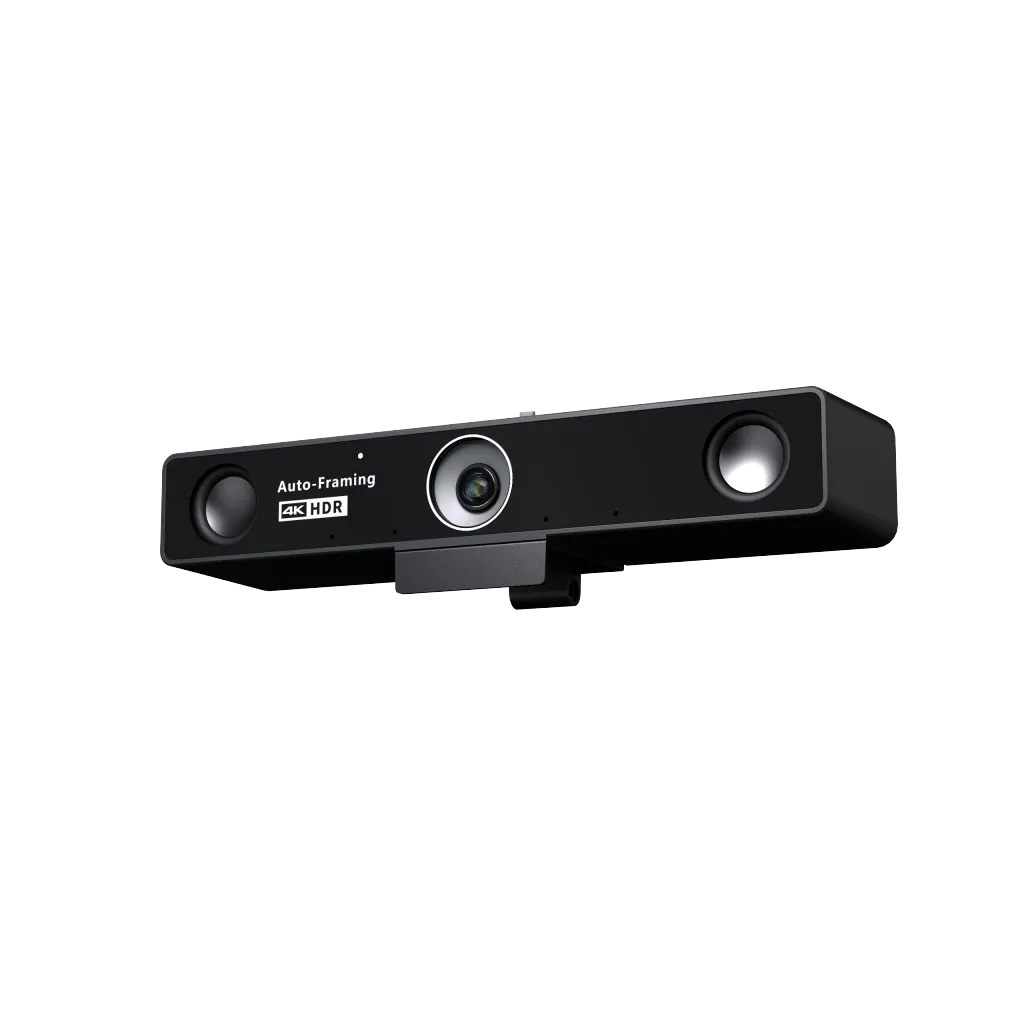
- Advanced AI Auto-Framing: You do not need to manually adjust the camera. The V30S intelligently detects human participants and smoothly adjusts the frame to keep the team perfectly centered as people enter or leave the room.
- Ultra-Wide Field of View: Its distortion-free lens effortlessly captures the entire width of a huddle room table without forcing participants to squeeze together.
- Clear Audio Pickup: Nearity is renowned for its audio engineering. The V30S features an advanced noise-canceling microphone array that actively suppresses background distractions—like HVAC hums or street traffic—ensuring your voice is heard with complete clarity.
For business owners and IT managers, the Nearity V30S offers a professional, plug-and-play upgrade over standard built-in laptop cameras, making hybrid collaboration feel natural and effortless.
Conclusion: Which 4K Webcam is Right for You?
Choosing the right hardware depends entirely on your workspace and goals. If you are a solo professional looking to impress on every call, the Logitech MX Brio or Razer Kiyo Pro Ultra offers unrivaled personal image quality. For those who need a portable, budget-friendly upgrade, the Lumina 4K is a solid choice.
However, if your priority is high-level collaboration or outfitting a hybrid meeting room, the Nearity V30S stands as the most balanced and powerful solution. By combining sharp 4K visuals with AI-powered framing and industry-leading noise cancellation, it ensures that every meeting is as productive and professional as an in-person session.
FAQs
- Is a 4K webcam better than 1080p?
Yes. Even if your video conferencing software compresses your video to 1080p, a 4K webcam captures significantly more light and detail. This results in a "downsampled" image that is vastly sharper, more vibrant, and more professional-looking than a native 1080p camera.
- What is the best webcam 4K for remote work?
For individual remote workers, cameras like the Logitech MX Brio are excellent due to their low-light capabilities and solo-focused features. However, if your remote work involves collaborating with multiple people in the same room, the Nearity V30S is the superior choice due to its group auto-framing and wide field of view.
- Do I need a 4K webcam for Zoom or Teams?
While you do not strictly need a 4K webcam to use Zoom or Teams, having one drastically improves how you are perceived. A 4K camera ensures you are perfectly lit, sharply focused, and clearly heard, which is highly beneficial for client pitches and executive presentations.
- Can a 4k camera webcam be used for conference rooms?
Absolutely. In fact, modern 4K webcams are ideal for this. However, you must choose a model specifically designed for it. A camera like the Nearity V30S features the wide field of view and AI group framing necessary to capture an entire conference room effectively.
- Is a 4K webcam worth it in 2026?
Without a doubt. As hybrid work has become the permanent global standard, standard laptop cameras are no longer acceptable for high-stakes professional communication. A 4K webcam is a relatively small investment that yields a massive, immediate upgrade to your daily professional image.