Neat Bar Pro Alternatives: Video Bar vs 360° Camera Compared
Deciding between the Neat Bar Pro and a 360° tabletop camera?
neat bar alternatives
neat video conferencing
360 conference camera
Updated: Nov 11, 2026 · 6 minutes read
Global Business, Brought Near.
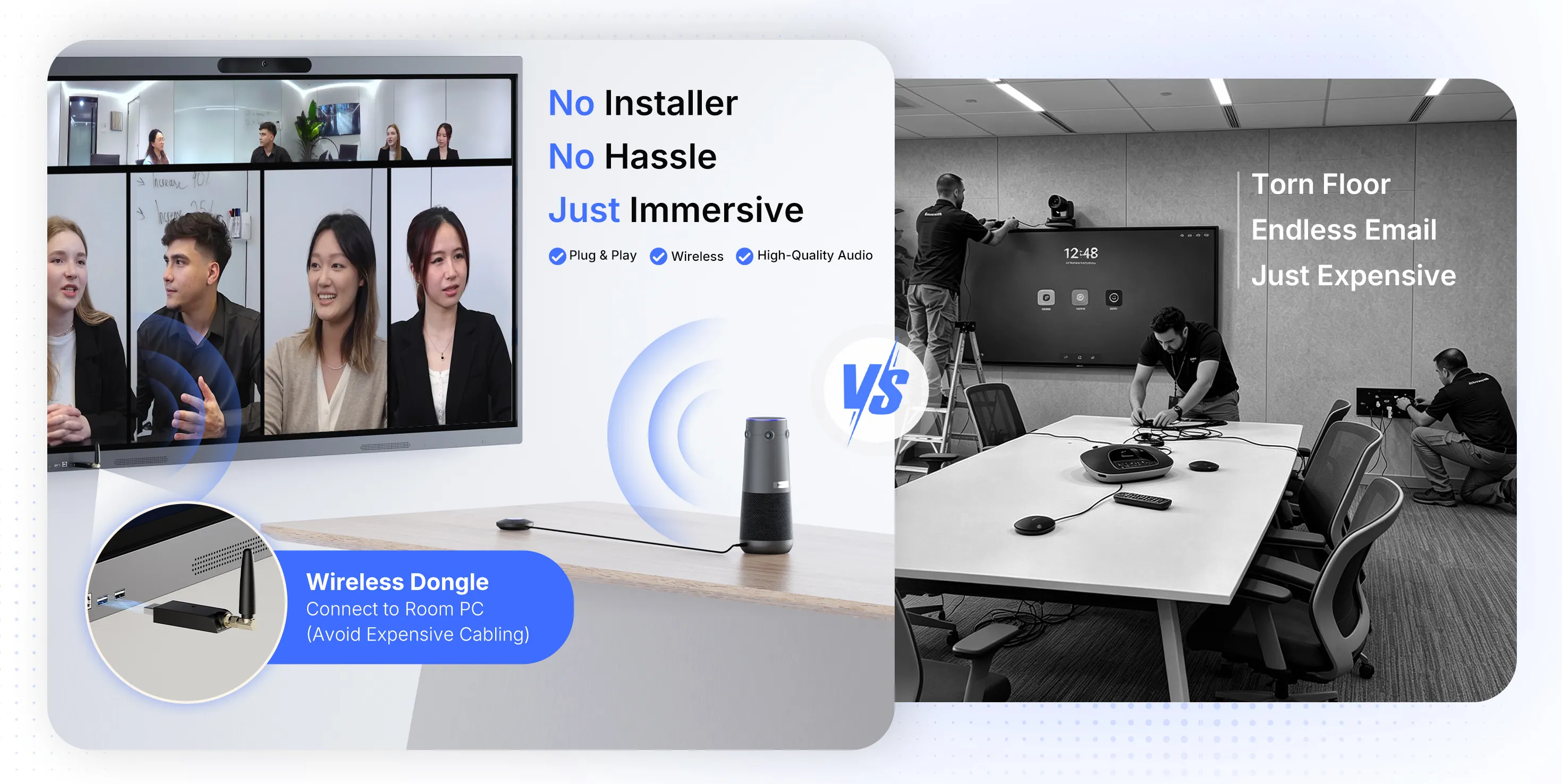
No Installer, No Hassle, Just Works.
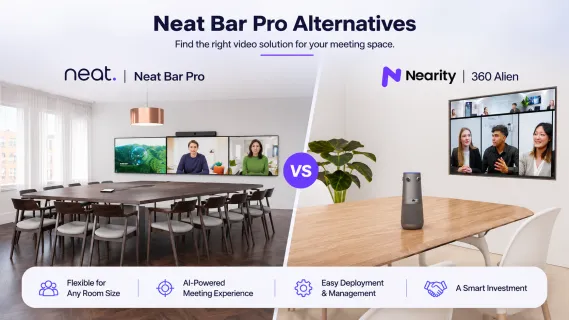
The Neat Bar Pro suits large, front-facing rooms running managed Zoom or Teams environments. For U-shaped and round tables, a center-of-table 360° camera such as the Nearity 360 Alien shows faces a front bar misses.
Key Takeaways
Neat Bar Pro's dual 50MP cameras, 16-mic array with 33 ft reach, and triple-display support are built for large rooms with a clear front wall.
A front bar cannot create face-on views of every seat at a U-shaped or round table; Neat's own fix, Neat Center, adds roughly $2,290.
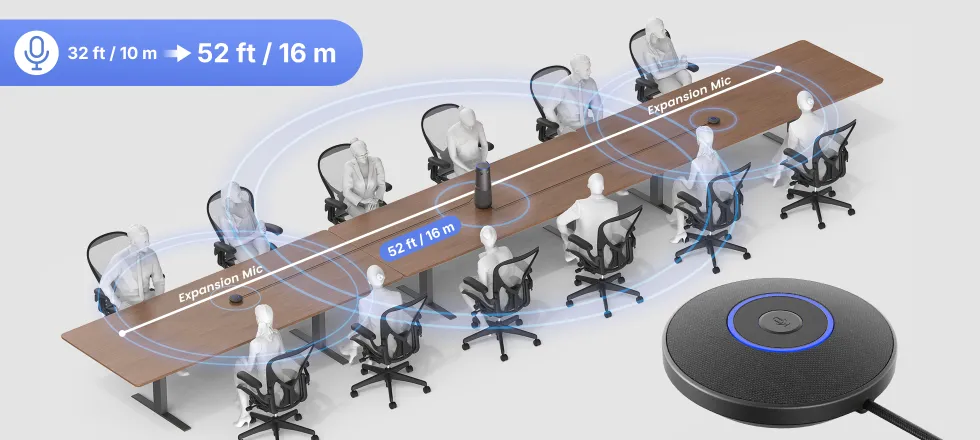
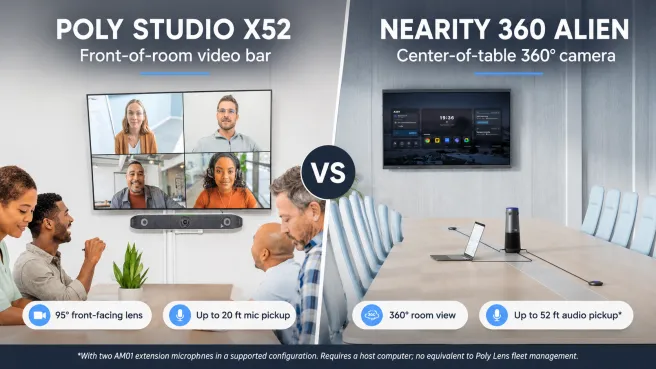
Nearity 360 Alien covers the full table with four 4K lenses, 16 ft pickup expanding to about 52 ft with 2 expansion mics, from $1,399.99 — versus $6,000–$6,700 for a Bar Pro room.
Run a seat-by-seat acceptance test within the return window; multiple one-star reviewers were caught by hardware defects after it closed.
If you are researching the Neat Bar Pro, the spec sheet will not answer your real question: can remote participants see and hear every person who matters, without someone operating a camera? Neat Bar Pro is a capable front-facing video bar for large rooms — but for U-shaped, oval, or round tables, a center-of-table 360° camera shows people that a bar at the display wall physically misses. This guide helps you choose between three paths: keep the Bar Pro, add Neat Center, or switch to a USB 360° alternative such as the Nearity 360 Alien. Start with your table layout and meeting platform, then compare the hardware.
Quick answer: which Neat conference system fits your room?
Your situation
Best path
Why
Large, front-facing room; standardized Zoom Rooms, Teams Rooms, or Google Meet
Keep Neat Bar Pro
Native room endpoint, 16-mic array with 33 ft reach, triple-display support
U-shaped, round, or square table; a host laptop or room PC is acceptable
Switch to a 360° tabletop camera
Full 360° view, face-on framing for every seat, plug-and-play, no IT tickets
Already invested in Neat, but seating wraps around the table
Test the hybrid option
Add Neat Center as a second viewpoint; verify platform compatibility first
What Neat Bar Pro does well
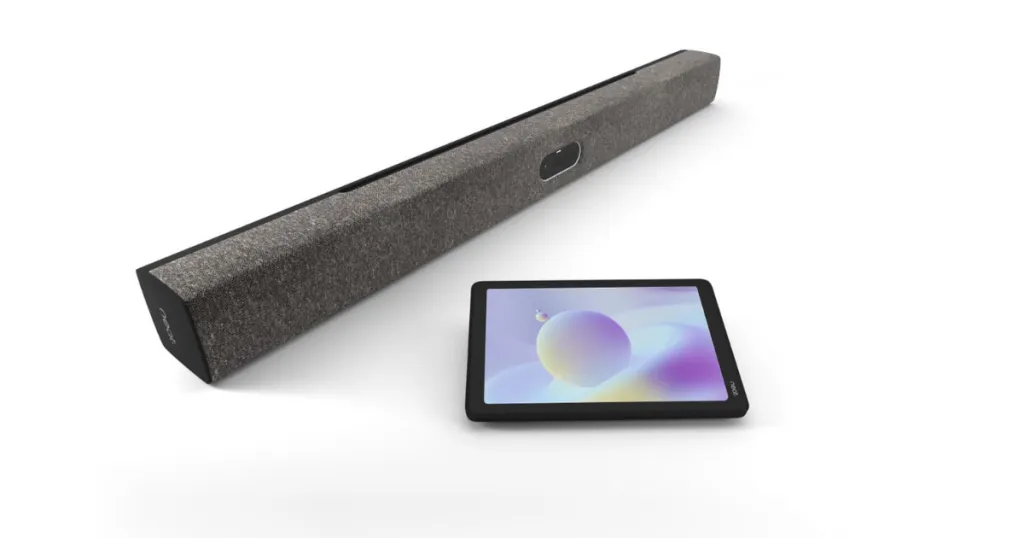
Per Neat, theBar Pro carries two 50MP sensors (113° wide, 70° telephoto), 16x hybrid zoom, adaptive framing, a 16-microphone array with a listed 33 ft (10 m) reach, and a three-channel speaker system. It runs Zoom Rooms and Teams Rooms natively, supports Google Meet, drives up to three 4K displays (though Meet and Teams do not yet support three screens), and requires a Neat Pad for setup and control.
Neat's own page shows 4.8/5 across nine reviews, with useful nuance. Barb K calls the "microphone and camera options… surprisingly robust" while noting difficulty arranging display and zoom settings; State Mechanical Services found setup harder than expected; PTFE reports four Bar Pro units on Teams have been stable over twelve months. The lesson: the hardware performs, but budget for installation, training, and room acceptance — not just the device.
Where a front-facing video bar reaches its limit
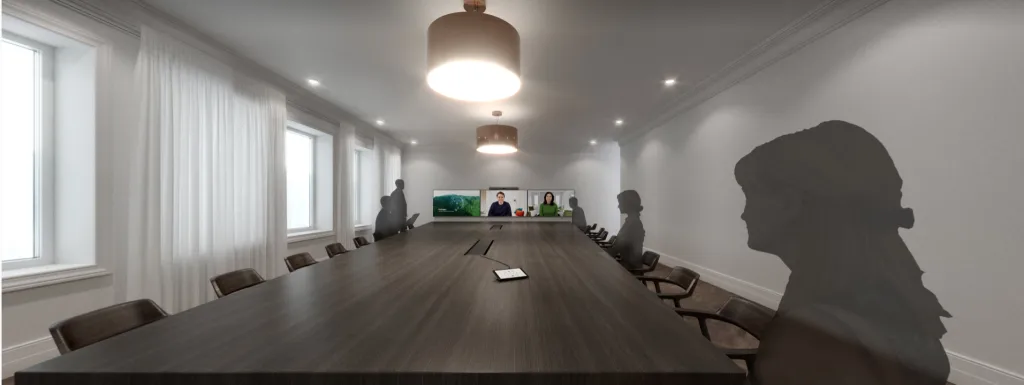
A bar at the display looks into the room from one wall. Adaptive framing helps inside that forward view, but it cannot create a face-on image of someone seated side-on or facing away — and a 113° field of view plus digital zoom cannot substitute for coverage, as the reviews above show. At a U-shaped or round table, half the room always faces away from the wall.
Neat Center is the qualification: a companion device that adds a table-level viewpoint to the Bar Pro, for roughly $2,290. It may be right if you already manage Neat rooms — but a front bar plus companion camera is a different architecture from one 360° device at the table center.
Neat Bar Pro vs 360° camera: five decision factors
Decision factor
Neat Bar Pro
Nearity 360 Alien (360° tabletop)
Camera view
Front-facing, two 50MP sensors, 70°–113° FoV
360° from four 4K lenses, AI speaker tracking
Microphones
16-mic array, listed 33 ft reach
6 omnidirectional mics with 3 NPU for , 16 ft radius; up to 52 ft with two expansion mics
Workflow
Native Zoom/Teams/Meet endpoint, Neat Pad control
USB or wireless peripheral for a host computer
Best fit
Large, front-facing rooms
U-shaped, round, and table-centered rooms
Expansion
Neat Center (~$2,290)
Up to two AM01 mics (~$150 each)
Approximate cost
$5,700–$6,700; Neat Pad required
$1,599.99 list, often $1,399.99
Coverage and framing. The Bar Pro's telephoto zoom excels at pulling a recognizable close-up from 30 feet away — in front of it. The 360 Alien's four 4K lenses trade that zoom depth for complete horizontal coverage, so every seat is face-on.
Audio. The Bar Pro's 33 ft beamformed reach beats the 360 Alien's 16 ft out of the box, but beamforming favors the forward zone; the 360 Alien's six omnidirectional mics hear equally in every direction, with a 3 TOPS NPU running noise reduction and echo cancellation locally. Two expansion mics extend pickup to about 52 ft. Either way, test the farthest seat — HVAC noise and glass walls dominate real results.
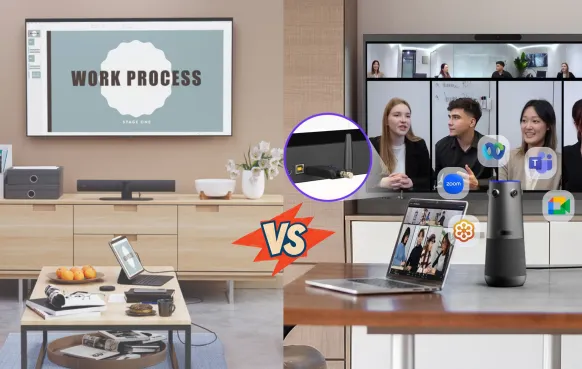
Workflow and platform. The Bar Pro is a managed appliance with one-touch join and central administration. The 360 Alien is platform-agnostic — Zoom, Teams, Meet, Webex, whatever the host laptop runs. Standardized organizations gain management; mixed-platform teams avoid lock-in and licensing.
This fork shows up constantly in real deployments. In an r/CommercialAV thread, an IT lead fitting out a 12×5 m room with dual 85-inch displays described exactly this decision:
His existing rooms all run on NUC mini PCs logged into shared Teams accounts, with access to network drives and ERP software, while visiting third parties connect their own laptops over HDMI on an isolated guest network. He had planned a Neat Bar Pro, then hesitated — the room's entire workflow is host-PC-based. The Bar Pro's BYOD mode (USB-C plus HDMI) would technically work, but at $6,000+ he would be paying appliance prices to bypass the appliance.
For NUC-centric rooms like his, a USB-native device is the more rational spend.
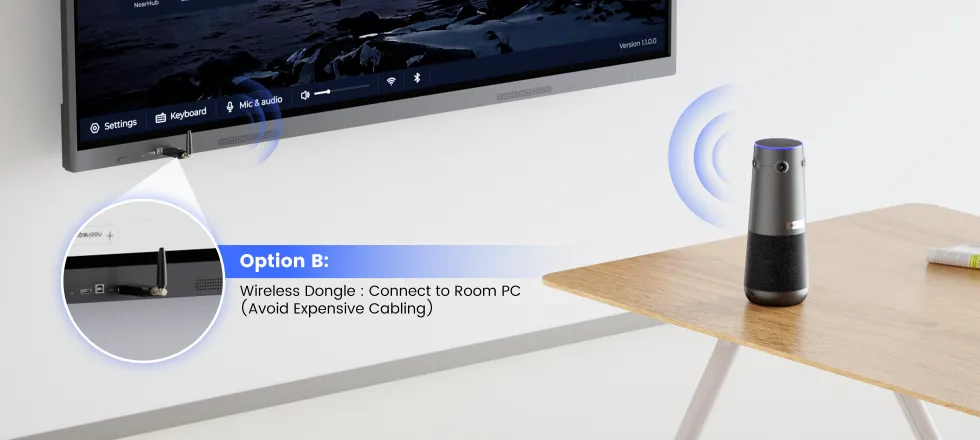
Deployment. The Bar Pro mounts at the display, needs a Neat Pad, and — per Neat's own reviewers — rewards professional setup. The 360 Alien sits on the table and connects over one USB-C cable or a wireless dongle (~$150); see the setup guide.
Total cost. Budget roughly $6,000–$6,700 per Bar Pro room before displays and licensing, plus ~$2,290 if you add Neat Center. A fully expanded 360 Alien setup with wireless dongle lands near $1,699. You give up the managed appliance experience — the question is whether your rooms use it.
Nearity 360 Alien: a table-centered Neat Bar alternative
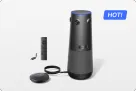
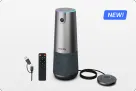
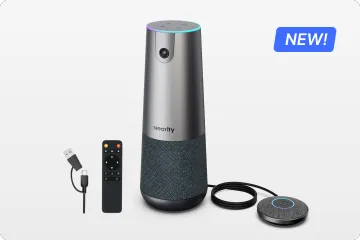
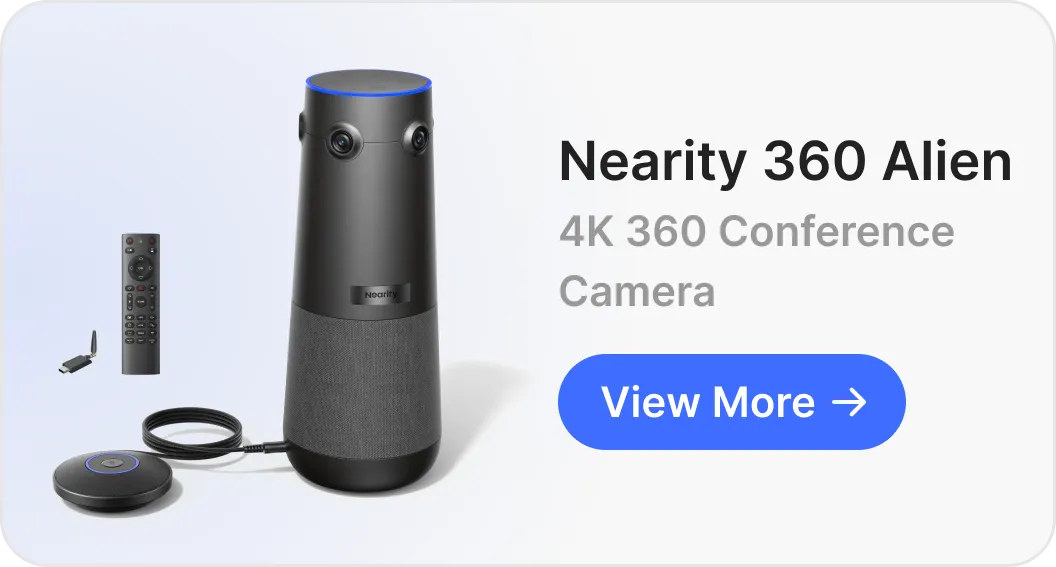
Among 360° options, the Nearity 360 Alienis our pick for this use case — and since NearHub makes it, here is the reasoning, not a pitch. Four true 4K lenses cover the full circle, AI speaker tracking frames whoever is talking, and three AI modes (Discussion, Global, Presentation) adapt framing to the meeting. The 3 TOPS NPU runs noise reduction, echo cancellation, and gain control locally; pickup extends from 16 ft to about 52 ft with two expansion mics, a defined upgrade path for 12–20+person rooms.
Honest limitations: it is not a managed room system — no one-touch join, scheduling panels, triple displays, or fleet dashboard. A laptop or room PC runs the meeting, and the table-level camera angle is less polished than an eye-level shot for executive boardrooms. For other tabletop options, see our 360 Alien vs Meeting Owl 5 Pro comparison and the conference room camera guide.
Choose by room layout
U-shaped tables: a front bar sees the open end clearly while the wings appear in profile. Test a center 360° placement first; if you own a Bar Pro, compare Neat Center from the same seats.
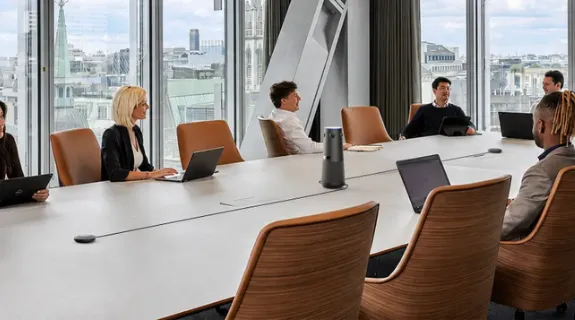
Round and oval tables: there is no natural front, so someone always faces away from a wall-mounted bar. A central camera keeps every face in one shared view — just keep it low enough not to block sightlines.
Large boardrooms and classrooms: the Bar Pro's 33 ft reach, speakers, and native controls earn their price when seats face forward. Test the last row and overlapping speech; a central camera with expansion mics can suit long tables with speakers on both sides.
Huddle rooms: both flagship options are overqualified. A compact 360° camera is usually the better value and deploys in minutes.
A seven-minute room acceptance test
Before approving any room, run this test — it has killed more bad deployments than any spec comparison:
Mark the seats most likely to fail: nearest, farthest, side, and corner positions.
Check faces: a remote viewer must recognize each speaker without prompting.
Check speech: speak normally from each seat, interrupt briefly, and listen for echo, clipping, and HVAC noise.
Share real content on the actual platform, screen count, and BYOD path you use.
Repeat after installation — furniture and wall reflections change the acoustic result.
Common mistakes when comparing video bars and 360° cameras
Comparing spec sheets instead of viewpoints. Field-of-view numbers say nothing about seats facing sideways. Map seating first.
Pricing the hero device, not the room. Bar Pro needs a Neat Pad; face-to-face seating may need Neat Center; 360° rooms may need extra expansion mic.
Trusting certification as performance. Test your actual platform.
Testing the picture and trusting the audio. A crisp presenter image proves nothing about how the farthest seat sounds.
FAQ: Neat Video Conferencing and Alternatives
Is Neat Bar Pro a good conference system for a large room?
Yes, for the right shape of large room: deep, front-facing spaces running Zoom Rooms or Teams Rooms natively. If people sit around a table rather than facing a wall, much of its 33 ft reach and triple-display value goes unused, and a 360° alternative deserves a look.
Does Neat Bar Pro provide a 360° view?
No. Its cameras cover 70°–113° horizontally from the front of the room. Neat's answer to face-to-face seating is Neat Center (~$2,290), a separate table-top companion. A single-device alternative is a 360° camera covering the full circle from the table center.
What is the best Neat Bar alternative for a U-shaped table?
A center-of-table 360° conference camera. The Nearity 360 Alien places four 4K lenses and an omnidirectional mic array at the table center, so every wing of the U is captured face-on at equal audio level — starting around $1,400, versus several times that for a bar plus companion camera.
Can remote participants hear a long conference-room table?
It depends on pickup geometry and acoustics more than microphone count. Front bars hear best in their forward zone; a 360° device hears equally in all directions, and the 360 Alien reaches about 52 ft with two expansion mics. Always test the farthest seat with a remote listener before approval.
Can you use a Neat Bar Pro with a NUC or room PC?
Yes. The Bar Pro's BYOD mode connects a computer over USB-C and HDMI, so the bar acts as the camera, microphones, and speakers for whatever runs on that PC. But you give up the native one-touch-join appliance experience you paid for, and a Neat Pad is still required for setup. If your rooms standardize on a NUC with a shared Teams account, a USB-native camera such as the Nearity 360 Alien — or a MeetUp/Rally-class device — is usually the more rational spend.
Final recommendation
Neat Bar Pro is a sensible choice for a large room that faces a display wall and runs a managed Zoom, Teams, or Meet environment — the hardware is proven and long-term stability reports back it up. Its front-facing design becomes less natural the moment the meeting is organized around the table instead of the screen.
If that describes your rooms, compare two concrete configurations — Bar Pro plus Neat Center, versus one central 360° camera — and run the same seat-by-seat acceptance test for both. The Nearity 360 Alien delivers full-table coverage, local NPU audio processing, and an expansion path at a fraction of the cost. For a room-specific recommendation or a live side-by-side comparison, request a NearHub demo.