- View products
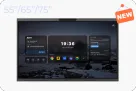
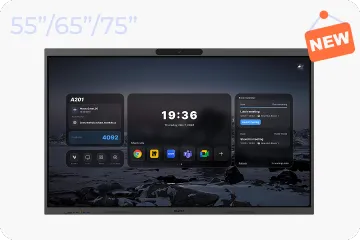
Windows OS (2nd Gen)
NearHub Board Max
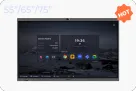
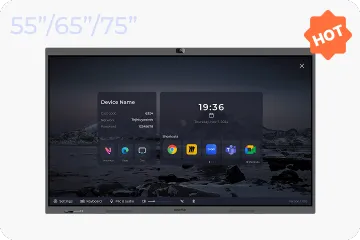
Windows OS
NearHub Board S Pro
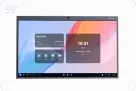
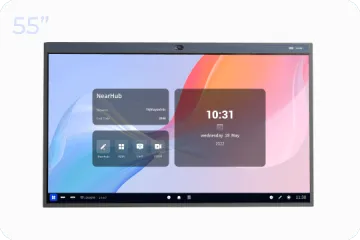
For Huddle Rooms
NearHub Board S55
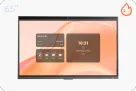
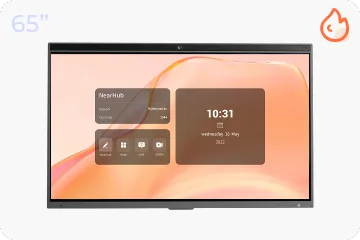
For Medium Rooms
NearHub Board S65
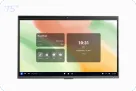
For Large Rooms
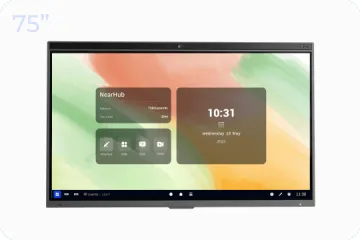
NearHub Board S75
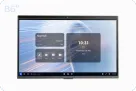
For Broad Rooms
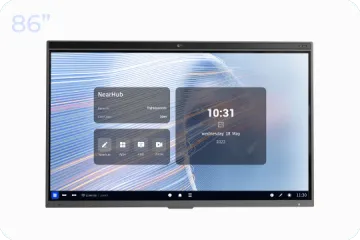
NearHub Board S86

Smart Digital Photo Frame with Air Quality Monitor
NearHub Frames 10
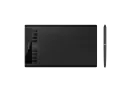
USB Drawing Tablet
NearHub MagicPad ST1160
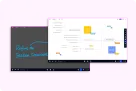
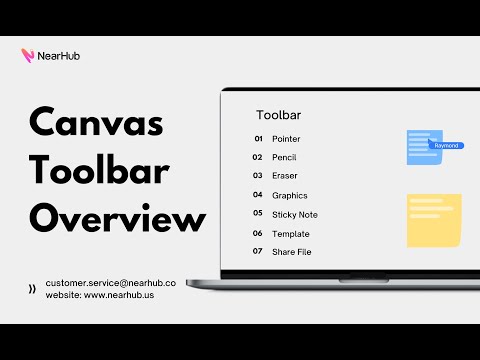
Real-time Online Whiteboard
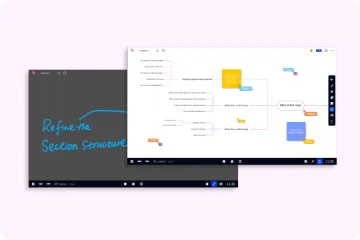
NearHub Canvas
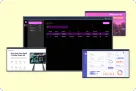
Digital Signage and Batch Management
NearRooms
- View products
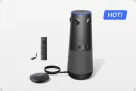
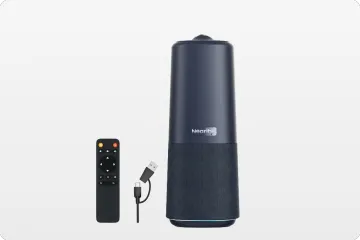
True 4K 360° All-in-1 Camera for Hybrid Meetings
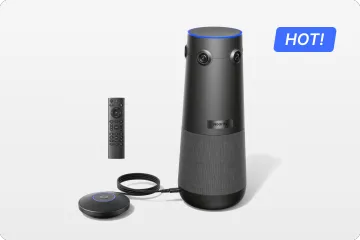
Nearity 360 Alien

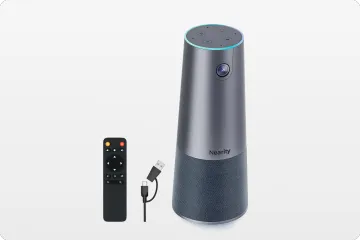
True 4K 120° All-in-1 Camera for Team Collaboration
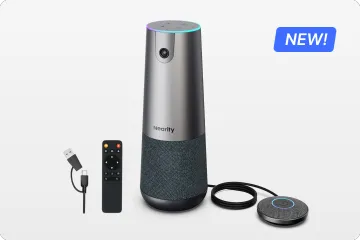
Nearity 120 Max

Professional Audio&Pioneering Daisy-Chain
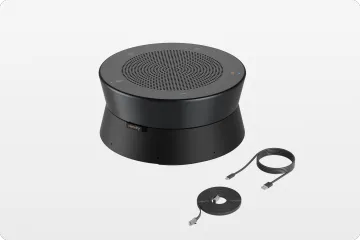
Nearity A20S
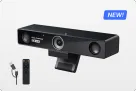
4K UHD 120° Webcam for Hybrid Meeting
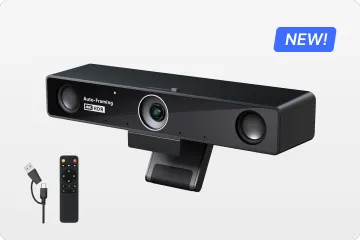
Nearity V30S
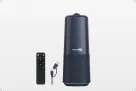
360° All-in-one Camera for Pro Group Chat
Nearity 360 Basic
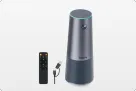
All-in-one Camera for Group Meeting
Nearity C45
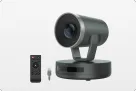
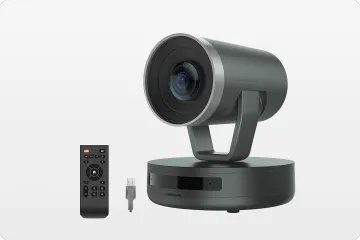
Powerful PTZ Camera with 10x Hybrid Zoom
Nearity V410
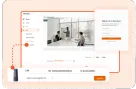
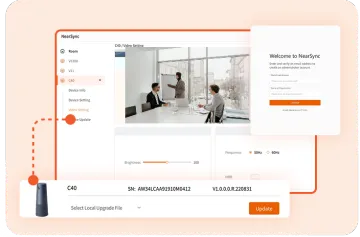
Firmware Updater and Device Controller
NearSync
- View products
- Meeting Room
- Meeting Scenario
- Whiteboard