

































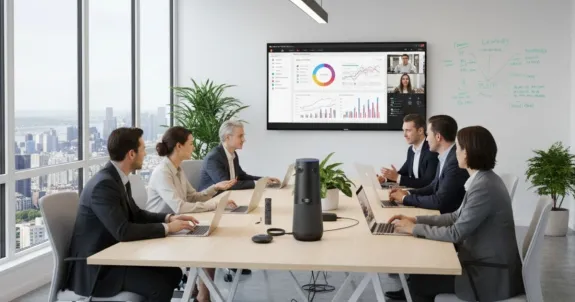
We've all been in that meeting.
You're squinting at the screen, trying to read the room, but the room is a pixelated, 14-person-wide blur. The CFO is a disembodied voice from the far end of the table, and the remote team is just a row of static icons, completely disengaged.
This isn't just a minor annoyance—it's a communication breakdown.
In 2026, hybrid work is the permanent standard, but our meeting technology is often stuck in the past. We battle constant frustrations—connectivity drops, poor audio, and video quality so bad it hurts collaboration. This creates a "hybrid divide," where remote participants miss the non-verbal cues that drive real decisions.
For years, we blamed our internet. We blamed the software. But the real culprit—the one holding back a truly interactive meeting—is your camera.
The solution isn't just "buying a 4K camera for video conference." It's understanding why a camera with 4K resolution is the key to unlocking true meeting inclusion. It's not about a prettier picture; it's about a smarter picture, powered by AI.
This guide walks you through the core technology and the top models of 2026, showing you how to finally achieve crystal-clear collaboration.
Key Takeaways
- A 4K sensor captures 4× more pixels than 1080p, giving the camera's AI engine the data it needs for lossless zoom and accurate speaker tracking—even when the final stream is delivered at 1080p.
- AI auto-framing and speaker tracking are the two most impactful features in a modern 4K video conference camera—auto-framing keeps the group in shot, speaker tracking cuts to whoever is talking.
- Audio is equally critical—look for beamforming microphones, Acoustic Echo Cancellation (AEC), and AI noise suppression as baseline requirements.
- Room size is the primary buying filter: huddle rooms need a compact solution, medium rooms need the right FOV match, and large boardrooms need scalable audio coverage above all else.
"Is This Blurry?" Why Your 1080p Camera Can't Handle 4K Video Conferencing
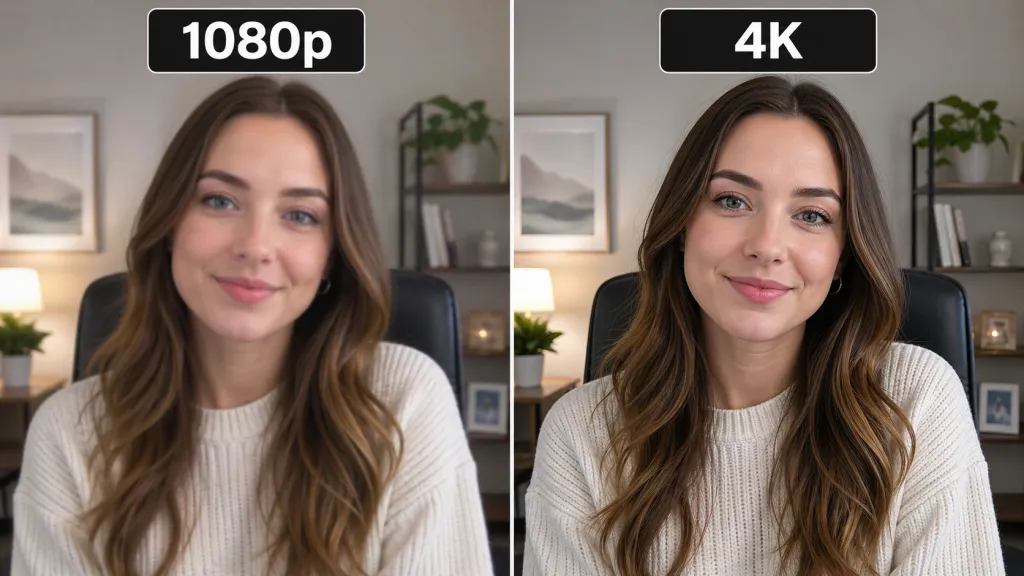
This is the part of the meeting where someone inevitably asks, "Can you see my screen?" or "Is the video okay?"—when they know full well it's not. The problem is that our expectations for "good enough" video are still based on old technology.
The 1080p Fallacy: Fine for a Face, Bad for a Boardroom
Let's be clear: 1080p (Full HD) is a perfectly fine resolution—for a single-person webcam. When one person is sitting two feet from their laptop, 1080p is more than enough to capture their face in detail.
But in a conference room, that same 1-megapixel (1920×1080) image sensor is stretched to its breaking point. It's trying to capture a 120-degree-wide view of a 15-foot-long table. Those pixels are spread so thin that each of the 10 people in the room is reduced to a 100-pixel smudge.
And what happens when you try to zoom in?
You're not zooming. You're digitally magnifying an already poor-quality image. The camera is just "blowing up" the pixels, which is why the person at the end of the table turns into a blurry, pixelated mess. This is the root cause of the missed visual cues and Zoom fatigue that plague hybrid meetings—remote attendees can't tell who's talking, can't read facial expressions, and, as a result, they check out.
The 4K Sensor Myth: Why 4K Is Essential Even When Platforms Stream in 1080p
This is the single most important concept in this entire guide. It's the "aha!" moment that separates smart buyers from the rest—and it's the number one objection IT managers raise.
"But wait," you're thinking, "my company uses Zoom and Microsoft Teams. They don't even support 4K streaming! Why would I pay for a 4K video conference camera?"
You are absolutely right. Most video conferencing platforms cap their streams at 1080p to conserve bandwidth. But you're confusing stream resolution (the video sent over the internet) with sensor resolution (the raw data captured by the camera).
Here's how it breaks down:
- More data, more power. A 4K sensor (typically 3840×2160 pixels) captures four times the number of pixels as a 1080p sensor—creating a data-rich image that gives the camera's AI processor far more to work with.
- Smarter, not harder. When the camera's AI needs to zoom in on a speaker at the far end of the table, it isn't "digitally magnifying" a blurry 1080p image.
- Lossless zoom. Instead, the AI crops a perfect, pristine 1080p window from within that massive 4K sensor image.
- The result. The 1080p stream your camera sends to Zoom is crystal-clear and perfectly framed. A 1080p stream from a 4K sensor looks vastly superior to a native 1080p sensor attempting the same job.
A 4K sensor is the engine that makes all modern, smart meeting features possible. Without it, you're just pushing pixels around.
Key Features to Look for in a 4K Video Conference Camera
The 4K sensor is the prerequisite. But what does it power? These are the features that actually create an interactive meeting.
AI-Powered Framing & Tracking: The End of the "Static" Meeting
This is where the 4K sensor's power is put to work. Instead of a single, static "bowling alley" shot of the room, AI turns your meeting into a dynamic, professional experience.
- Auto-framing (the "group shot"). The camera analyzes the room and intelligently pans, tilts, or zooms to ensure all participants are perfectly framed. If a new person walks in and sits down, the camera smoothly zooms out to include them—no one is ever awkwardly cropped out.
- Speaker tracking (the "close-up"). Using beamforming microphones and visual AI, the camera identifies who is speaking and cuts to a clear close-up of them. This is essential for remote participants, allowing them to follow the natural flow of conversation and see who's talking—just as if they were in the room.
Field of View (FOV): The Right Lens for the Room
A camera's FOV determines how much of the room it can see. Choosing the wrong one is like bringing a telescope to a portrait session.
- PTZ (Pan-Tilt-Zoom). A mechanical camera that moves to look around. Often powerful, with high optical zoom, but can be slow or noisy.
- 180° panoramic. Multiple lenses stitched together for an ultra-wide view. Perfect for long, shallow rooms where the table is pushed up against a wall.
- 360° panoramic. Sits in the center of the table, creating a democratic "seat at the table" experience for everyone—both in-room and remote. The new gold standard for truly interactive meetings.
Audio Is Half the Battle: Mics, Speakers, and Noise Cancellation
You can have the most beautiful 4K image in the world, but if your audio is terrible, your meeting is a failure. This is why most teams today opt for an all-in-one video conference camera with mic and speaker built in—eliminating the need for separate audio hardware and reducing setup complexity. Modern 4K video conferencing cameras are exactly that: integrated video bars with professional-grade audio already on board.
- Beamforming microphones. An array of 6, 8, or more mics that work together to create "listening beams"—focusing on the person speaking while actively ignoring room noise.
- Acoustic Echo Cancellation (AEC). Stops the horrible feedback loop when the microphone picks up sound from the speaker.
- AI noise suppression. Advanced AI (like Nearity's ProperClean™ 2.0) identifies the human voice and actively filters out everything else—keyboard typing, HVAC hum, paper shuffling, sirens—before it ever reaches the audio stream.
Top 5 Best 4K Video Conferencing Cameras (2026 Comparison)
There's no single "best 4K video conferencing camera"—but there is a best camera for your specific room. Here's how the top models stack up in 2026.
1. Logitech Rally Bar: The All-in-One Powerhouse
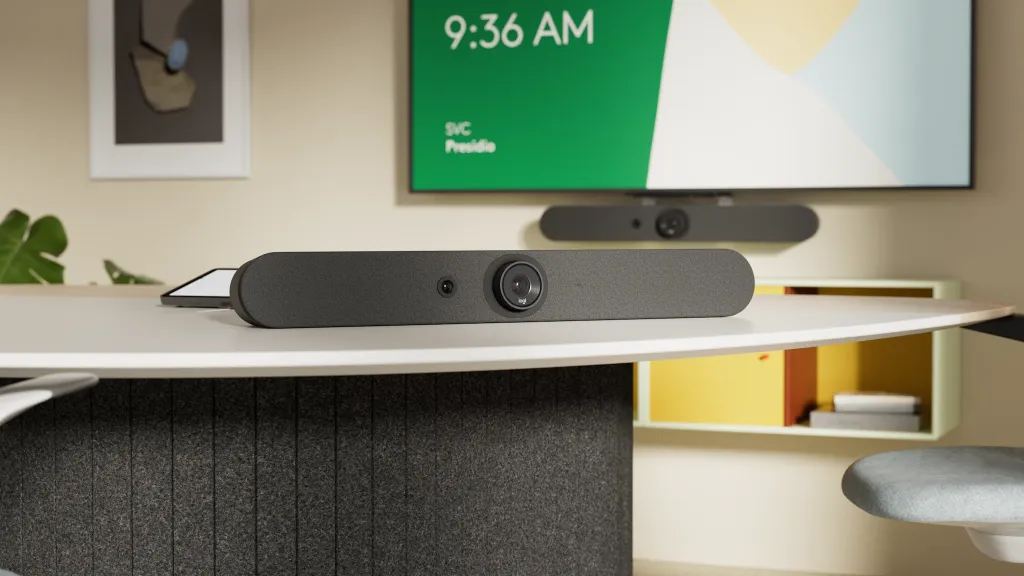
Best for: Medium-to-large traditional conference rooms.
Key features:
- Motorized 4K PTZ camera with 15x HD zoom (5x optical) for covering long rooms
- Six beamforming microphones with a 7m (23-foot) audio pickup range
- Dedicated "AI Viewfinder" (a second camera) that powers RightSight™ auto-framing and speaker tracking
Why it stands out: The industry benchmark for a reliable, powerful all-in-one video bar. It's a no-fuss, high-performance solution for a standard front-of-room setup.
2. Jabra PanaCast 50: The 180° Panoramic Specialist
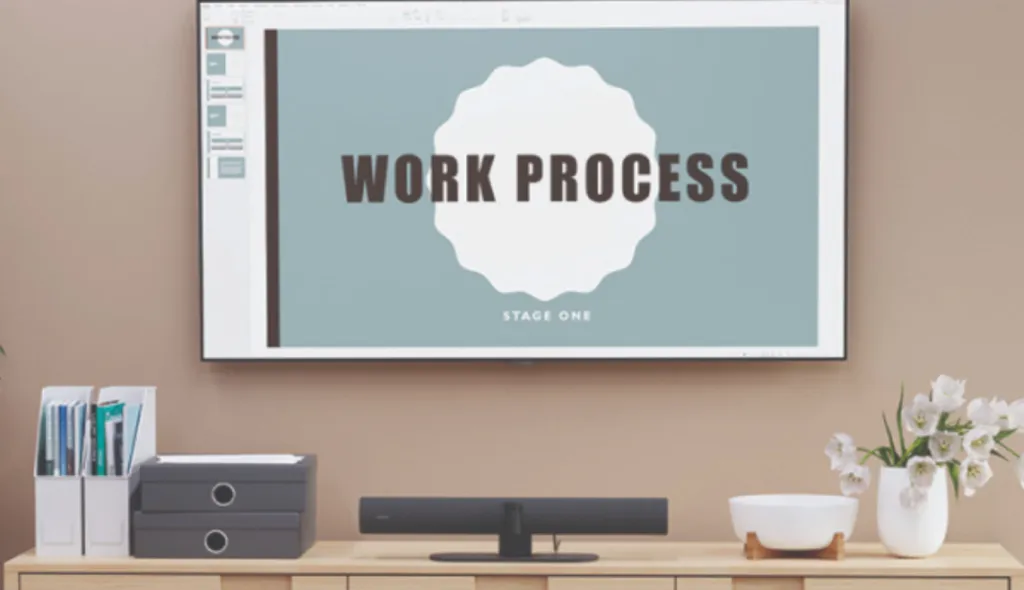
Best for: Wide, shallow rooms (like huddle rooms) where the table is close to the display.
Key features:
- Three 13-megapixel cameras create a seamless 180° "Panoramic-4K" view
- Eight beamforming microphones power the "Virtual Director" AI
- AI dynamically identifies the active speaker and frames them automatically
Why it stands out: Its 180° FOV is the perfect solution for capturing everyone wall-to-wall in spaces where a traditional camera's field of view would be too narrow.
3. Poly Studio E70: The Dual-Lens AI Specialist
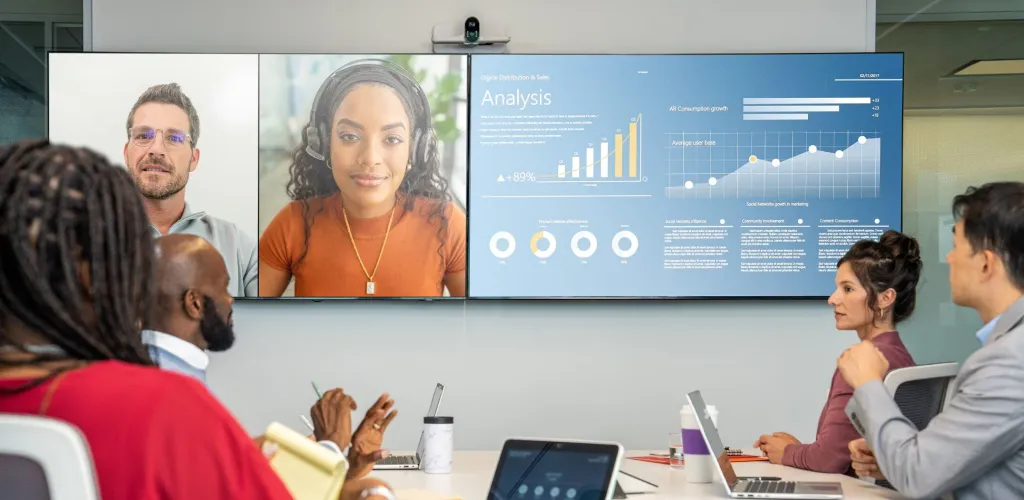
Best for: Large, custom boardrooms that already have a dedicated audio system.
Key features:
- Dual-lens system with two 20-megapixel 4K sensors
- One 120° wide-angle lens captures the entire room; a 70° narrow-angle lens handles clear close-ups
- Camera-only solution for maximum AV integration flexibility
Why it stands out: As a camera-only solution, it provides ultimate flexibility for high-end, custom AV integrations in large spaces. Poly DirectorAI intelligently switches between lenses for a professional, broadcast-quality experience.
4. Meeting Owl 4+: The 360° Center-Table Pioneer
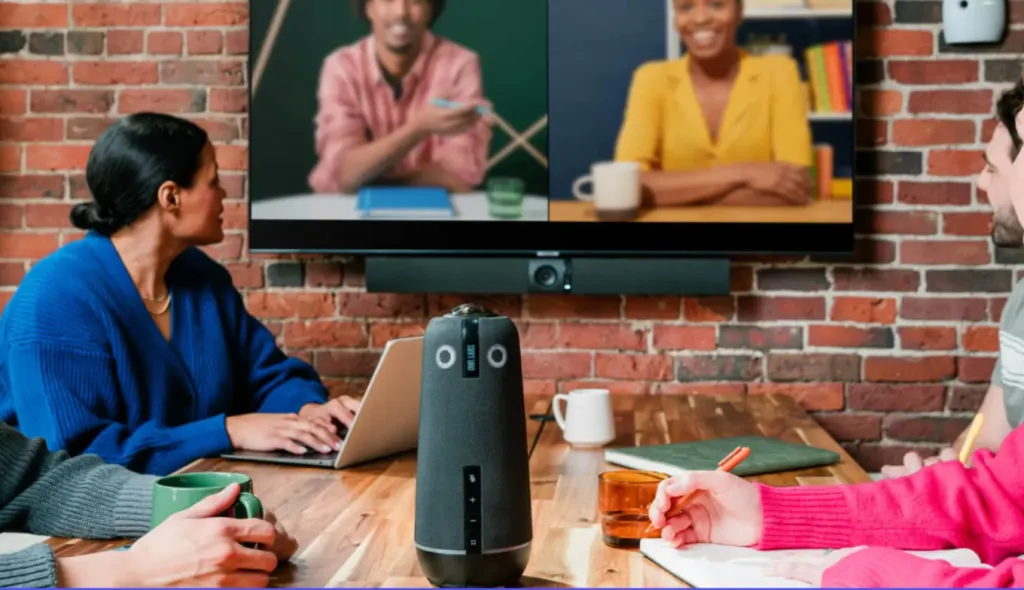
Best for: Small to medium-sized collaborative rooms where meeting equity is the top priority.
Key features:
- 64MP sensor that outputs 4K Ultra HD video
- Sits in the center of the table for a full 360° panoramic view
- "Owl Intelligence System" shows the panoramic view and automatically focuses on the active speaker simultaneously
Why it stands out: It revolutionized the center-of-table experience, giving everyone equal presence and fundamentally changing the dynamic of hybrid meetings.
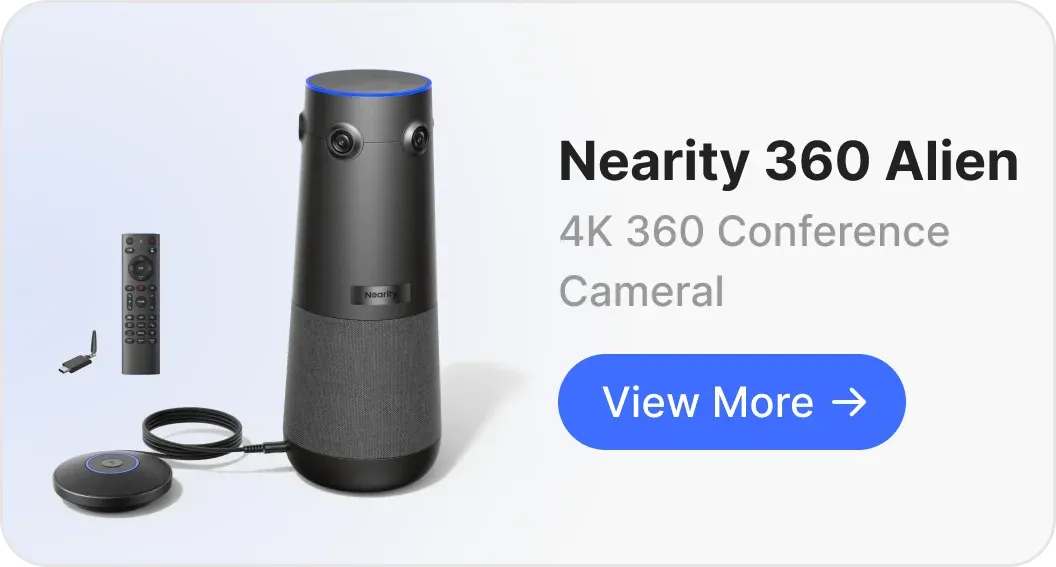
5. Nearity 360 Alien: The 360° Enterprise Upgrade
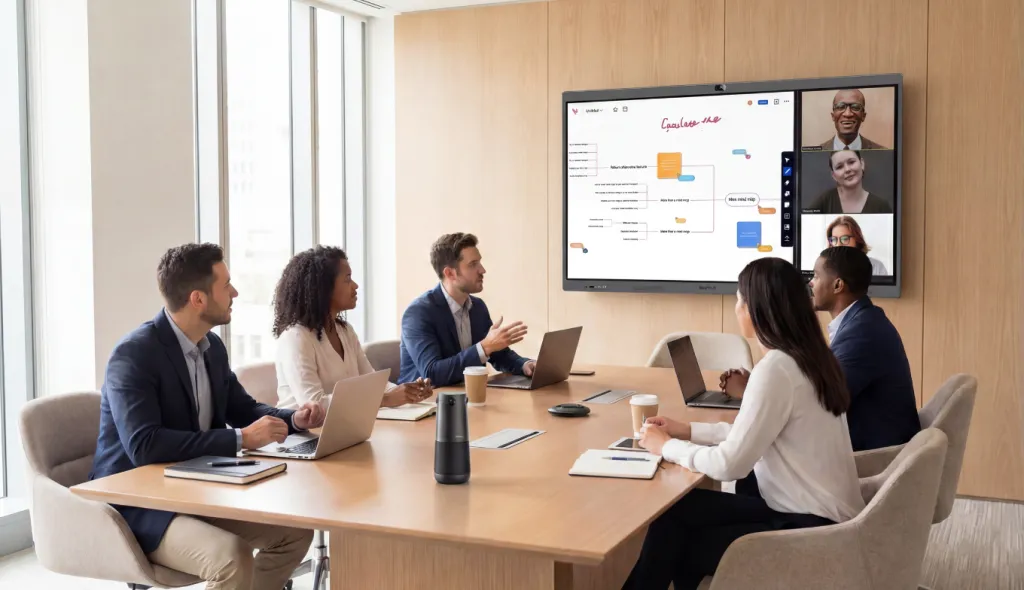
Best for: Medium to large executive boardrooms (12–28+ people) that need 360° collaborative coverage.
Key camera features:
- Four-lens 4K system. Provides a true 4K panoramic view using four dedicated 4K lenses—eliminating the distortion and blurry edges common on single-lens 360° cameras, with no blind spots or visible stitching lines.
- High-speed video mode. Offers 1080p @ 60fps for ultra-smooth video capture, ideal for high-motion presentations.
- Pro-grade audio. Six omnidirectional mics with ProperClean™ 2.0 AI noise cancellation.
Why it stands out: The 360 Alien earns its place on this list purely on camera merit. Its four-lens true 4K design eliminates the distortion and stitching artifacts common on single-lens 360° cameras. More importantly, its audio is scalable—by adding external microphones, it extends pickup to a 16-meter (52-foot) range, making it the only 360° 4K video conferencing camera that can properly cover a large boardroom without a separate ceiling mic system. For teams that need 360° coverage at enterprise scale, nothing else on this list comes close.

2026 4K Video Conferencing Camera Comparison
| Camera Model | Max Sensor / Output | Field of View | Key AI Features | Audio Pickup Range |
|---|---|---|---|---|
| Logitech Rally Bar | 4K Sensor / 4K Output | 90° + Motorized PTZ | RightSight 2 AI Suite (Speaker View, Group View, Multi-Stream) | 7m (23 ft) |
| Jabra PanaCast 50 | 3× 13MP (Panoramic-4K) | 180° | Virtual Director (Speaker Tracking), Intelligent Zoom (Group Framing) | 4.6m (15 ft) |
| Poly Studio E70 | Dual 20MP 4K Sensors | 120° & 70° (Dual Lens) | Poly DirectorAI (Speaker, Group & People Framing Modes) | N/A (Camera Only) |
| Meeting Owl 4+ | 64MP Sensor / 4K Output | 360° | Owl Intelligence System (Speaker, Grid & Auto Focus Modes) | 5.5m (Core) / 8.5m (Extended) |
| Nearity 360 Alien | True 4K Lenses / 4K Output | 360° | 3 AI Modes (Discussion, Presentation, Global); 30° Auto-Exclusion Zone | 16m (52 ft) (Extended w/ Dual Mics) |
How to Choose a 4K Camera for Video Conference by Room Size
This isn't a one-size-fits-all decision. The perfect camera for a huddle room will fail in a boardroom.
For huddle rooms (1–4 people)
A full video bar is overkill here. A 360° camera works well, but you can also get excellent results from a high-end personal AI webcam. Look for a quality 4K webcam with AI tracking—perfect for a solo presenter or very small group.
For medium conference rooms (5–12 people)
This is the sweet spot for the top 5 list above. Your choice depends entirely on the shape of your room:
- Long, narrow room: A front-facing video bar is the right call.
- Wide, shallow room: You need a panoramic field of view.
- Square, collaborative room: A 360° center-of-table camera creates the most equitable experience.
For large boardrooms (12–28+ people)
This is where 90% of audio-visual technology fails. The challenge isn't video—it's audio pickup from the far end of a 20-foot table. You have two main choices:
- A professional multi-part system: a dedicated PTZ camera paired with an external audio processor and ceiling mics.
- A high-end all-in-one 360° 4K video conferencing camera with scalable audio that can be extended with external microphones to cover the full length of the table.
Conclusion: Stop Settling for "Good Enough" and Demand Clarity
Let's go back to that blurry, frustrating meeting we started with—the one that ended with "You know what, I'll just send an email," killing the collaboration on the spot.
That is a choice, not a technical necessity.
The move to 4K video conferencing isn't about a prettier picture. It's about buying a camera with a 4K sensor—the engine that powers AI, lossless zoom, and dynamic speaker tracking. These are the minimum requirements for true meeting equity in 2026.
You can solve one problem with the best 4K video conference camera on this list.
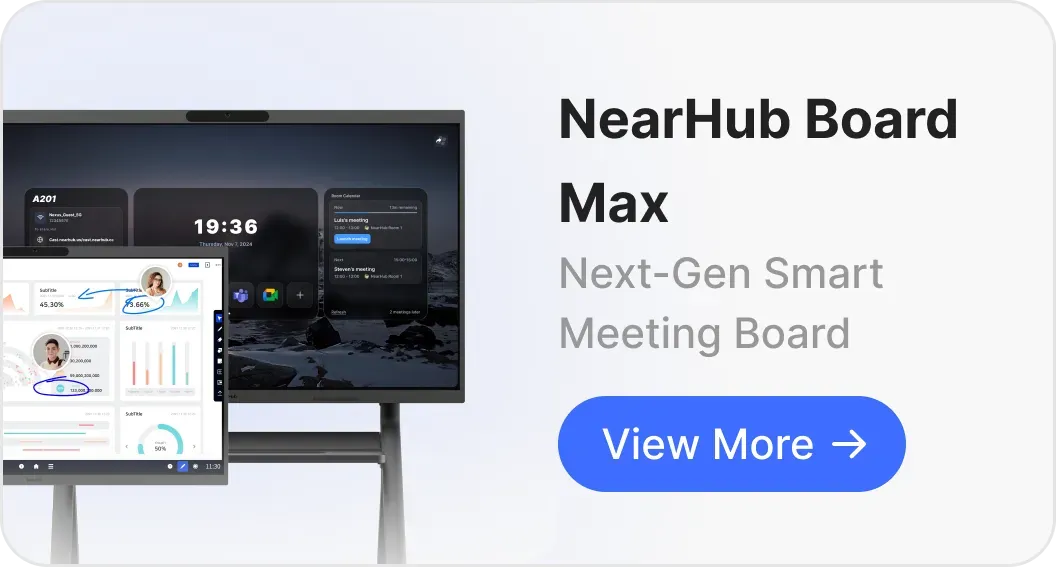
Or you can solve all your collaboration problems at once with one elegant, seamless system. The unified solution from NearHub—anchored by the Nearity 360 Alien and combined with 4K interactive boards and scalable audio—is the definitive answer for enterprise hybrid work.
Stop losing your best ideas to bad technology.
FAQs
1. Do 4K video conferencing cameras really work with Zoom and Microsoft Teams?
Yes, but in a specific way. While platforms like Teams and Zoom don't support a true 4K video stream (they downscale to 1080p), they absolutely benefit from a 4K camera. The camera uses its 4K sensor to perform all its AI auto-framing and lossless digital zoom, then sends a high-quality 1080p stream to the platform. A 1080p stream from a 4K sensor looks significantly better than a 1080p stream from a native 1080p sensor.
2. Do I need a 4K camera for video conferencing if Zoom only streams 1080p?
Yes. Even though Zoom and Teams cap streams at 1080p, a 4K camera sensor gives the AI engine 4× more data to work with—enabling lossless digital zoom and accurate speaker tracking that a native 1080p camera simply can't deliver. The 4K sensor is the prerequisite for all smart meeting features.
3. How much internet bandwidth do I need for a 4K video conferencing camera?
For a true 4K-to-4K video stream (on a platform that supports it), you need a stable connection of at least 25–35 Mbps. However, since most business platforms like Zoom only require bandwidth for a 1080p stream (around 3.0–3.8 Mbps), your 4K camera's advanced AI features will work perfectly on a standard business internet connection.
4. What's the difference between a 4K video conference camera and a regular webcam?
A dedicated 4K video conferencing camera is designed for multi-person rooms—with wide FOV (90°–360°), beamforming mic arrays, and AI auto-framing. A regular 4K webcam is optimized for one person close to a screen. The conferencing camera handles the unique challenges of a shared room: covering a wide area, picking up audio from multiple directions, and tracking different speakers.
5. What's the difference between a 4K sensor and 4K output?
A 4K sensor is the data-capturing part—the "engine" that gives the AI the raw pixels it needs to work. 4K output means the device can send a true 4K @ 30fps signal over its USB connection. Both are powerful, but the 4K sensor is the non-negotiable element for getting smart AI meeting features.
6. What's the difference between auto-framing and speaker tracking?
Think of it as a "group shot" vs. a "close-up." Auto-framing uses AI to ensure everyone is included in the shot—if someone new sits down, the camera smoothly zooms out to include them. Speaker tracking is more dynamic: it uses both audio and video AI to identify who is currently speaking and automatically frames them specifically, making the meeting feel more like a natural, directed conversation.
7. Is a 360° camera better than a traditional video bar for hybrid meetings?
It's not about "better"—it's about purpose. A traditional video bar is excellent for a presentational room where people at a table face a screen at the front. A 360° 4K video conferencing camera is designed for collaborative meetings: by sitting in the center of the table, it puts every participant on equal footing, creating a more democratic and inclusive hybrid meeting experience.