topmost

Great Chance to Invest in H2 Success at Mid-year Sale

No Installer, No Hassle, Just Works with Nearity 360 Alien

Unlock $300 Worth Free Shipping?

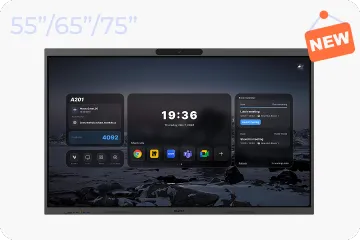
Go Big and Beyond with the New Win11 Pro NearHub Board!

NearHub Air+Tail

$179$179
Overview
Tech Spec
FAQ

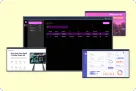
Easy-To-Use Digital Signage System with Free Software

NearHub makes it simple to manage using screens, whether for displaying content, mirroring content, or conducting meetings.

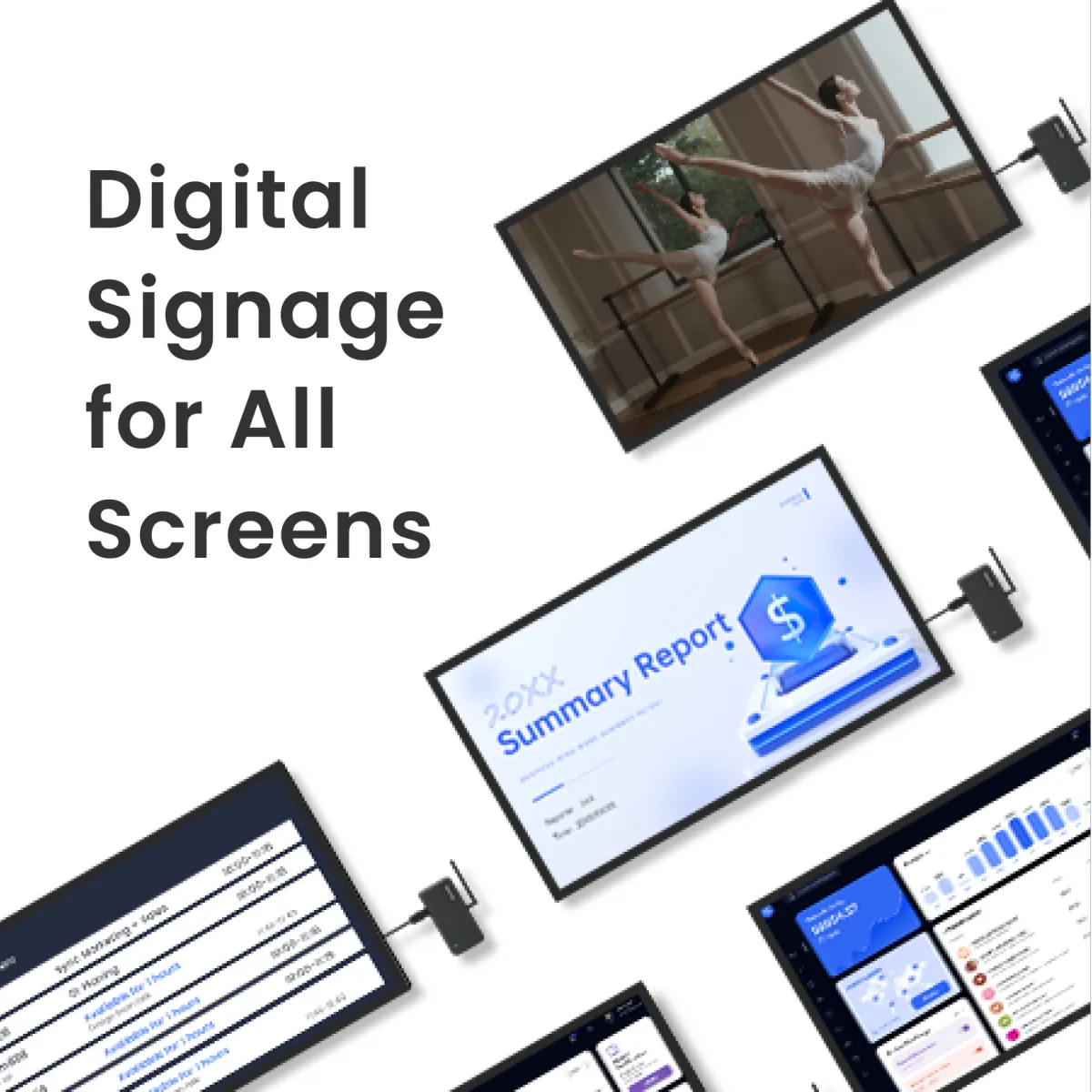
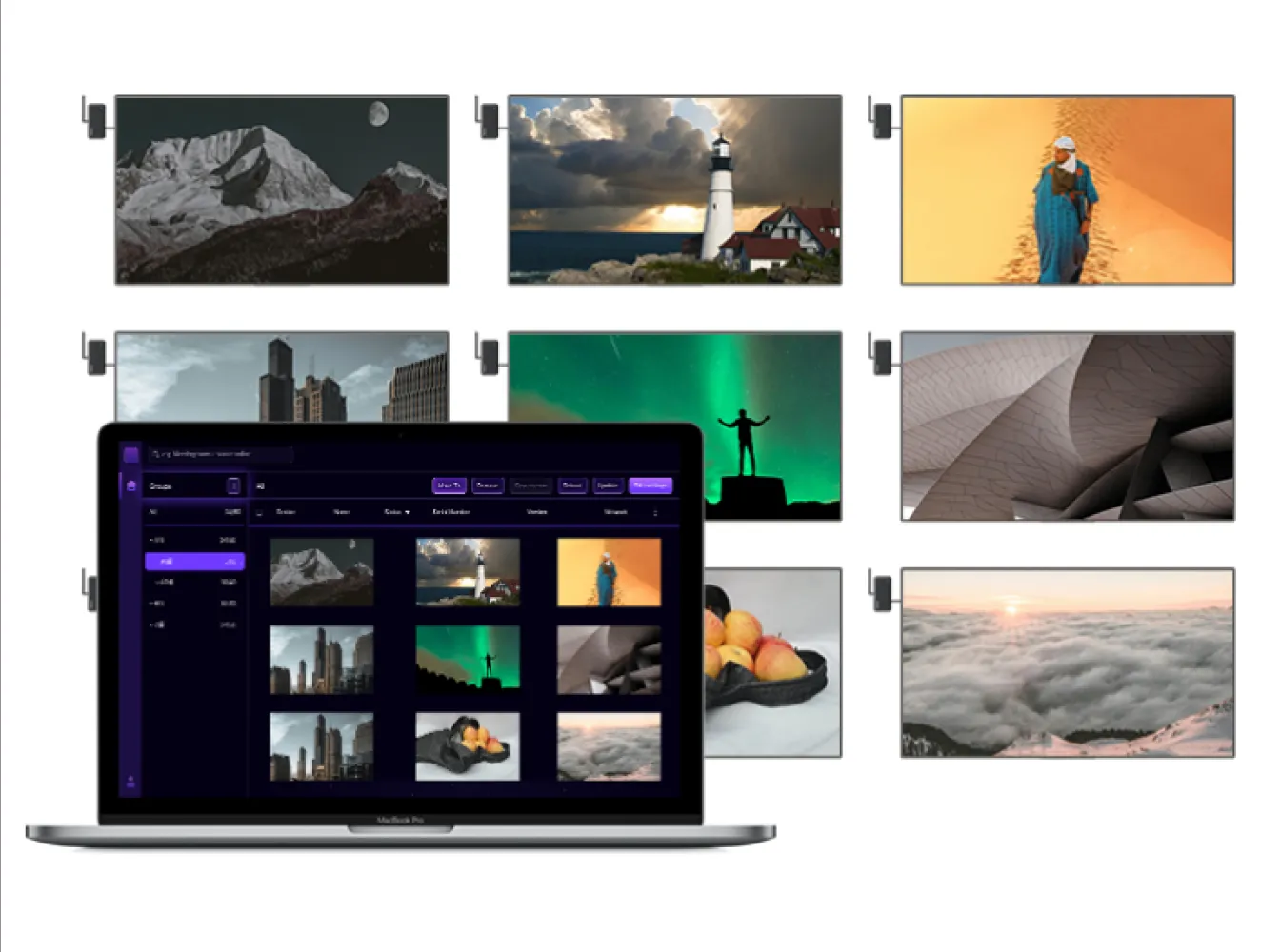
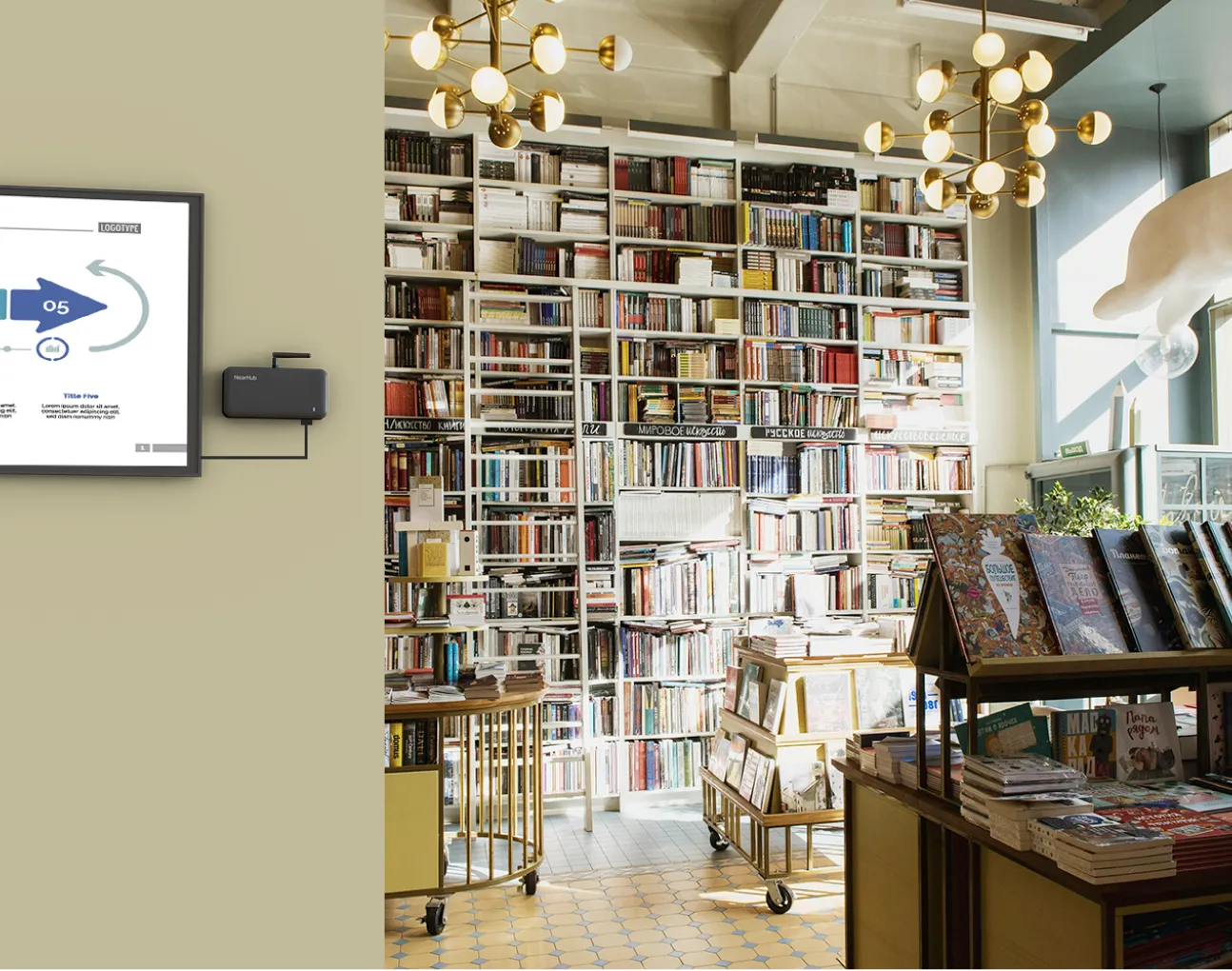
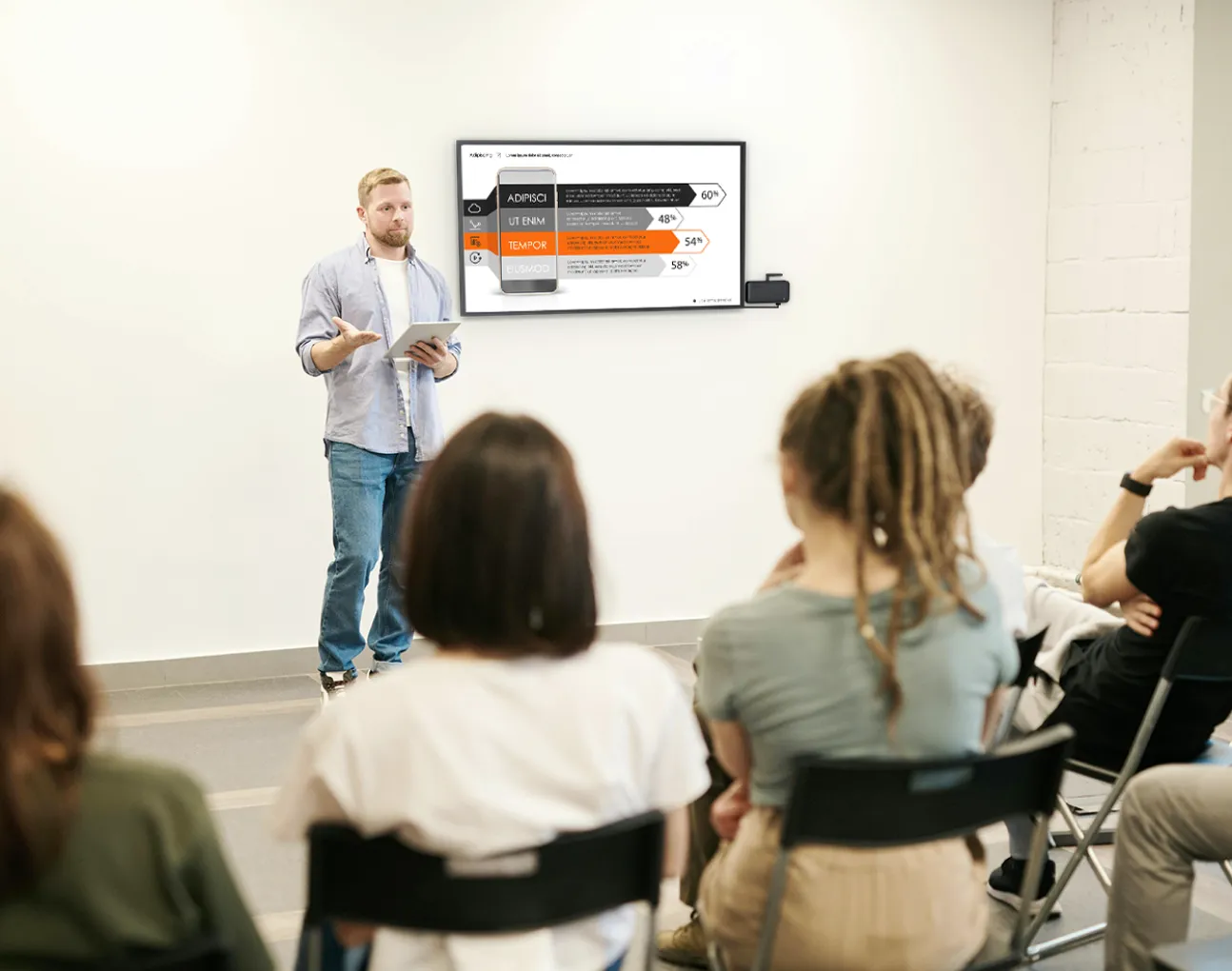
  • Digital Signage: Easily plan, display, and manage your desired content, whenever you need it, on the screens of your choice using our free content management system. Access a wide range of integrations with the tools you already employ for content creation, including slides, images, videos, and even websites.

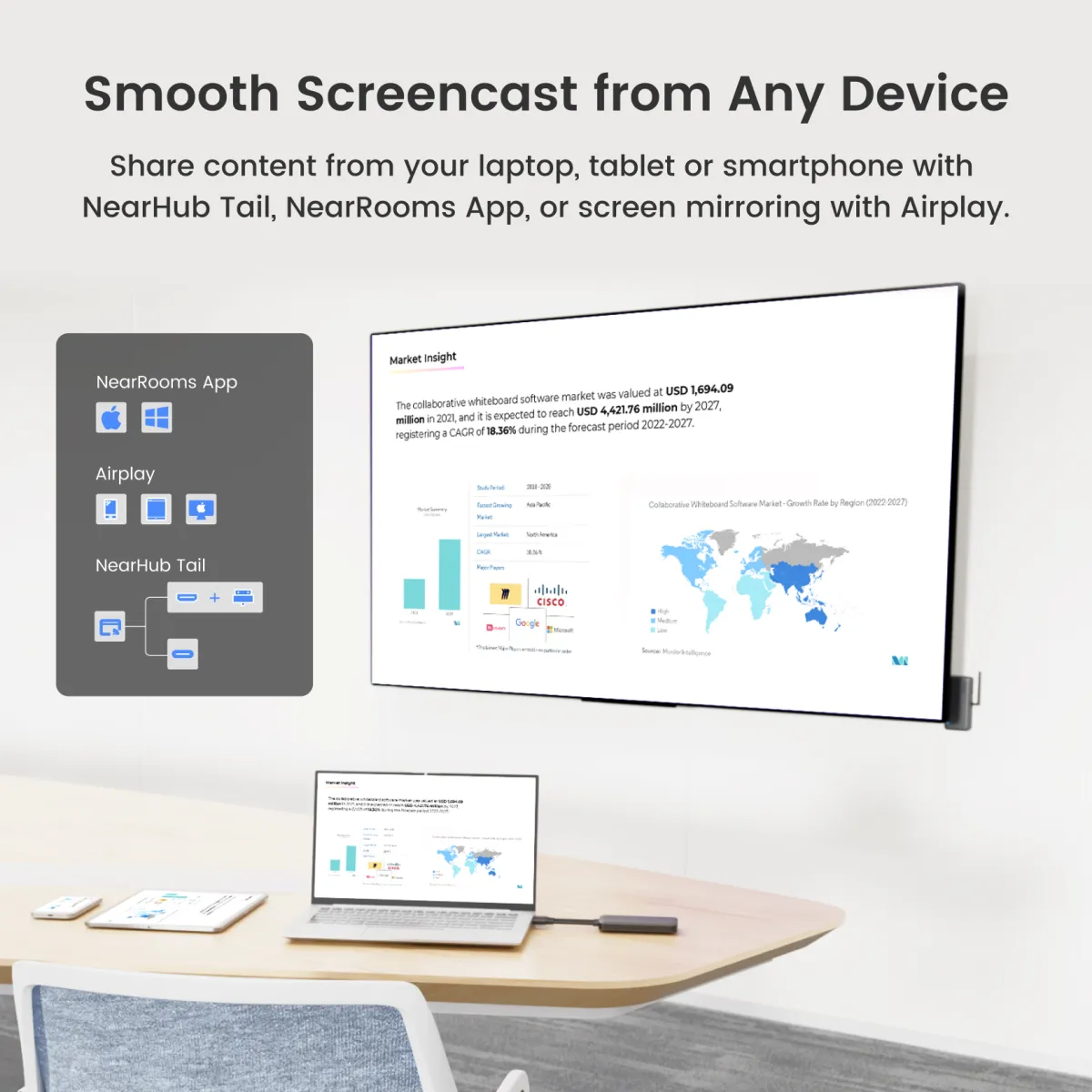
  • Wireless Screen Sharing: Regardless of its sources and how you want to mirror it, your content can now be displayed on any screen, in any space, using any device that supports all major computer and mobile operating systems.

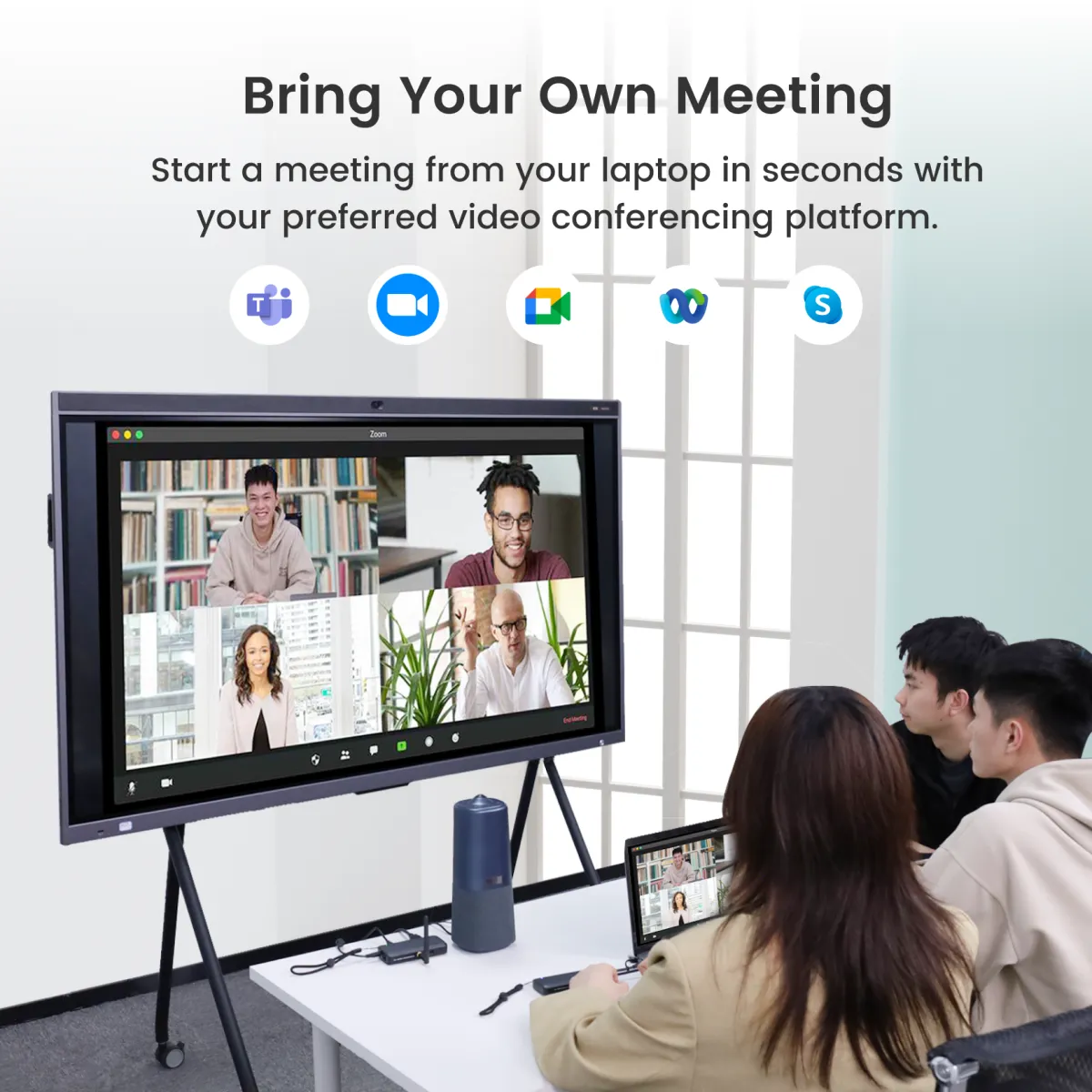
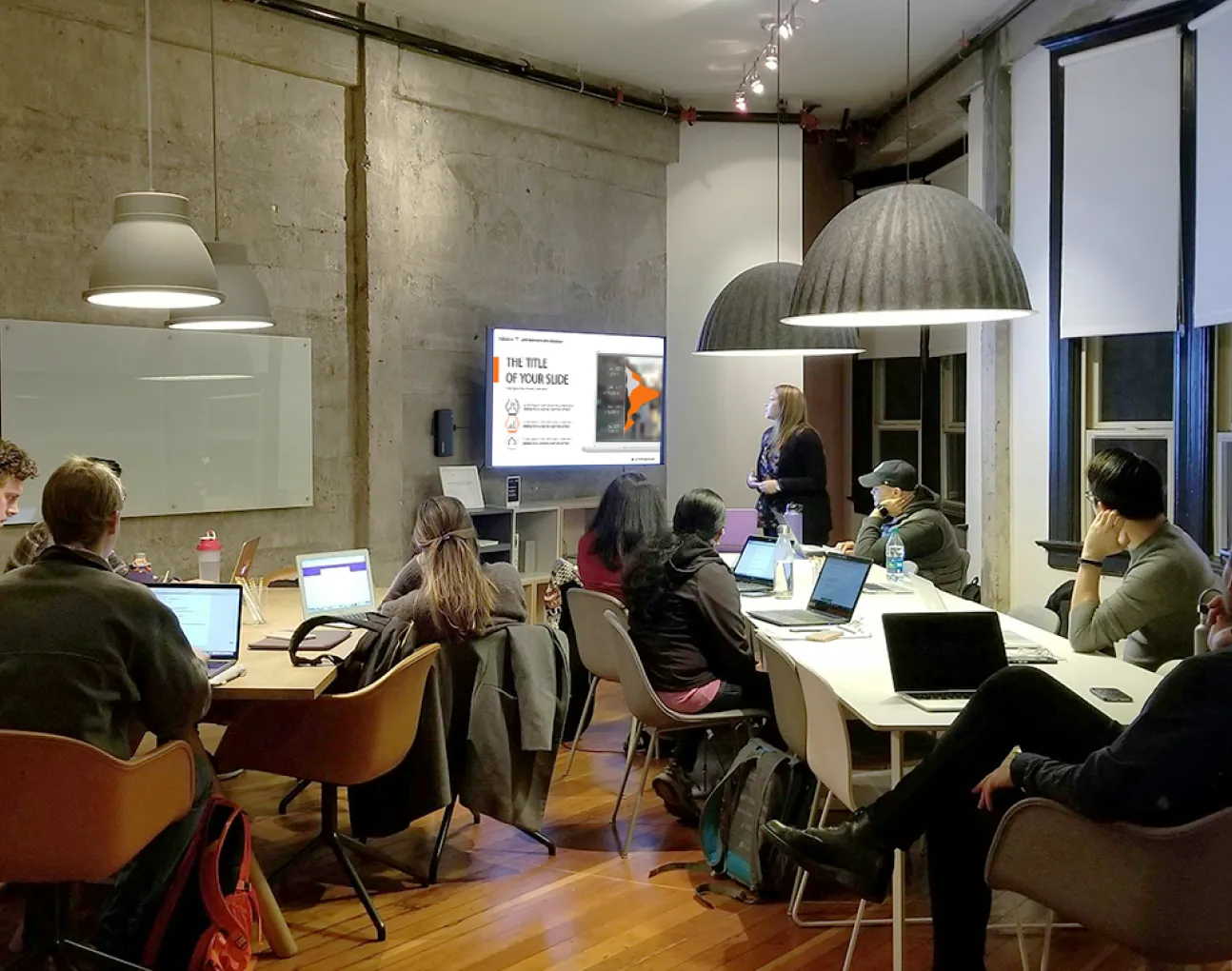
  • Bring Your Own Meeting: Transform your organization into a hybrid work environment where every meeting space embraces hybrid work and promotes collaboration equity for everyone, including remote participants, with powerful simplicity.

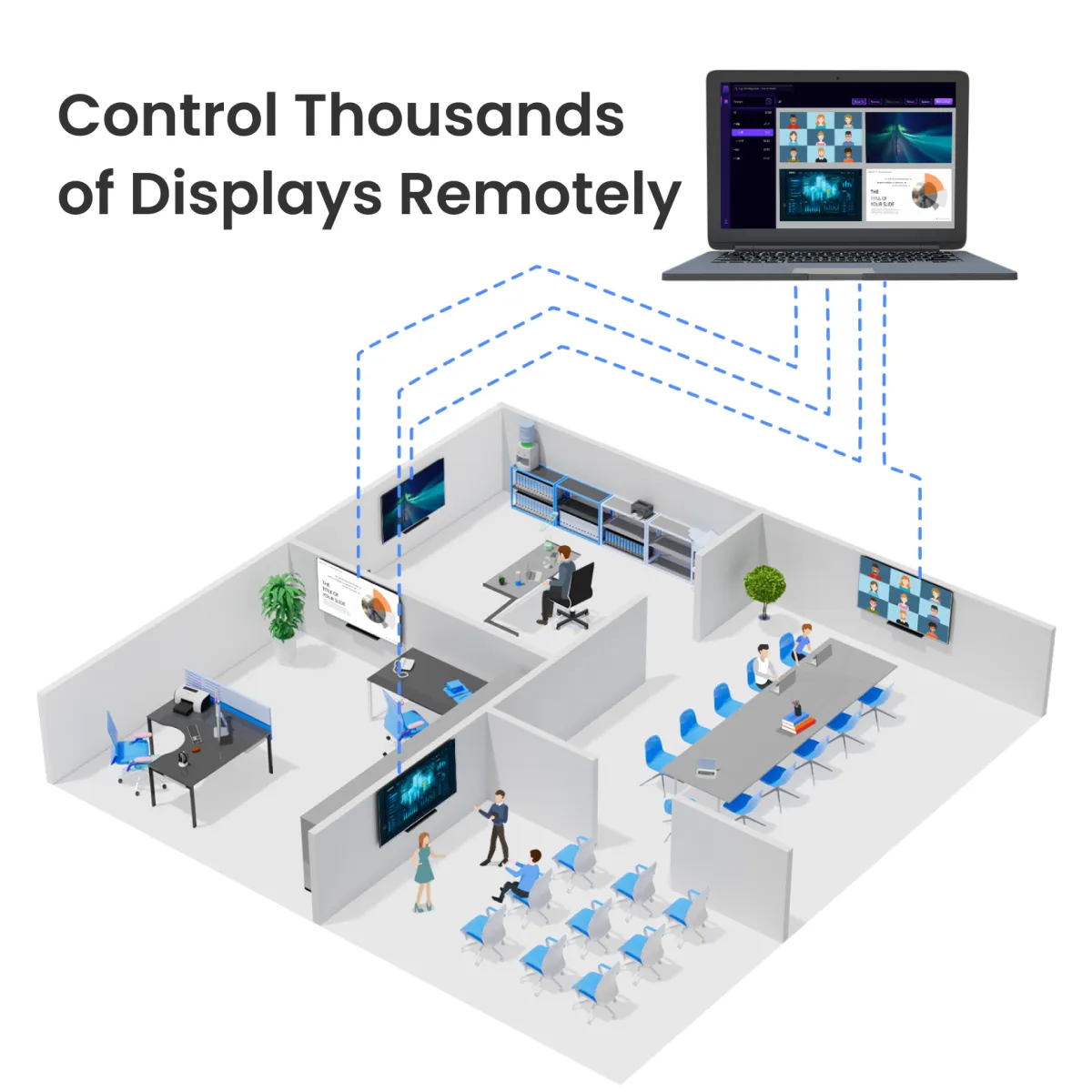
  • Remote Management: NearRooms Cloud allows you to configure and control all your content from anywhere in the world. You can choose when your displays turn on and off and schedule signage to ensure your screens consistently display up-to-date and relevant content.

Learn More
  • Digital Signage: Easily plan, display, and manage your desired content, whenever you need it, on the screens of your choice using our free content management system. Access a wide range of integrations with the tools you already employ for content creation, including slides, images, videos, and even websites.

  • Wireless Screen Sharing: Regardless of its sources and how you want to mirror it, your content can now be displayed on any screen, in any space, using any device that supports all major computer and mobile operating systems.

  • Bring Your Own Meeting: Transform your organization into a hybrid work environment where every meeting space embraces hybrid work and promotes collaboration equity for everyone, including remote participants, with powerful simplicity.

  • Remote Management: NearRooms Cloud allows you to configure and control all your content from anywhere in the world. You can choose when your displays turn on and off and schedule signage to ensure your screens consistently display up-to-date and relevant content.

Learn More
Select Product
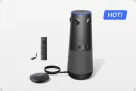
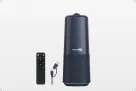
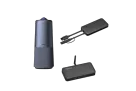
NearHub Air [Basic Combo]
USD$599
- Free Digital Signage Service- Wireless Screen Sharing (Airplay / NearRooms App)- Remote Screen Management
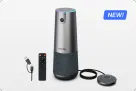
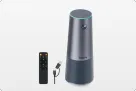
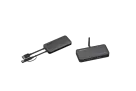
NearHub Air+Tail [Pro Combo]
USD$759$799
- Free Digital Signage Service- Wireless Screen Sharing (Airplay / NearRooms App / Tail Cast)- Remote Screen Management- Bring Your Own Meeting Support
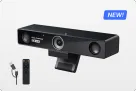
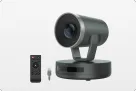
NearHub Air+Tail+C50 [Ultra Combo]
USD$1399$1497
- Free Digital Signage Service- Wireless Screen Sharing (Airplay / NearRooms App / Tail Cast)- Remote Screen Management- Bring Your Own Meeting Support- Immersive Meeting with 360° Panoramic View
$179$179
Add To CartBook a Demo

Save 10% or more for bulk order

Contact Sales
FREE deliveryAugust 4 - August 12 Or premium deliveryJuly 31 - August 4

At NearHub, we contribute 0.1% of our revenue to carbon removal.

Safe & Secure
Pay with Ease
Trusted Delivery
Safe & Secure
Pay with Ease
Trusted Delivery

Ultimate Signage and Screen Sharing Solution

NearHub’s all-in-one kit makes it simple to manage screens, whether for displaying content, mirroring content, or conducting video meetings across platforms.

Wireless
ScreencastWireless Screencast
BYOM
SystemBYOM System
Digital
SignageDigital Signage
Remote
ManagementRemote Management
Digital SignageVarious Forms SupportSignage via NearRooms AppSignage via NearRooms Cloud

    Easily Manage Content on Screens

    Easily plan, display, and manage your desired content, whenever you need it, on the screens using our content management system including NearRooms App and NearRooms Cloud.

    Download NearRooms
    Easily Manage Content on Screens

    Create Tailored Digital Signage

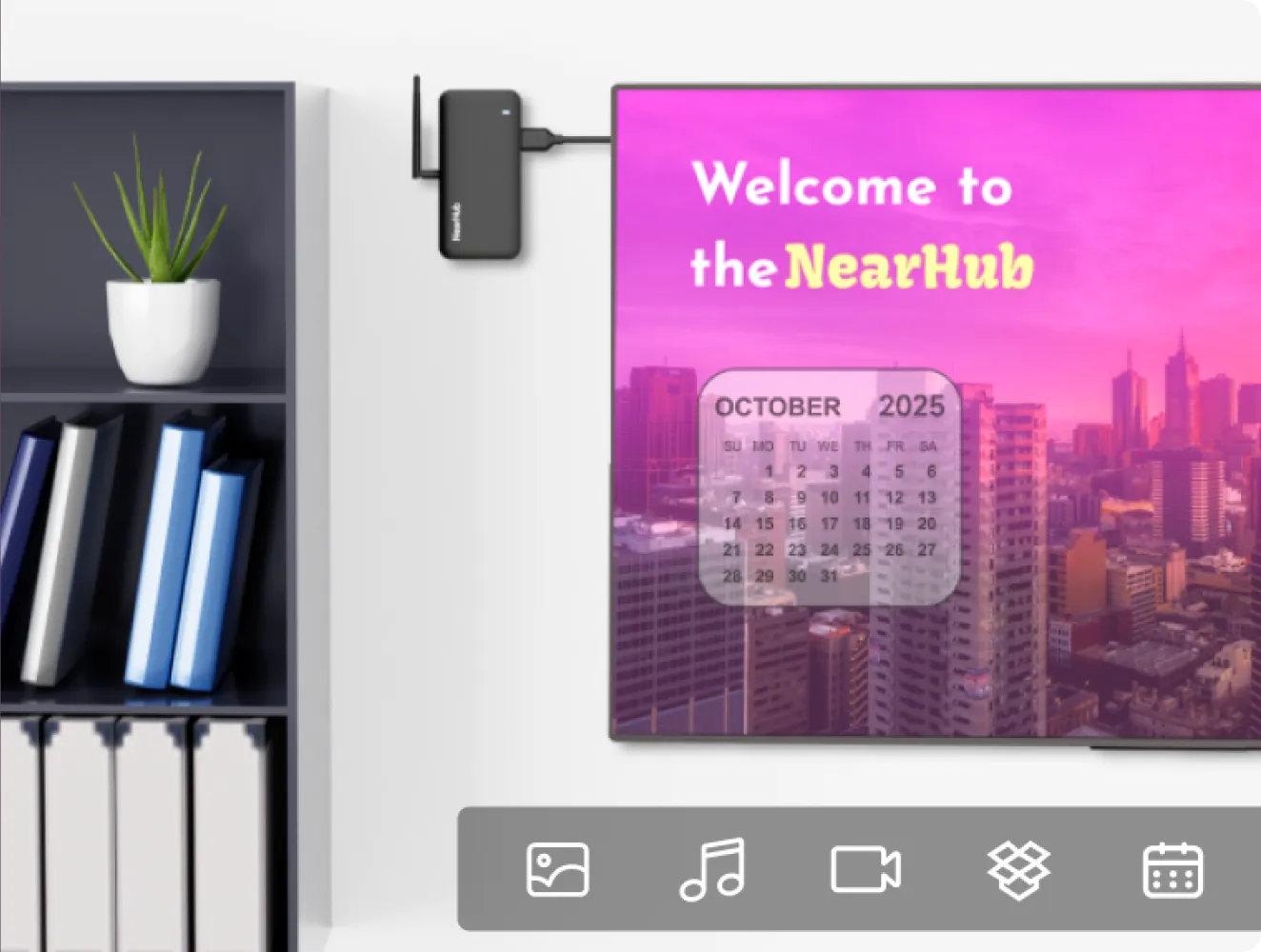
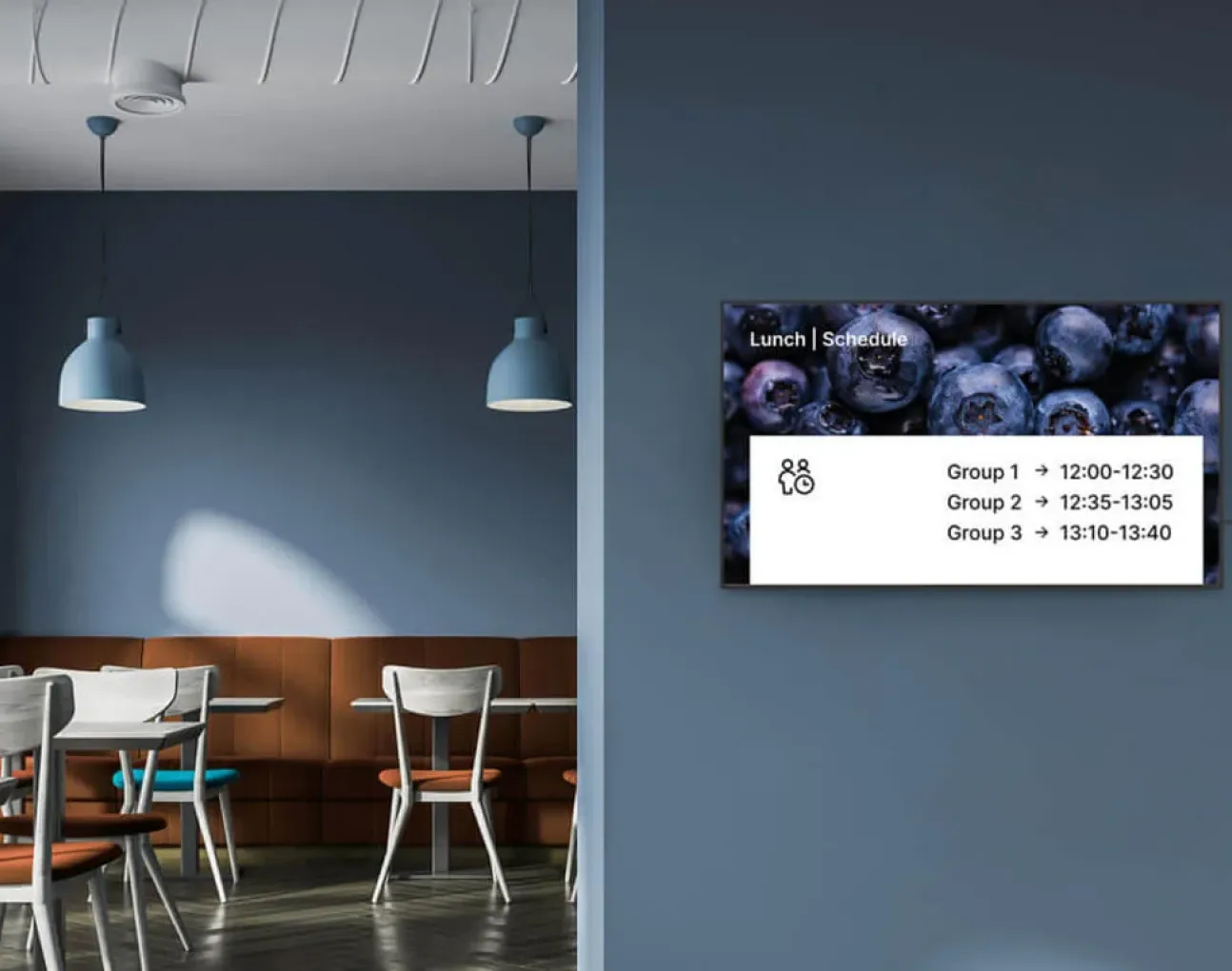
    Create screens with branded overlays, customised images and videos, or room schedules to make the space your own.

    Create Tailored Digital Signage
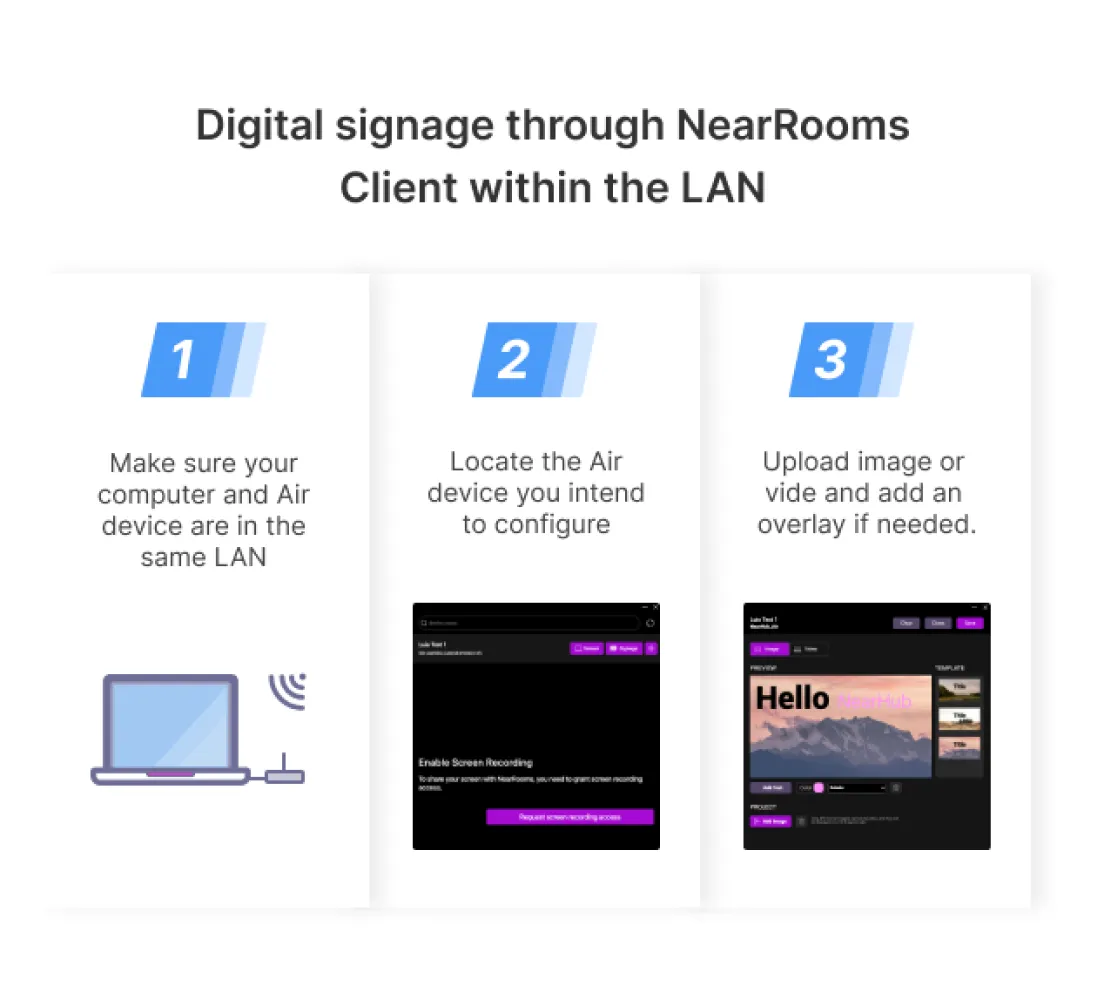
    Signage via NearRooms App
    Signage via NearRooms App
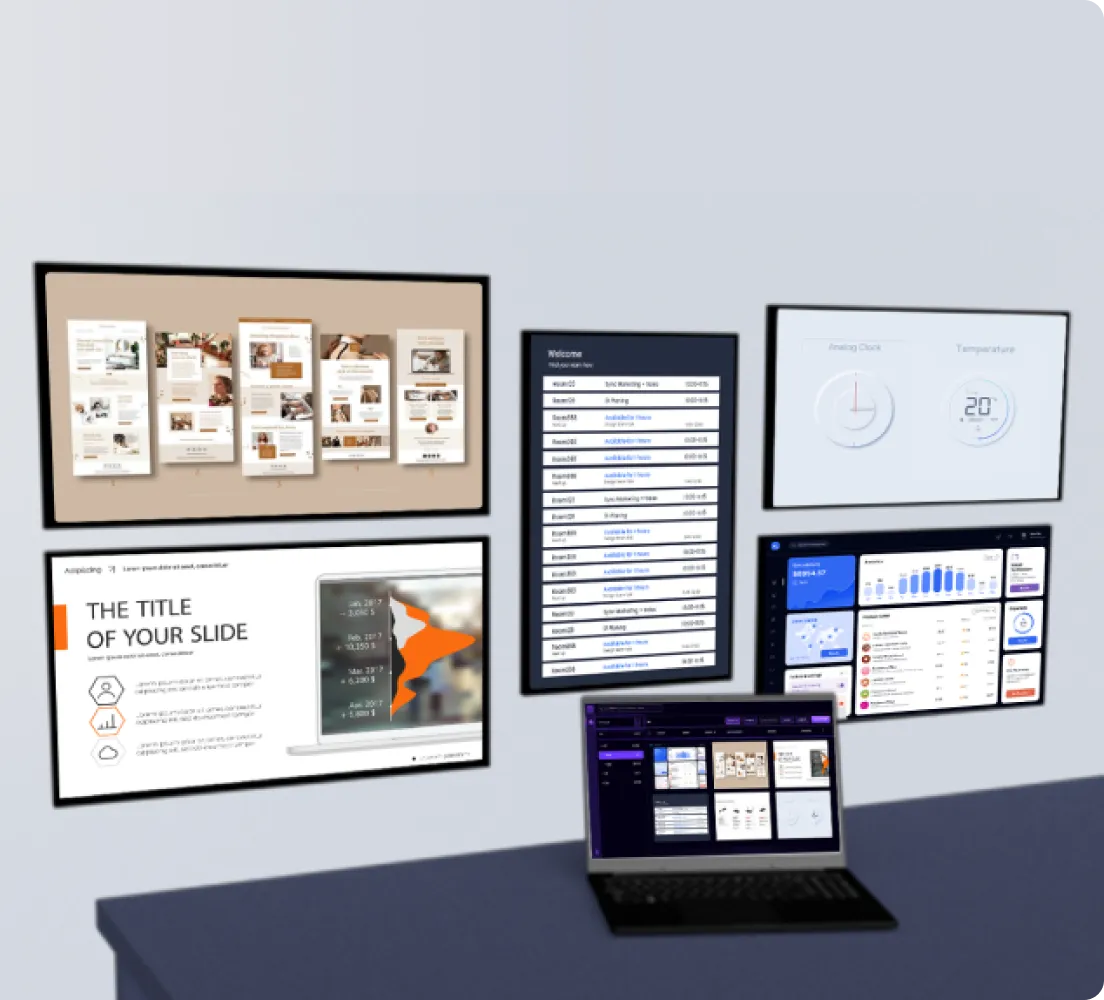
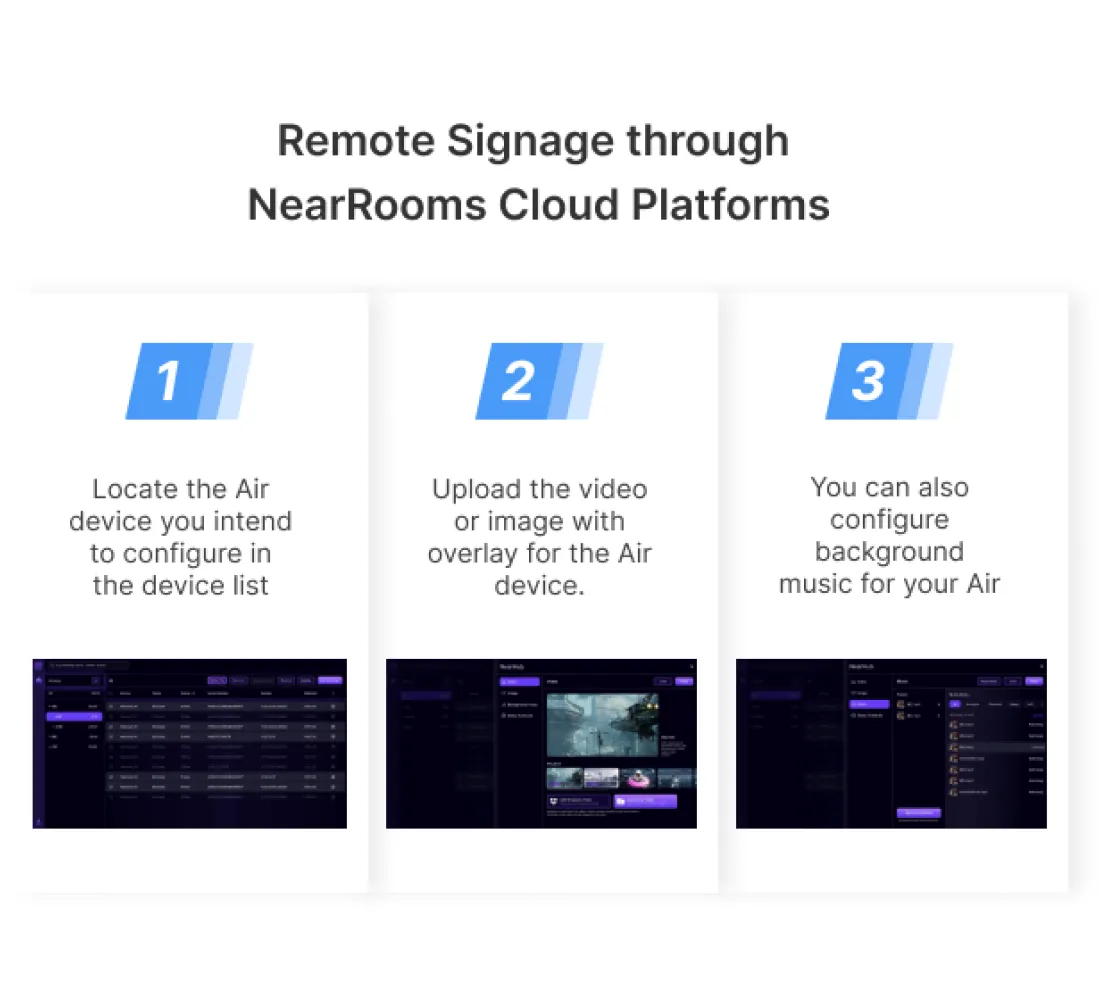
    Signage via NearRooms Cloud
    Signage via NearRooms Cloud
Multiple Screencast OptionsPlug&Play ScreencastAirplayNearRooms CastEnterprise Security

    Wireless Screencast as you Want

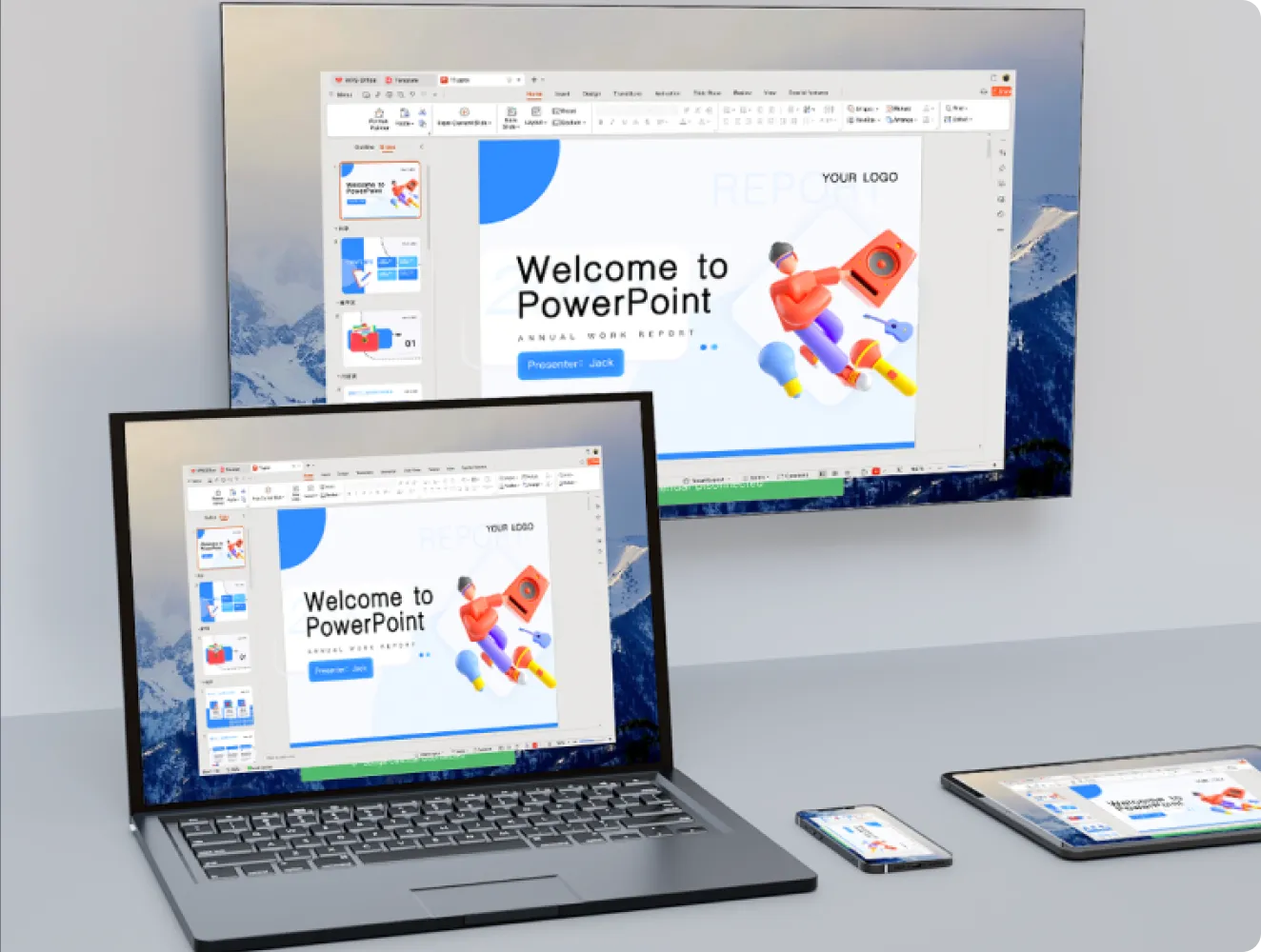
    Wirelessly cast content from your mobile device to a larger TV or display without any hassle using Airplay, NearRooms App, NearHub Tail and Miracast.

    Wireless Screencast as you Want

    Plug & Play Sreencast with Tail

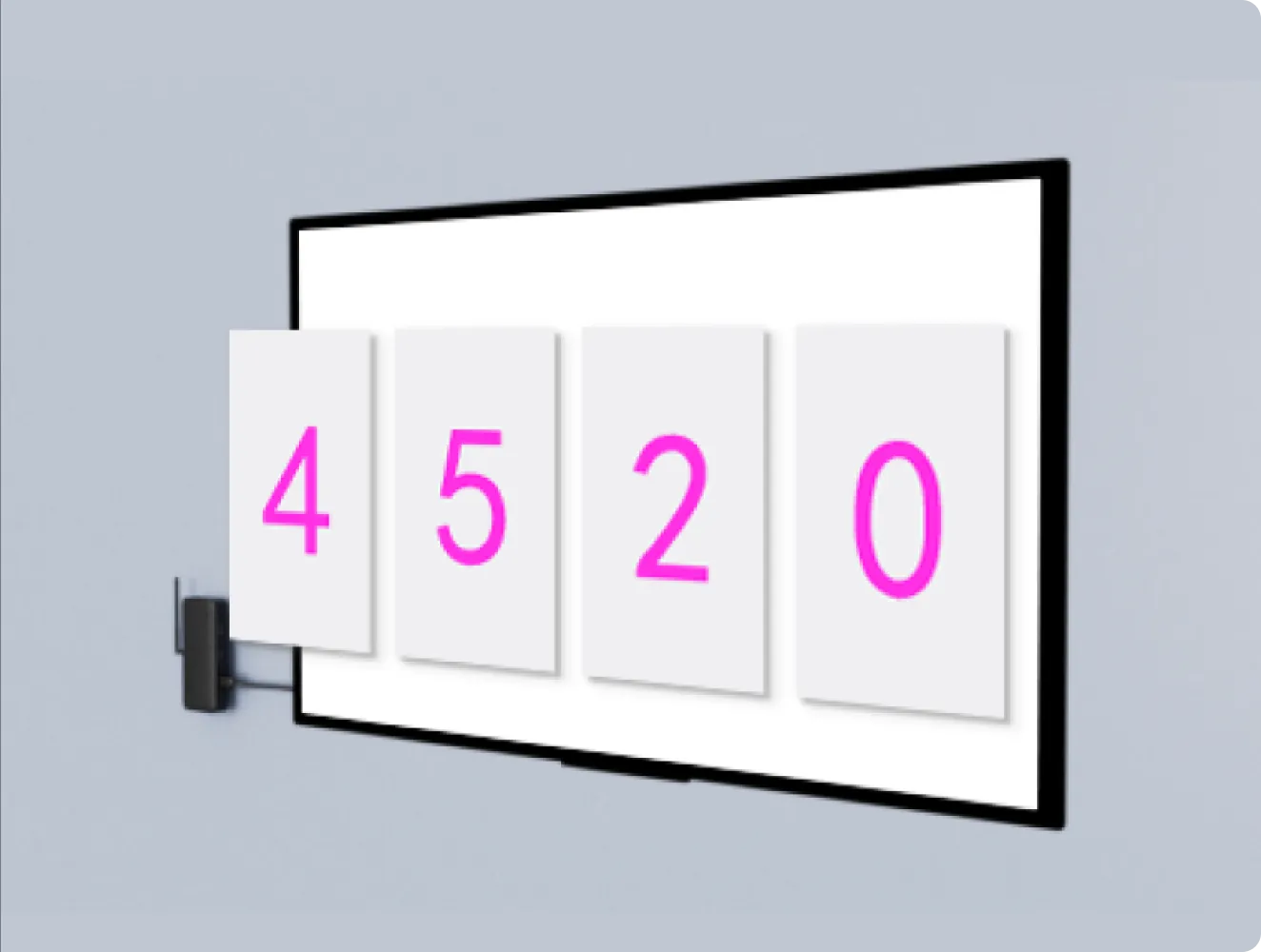
    Simply plug Tail into any of your devices to achieve low-latency screen mirroring in seconds. Once paired with Air, the Tail can seamlessly switch between different devices for screen mirroring.

    Compatible with all Apple Devices

    Utilize built-in screen mirroring from your iPhone, iPad, or MacBook to present any content in seconds.

    Cast Your Screee From Any Device

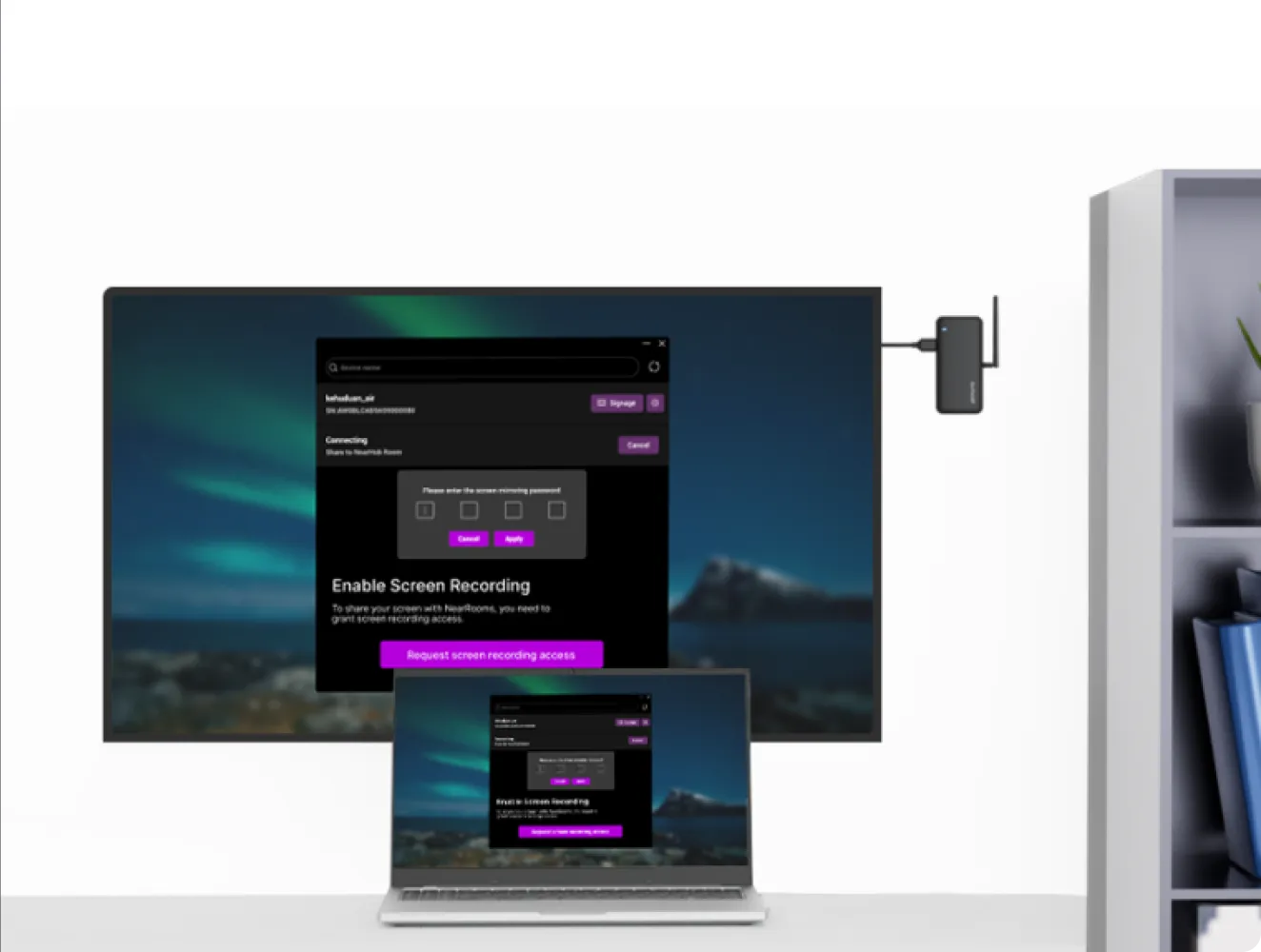
    The NearRooms App is available for both Mac OS and Windows. Simply connect to the local network in the room or the Air device's hotspot, then you can easily cast your screen with one click in the App.

    Cast Your Screee From Any Device

    Pin Code Connect

    Guarantee that presenters share to the correct display and prevent unwanted streams.

    Pin Code Connect
Bring Your Own MeetingEasy Setup and InstallationAbundant InterfacesImmersive Meeting Experience

    Bring Your Own Meeting

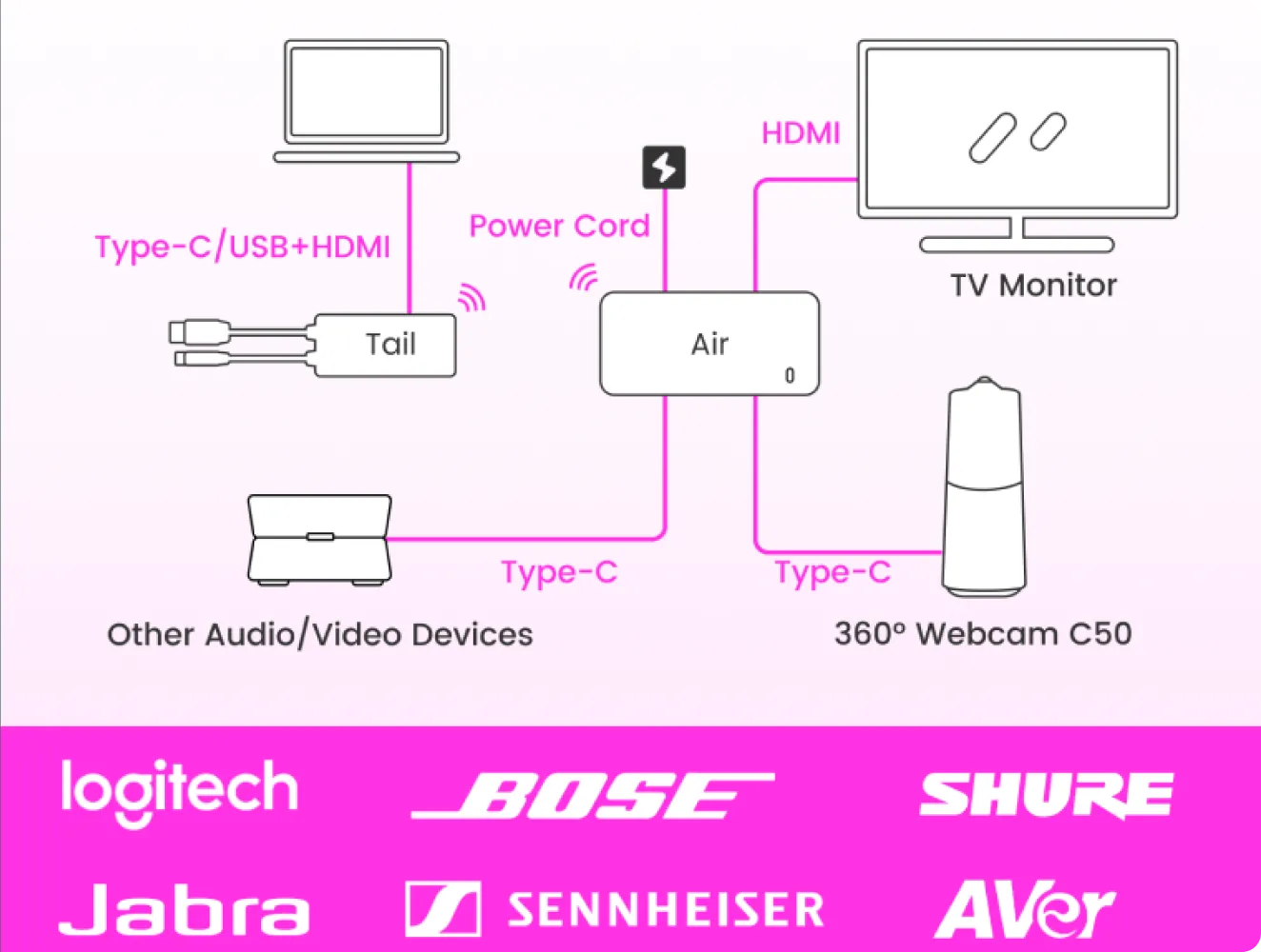
    Initiate video conferencing on your PC in few seconds, concealing the complexities of room devices behind.

    Easy Setup and Installation

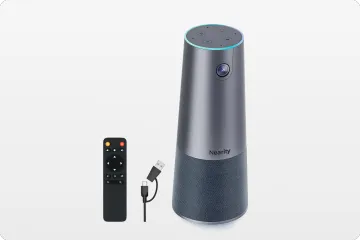
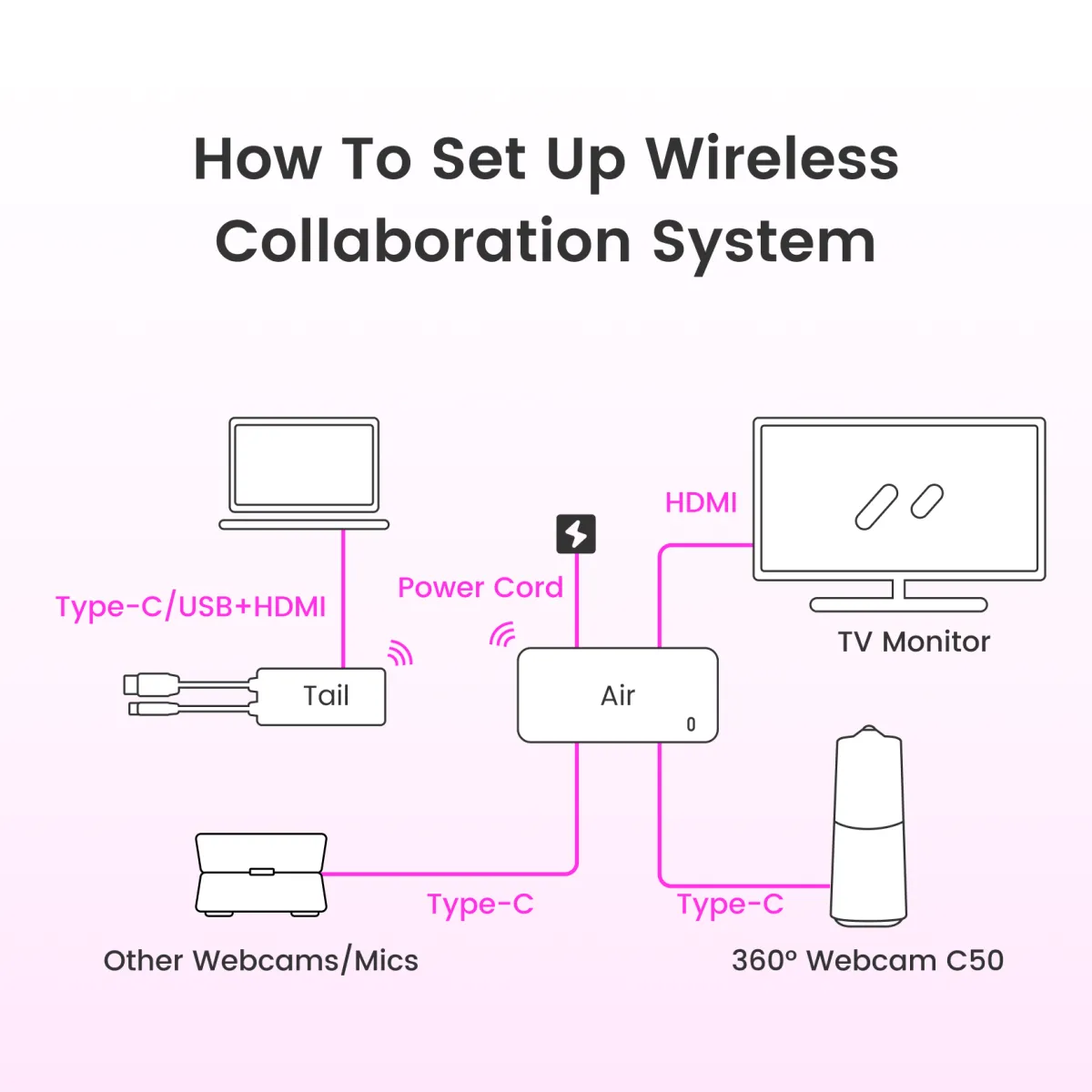
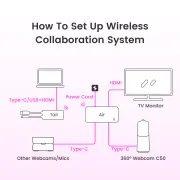
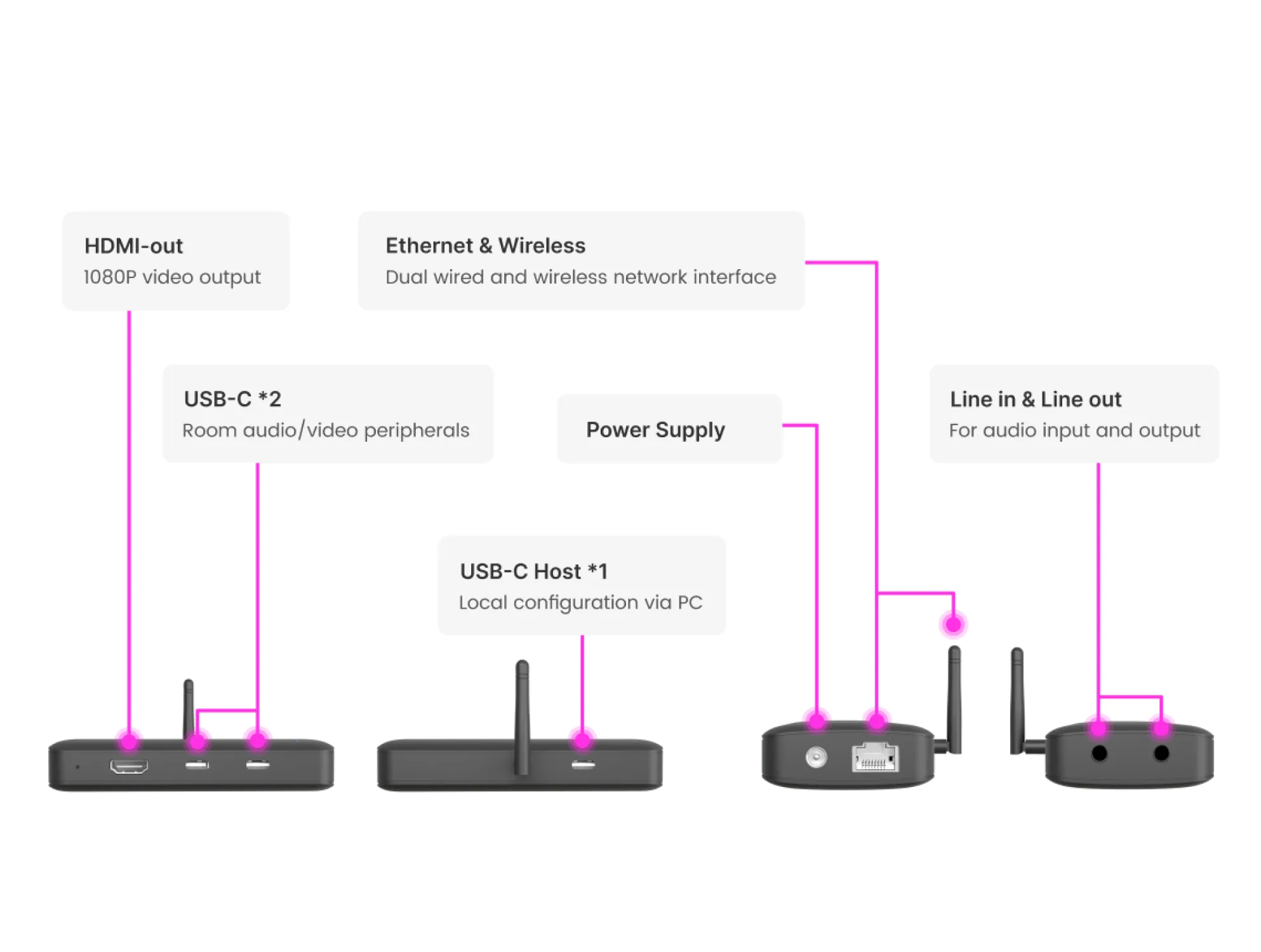
    Purpose-built to control AV equipment and run virtual video calls, NearHub Air is the center of your hybrid meeting room. With two USB-C ports (with USB-A to USB-C adapter), you can choose any of our supported USB peripherals that suit your requirements and budget for each room.

    Easy Setup and Installation

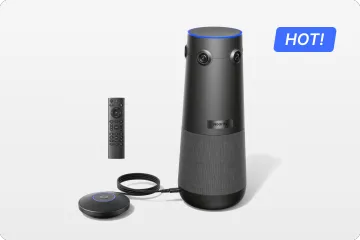
    A Closer Look At NearHub Air

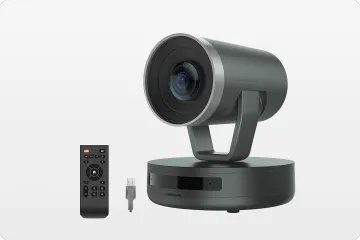
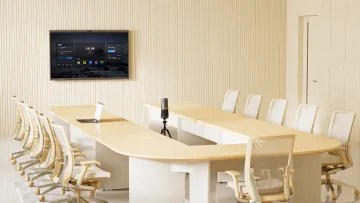
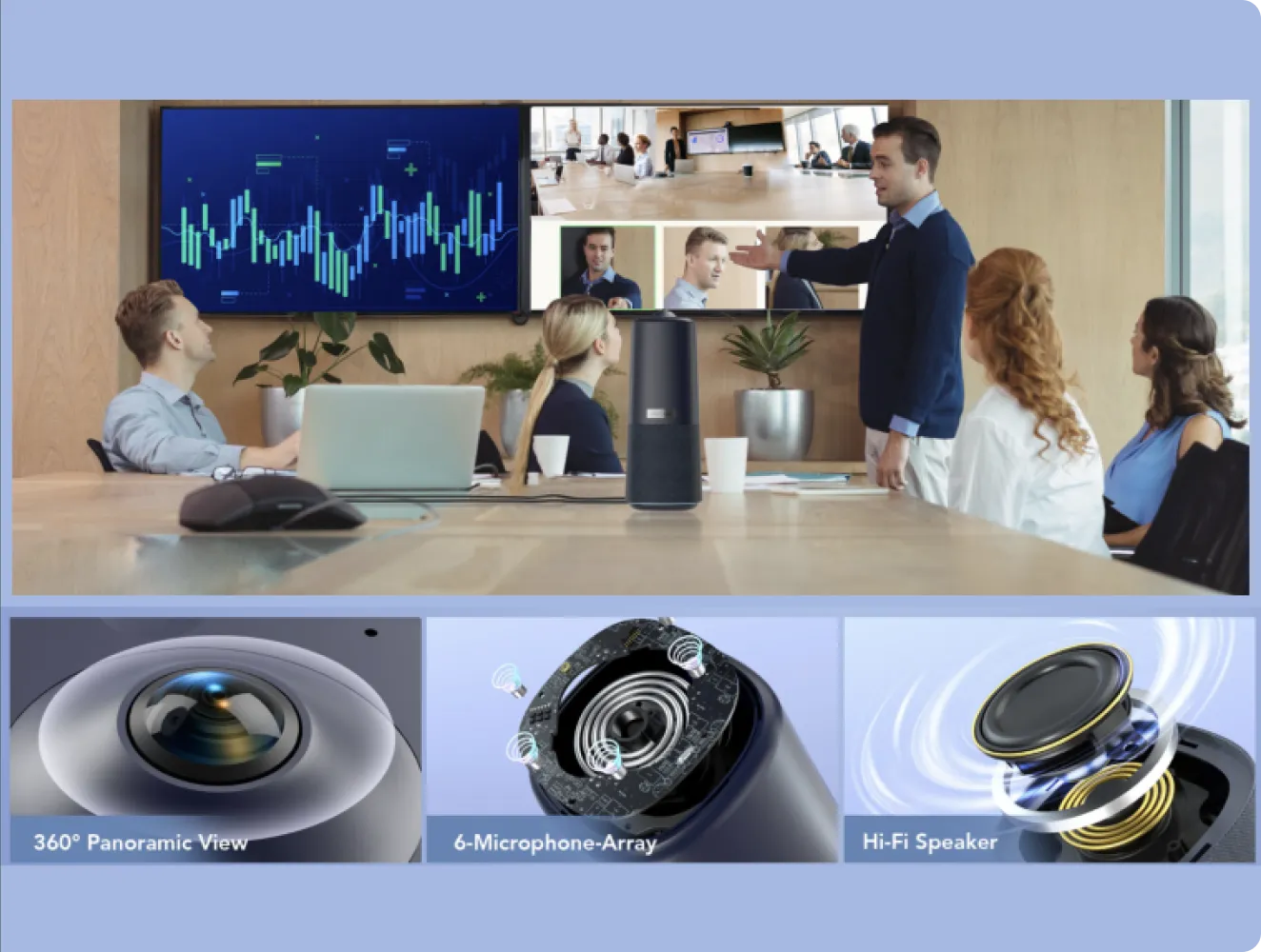
    360° panoramic 1080P HD camera makes every participant included. The mic's 18-foot (5.5m) audio pickup radius catches audio from all angles, even in large rooms with AI noise cancelling technology.

    A Closer Look At
NearHub Air

    Most Immersive Meeting Experience with Panoramic Camera

    360° panoramic 1080P HD camera makes every participant included. The mic's 18-foot (5.5m) audio pickup radius catches audio from all angles, even in large rooms with AI noise cancelling technology.

    Most Immersive Meeting Experience with Panoramic Camera

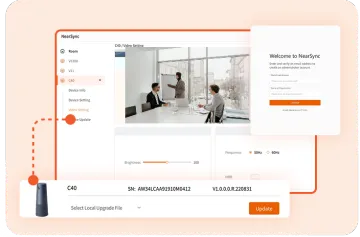
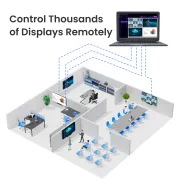
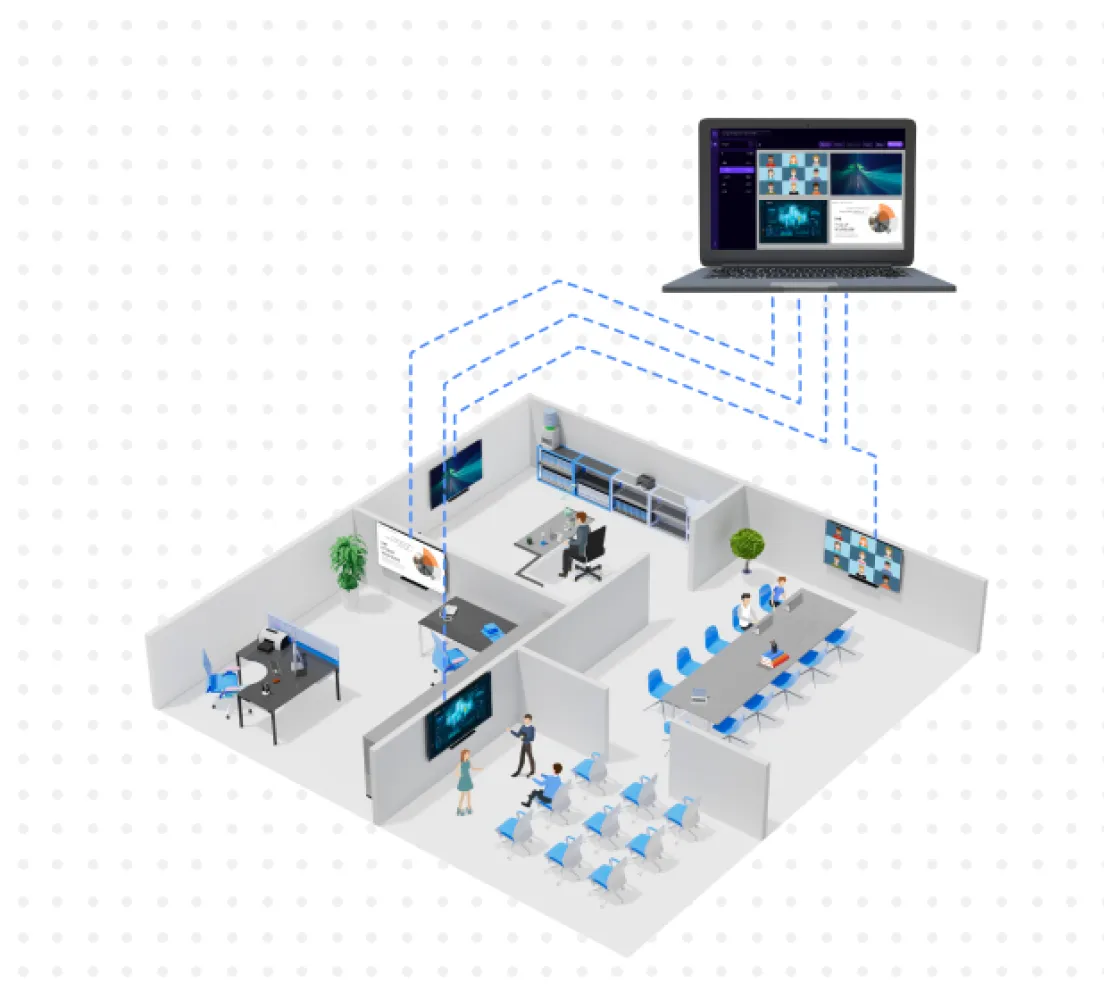
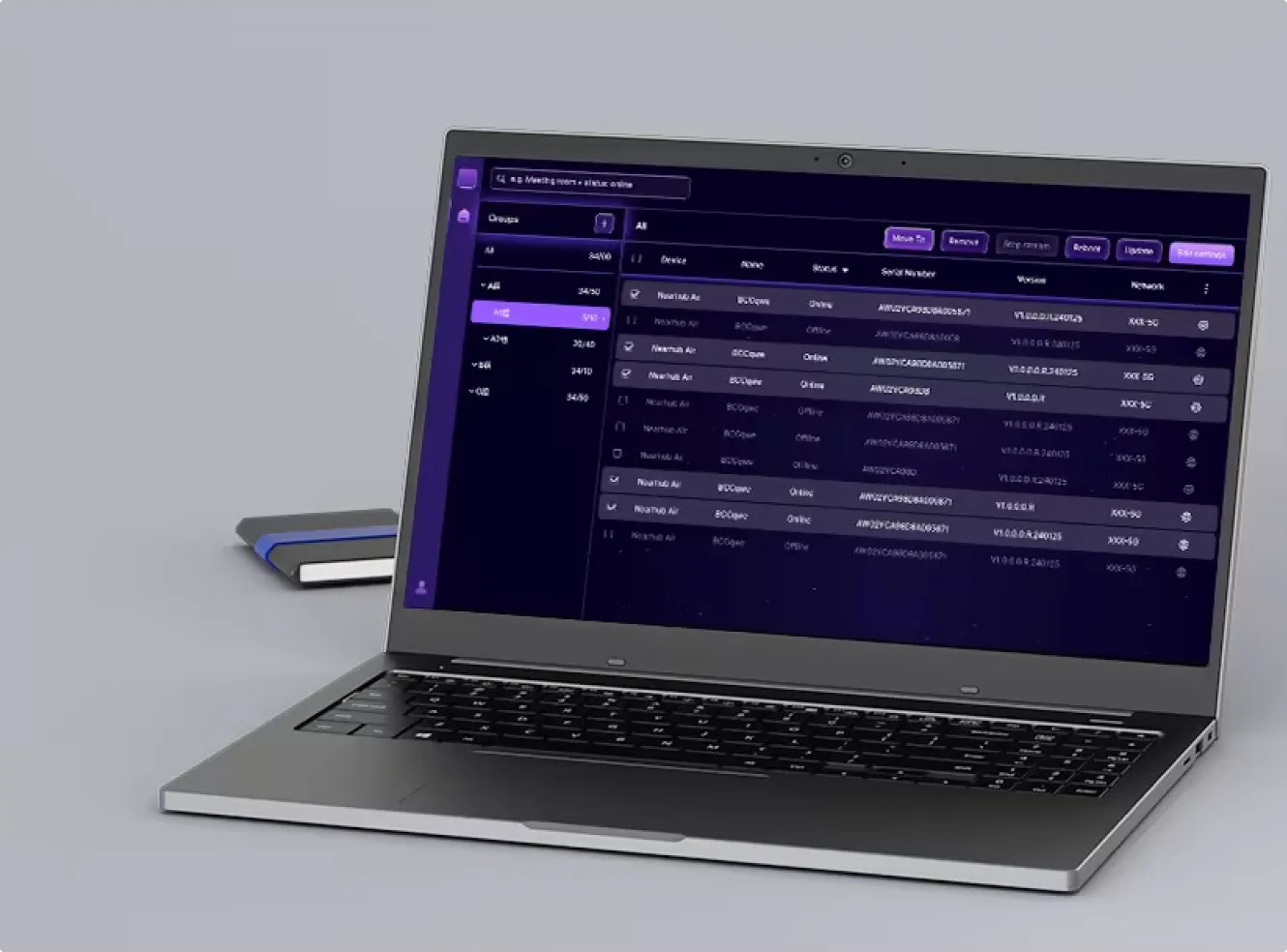
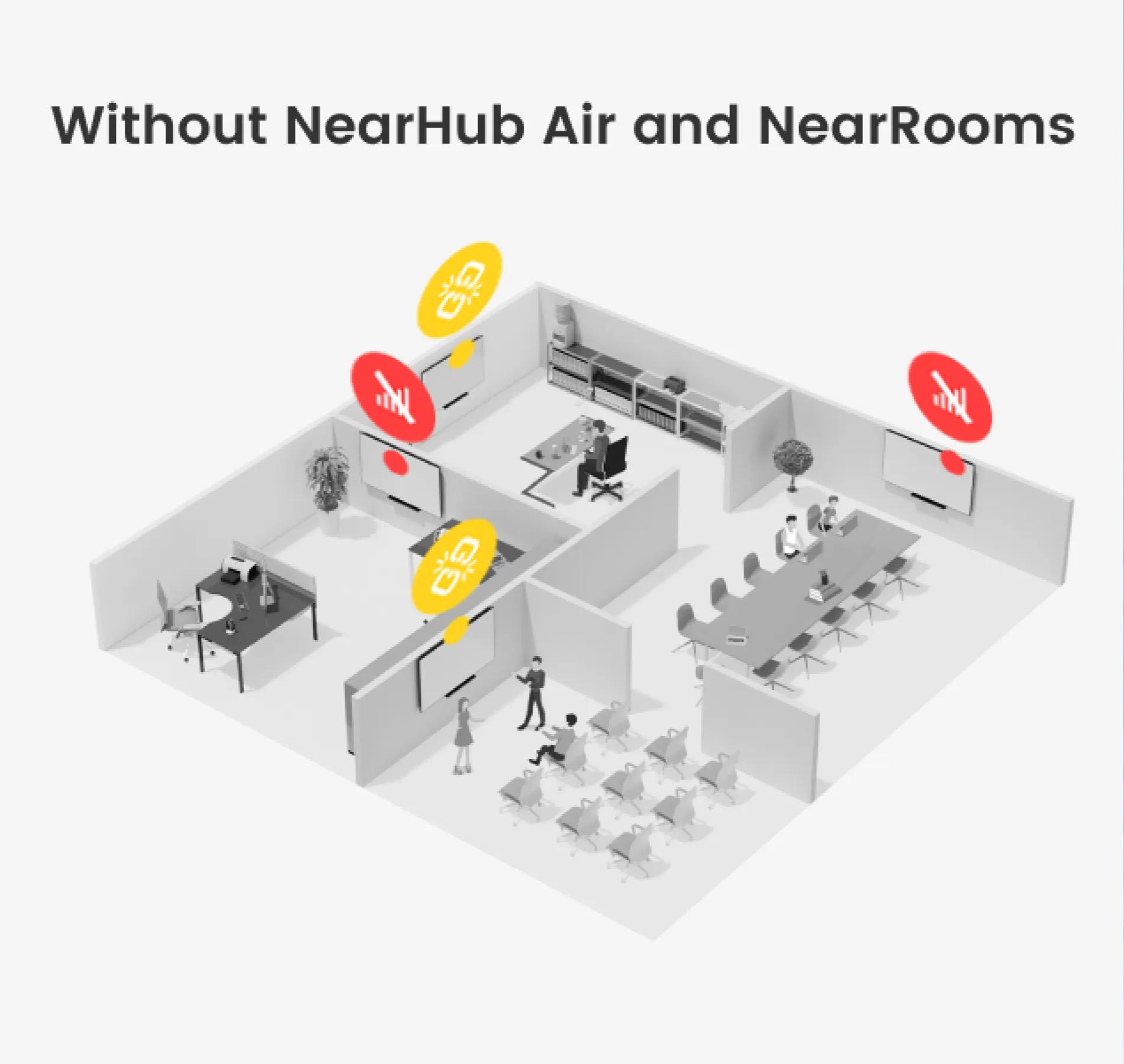
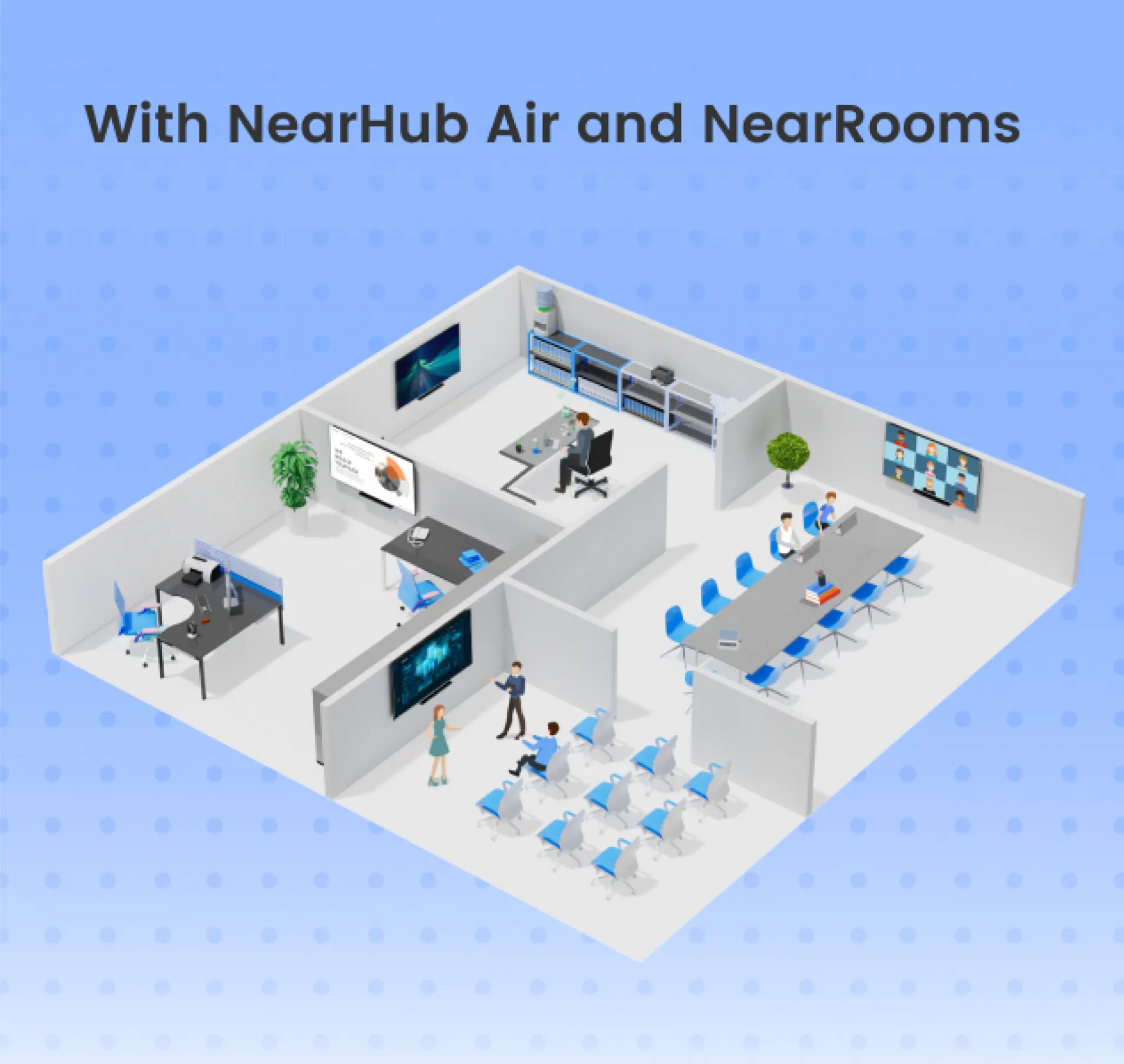
Remotely Manage All Screens with NearRooms Cloud

NearRooms Cloud is the only platform that works on all your screens, helping make your entire space collaborative, inspiring, and engaging.

  • Manage devices from anywhere
    View, update, and manage devices and content across thousands of screens.
  • Run your signage remotely
    Control digital signage content remotely and show important and relevant messages to engage the audience.
  • Save on power
    Schedule your screens to turn on and off automatically, according to office or school hours.
Remotely Manage All Screens with NearRooms Cloud
/products/tail/tabSplide/4/4.png
/products/tail/tabSplide/4/9.png

How To Set up Air Device with NearRooms App

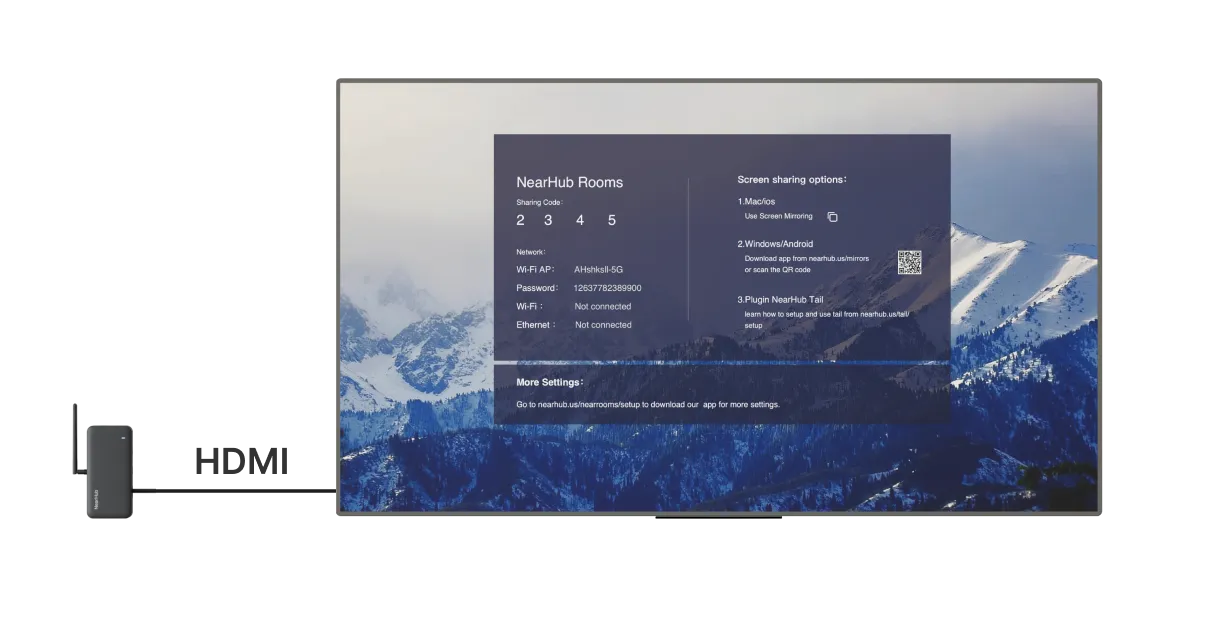
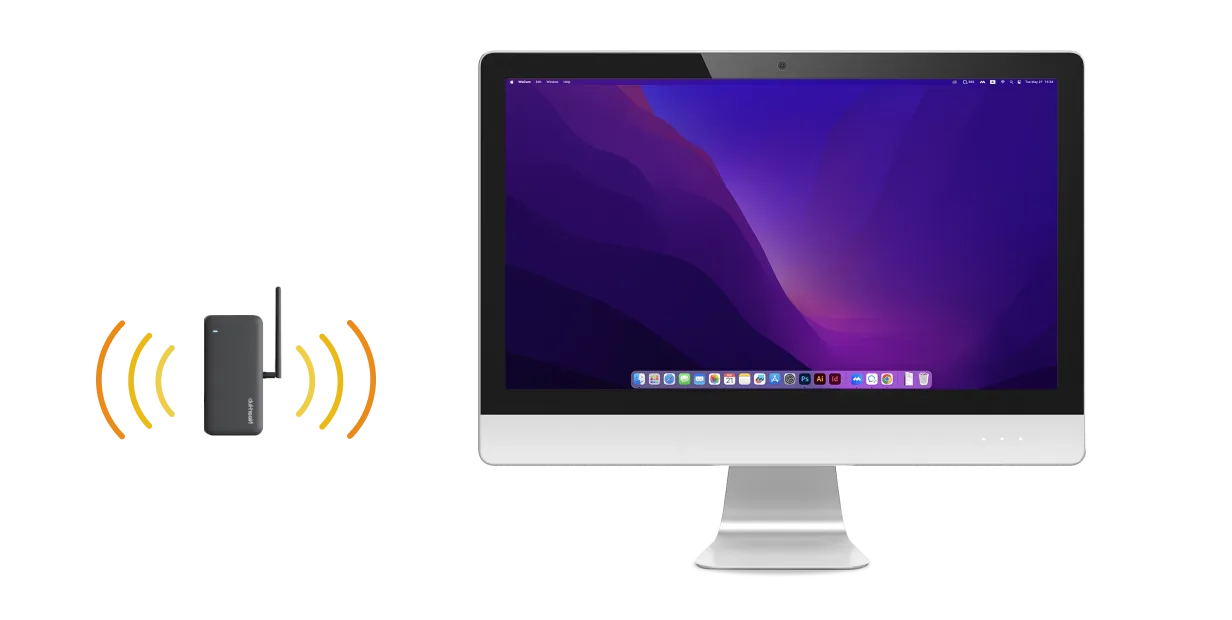
    Connect your Air device to screen with HDMI cable
    Connect your Air device to
screen with HDMI cable
    Connect your computer to the Air's AP (Access Point) Wi-Fi
    Connect your computer to
the Air's AP (Access
Point) Wi-Fi
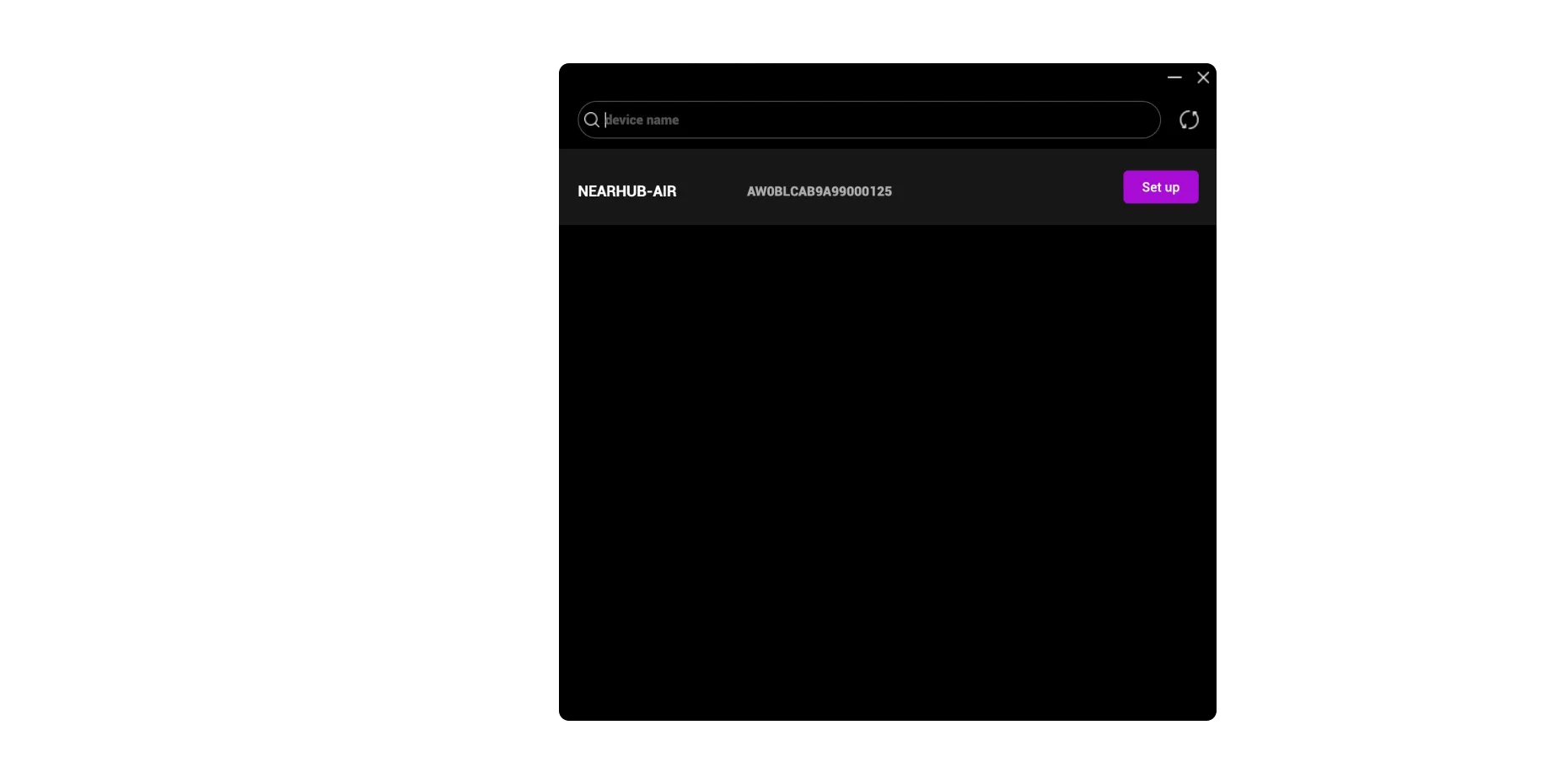
    Open the NearRooms app and refresh the device list
    Open the NearRooms app
and refresh the device list
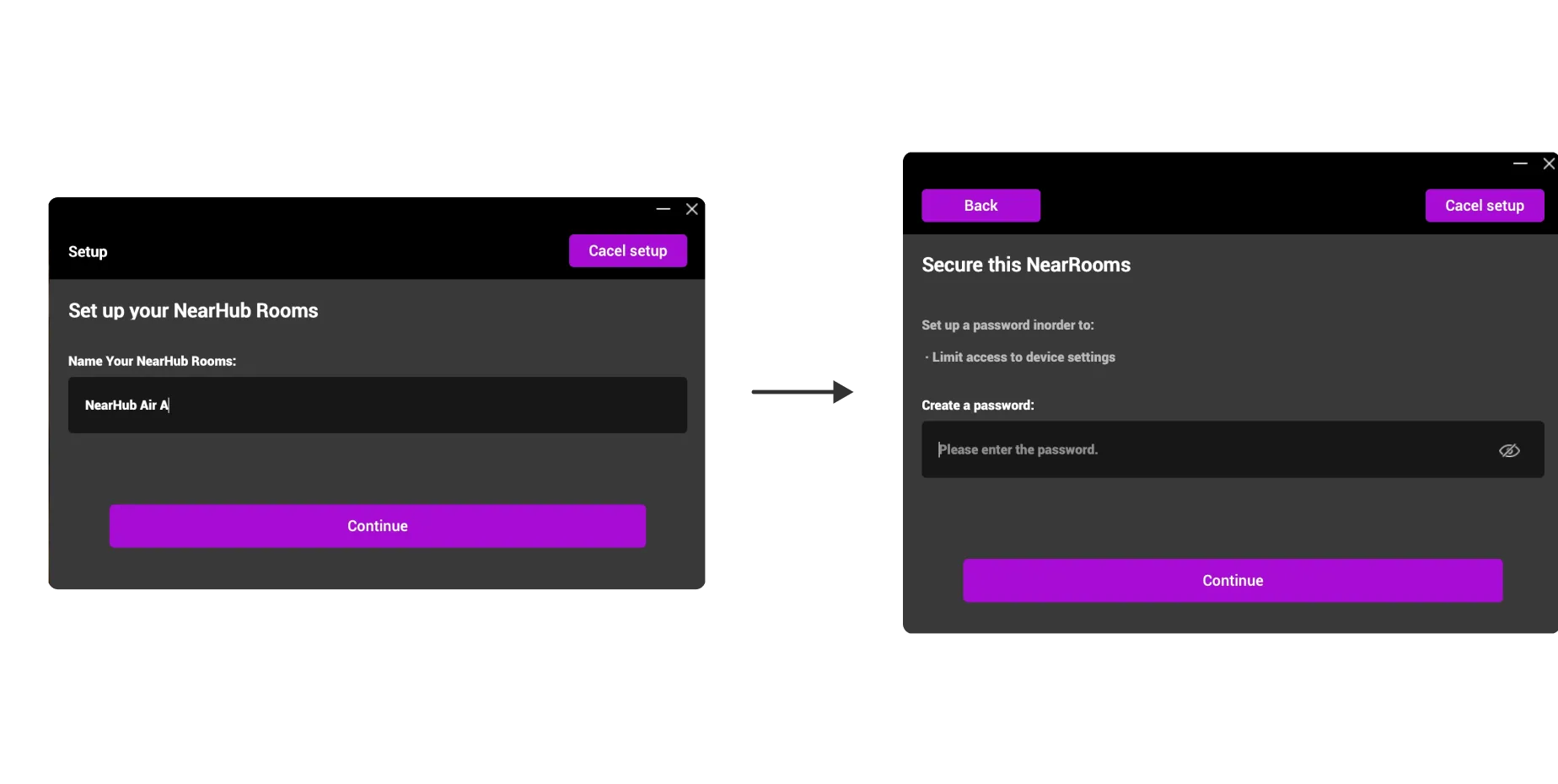
    Set a name and password for the Air device.
    Set a name and password
for the Air device.
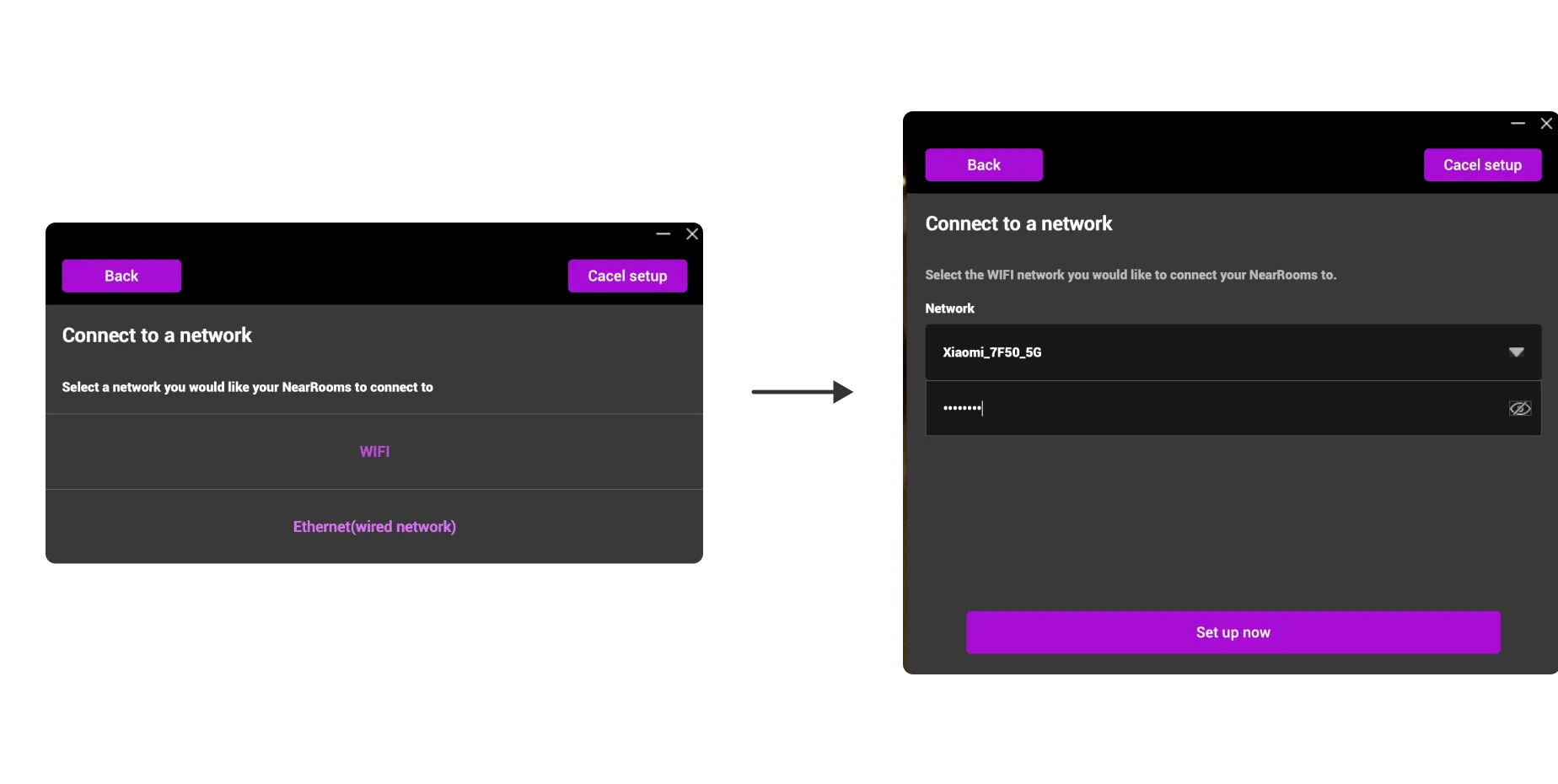
    Configure Wi-Fi or wired network for the Air device
    Configure Wi-Fi or wired
network for the Air device
    Network configuration completed
    Network configuration
completed
01
02
03
04
05
06

How To Add Air Device To NearRooms Cloud Platform

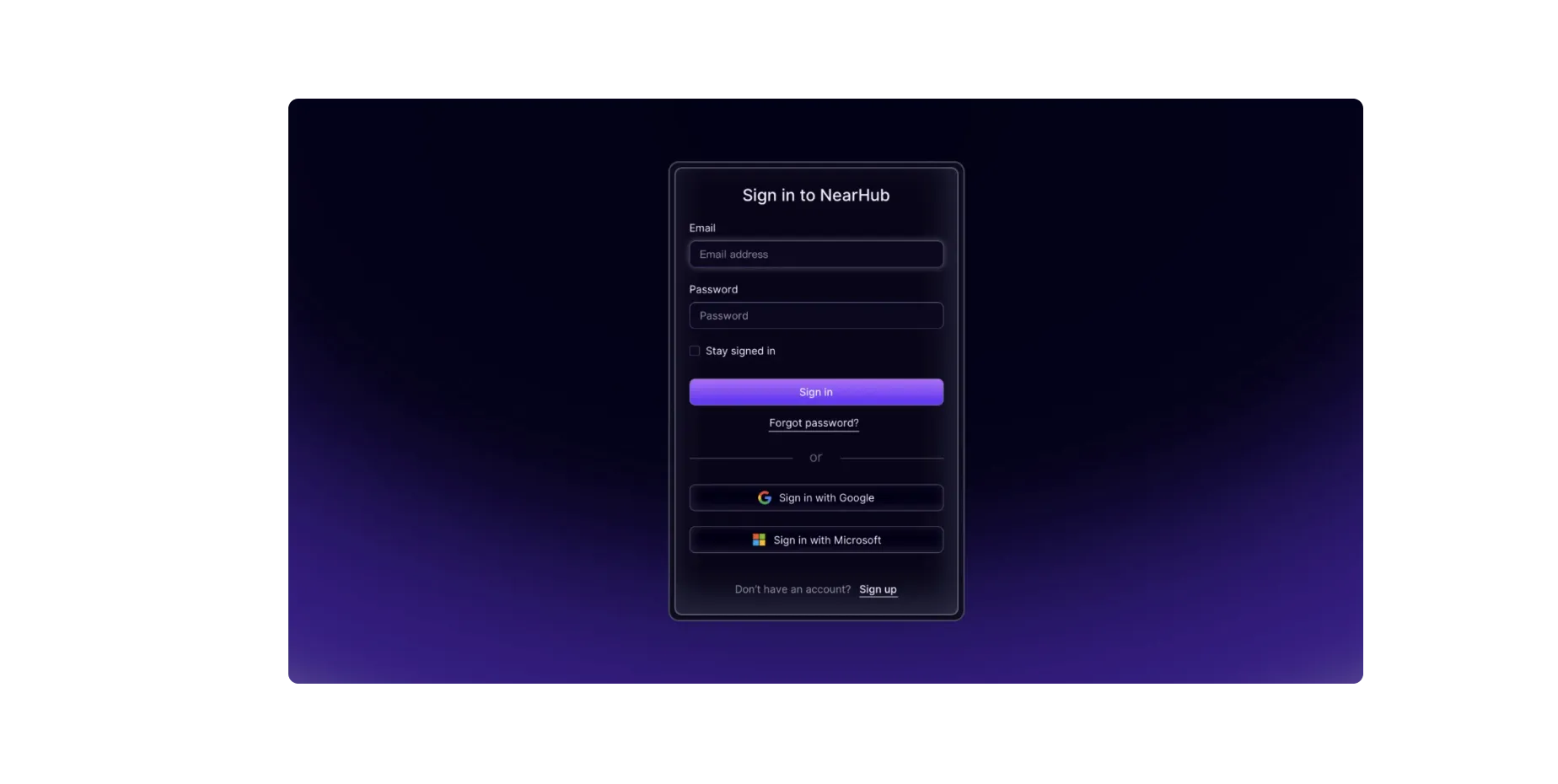
    Log in to your NearRooms Cloud account (supports Google/Microsoft third- party accounts).
    Log in to your NearRooms
Cloud account (supports
Google/Microsoft third-
party accounts).
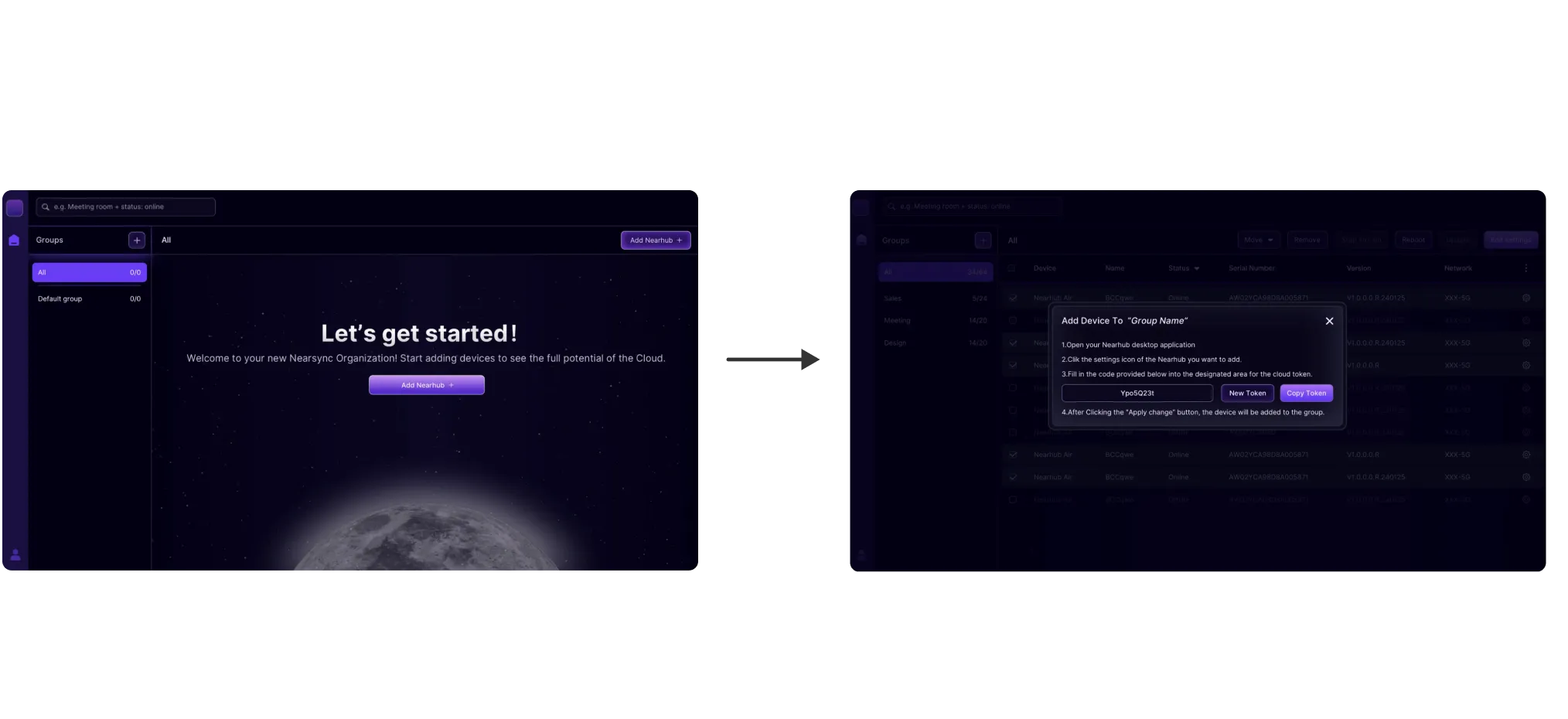
    Click “Add NearHub” and copy the token.
    Click “Add NearHub” and
copy the token.
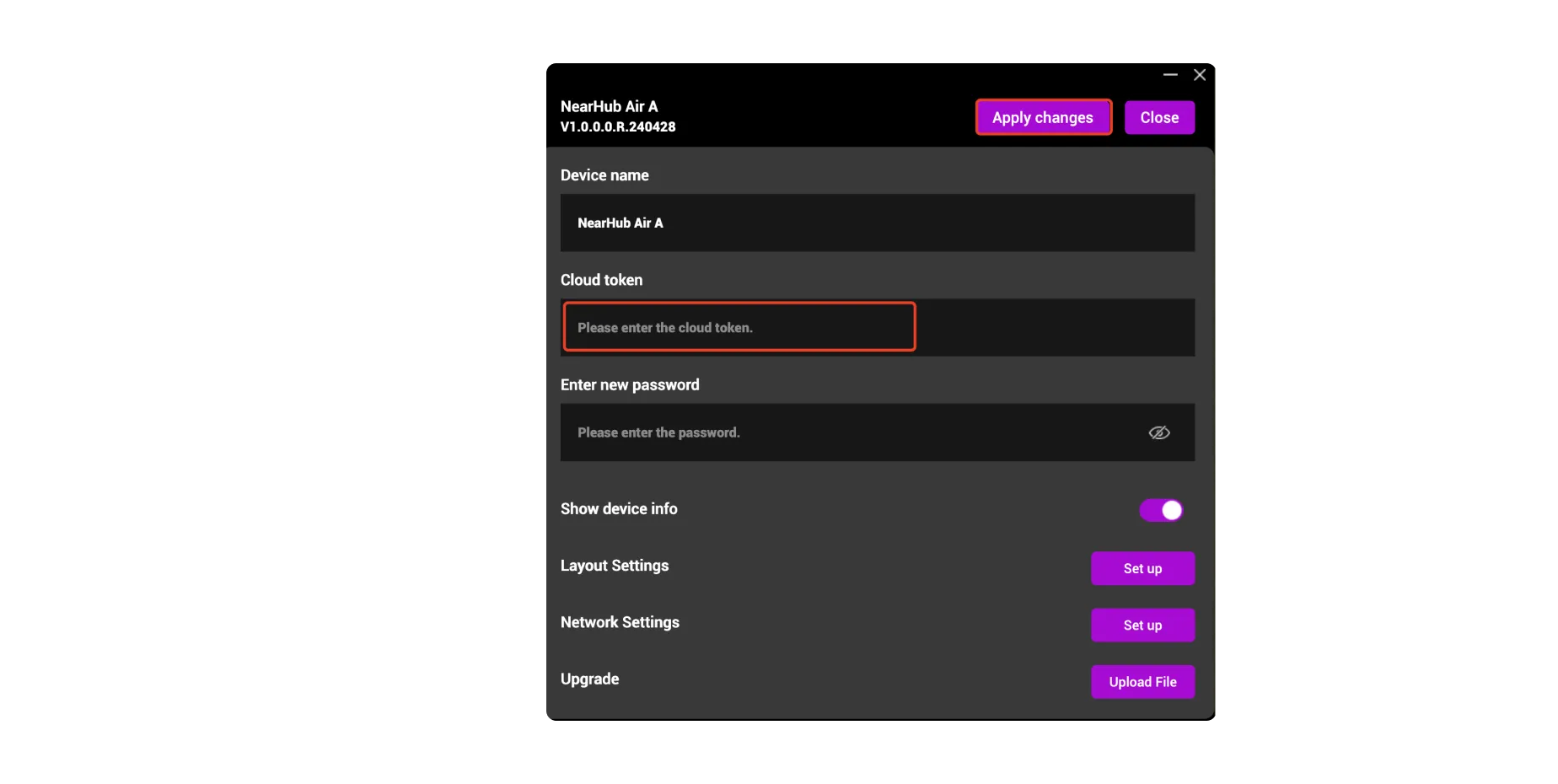
    Open the NearRoom App, paste the token in the device settings page, and apply changes.
    Open the NearRoom App,
paste the token in the
device settings page, and
apply changes.
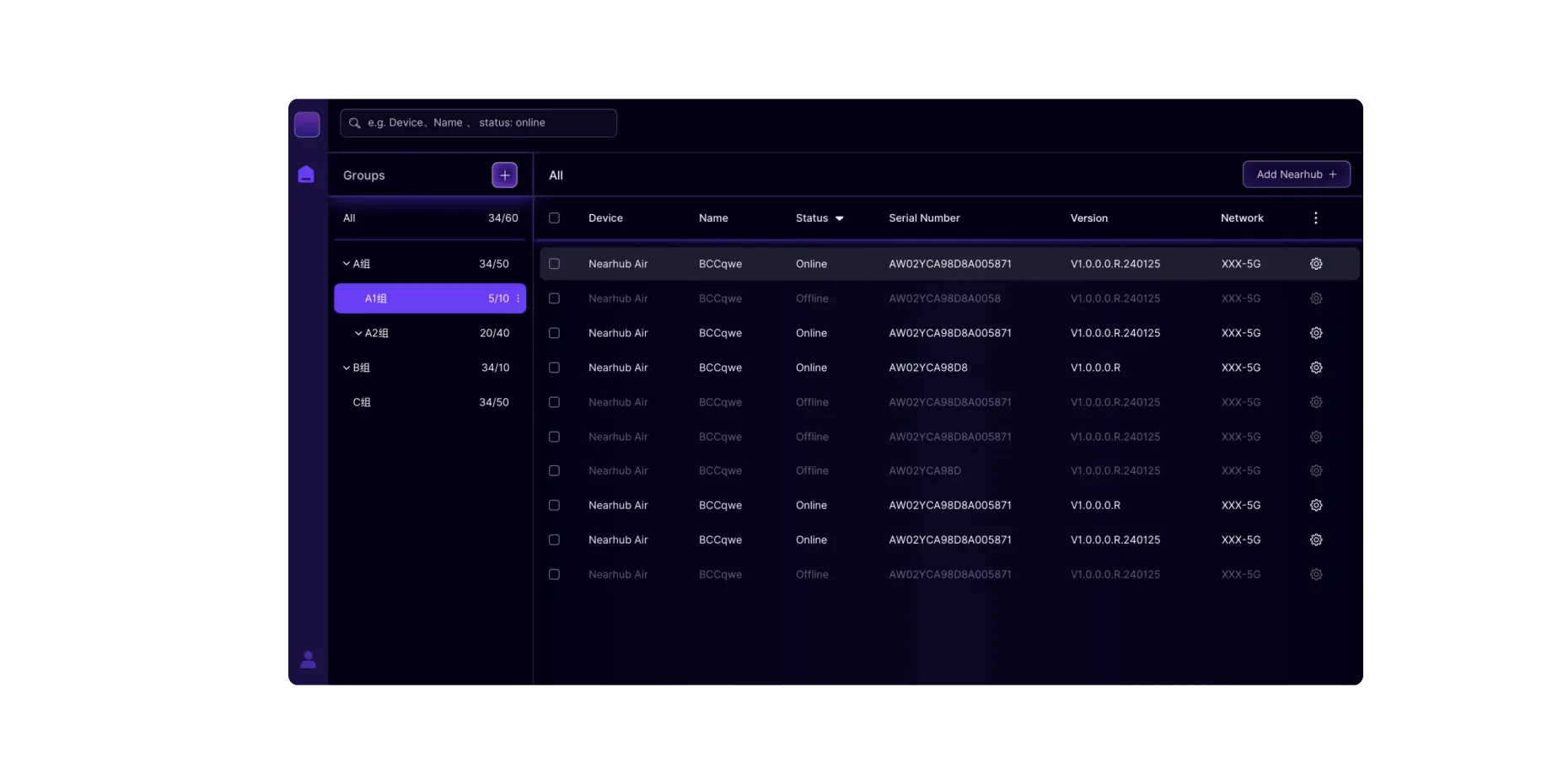
    Refresh the device list on the NearRooms Cloud side to see the newly added Air device.
    Refresh the device list on
the NearRooms Cloud side
 to see the newly added Air 
device.
01
02
03
04

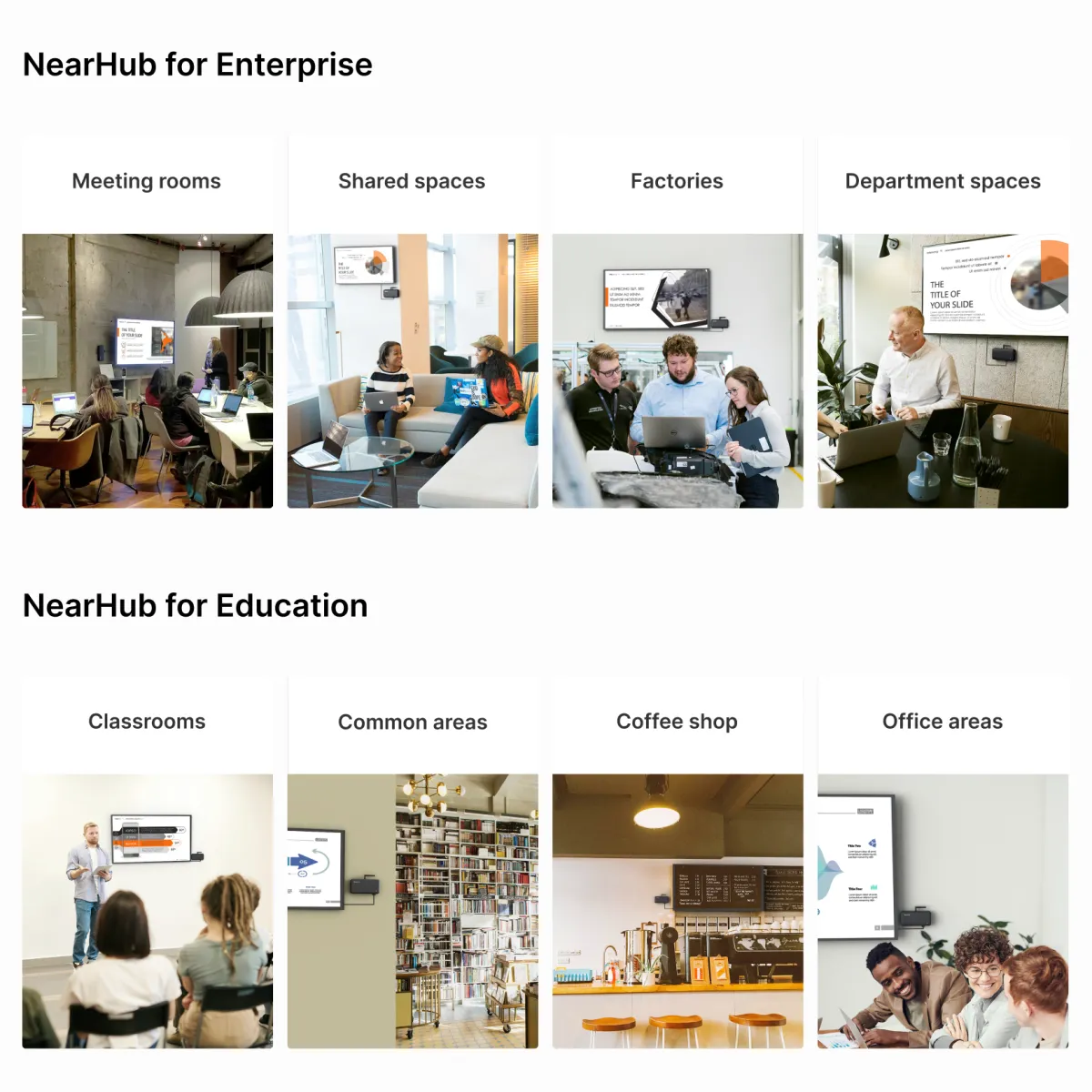
    Modernize Meetings, Engage Teams

    Wireless screen sharing and BYOM solution that save time and improve teamwork.

    Modernize Meetings, Engage Teams

    Create Ambiance, Promote Safety

    Digital signage that encourages calm and organization at work.

    Create Ambiance, Promote Safety

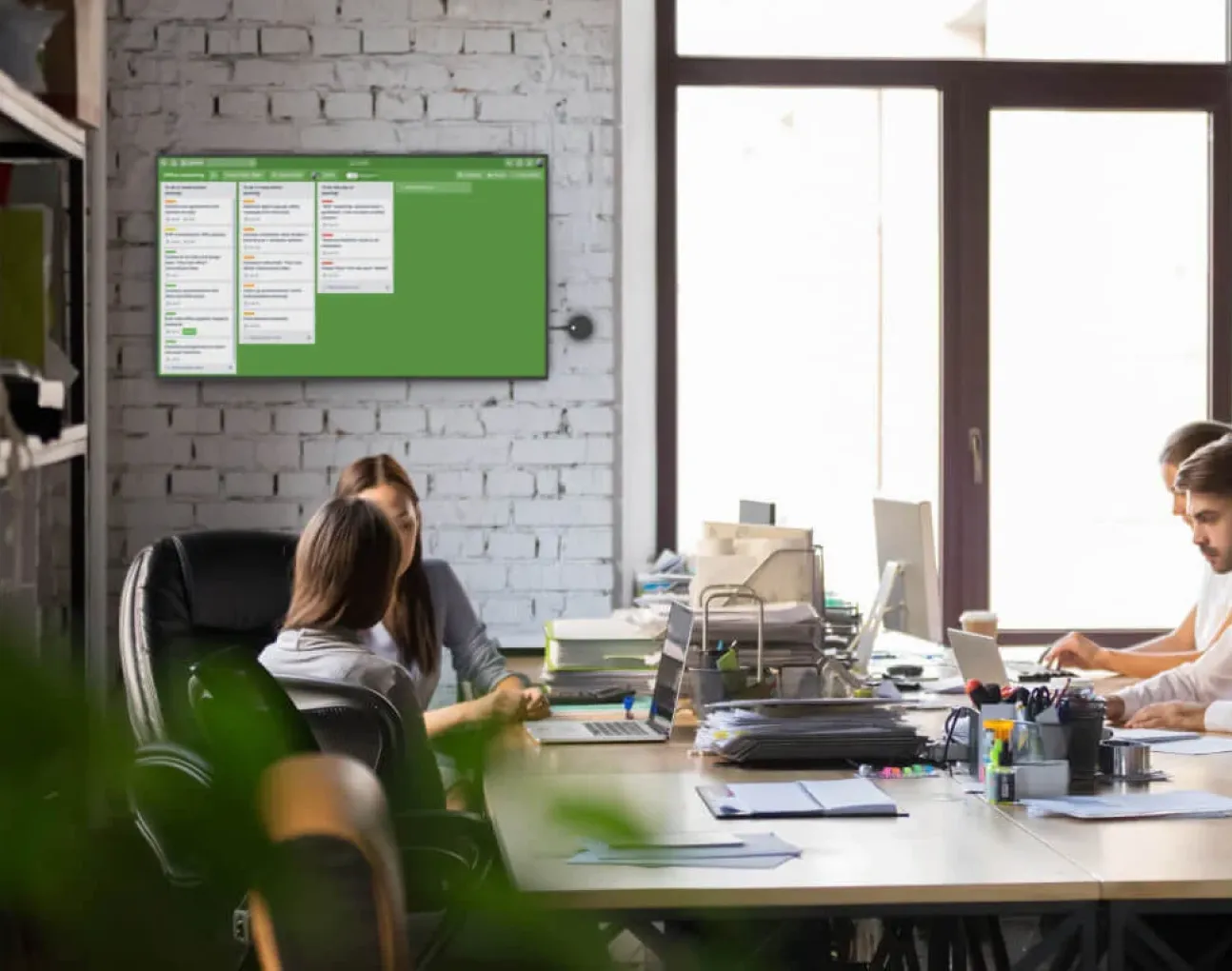
    Track Progress, Encourage Teams

    Wireless screen sharing and digital signage to improve internal communication.

    Track Progress, Encourage Teams

    Maintain Safety, Create Order

    Digital signage for rapid dissemination of information and easy remote device management.

    Maintain Safety, Create Order

    Empower Teachers, Inspire Students

    Wireless screen sharing and digital signage to boost engagement and productivity.

    Empower Teachers, Inspire Students

    Double Your In-store Sales & Engagement

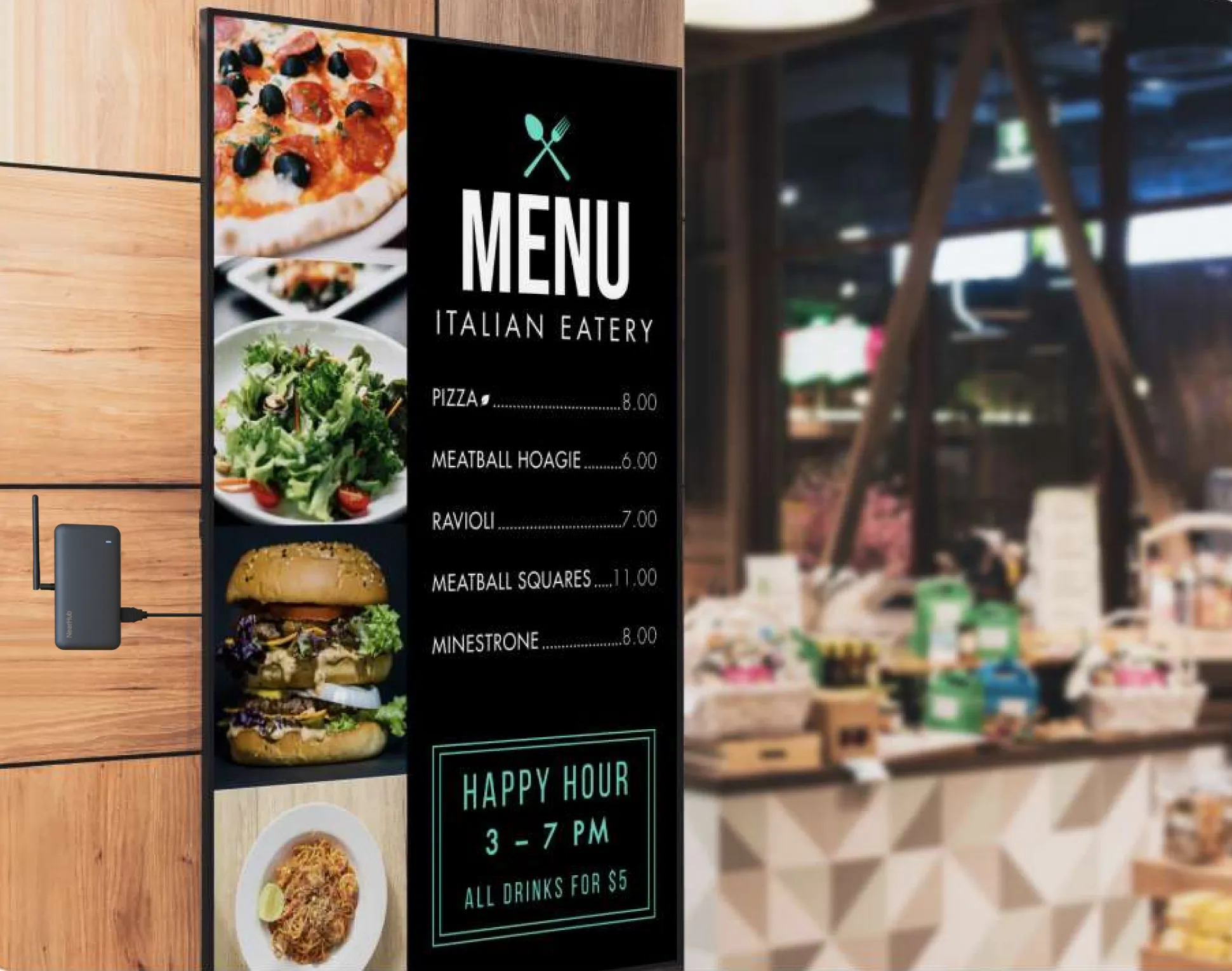
    Plug-and-Play Digital Menus — Create craveable experiences. Stop wasting time & money manually updating your menus.

    Double Your In-store Sales & Engagement

    Digital Menu Board Solutions for Next-Gen Dining

    Turn any screen into a dazzling Digital Menu Board with NearHub. Customize free templates and get started in minutes

    Digital Menu Board Solutions for Next-Gen Dining
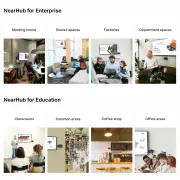
Meeting RoomsShared SpaceDepartment SpaceCommon Area ClassroomsCoffee BarRestaurant

Tech Spec

  • Dimensions

    116*90*95mm

  • Line in

    3.5mm audio input with stereo support

  • Line out

    3.5mm audio output with stereo support

  • Operating System

    NearHubOS (Based on Android) Windows (with OPS)

  • HDMI out

    HD video output, conneted to HD display, maximum resolution 1920*1080

  • RJ45 network port

    Supports the transmission of network audio and video data streams and network data

  • Radio-frequency antenna

    2.4GHz/5GHz

  • Reset button

    Restore factory settings

  • USB ports

    USB Type-C *2 (for camera and mics connection)

    USB Type-C *1 (host port )

  • Input

    DC 12V/1.5A

  • ConnOperating temperature rangeections

    0°C - 45°C

  • Cable

    HDMI cable *1

    USB-C to USB-C cable *2 (with Type-C to Type-A adapter)

    Power cable *1

Trusted by over 15,000+ Forward-thinking Workplaces and Schools

15000+Organazations adopted NearHub Air+Tail
800,000+ Wielesss meeting rooms & classrooms
200,000+Unique users across world
kenneth shum

Senior Director of Technology, Digital Edge

The days off cables are gone! We're been using NearHub Air in the office for a while now and feeling super happy about it. It is super easy in setting up or configuring, wether its for displaying static image, dashboard or presentations. We will surely deploy the NearHub Air+Tail system in more offices globally in the future.

Rob Cover

School Technology Operation, Warren County Public Schools

Our teachers can use the devices immediately, with very little training involved. The devices are set up with the instructions on screen, plain as day, on how to connect. It’s really helped in the adoption of the use of the product.

Anna

VP of Sales, Colortokens

Displays in our sales department spaces are used to feature dashboards and spreadsheets during morning meetings. This way, teams know what their goals are for the day and can easily monitor how different projects are tracking. We’re planning to expand our NearHub fleet to new branches in the near future

kenneth shum

Senior Director of Technology, Digital Edge

The days off cables are gone! We're been using NearHub Air in the office for a while now and feeling super happy about it. It is super easy in setting up or configuring, wether its for displaying static image, dashboard or presentations. We will surely deploy the NearHub Air+Tail system in more offices globally in the future.
Rob Cover

School Technology Operation, Warren County Public Schools

Our teachers can use the devices immediately, with very little training involved. The devices are set up with the instructions on screen, plain as day, on how to connect. It’s really helped in the adoption of the use of the product.

Anna

VP of Sales, Colortokens

Displays in our sales department spaces are used to feature dashboards and spreadsheets during morning meetings. This way, teams know what their goals are for the day and can easily monitor how different projects are tracking. We’re planning to expand our NearHub fleet to new branches in the near future

Pricing FAQ