Best 360° Conference Cameras with Mic and Speaker for Large Rooms & Glass-Walled Boardrooms (2026)
A deep-dive review of the best center-of-table 360° conference cameras designed to overcome the acoustic echoes and AI tracking challenges of large, glass-walled enterprise boardrooms.
Video Conferencing
360 Conference Camera
Boardroom Audio
Updated: Aug 19, 2026 · 10 minutes read
Global Business, Brought Near.
No Installer, No Hassle, Just Works.
You've probably been there: halfway through an important board meeting, a remote colleague chimes in with, "I'm sorry, could you repeat that? You're sounding a bit muffled." Suddenly, the flow of the presentation stops. You lean awkwardly toward the center of the table, shouting at a small plastic puck, while your remote team members squint at a grainy, wide-angle view of the room.
In the modern hybrid workplace, having the right video conference camera with mic and speaker isn't just a luxury—it's the difference between a productive session and a frustrated hour of technical troubleshooting. While high-definition video is great, audio is the silent heartbeat of every successful meeting. If they can't hear you, they can't collaborate with you.
In this deep-dive review, we tested these 360° cameras across real-world conditions: large conference rooms with 15+ participants, glass-walled boardrooms where reflections confuse AI tracking, and open-plan offices with heavy background noise. The goal is simple — to find out which camera actually performs when the environment works against it.
Key Takeaways
Meeting Equity: Center-of-table 360° cameras create a seamless "portal" for remote workers, ensuring equal presence and natural eye contact compared to traditional front-of-room setups.
The Glass Wall Challenge: Floor-to-ceiling glass causes audio echo and misdirects AI tracking due to reflections; specialized hardware features are required to mitigate this.
Nearity 360 Alien (Best Overall): Stands out for demanding spaces due to its unique 30° Auto-Exclusion Zone that ignores glass reflections and its scalable 16-meter daisy-chain audio range.
Meeting Owl 4+ (Best for Ease of Use): Offers the fastest AI speaker switching and plug-and-play setup but lacks exclusion zones, making it vulnerable to glass reflections and limited to medium rooms.
Kandao Meeting Ultra (Best Standalone): Features a built-in Android OS and dual touchscreens to eliminate laptops, but its fixed 5.5m audio range restricts it from true large boardroom use.
The evolution of conference room cameras in hybrid work
The transition to hybrid work has fundamentally changed our expectations of the office. We no longer just need a room with a table; we need a "portal" that connects in-office staff with remote talent seamlessly. According to a recent study by Grand View Research, the global video conferencing market is projected to reach over $24 billion by 2033, driven largely by the demand for hardware that can bridge the "proximity gap."
Standard webcams often fail in larger conference rooms because they are designed for individual use. They lack the depth of field and, more importantly, the microphone sensitivity to capture someone speaking from across a 20-foot table. A proper video conference camera for large rooms must combine 360-degree capture with beamforming microphone arrays powerful enough to reach every seat.
When you invest in a high-end conference room camera and microphone system, you aren't just buying a device; you are buying "meeting equity." This concept ensures that every participant, regardless of their physical location, has an equal presence in the digital room — whether they're sitting at the head of a long boardroom table or dialing in from home.
The shift toward center-of-table design
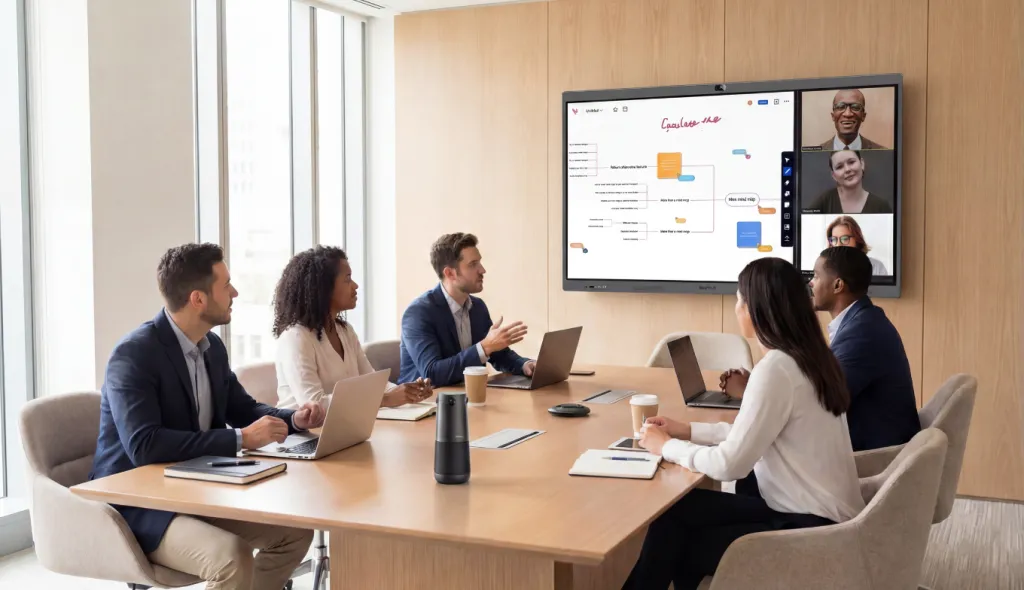
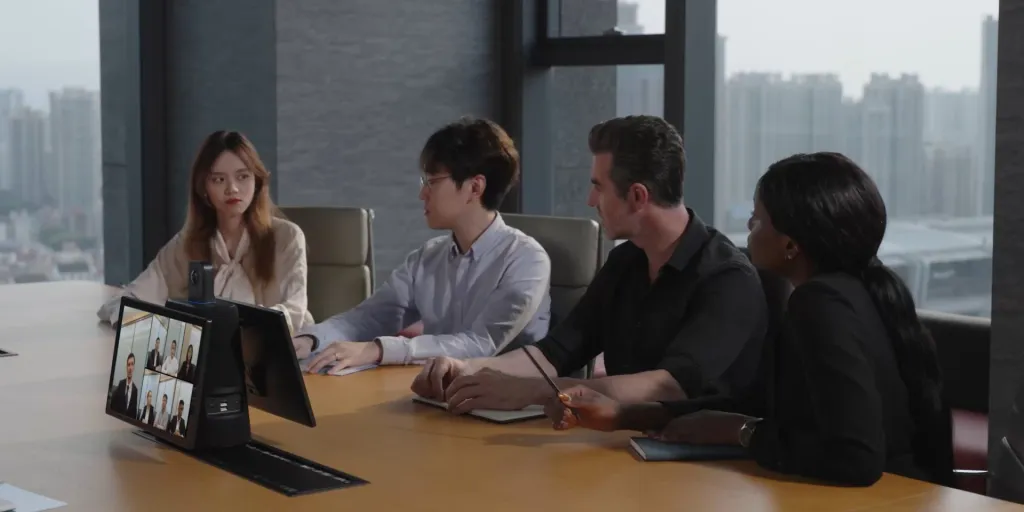
Unlike traditional front-of-room cameras that make remote users feel like they are "watching" a meeting, 360° cameras sit in the center of the action. This perspective allows for natural eye contact. When someone across the table speaks, the camera uses AI to pivot and focus, making the remote viewer feel like they are actually sitting in that empty chair. This design is especially effective in large rooms and glass-walled boardrooms, where a front-of-room camera would struggle to capture participants sitting at wide angles or near reflective surfaces.
The biggest challenges facing large boardrooms today
For large enterprises, the boardroom is where strategy is decided, deals are closed, and leadership communicates vision. Yet despite significant investment in office infrastructure, most large boardrooms still suffer from the same technical failures that undermine these high-stakes meetings:
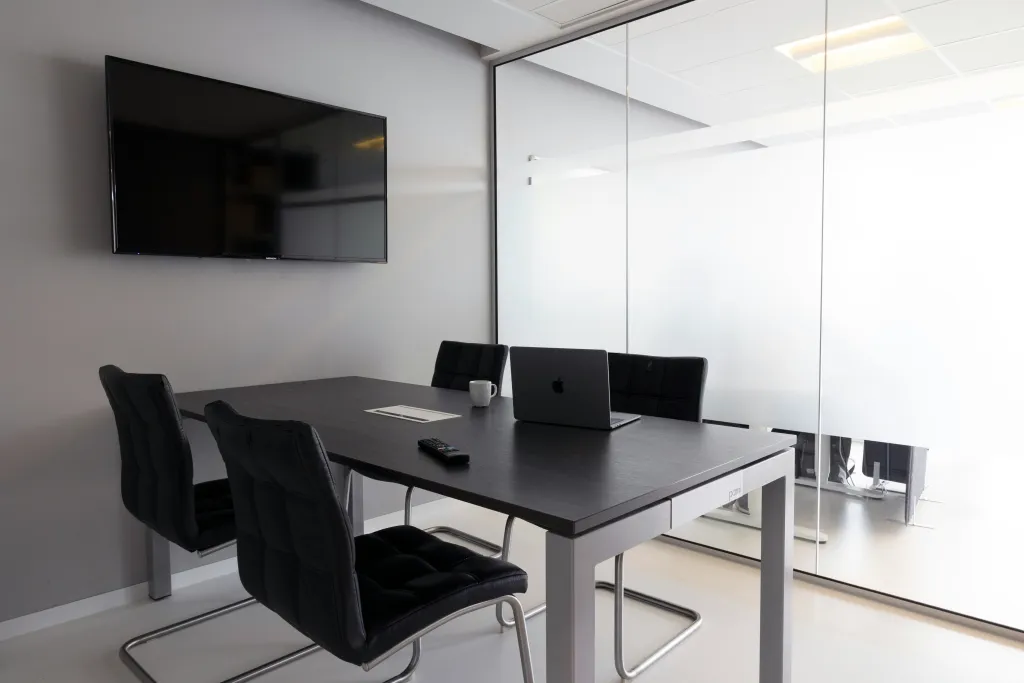
Glass walls and AI tracking interference — Floor-to-ceiling glass partitions look sleek but confuse AI tracking. Reflections from hallway movement and window glare cause the camera to drift away from the actual speaker at the worst possible moments.
Echo and reverberation — Glass reflects nearly 100% of sound waves back into the room. In a boardroom with glass on two or three sides, remote participants hear a hollow, reverb-heavy version of the conversation that is exhausting to follow over a long meeting.
Insufficient audio pickup range — Standard conference cameras are built for 4 to 8 people seated close together. In a large boardroom with 15+ participants across a 25-foot table, the microphone simply cannot reach the far end.
AI speaker tracking disruption — Large rooms introduce multiple tracking conflicts: people speaking simultaneously, presenters moving around, and screens displaying moving content. Without a dedicated exclusion system, the camera tracks the wrong stimulus at critical moments.
Why a 360° video conference camera with mic and speaker is the answer
The challenges above all point to the same conclusion: a purpose-built 360° video conference camera with mic and speaker is no longer optional for large boardrooms — it's the baseline.
Unlike a patchwork of separate devices, an all-in-one conference room camera and microphone system is calibrated to work as a single unit. The microphone array knows where the camera is pointing. The speaker is tuned to the same acoustic profile the mics are filtering. And critically, the AI tracking logic has access to both audio and visual data simultaneously — making it far more accurate in difficult environments like glass-walled boardrooms or large rooms with 15+ participants.
For enterprise boardrooms specifically, this integration isn't a convenience. It's what separates a meeting that works from one that doesn't.
Top 3 360° conference cameras with mic and speaker: A realistic review
Not all cameras are created equal. Below is our curated list of the top 3 performers in the current market, evaluated through hands-on testing and user feedback — with a specific focus on how each device handles glass-walled boardrooms, large rooms, and demanding acoustic environments.
Quick comparison
Feature
Nearity 360 Alien
Meeting Owl 4+
Kandao Meeting Ultra
Optical Design
Quad-Lens Array
Single Fisheye
Dual-Lens Array
Pixel Loss
Zero
20%-30%
~10-15%
Glass Wall Exclusion Zone
✔ 30° Auto-Exclusion
✘
✘
Max Audio Range
16m (scalable)
5.5m (8m w/ ext)
5.5m
Speaker Output
83dB
79dB
80dB
Large Room Suitability
✔ Enterprise-grade
Medium rooms only
Medium rooms only
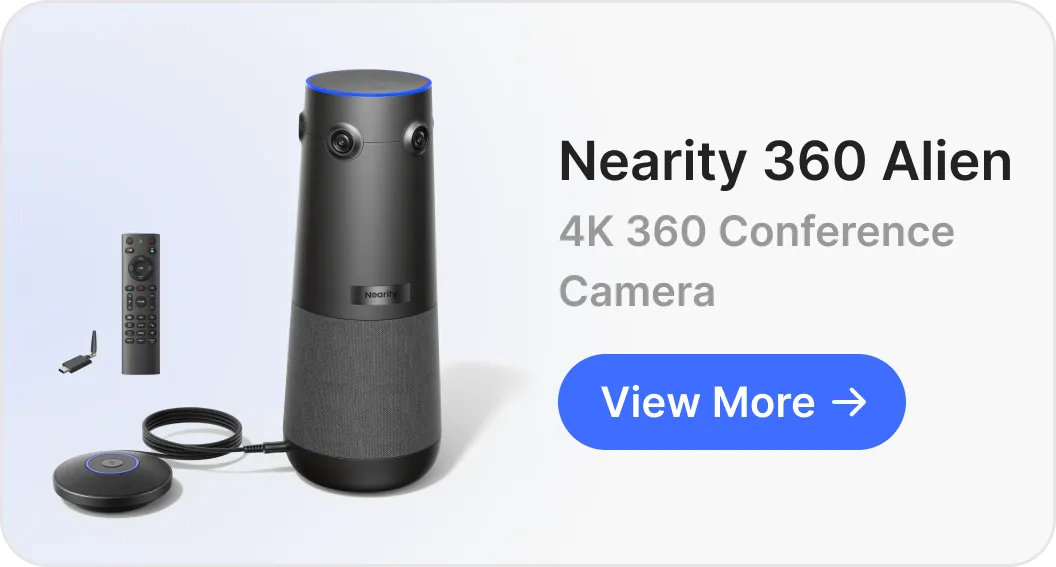
Nearity 360 Alien
The Nearity 360 Alien is currently setting the benchmark for what a professional video conference camera with mic and speaker should be. While most competitors capture the whole room with a single fisheye lens, the Alien uses a quad-camera array featuring four Sony StarVIS sensors.
Glass-walled boardroom performance
This is where the Alien genuinely separates itself from the competition. The 30° Auto-Exclusion Zone allows you to digitally block specific areas of the room — glass partitions, hallway-facing walls, or wall-mounted screens — so the AI never chases a reflection or an passing shadow again. In our testing inside a fully glass-walled boardroom with direct sunlight exposure, the tracking remained locked on the active speaker throughout without a single misfire.
On the audio side, ProperClean™ 2.0 technology maps the room's reverb profile in real time and strips it away before it reaches the remote participant. The same glass-walled room that sounded hollow to the naked ear came through studio-clear on the receiving end.
Large room performance
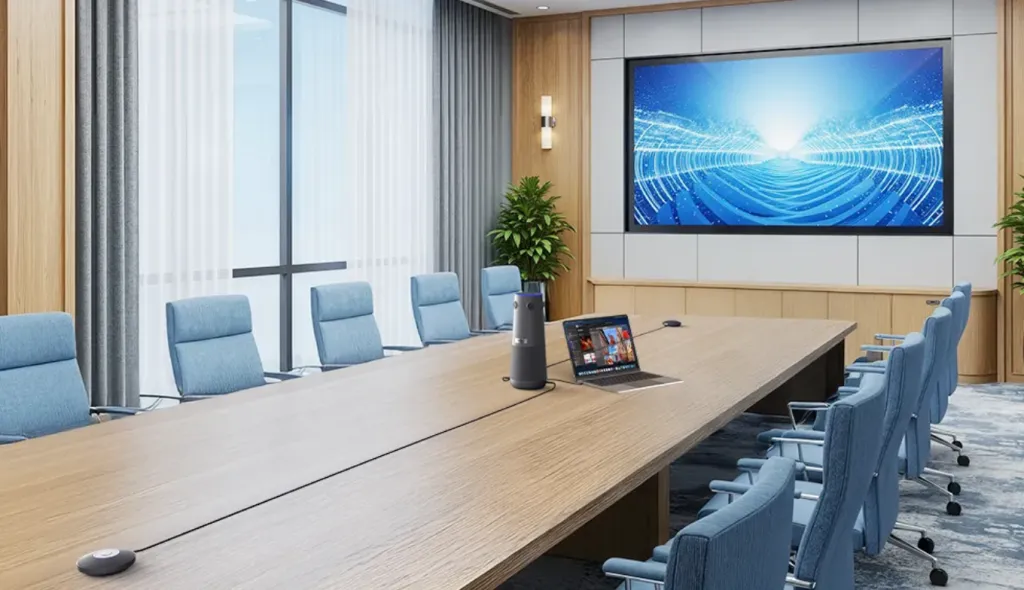
Supporting up to two daisy-chained expansion mics via standard ethernet cable, the Alien extends its pickup range to 16 meters — enough to cover every seat at a 25-foot boardroom table. Its built-in speaker reaches 83dB, ensuring remote voices are heard clearly even at the far end of a large room.
Pros & Features:
True 4K clarity via four 120° lenses — zero fisheye distortion, zero pixel loss
32MP of usable visual data vs. ~19MP in nearest single-lens competitor
Proprietary encrypted wireless USB dongle — no cable runs across the floor
30° Auto-Exclusion Zone for glass walls, screens, and hallway interference
Meeting Owl 4+ (The User-Friendly Veteran)
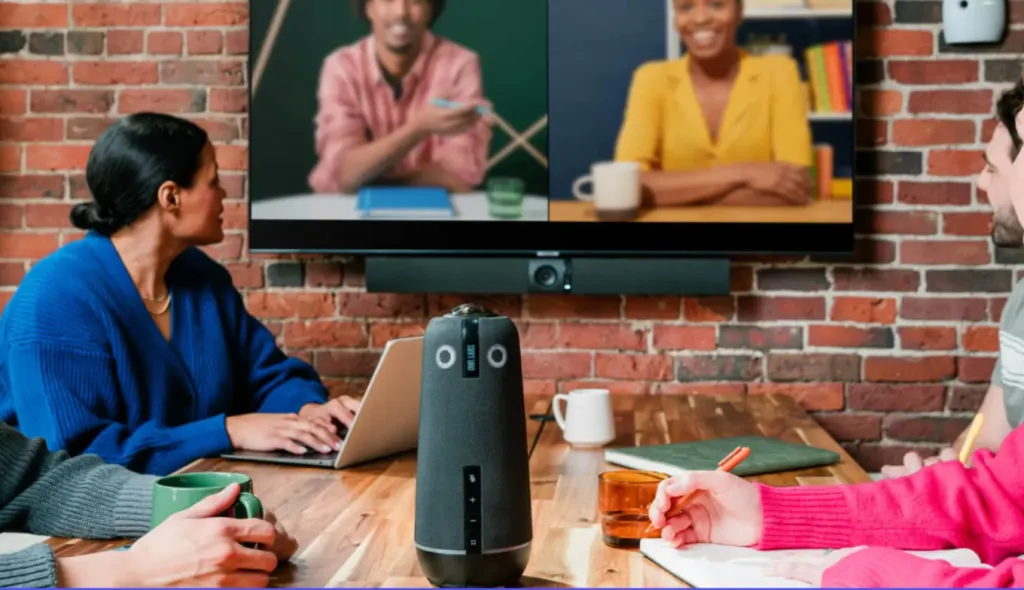
The Meeting Owl 4+ is the most recognizable name in the 360° space, and for good reason. Its "Owl Intelligence System" remains the fastest we've tested at switching between active speakers, and its plug-and-play setup requires zero IT involvement.
Glass-walled boardroom performance
This is the Owl's most significant weakness. It has no exclusion zone functionality, meaning the AI will track reflections on glass partitions and movement outside the room just as readily as it tracks actual participants. In our glass-walled testing environment, we recorded several instances of the camera drifting toward hallway movement mid-sentence.
Large room performance
At 5.5 meters of native audio pickup, the Owl 4+ is best suited for medium-sized rooms. Larger spaces require an additional "Owl Bar" purchase — it is not a native daisy-chain solution, and the added cost is significant.
Pros:
Fastest AI speaker switching on this list
Excellent software ecosystem with solid mobile app
True plug-and-play — no configuration required
Cons:
No exclusion zone — vulnerable to glass wall reflections and hallway interference
Single fisheye lens results in 20%-30% pixel loss during de-warping
Large room coverage requires additional hardware purchase
Lower speaker output at 79dB
Kandao Meeting Ultra (The All-In-One Powerhouse)
The Kandao Meeting Ultra is a self-contained system with built-in Android OS and dual touchscreens, designed to eliminate the need for an external laptop entirely.
Glass-walled boardroom performance
Ironically, the Kandao's built-in dual screens become a liability in glass-walled rooms — their reflective surfaces add to the optical noise the camera must filter through. Audio performance is strong, with 8 omnidirectional microphones delivering the most natural bass response on this list. However, without a dedicated exclusion zone feature, AI tracking accuracy in reflective environments remains inconsistent.
Large room performance
Native pickup range sits at 5.5 meters with no native expansion option. For large boardrooms, this is a hard ceiling that no firmware update can fix.
Pros:
All-in-one with built-in Android OS — no laptop required
8-mic array delivers the most natural audio playback on this list
Dual-lens system offers better resolution than single-lens competitors
Cons:
No exclusion zone for glass wall or screen interference
Built-in screens add reflective surfaces in glass-walled environments
No native audio expansion for large rooms
Significantly heavier and more expensive than standalone units
Future-proofing your setup: room design and industry use cases
Before investing in hardware, it's worth understanding that glass-wall echo and reverberation problems can also be addressed at the design stage. If your boardroom is still being planned or renovated, choosing the right building materials will reduce acoustic and optical interference before any camera is even installed:
Materials to avoid:
Floor-to-ceiling glass partitions on multiple walls — high sound reflectivity, high AI tracking interference
Polished concrete or marble flooring — amplifies reverberation significantly
Smooth painted drywall without acoustic treatment — moderate reflectivity with no absorption
Materials to consider instead:
Acoustic wall panels or fabric-wrapped surfaces — absorb sound rather than reflecting it
Carpet or cork flooring — reduces floor-level reverberation
Frosted or fritted glass — reduces optical transparency, limiting AI tracking interference from outside the room
Suspended acoustic ceilings — particularly effective in large boardrooms with high ceilings
For spaces where architectural changes are not possible — existing glass-walled boardrooms, leased office floors, or listed buildings — the right video conference camera with mic and speaker becomes the primary line of defense. This is where industry-specific requirements come into play:
Legal & financial services — Every word matters in depositions and board meetings. Transcription-grade audio clarity in glass-walled rooms is non-negotiable.
Education & training — Large rooms with moving presenters need wide pickup range and stable speaker tracking. Daisy-chain expansion is essential.
Healthcare & telehealth — Glass-walled consultation rooms are common in modern clinics. Exclusion zone functionality prevents tracking interference from adjacent spaces.
Hospitality & hotel conference centers — Rooms change configuration frequently. A wireless, plug-and-play conference room camera and microphone with no permanent installation requirement is the practical choice.
Government & enterprise headquarters — Security, scalability, and OTA firmware support ensure long-term reliability without costly hardware replacements.
FAQs
What is the best conference camera for glass-walled rooms to avoid glare and reflections?
The Nearity 360 Alien is currently the only 360° conference camera on this list with a dedicated 30° Auto-Exclusion Zone, allowing you to block glass partitions, hallway-facing walls, and reflective screens from the AI tracking field entirely. Combined with ProperClean™ 2.0 for real-time echo suppression, it is the most complete solution for glass-walled boardrooms available today.
What is the best video conference camera for large rooms?
For large rooms with 15 or more participants, audio pickup range is the primary constraint. The Nearity 360 Alien supports daisy-chained expansion mics via standard ethernet cable, extending pickup to 16 meters — the only all-in-one 360° camera on this list capable of covering a full enterprise boardroom without additional standalone speakerphones.
What should I look for in a video conference camera with mic and speaker?
For boardroom use, prioritize: full-duplex audio, AI noise suppression, scalable microphone range, and speaker output of at least 80dB. If your room has glass walls or large screens, exclusion zone functionality is essential. Avoid single-lens fisheye designs if image clarity during AI zoom is important — pixel loss during de-warping is significant and permanent.
Can building materials really affect conference camera performance?
Yes. Glass, polished concrete, and smooth painted walls all reflect sound and light, directly worsening both audio quality and AI tracking accuracy. If a room redesign is possible, acoustic panels, frosted glass, and carpet will reduce the hardware burden significantly. For existing glass-walled rooms, a purpose-built conference room camera and microphone system with onboard acoustic processing is the most practical solution.
Conclusion: Investing in the future of collaboration
The modern enterprise boardroom faces a set of challenges that standard video conferencing hardware was never designed to solve. Glass walls disrupt AI tracking. Hard surfaces amplify echo. Large tables outrun microphone range. And no amount of software optimization can compensate for the wrong hardware in the wrong room.
The three cameras reviewed here represent the current best of what the market offers for demanding boardroom environments. For most enterprise use cases — particularly glass-walled rooms and large rooms with 15+ participants — the Nearity 360 Alien's combination of zero pixel loss optics, 30° Auto-Exclusion Zone, and 16-meter scalable audio makes it the most complete solution available today. The Meeting Owl 4+ remains a strong choice for medium-sized rooms where ease of use is the priority. The Kandao Meeting Ultra suits teams that want an all-in-one system and can work within its fixed audio range.
The best technology is the kind that disappears. When the audio is clean and the video is sharp, you stop managing a call and start leading a team.