Walk into most modern classrooms in 2026 and you will likely see a large interactive display mounted where a chalkboard once stood. A smart board in classroom environments has become a defining feature of modern learning spaces. But what exactly is a smart board, how does it work, and is it worth the investment for your school? This guide answers those questions with practical insights for teachers, administrators, and instructional coaches.
What Is a Smart Board and How Does It Work in the Classroom?
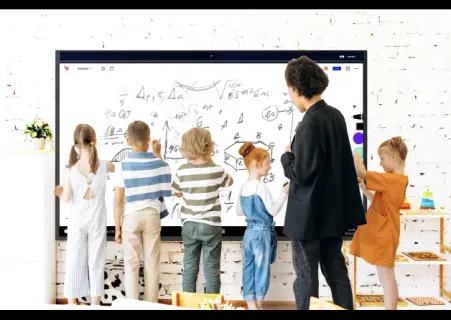
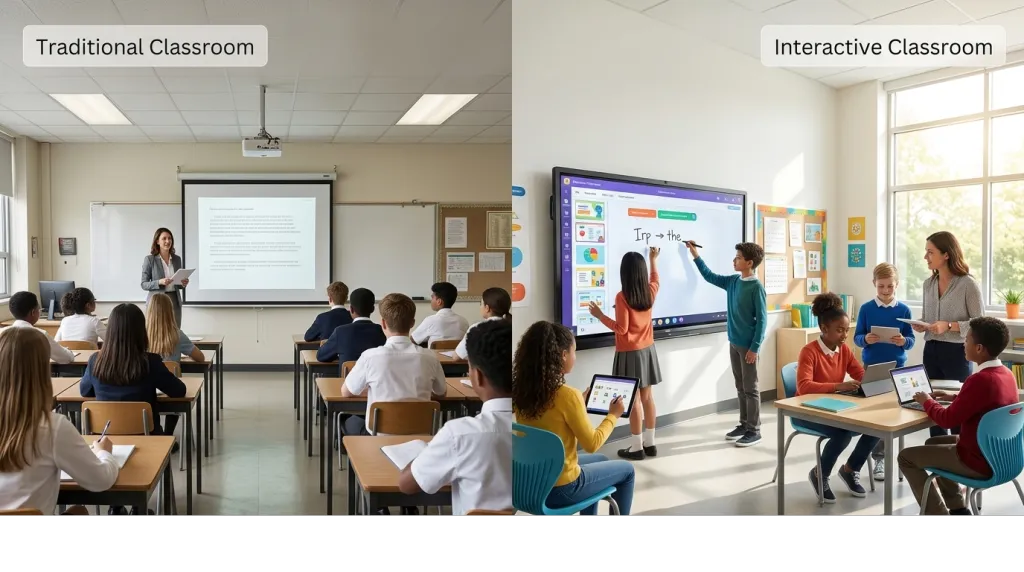
A smart board in a classroom is an interactive display that combines a large touchscreen with digital whiteboard software. Unlike traditional whiteboards or static projector screens, smart boards allow teachers and students to write, draw, navigate content, and manipulate objects on the screen using touch or styluses.
Most modern smart boards for classrooms function as all-in-one systems with a high-resolution LED or LCD display, built-in computing power, and wireless connectivity. Teachers can access cloud-based lesson platforms, stream videos, and write notes directly onto the screen without needing a separate projector. Understanding what is a smart board helps educators recognize how today's self-contained models differ from older interactive whiteboards that required projectors and calibration.
How to Use a Smart Board in the Classroom
For educators wondering how to use a smart board in classroom settings, the learning curve is gentler than expected. Most teachers can begin using core features within a single class period.
Starting a Smart Board
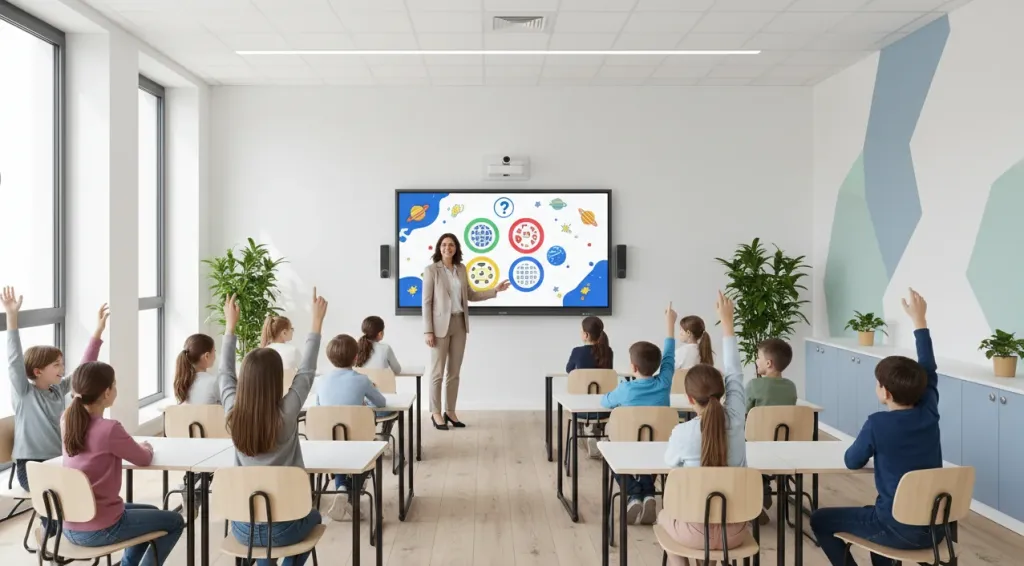
For teachers wondering how to start smart board in classroom sessions, the process is straightforward. Most displays power on with a single button. Teachers can sign into their accounts, access saved lessons from cloud storage, or open a blank whiteboard canvas. Many support quick-start modes that remember the last session, saving valuable instructional time.
Presenting Lessons
Smart boards enable teachers to move beyond static slideshows. A history teacher can embed video clips into a timeline. A science teacher can zoom into detailed diagrams. A language arts teacher can highlight and annotate passages in real time. These capabilities make lessons more dynamic and responsive to student questions.
Interactive Quizzes and Polls
Built-in software supports live quizzes and polls. Teachers ask a question, students respond on their devices, and aggregated results appear instantly on the board. This transforms passive review into an engaging formative assessment.
Group Collaboration Activities
Multiple students can interact with the screen simultaneously, making smart boards ideal for group problem-solving, peer editing, and project planning. A math class might have several students work the same problem side by side. A social studies class might build a shared concept map.

Annotating Documents and Presentations
Teachers can pull up a PDF, web page, or slide and write directly on it. These annotations can be saved and shared after class, creating a valuable review resource.
Supporting Hybrid or Remote Learning
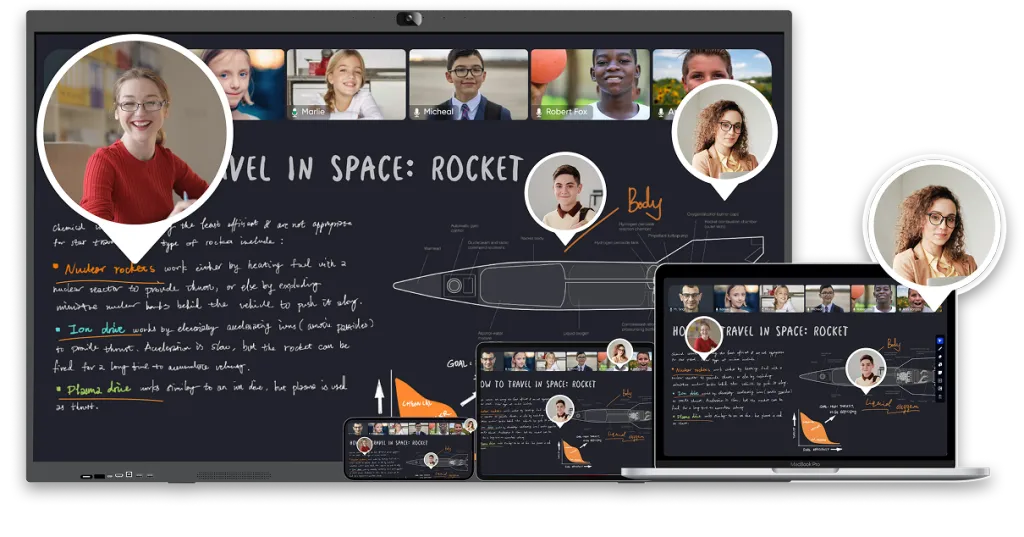
Modern smart boards for classrooms often include cameras and conferencing integration, allowing remote students to participate alongside in-person peers. This makes the technology a genuine bridge for hybrid learning environments.

Advantages and Disadvantages of Smart Boards in Classrooms
Evaluating the advantages and disadvantages for smart board in classrooms helps schools invest wisely. No technology fits every context.
Advantages of Smart Boards in Classrooms
Increased Student Engagement
Interactive displays capture attention more effectively than static materials. When students can touch and manipulate content on the screen, they tend to stay focused and participate more actively. Teachers frequently report that reluctant learners become more willing to engage when lessons involve the smart board.
Better Visual Learning
Complex concepts become clearer when presented visually. A biology teacher can zoom into cellular structures. A geography teacher can layer maps with climate data. Smart boards support images, videos, animations, and simulations that appeal to visual learners.
Real-Time Collaboration
Whether gathered around the board or connecting remotely, students can write, draw, and edit simultaneously. This makes every corner of the classroom a participatory zone rather than a passive viewing space.
Easier Lesson Delivery
Teachers save time by keeping all materials in one digital location. Notes, videos, quizzes, and handouts live on one display and can be accessed with a few taps.
Access to Digital Resources
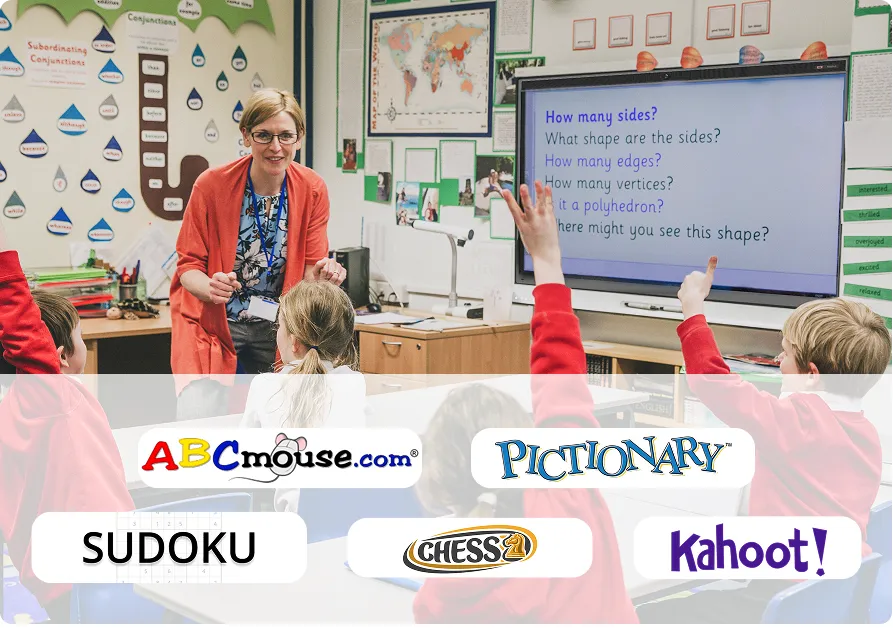
An interactive smart board for classroom use opens access to a vast ecosystem of educational software. Teachers can run platforms like Kahoot!, Quizlet, ABCmouse, and Google Classroom directly on the display. Educational games can turn review sessions into competitions students genuinely enjoy.
Disadvantages of Smart Boards in Classrooms
Initial Cost
The upfront investment can be significant. Prices vary by screen size, resolution, and features. Schools should budget for hardware, installation, mounting, and infrastructure upgrades. See this guide on how much does a smart board cost for detailed pricing.
Teacher Training Requirements
Even user-friendly systems require professional development. Teachers need time to learn software and build digital lesson libraries. Schools that invest in hardware without training often see the technology go underused.
Technical Issues
Software updates may disrupt lesson plans. Network issues can limit cloud features. Schools need reliable IT support to minimize downtime.
Maintenance Considerations
Screens need regular cleaning. Software requires updates. Over a five-to-seven-year lifespan, schools should expect some repair costs. Factoring in long-term maintenance helps avoid budget surprises.
Are Smart Boards Worth It for Schools?
Whether smart boards in classrooms are worth the investment depends on each school's specific context.
When Smart Boards Provide Strong ROI
Schools see the strongest return when teachers receive training and use the technology daily. If a smart board replaces multiple tools — whiteboard, projector, document camera, and speakers — it can streamline technology and reduce long-term maintenance complexity.
Situations Where Traditional Whiteboards May Still Work
Not every classroom needs a smart board. Schools with tight budgets, limited electrical infrastructure, or teachers who rely on discussion-based instruction may find traditional whiteboards adequate. In some cases, prioritizing student devices over a front-of-room display may better serve instructional goals.
Factors Schools Should Evaluate Before Purchasing
- Usage frequency: Will teachers use the board daily or occasionally?
- Infrastructure readiness: Is the network, electrical system, and mounting structure compatible?
- Total cost of ownership: Include hardware, software, training, and maintenance over five to seven years.
- Teacher readiness: Are educators prepared to integrate the technology?
- Alignment with goals: Does the technology support the school's teaching priorities?
How to Choose the Right Smart Board for a Classroom
Selecting the best smart board for classroom use requires attention to practical criteria.
Screen Size Considerations
Screen size should match classroom dimensions. A display too small for the room makes content difficult to read from the back row. A whiteboard size guide can help match display dimensions to room capacity. Rooms with more than twenty students typically benefit from 75-inch or larger displays.
Software Compatibility
The best hardware is only as good as its software. Verify that the smart board supports platforms your teachers already use — Google Classroom, Microsoft Teams, Zoom, or specialized curriculum tools.
Ease of Use
Teachers have limited time to learn new systems. Look for intuitive interfaces, responsive touch controls, and straightforward access to saving, sharing, and switching between applications.
Collaboration Features
Consider how many simultaneous touch points the display supports, whether it offers wireless screen sharing, and how easily it integrates with video conferencing for hybrid learning.
An Example Classroom Solution
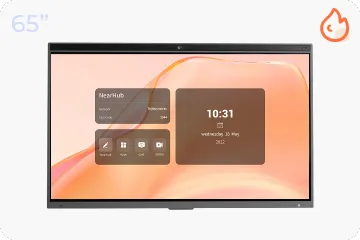
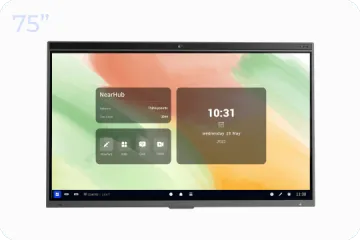
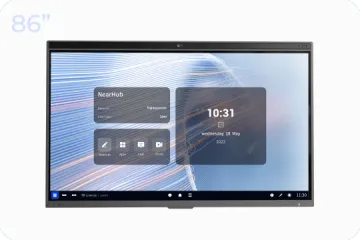
The NearHub Board Max is one option that addresses these criteria. It offers a large interactive display with multi-touch support, built-in conferencing, and compatibility with widely used educational software. Schools may find it worthwhile to review the specifications alongside other models. For connectivity guidance, this resource on how to connect devices to a smartboard offers setup tips that apply across brands.
Frequently Asked Questions(FAQs)
What is a smart board in a classroom?
A smart board in a classroom is an interactive display that combines a large touchscreen with digital whiteboard software, allowing teachers and students to write, draw, navigate content, and interact with lesson materials using touch or styluses. Unlike traditional whiteboards or projectors, smart boards support real-time annotation, multimedia integration, and two-way interaction.
How do teachers use smart boards?
Teachers use smart boards to present multimedia lessons, run interactive quizzes and polls, annotate documents in real time, facilitate group collaboration activities, and support hybrid or remote learning by connecting in-person and remote students to the same interactive content.
What are the advantages and disadvantages of smart boards in classrooms?
Advantages include increased student engagement, better visual learning, real-time collaboration, easier lesson delivery, and access to digital resources. Disadvantages include initial cost, teacher training requirements, technical issues, and ongoing maintenance.
Can smart boards be used without a projector?
Yes. Modern interactive smart boards for classrooms are typically all-in-one displays with built-in LED or LCD screens, processors, and software. They do not require a separate projector.
What software is compatible with smart boards?
Most smart boards support Google Classroom, Microsoft Teams, Zoom, Kahoot!, Quizlet, and various whiteboard applications. Compatibility varies by manufacturer, so schools should verify support for their specific ecosystem before purchasing.
Do I need a smart board for my classroom if I have student devices?
Not necessarily. Student devices offer individual access to digital content, but a smart board serves as a shared visual anchor for the entire class. It allows the teacher to model concepts, facilitate whole-group discussion, and provide a focal point for collaboration. Many schools find the two complement each other.
Conclusion
A smart board in the classroom can be a powerful tool for engaging students, supporting visual learning, and streamlining lesson delivery. When teachers receive proper training and the technology aligns with instructional goals, interactive displays often become central to daily teaching.
At the same time, schools must weigh the advantages and disadvantages for smart board in classrooms honestly. The initial investment, training requirements, and ongoing maintenance deserve careful planning. Schools with limited budgets may need to phase in adoption gradually.
The answer to whether a smart board is the right choice depends on your specific context: teacher readiness, student needs, technical infrastructure, and long-term instructional vision. Use this guide as a starting point for those conversations.