Best Wide Angle Webcam for Video Meetings: How to Choose the Right One
This comprehensive guide reviews the best wide-angle webcams on the market, helping you choose the right camera based on field of view, resolution, and room size for optimal hybrid collaboration.
Wide Angle Webcam
Video Conferencing
Hybrid Work
Updated: Aug 19, 2026 · 10 minutes read
Global Business, Brought Near.
No Installer, No Hassle, Just Works.
Welcome to the modern era of hybrid work. As remote and in-office teams continue to blend, the standard 78-degree laptop camera is no longer sufficient for collaborative environments. If you have multiple people in a huddle room, or if you need to present dynamic content on a physical whiteboard, upgrading to a dedicated wide angle webcam is an operational necessity.
But with a flooded hardware market in 2026, finding the best wide angle webcam requires more than just looking for the highest megapixel count. You need to account for your room size, acoustic environment, and how your team naturally interacts during a call.
In this comprehensive buyer's guide, we will break down the essential features you need to look for, explain our ranking methodology, and provide a curated list of the top video conferencing cameras to help you make the right investment for your business.
Key Takeaways
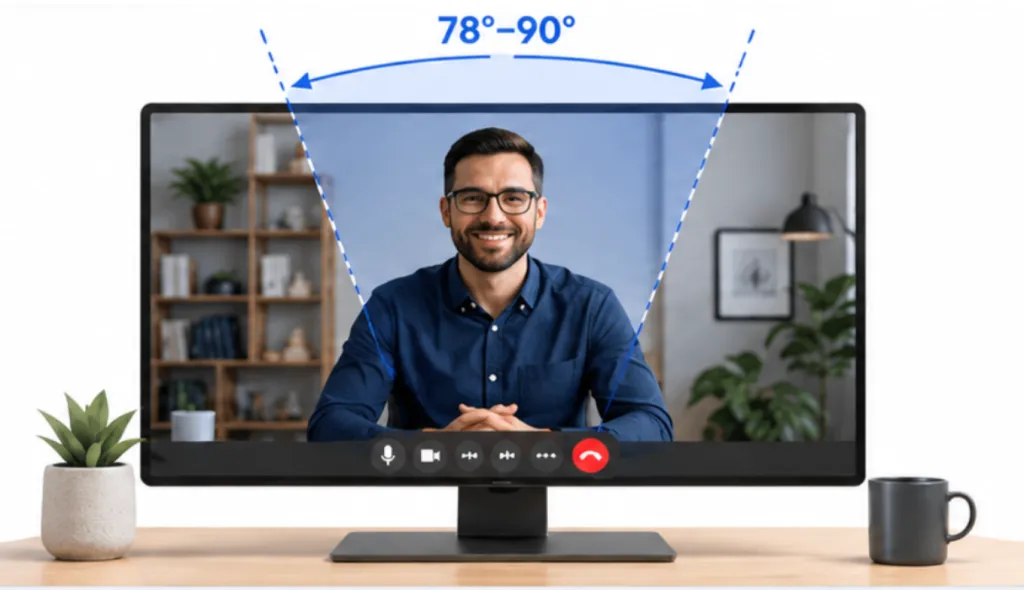
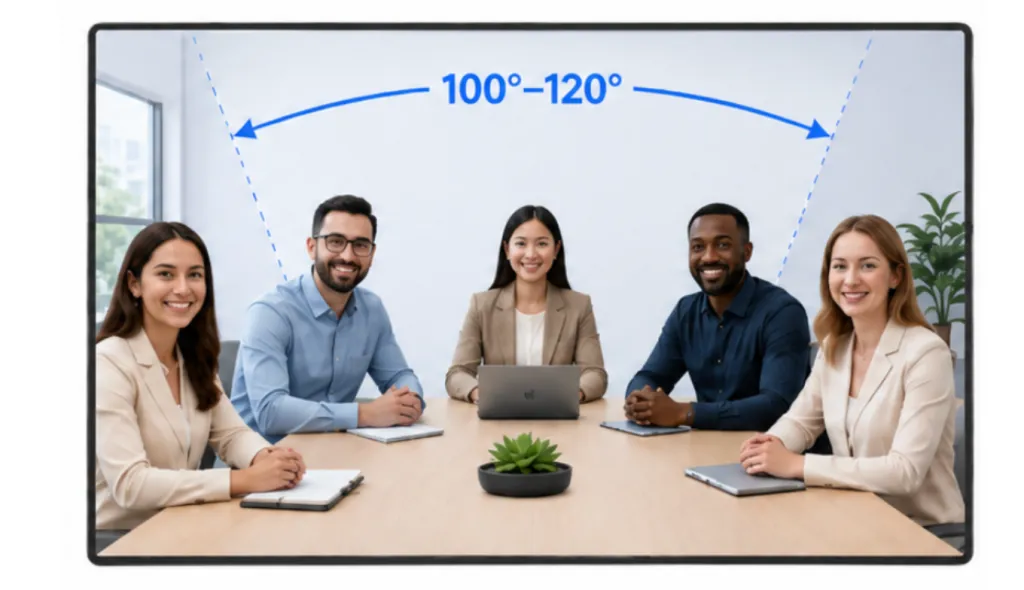
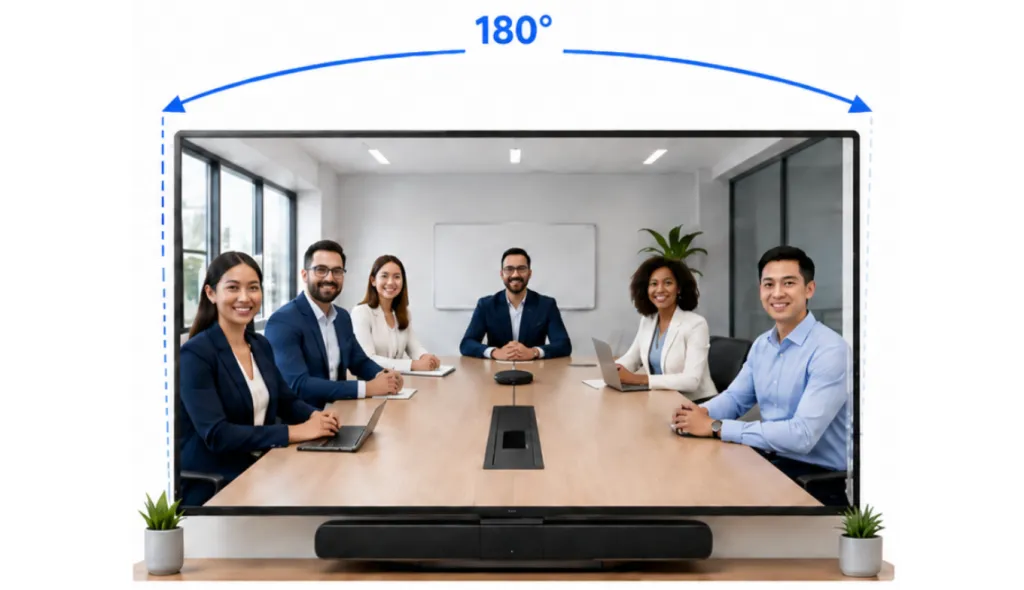
Match FOV to your space: Choose 78°–90° for solo users, 100°–120° for small teams, and up to 180° for wide huddle rooms.
Resolution is crucial: 4K sensors prevent pixelation, ensuring sharp images even when using digital zoom or AI auto-framing.
Audio matters: Unless you utilize a dedicated speakerphone setup, prioritize webcams with built-in AI noise suppression and dual microphones.
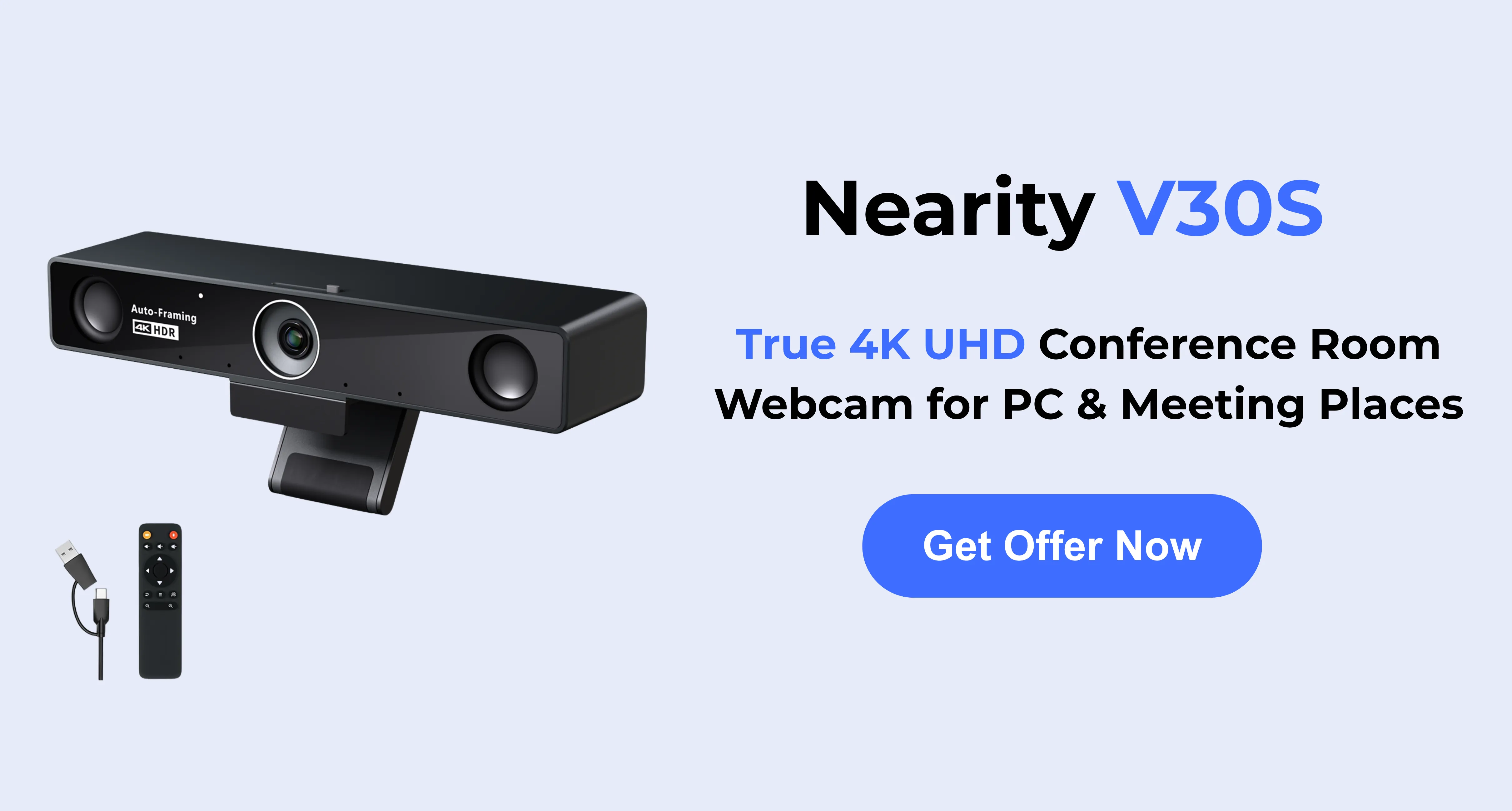
Top overall pick: The Nearity V30S strikes the perfect balance for small meeting rooms with its 120° FOV, 4K UHD video, and simple plug-and-play setup.
Best for executives: Adjustable 4K webcams like the Logitech Brio 4K and Dell UltraSharp WB7022 offer premium framing flexibility for personal workspaces.
How We Selected These Wide Angle Webcams
Before presenting our curated list, it is important to understand the criteria used to select the best wide angle cameras. When evaluating equipment for small business owners, office managers, and IT leaders, we prioritized practicality, collaboration potential, and overall value.
Here are the four main factors we considered:
Field of View (FOV): The defining feature of a wide angle lens webcam. A standard webcam has an FOV of 70° to 80°. For huddle spaces and conference rooms, a 90° to 120° FOV is ideal for capturing multiple people sitting side-by-side without creating severe "fisheye" distortion at the edges of the frame.
Resolution and Sensor Quality: Because wide-angle lenses capture a larger physical area, a higher resolution (like 4K) is crucial. A 4K sensor ensures that when the camera uses digital zoom to frame a specific speaker, the image remains sharp and professional rather than pixelated.
Integrated Audio: Video is only half the equation. The best conferencing cameras feature built-in microphone arrays with AI-driven noise suppression to filter out HVAC hums, keyboard clicking, and background office chatter.
AI and Smart Framing: Static wide shots can make remote participants feel disconnected. Modern cameras utilize AI to automatically crop, pan, and zoom to keep active speakers centered, ensuring "meeting equity" for everyone on the call.
Quick Picks: Best Wide Angle Webcam by Scenario
Scenario
Recommended Option
Best For
Best overall for small meeting rooms
Nearity V30S
Hybrid team meetings, huddle rooms, multi-person calls
Best for executives and personal desks
Logitech Brio 4K
Individual professionals who want adjustable framing
Best image-focused 4K desk webcam
Dell UltraSharp Webcam WB7022
Users who already use external audio
Best value compact option
AnkerWork PowerConf C200
Budget-conscious users needing flexible FOV
Best panoramic huddle-room option
Jabra PanaCast
Room-wide collaboration and whiteboard sharing
Best basic business webcam
EMEET SmartCam C960
Simple 1080P meetings with a wide 90° view
Nearity V30S — Best Overall Wide Angle Webcam for Small Meeting Rooms
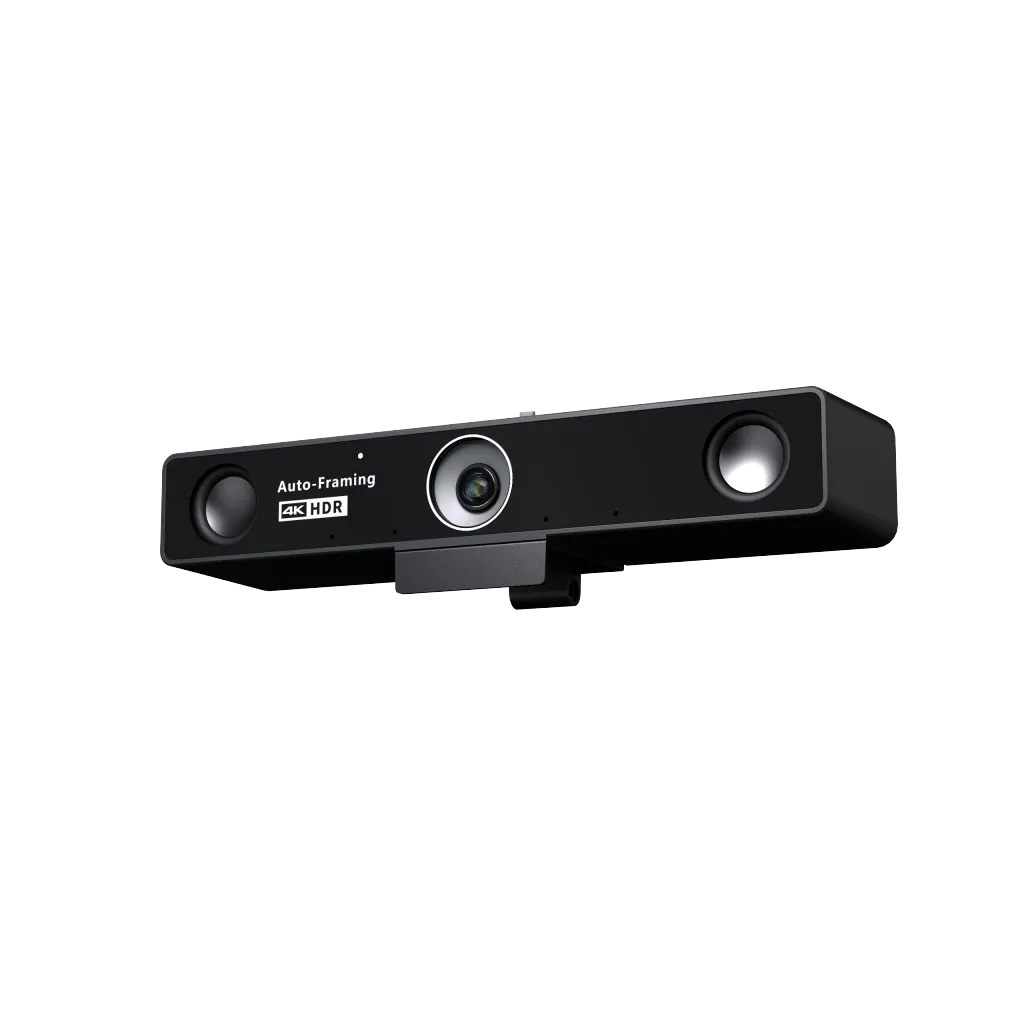
The Nearity V30S is a strong fit for teams that need more than a personal webcam but do not want to install a complex conference room system. It combines a 120° field of view, 4K UHD video, dual MEMS microphones, AI noise reduction, and a built-in privacy cover. Nearity describes the V30S as using a 120° distortion-free wide-angle lens, which makes it especially relevant for small meeting rooms and group video calls.
What makes the V30S useful is its balance. Some wide cameras capture more of the room but make people near the edges look stretched. Some personal webcams look sharp but are too narrow for multiple participants. For teams looking for a practical webcam for conference room solution, the V30S sits in the middle: wide enough for huddle rooms and small group meetings, but still focused enough for professional video conferencing.
It is also practical for office managers and IT teams because it does not require a complicated AV setup. A 120° wide angle lens webcam can be placed near a display, on a desk, or in a small meeting space where several people need to appear clearly in the same frame.
Key strengths
120° wide-angle field of view for small rooms and team calls
Better suited to group meetings than a typical personal webcam
Possible limitations
The 120° view may be wider than necessary for solo users who want a tight head-and-shoulders frame. For individual executive desks, a 78°–90° webcam may feel more controlled.
Best for
Small meeting rooms, huddle spaces, hybrid team calls, office managers upgrading shared meeting spaces, and small businesses that want a practical all-in-one meeting webcam.
Logitech Brio 4K — Best for Personal Desks and Executive Calls
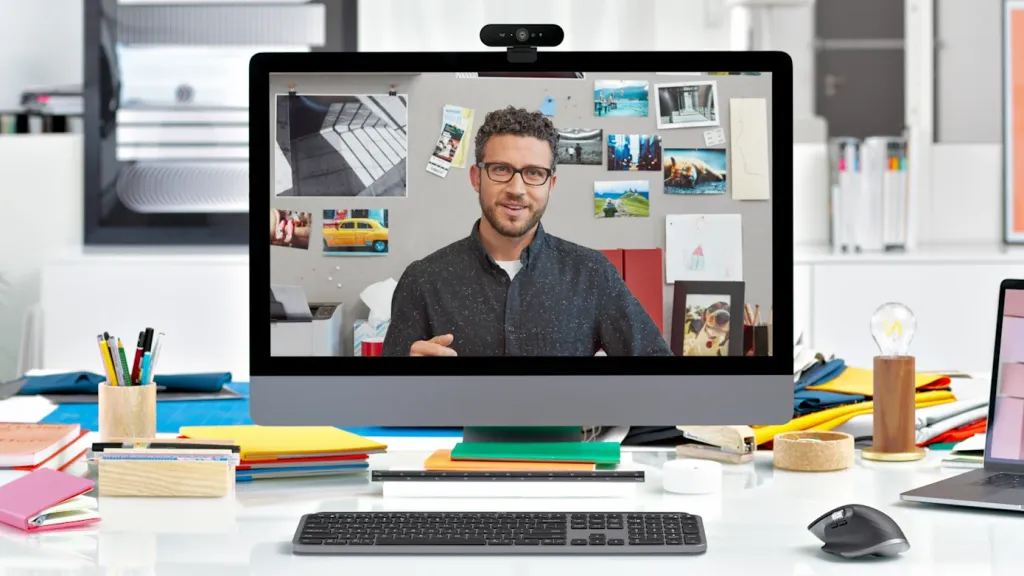
The Logitech Brio 4K is a well-known business webcam for professionals who want high image quality and flexible framing. It is also often considered by users comparing the best webcams for MacBook, especially when they need a sharper and more adjustable external camera for video meetings. It supports 4K at 30 fps, 1080p at 60 fps, and adjustable diagonal field of view options at 90°, 78°, and 65°. It also includes autofocus, glass optics, RightLight 3, and dual built-in microphones.
Compared with a 120° wide angle webcam, the Brio is more personal-workspace focused. Its 90° setting can include more of the desk or background, while the narrower settings are useful when the user wants a more focused professional frame.
For executives, remote managers, consultants, and sales professionals, this flexibility can be useful. You can use the wide setting when presenting at a desk and switch to a tighter angle for more formal meetings.
Key strengths
Adjustable FOV for different call styles
4K resolution and strong image processing
Good choice for individual professionals
Compact and familiar for office deployment
Possible limitations
A 90° maximum FOV is not ideal for capturing a group around a meeting table. It is better for personal desks than shared conference rooms.
Best for
Executives, remote professionals, sales teams, consultants, and individual users who want a premium webcam with flexible framing.
Dell UltraSharp Webcam WB7022 — Best 4K Webcam for Image-Focused Desk Setups
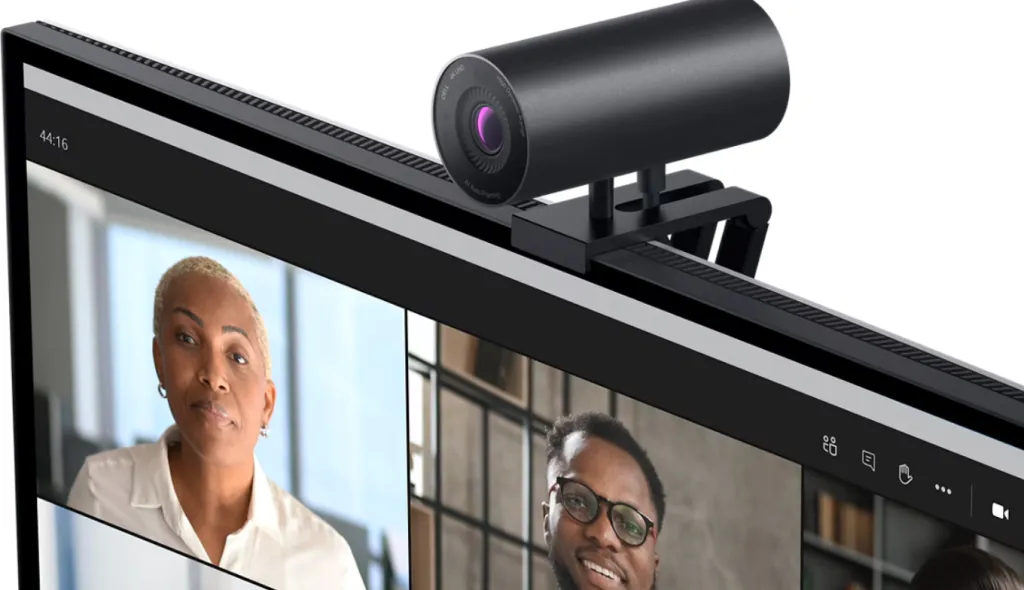
The Dell UltraSharp Webcam WB7022 is another strong option for users who prioritize image quality. It offers 4K UHD video, a large Sony STARVIS CMOS sensor, autofocus, HDR-related image features, AI auto framing, and field of view options at 65°, 78°, and 90°. Dell also notes that this webcam does not include a built-in microphone, which is important for buyers to understand before choosing it.
This makes the Dell UltraSharp Webcam a good fit for professionals who already use a dedicated microphone, speakerphone, headset, or conference audio device. In that setup, the lack of built-in audio is not necessarily a problem. It may even be preferable for users who want to separate camera and audio performance.
As a wide angle webcam, the Dell model is best interpreted as a premium personal or executive webcam rather than a small-room collaboration camera.
Key strengths
Strong 4K image quality
90° wide-angle option for more flexible framing
AI auto framing and HDR-related image features
Good match for users with external audio
Possible limitations
No built-in microphone. Teams that need a simple camera-and-audio solution should plan for a separate speakerphone or headset.
Best for
Professionals with dedicated audio setups, executive home offices, corporate desks, and users who care most about camera image quality.
AnkerWork PowerConf C200 — Best Compact Value Wide Angle Webcam
The AnkerWork PowerConf C200 is a practical choice for users who want a compact webcam with adjustable framing at a lower investment level. It offers 2K resolution, a built-in privacy cover, dual microphones, and field of view options at 65°, 78°, and 95° through AnkerWork software.
The 95° setting gives it a wider frame than many basic webcams, making it useful for users who want to show more of their workspace or occasionally fit two people into the shot. It is not as room-oriented as a 120° camera, but it can be a reasonable option for remote workers, small business owners, and individual team leaders.
For buyers searching for a wide angle lens webcam on a tighter budget, the PowerConf C200 offers a balanced mix of resolution, privacy, and FOV flexibility.
Key strengths
2K resolution for sharper video than standard 1080P webcams
Adjustable 65°, 78°, and 95° fields of view
Built-in privacy cover
Compact design for personal workspaces
Possible limitations
The 95° maximum view is useful but still limited for group meeting rooms. It is better for individuals or two-person calls.
Best for
Remote workers, small business owners, personal desks, and users who want a flexible but affordable wide angle webcam.
Jabra PanaCast — Best Panoramic Option for Huddle Rooms
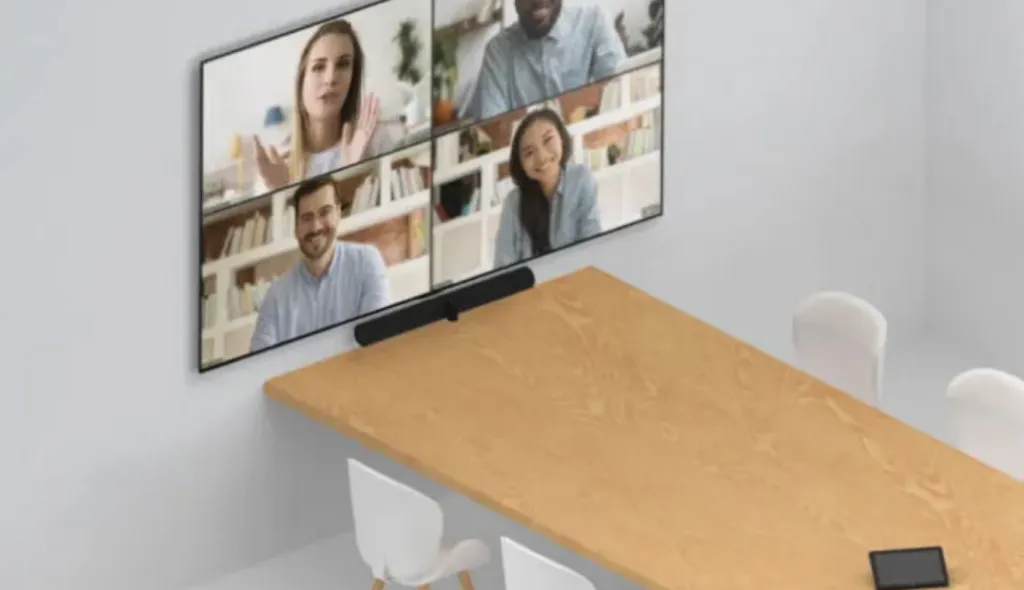
The Jabra PanaCast is different from a traditional webcam. It is designed as a 180° panoramic video solution for huddle rooms, using multiple cameras and real-time stitching to capture a wall-to-wall view. Jabra’s data sheet describes it as a Panoramic-4K plug-and-play video solution with 180° coverage and compatibility with leading video conferencing platforms including Microsoft Teams and Zoom.
This type of camera is useful when the priority is room inclusion. If people sit close to the display or across a wide table, a 180° camera can make sure nobody is cut out of the frame.
However, a panoramic camera is not always the best wide angle webcam for every team. For some small meeting rooms, 180° may show too much of the room. It can also feel less natural for users who prefer a more conventional meeting-room view.
Key strengths
Very wide 180° room coverage
Designed for huddle-room inclusion
Useful for whiteboard and collaborative room scenarios
Plug-and-play meeting-room deployment
Possible limitations
More specialized than a standard webcam. It may be more camera than needed for solo users or small teams that only need a 90°–120° view.
Best for
Huddle rooms, collaborative spaces, whiteboard sessions, and teams that need full-room visibility.
EMEET SmartCam C960 — Best Basic Business Webcam with a Wide 90° View
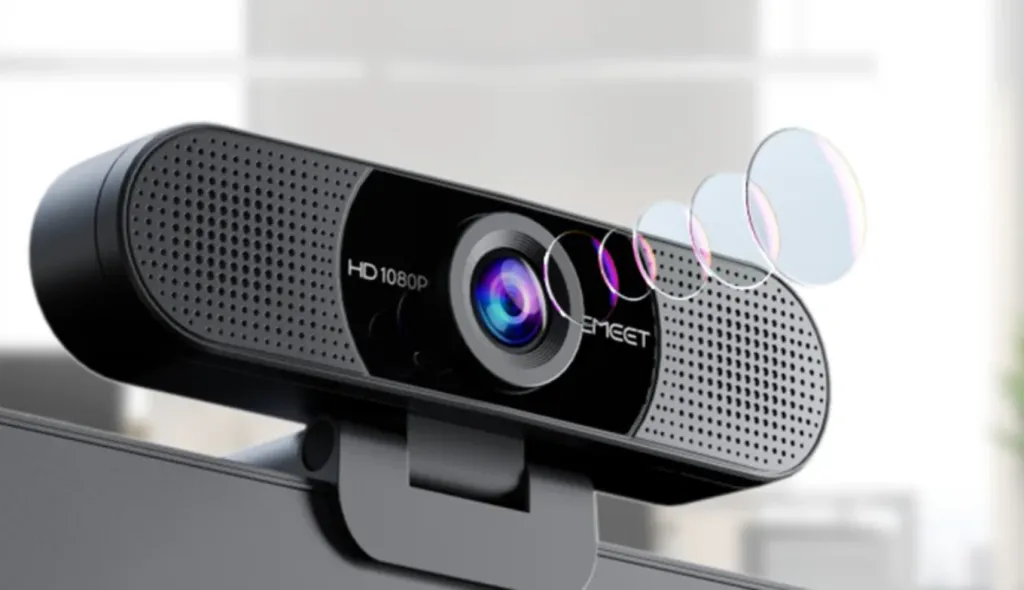
The EMEET SmartCam C960 is a simple 1080P webcam with a 90° field of view, dual microphones, auto light correction, plug-and-play setup, and compatibility with platforms such as Zoom, Microsoft Teams, Webex, and Skype.
It is not the most advanced option in this list, but it can work for basic business calls where budget and simplicity matter more than premium image quality. A 90° field of view is wide enough for a single user with some background context or two people sitting close together.
For buyers looking for the best wide angle webcam for professional meeting rooms, this is not the strongest option. But for basic video conferencing, onboarding kits, or backup webcams, it can be practical.
Key strengths
Affordable 1080P video
90° wide-angle field of view
Dual microphones
Plug-and-play setup
Possible limitations
Fixed focus and 1080P resolution may not satisfy teams that need premium image quality or flexible meeting-room coverage.
Best for
Basic business calls, budget deployments, remote workers, and backup webcam needs.
Wide Angle Webcam Comparison Table
Webcam
Max FOV
Resolution
Audio
Best Use Case
Nearity V30S
120°
4K UHD
Dual MEMS mics with AI noise reduction
Small meeting rooms and hybrid team calls
Logitech Brio 4K
90°
4K
Dual built-in mics
Executive desks and personal workspaces
Dell UltraSharp WB7022
90°
4K UHD
No built-in mic
Image-focused users with external audio
AnkerWork PowerConf C200
95°
2K
Dual mics
Budget-friendly personal use
Jabra PanaCast
180°
Panoramic-4K
Works with room audio setups
Huddle rooms and panoramic collaboration
EMEET SmartCam C960
90°
1080P
Dual mics
Basic business video calls
How to Choose the Best Wide Angle Webcam
For solo users: choose 78°–90°
If you mostly join meetings alone, a 78°–90° webcam is usually enough. It keeps your face clear while showing a moderate amount of background. Logitech Brio 4K, Dell UltraSharp Webcam, AnkerWork PowerConf C200, and EMEET C960 all fit this range.
For small teams: choose around 100°–120°
For small meeting rooms, a 120° wide angle webcam is often more useful. It can capture several people sitting around a table without forcing everyone to squeeze into the center of the frame. This is where the Nearity V30S becomes especially relevant.
For huddle rooms with wide seating: consider 180°
If your team sits very close to the camera or across a wide huddle-room table, a panoramic camera like Jabra PanaCast may be a better fit. Just remember that wider is not always better. A 180° camera can capture more context than some teams actually need.
For professional meetings: do not ignore audio
A webcam solves the video problem, but hybrid meeting quality depends heavily on audio. If your webcam has limited microphone pickup or no built-in microphone, consider pairing it with a speakerphone, headset, or dedicated room audio system.
For IT teams: prioritize plug-and-play deployment
For shared rooms, ease of setup matters. A webcam that works smoothly with Zoom, Microsoft Teams, Google Meet, and standard USB connections can reduce support requests and make meetings easier for non-technical users.
Final Recommendation: Which Wide Angle Webcam Should You Choose?
For individual professionals, a 90° adjustable webcam such as Logitech Brio 4K or Dell UltraSharp Webcam is usually enough. These options provide strong image quality and flexible framing for personal desks.
For budget-conscious users, the AnkerWork PowerConf C200 or EMEET SmartCam C960 can be practical choices. They offer wider-than-standard framing without requiring a large investment.
For collaboration-heavy huddle rooms, Jabra PanaCast is worth considering when full-room panoramic coverage is the priority.
For small meeting rooms, hybrid teams, and business users who need a balanced wide angle webcam, the Nearity V30S is a strong fit. Its 120° field of view, 4K clarity, built-in audio features, AI noise reduction, and privacy cover make it especially suitable for teams that want a practical meeting-room webcam without moving into a complex AV system.
The best wide angle webcam is not always the widest one. It is the one that matches your room size, meeting style, and collaboration needs. For many small businesses and hybrid teams, that means choosing a camera wide enough to include everyone, sharp enough to look professional, and simple enough for anyone to use.
FAQs
What is the best field of view for a wide angle webcam?
For most business video meetings, a field of view between 90° and 120° works well.
A 90° field of view is suitable for individual users or two-person calls. A 120° field of view is better for small meeting rooms, huddle spaces, and hybrid team meetings where several people need to fit into the frame.
Is a 120° webcam too wide?
Not usually. A 120° webcam is often a good balance for small meeting rooms because it captures multiple participants without requiring everyone to sit very close together.
That said, it may feel too wide for solo users who prefer a tighter, more personal frame. For individual desk use, a 78°–90° webcam may be more suitable.
Does a wide angle webcam affect privacy?
Yes. Because a wide angle webcam captures more of the room, it may also show sensitive background details such as documents, whiteboards, coworkers, or personal items. To protect privacy, check the camera preview before meetings, adjust the camera angle, and consider a webcam with a built-in physical privacy cover.
Does Nearity have a 120-degree conference camera?
Yes. Nearity 120 Max is a 120-degree conference camera designed for long-table meetings and multi-person collaboration. Its wide field of view helps capture more participants in the room, making it a practical choice for huddle rooms, team discussions, and professional video conferencing setups.
Does Nearity have a 360-Degree conference camera?
Yes. Nearity 360 Alien is a 360-degree conference camera that is especially suitable for round-table meetings and small group discussions. It captures participants from all directions, helping remote attendees follow the conversation more naturally in collaborative meeting scenarios.