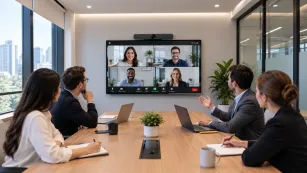
The most expensive sentence in a regulated-industry AV purchase is "we'll figure out the compliance part later." A hospital system in the Midwest learned this the expensive way: new collaboration displays across twelve sites, a smooth rollout, glowing feedback — until a privacy officer asked a simple question in month three: "When a guest casts to these screens, who else can see the session?" Nobody could answer. Not the integrator, not IT, not the vendor's reseller. The fleet spent four months in restricted mode while lawyers and IT renegotiated the deployment. The hardware was fine. The sequence was wrong.
In healthcare, government, law, and finance, meeting room technology doesn't get evaluated like normal office equipment — or at least, it shouldn't. This guide gives you the compliant sequence, sector by sector, plus a vendor security-review framework you can run before anything ships.
Why Compliance Runs Before Features
In a normal office, the buying sequence is: features → shortlist → security sign-off. In regulated industries that sequence must invert, and it's worth understanding why — three layers down.
First why: because in regulated sectors, the downside isn't a bad purchase, it's an incident. A consumer-grade casting protocol that lets a neighboring office discover your screen isn't an annoyance when the screen shows patient charts, case files, or material non-public financials — it's a reportable event with real consequences.
Second why: because compliance failures are discovered late, and late discovery is what makes them expensive. Privacy officers, procurement rules, and security reviews typically enter after the business has fallen in love with a product. Every week between purchase and discovery multiplies the cost of unwinding — in the story above, three months of fleet-wide restriction, not a returned box.
Third why — and the one most buyers get backwards: compliance is not a brake on usability, it's a filter that produces a better shortlist. Products that can't answer governance questions also tend to have weak admin tooling, poor update discipline, and vague data practices. The compliance screen doesn't just protect you; it predicts product quality. The common misconception is that "secure" and "usable" trade off. In practice, the vendors who can answer hard questions about session isolation and admin control are usually also the ones whose rooms start on time.
So the sequence: compliance screen → workflow fit → features → price. Everything below assumes it.
Healthcare: Privacy Is a Room-Design Problem
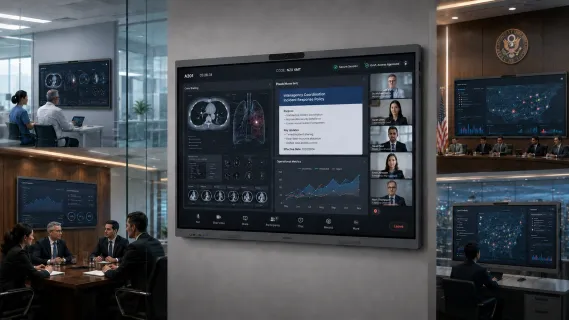
Hospitals and clinics have a distinctive meeting profile: case conferences and tumor boards with imaging on screen, telehealth consultations, administrative meetings, and staff training — often in the same room, sometimes on the same day. A healthcare meeting screen carries protected health information in a building full of people who aren't authorized to see it.
Three requirements follow:
Physical sightlines first. The most common privacy failure in hospitals isn't digital — it's a screen visible from a hallway, a waiting area, or a glass-walled corridor. Before any technology decision, map who can see the display from where. This costs nothing and eliminates entire room layouts.
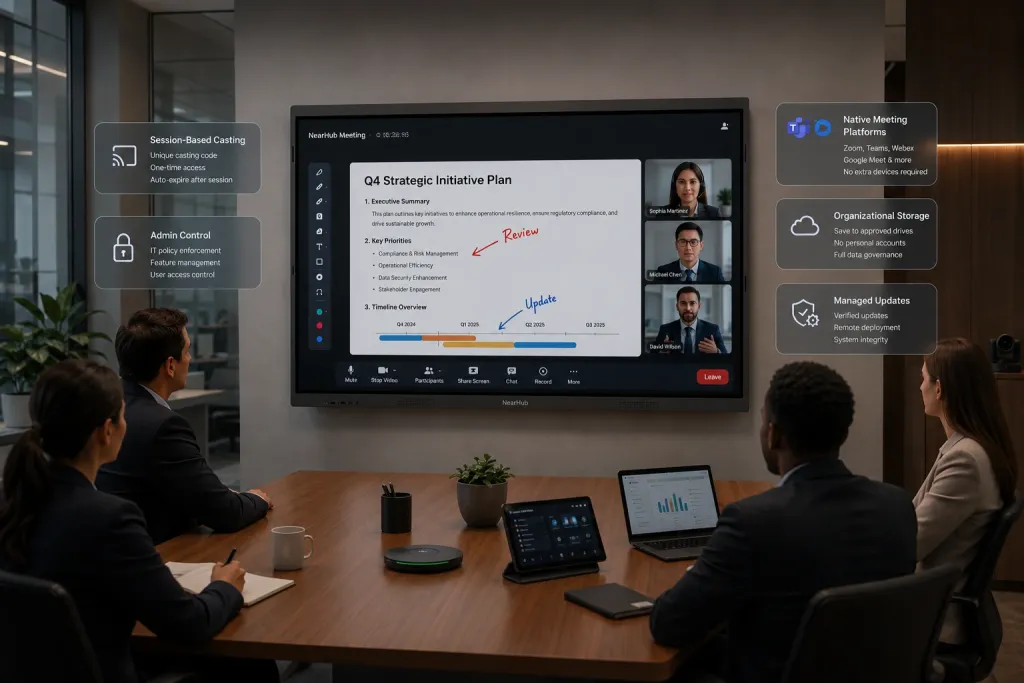
Session isolation for casting. A hospital conference display will host cardiologists at 9, a vendor presentation at 10, and a family consultation at 11. Wireless casting must be session-scoped — code-based, expiring, and not discoverable by neighboring devices. "Anyone on the network can see this screen" is a HIPAA conversation you don't want to have.
Clinical-grade clarity. Case reviews put radiology images and pathology slides on the wall for a room of specialists. A 4K panel with accurate rendering isn't a luxury here; a misread gradient is a clinical problem, not an AV footnote.
A scenario that ties the three together: a regional clinic runs a Tuesday tumor board — four physicians in the room, two surgeons joining remotely, imaging on the wall. Mid-review, a visiting drug rep in the lobby opens their laptop and sees the conference display appear in their casting menu, because the room was set up with "convenient" network-wide discovery. No breach occurs — the rep doesn't connect — but the privacy officer now has an incident to document, a room to lock down, and a vendor question nobody can answer. The technology didn't malfunction; it worked exactly as a consumer product is designed to work. That's the point: healthcare rooms need casting that is invisible by default and visible only inside a bounded session.
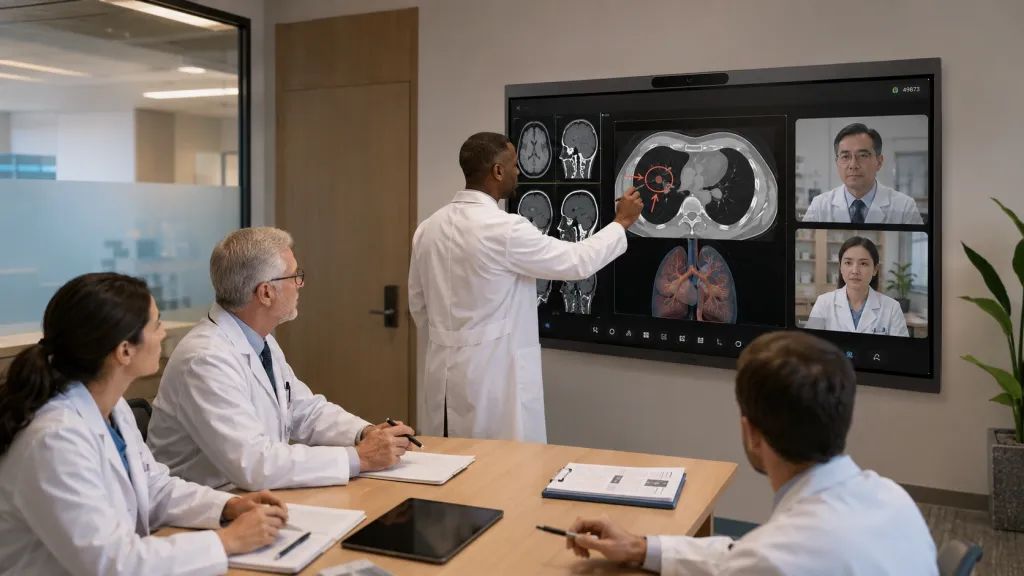
For telehealth-specific rooms — where the display doubles as the far-end window for remote patients — camera framing and audio pickup determine whether the remote party feels like a patient or a postage stamp. NearHub maintains a dedicated configuration guide for telehealth consultation rooms, and the Board S Max's built-in camera with AI speaker tracking is designed for exactly this "whoever speaks is seen" requirement — running Zoom or Teams natively on Windows 11, so it slots into the platform stack your security team has already approved rather than adding a new one.
Government: Procurement Is Part of the Product
A government meeting room setup has a constraint no private buyer faces: the purchasing process itself is regulated, audited, and calendar-bound. This changes what "good vendor" means as much as any product spec.
Tax exemption is table stakes — but only if it's smooth. Agencies and qualified public organizations buy tax-free, yet the process ranges from "email your certificate, done" to weeks of procurement-office ping-pong. Ask every shortlisted vendor exactly how exemption is handled before you're inside a fiscal deadline. (NearHub's process: agencies email their exemption certificate, and the sales team completes the tax-free purchase directly — a small thing that saves real weeks.)
Funding cycles set your calendar. Budget years, grant windows, and use-it-or-lose-it deadlines mean delivery lead time is a compliance feature. A display that ships in five days beats a cheaper one that ships in eight weeks when the window closes in six.
Documentation is a deliverable. Formal quotes, spec sheets procurement can file, warranty terms in writing — public purchases live in records that get audited later. Vendors experienced with public-sector buyers produce these unprompted; vendors who aren't will teach you that the hard way.
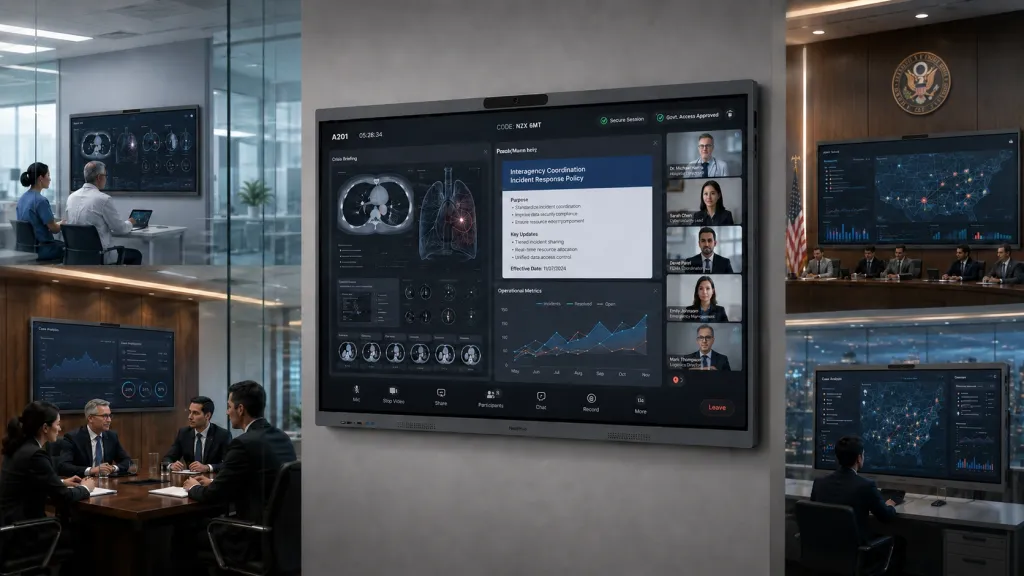
Interoperability beats novelty. Council chambers, briefing rooms, and inter-agency video calls run on the platforms other agencies use. A room that joins Zoom, Teams, Webex, and Google Meet natively removes the "we can't join their meeting format" failure that plagues cross-jurisdiction work. There's a fuller discussion of secure multi-platform configurations on NearHub's government office video conferencing page.
One scenario makes the stakes concrete: a county emergency management office upgrades its briefing room in September. Federal grant funds, deadline December 31. The chosen vendor can't process tax exemption without a W-9 review that takes six weeks, and delivery is quoted at ten. The funds lapse; the project waits a full budget year. Nothing about the display itself was wrong — the procurement path killed it.
Public-facing rooms add one more layer. Council chambers and public hearing rooms serve two audiences simultaneously — the officials in the room and the citizens watching, in person or on stream. That means the display is both a working surface and a broadcast source, and layout decisions (what's on screen when the public camera is live) become policy decisions. Treat those rooms as a hybrid of the government column above and the venue logic of brightness and sightlines, and design the content policy before the room, not after the first awkward broadcast.
Legal & Finance: The Client-Confidentiality Filter
A law firm conference room is a confessional with better furniture. Depositions, M&A negotiations, estate planning, portfolio reviews — the content on that screen is the product, and it's confidential by definition. Finance and banking rooms run the same pattern with holdings, deal terms, and board materials.
Apply three filters:
Who can join, and who can see? Casting must be code-gated per session, and remote participants must be deliberately admitted, not network-discovered. The failure mode is mundane: a screen in a glass-walled room, a casting session visible to the wrong floor, a whiteboard file autosaved to a personal cloud account.
Where does the artifact go? Interactive rooms produce artifacts — annotated documents, whiteboard exports, recordings. Ask where those live and who owns the account they sync to. A deposition markup synced to a paralegal's personal drive is a discovery nightmare. Courtrooms and deposition suites have a stricter version of this: a courtroom display system must handle evidence presentation with controlled, documented handling — which is why remote testimony and deposition setups are designed as their own configuration rather than a generic meeting room.
Client-facing polish is security theater's opposite. In client-service industries, the room's smoothness is part of the client's trust assessment. A partner who can't get a document on the wall in front of a client doesn't just lose time — they quietly spend the firm's credibility. Usability and security aren't in tension here; a room that requires workarounds is both insecure and embarrassing.
Insurance and advisory offices run a lighter version of the same pattern: an insurance office meeting room hosts policy reviews, claims discussions, and agent training — client financial details on screen, walk-in traffic in the hallway. The controls that matter are the same three (sightlines, session-gated casting, governed artifacts), just at small-business scale, where the "security team" is the office manager. If that's you, prioritize platforms whose safe configuration is the default configuration — you will never have time to harden a room that ships open.
There's also a why-chain worth completing on artifacts, because buyers consistently stop one layer short. Why do whiteboard exports and recordings matter? Because they're copies of the meeting that outlive it. Why does that matter? Because a copy stored under a personal account leaves your control the moment the employee does. Why is that the real risk? Because firms audit the room's devices diligently and the room's artifacts almost never — the deposition video on a former employee's personal cloud is discovered, if ever, in litigation. Choose platforms where artifacts sync to organizational accounts by default, and make "where do exports go?" a standard question in every vendor demo.
Emergency Operations & Command Environments
Police command posts, EOCs, and utility control rooms are a different species: the display runs for long continuous shifts, shows multiple live sources, and cannot go down during the event it exists for. Duty-cycle rating, brightness under room lighting, and redundancy dominate — a consumer panel that dims after thousands of hours of dashboards is a liability, not a bargain. Because these environments have more in common with control rooms than meeting rooms, we cover them in depth in the companion guide to specialized industry displays and command centers.
A Security Review Framework for Any Vendor
Run these six questions on every shortlisted product, in order. Each eliminates; by question six you have a defensible decision.
1. Data map. What data does the device touch (video, audio, files, whiteboards, credentials), and where does each type live and transit? If the vendor can't draw this in ten minutes, stop.
2. Session control. How is each casting or meeting session started, bounded, and ended? Look for per-session codes, expiry, and non-discoverability. "It just works on the network" is a red flag, not a feature.
3. Admin governance. Which convenience features can IT disable per room or per policy? The ability to turn things off is the compliance feature nobody demos.
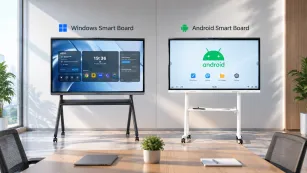
4. Platform alignment. Does the device run your already-approved meeting platforms natively, or does it insert its own layer between you and them? Native execution of your sanctioned stack inherits your existing security review.
5. Update and lifecycle discipline. How are updates delivered, how long is the platform supported, and what happens at end of life? An unpatched room device is an attack surface with a camera.
6. Procurement fit. Tax exemption, formal quotes, delivery windows, warranty documentation — can they produce the paperwork your process requires, on your deadline?
A useful tie-breaker between two finalists: ask both vendors' sales teams question 1 and question 3. The quality and speed of those two answers predicts the support relationship better than any reference call.
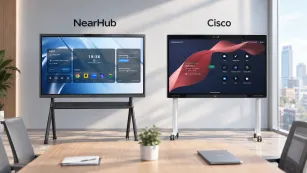
If you're evaluating options now, the NearHub Board Max answers question 4 cleanly — native Zoom and Teams on Windows 11 Pro — and NearHub's government and tax-exempt purchase process addresses question 6 by design. For the broader cross-industry context, the sector-by-sector pillar guide shows how regulated industries compare against corporate and education buyers.
Frequently Asked Questions
What makes meeting room technology "compliant" for regulated industries?
No single certification makes a room compliant — HIPAA, CJIS-adjacent expectations, and financial regulations govern practices, and the technology either supports them or undermines them. Practically, you're looking for control: managed and expiring casting sessions, admin-governable features, clear documentation of where meeting data and artifacts are stored, native support for your approved meeting platforms, and a vendor that can supply procurement documentation. A room is compliant when your policies can be enforced on it.
Can hospitals use interactive displays for telehealth and case reviews?
Yes — and they increasingly do, for tumor boards, case conferences, family consultations, and telehealth. The requirements are: room placement that keeps on-screen information out of public sightlines, casting that's session-scoped rather than network-discoverable, 4K clarity for clinical imagery, and video conferencing that runs on your organization's approved platforms with camera framing that keeps remote participants present. Get privacy and IT into the room design before the shortlist, not after the install.
How do government agencies handle tax-exempt purchases of AV equipment?
Typically the agency provides its exemption certificate to the vendor, who processes the sale tax-free and supplies procurement-ready documentation (formal quote, specs, warranty terms). The differentiator is process maturity: vendors who regularly serve public-sector buyers make this a two-email affair, while others can consume weeks. Confirm the exact steps — and the delivery timeline against your fiscal deadline — before issuing a purchase order.
What should law firms check before putting client meetings on video?
Start with the mundane, because that's where breaches live: who can see the screen from outside the room, who can join or cast to a session, and where the meeting's artifacts (recordings, annotated files, whiteboards) are stored and under whose account. Then verify the platform runs the firm's approved meeting tools natively and that convenience features can be administratively governed. Finally, remember the client experience dimension — in a firm, a room that fumbles spends credibility you can't invoice back.
Regulated industries don't need slower purchasing — they need the sequence in the right order: compliance screen, then workflow fit, then features, then price. Run the six-question review on every vendor and the shortlist mostly builds itself. To see how one platform answers those questions in practice, review the Board S Max and its 30-day trial — pilot it in your most sensitive room, with your privacy officer in the room, not after.