Best Hybrid Learning Hardware & Classroom Tools for 2026
A comprehensive guide to building a modern hybrid classroom using interactive displays, AI-powered cameras, and professional audio solutions to bridge the gap between in-person and remote learners.
Hybrid Learning
EdTech 2026
Classroom Technology
Updated: Aug 19, 2026 · 12 minutes read
Global Business, Brought Near.
No Installer, No Hassle, Just Works.
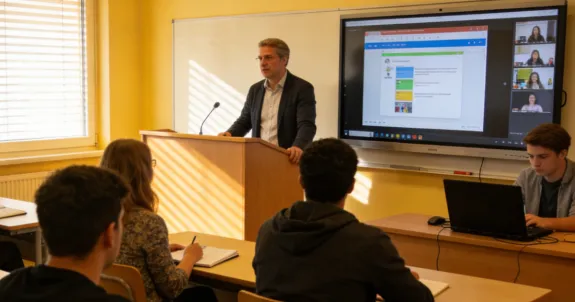
Hybrid learning is no longer just a temporary classroom solution. In 2026, it has become a long-term education model for schools, universities, training centers, and corporate learning spaces that need to connect in-person and remote learners in one shared experience.
But a successful hybrid learning model requires more than a video meeting link. Schools need the right combination of classroom hardware, interactive displays, wireless connectivity, audio pickup, video capture, collaboration software, and learning management systems.
This guide breaks down the best hybrid learning hardware and digital interactive equipment for 2026, including interactive screens, 360° cameras, classroom audio tools, wireless sharing options, and best practices for building a more engaging remote and hybrid learning environment.
Key Takeaways
Shift to Long-Term Models: Hybrid learning is no longer a stopgap; it is a permanent educational infrastructure requiring a dedicated tech stack.
Interactive Screens as Hubs: Digital displays are the central point of collaboration, ensuring remote students see annotations and content as clearly as those in the room.
The Power of "Presence": 360° and AI-powered cameras (like the Nearity 360 Alien) help remote learners feel like participants rather than passive observers.
Audio is King: High-quality audio is more critical than video; professional speakerphones are essential to prevent student disengagement.
Simplified Workflows: The best classroom setups prioritize ease of use, allowing teachers to start lessons in minutes without technical friction.
What Is Hybrid Learning?
Hybrid learning is an educational model where in-person and remote students participate in the same class experience. In a hybrid learning model, some learners are physically present in the classroom, while others join through video conferencing, online learning platforms, or remote collaboration tools.
Hybrid learning is different from fully remote learning. Remote learning usually happens entirely online, while hybrid schooling combines physical classroom teaching with digital participation.
A successful hybrid learning model should not make remote students feel like passive viewers. They should be able to see the teacher, hear classroom discussions clearly, view shared content, ask questions, join group activities, and access class materials after the session.
That is why hybrid learning in 2026 depends heavily on the right technology stack. The classroom must become both a physical teaching space and a digital collaboration environment.
What Hardware Do You Need for Hybrid and Remote Learning?
The essential hardware for hybrid and remote learning usually includes:
Equipment
Purpose in Hybrid Learning
Why It Matters
Interactive screen
Main teaching and collaboration hub
Supports annotation, wireless sharing, and visual teaching
Classroom camera
Captures teacher, students, and room context
Helps remote students see more than static slides
Speakerphone or microphone
Captures teacher and student voices
Prevents remote learners from missing discussions
Wireless sharing device
Lets teachers and students share content quickly
Reduces cable clutter and setup friction
LMS platform
Stores lessons, assignments, notes, and recordings
Keeps online and offline learners aligned
Collaboration software
Enables live discussion, breakout rooms, and polling
Keeps remote students engaged
Recording/transcription tool
Saves lessons and creates searchable notes
Supports review, accessibility, and asynchronous learning
The goal is not to add as many devices as possible. The goal is to create a reliable, simple, and repeatable classroom workflow.
A teacher should be able to walk into the room, start the interactive screen, connect the classroom camera and audio, share materials, and begin teaching within minutes.
Best Practice 1: Use an Interactive Screen as the Classroom Hub
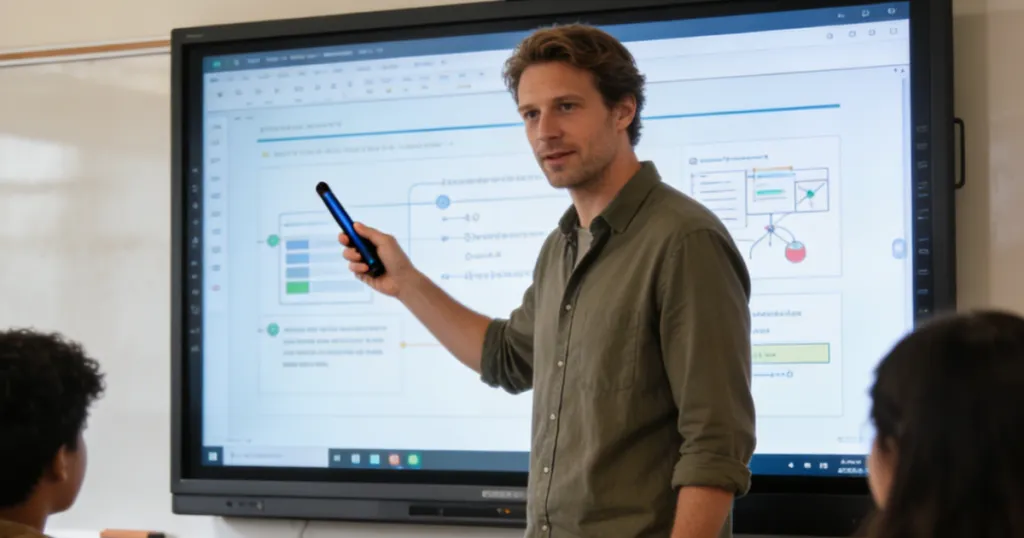
In a hybrid learning classroom, the interactive screen should be more than a display. It should work as the central teaching hub where teachers present materials, annotate ideas, manage discussions, and keep both in-room and remote students focused on the same content.
Why It Matters
One of the biggest challenges in hybrid learning is keeping remote students visually connected to what is happening in the classroom. If the teacher writes on a traditional whiteboard, remote students may see glare, blurry text, blocked views, or an awkward camera angle.
An interactive screen solves this problem by turning classroom content into a shared digital workspace. Teachers can write, draw, present slides, open websites, annotate documents, and save notes directly from the screen. Remote students can view the same content clearly through the video meeting or learning platform.
For in-person students, the interactive screen improves classroom engagement. For remote students, it creates a more equal learning experience because they are no longer watching from the edge of the classroom.
Best Practice 2: Use a 360° or AI Camera for Full-Room Visibility
A hybrid classroom should not make remote students feel like they are watching a narrow livestream from the back of the room. They need to see the teacher, classmates, discussions, and classroom context clearly.
That is why a wide-angle, 360°, or AI-powered classroom camera is one of the most important hardware upgrades for hybrid and remote learning.
Why It Matters
A laptop webcam is designed for one person sitting in front of a screen. It is not designed to capture an entire classroom. In hybrid schooling, this often creates a poor remote learning experience.
Remote students may only see the teacher’s face, one corner of the room, or a static view that misses student questions and group interaction. This makes them feel disconnected from the class.
A 360° or AI camera helps solve this problem by giving remote learners a fuller view of the classroom. It can capture the teacher, students, and active speakers more naturally. This is especially important in classrooms where discussion, group work, seminars, or student presentations happen frequently.
For hybrid learning, visibility is not just about image quality. It is about presence. Remote students need to feel like they are part of the room.
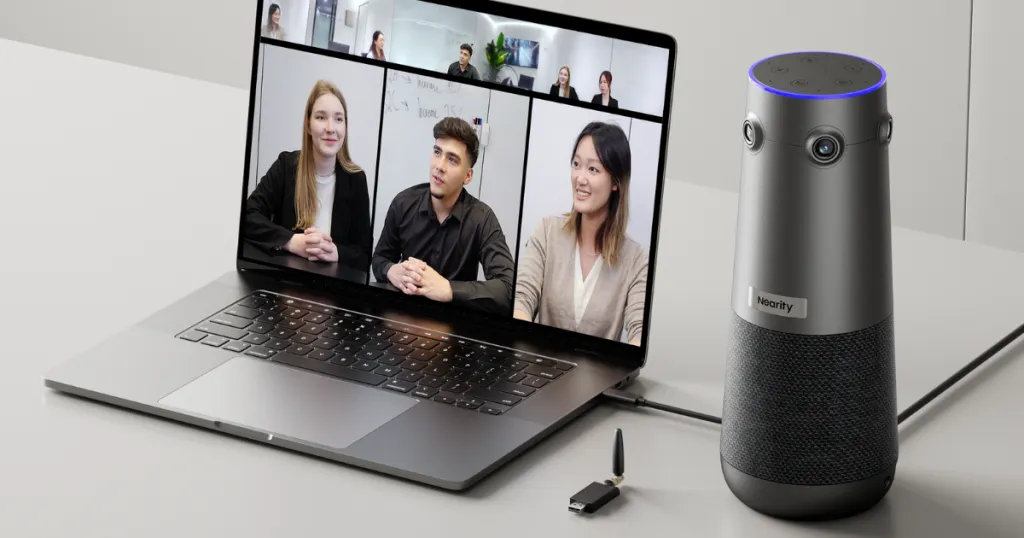
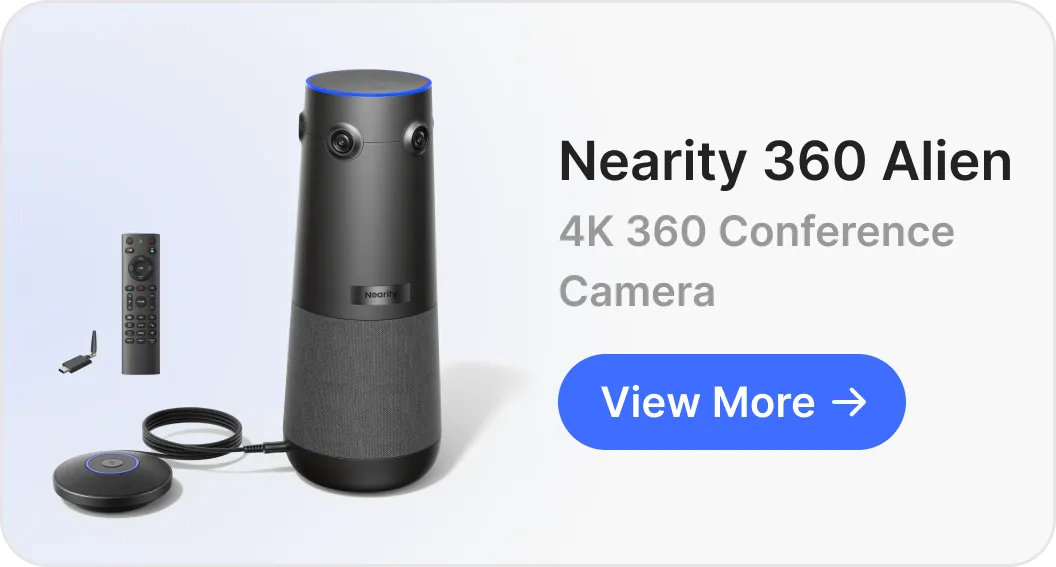
Product Recommendation: Nearity 360 Alien
For classrooms that need full-room visibility, Nearity 360 Alien is a strong fit.
It is designed for 360° panoramic video capture, making it suitable for hybrid learning environments where remote students need to see the entire classroom rather than one fixed angle. Its AI video modes can support different teaching scenarios, including group discussion, full-room view, and presenter-focused teaching.
Classrooms where remote learners need to see both the teacher and in-room students
For example, in a discussion-based class, a 360° camera can help remote students follow who is speaking. In a presentation-based class, AI framing can help keep the teacher or presenter in focus. In a full-room teaching scenario, panoramic capture gives remote students a stronger sense of classroom context.
For smaller rooms or teacher-focused teaching setups, schools can also consider a wide-angle AI camera such as Nearity 120 Max or a compact 4K webcam such as Nearity V30S.
Best Practice 3: Use a Speakerphone for Clear Classroom Audio
In hybrid and remote learning, audio quality often matters more than video quality. A remote student can still follow a class if the video is not perfect. But if the audio is unclear, delayed, noisy, or full of echo, the learning experience quickly breaks down.
That is why a professional speakerphone or classroom microphone should be part of every serious hybrid learning setup.
Why It Matters
Many hybrid classrooms fail because remote students cannot hear clearly. The teacher may sound distant. Student questions may be too quiet. Group discussions may become impossible to follow. Echo, reverb, and background noise can make online participation frustrating.
Built-in laptop microphones are usually not enough for a real classroom. They are designed for close-range personal use, not for capturing voices across a room.
A dedicated speakerphone helps remote students hear the teacher and classmates more clearly. It also allows in-room students to hear remote participants better, creating a more natural two-way conversation.
This is especially important for:
Class discussions
Group activities
Student Q&A
Training sessions
Language learning
Seminars
Remote guest lectures
Hybrid meetings between classrooms and external participants
Clear audio helps remote students stay engaged and reduces the communication gap between online and offline learners.
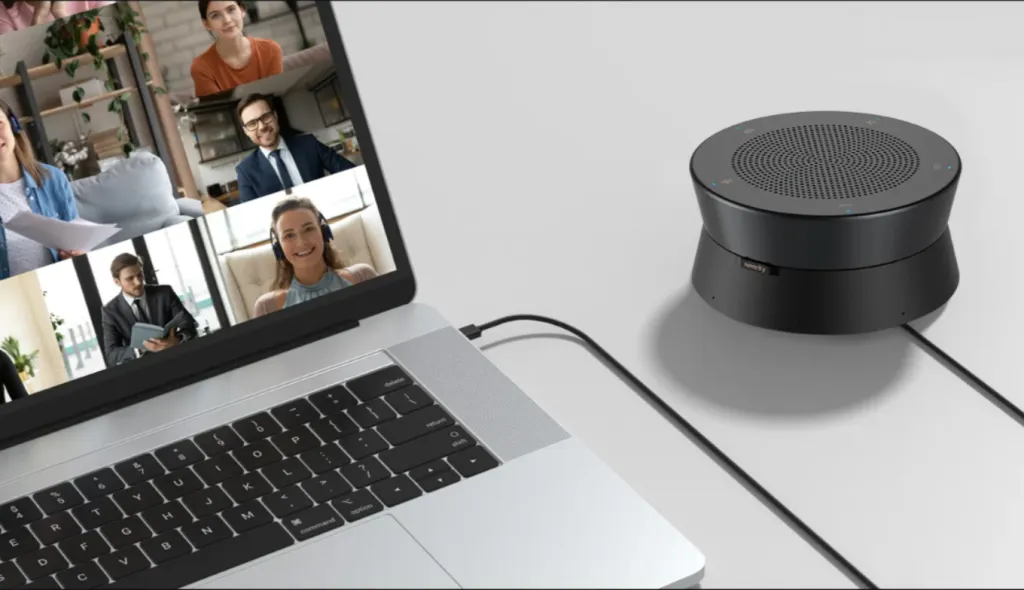
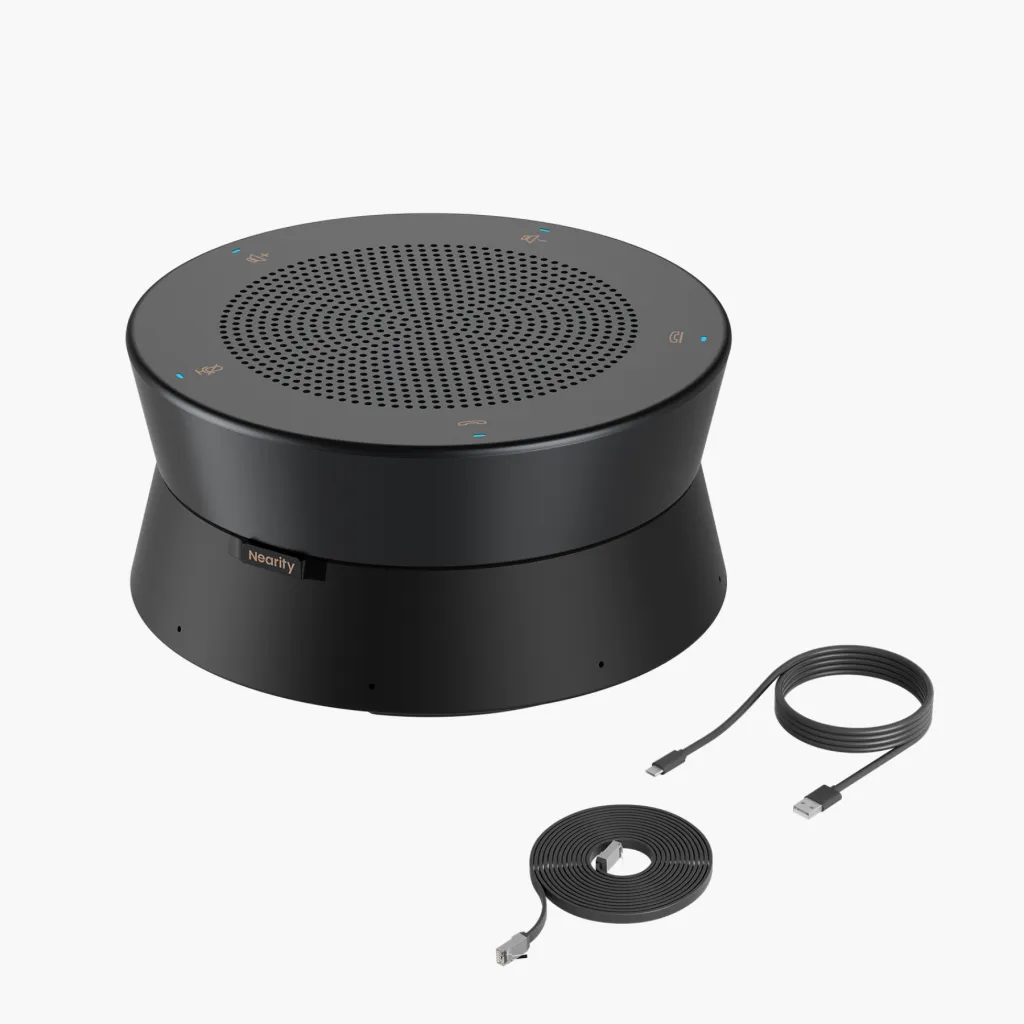
Product Recommendation: Nearity A20S
For classrooms that need stronger audio pickup and clearer remote communication, Nearity A20S is a practical choice.
It is designed for professional meeting and classroom audio, with AI-powered noise reduction, echo cancellation, and full-duplex communication. Its multi-microphone pickup helps capture voices from different parts of the room, making it useful for hybrid classrooms where both teachers and students need to be heard.
Nearity A20S is especially suitable for:
Medium-sized classrooms
Training rooms
Group discussion spaces
Hybrid learning rooms with frequent Q&A
Large classrooms that need expandable audio coverage
Rooms where laptop microphones cannot capture student voices clearly
For small classrooms, one speakerphone may be enough. For larger classrooms or longer tables, schools can consider using multiple A20S units or expansion audio setups to extend voice pickup coverage.
A strong speakerphone setup makes hybrid learning feel more like a real conversation instead of a one-way livestream. It helps remote students participate, ask questions, and hear classroom discussions with less effort.
Other Essential Equipment for Hybrid and Remote Learning
Beyond the three core tools above, a complete hybrid learning setup also needs supporting equipment that helps teachers share content, manage lessons, and keep remote students engaged.
Wireless Screen Sharing Tools
Enable teachers and students to share slides, videos, and learning materials from their own devices without relying on HDMI cables.
Learning Management Systems
Keep class materials, assignments, recordings, and student communication organized in one central platform.
Collaboration Software
Support live interaction through video meetings, chat, polling, breakout rooms, and shared whiteboards.
Recording and AI Transcription Tools
Help students review lessons later with saved recordings, captions, searchable transcripts, and class summaries.
Device Management Tools
Allow IT teams to monitor, update, and manage classroom devices across multiple rooms more efficiently.
Room Accessories
Improve the classroom setup with mounts, tripods, expansion microphones, cable organizers, and other placement tools.
Build a Better Hybrid Learning Classroom with the Right Hardware
The best hybrid learning classrooms are not built around one device. They are built around a complete, easy-to-use system.
An interactive screen gives teachers a central place to present, write, and collaborate. A 360° or AI camera helps remote students see the classroom more naturally. A professional speakerphone makes sure every voice is heard clearly. Supporting tools such as wireless screen sharing, LMS platforms, collaboration software, recording tools, and device management systems make the entire workflow easier to use and scale.
For schools, universities, and training centers, the goal is simple: create a classroom where in-person and remote students can see, hear, participate, and review learning materials without technical friction.
NearHub solutions can help schools build a more connected hybrid learning environment, from interactive displays and wireless collaboration tools to AI cameras and professional audio devices.
With the right setup, hybrid learning becomes more than a video call. It becomes a flexible, interactive, and inclusive classroom experience for every student.
FAQs
1. Why is a 360° camera useful for hybrid learning?
A 360° camera is useful because it gives remote students a fuller view of the classroom. Instead of only seeing the teacher or one fixed angle, remote students can follow classroom discussions, active speakers, and group interactions more naturally.
2. Is audio more important than video in hybrid learning?
In many cases, yes. Remote students can still follow a class if the video is not perfect, but they will struggle if they cannot hear the teacher or classmates clearly. That is why a professional speakerphone or classroom microphone is essential for hybrid learning.
3. What is the difference between hybrid learning and remote learning?
Remote learning happens fully online. Hybrid learning combines in-person and remote students in the same class experience. Because hybrid learning includes a physical classroom, it requires stronger classroom hardware for video, audio, display, and collaboration.
4. What are best practices for hybrid and remote learning hardware?
The best practices for hybrid and remote learning hardware are to build the classroom around three core needs: clear visual content, full-room visibility, and reliable audio. Schools should use an interactive screen as the teaching hub, add a 360° or AI camera for classroom capture, and use a speakerphone or microphone system so remote students can hear the teacher and in-room discussions clearly. Supporting tools such as wireless screen sharing, LMS platforms, recording tools, and device management systems can make the setup easier to use and manage.