Cost Comparison of Interactive Whiteboards: Unveiling the Best Deal
Interactive whiteboard prices across six major brands, with cost influenced by brand reputation, screen size (55"-86"), and advanced features like 4K resolution and built-in cameras.
smartboard cost
how much does a smartboard cost
smart whiteboard price
Updated: Aug 19, 2026 · 7 minutes read
Global Business, Brought Near.
No Installer, No Hassle, Just Works.
Here is a cost comparison of interactive whiteboards available today. For many, the price is the primary concern when evaluating the advantages of these innovative tools. In an era where remote work, virtual meetings, and online learning have become the norm, understanding the financial implications is crucial. Whether enhancing office productivity, improving client presentations, or upgrading educational experiences, knowing the costs can help make informed decisions in this rapidly changing landscape.
Key Takeaways
• Price Range & Value: Smart board costs vary dramatically from $2,099 (Samsung Flip 2) to $21,999 (Surface Hub 2S), with NearHub positioning as a feature-rich alternative at $2,799-$7,999 • Critical Cost Factors: Brand reputation, display size (55"-86"), and advanced features (4K resolution, multi-touch, integrated cameras) significantly impact final pricing • Hidden Costs Alert: Many solutions require expensive add-ons - Samsung needs $530 stands, Google charges $600 annual fees, and Vibe requires $199 extra for cameras • Feature vs Budget Balance: Premium brands like Microsoft offer all-around excellence, while NearHub provides comparable features (4K AI camera, 40 touch points) at more accessible prices • Use Case Matters: Promethean excels in education but lacks business versatility; Surface Hub suits enterprises but proves costly for SMEs
Cost Influencing Factors
Despite many choices on the market, the prices of interactive whiteboards can vary significantly based on several key factors:
Brand: Brand determines prices to a large extent. Leading brands like Microsoft, Samsung, and Promethean are established brands, well-known for their high-quality products and reliability. These brands often come with a premium price tag due to their established reputation, customer support, and product longevity.
Size: Basically, each brand has different screen sizes available from 55" to 86". Larger smartboards provide more screen real estate, making them suitable for bigger classrooms or conference rooms. However, with increased size comes a higher cost. Generally, the price scales with the diagonal measurement of the smartboard.
Technology: Advanced features such as multi-touch capabilities, 4K resolution, and integrated software enhance the user experience but also increase the cost. For instance, a smartboard with multi-touch functionality allows multiple users to interact simultaneously, which is ideal for collaborative environments. Similarly, 4K resolution offers superior display quality, crucial for detailed visual presentations.
Additional Features: Smartboards with extra features tend to be more expensive. Built-in speakers, AI-powered noise reduction and face capturing, wireless connectivity, and germ-resistant screens are some examples of these add-ons. Built-in speakers eliminate the need for external audio devices, while wireless connectivity allows seamless integration with other devices, enhancing flexibility and convenience.
A Cost Roundup for Six Brands
Product
Board Price
Accessory Price
Feature
Size to Choose
Samsung Flip 2
$2,099 - $3,099 (stylus Included)
$530 (Mobile Stand) $90 (Wall Mount) $190 (Tray for Bbusiness)
An all-round performer with excellent function and quality
Not financially ideal for SMEs
55", 84"
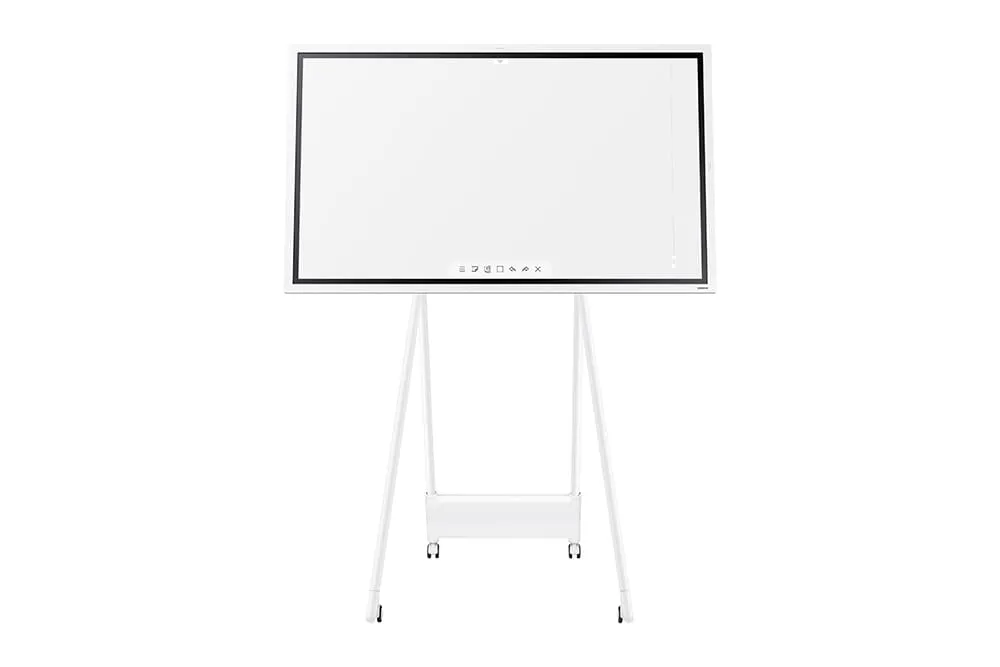
Samsung Flip 2
As a product of an established company, the Samsung Flip 2 wins consumer trust more easily. Designed for professional and educational settings, the board meets the basic needs of collaboration and presentation. However, it is dwarfed by five other boards. Despite its powerful brush function, it has no built-in camera and microphone array. It has no infinite canvas (20 pages of limitation), third-party apps, video conferencing software, and the function of simultaneous app usage. Its 8GB memory capacity and shortage of cloud storage make it a less eligible conferencing assistant. Click here to see a comparison of the NearHub Board vs. the Samsung Flip 2.
NearHub Board
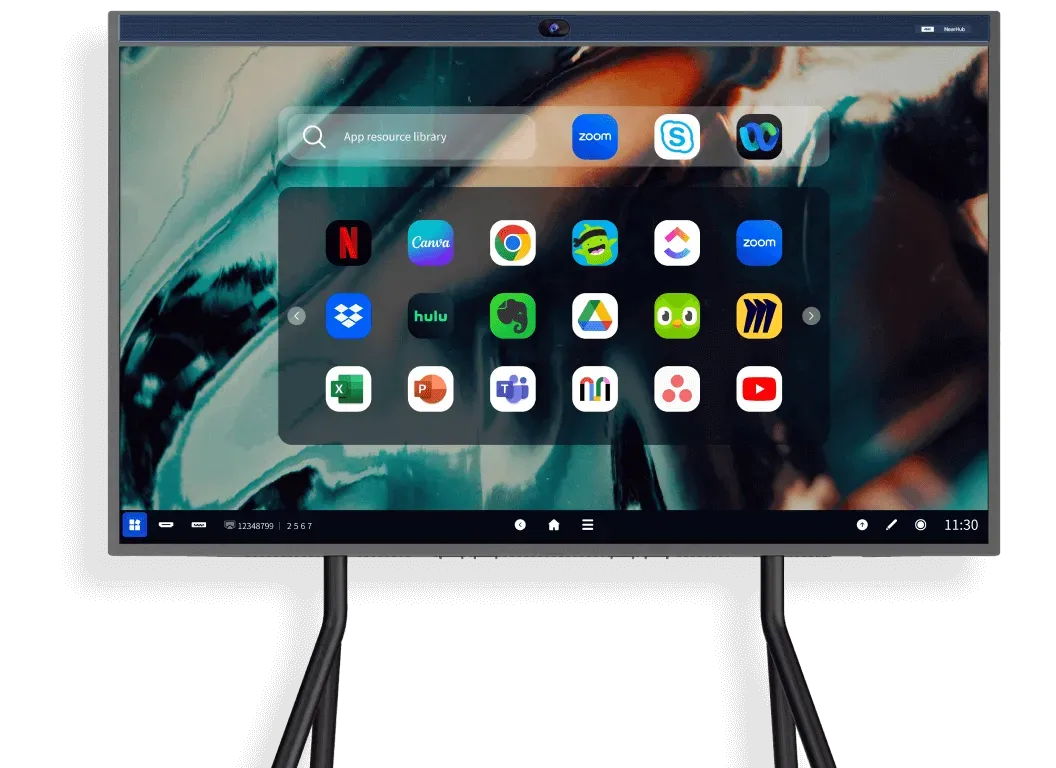
NearHub stands out as a top performer, excelling in both hardware and software. It offers four size options with ample storage and cloud capabilities. Featuring a built-in 4K AI-powered camera and a 24-element MEMS mic array with an 8-meter voice pickup range, it guarantees clear audio and visual quality. The infinite canvas, 40 touch points, customizable templates, and versatile brush modes enhance annotation ease. Integrated with major conferencing software and real-time collaboration tools, NearHub Board ensures seamless remote meetings. Additional features like screencasting, screen splitting, and simultaneous app operation further amplify its strengths. Considering its humble price, it's an economical choice.
Vibe S1
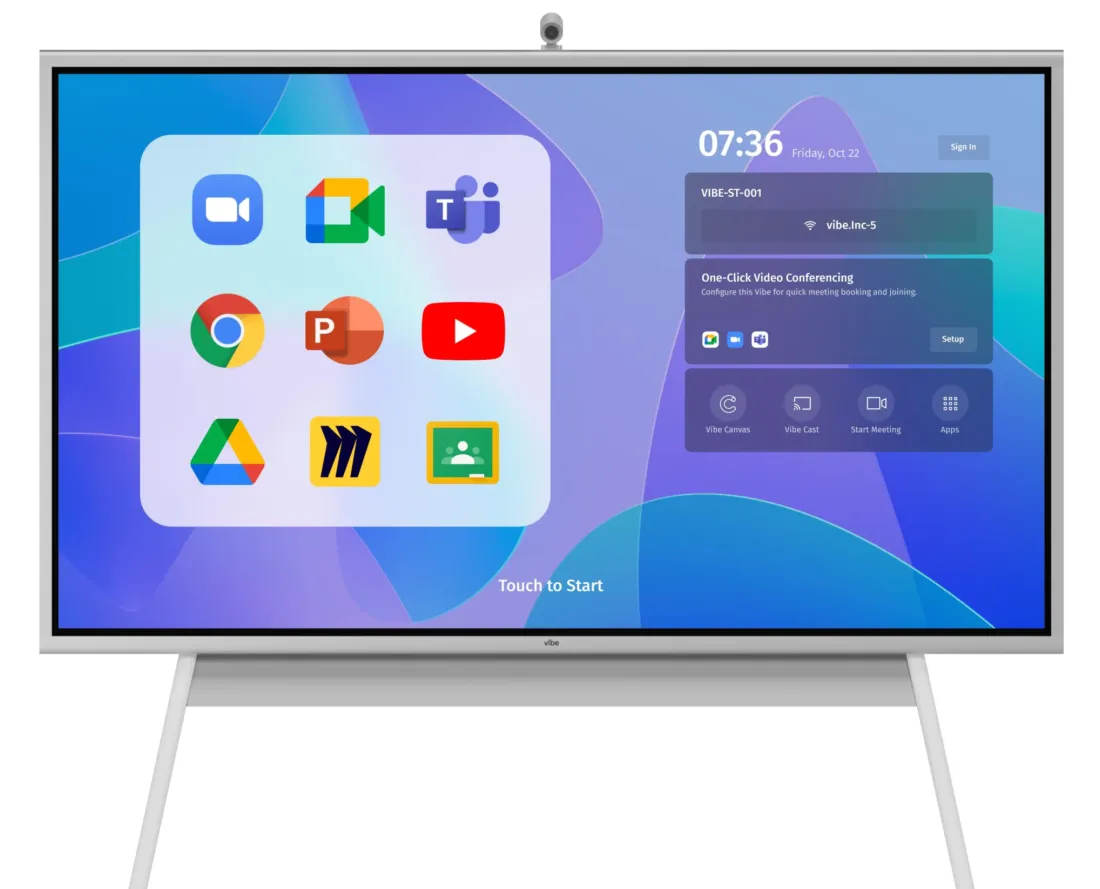
Vibe Board supports real-time collaboration with multiple users able to write, mark, and edit simultaneously on the same canvas. Its whiteboard software offers a variety of tools including drawing, annotation, and templates, and integrates with third-party applications. The intuitive interface, high-quality touchscreen, and writing recognition support creative tasks such as mind mapping and sketching. However, it is less compact because of the external camera that requires extra cost. Combined with a camera, the 55" Vibe S1 Board is almost $600 more expensive than the NearHub Board S55. Click here to see a comparison of the NearHub Board vs Vibe Board.
Promethean ActivePanel 9
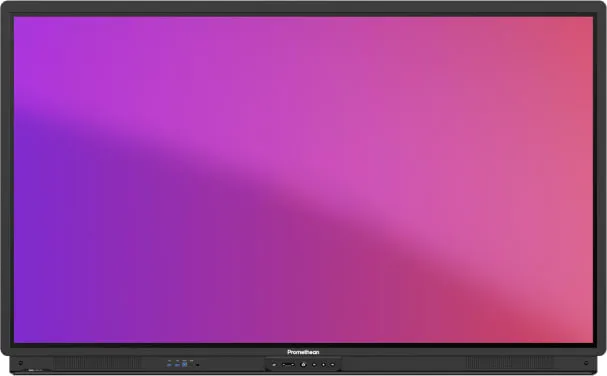
Promethean offers high-quality interactive smart whiteboards designed for teaching and learning. These boards support 20-point touch and writing recognition, allowing multiple users to interact and write simultaneously. The Palm erasing feature enhances the interactive experience and writing efficiency. Packed with teaching tools and resources, Promethean's smart whiteboards help teachers design and deliver engaging course content. They support real-time interaction and collaboration, enabling teachers and students to share and edit content, thus fostering engagement and teamwork. However, some software might not be compatible with the board, and users require training before efficient usage. As for the price, it may vary in different regions since it is mainly distributed by distributors. Click here to see a comparison of NearHub Board vs Promethean ActivePanel.
Google Jamboard
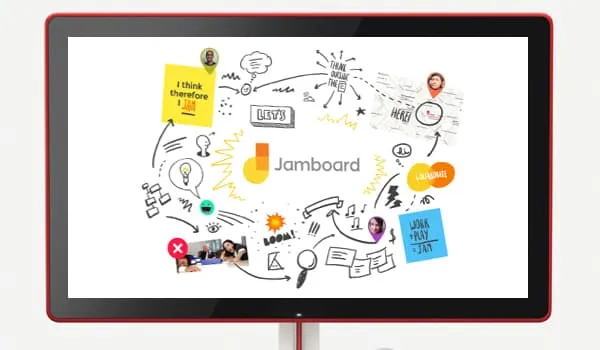
Jamboard is a collaborative hardware device with a 55-inch 4K display, touch, and pen input capabilities. It integrates seamlessly with G Suite applications like Google Drive, Docs, Sheets, and Slides, making it easy to import and export documents. It supports real-time collaboration and can be used with video conferencing tools like Google Meet. However, as a cloud-based tool, its built-in storage is limited, and its functionality is constrained without an internet connection. While it integrates well with G Suite, it may not support other third-party software applications. Additionally, the drawing tools are basic, and the built-in speakers may not provide the best audio quality for larger rooms or noisy environments. Google retired Jamboard on Oct 1, 2024. Click here to see a comparison of NearHub Board vs Google Jamboard.
Surface Hub 2S
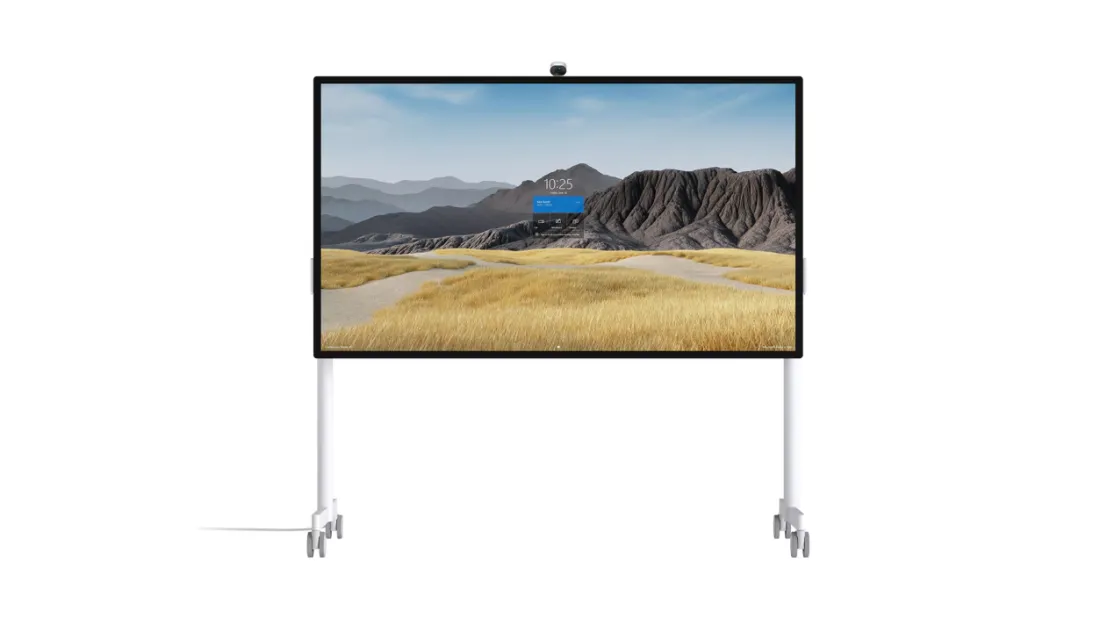
The Surface Hub 2S, powered by an 8th Gen Intel i5 quad-core processor, offers strong single-core performance and versatility for demanding computing tasks. It features a 50-inch 4K UHD display with 10 points of touch sensitivity, providing a high-quality interactive experience. Windows 10 compatibility ensures access to a wide range of Store Apps, including Microsoft Edge and Excel, alongside support for cloud storage and real-time whiteboarding from any device. Additionally, the Surface Hub 2S enhances video-conferencing with its faster graphics performance and integrates seamlessly with Microsoft Apps. However, its 8-element MEMS microphone array, while effective, may not fully isolate voices in noisy environments. It is powerful, but it's too expensive for SMEs. Click here to see a comparison of NearHub Board vs Microsoft Surface Hub 2S.
Conclusion
Cost is often the most important reason when considering an interactive whiteboard. Relevant factors, including brand, size, and technology, determine the cost of the product. Making a sensible and cost-effective decision needs to take these factors into account and balancing the price and features of each product in an attempt to purchase the most suitable board according to application requirements and budgets.
NearHub is an all-in-one solution for meeting rooms and classrooms. NearHub possesses an interactive digital Board with cutting-edge whiteboard software. By combining your favorite programs with a mess-free writing canvas and video conferencing, you can improve your interaction and productivity in the online meeting room or classroom. Besides, NearHub also provides MagicPad S13 to improve digital learning and creativity.