Navigating the requirements of remote meetings, screen casting, digital literacy, privacy, and security can seem overwhelming, especially when outfitting remote workspaces for hybrid working. However, deploying effective and user-friendly solutions has never been easier. With
NearHub's latest innovations,
enhancing remote working experiences—both in the office and remotely—across various industries is now achievable. This article provides a few team meeting ideas that can be explored with NearHub Technology and can bring about significant benefits for your business.
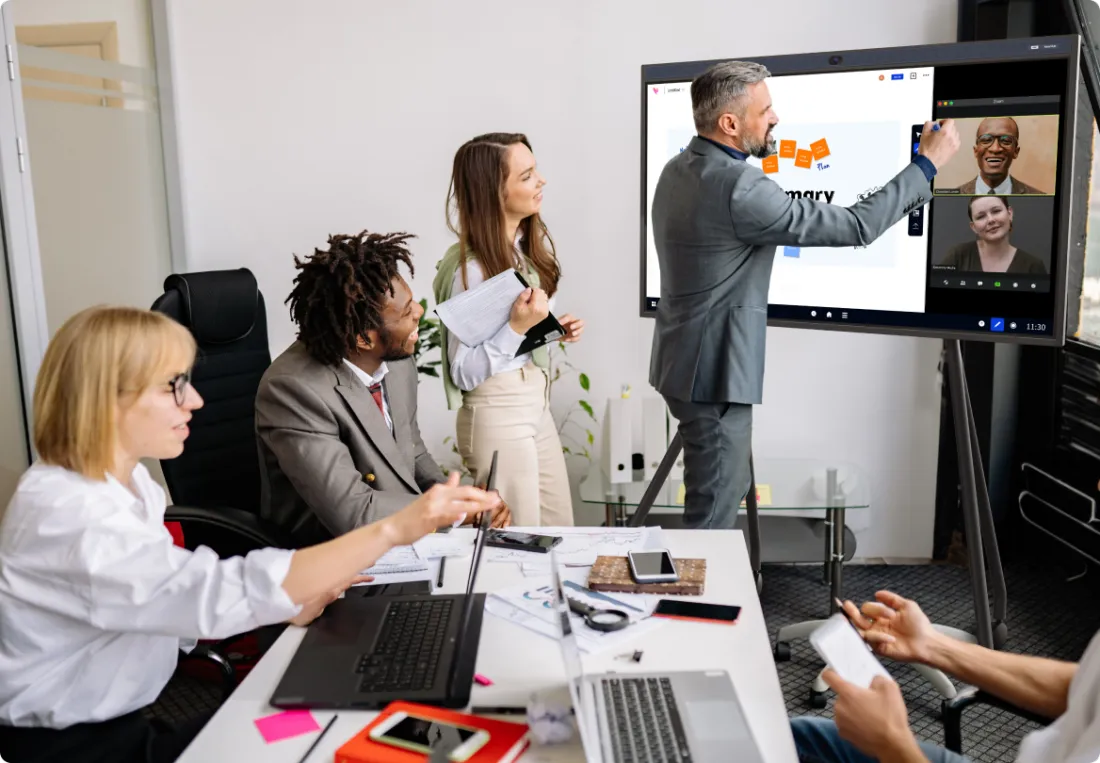
One of the critical aspects of successful remote meetings is keeping all participants engaged. NearHub, which integrates multiple functions into one single interactive whiteboard, provides a suite of tools to make this easier than ever:
-
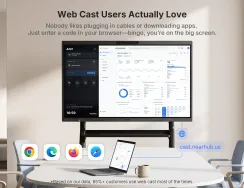
Easy Screen Sharing: NearHub supports screen casting under IOS, Windows and Android systems. Seamlessly share your screen in virtual meetings with NearHub's intuitive interface.
-
Virtual Whiteboards: Transform your ideas into visual representations with virtual whiteboards. These tools are perfect for brainstorming sessions and collaborative planning.
-
AI-Assisted Video Camera Modes: With four AI-assisted video camera modes, meetings can be more dynamic and interactive, adapting to different types of discussions and presentations.
Enable Simultaneously Working
In today's fast-paced work environment, not everyone can be present at the same place. NearHub's solutions support remote working, allowing teams to stay productive and connected, even when working at different locations:
Foster Inclusion and Accessibility
Creating an inclusive and accessible work environment is crucial for any organization. NearHub's tools are designed to make remote and hybrid work more accessible for everyone:
-
Annotation Tools: Enhance understanding and engagement with easy-to-use annotation tools that allow participants to highlight and comment on shared content.
-
On-Demand Work Plans: Develop and share on-demand work plans that everyone can access, ensuring that all team members are aligned and informed.
The Most flexible Wireless Collaboration System
Bring-your-own-meeting (BYOM) has become an essential feature in virtual meetings, enabling presenters to share their screens with ease. NearHub prioritizes both functionality and security:
-
Secure Screen Casting: NearHub ensures that screen casting is both easy and secure, protecting sensitive information while allowing seamless sharing.
-
Wireless Screen Sharing: Regardless of its sources and how you want to mirror it, your content can now be displayed on any screen, in any space, using any device that supports all major computer and mobile operating systems.
-
Digital Signage: Easily plan, display, and manage your desired content, whenever you need it, on the screens of your choice using our content management system. Access a wide range of integrations with the tools you already employ for content creation, including slides, images, videos, and even websites.
-
Bring Your Own Meeting: Transform your organization into a hybrid work environment where every meeting space embraces hybrid work and promotes collaboration equity for everyone, including remote participants, with powerful simplicity.
-
Remote Management: NearRooms Cloud allows you to configure and control all your content from anywhere in the world. You can choose when your displays turn on and off and schedule signage to ensure your screens consistently display up-to-date and relevant content.
Conclusion
Deploying effective, easy-to-use
solutions for remote and hybrid working has never been easier, thanks to NearHub's innovative tools. By enhancing engagement, enabling hybrid working, and fostering inclusion, NearHub helps businesses across various industries adapt to the evolving work environment.
If you're looking to improve your remote meeting experiences, explore NearHub's solutions and see how they can transform your team's productivity and collaboration.
NearHub is an all-in-one solution for meeting rooms and classrooms. NearHub possesses an
interactive digital Board with
cutting-edge whiteboard software. By combining your favorite programs with mess-free writing canvas and video conferencing, you can improve your interaction and productivity in the online meeting room or classroom. Besides, NearHub also provides
MagicPad S13 to improve digital learning and creativity.