Certified vs. Multi-Platform Conference Room Systems: Which Is Right for Your Business?
A decision-focused comparison of certified, single-platform room systems and open multi-platform conference room systems, covering user experience, external meetings, IT management, total cost, and mixed deployments.
conference room system
video conference room system
cross platform video conferencing
Updated: Nov 23, 2026 · 8 minutes read
Global Business, Brought Near.
No Installer, No Hassle, Just Works.
Choosing a conference room system means picking an architecture: a certified room system built around one platform, or an open multi-platform system that runs several meeting applications. This guide compares user experience, external meetings, IT management, flexibility, and total cost, and shows when a mixed deployment makes the most sense.
When choosing a conference room system, businesses face two main options: a certified room system designed around one meeting platform, or an open system that can run multiple meeting applications. The hardware on the wall may look similar, but the architecture behind it shapes user experience, IT workload, and long-term cost for years.
The short answer: if your organization is standardized on one meeting platform, a certified system is usually the simplest and most consistent choice. If employees frequently join meetings hosted by customers and partners on different platforms, an open multi-platform system will serve them better. And if different rooms support different workflows, a mixed deployment often beats forcing one model onto every space.
The decision in one minute
One platform everywhere
Choose a certified room system
Frequent external meetings
Choose an open multi-platform system
Different needs by room
Use both systems by room
What Is a Certified Conference Room System?
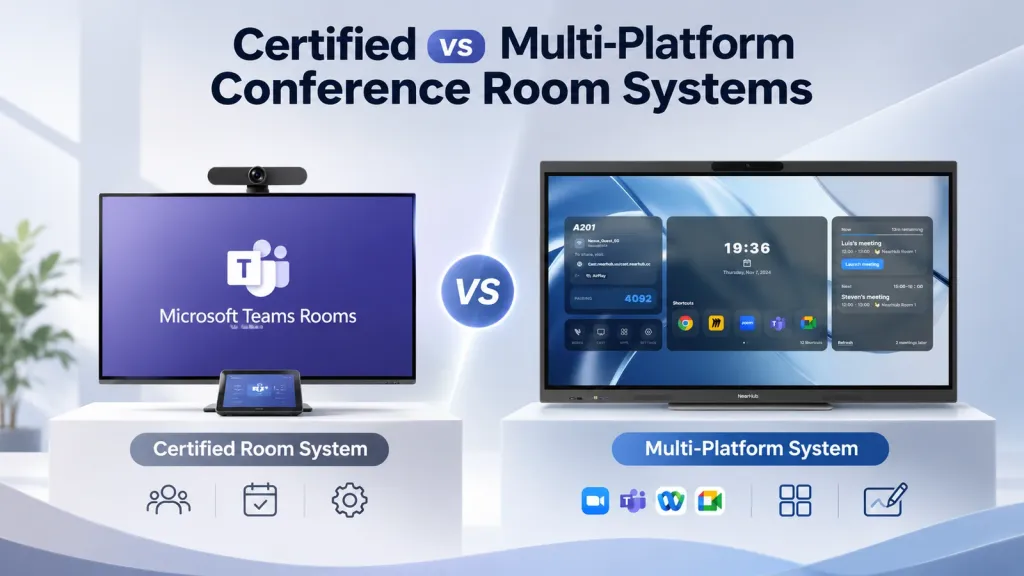
A certified conference room system is hardware that has been designed and validated for one specific meeting platform. Familiar examples include Zoom Rooms, Microsoft Teams Rooms, Cisco Webex Rooms, and Google Meet room systems. The vendor validates the hardware against the platform's requirements, and the platform provider approves it.
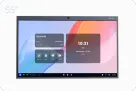
In daily use, a certified room typically offers a standardized interface, one-touch join from a calendar, centralized management through the platform's admin console, and full access to that platform's native functions. For a broader look at video conferencing hardware across Zoom, Teams, Meet, and Webex, see our platform-by-platform overview.
Where certified systems shine
A consistent user experience in every room
A simple, repeatable workflow for internal meetings
Centralized management through the primary platform
Easier standardization when deploying many rooms
Strong access to the platform's native functions
Where they fall short
Joining other platforms depends on guest-join features or BYOM (bring your own meeting, where a laptop drives the call)
Some functions may be limited when joining another platform
Lower application flexibility beyond the room platform
Switching the company's primary platform can mean costly migration
A multi-platform meeting room system takes the opposite approach. Instead of locking the room to one platform's software, it runs an open environment — often a full Windows computer behind the display — that supports native desktop applications, browser-based meetings, or BYOM connections. The same room can join a Zoom call at 9:00, a Teams call at 10:00, and a Webex webinar at 11:00.
For organizations that rely on cross platform video conferencing every day, this model matches reality: customers and partners choose the platform, and your room adapts. Users open the native application for each meeting and get the full feature set that platform offers, rather than a reduced guest experience.
Where open systems shine
Teams can join meetings hosted on any platform
Users get the native application for each platform
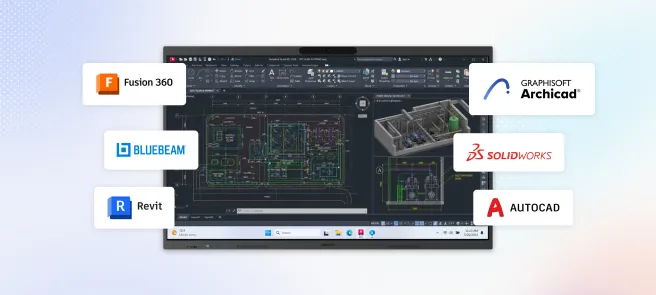
The room doubles as a space for presentations, browser tools, whiteboarding, and business applications
Less dependence on a single meeting platform
Easier migration if the company changes platforms later
Where they demand more
Users must select and launch the correct application
IT manages the operating system, applications, accounts, permissions, and updates
The workflow is less standardized across rooms
A poorly designed open system adds unnecessary steps for users
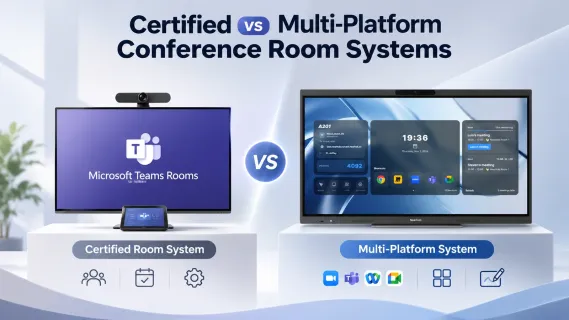
Certified vs Multi-Platform Conference Room Systems
The table below compares the two architectures across the factors that matter most.
Decision factor
Certified room system
Multi-platform system
Primary platform
Best when one platform dominates
Best when meeting platforms vary
Internal meeting experience
Most standardized; simplest for repetitive internal meetings
Flexible, but users choose and launch the app
External meeting experience
Relies on guest join or BYOM; functions may be limited
Runs the host's native app; usually better for customer-facing teams
Native cross-platform functions
Full on the primary platform only
Full native functions on each supported platform
User interface
One consistent interface in every room
Interface changes with each application
IT management
Centralized through the platform console
Device, OS, application, and account management
Application flexibility
Limited to the room platform
Runs meeting, presentation, whiteboarding, and business apps
Platform migration
Costly if the primary platform changes
Usually just a software change
Best-fit organization
Standardized, single-platform enterprises
Customer-facing and partner-facing teams
The best video conference room system is not necessarily the one with the longest feature list. It is the one that matches how employees actually join and manage meetings.
Choose a Certified System If…
A certified video conference room system earns its keep when consistency matters more than flexibility. Work through this checklist:
Most meetings use one primary platform
The company has standardized on Microsoft 365, Zoom, Webex, or Google Workspace
You are deploying many rooms with the same workflow
Users prioritize one-touch joining above all else
IT wants to manage rooms through the primary platform's console
Meetings hosted on other platforms are relatively uncommon
Native functions on the primary platform matter more than application flexibility
For an organization standardized on one collaboration platform, a certified conference room system will usually provide the simplest and most consistent experience.
Choose a Multi-Platform System If…
An open meeting room system fits organizations whose meeting calendar is shaped by outsiders as much as by internal teams. Choose this architecture if:
Employees frequently join customer- or partner-hosted meetings
Zoom, Teams, Webex, Google Meet, or other applications are all used regularly
Users need more than a limited guest-join experience
The room also supports presentations, whiteboarding, browsers, or business applications
The organization wants to reduce long-term platform lock-in
IT can manage a Windows-based device and its applications
The company may change its primary meeting platform during the hardware lifecycle
An Example of an Open Windows-Based System
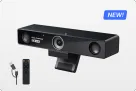
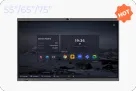
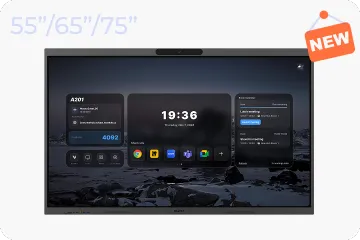
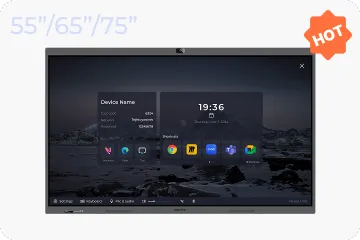
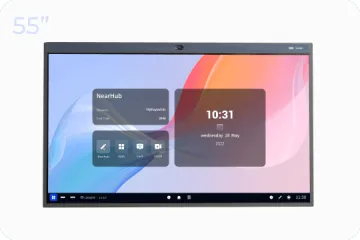
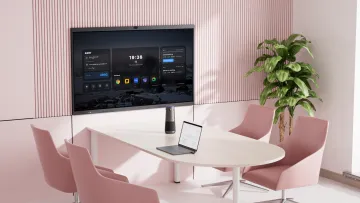
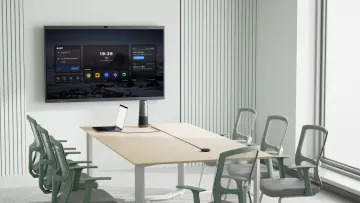
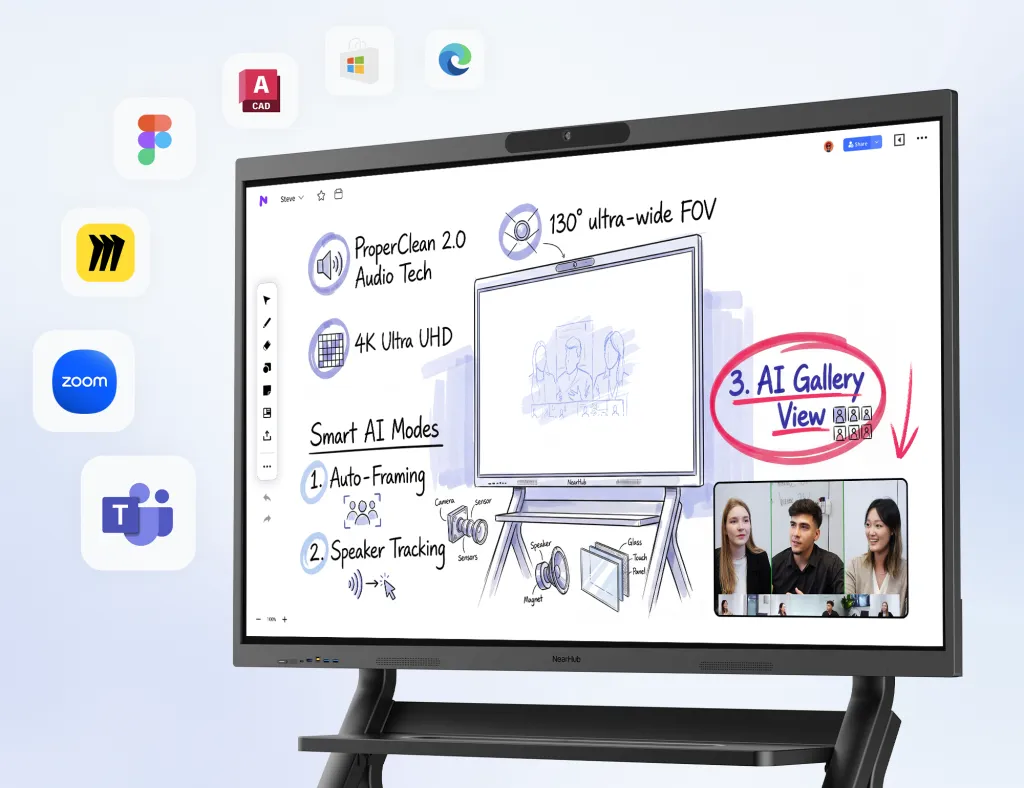
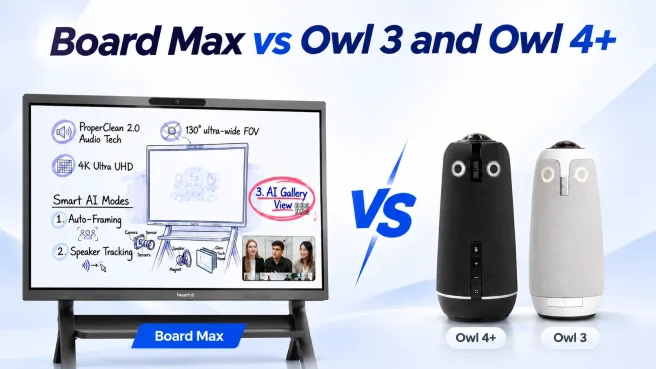
For organizations that prefer an open, Windows-based room, NearHub Board Max is one practical example. It combines a Windows 11 Pro environment — powered by a 12th Gen Intel Core i5 — with an interactive 4K UHD touchscreen, a built-in 4K 130° wide-angle camera, and an eight-microphone array, so the room hardware is ready for whichever meeting application the day brings.
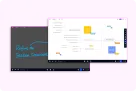
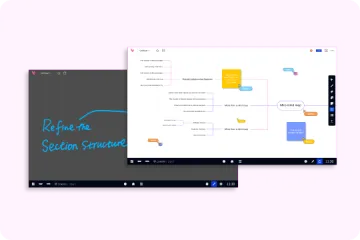
Because teams run standard Windows applications rather than a single locked room platform, the same device supports meetings, presentations, and collaborative whiteboarding, and it can be managed through Microsoft Intune alongside other company devices. As with any open system, plan for application management, room accounts, and security policies before deployment.
A multi-platform meeting room system is often the stronger choice for sales, consulting, professional services, and other customer-facing teams.
Is Guest Join Enough?
Most certified platforms offer a way to join meetings hosted on rival platforms — often called guest join or direct guest join. Whether that is enough depends on frequency, not capability.
If meetings on other platforms happen occasionally, guest join is usually sufficient, and the standardized experience of a certified room remains the priority. If employees join external platforms every day, or need complete native functions such as breakout rooms, advanced sharing, or host controls, guest join will likely frustrate them. Platform capabilities also change over time, so treat vendor claims as a starting point and verify them in your own rooms.
Before committing, run a real meeting on each platform you expect to use and test:
The number of steps required to join
Camera and microphone behavior
Screen sharing, in both directions
Chat and participant controls
Whiteboarding
Recording and host controls
How easily the room returns to its normal state after the meeting
Compare Total Cost, Not Just Hardware Price
Similar price tags can hide very different lifetime costs. When building the business case, compare:
Initial hardware and installation
Platform licenses for each room
Controllers and accessories
User training
IT support time per room
Operating-system and application management
The cost of failed or delayed external meetings
Future platform migration
A certified system may cost less to support in a highly standardized environment, because one console and one workflow keep training and tickets down. An open system may create better long-term value when multiple platforms are used frequently or the company expects its platform strategy to change, because the hardware survives a software change. Neither option is automatically cheaper — the cheaper option is the one that matches how your rooms are actually used.
A Mixed Deployment May Be the Best Choice
An enterprise does not have to use the same architecture in every room. Many organizations get the best result by matching each room to its dominant workflow:
Room type
Recommended architecture
Standard internal meeting rooms
Certified system
Customer-facing or sales rooms
Multi-platform system
Small huddle rooms
BYOM or a simple open system
Training and collaboration spaces
Open system
Executive rooms
Choose according to the most important workflow and reliability requirement
Before you sign a purchase order, answer these five questions honestly:
Question 1
What percentage of meetings use one primary platform?
Question 2
How often do employees join meetings hosted by customers or partners?
Question 3
Do users need full native functions on more than one platform?
Question 4
Can IT manage Windows devices and multiple applications?
Question 5
Is the organization likely to change meeting platforms during the expected hardware lifecycle?
One dominant platform plus strong standardization requirements points to a certified system. Frequent external meetings plus the need for several native applications points to a multi-platform system. Different answers for different rooms point to a mixed deployment.
Frequently Asked Questions
What is a certified conference room system?
A certified conference room system is room hardware that has been designed and validated to run one specific meeting platform, such as Zoom Rooms, Microsoft Teams Rooms, or Cisco Webex Rooms. It offers a standardized interface, one-touch joining, and centralized management through that platform, but it runs a controlled software environment rather than general-purpose applications.
Can one meeting room system run Zoom, Teams, and Webex?
Yes. An open, Windows-based meeting room system can run the native desktop or browser applications for Zoom, Microsoft Teams, Cisco Webex, Google Meet, and other platforms on the same device. Users simply launch the application that matches each meeting. Certified single-platform systems can often join other platforms too, but usually through more limited guest-join features.
Is a multi-platform system harder to manage?
It requires a different management model, not necessarily a harder one. Instead of administering rooms through one platform console, IT manages a Windows device: operating-system updates, application versions, room accounts, and security policies. Device-management tools can centralize much of this work, but the responsibility is broader than with a certified appliance.
Which system is better for external customer meetings?
For frequent customer- and partner-hosted meetings, a multi-platform system is usually better because the room runs the native application for whichever platform the host uses. A certified system can join external platforms through guest-join features, which works for occasional outside meetings but may limit functions such as sharing, chat, or host controls.
Can a business use certified and open systems together?
Yes, and many enterprises do. A common approach is a mixed deployment: certified systems in standardized internal meeting rooms, and open multi-platform systems in customer-facing, sales, or training spaces. Matching the architecture to each room's workflow often delivers a better overall experience than forcing every room onto a single model.
Conclusion
The certified-versus-multi-platform decision is really a question about how your teams meet every day. Choose a certified room system when the organization is standardized on one platform and prioritizes consistent, one-touch meetings. Choose a multi-platform conference room system when users frequently join external meetings, need native functions across several applications, or want to reduce platform lock-in. And when room workflows differ across your office, use a mixed deployment rather than forcing one model everywhere. Either way, map your actual meeting workflows before comparing hardware. NearHub can help you evaluate whether an open Windows-based collaboration system fits your users, meeting platforms, and IT requirements.