Smart Board for Kindergarten: Activities, Games, and Buying Guide
Discover how a smart board for kindergarten can transform early learning.
smart board
kindergarten
whiteboard activities
Updated: Aug 19, 2026 · 4 minutes read
Global Business, Brought Near.
No Installer, No Hassle, Just Works.
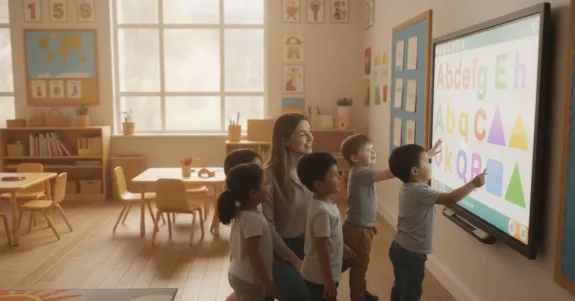
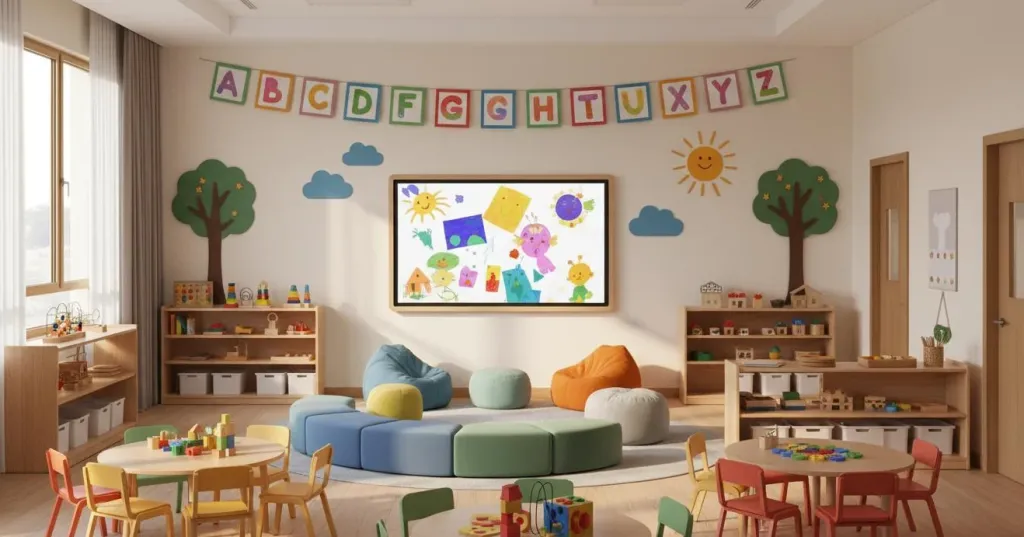
Keeping a room full of five-year-olds focused is no small feat. Between short attention spans and the occasional mid-lesson wiggle attack, kindergarten teachers need every advantage they can get. That is exactly why more early childhood educators are investing in a smart board for kindergarten — a tool that turns whole-group instruction into an interactive experience children actually want to join.
If you are a teacher, principal, or early childhood director looking to boost classroom engagement, this guide covers proven kindergarten whiteboard activities, playful learning games, and what to look for when choosing the right board for your young learners.
Key Takeaways
Engages Young Learners: Interactive touchscreens tap into children's natural curiosity, making abstract concepts tangible and keeping short attention spans focused.
Top Activities: Use the board for morning routines, digital story sequencing, collaborative KWL charts, and virtual field trips to boost participation.
Playful Games: Sorting, memory matching, and counting races disguise skill-building as fun, encouraging collaboration and critical thinking.
Choosing a Board: Prioritize multi-touch support, a fast response time, a bright anti-glare display, durability, and compatibility with existing educational apps.
Try Before You Buy: Look for vendors offering a risk-free trial to ensure the board fits your classroom's specific needs.
Why Interactive Whiteboards Work in Kindergarten
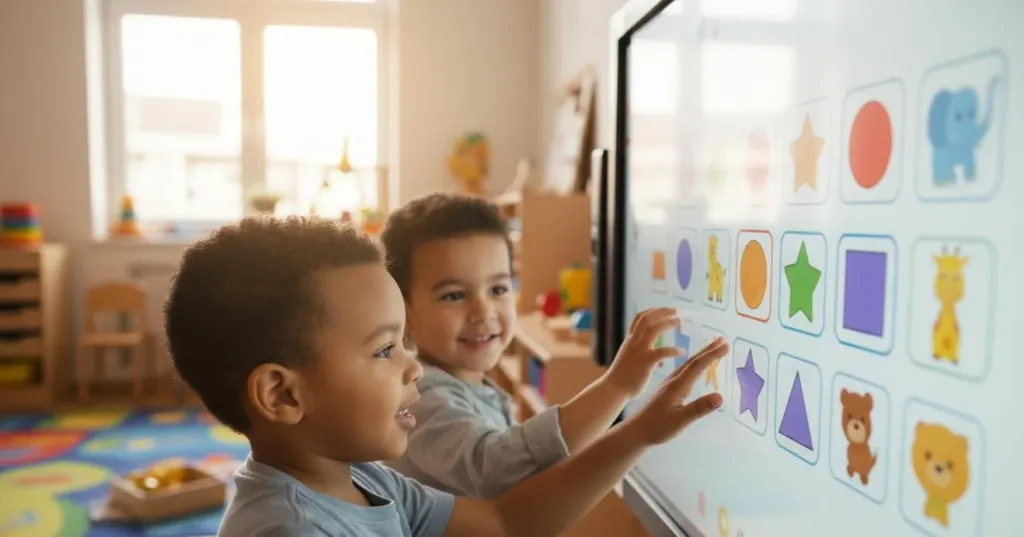
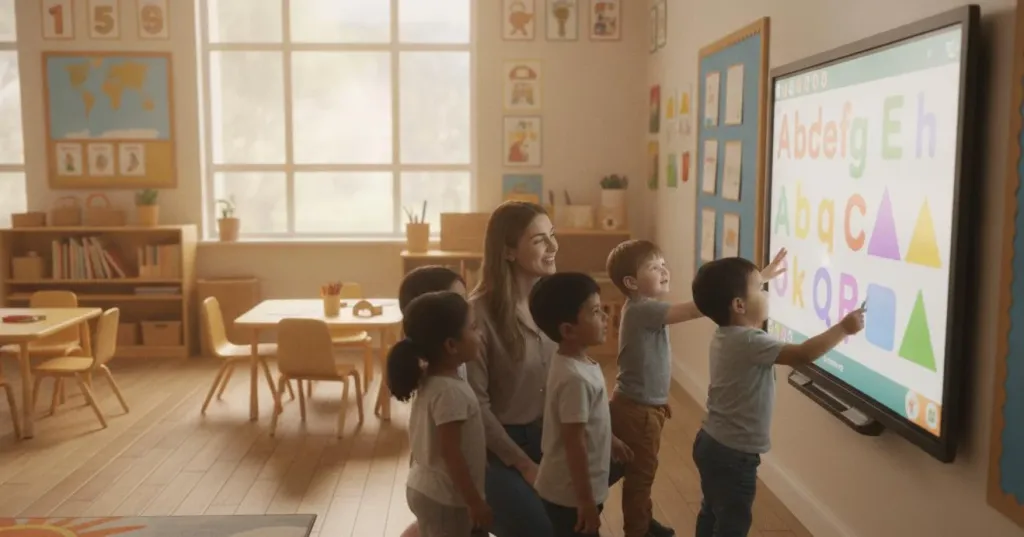
Young children are natural touchers. They learn by reaching, tapping, dragging, and exploring. A traditional chalkboard keeps them at arm's length, but an interactive whiteboard invites them right up to participate. Research shows these displays significantly increase motivation and engagement. Abstract concepts — letter sounds, number sequences, scientific processes — become tangible when children manipulate them directly.
Key benefits include:
Kinesthetic engagement — Touch-based interaction keeps active learners physically involved.
Visual clarity — Large, bright displays are easy to see from anywhere in the room.
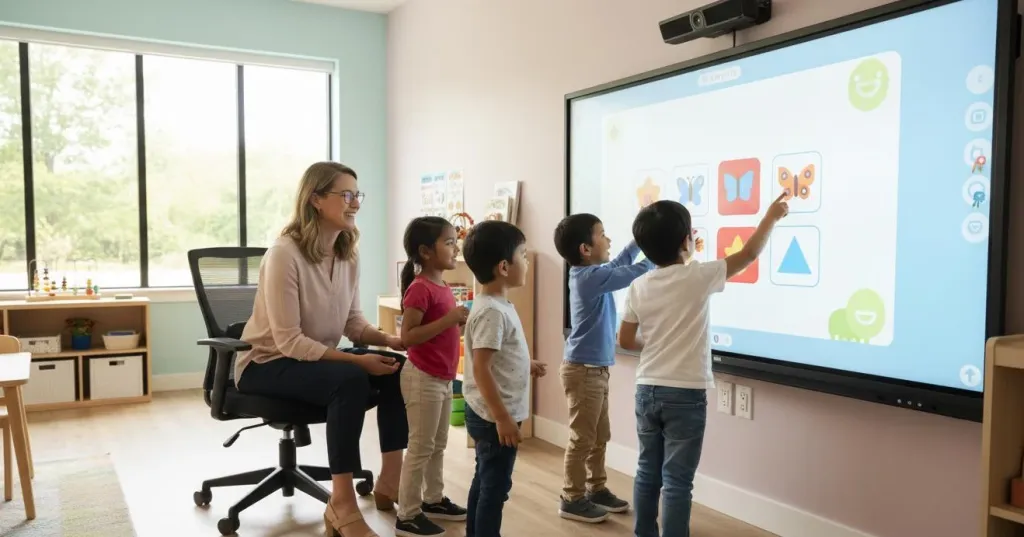
Collaborative play — Multiple students can interact simultaneously, building social skills.
Smooth routines — Attendance, lunch counts, and schedules become quick interactive moments.
Digital readiness — Positive early exposure builds confidence for future technology use.
Kindergarten Whiteboard Activities That Boost Engagement
From literacy to science, kindergarten whiteboard activities support nearly every part of your curriculum without adding hours of prep.
Interactive Morning Routines — Replace paper attendance charts with a digital board where children drag their icon to answer a daily question ("Pancakes or waffles?"). Builds community while giving you an instant lunch count.
Digital Story Sequencing — After reading a picture book, students drag illustrated cards into the correct order. Reinforces comprehension and works with any book all year.
Collaborative KWL Charts — Before a new unit, create a Know-Wonder-Learned chart the whole class contributes to. The chart grows on screen throughout the unit.
Touch-Based Tracing — Letter and number formation practice with instant visual feedback. Especially helpful for students developing fine-motor skills.
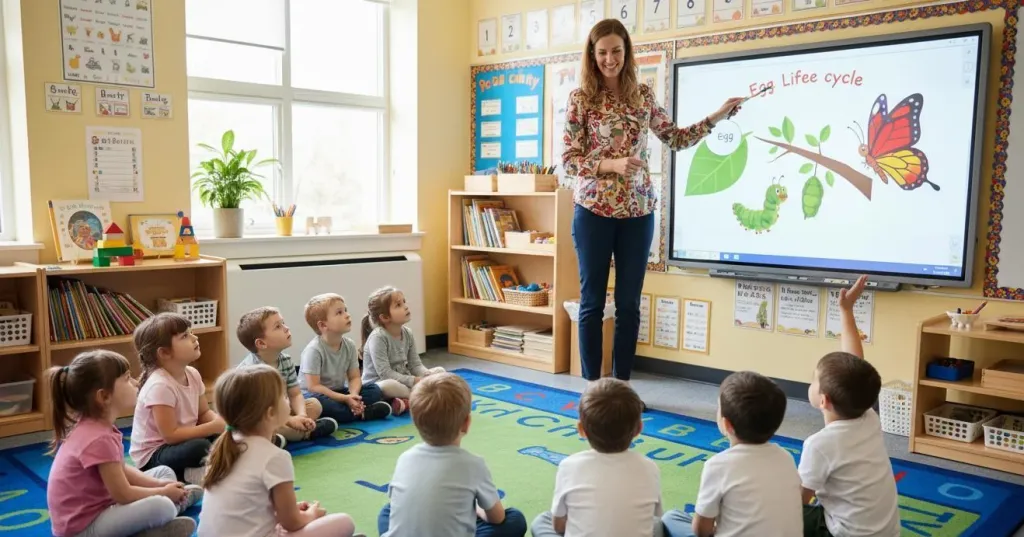
Virtual Exploration — Visit the zoo, ocean floor, or a farm without leaving the room. Sparks rich vocabulary discussions and connects to curriculum themes.
Whiteboard Games for Kindergarten: Learning Through Play
The best kindergarten whiteboard games disguise serious skill-building as pure fun. When students view the board as a place to play, engagement soars.
Sorting and Categorizing — Students drag items into groups: living versus non-living, shapes by color, or animals by habitat. Builds critical thinking skills that form the foundation for later learning.
Memory and Matching — Digital flip-card games turn individual work into a social event. Students take turns finding matching letters, numbers, or rhyming pictures.
Counting Races — Students tap the correct number of objects to reach a target. Adjust difficulty from counting to five up to simple addition.
Movement Breaks — Rhythm and dance games where children follow patterns or tap musical notes. Perfect for mid-morning brain breaks when energy spikes.
What to Look for When Choosing a Smart Board
Kindergarten classrooms have unique needs. Here is what matters most:
Feature
Why It Matters for Young Learners
Multi-touch support
Several children can interact at once for collaborative games
Fast response time
Natural, lag-free writing that matches quick little hands
Bright, anti-glare display
Content stays visible under lights and from wide angles
Durable surface
Withstands enthusiastic tapping and daily cleaning
Easy interface
Teachers launch activities in seconds, not minutes
App compatibility
Runs the educational software your district already uses
The NearHub Board Max is built to meet these kindergarten needs: responsive multi-touch for collaborative play, a bright anti-glare 4K display visible from any corner, and durable construction that withstands daily use. Its intuitive interface lets teachers launch activities in seconds, while seamless app compatibility works with your existing tools.
Also consider warranty coverage, educator pricing, bulk discounts, and whether the vendor offers a risk-free trial. Responsive support matters when twenty kindergarteners are waiting.
Frequently Asked Questions
1. What are the best whiteboard activities for kindergarten?
The best kindergarten whiteboard activities include interactive sorting games, digital story sequencing, collaborative KWL charts, touch-based alphabet tracing, and virtual field trips. These leverage young children's natural desire to touch and explore while building literacy, math, and social skills.
2. How do smart boards help kindergarten students learn?
3. What should I look for when buying a smart board for kindergarten?
Prioritize multi-touch capability, fast response time, a bright anti-glare display, durable construction, and compatibility with your school's educational apps. Easy setup and reliable support are essential for busy teachers.
4. Can smart boards replace traditional teaching in kindergarten?
No. The best classrooms blend hands-on play, social interaction, and digital activities. An interactive whiteboard enhances instruction but works alongside blocks, art, and outdoor time.
Ready to Transform Your Kindergarten Classroom?
A smart board for kindergarten meets young learners where they are: curious, active, and eager to touch everything. The right display saves prep time while making lessons more engaging.
Try a few smart board activities for kindergarten with your class and notice which spark the most excitement!