Why Your Hybrid Meetings Feel Broken And How the Right Board Fixes Them
Discover why an interactive whiteboard for hybrid meetings transforms broken, frustrating calls into productive, inclusive sessions where every voice counts.
interactive whiteboard
hybrid meeting
Updated: Aug 19, 2026 · 5 minutes read
Global Business, Brought Near.
No Installer, No Hassle, Just Works.
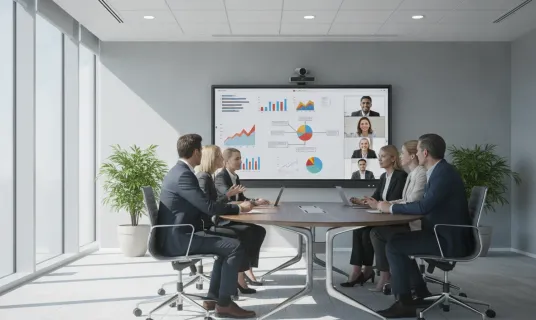
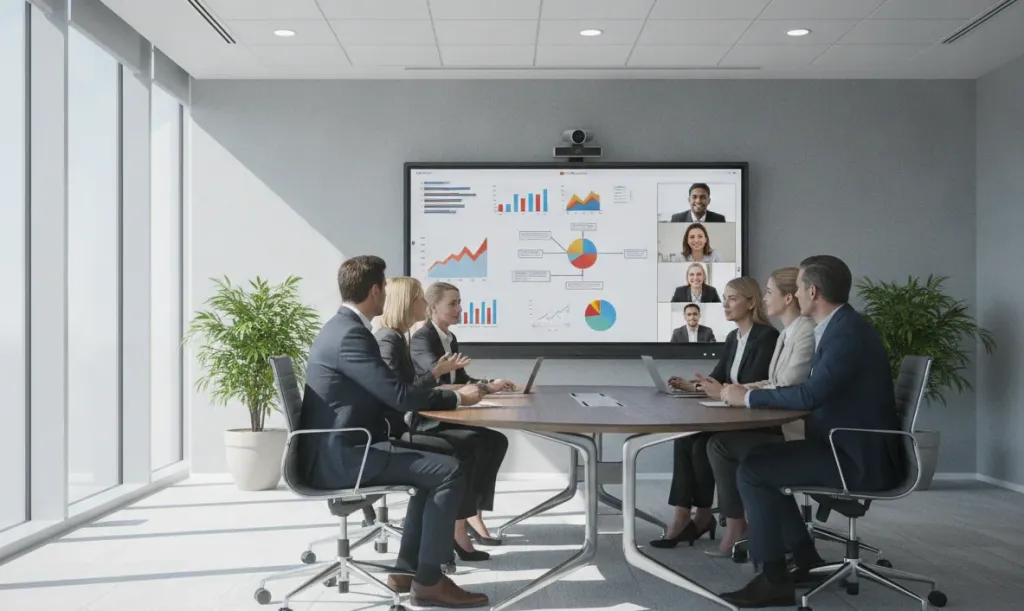
You have been there. Half your team is in the conference room. The other half is on a video call, squinting at a laptop, completely checked out. You are starting to think an interactive whiteboard for hybrid meetings might be the missing piece — and you are right.
Here is why. Most meeting room tech was built for one room, not two. If remote teammates cannot write on the board, it is not a hybrid meeting — it is an in-person meeting with spectators. The right board fixes that. It makes remote and in-office teams feel like they are actually in the same room.
Key Takeaways
Hybrid meetings fail because legacy tech treats remote participants as spectators, not collaborators.
TVs and projectors enable one‑way viewing only – remote teammates cannot write, draw, or annotate, killing real‑time ideation.
Interactive whiteboards create a shared canvas: multi‑user input, automatic cloud saving, and remote annotation from laptops or tablets.
When buying, prioritise built‑in camera/mic, responsive multi‑touch, wireless casting, and native Zoom/Teams integration.
Expect a $3k–$8k investment – roughly one business trip per month, but it serves your entire team daily.
The real goal: equal participation for everyone, in‑room or remote – not a gadget, but a practical fix for everyday meeting friction.
Why Your Hybrid Meetings Feel Broken
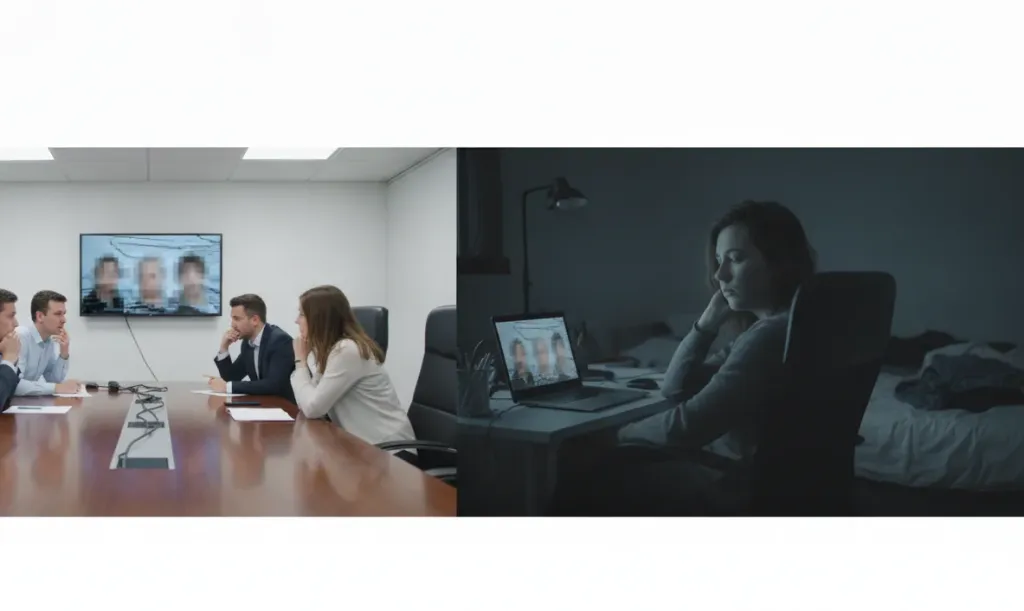
Bad hybrid meetings show the same symptoms. Remote colleagues go quiet because they cannot jump into the conversation — they are fighting lag, poor audio, and the awkwardness of speaking over people they cannot see. The physical whiteboard becomes a wall they cannot see past. Someone starts sketching ideas, but remote participants get a blurry reflection at best. Those notes? Lost the moment someone erases them.
Then there is the audio lottery. The person near the microphone sounds fine. The person across the table might as well be in another building. And when the presenter shares their screen, the energy evaporates. One person talks. Everyone else watches. It is a lecture, not a working session.
Sound familiar? The root cause is not your team or your internet. It is the setup.
Why a TV or Projector Is Not Enough
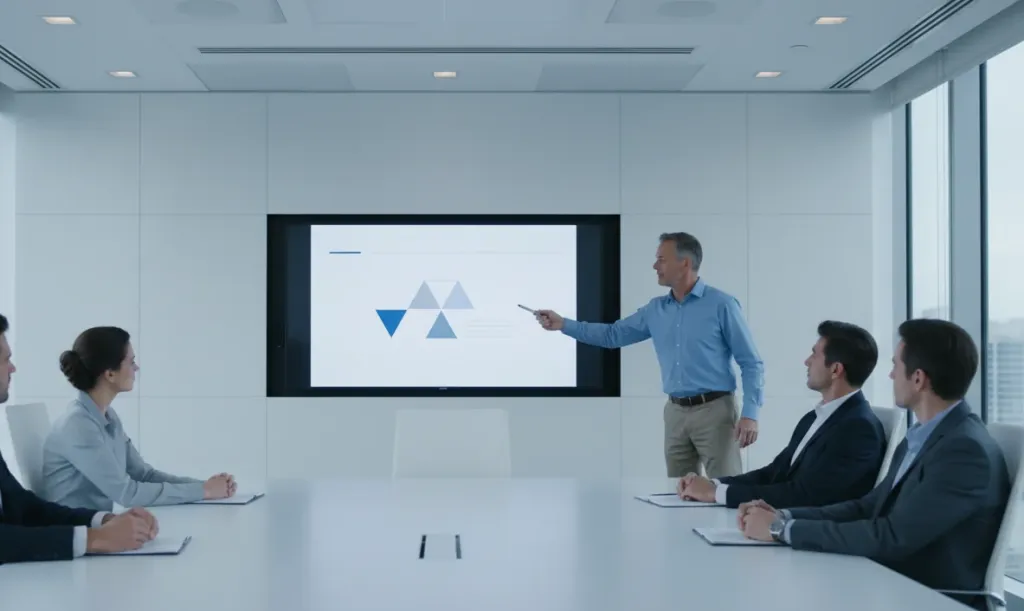
Most offices already have a big screen. So why invest in something new? Because a TV or projector is designed for consumption, not collaboration.
A television shows you content. It does not invite you to touch it, write on it, or interact with it. A projector is even worse — it needs the lights dimmed, it washes out in daylight, and someone always has to fumble with cables.
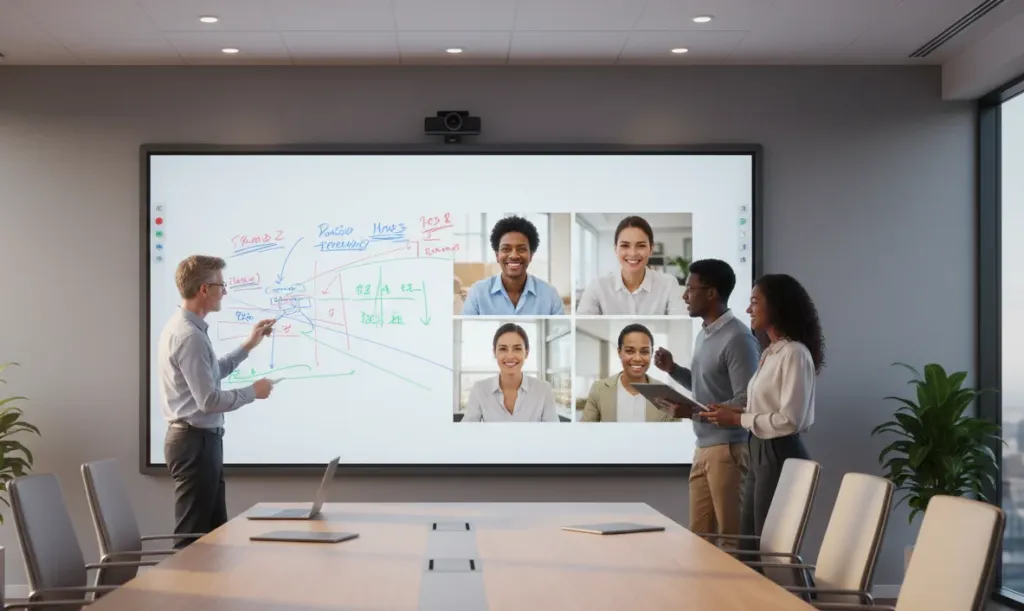
For a hybrid meeting room setup that works, you need a shared digital canvas. Not a display. A workspace. Something that lets several people write on it at the same time and feels as smooth as pen on paper. Something that saves everything automatically. Something that shows remote participants clearly and gives them a way to contribute visually, not just verbally.
If remote teammates cannot write on it, it is just a TV. That is the litmus test.
Everyone sees the same thing. The board is the single source of truth. No more "can you see my screen?" Whether someone is in the room or joining from home, they are looking at the same living document.
Meetings become working sessions. Instead of one person presenting while everyone else nods, the team builds ideas together. Sticky notes, diagrams, timelines — all created in real time by multiple hands from multiple locations. That is better hybrid collaboration in action.
Nothing gets lost. The board saves your work to the cloud automatically. At the end of the meeting, you email a PDF link. No more photographing whiteboards like a tourist.
The room feels inclusive. Remote participants can annotate from their laptops or tablets. Their contributions show up on the board in real time. Suddenly, they are not watching the meeting — they are in it.
What to Look for in a Hybrid-Ready Setup
Not all digital whiteboards are built for hybrid work. When evaluating options, keep these criteria in mind:
Built-in video and audio. The best all-in-one boards include a camera and microphone designed for the room — crisp video that frames the speaker, and audio that picks up voices clearly without catching every keyboard click.
Multi-touch writing. Several people should be able to write, draw, and erase at once. The experience should feel natural.
Cloud saving and sharing. Look for a board that lets you save your work, share it via link, and pick up where you left off next time. Bonus points if it integrates with Google Drive, OneDrive, or Dropbox.
Wireless screen sharing. Your team should be able to cast their laptop or phone to the board without hunting for cables.
Plug-and-play with your meeting apps. If your team lives in Zoom or Microsoft Teams, the board should work natively. No middleware. No workarounds.
1. What makes an interactive whiteboard different from a regular TV?
A regular TV shows content one way. An interactive whiteboard lets multiple people write, draw, and annotate together in real time — even when some participants are remote. It turns passive viewing into active collaboration.
2. Do remote team members need special software?
No. Most interactive whiteboards work with the video conferencing tools your team already uses — Zoom, Teams, or Google Meet. Remote participants can view and contribute through their browser or the meeting link they already have open.
3. How much should we budget?
A complete setup typically ranges from $3,000 to $8,000 depending on screen size. That includes the board, mounting hardware, and integrated audio or video. For context, that is roughly one business trip per month for a year — and it serves your team every single day.
4. Can multiple people write on the board at the same time?
Yes. Most business-oriented boards support multi-touch input, so several people can write, draw, or move objects simultaneously. The writing feels smooth and natural. Some boards also let remote participants contribute annotations from their own devices.
5. Will non-technical staff actually use it?
The best boards are as intuitive as a smartphone. If your team can tap and swipe, they can use the board. Models that integrate directly with the video conferencing apps your team already uses see the highest adoption rates.
Bottom Line
Hybrid work is not going away. But broken hybrid meetings can — if you give your team the right tools for remote teams and in-office staff to collaborate as equals.
An interactive whiteboard for hybrid meetings is not a fancy gadget. It is a practical upgrade that solves real, everyday frustrations: lost notes, disengaged remote workers, and meetings that run long but accomplish little.
Start by auditing your current hybrid meeting room setup. Ask your remote team how included they feel. Then ask yourself: if your meeting room technology was designed for collaboration instead of presentation, what would change?