6 Virtual Events to Celebrate Halloween with Your Remote Colleagues
With the rise of social media networks in recent years, more and more trend-seeking young people will engage in Halloween element challenges.
Halloween
Whiteboard
Updated: Aug 19, 2026 · 8 minutes read
Global Business, Brought Near.
No Installer, No Hassle, Just Works.
Halloween is more than just a day for candy; it is a global phenomenon that bridges ancient history with modern digital creativity. Whether you are planning children's Halloween events or sophisticated adult Halloween events, understanding the roots of this spooky season helps create a more authentic experience.
The Origins of Samhain
Halloween finds its roots in the ancient Celtic festival of Samhain. The Celts believed that October 31st marked the junction between summer and winter—a time when the veil between the living and the dead was thinnest. To ward off returning spirits, they lit massive bonfires and wore gruesome masks, a tradition that evolved into the costumes we wear today.
Modern Traditions: From Neighborhoods to Social Media
Today, the most traditional way of celebrating is through creative decorations and "trick-or-treating." This remains one of the most popular Halloween events for kids, as neighborhoods transform into spooky wonderlands.
However, modern celebrations have branched out:
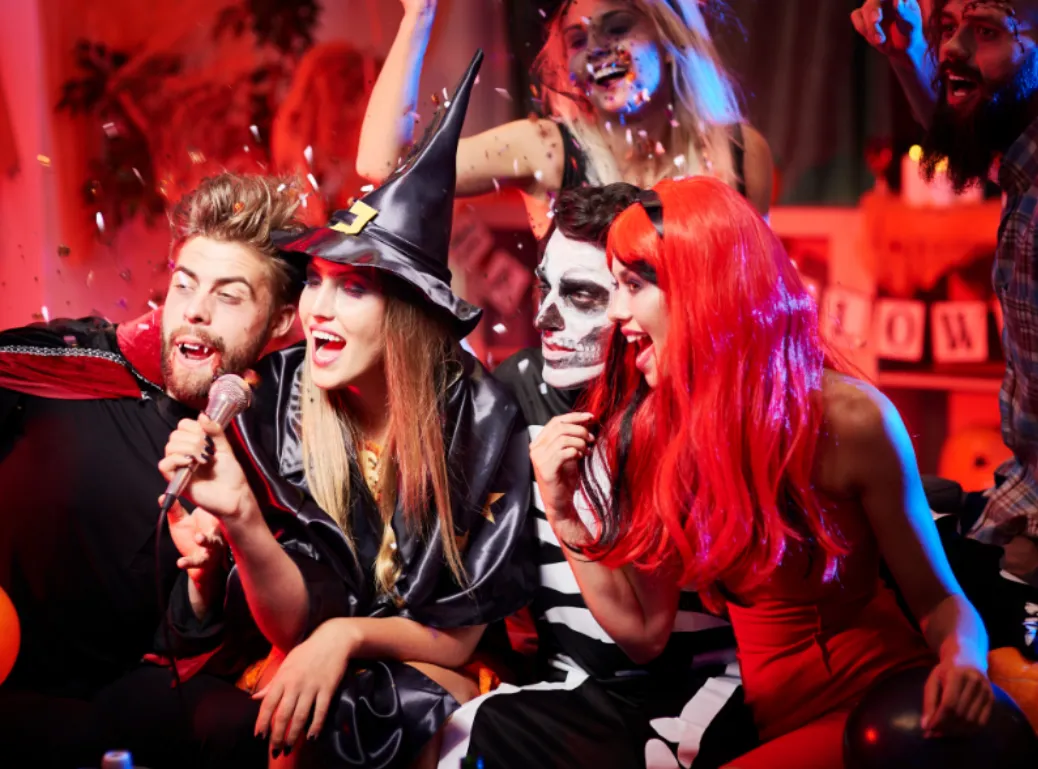
Costume Parties: A staple of adult Halloween events, where creativity and individuality take center stage.
Horror Experiences: Haunted houses, escape games, and horror movie marathons provide high-adrenaline fun.
Social Media Challenges: Platforms like TikTok and Instagram host viral makeup and dress-up challenges, allowing the world to participate in a global digital parade.
Tips for better preparation for halloween events
Ellie, our company's HR, is present to say
If I were to prepare for company's Halloween event, I might consider the following:
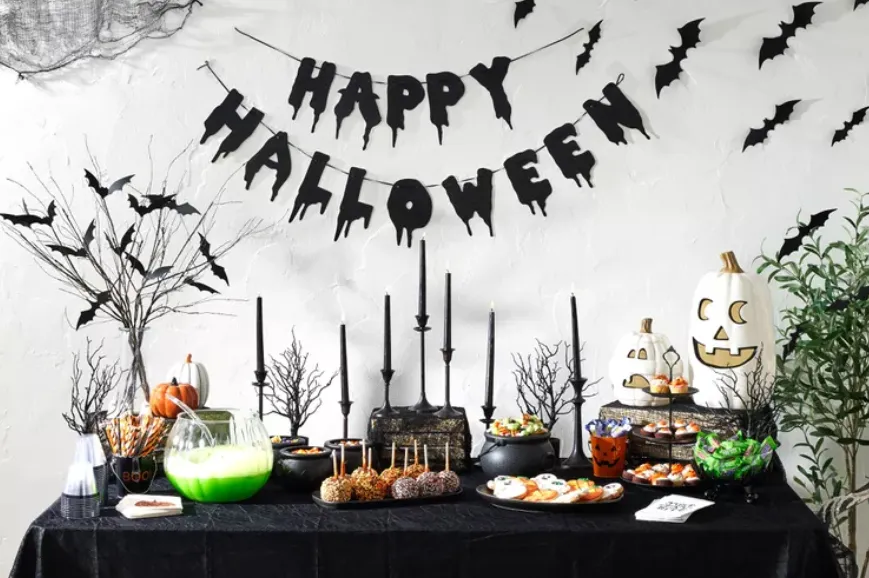
Theme Decoration: I will discuss and determine the theme decoration plan with my colleagues, such as haunted house, witch school, horror movie, etc.. Then, I will prepare the required decorations such as balloons, hangings, posters, etc. to create a festive atmosphere.
Candy and Snacks: Halloween events are not without candy and snacks. I will purchase some small packages of candy such as chocolate and candy corn, as well as some snacks and munchies such as chips and popcorn for everyone to enjoy.
Activity Games: To add interactivity and entertainment, I will prepare some Halloween-themed games such as riddles, prank boxes, and puzzle contests. To organize these games, I may need to print riddles or make game props.
Prizes and Gifts: In order to encourage employees to participate in activities, I will prepare some small prizes or gifts as rewards for games and activities. These prizes can be small toys, stationery items, electronic devices and so on.
In preparing for the above activities, I may use office supplies such as:
Printer and paper: for printing decorations, riddles, game props, etc.
Stickers and labels: for decorating items, marking activity areas or prizes.
Meeting room equipment: If I need to organize a large event or game, I may use equipment such as projectors and speakers.
Computer and office software: for designing decorating schemes, making game props or preparing arrangements for events.
The above are office supplies that I may prepare and use as an employee for a company Halloween event. Specific preparation and usage may vary depending on the size of the company and the needs of the event.
6 offline Halloween events
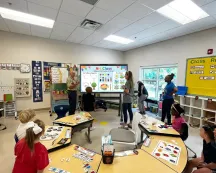
The use of whiteboards in offline events can increase interaction and creativity, allowing participants to become more engaged and enjoy the game. Whiteboards can be used in the following roles in the game:
Whiteboard Drawing Solitaire: Using a whiteboard as a drawing board, you can play a variety of drawing games, such as drawing contests or people taking turns drawing scary or humorous patterns and others guessing what they are.
Guessing Game: Write down some Halloween-related words on the whiteboard, then participants take turns describing the words and others guess the correct word based on the description.
Team games: Use a whiteboard to divide up the playing area, e.g. draw a maze, and then team members can go on a scavenger hunt or solve puzzles in the maze.
Memory game: draw some patterns or words on a whiteboard, then participants have a few seconds to observe, then close the whiteboard and everyone tries to recall what was drawn.
Puzzle Solving: Draw some puzzles or mazes on the whiteboard for participants to solve together, e.g. draw a combination lock and participants need to guess the correct combination based on the hints.
Jigsaw puzzle: The whiteboard is divided into sections, each with a jigsaw piece, and participants need to work together to put together the complete pattern.
How to interact with colleagues in remote gaming?
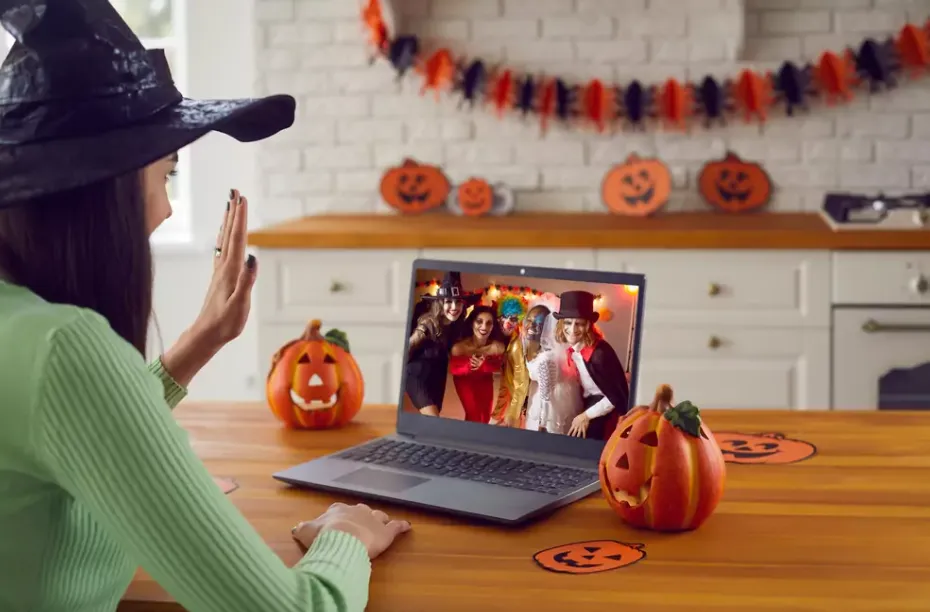
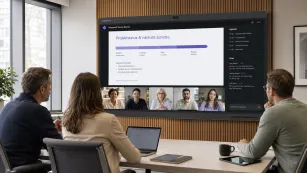
If the office's Halloween event requires inviting remote team members to participate, here are a few ways an online event might work for you:
7 virtual Halloween activities
Virtual Costume Contest
Notify all coworkers in advance and have everyone show off their Halloween costumes in a video conference on Halloween day. A panel of judges or a vote can be set up to select the best costume and prizes will be awarded to the winners.
Whiteboard Makeup Contest
On a whiteboard, each participant can use drawing tools to scribble on their avatar for a makeup contest. Various scary and creative elements can be used, such as blood, scary makeup, etc.
Online games or competitions
Choose games or competitions that are suitable for online play, such as Halloween-themed riddles, puzzles, and online escape games. Remote coworkers can be divided into small groups to share screens or participate in games together via videoconferencing for added interaction and competition.
Online sharing of horror stories or film sessions
Colleagues are invited to share their favorite horror stories or films and discuss and exchange them in a video conference. Everyone can watch short films, horror movies or listen to people's real-life horror experiences together.
Virtual Halloween Meal
Inform remote colleagues in advance so that everyone can prepare some special food or drink to show and taste together in a video conference. It allows everyone to share recipes or special Halloween ingredients for the food they have prepared.
Digital Halloween Decoration Sharing
Encourage remote colleagues to show off their home Halloween decorations in a video conference, either by sharing the screen or taking photos and sharing them for everyone to enjoy and interact with each other.
Virtual Halloween Concert
Invite remote colleagues to share their favorite Halloween music or songs and enjoy them together in a video conference. This can be done by sharing audio or video links so that everyone can enjoy the music together.
Tools & platforms to make the event better
The following tools and platforms can be used when organizing online events:
Video conferencing software: e.g. Zoom, Microsoft Teams, Google Meet, etc. for organizing video conferences and interactions.
Collaboration tools: whiteboard tools such as NearHub Board for drawing and doodling or question contests.
Online gaming platforms: e.g. Kahoot, Jackbox Games, etc. for online games and competitions.
Social media and chat tools: e.g. Slack, Microsoft Teams' chat feature, WhatsApp, etc. for communicating, sharing photos and videos, etc.
Conclusion
Whiteboards play a creative, interactive and demonstrative role in Halloween events, especially in remote celebrating events, it can stimulate the creativity and imagination of participants, increase the fun and interactivity of the event, and also facilitate the recording and sharing of the process and results of the event.
The whiteboard is a flexible tool that can be used to draw game props or as a canvas. Drawing prank props, game elements or puzzles, the whiteboard adds more fun and challenge to Halloween activities. When it becomes a creative canvas, participants can use drawing tools to create their own scary or humorous patterns on it, showing their creativity and imagination. Not only that, the whiteboard can be used for various team games or guessing games, where participants can draw, describe or guess together on the whiteboard, adding an element of interaction and cooperation and promoting communication and exchange between teams. The whiteboard can also record the scores, results or puzzle solving process of the game, making it easy to organize and share. At the same time, the patterns and creations on the whiteboard can also be used as displays for the activity to show to other participants or the audience, increasing the fun and visibility of the activity.
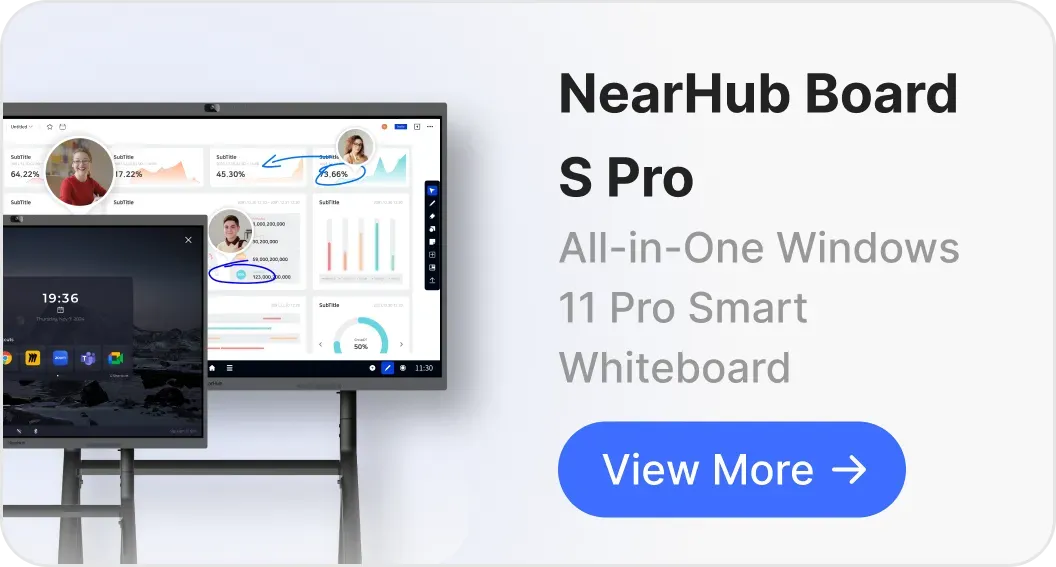
NearHub is an all-in-one solution for meeting rooms and classrooms. NearHub possesses an interactive digital Board with cutting-edge smart software. By combining your favorite programs with mess-free writing canvas and video conferencing, you can improve your interaction and productivity in the online classroom. Besides, NearHub also provides MagicPad S13 to improve digital learning and creativity. Click here to view more on NearHub.
Q1: What are some recommended activities for children's Halloween events?
A: For younger audiences, the focus should be on "fun" rather than "fright." Popular children's halloween events include neighborhood trick-or-treating, pumpkin carving workshops, and costume parades featuring superheroes or cartoon characters. For indoor or school settings, interactive games like "Whiteboard Ghost Drawing" or a "Halloween Scavenger Hunt" are excellent ways to keep kids engaged in a safe environment.
Q2: How do you organize a memorable adult Halloween event?
A: When planning adult halloween events, focus on social interaction and healthy competition. Consider hosting a themed "Best Costume Contest" with specific categories, or organizing high-engagement activities like a "Horror Escape Room." Utilizing digital tools for a "Spooky Trivia Night" or a "Virtual Horror Movie Marathon" is also a great way to build atmosphere in a professional or social setting.
Q3: What are the essential supplies needed for successful events for Halloween?
A: To host effective events for halloween, you should prepare across four main categories:
Decorations: Cobwebs, LED pumpkins, and themed posters.
Treats: A variety of candies, chocolates, and "spooky" snacks like popcorn or themed finger foods.
Interaction Tools: Projectors for horror visuals, speakers for eerie sound effects, and interactive displays like the NearHub Board.
Prizes: Small rewards such as tech gadgets, stationery, or gift cards to encourage participation.
Q4: How can we include remote employees in our Halloween celebrations?
A: Remote teams can join the fun via video conferencing platforms like Zoom or Google Meet. We recommend hosting a "Virtual Costume Show," "Online Horror Storytelling," or using NearHub’s collaborative digital whiteboard for a "Real-time Makeup Doodle Contest." These digital events for halloween ensure that everyone, regardless of location, feels part of the team culture.
Q5: Why should I use a digital whiteboard for my Halloween party?
A: A digital whiteboard, such as NearHub, acts as the creative hub of the event. It can be used as a canvas for drawing games, a scoreboard for contests, or a shared space for remote brainstorming. It bridges the gap between physical and virtual participants, making your adult halloween events or classroom activities more interactive and organized.
Q6: What are some creative Halloween events for kids in a school setting?
A: Schools can organize "Classroom Transformation Contests" or "Halloween Science Labs." Teachers can also use tools like the MagicPad S13 to facilitate halloween events for kids, such as designing digital spooky greeting cards or participating in interactive lessons about the historical origins of the holiday.