2026 Enterprise Interactive Whiteboard Buying Guide: A CIO's Honest Checklist
A practical, no-jargon buying guide for CIOs and IT directors evaluating interactive whiteboards in 2026.
interactive whiteboard
business
Updated: Aug 19, 2026 · 8 minutes read
Global Business, Brought Near.
No Installer, No Hassle, Just Works.
Let's be honest. Most meeting-room gadgets promise the world and deliver a fresh headache for your helpdesk. You bought the "next-gen collaboration tool," and six months later your team is back to emailing PowerPoint attachments because the board is too slow, too complicated, or simply too unreliable. Here's the hard truth: buying the best interactive whiteboard for business meetings isn't about specs — it's about making your IT life easier. If a board creates more tickets than it solves, it's not a tool; it's a liability. This 2026 enterprise interactive whiteboard buying guide cuts through the noise with four practical questions to help you and your purchasing committee choose a board your team will actually use — no jargon, no fluff, just a framework that works.
Key Takeaways
Deployment & adoption are make‑or‑break – It must set up in minutes and feel as easy as a tablet. If your team won't use it, nothing else matters.
Compatibility & AI must be real, not marketing – Native platform support and actionable meeting summaries are non‑negotiable; dongles and gimmicks are red flags.
The "cheaper" board almost always costs more – Factor in IT labor, downtime, and replacement cycles. The real price is TCO, not the sticker.
The 2026 Reality: Hybrid Work Is Now the Default
Hybrid work isn't the future — it's the default. Your meeting rooms are now critical infrastructure, not nice‑to‑have spaces. Your CEO expects the same experience from the boardroom or an airport lounge. Your sales team needs to whiteboard with clients half a continent away. But here's what vendors won't tell you: your IT team is already stretched thin. The last thing you need is another device that demands manual configuration or a certified installer. If your meeting tech creates friction — a failed client demo, a quarterly review half the team couldn't see, twenty minutes of "can you hear me now?" — it creates dysfunction. The boards that win in 2026 are the ones that simply work. Every time. For everyone. That's the bar this guide is built on — but first, understanding what a smart board actually does makes the rest much clearer.
Question #1: Deployment — Zero-Touch or Bust
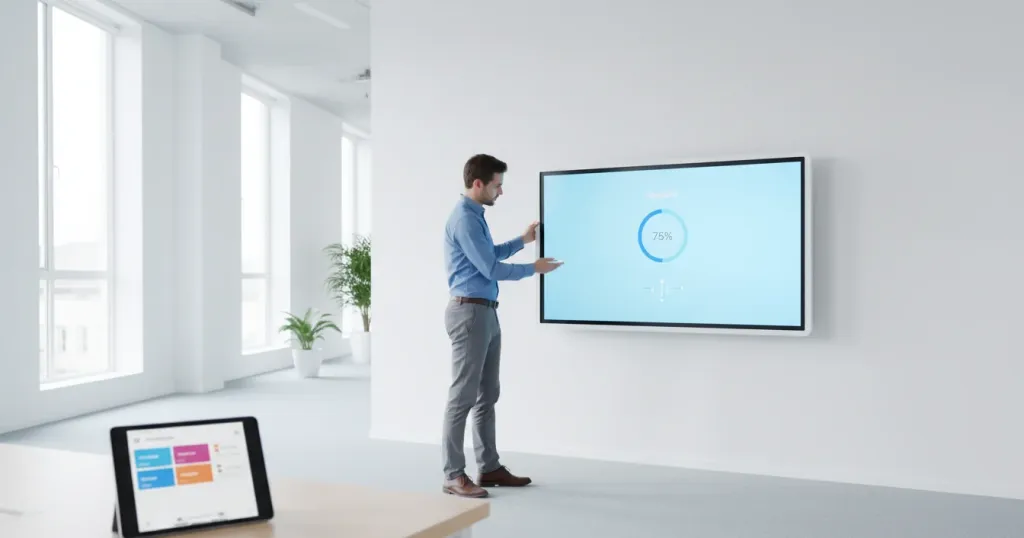
Let's start with the dealbreaker. If a board requires a professional installer and a three‑hour setup, it's already wrong. In 2026, you should be looking for zero‑touch provisioning — plug it in, it's ready. Cloud‑based management means you can push updates and troubleshoot remotely. The real test? Ask the vendor to set it up in 15 minutes. If they hesitate, you have your answer. Think about scale, too. You're not buying one board; you're buying ten, maybe fifty. If each one needs hand‑holding, that's a staffing problem, not a technology investment.
Zero‑touch deployment in practice: unbox, mount, connect power and network, and the board appears in your admin dashboard within minutes — automatically pulling your Wi‑Fi, security policies, and app settings. Someone walks up and starts the first meeting. Done. Look for over‑the‑air updates and centralized fleet management. Your IT admin should see every board from a single dashboard, with firmware updates at 2 AM, not during the all‑hands meeting. The deployment question isn't just about day one — it's about day three hundred, when you need to diagnose an issue without flying to a satellite office. And the same principle applies to connecting every device your team brings to the table.
Question #2: Adoption — Tablet-Simple or Dead on Arrival
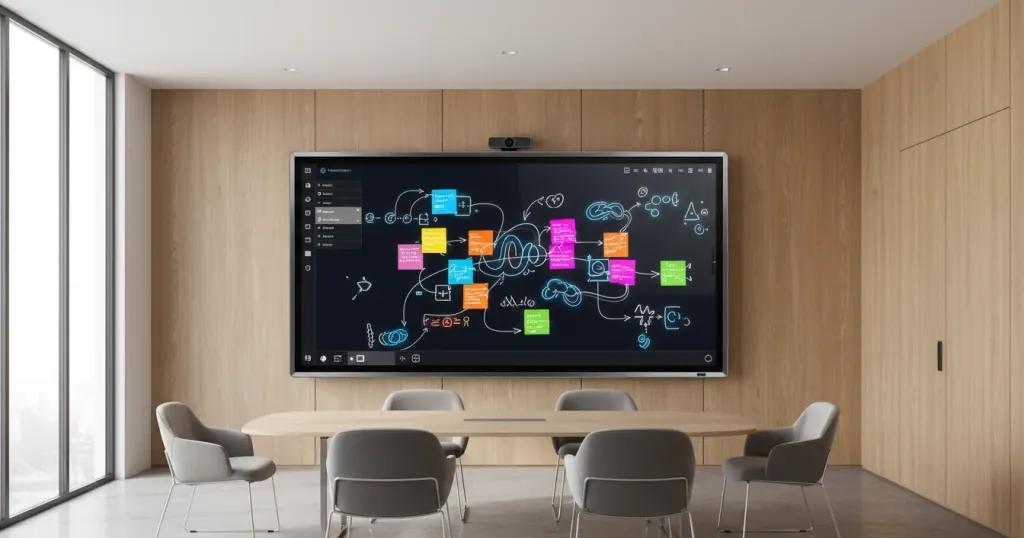
Here's a sobering fact: the fanciest board delivers zero ROI if your employees avoid it. The interface needs to be tablet‑simple — pick up a stylus and write, tap to erase, swipe to share. Three features drive adoption. Natural handwriting: it should feel like pen on paper, not a laggy marker. When a stylus follows instantly, you've won. A half‑second lag and they're lost. Instant erase: nobody has time to hunt for a "clear canvas" button. The best boards let you erase with your palm — it matches muscle memory. QR‑code sharing: scan and take the whiteboard content with you. No more blurry photos.
Beyond these basics, consider the walk‑up experience. Can a first‑time user figure it out in thirty seconds? Does joining a call take more than two taps? If your board requires a 30‑minute onboarding session, your team will go back to their laptops. The best test? Bring a non‑technical employee to the demo — a sales manager or HR director. If they can't start a meeting and share the screen without help, your adoption rate will be abysmal.
Question #3: Compatibility — Native Integration or Workaround
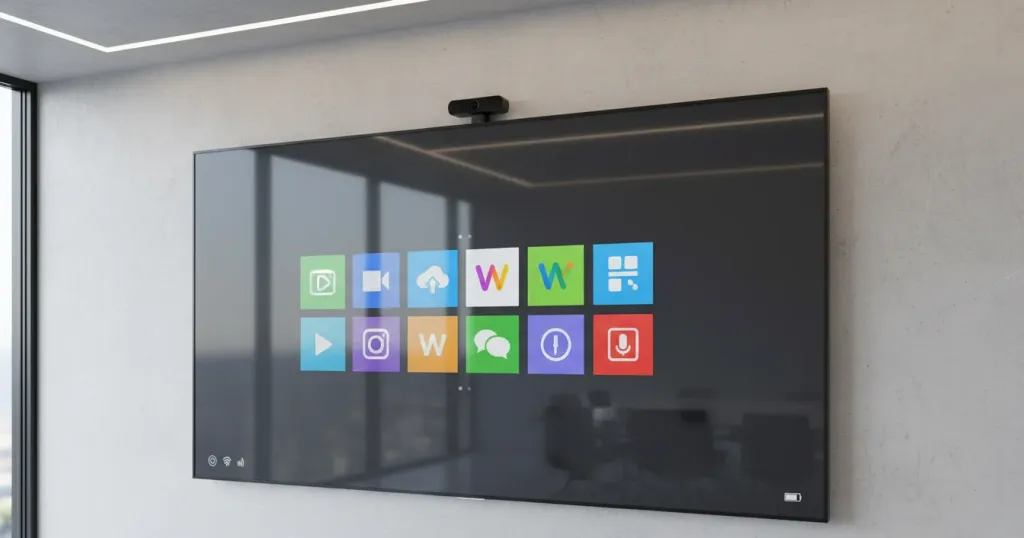
This is where IT leaders get burned. A board that "supports Teams" but needs a separate compute stick, dongle, and cables isn't compatible — it's a workaround. Demand native integration: Teams, Zoom, Webex, and Google Meet should run directly on the board, no external PC required. If your company switches platforms next year, the board shouldn't become a paperweight. That's why dual-OS — both Windows and Android — matters. A board locked into one ecosystem is one you'll be replacing sooner than you'd like.
Calendar integration is easy to overlook but critical. A board that syncs with Exchange or Google Calendar and shows "Tap to Join" eliminates the "which link?" confusion that kills the first five minutes of every call. Run this quick test: Does it run all major platforms natively? Can any laptop or phone share wirelessly without special apps? Can guests join through a browser without downloading anything? Can your IT team manage the fleet from a cloud console? If you're answering "yes" to all, you're looking at real compatibility. Choosing the right size for your space is another key decision that affects how well the board works in your meeting rooms.
Question #4: AI — Real Productivity or Marketing Fluff
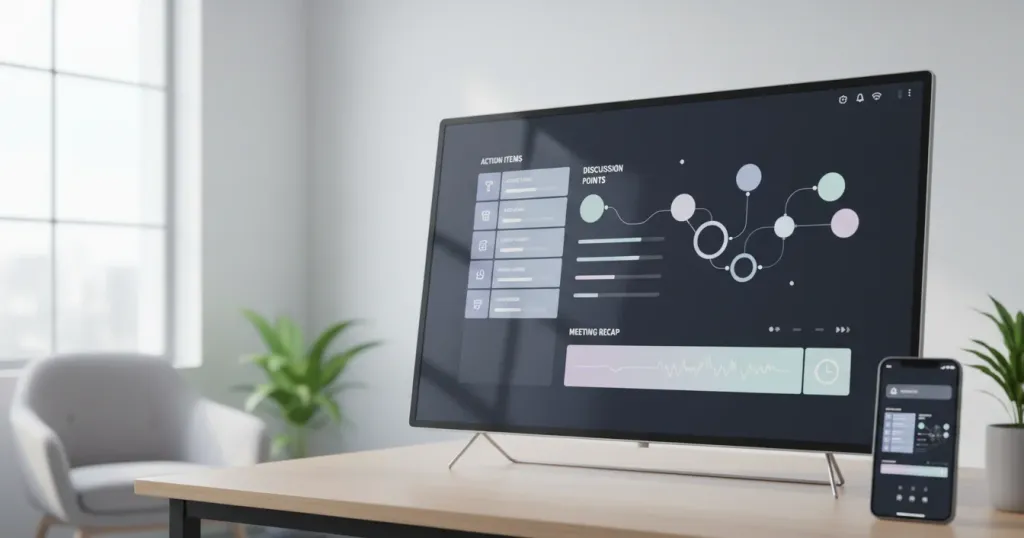
In 2026, every vendor claims to have AI. Here's the only test that matters: can it generate meeting summaries with action items and send them to your M365 or Google Workspace? Marketers get a clear recap. Project managers see tasks assigned without anyone lifting a finger. If it's just handwriting‑to‑font or sparkle effects, it's a gimmick. Ask the vendor to show you a real meeting summary from a live demo. If they can't, move on. Also watch out for AI features that require expensive add‑on subscriptions — if the "AI package" doubles your annual cost, the math may not work.
The Hidden Cost: Why Sticker Price Is Not the Real Price
Here's something procurement committees often miss: sticker price is not the real price. A board that costs 30% less upfront can easily cost you double over three years. The bargain board needs a certified integrator just to mount it, while a well‑designed option sets up in under fifteen minutes. Once running, the cheap board soaks up forty‑plus hours of IT labor per year; the right board runs on two to five hours because it self‑heals and alerts you before problems escalate. Downtime on the budget model is frequent — failed presentations, executives waiting for screens to come back. The cheap board needs replacement in two to three years; a quality build lasts five to seven. A confusing interface means constant retraining, while an intuitive board needs virtually no training budget.
Add it up and the three‑year TCO flips in favor of the pricier upfront choice. A $3,000 board with $2,000/year in IT support costs $9,000 over three years. A $5,000 board with $200/year in support costs $5,600. The "expensive" option saves you $3,400. Beyond dollars, consider the soft costs: an executive who misses the first ten minutes starts avoiding that room. A sales team that can't reliably demo clients starts losing deals. These costs don't show up in your IT budget — but they show up in your revenue.
The Answer That Passes All Four Tests: NearHub Board Max
After walking through these four questions with dozens of vendors, one board kept surfacing as the practical answer: the NearHub Board Max. It ships ready for zero‑touch cloud deployment, runs both Windows and Android natively, and supports Teams, Zoom, and Webex without extra dongles or compute sticks. Its AI assistant generates meeting summaries and action items that feed directly into your M365 or Google Workspace. The interface is tablet‑simple — users pick up a stylus and write naturally, with palm erase and QR‑code sharing, no training required. If you're building a shortlist of hybrid work tools for 2026, the Board Max passes all four tests without caveats or workarounds.
Frequently Asked Questions
How long should an enterprise interactive whiteboard deployment take?
With zero-touch provisioning, one IT admin can unbox, mount, and configure a board in under 15 minutes. For fleet rollouts of 20-50 units, cloud management enables bulk configuration and over-the-air updates, cutting deployment from weeks to days. If a vendor requires certified installers for every unit, that's a scalability red flag. The best deployments happen when the vendor provides a staging portal where you pre-configure boards before shipping.
What is the biggest mistake when buying an interactive whiteboard?
Buying on sticker price without calculating total cost of ownership is the top mistake. A cheaper board creates hidden costs through helpdesk tickets, downtime, replacement parts, and IT labor. The second biggest mistake? Ignoring user adoption — even the most feature‑rich board delivers zero ROI if employees avoid it. Boards that require extensive training or have non‑intuitive interfaces see usage rates below 20% within six months, turning your investment into expensive wall art.
How do we evaluate AI features on interactive whiteboards?
Focus on post-meeting productivity, not demos. Useful AI generates meeting summaries, extracts action items with owners, and pushes results to your existing tools. Be skeptical of features like font conversion or decorative effects — they add no real value. Ask vendors to show you a real meeting summary from a live demo.
Can one interactive whiteboard work for multiple conferencing platforms?
Yes, but only with native dual-OS support or explicit multi-platform certification. Boards locked into a single ecosystem (Webex-only, Meet-only) force compromises when you use multiple platforms or switch vendors. Dual-OS guarantees a first-class experience on every platform. This matters most in enterprise environments where different departments standardize on different tools — your engineering team might prefer Zoom while your sales organization lives in Teams.
Final Thought
Buying a whiteboard in 2026 shouldn't be a gamble. The right choice cuts tickets, boosts meetings, and lasts; the wrong one becomes expensive wall art. Use our four questions to cut through hype and score vendors honestly. The board that leads in deployment, adoption, compatibility, and AI will serve you for years. Your real job is enabling collaboration, not managing tech – pick that board, and your helpdesk will thank you.