How to Choose the Perfect Whiteboard Size for Office & Classroom
This article serves as a comprehensive guide to selecting the correct whiteboard size and dimensions.
standard whiteboard sizes
whiteboard dimensions
Updated: Oct 10, 2026 · 8 minutes read
Global Business, Brought Near.
No Installer, No Hassle, Just Works.
Choosing the right whiteboard size isn’t just about filling wall space—it directly impacts how effectively your team communicates, collaborates, and makes decisions. Whether you're setting up a meeting room, classroom, or home office, selecting the wrong dimensions can limit visibility, reduce engagement, and waste valuable space.
But how do you navigate the sea of options? What are the standard whiteboard sizes, and how do they translate to a real-world office, classroom, or home setting? What’s the difference between a traditional board’s size and an interactive display’s dimensions?
This guide starts with common sizes, then explains how to choose between a traditional dry-erase board and an interactive display. The best size depends on what people need to see, how far away they sit, and what they will do on the board.
Standard Whiteboard Sizes Chart (Quick Reference)
Traditional dry-erase boards are listed by width × height; interactive displays are listed by screen diagonal. The two sizes are not physical equivalents. These ranges are starting points—check the actual room layout and the product's full outer dimensions before ordering.
Use Case
Room Size
Team Size
Recommended Whiteboard Size
Interactive Display Equivalent
Personal Office
<100 sq ft
1–2
3'×2' or 4'×3'
55"
Huddle Room
100–160 sq ft
2–4
5'×4'
55"–65"
Small Meeting Room
150–250 sq ft
5–8
6'×4'
65"–75"
Conference Room
250–400 sq ft
8–15
8'×4'
75"–86"
Boardroom or large project room
400+ sq ft
15+
10'×4'+
86"+
Classroom or training room
Standard
20–30
8'×4'
75"–86"
👉 Quick tip: A 6’×4’ whiteboard or a 65" display is the most versatile option for most meeting rooms.
To choose the final size, test the smallest text or detail that people must read from the farthest seat. A larger display will not fix slides filled with tiny type or drawings shown at the wrong zoom level.
Why Getting the Right Whiteboard Size Matters So Much
Before we dive into charts and numbers, let’s establish why this decision is so critical. The right whiteboard dimensions directly impact:
Visibility and Readability: The primary function of a whiteboard is for people to see what’s written on it. If it’s too small, people in the back of the room can’t read it. If it’s too large for the viewing distance, it can be uncomfortable to look at.
Collaboration and Idea Flow: A properly sized board provides ample “thinking space.” It allows multiple team members to contribute simultaneously without feeling constrained, fostering better brainstorming and more dynamic discussions.
Room Aesthetics and Ergonomics: A whiteboard is a significant piece of furniture. A size that complements the room feels professional and intentional. An ill-fitting one can make a space feel amateurish or poorly planned.
Functionality and Purpose: The way you intend to use the board—for strategic planning, daily stand-ups, classroom teaching, or personal notes—heavily influences the ideal whiteboard size.
Traditional vs. interactive whiteboard sizes: know what is being measured
A traditional whiteboard is usually sold by its width and height. An interactive whiteboard or smart board is usually sold by the diagonal length of the screen, just like a TV.
That means an “86-inch board” is not 86 inches wide. If the screen has the common 16:9 widescreen shape, its approximate active screen size is:
Interactive display diagonal
Approx. active screen width × height
Approx. width × height in centimeters
55 in
47.9 × 27.0 in
122 × 68 cm
65 in
56.7 × 31.9 in
144 × 81 cm
75 in
65.4 × 36.8 in
166 × 93 cm
86 in
75.0 × 42.2 in
191 × 107 cm
These are calculated screen-area estimates for a 16:9 display. The full product is larger because of its frame, ports, and mounting hardware. Use the manufacturer's dimension drawing for installation.
For comparison, an 8 × 4 ft dry-erase board is 96 inches wide. Its physical writing surface is wider than an 86-inch interactive screen. The interactive display offers different advantages: you can open documents and videos, zoom into details, add digital pages, and save or share your work. It does not make small text automatically readable from any distance.
How to Choose the Right Whiteboard Size (Step-by-Step)
Step 1: Measure Your Usable Wall Space
Measure the width and height available after accounting for doors, windows, switches, outlets, furniture, and people walking past. If you are buying an interactive board, check the full device dimensions, mount specifications, power outlet, cable path, and whether installers can safely reach the wall.
Pro Tip: Don’t aim to fill the entire wall. Leave at least 6-12 inches of “breathing room” on all sides. This makes the installation easier and prevents the room from feeling cramped.
Step 2: Consider Your Room Size and Viewing Distance
The size of your room dictates the maximum comfortable viewing distance. A simple rule of thumb is the “4-6-8 Rule” for readability:
Casual Viewing (e.g., reading headers): The furthest viewer should be no more than 4 feet away for every inch of character height.
Good Readability (e.g., reading sentences): The furthest viewer should be no more than 6 feet away for every foot of whiteboard width. (This is a more practical rule for board size).
Critical Viewing (e.g., reading detailed text): The furthest viewer should be no more than 8 feet away for every foot of whiteboard width.
Let’s simplify that: Measure the distance from the wall to the furthest seat in the room. Divide that distance (in feet) by 6. This gives you a good starting point for the minimum required width of your whiteboard (in feet).
Example: If your furthest chair is 24 feet away from the wall, you need a whiteboard that is at least 4 feet wide (24 / 6 = 4). In this case, a 6’x4’ or 8’x4’ board would be ideal.
Stand or sit where the farthest viewer will be. Could you read the kind of content you plan to show? For a dry-erase board, think about typical handwriting size. For an interactive display, test a real slide, spreadsheet, lesson, or video call at its usual zoom level.
This real-world check is more reliable than a universal “distance ÷ board width” formula. A room with tables, side seating, glare, or small text can change the answer.
Step 3: Define the Primary Purpose
How will the board be used 90% of the time?
For Brainstorming & Strategic Planning: Go bigger. You need space for mind maps, sprawling ideas, and multiple contributors. An 8’ x 4’ or larger is often necessary.
For Teaching & Presentations: The key here is visibility. Ensure the size is adequate for the back row. You might also consider the height, ensuring the bottom of the board is high enough to be seen over the heads of those in the front.
For Daily Stand-ups & Agile Workflows: A medium-sized board (like 5’ x 4’ or 6’ x 4’) is often sufficient. You need enough space for columns (To Do, In Progress, Done) but not necessarily a vast canvas.
For a Personal Office: A smaller board (like 3’ x 2’) is usually enough to keep your own tasks and ideas organized without dominating your personal space.
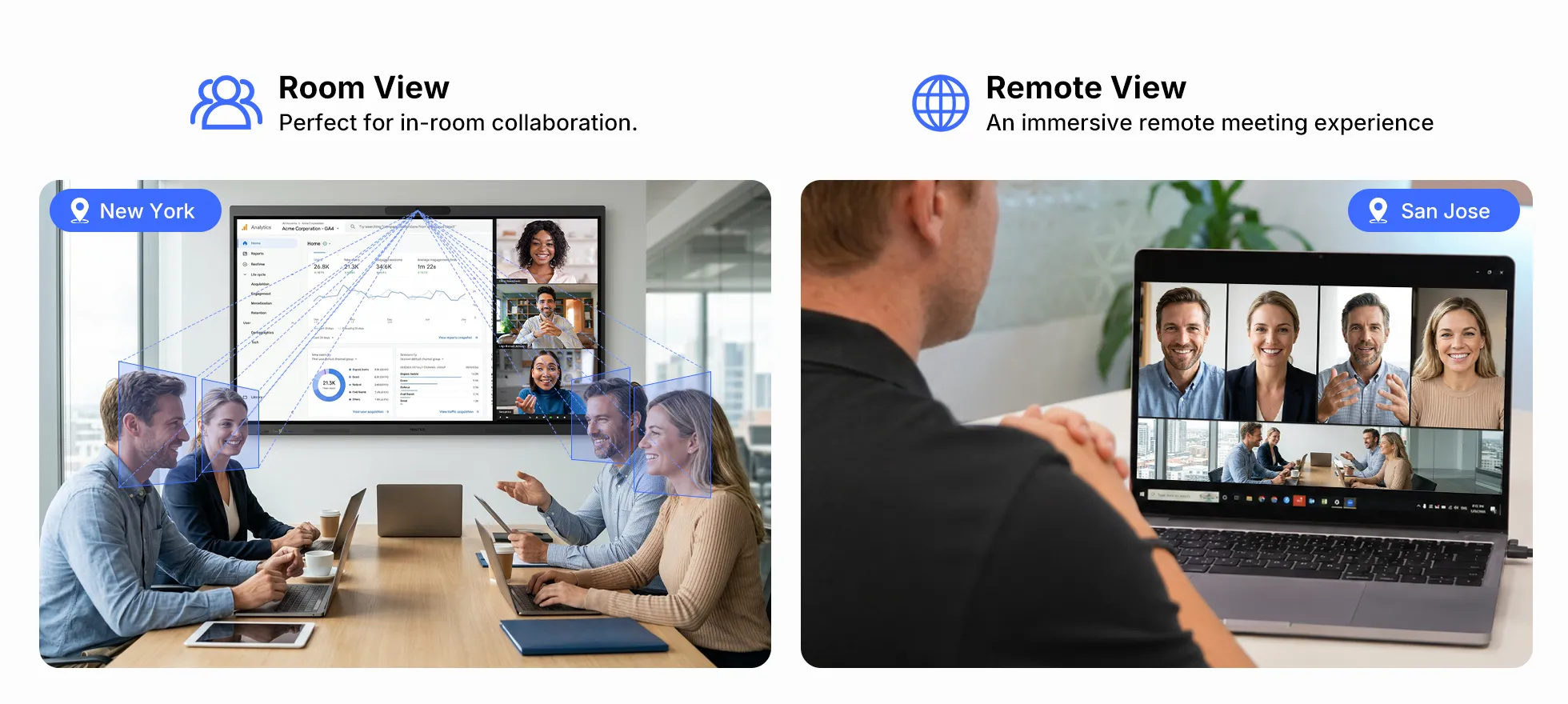
For hybrid meetings: Make sure remote participants can see shared content and hear the discussion; board size is only part of the setup.
4. Compare the whole setup, not just board size
For a traditional board, consider surface material, cleaning, glare, and whether you need a magnetic surface. For an interactive board, consider screen clarity, touch response, familiar app support, wireless sharing, cameras, microphones, and how notes are saved.
A bigger board is useful only if the room and workflow can take advantage of it.
5. Check installation and delivery details before ordering
Ask the vendor for the exact product dimensions and weight, wall or mobile-stand requirements, mounting height guidance, packaging size, and delivery path. For a model-specific example, review the NearHub Board Max specifications before planning installation. Check doorways and elevators if the board is large. For an interactive display, confirm power and network needs before installation day.
Which interactive whiteboard size should you choose?
55 inches: A practical option for a private office or small huddle space where people sit close. It can be helpful for shared documents and video meetings, but detailed content may be hard to read from farther away.
65 inches: Often a flexible choice for a small meeting room. It gives a group more room to review documents, write on screen, and share content while still fitting many office walls.
75 inches: Consider this for larger groups or rooms where people sit farther from the screen. It offers more space for presentations, drawing review, and side-by-side content.
86 inches: Best considered when the room can accommodate its width, weight, and viewing distance. It can suit larger meeting rooms and classrooms, especially when several people need to follow visual material together.
Before deciding: Check the exact model. Two products with the same diagonal screen size can have different outer dimensions and mounting needs.
Here are typical real-world dimensions:
Display Size
Physical Dimensions (W × H × D)
55"
49.8 × 31.2 × 3.3 inches
65"
58.5 × 36.0 × 4.0 inches
75"
67.2 × 41.0 × 4.0 inches
86"
1722 × 1034 × 87 mm
👉 These dimensions help you:
Plan wall installation
Ensure spacing
Avoid fit issues
Why an 86-inch IWB Can Be More Effective Than an 8-foot Traditional Board
It’s a common misconception to think a traditional 8-foot (96-inch) wide large white board offers more usable space than an 86-inch interactive display. Here’s why that’s not always the case:
Infinite Canvas: The biggest advantage of an IWB is the digital, infinite canvas. You are not limited by the physical surface of a magnetic dry erase board. You can zoom in on details, zoom out to see the big picture, and simply add a new page or scroll down for more space.
Clarity and Contrast: The 4K resolution on a high-quality IWB like a Nearhub board provides unparalleled clarity. Bright, backlit text is far easier to read from a distance than even the best dry-erase marker on a white background, especially in rooms with imperfect lighting.
Dynamic Content: The “space” on an IWB isn’t just for writing. It’s for displaying high-resolution images, playing videos, running applications, and interacting with web pages. A massive 4K display creates an immersive experience that a traditional board can’t match. For a large lecture hall or a critical boardroom presentation, a premium interactive display like the Nearhub86 board provides the ultimate canvas for dynamic, engaging content that ensures everyone is captivated.
Creating the Perfect Interactive Workstation
When you upgrade to an interactive whiteboard, you’re creating a new kind of workstation. It’s not just a board on a wall; it’s a hub for creation and control. To maximize productivity, consider the entire setup. A clean, organized control space is key. Many users find that pairing their IWB with ergonomic accessories, like an underdesk keyboard tray, helps to keep their desk or lectern free of clutter, allowing for seamless interaction with the board without a messy tangle of wires and peripherals.
The Power of Cloud Integration with Your Whiteboard Size
The concept of “whiteboard size” completely transforms when you connect it to the cloud. With traditional boards, the information exists only on that physical surface. When the meeting ends, someone takes a blurry photo with their phone, and the ideas are siloed.
Modern IWBs, however, leverage the cloud to break down these physical barriers. The size of your board is no longer confined to the four walls of your meeting room.
Real-Time, Global Collaboration: Team members from anywhere in the world can join the session and contribute to the same digital canvas from their own devices.
Saving and Sharing: Every note, diagram, and annotation can be saved with perfect clarity as a PDF or image file and instantly shared via email or a shared drive. The entire history of your brainstorming session is preserved.
Enhanced Productivity: When your IWB is integrated with powerful cloud services with best team management features, it becomes the central nervous system for your team’s projects. You can pull up project boards, review documents, and make real-time updates that are synced across the entire team.
This integration means your “whiteboard” is always the right size, accessible anytime, anywhere. It’s a living document, not a static surface.
FAQs About Whiteboard Size and Dimensions
We get a lot of questions about this topic. Here are answers to some of the most common ones.
Q1: What are the most common whiteboard dimensions for a business office?
For most business environments, the most popular and versatile whiteboard dimensions are 6’ x 4’ and 8’ x 4’. An 8’ x 4’ board is generally considered the standard for a conference room that seats 8-15 people, providing ample space for collaborative work and ensuring good visibility for everyone.
Q2: What is the best standard whiteboard size for a classroom?
For a standard K-12 classroom whiteboard, an 8’ x 4’ large whiteboard is an excellent starting point. For larger university lecture halls, you should consider sizes like 12’ x 4’ or even 16’ x 4’. When selecting a classroom whiteboard, also consider opting for a magnetic dry-erase board, as the magnetic functionality is incredibly useful for displaying educational materials and student work, making lessons more dynamic and engaging.
Q3: How do I measure for a whiteboard?
Use a tape measure to determine the usable width and height of your wall. This process is the same whether you're choosing a standard magnetic dry erase board or a large whiteboard for a conference room. As a rule of thumb, the center of the whiteboard should be at eye level for the average person (around 60-65 inches from the floor).
Q4: How do interactive whiteboard dimensions (like 75" or 86") compare to standard whiteboard sizes?
Interactive whiteboard dimensions are measured diagonally, like a TV, and typically have a 16:9 aspect ratio. A traditional 8’ x 4’ board has a width of 96 inches. An 86" interactive whiteboard has a diagonal measurement of 86 inches, which translates to a width of roughly 75 inches. While physically narrower than a 96-inch large white board, its infinite digital canvas, 4K clarity, and multimedia capabilities often make it a more powerful and versatile collaborative tool than even the best magnetic dry erase board.
Q5: Is a bigger whiteboard always a better choice?
Not necessarily. This is true for both a traditional magnetic board and a large whiteboard. The “best” classroom whiteboard or office board is the one that fits the room and the purpose. A board that is too large for a small room can be just as problematic as one that is too small.
Conclusion: Choosing the Right Dimensions for a Modern World
Choosing the right whiteboard size is a foundational step in creating an effective space for collaboration and learning. By carefully measuring your room, considering your audience, and defining your purpose, you can confidently select a size that meets your needs.
While traditional standard whiteboard sizes still have their place, the future of collaboration is digital, dynamic, and connected. Interactive whiteboards like the Nearhub Board have redefined what “whiteboard dimensions” truly mean. They offer not just a writing surface, but a gateway to an infinite canvas, global collaboration, and seamless integration with the digital tools you use every day.
So as you plan your next space, don’t just think about how big the board should be. Think about how powerful it can be.