The 10 best free news apps of 2026—ranked by speed, credibility, and real-world usability—so you can stay informed without the endless scrolling.
best news aggregator
Updated: Jul 10, 2026 · 8 minutes read
Global Business, Brought Near.
No Installer, No Hassle, Just Works.
This guide reviews and compares the 10 best free news apps in 2026, evaluating each across five dimensions: content personalization, loading speed, interface design, source credibility, and cross-device support. Featured apps include Google News, Flipboard, SmartNews, and more—with practical recommendations for students, teachers, and working professionals.
Information overload is real. In 2026, the average person encounters over 10,500 news headlines per day across social media, push notifications, and news sites — but most people retain fewer than 10% of what they skim.
The solution isn't reading less. It's reading smarter — with the right free news app.
We tested 10 free news apps across iPhone 16 Pro, Samsung Galaxy S25, and Windows 11 over three weeks, evaluating them on personalization, speed, ad frequency, offline capability, and source reliability. Here are our honest picks.
Whether you're catching up on headlines solo or sharing breaking news with your team during a morning briefing, this guide helps you find the right app without paying a dime.
Quick Comparison: Best Free News Apps at a Glance
App
Best For
Truly Free?
Offline Mode
Platforms
Bias Transparency
Google News
Best overall aggregator
✅ Yes
✅ Yes
iOS, Android, Web
⭐ Full Coverage feature
Flipboard
Visual readers
✅ Freemium
❌ No
iOS, Android, Web
⭐⭐
Apple News
iPhone users
✅ Free (News+ is paid)
✅ Yes
iOS, macOS
⭐⭐
SmartNews
Fast, offline reading
✅ Yes
✅ Yes
iOS, Android
⭐⭐
Microsoft Start
Windows & productivity
✅ Yes
❌ No
Windows, Web
⭐
Feedly
Researchers & RSS fans
✅ Freemium
❌ No
iOS, Android, Web
⭐⭐⭐
NewsBreak
Local news
✅ Yes
❌ No
iOS, Android
⭐
Inoreader
Power users
✅ Freemium
✅ Yes
iOS, Android, Web
⭐⭐⭐
Yahoo News
Mainstream coverage
✅ Yes
❌ No
iOS, Android, Web
⭐⭐
Ground News
Bias-aware readers
✅ Freemium
❌ No
iOS, Android, Web
⭐⭐⭐⭐⭐
💡 No time? Skip to the verdict: Casual reader → Google News. iPhone user → Apple News. Bias-conscious → Ground News. Researcher → Feedly or Inoreader. Local news → NewsBreak.
10 Best Free News Apps Reviewed
1. Google News – Best Free News Aggregator Overall
Google News is the best free news aggregator for most people. Its "Full Coverage" feature is genuinely powerful — tap any story and see how CNN, BBC, Reuters, and a dozen regional outlets cover the exact same event. It takes seconds and replaces an hour of cross-checking.
The AI personalization is excellent: within 3 days of use, our feed felt noticeably tailored. No registration required to start.
Attribute
Details
Best For
All-around personalized news feed
Platforms
iOS, Android, Web
Truly Free?
✅ Completely free
Offline Mode
✅ Yes
✅ Pros: Completely free with no paywalls, outstanding "Full Coverage" multi-source view, strong personalization, offline reading, available on all platforms ❌ Cons: Google's data collection is a trade-off, limited control over exact sources
Pro Tip: Use "Follow" for specific topics (e.g., "AI regulation", "NBA trades") rather than following general sources — you get tighter, more relevant coverage.
2. Flipboard – Best for Visual Readers
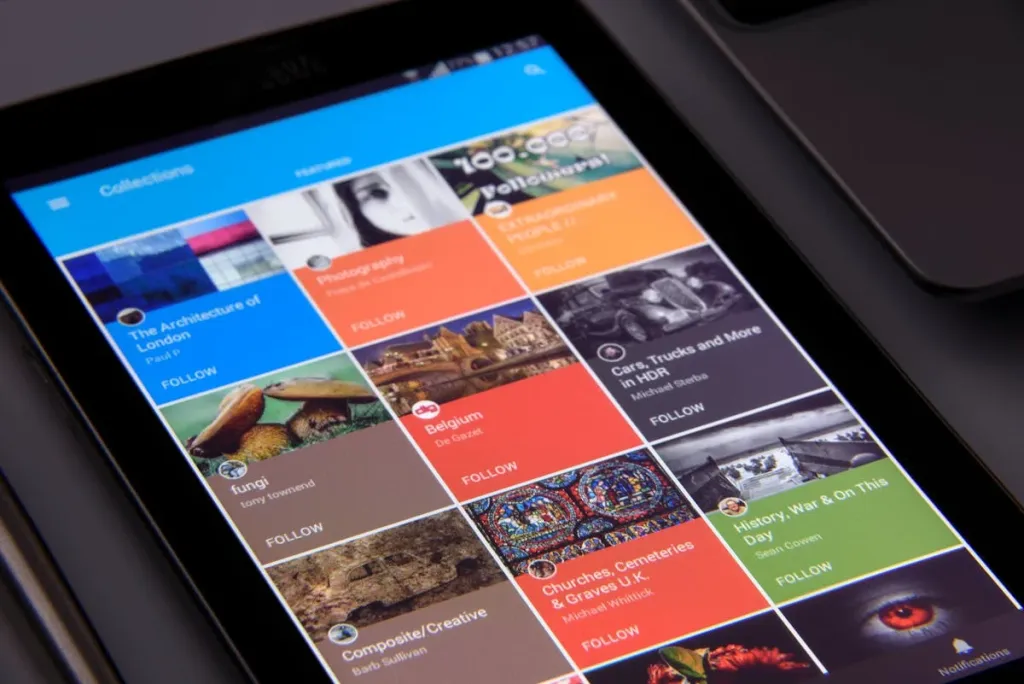
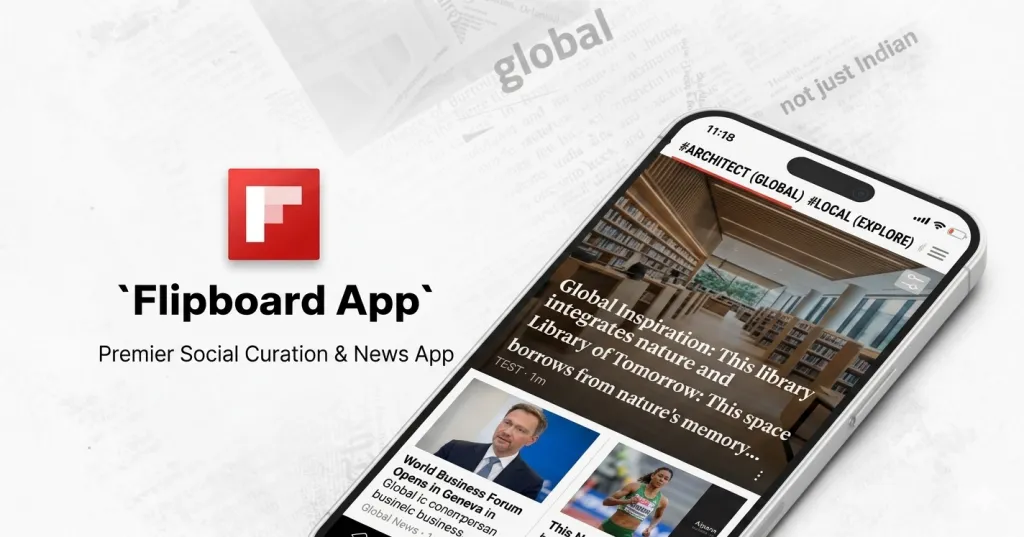
Flipboard turns news into a visual magazine. Flipboard gives you a beautiful, flippable magazine experience. If you find traditional news feeds boring to scroll, Flipboard's tile-based layout makes reading feel intentional rather than reactive. You curate "magazines" by topic and can follow other curators' collections.
Less ideal if you need breaking news fast — it's built for depth, not speed.
Attribute
Details
Best For
Magazine-style reading and topic curation
Platforms
iOS, Android, Web
Truly Free?
✅ Freemium (free tier is generous)
Offline Mode
❌ No
✅ Pros: Beautiful, scannable layout, excellent topic curation, great for design/culture/tech niches, social sharing features ❌ Cons: No offline mode, premium needed for ad-free experience, slower for breaking news
3. Apple News – Best Free News App for iPhone Users
Apple News does a fantastic job aggregating high-quality journalism. While some features require a subscription (Apple News+), the free version is still packed with trustworthy sources and a slick, distraction-free experience.
The only catch: it's iOS/macOS exclusive, and the best features (News+) require a subscription.
Attribute
Details
Best For
iOS users wanting curated, high-quality sources
Platforms
iOS, macOS only
Truly Free?
✅ Free (Apple News+ is separate)
Offline Mode
✅ Yes
✅ Pros: Editorial curation ensures quality sources, distraction-free reading mode, offline reading, seamlessly integrated with iOS widgets ❌ Cons: Apple ecosystem only, no Android/Windows version, News+ paywalled content mixed with free content
4. SmartNews – Best for Fast, Offline Reading
When I’m short on time but want to know the top headlines, SmartNews gets it done. It pulls stories from over 3,000 trusted sources and divides them into categories like politics, entertainment, health, etc.
Attribute
Details
Best For
Fast-loading news, subway/offline use
Platforms
iOS, Android
Truly Free?
✅ Completely free
Offline Mode
✅ Yes (downloads headlines automatically)
✅ Pros: Outstanding offline reading, very fast load times, clean stripped reading view, completely free ❌ Cons: offers less deep personalization than Google News, limited customization vs. competitors, UI feels dated
Pro Tip: Enable "Smart Mode" overnight. By morning, your preferred sections are already cached and ready — zero wait time with your coffee.
5. Microsoft Start – Best for Windows & Productivity Users
Microsoft Start is the most underrated option for professionals. Built into Windows 11's taskbar, it delivers a customizable news dashboard without opening a browser. The integration with Microsoft Edge and Microsoft 365 means you can go from reading a business headline to opening a related Excel sheet in seconds.
Attribute
Details
Best For
Windows users, Microsoft 365 ecosystem
Platforms
Windows, Web, iOS, Android
Truly Free?
✅ Completely free
Offline Mode
❌ No
Why it’s worth a try:
Customizable dashboard
Works great alongside Microsoft tools (Outlook, To-Do, etc.)
Real-time breaking news notifications
6. Feedly – Best Free News App for Researchers
If you love controlling your news feed down to the last detail, Feedly is for you. It's built for power users who want to stay ahead in their industry or field.
Attribute
Details
Best For
RSS subscriptions, industry research, content curation
Platforms
iOS, Android, Web
Truly Free?
✅ Freemium (3 feeds free)
Offline Mode
❌ No (paid feature)
You subscribe to specific publications by URL, organize them into folders by topic, and get a clean, chronological feed with zero algorithmic noise.
What you subscribe to is what you see.
The free tier limits you to 3 feeds and 100 articles, which is sufficient for personal use. For teams or heavy users, the paid plan is worth it.
7. NewsBreak – Best Free Local News App
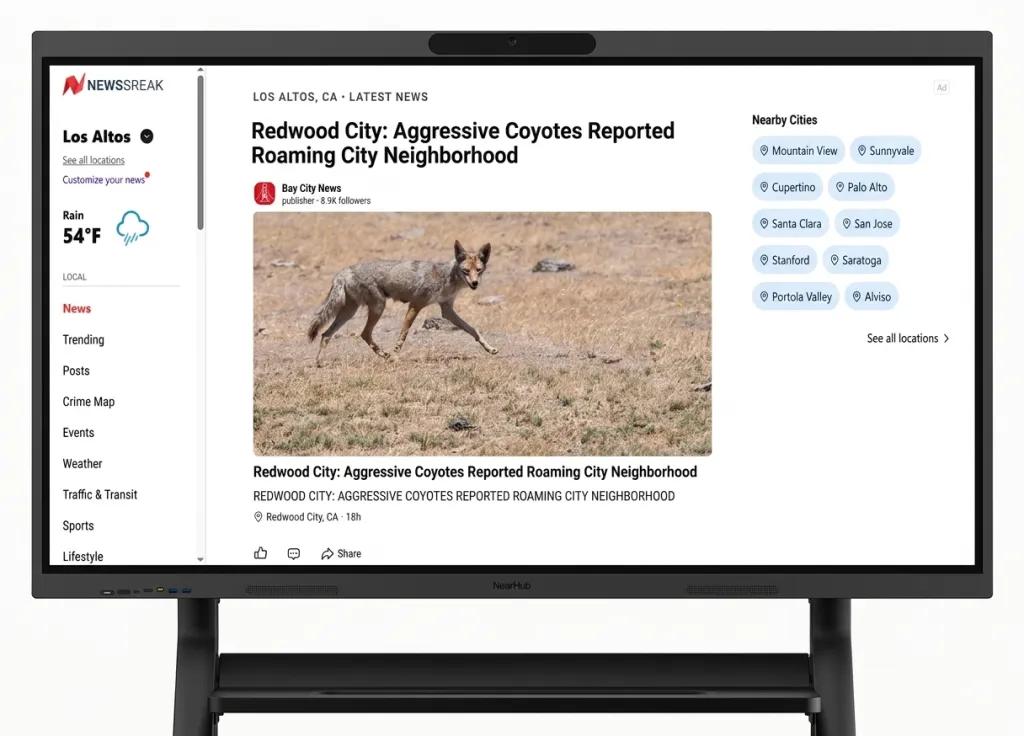
NewsBreak stands out for delivering city-specific and even neighborhood-level updates. Enter your zip code, and you get neighborhood-level updates: local government decisions, school board meetings, nearby crime alerts, and community events — content that national apps simply don't carry.
Attribute
Details
Best For
Hyperlocal news, community alerts, local events
Platforms
iOS, Android
Truly Free?
✅ Completely free
Offline Mode
❌ No
✅ Pros: Unmatched local/hyperlocal coverage, community crime and event alerts, zip-code precision, completely free ❌ Cons: Content quality depends heavily on your location, national coverage is weak, and there is higher ad density than competitors
Pro Tip: Set up push alerts only for your immediate zip code. Getting city-wide alerts creates noise; neighborhood-level alerts are actually useful.
8. Inoreader – Best for Power Users & RSS Fans
Inoreader is a goldmine for those in research, journalism, or business intelligence. It lets you create your own highly structured news workflow.
LSI keywords: research news app, RSS with filters, best news for academics
Attribute
Details
Best For
Advanced filtering, bulk RSS management, research workflows
Platforms
iOS, Android, Web
Truly Free?
✅ Freemium (150 feeds free)
Offline Mode
✅ Yes (free tier)
Best parts:
Advanced automation and filtering
Folder system for organizing sources
Option to search within your own saved articles
9. Yahoo News – Best for Mainstream Balanced Coverage
Yahoo News has come a long way. It now offers video clips, live coverage, and balanced reporting that feels less slanted than other major players.
Attribute
Details
Best For
General news, video clips, daily summaries
Platforms
iOS, Android, Web
Truly Free?
✅ Completely free
Offline Mode
❌ No
What’s improved:
Better UI/UX
Great mobile alerts
Daily news recaps in digestible form
10. Ground News – Best Free App for Bias-Free News
Ground News is unlike any other app on this list. It doesn't just show you news — it shows you who is covering each story and how their political leaning affects the framing. Each story displays what percentage of coverage comes from left, center, and right-leaning sources.
Attribute
Details
Best For
Media literacy, bias detection, political balance
Platforms
iOS, Android, Web
Truly Free?
✅ Freemium (limited bias data free)
Offline Mode
❌ No
Tested On
iPhone 16 Pro + Web
What sets it apart:
Side-by-side political perspectives
Bias and factuality ratings
Coverage analysis across the globe
For anyone trying to think critically about the news they consume, this is essential. The free tier gives you basic bias indicators; the paid "Blindspot" feature is worth it for power users.
Feature Comparison: Side-by-Side Analysis
Free vs. Paid Features Breakdown
App
Free Feed Limit
Offline
No Ads
Advanced Search
Price to Upgrade
Google News
Unlimited
✅
✅
Limited
Free only
Flipboard
Unlimited
❌
$7.99/mo
❌
$7.99/mo
Apple News
Unlimited
✅
✅
Limited
News+ $12.99/mo
SmartNews
Unlimited
✅
✅
❌
Free only
Microsoft Start
Unlimited
❌
✅
❌
Free only
Feedly
3 feeds
❌
✅
Limited
$8/mo
NewsBreak
Unlimited
❌
Ad-light
❌
Free only
Inoreader
150 feeds
✅
✅
✅
$7.99/mo
Yahoo News
Unlimited
❌
❌
Limited
Free only
Ground News
Limited bias data
❌
✅
✅
$9.99/mo
Best Free News Apps by Platform
Platform
Best Pick
Runner-Up
Why
iPhone
Apple News
Google News
Apple News integrates seamlessly with iOS widgets and notifications
Android
Google News
SmartNews
Google News is native to Android and most deeply integrated
Windows
Microsoft Start
Inoreader (web)
Microsoft Start is built into Windows 11
All Platforms
Google News
Inoreader
Available on every major platform with consistent experience
Offline Only
SmartNews
Inoreader
Best offline experiences without paid subscriptions
Tips for Getting the Most Out of Free News Apps
Customize Your Feed on Day One
Most people install a news app and use default settings forever. Spend 10 minutes on Day 1 to:
Follow 5-10 specific topics you care about
Unfollow broad categories like "Top Stories" that dilute your feed
Mute sources you consistently dislike
This one step makes your feed 10x more relevant within a week.
Avoid News Overload: Set Notification Limits
Push notifications are news apps' biggest weapon against your attention. Our recommendation:
Allow notifications for breaking news only — maximum 1-2 per day
Turn off "daily digest" push notifications (check on your schedule, not theirs)
Use a scheduled reading block (e.g., 7:30 AM and 6 PM) instead of checking reactively
Display News for Group Settings
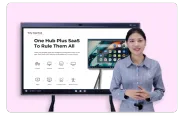
If you share news in team meetings, classroom discussions, or common areas, consider casting your news feed to a larger display. Apps like Google News, Feedly, and Microsoft Start all support screen mirroring.
Pairing them with an interactive display allows the whole room to see, annotate, and discuss headlines together — a small change that keeps morning standups sharp and focused.
FAQs: About Best Free News Apps
What is the best free news app overall?
Google News takes the crown thanks to its AI smarts, customization, and speed.
Are free news apps actually reliable?
Yes, many of them pull from reputable sources like Reuters, AP, and The New York Times. Just double-check the source when in doubt.
Can I use these news apps with smart boards or whiteboards?
Yes. Most major news apps support screen mirroring and casting. Apps like Google News, Feedly, and Microsoft Start can be projected onto interactive displays for group settings — useful for team briefings, classroom discussions, or newsroom environments. Interactive smart whiteboards allow the presenter to browse and annotate live news feeds directly on the shared screen.
What's the best app for local news?
NewsBreak is unbeatable for community updates and hyper-local alerts.
Final Verdict: Which Free News App Should You Choose?
After three weeks of hands-on testing, here's our honest summary:
Use Case
Best Free App
Why
Best overall
Google News
Free, cross-platform, smart personalization
Best for iPhone
Apple News
Editorial quality, iOS integration
Best for Windows
Microsoft Start
Built into Windows 11
Best offline
SmartNews
Auto-downloads before you go offline
Best for research
Inoreader
150 free feeds, offline, advanced filters
Best for local news
NewsBreak
Zip-code precision, community alerts
Best bias-awareness
Ground News
Unmatched media transparency
Best visual reading
Flipboard
Magazine-style, beautiful layout
Whatever app you choose, the goal is the same: stay informed without the overwhelm. And if you ever need to bring the news into a shared space — your team's morning standup, a classroom discussion, or a conference room briefing — explore how NearHub's interactive displays can turn your daily news habit into a shared, productive experience.