Best Video Conference Camera for Every Room Size: 5 Tested Picks for 2026
A practical 2026 buyer's guide to the best video conference cameras, comparing 360° coverage, audio pickup range, AI framing and platform compatibility across five picks for rooms from huddle spaces to boardrooms.
video conference camera
conference room camera
Updated: Nov 5, 2026 · 6 minutes read
Global Business, Brought Near.
No Installer, No Hassle, Just Works.
Key Takeaways
Match the camera to the room first: seating layout and table length decide the right field of view and microphone pickup, not the resolution label.
Audio fails before video does — check microphone pickup distance and real-time noise processing before anything else.
A 360° camera with four lenses covers center-of-table seating that no single front-facing lens can reach.
The Nearity 360 Alien is our pick for medium-to-large collaborative rooms: 4×4K lenses, a 3 TOPS NPU for real-time audio enhancement, and 16 ft pickup extendable to 52 ft.
Personal webcams stop working beyond 2–3 people; dedicated conference cameras exist because rooms need wider views and longer-range audio.
The best video conference camera depends on seating, microphone distance, and meeting style. A 120° front-facing camera can work in a huddle room yet leave half of a boardroom outside the frame. A 360° camera shows every seat and follows the speaker without an operator.
For US teams buying a conference room camera, start with room size and layout, then check field of view (FOV), pickup distance, AI framing, and platform compatibility.
Quick Picks: Which Camera Fits Your Room?
Room scenario
Recommended pick
Why
2–6 people, one side of a table
Nearity V30S or another 4K USB wide-angle camera
A 120° front view covers a huddle room without the cost of a room appliance.
8–20+ people, people sit on several sides
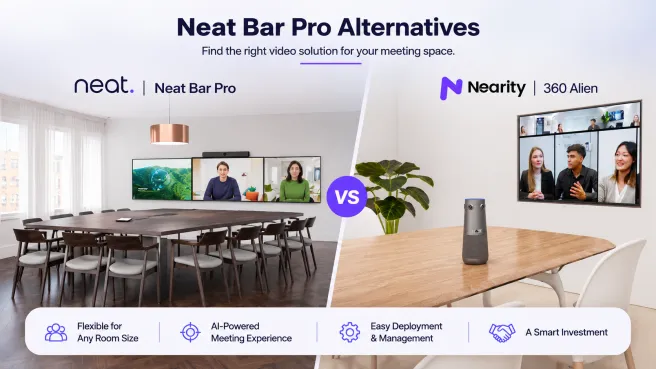
Nearity 360 Alien
Four 4K lenses, 360° coverage, AI framing, and built-in audio address both coverage and conversation.
Medium presentation-led room, 6–9 people
Poly Studio X52
20MP 4K bar, 95° FOV, native Teams/Zoom/Meet apps
Small round-table discussion
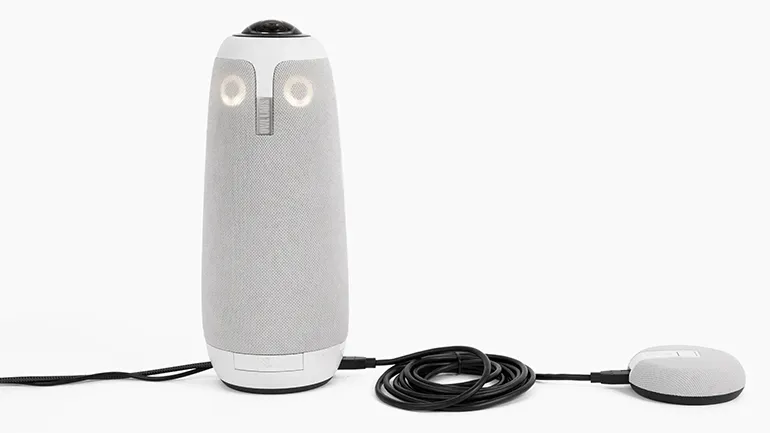
Meeting Owl 3
Center-of-table 360° view and speaker focus are intuitive for small groups.
Presentation-led room with dedicated IT
Logitech Rally Bar Mini
A managed front-of-room bar suits people facing a display and a standardized Rooms deployment.
The Nearity 360 Alien is the default pick for a collaborative medium room because it covers video and audio in one USB device. A front-of-room bar fits a presentation layout; a personal webcam fits a single presenter.
What Actually Matters in a Video Conference Camera
Coverage: field of view decides who gets seen
A front-facing camera with a 95–120° lens works when everyone sits on one side of the table facing the display. The moment people sit around multiple sides of a table, a single lens physically cannot capture them — and wide-angle edges stretch faces near the corners. A 360° camera with a multi-lens array captures every seat at full resolution instead.
Audio pickup: the first thing remote participants notice
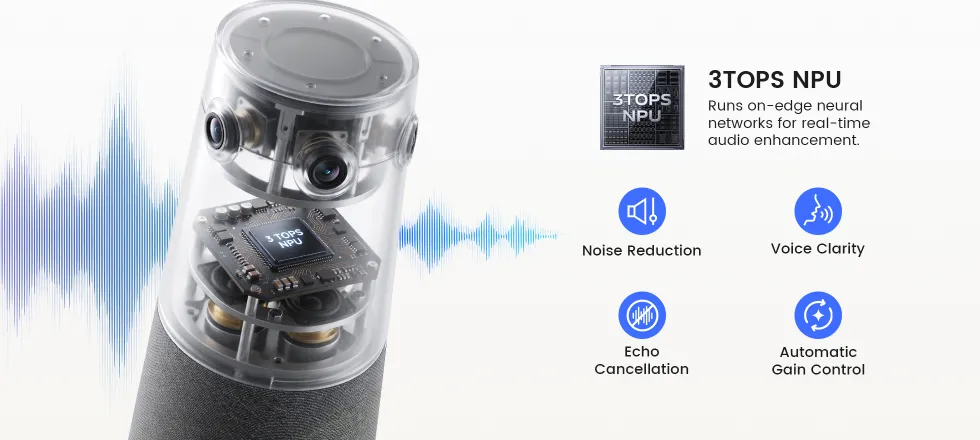
Remote attendees forgive soft video long before they forgive thin audio. Two numbers matter: microphone pickup distance (match it to your farthest seat) and real-time audio processing. A dedicated audio processor — like the 3 TOPS NPU in the Nearity 360 Alien — handles noise reduction, echo cancellation and automatic gain control continuously, so the air conditioner, keyboard taps and quiet speakers all arrive balanced on the far end.
AI framing: meeting equity without a camera operator
Group framing keeps everyone visible during introductions. Speaker framing gives a remote participant a readable face when one person answers. Speaker tracking is most useful when it changes views smoothly and does not hunt between people talking over each other. Ask a vendor to demonstrate the camera with two people speaking from opposite ends of your actual table; a specification sheet cannot show how the transitions feel.
Compatibility: confirm it works with your platform
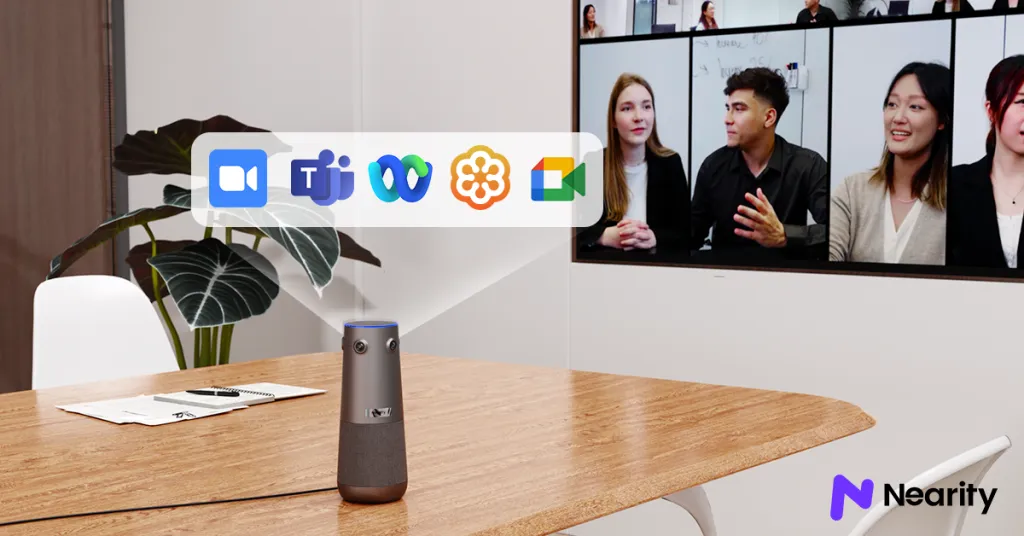
For a bring-your-own-device room, confirm that the camera appears as a standard camera, microphone, and speaker in Zoom, Microsoft Teams, and Google Meet. The Nearity 360 Alien is designed for those three platforms. Appliance-style room systems can add one-touch join and centralized management, but they may require a specific compute module, license, or installation plan. Confirm USB ports, cable length, display output, and whether your IT team needs remote fleet controls before ordering.
The 5 Best Video Conference Cameras for 2026
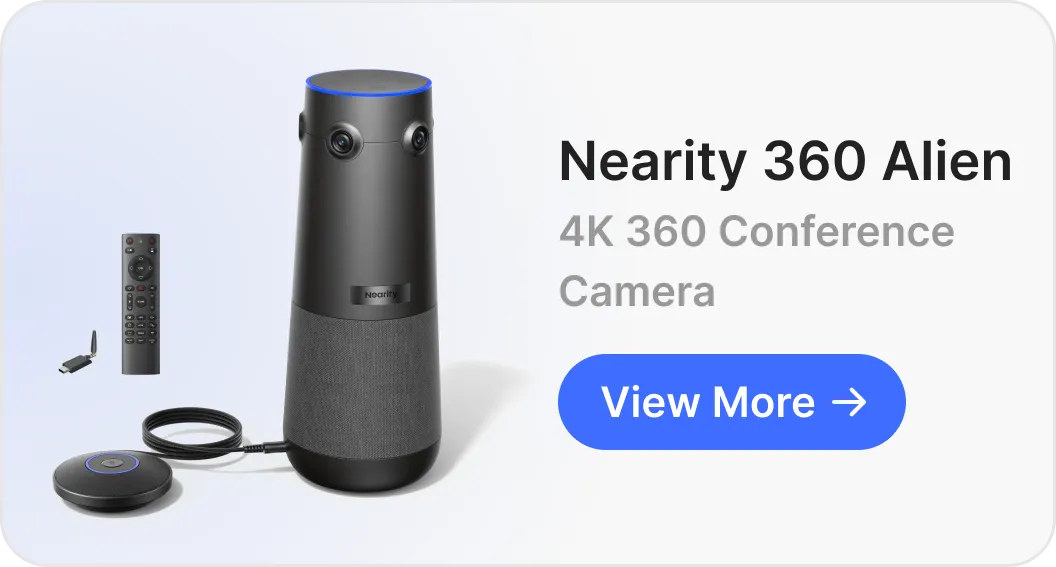
1. Nearity 360 Alien — best for medium-to-large collaborative rooms
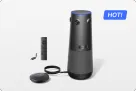
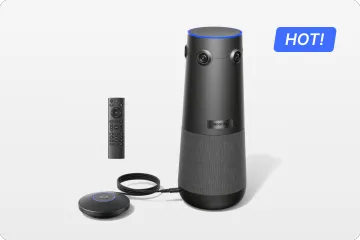
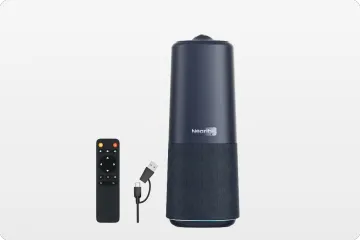
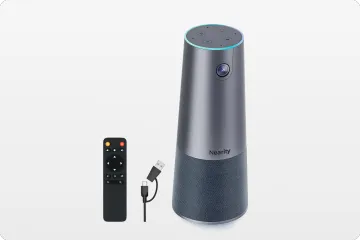
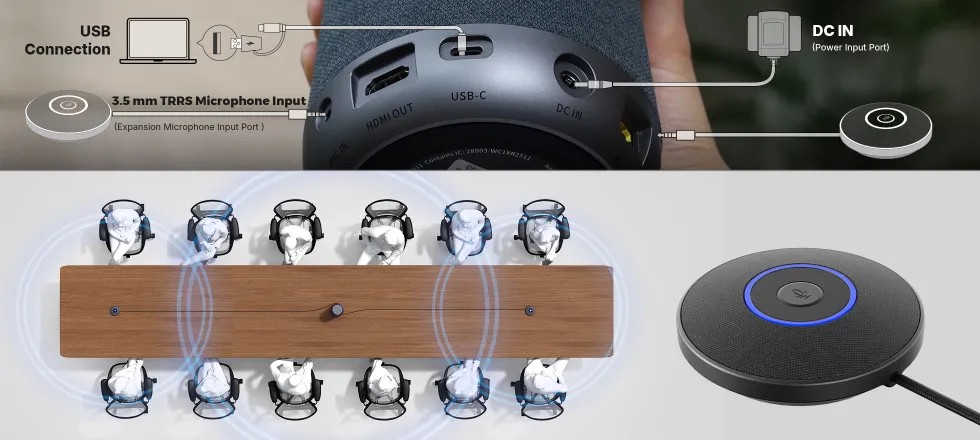
The Nearity 360 Alien addresses a common hybrid-meeting failure: a front-facing camera sees the near side of the table while remote attendees miss people speaking elsewhere. Four 4K lenses capture every direction, and AI framing can follow a speaker without a camera operator. Its 3 TOPS NPU runs noise reduction, echo cancellation, and automatic gain control on the device. The six-microphone array is rated for up to 16 ft in typical room conditions, with up to two expansion microphones extending coverage to 52 ft for larger tables. That gives the C60 a practical upgrade path from a medium room to a larger boardroom.
What Users Say About the Nearity 360 Alien
For teams that rely on hybrid meetings, the value of a conference camera goes beyond video quality. It should make meetings easier to start, help remote participants follow the conversation, and keep everyone around the table involved.
Sharin Mitchell, an Independent Management Consultant, highlights how the 360 Alien changed the way her team runs boardroom meetings:
“Our old setup took 10–15 minutes to get running, and we'd still miss reactions around the table. With the 360 Alien we just plug in and start — the 4K video keeps everyone in view, and speaker tracking follows the conversation.”
For professionals who frequently move between meeting rooms or meet with clients, portability and setup simplicity matter just as much as image quality.
“My old setup meant three laptops, messy audio, and twenty minutes of prep. Now I plug in the 360 Alien and I'm client-ready in about two minutes — no IT needed. It works smoothly with Teams and Zoom, and it fits right in my bag.”
— Sarah Johnson, Senior Partner
These experiences illustrate what the Nearity 360 Alien is designed to deliver: a more natural way to run hybrid meetings, with 360° room visibility, AI-powered speaker framing, clear audio, and flexible connectivity. Whether it's a boardroom discussion or a client presentation, teams can focus on the conversation instead of managing meeting equipment.
Before choosing a room setup, consider seating layout, the distance between participants and the camera, and the audio coverage your space requires. For larger rooms, up to two AM01 expansion microphones can extend pickup coverage to 52 ft (16 m) in supported configurations.
2. Poly Studio X52 — best for presentation-led medium rooms
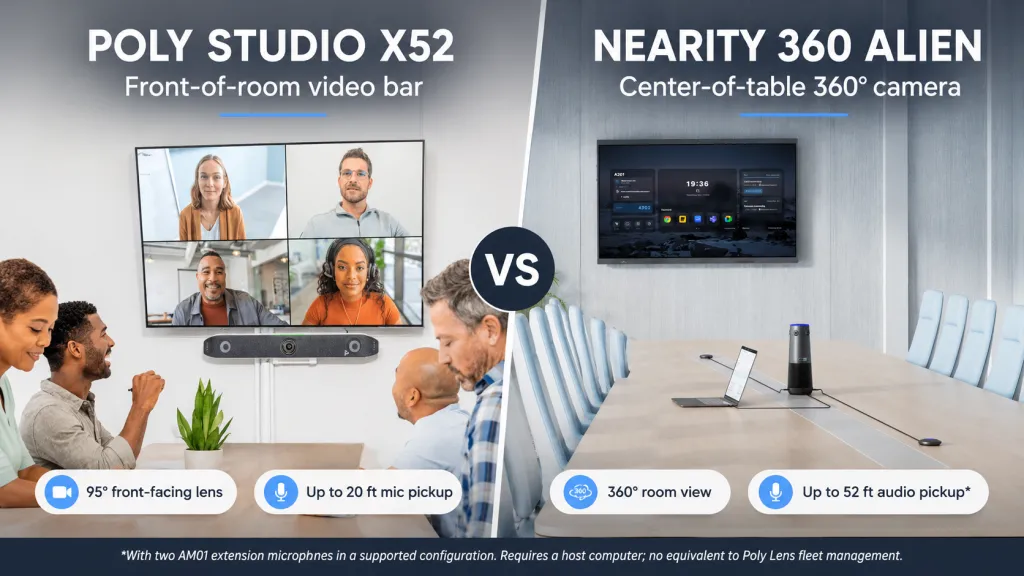
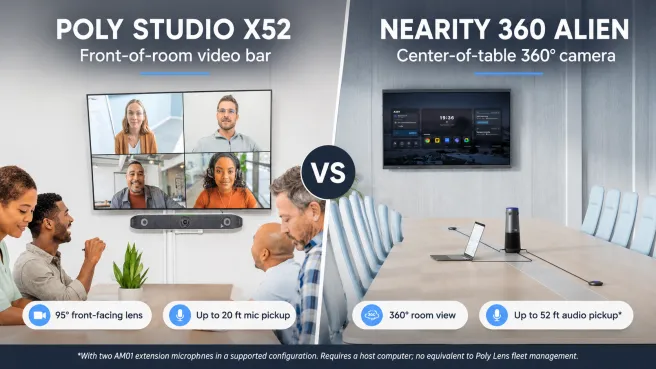
The Poly Studio X52 is an all-in-one front-of-room video bar for medium rooms (officially around 6–9 people): a 20MP 4K camera with 95° field of view, Poly DirectorAI framing, microphone pickup up to 20 ft with expansion options, and certified Teams, Zoom and Google Meet apps running natively on the device. Poly Lens gives IT centralized fleet management. It is the polished choice when participants face the screen — and the wrong architecture when they sit around a table.
The trade-off is physical coverage: a front-facing lens cannot show faces seated beside or behind the camera. Before buying, map every chair against the 95° view and measure the farthest seat against the 20-ft pickup limit. If your room is more conversation-led, read our Poly Studio X52 vs. 360° conference camera comparison for a deeper architecture and room-layout decision. For larger rooms, assess a larger room system or added microphones rather than assuming the X52 alone covers every seat.
3. Meeting Owl 3 — best for round-table discussions
The Meeting Owl 3 popularized the center-of-table format: a 360° 1080p camera that automatically spotlights whoever is speaking. For discussion-heavy teams that face each other rather than a display, it remains a natural fit. The 1080p ceiling and moderate audio range suit small-to-medium rooms rather than large ones.
Its plug-and-play setup makes it convenient for teams that want to start meetings without complicated installation. However, image quality at a distance and automatic speaker tracking may become limitations in larger meeting spaces or discussions involving multiple simultaneous speakers.
Setup was super fast. I had it plugged into the room laptop and in a Teams call in maybe 5 minutes, no drivers or anything weird.
— Sarah L, 4-star Amazon review, September 14, 2026
The same reviewer praised clear voices at the far end of a long table and the 360° view of the whiteboard side, but described zoomed video as “soft and grainy” and tracking as able to “whip back and forth” when two people talk at once. That makes it a convenient discussion camera for a compact room, not automatically the best choice for a large, high-detail boardroom.
Test reliability in your own hybrid workflow
For organizations running extended hybrid meetings, reliability under sustained workloads is another important consideration.
going to sleep in live hybrid meetings with 40 to 50 participants.
— Robert Wilson, 2-star Amazon review, September 15, 2026
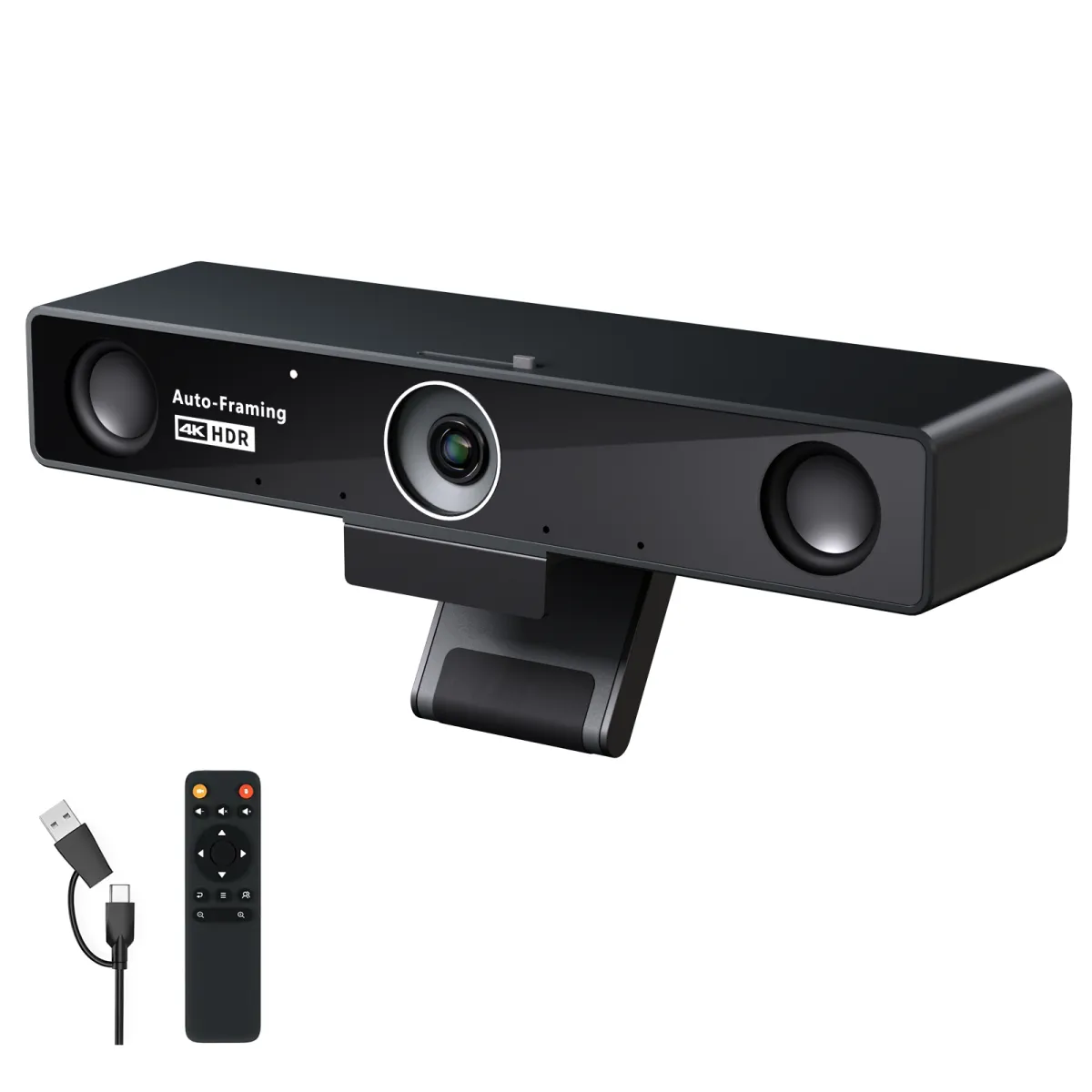
4. Nearity V30S — best for huddle rooms
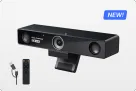
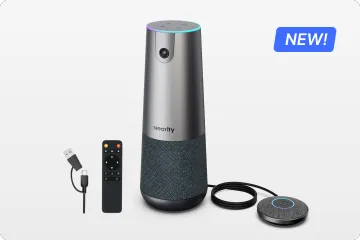
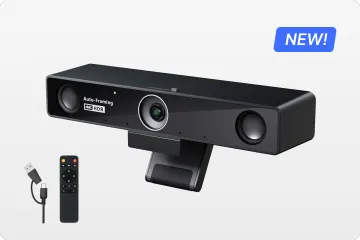
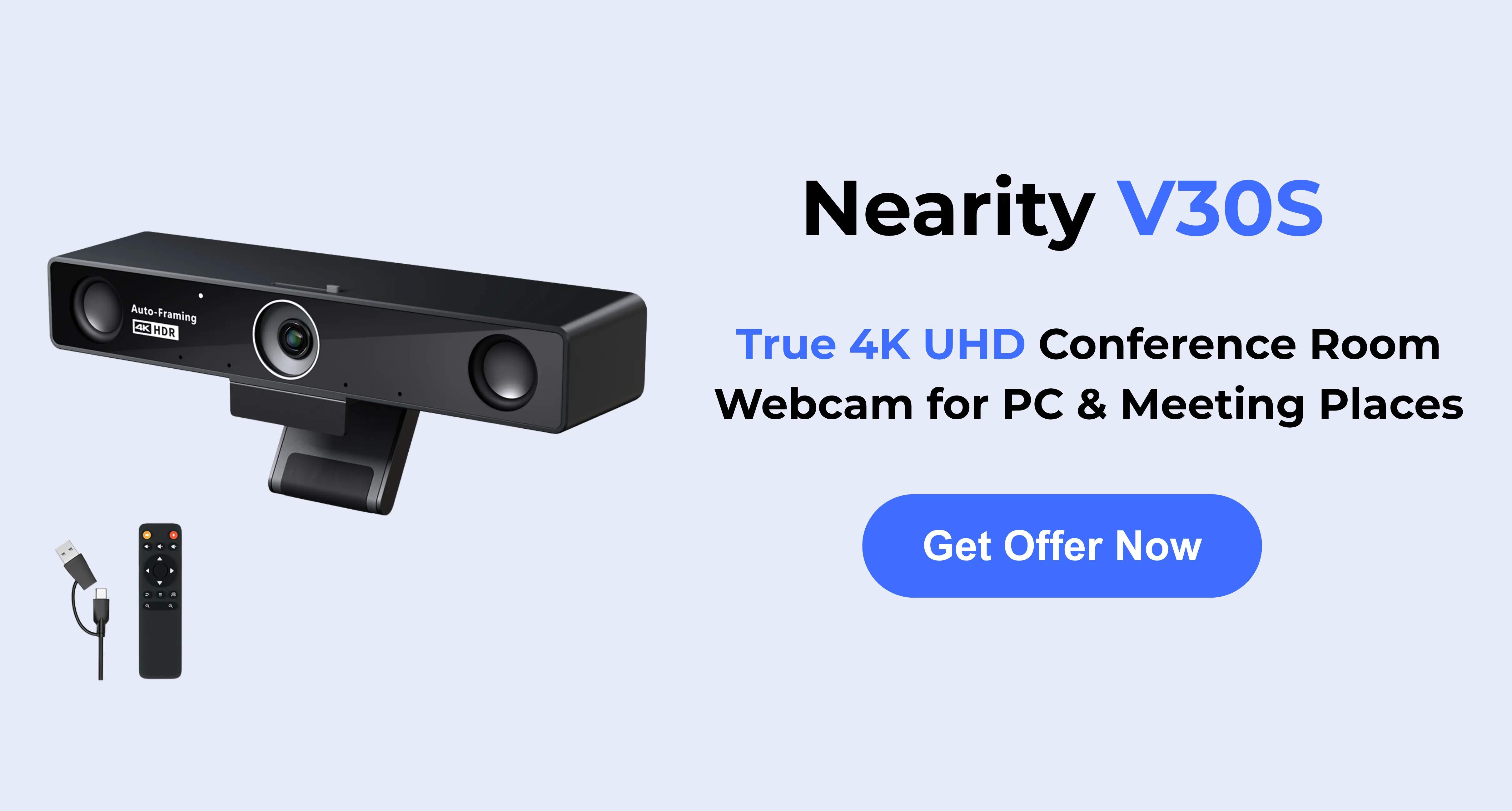
Our own Nearity V30S covers the smaller end: a 4K UHD camera with a 120° distortion-free wide angle for 2–6 person huddle rooms, AI noise-canceling mics, and an optional expansion microphone extending pickup to 26 ft. It connects as a standard USB camera for any platform — for rooms beyond six people, step up to the 360 Alien above.
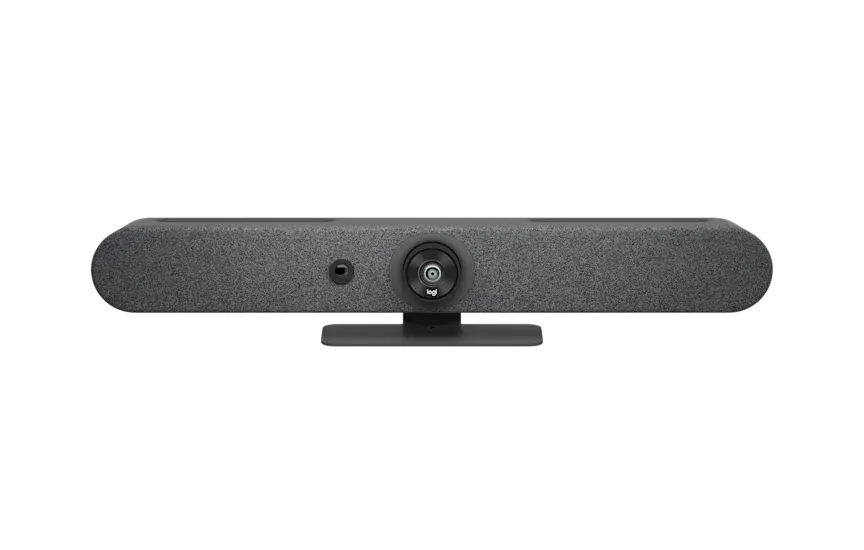
5. Logitech Rally Bar Mini — best for enterprise standardization
The Rally Bar Mini is the fleet choice: a 4K video bar with motorized pan/tilt framing and a built-in appliance OS that runs Teams Rooms or Zoom Rooms without a host PC. It suits IT organizations standardizing dedicated boardrooms across locations, with enterprise pricing and installation overhead to match.
But the Logitech accessory is not a standalone camera. It requires a Rally Bar or Rally Bar Mini to function, a dependency that may not be immediately clear to buyers during product research.
Buyers should evaluate the complete room architecture, including the video bar, accessory, computing hardware, software licenses, and installation costs, rather than comparing the accessory's price in isolation.
This device can not function by itself, it needs to have a rally bar or rally bar mini connected to it. That is not conveyed very well, if at all in the advertising for this product.
— David Thompson, 1-star Amazon review, August 1, 2025
Match the Camera to the Room
Huddle room: 2–6 people, one side of the table
Mount a 120° USB camera at eye level, keep the farthest seat within microphone range, and place the display behind the camera. A wide-angle model such as the Nearity V30S is usually simpler than a 360° device. If the room regularly grows beyond six people, buy for that next use case rather than adding a second personal webcam.
Medium room: 8–20 people, mixed seating
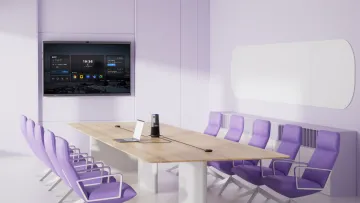
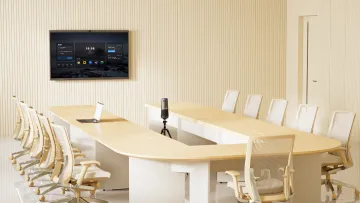
This is where the C60 earns its place. Put it near the table center or as the manufacturer recommends, test group and speaker views, and measure the farthest chair. Four-lens 360° coverage avoids a blind side; 16-ft pickup covers a typical room, while expansion microphones support a longer table.
Large room or boardroom: 20+ people or long tables
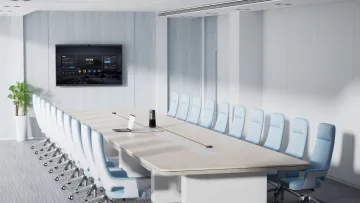
Start with an audio map. If seats exceed 16 ft from the core device, plan expansion microphones or a full AV design. A Poly Studio X52 can suit a presentation-led medium room, but Poly positions larger rooms for larger systems; a 360° all-in-one can suit a collaborative table. Run a live call from the last chair before a fleet purchase.
Conference Video Production: Take Your Meetings to the Next Level
If you’re looking to produce professional-level video conferences, you might want to explore conference video production. This involves using advanced video equipment and techniques to ensure high-quality, engaging meetings.
Here’s how to elevate your video conferences:
Lighting: Good lighting is crucial for clear and professional-looking video. Position your lights so that your face is well-lit without creating shadows.
Camera Placement: Camera placement plays a big role in video production. Ideally, the camera should be at eye level to make the meeting feel more personal.
Camera Switching: Some advanced setups allow for automatic or manual switching between cameras for a more dynamic experience, particularly for larger teams or presentations.
Post-Production Tools: For more polished video production, consider using post-production tools to edit and refine your videos after the meeting is over.
Integrating advanced video production tools into your conference room setup can help create a more polished, professional look that leaves a lasting impression.
A Note on Conference Video Recording
The query conference video recording has a production intent. If you are recording a training course, webinar, or marketing video, prioritize clean 4K output, lighting, capture connections, and a controlled background. Live meeting cameras prioritize two-way framing and echo control. Use a production camera workflow for recording, then keep this guide focused on live collaboration.
FAQs
What is the best video conference camera for a large conference room?
For large collaborative rooms, prioritize 360° coverage and long-range audio over raw resolution. The Nearity 360 Alien covers 12–20 people with four 4K lenses and up to 52 ft of microphone pickup with expansion mics. For presentation-led large rooms with IT management needs, appliance bars like the Logitech Rally Bar line fit better.
Can I use my regular webcam for video conferencing in a meeting room?
Only for very small rooms. Personal webcams are built for one person at arm's length: roughly 78° field of view and microphones tuned for a single voice two feet away. Beyond 2–3 people at a table, participants leave the frame and voices turn thin — that is what dedicated conference cameras solve.
How do I improve the audio quality of my conference calls?
Audio problems are usually distance and noise, not microphone count. Place the pickup device within its rated range of every seat, and choose hardware with real-time audio processing — noise reduction, echo cancellation and automatic gain control running on a dedicated chip (like the 3 TOPS NPU in the 360 Alien) keeps voices consistent without manual tuning.
What are the best video conference systems for small businesses?
Small businesses get the most value from USB plug-and-play devices that work with any platform and need no installer: a wide-angle camera like the Nearity V30S for huddle rooms, or a 360° all-in-one like the 360 Alien for rooms up to 20 people. Skip appliance room systems until you have dedicated IT and many rooms to manage.
Do I need a 4K camera if meeting platforms compress video?
Yes, for rooms. Platforms compress outgoing video, but a 4K sensor gives AI framing and digital zoom enough resolution to crop into group shots without pixelation, and it holds detail on large meeting room displays. In multi-person rooms, 4K is a functional requirement, not a luxury.
Final recommendation
The best conference room camera is the one that matches the seats, distance, and meeting style. Choose a wide-angle USB camera for a small front-facing huddle room, a managed front-of-room bar for presentation-led rooms, and a 360° system when people collaborate around a table. For medium and large collaborative rooms, the Nearity 360 Alien combines 4 × 4K lenses, AI framing, 3 TOPS NPU audio processing, 16-ft pickup, and expansion to 52 ft in one cross-platform device.
Not sure which architecture fits your room? Book a live demo and we will test it against your actual room layout on a real call.