
































Imagine you’re in the middle of an important work call or finally getting into the zone with your favorite playlist, and suddenly—silence. If you’ve ever shouted in frustration, "Why do my headphones keep disconnecting?" you aren't alone.
In fact, according to the State of Sound 2023 global survey of wireless audio users, more than 26–37% of respondents reported experiencing audio dropouts, glitches, or Bluetooth pairing difficulties with their wireless earbuds or headphones, making it one of the top pain points consumers want to resolve in future audio devices.
Headphone connection issues are among the most common tech complaints today. Whether you are using high-end Professional Wireless Noise Cancelling Headsets or a budget gaming set, signal drops can ruin your experience. In this guide, we will break down the technical reasons behind these interruptions and provide actionable solutions to get your audio back on track.
Key Takeaways
- Check Battery & Range: Connections often drop when battery levels fall below 20% or if you exceed the 30-foot Bluetooth range.
- Software Matters: Outdated firmware and corrupted Bluetooth caches are common "hidden" causes of audio drops.
- Manage Interference: Busy areas with high 2.4GHz traffic (Wi-Fi, microwaves) can disrupt audio data packets.
- Proactive Fixes: Use the "Clean Slate" method (unpair/repair) and disable PC power-saving settings to stabilize the link.
- Hardware Upgrade: For mission-critical work, professional headsets like the Nearhub EP320 offer dedicated USB dongles and Bluetooth 5.4 for superior stability.
Top Reasons : Why Does My Headset Keep Disconnecting ?
Understanding why does my headset keep disconnecting is the first step toward a permanent fix. Most hardware-related drops happen for three reasons:
- Low Battery Levels: Most Bluetooth devices are designed to save power when the battery hits a certain threshold (usually below 20%). This can lead to an unstable connection or frequent syncing attempts.
- Physical Distance and Obstacles: Bluetooth typically has a range of about 30 feet (10 meters). However, walls, metal desks, and even your own body can weaken the signal.
- Hardware Aging: If your headset keeps disconnecting only when you move the cable (for wired models) or after years of use, the internal antenna or port might be failing.
The Software Perspective: Why Do My Headphones Keep Disconnecting?
Sometimes the problem isn't the physical device but the code running it. If you find yourself asking "why does my headphones keep disconnecting" even when the battery is full, look at your software:
- Outdated Firmware: Manufacturers frequently release updates to improve Bluetooth stability. If you haven't checked the official app for your headphones lately, you might be running buggy software.
- Corrupted Bluetooth Cache: On smartphones (both Android and iOS), the Bluetooth system cache can become "clogged" with old data, causing new connections to stutter.
- Driver Conflicts on PC: On Windows or Mac, outdated Bluetooth drivers can cause a mismatch in communication protocols, leading to the dreaded "Device Disconnected" notification.
Why Do My Bluetooth Headphones Keep Disconnecting in Busy Areas?
Have you noticed that your connection is perfect at home but fails at the gym or the airport? You might wonder, "why do my bluetooth headphones keep disconnecting specifically in crowded places?"
The answer is Signal Interference. Bluetooth operates on the 2.4GHz radio frequency—the same frequency used by most Wi-Fi routers, microwaves, and even baby monitors. In busy areas, dozens of devices are competing for the same "airwaves," causing packets of audio data to get lost. This is why your headset keeps disconnecting more frequently in tech-heavy environments.
Step-by-Step Solutions to Fix a Headset That Keeps Disconnecting
If your headset keeps disconnecting, follow these steps in order:
- The "Clean Slate" Method: Go to your device settings, find your headphones, and select "Forget This Device." Turn Bluetooth off and back on, then re-pair them from scratch.
- Toggle Power Management: On Windows PCs, go to Device Manager > Bluetooth > [Your Device] > Properties > Power Management. Uncheck "Allow the computer to turn off this device to save power."
- Reset the Headphones: Most modern headsets have a specific button combination (usually holding the power and volume buttons) to factory reset the internal chip.
- Clear the Area: Move away from your Wi-Fi router or other wireless peripherals to see if the connection stabilizes.
Product Recommendations: Best Headsets for a Stable Connection
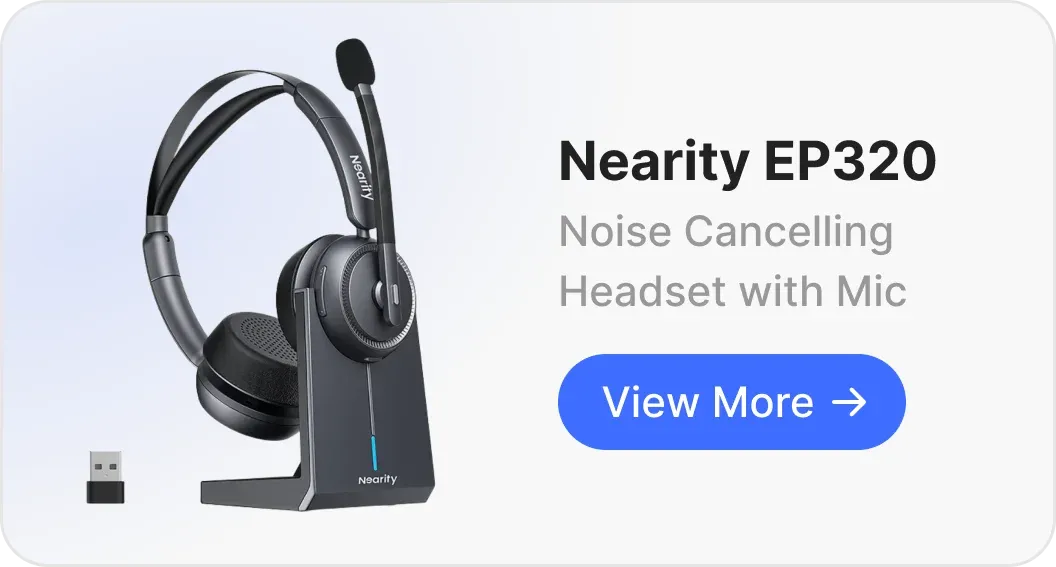
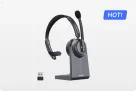
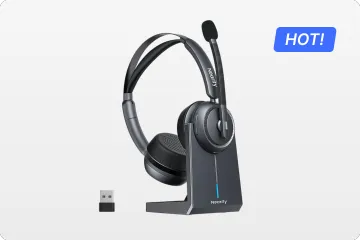
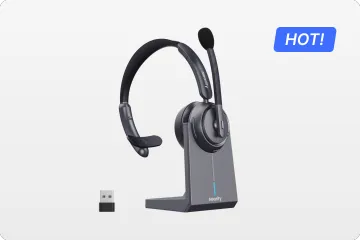
If you've tried everything and your old headset keeps disconnecting, it’s time to upgrade to a device built specifically for professional stability. The Nearhub EP320 noise cancelling headphone for work stands out as the premier solution for hybrid workers and professionals who cannot afford audio drops.
Here is why the Nearhub EP320 is the ultimate fix for connection issues:
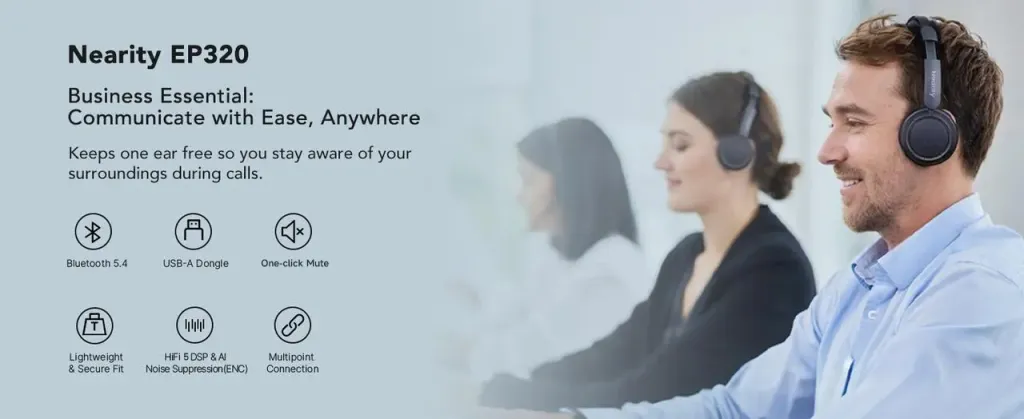
- Bluetooth 5.4 & USB Dongle: Features the latest Bluetooth 5.4 for peak stability. The included USB dongle provides a dedicated, interference-free link for PCs, ensuring instant plug-and-play without dropouts.
- All-Day Comfort & Hybrid Ready: Ergonomically built for long office hours or remote work. Smart multi-point pairing keeps you connected to both laptop and phone seamlessly, so your headset keeps disconnecting from background noise, not your calls.
- 4-Mic AI Noise Cancellation: Equipped with 4 AI-powered microphones and ENC technology. It strips away environmental noise, ensuring your voice remains crystal clear even in noisy home or office settings.
- Long-Lasting Performance: Offers massive endurance with 35 hours of talk time and 45 hours of music. Reliable battery life means no more low-power disconnections during critical meetings.
Pro Tips to Stop Your Headphones from Disconnecting Again
- Keep Your Source Close: Avoid putting your phone in your back pocket; your body is mostly water, which is surprisingly good at blocking Bluetooth signals.
- Disable Multipoint: If your headphones are connected to both your laptop and phone, they might "jump" between devices. Turn off one connection if you only need one.
- Regular Updates: Set a monthly reminder to check for firmware updates via the manufacturer’s app.
Conclusion: Solving Your Headphone Connection Issues
Fixing the problem of "why do my headphones keep disconnecting" usually comes down to managing interference or refreshing the software handshake. By keeping your battery charged, your drivers updated, and your environment clear of signal noise, you can enjoy uninterrupted audio.
If hardware limitations are holding you back, investing in a professional-grade headset for work, like the Nearhub EP320, is the most effective way to ensure you never have to ask "why does my headset keep disconnecting" again.
FAQs
Why do my bluetooth headphones keep disconnecting while I'm exercising?
This is often due to "body shielding" or moisture/sweat interfering with the touch sensors and antenna. Try keeping your phone in an armband instead of a pocket.
Can a weak Wi-Fi signal cause my headset to disconnect?
Not directly, but if your phone is struggling to maintain a 2.4GHz Wi-Fi connection, it can cause "crosstalk" that disrupts your Bluetooth audio.
Why does my headphones keep disconnecting only during Zoom or Teams calls?
This is usually a settings conflict. Ensure your "Communication Device" is set correctly in the app's audio settings so the computer doesn't try to switch outputs mid-call.
What should I do if my headphones still won't connect after trying everything?
If all standard fixes fail, try testing the headphones on a completely different device (like a different phone or PC) to isolate the issue. If they fail everywhere, it’s likely a hardware defect or a failing internal Bluetooth chip. In this case, check if your device is still under warranty or consider upgrading to a professional-grade model like the Nearhub EP320 for guaranteed stability.