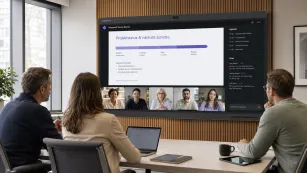
What Today's Students Need?
As traditional methods give way to more dynamic and interactive techniques, modern students have distinct needs that must be addressed to foster effective learning. Modern students benefit from educational experiences tailored to their
individual learning styles and paces. Traditional one-size-fits-all approaches are increasingly inadequate. Passive learning is becoming less effective. Today's learners thrive if they can actively
participate,
collaborate, and
engage with the content in a meaningful way. Furthermore,
familiarity with technology is crucial for modern students in this digital era. Students need to be comfortable using digital tools and resources as part of their learning process, which prepares them for future academic and professional environments.
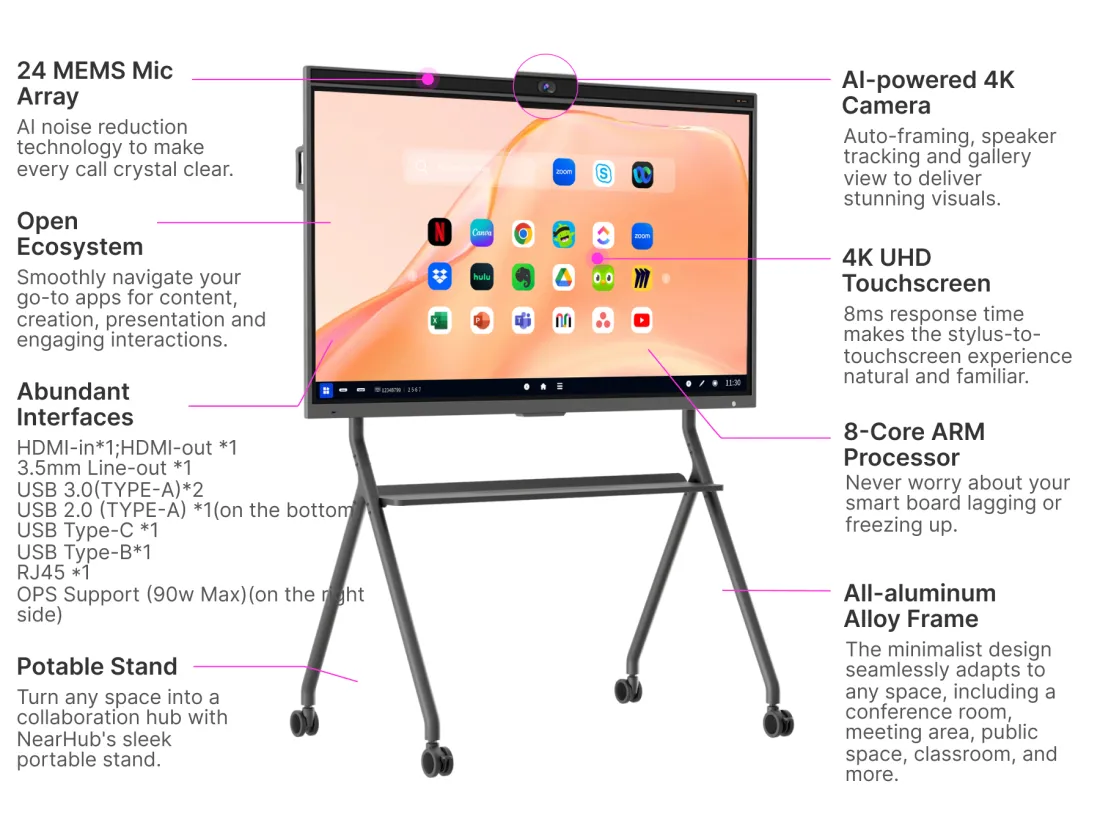
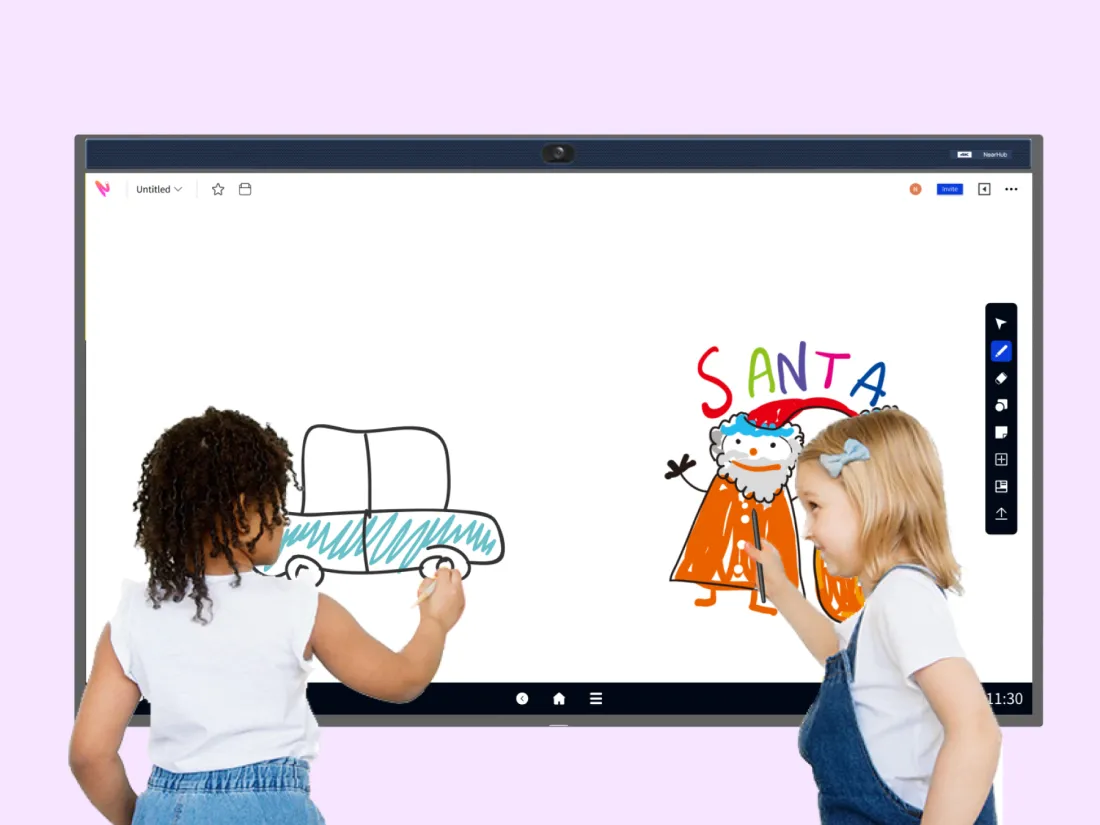
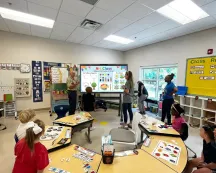
The equipment allows teachers to present content in various formats—visuals, text, videos, and interactive activities. Teachers can use the board to assess students' understanding through interactive quizzes and polls. This allows them to adjust their teaching strategies on the spot to better support individual learning needs. Smartboards provide easy access to a wealth of multimedia resources, such as educational apps, online simulations, and interactive games. These resources can be used to address individual learning gaps and interests.
Teachers can create customized learning activities and assignments tailored to each student’s level of understanding. This enables students to work at their own pace and focus on areas where they need more practice. Many smartboards have features that allow lessons to be recorded. Students can revisit these recordings to review content at their own pace, which is particularly beneficial for those who need extra reinforcement. By integrating these features into their teaching practices, educators can create a more personalized and effective learning environment that supports the unique needs and preferences of each student.
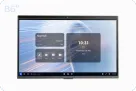
Smartboards, or interactive whiteboards, have become a fundamental tool in modern classrooms. Unlike traditional whiteboards, smartboards offer a range of interactive features, such as touch-sensitive screens, that allow teachers to present lessons in a more engaging way. Educators can manipulate digital content directly on the screen, which includes incorporating multimedia elements such as videos and interactive simulations. This helps capture students' attention and caters to various learning styles by presenting information in multiple formats.
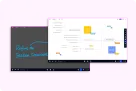
The collaborative features of smartboards further enrich the learning environment. Most interactive whiteboards offer 20 touch points, and some of them have 40. Students can participate in activities directly on the board, share their ideas, and work together on interactive tasks. This fosters a more dynamic and participatory classroom atmosphere, where students are more actively involved in their learning process.
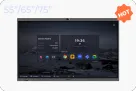
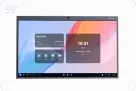
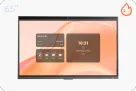
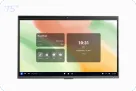
The latest classroom screens offer significant improvements over their predecessors, enhancing the visual learning experience. Modern screens boast high-resolution displays, like 4K UHD screen, better color accuracy, and increased brightness, making it easier for all students to see and interact with the content. These screens are equipped with advanced touch technology that allows for precise and intuitive control, enabling teachers to zoom in on details, highlight important information, and navigate digital resources effortlessly.
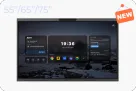
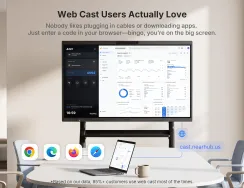
Additionally, new classroom screens often feature built-in integration options such as screencasting, which streamline the integration of various devices and educational tools. Smartboards equipped with a built-in camera and microphone arrays are desirable options for needs of online education. No worries about missing what the teacher said and presented during the class! If there is a thrid-party app, like Google app store, teachers are free to download educational apps they need. That enhances flexibility and accessibility, allowing educators to leverage existing technology investments and enriching the learning experience.
The Future of Classroom Technology
The future of classroom technology holds great promise as ongoing advancements continue to revolutionize education. Here are three key areas where emerging technologies are expected to make a significant impact:
AI has the potential to transform the classroom by providing personalized learning experiences. With AI-powered tools, educators can assess students' strengths and weaknesses in real time, allowing for customized lesson plans and targeted interventions. AI can also automate administrative tasks, giving teachers more time to focus on teaching and student engagement.
Virtual and augmented reality technologies are set to revolutionize how students interact with educational content. These immersive technologies can transport students to historical events, simulate scientific experiments, or provide hands-on training in various fields. By creating engaging and realistic learning environments, VR and AR can enhance comprehension and retention of complex concepts.
As schools invest in smartboards, modern screens, and other connected devices, the potential for a more integrated and interactive classroom experience increases. These technologies enable seamless access to digital resources, facilitate collaborative learning, and support hybrid learning models. Enhanced connectivity also allows for real-time communication and feedback between teachers and students, regardless of location.
Conclusion
Smartboards or new classroom screens are at the forefront of transforming education by making learning more interactive, engaging, and accessible. These technologies not only enhance the way lessons are delivered but also improve how students participate in and experience their education. As technology continues to advance, the possibilities for further enriching the classroom experience are vast. Embracing these innovations will help educators create a more dynamic and effective learning environment, paving the way for future educational advancements.
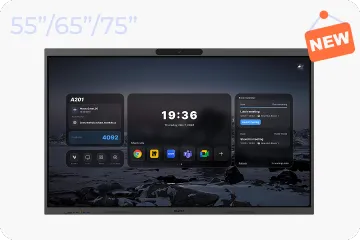
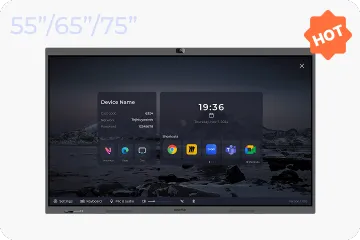
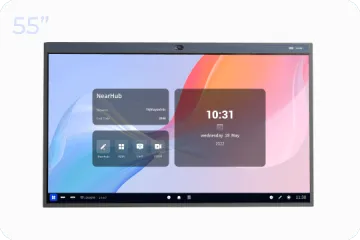
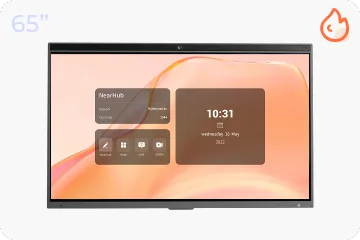
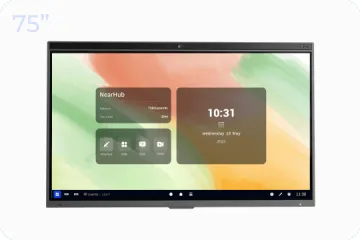
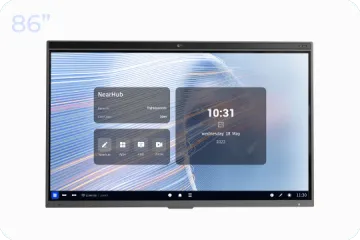
NearHub is an all-in-one solution for meeting rooms and classrooms. NearHub possesses an
interactive digital Board with
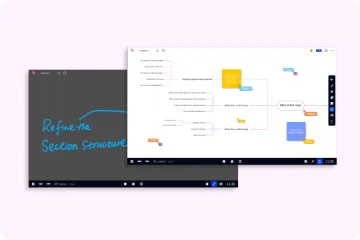
cutting-edge whiteboard software. By combining your favorite programs with mess-free writing canvas and video conferencing, you can improve your interaction and productivity in the online meeting room or classroom. Besides, NearHub also provides
MagicPad S13 to improve digital learning and creativity.