Smart Board for Construction: Transforming Project Management and On-Site Collaboration
Discover how a smart board for construction solves daily coordination challenges.
smart board
construction
interactive whiteboard
Updated: Aug 19, 2026 · 7 minutes read
Global Business, Brought Near.
No Installer, No Hassle, Just Works.
Poor communication in construction is not a minor inconvenience—it is a profit killer. A single misread blueprint or outdated schedule change can cascade into costly rework, delays, and fractured client relationships. Yet most teams still rely on printed plans, cluttered email chains, and static whiteboards that were never built for the complexity of modern projects. When managing hundreds of trades and real‑time design changes across dispersed teams, traditional meeting infrastructure simply cannot keep up. This article explores how a smart board for construction—an interactive, cloud‑connected digital command center—transforms coordination, eliminates version chaos, and aligns office and field teams on a single, always‑current visual platform.
Key Takeaways
Communication breakdowns are a major cost driver; printed plans and static whiteboards cannot handle the complexity of modern construction.
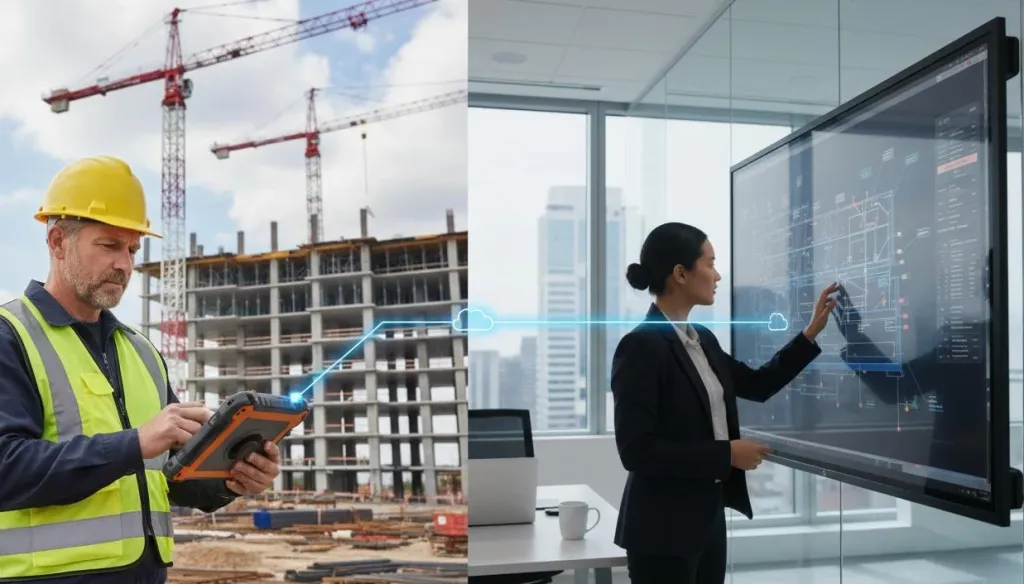
A smart board is an interactive digital hub for real‑time drawing markups, BIM collaboration, visual scheduling, and cloud‑based field‑office sync.
Avoid common mistakes: buying consumer‑grade hardware, ignoring software integration, skipping training, and lacking device ownership.
ROI is quick—one prevented rework often pays for the unit; most mid‑size firms see returns within 12 months.
Start by identifying your team’s biggest coordination pain point and choose a solution that fits your existing software stack and jobsite conditions.
The Hidden Cost of Outdated Communication Tools
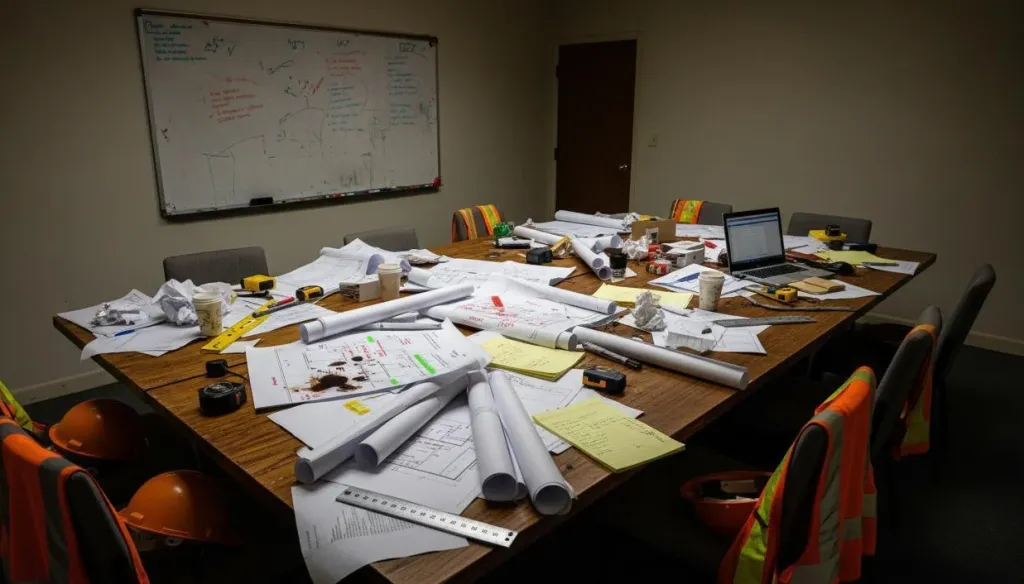
Let us look at what actually happens in most coordination meetings today. A project manager pulls up the latest schedule on a laptop only half the room can see. The architect references a drawing revision the superintendent has not reviewed. Someone snapped a photo of last week's whiteboard, but the action items were erased. By the end of the hour, your team has consumed valuable time without achieving true alignment.
This is the daily reality for teams who have not adopted interactive collaboration technology. Research from McKinsey consistently ranks construction among the least digitized industries globally — and the coordination gap is where that underinvestment hurts most. When teams cannot collaborate visually in real time, decisions get deferred, RFIs pile up, and field crews work from outdated information. The result: rework consumes up to 30 percent of project effort on poorly coordinated jobs, and budget overruns erode already thin margins.
This is exactly where a smart board for construction changes the equation.
What Is Smart Board Construction Technology?
If you are asking "what is smart board in construction," you are not alone. Many technology decision-makers have heard the term but have not seen it deployed effectively on a jobsite.
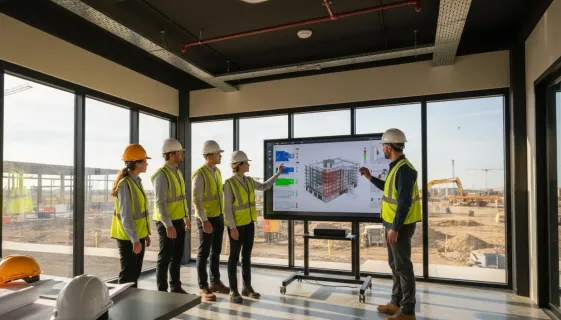
A smart board construction solution is an interactive, large-format touchscreen display built for collaborative workflows. Unlike traditional whiteboards or passive projectors, a smart board functions as a digital command center where teams annotate drawings, manipulate BIM models, manage schedules in real time, and share meeting outcomes with remote stakeholders — all on a single interactive surface that everyone in the room can see, touch, and contribute to simultaneously.
How a Smart Board for Construction Transforms Daily Workflows
Modern smart board construction technology directly addresses the coordination failures that plague traditional project management. Here is how teams are driving measurable efficiency gains:
Real-Time Plan Review and Markup
Teams gather around a large-format display to review full-scale drawings together. Anyone can annotate directly on the screen, mark up changes in real time, and export the final version to your document management system. No more photographing whiteboards. No more lost notes.
Collaborative BIM Model Interaction
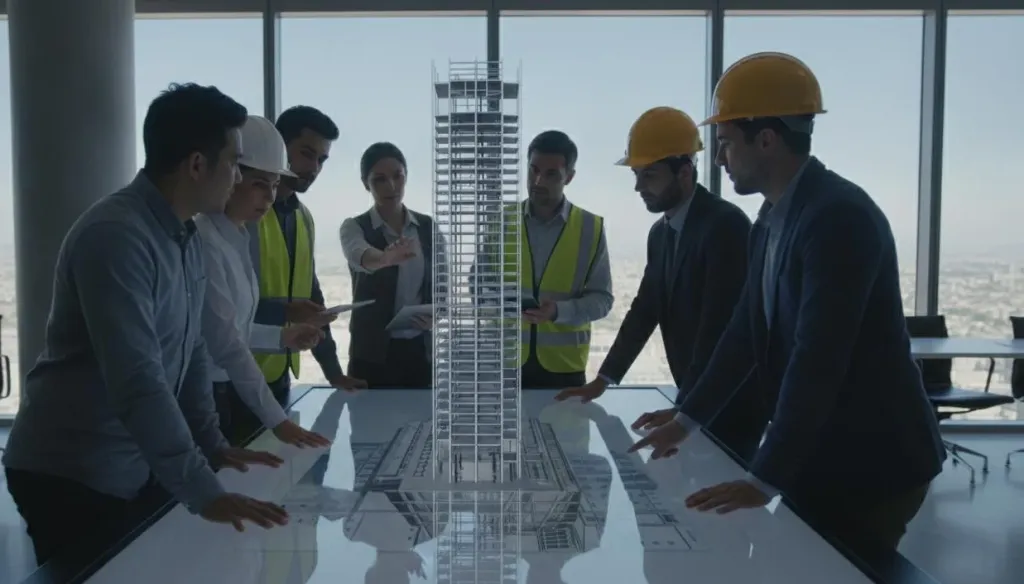
Smart boards enable true collaborative BIM sessions. The entire team can interact with the 3D model together — rotating views, isolating systems, and flagging clashes as a group. This transforms BIM from an individual task into a team conversation.
Visual Scheduling and Pull Planning
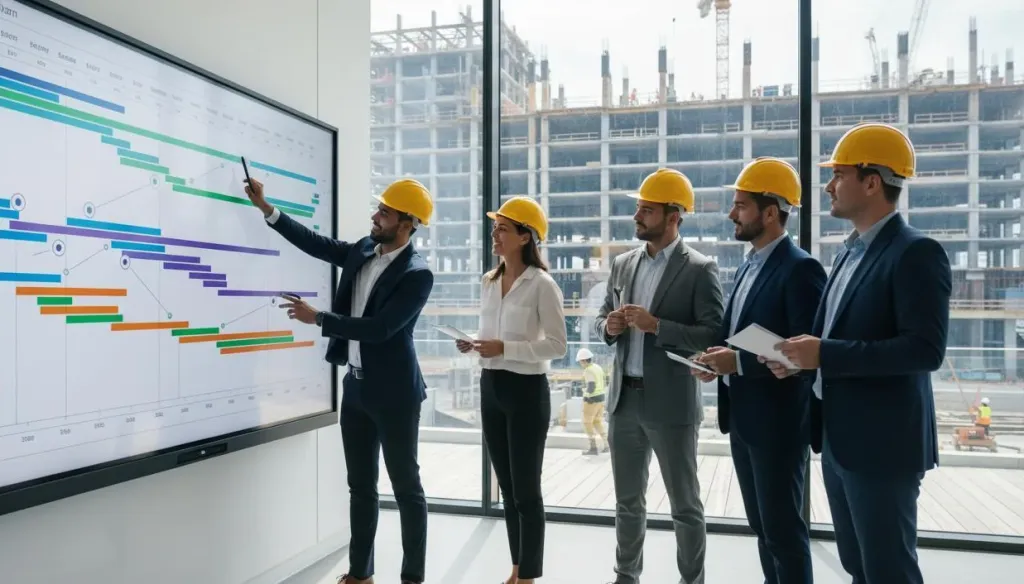
Interactive displays are ideal for pull planning and look-ahead schedule reviews. Teams build schedules visually, move activities with touch gestures, and immediately see the impact of changes. The visual clarity keeps subcontractors engaged and accountable.
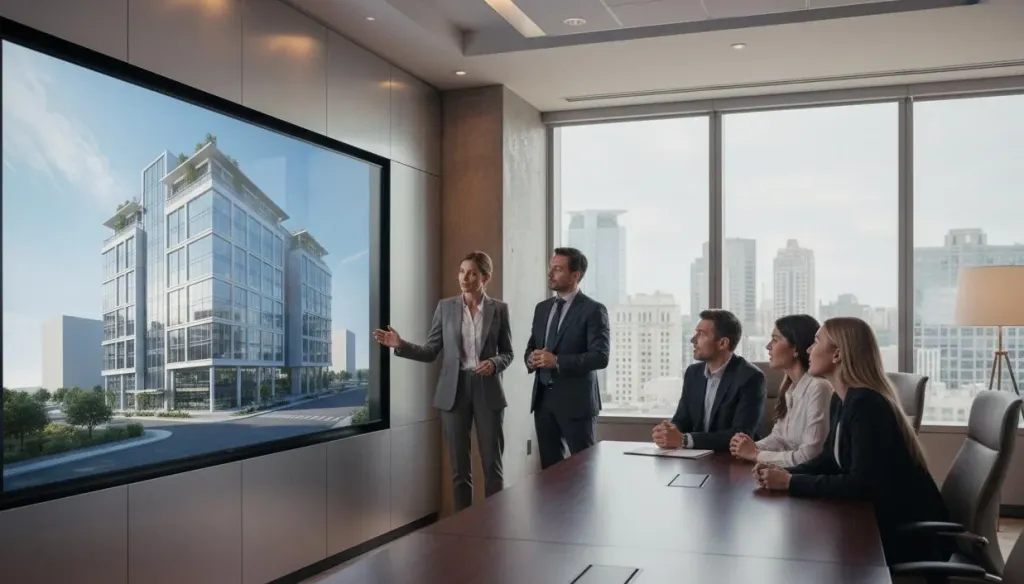
When owners visit for progress reviews, a smart board delivers an interactive presentation experience. Walk clients through 3D models and capture feedback directly on screen. It signals that your firm operates with modern, efficient processes.
Choosing the Right Smart Board for Your Team
Not all interactive displays are created equal. When evaluating a smart board for construction, focus on these practical criteria:
Feature
What to Look For
Why It Matters
Display Quality
4K resolution, high brightness
Readable in daylight-filled job trailers
Touch Response
20+ multi-touch points
Multiple team members annotate at once
Software Integration
Native Procore, Bluebeam, BIM 360 support
Works with your existing stack
Cloud Connectivity
Built-in sync and mobile access
Office and field stay aligned
Durability
Commercial or industrial rating
Survives dust, temperature swings, heavy use
Wireless Sharing
No-cable screen sharing
Faster setup, fewer IT headaches
Consumer-grade displays work in offices but often lack the integrations and durability construction demands. Basic projectors remain cheap but offer no interactivity, no annotation saving, and poor daylight visibility. Construction-grade smart boards like NearHub Board Max bridge this gap — built for jobsite conditions while integrating with the platforms your teams already use daily.
Common Mistakes When Adopting Smart Board Technology
Teams that rush into interactive displays without a plan often hit avoidable setbacks:
Choosing consumer-grade hardware
Displays built for classrooms rarely survive the dust, temperature swings, and heavy use of a construction environment. Invest in commercial-grade hardware.
Neglecting software integration
A smart board that cannot connect to your existing Procore or Bluebeam workflows becomes an expensive monitor. Verify integrations before purchasing.
Skipping training
Even intuitive tools need brief onboarding. Teams that invest 30 minutes in training see adoption rates far higher than those that simply plug in and hope for the best.
Failing to assign ownership
Someone needs to own the device: updating software, managing cloud accounts, and ensuring remote members know how to connect. Without ownership, usage drops off within weeks.
Frequently Asked Questions
1. What is smart board construction technology, and why is it different from a regular whiteboard?
Smart board construction technology refers to interactive, large-format touchscreen displays built for collaborative building project workflows. Unlike regular whiteboards, these digital displays allow teams to pull up live BIM models, annotate blueprints in real time, save and distribute meeting notes instantly, and connect remote stakeholders through integrated video conferencing.
2. How much training does my team need to use a construction smart board effectively?
Most teams master basic functions — opening documents, annotating, sharing — within a 30-minute session. Advanced features like BIM model manipulation and software integrations typically require one to two hours of guided practice. Modern boards are designed for intuitive operation, meaning team members familiar with tablets or touchscreen devices adapt almost immediately with minimal IT support required.
3. Will a smart board work in my job trailer?
Construction-grade smart boards are specifically engineered for the environments where construction teams actually work. High-brightness displays remain clearly visible in daylight-filled job trailers. Robust enclosures handle the dust and temperature variations common on active sites. As long as you have a power outlet and internet connectivity — even via mobile hotspot — a smart board will function effectively without requiring a dedicated conference room.
4. Can I connect remote team members who cannot attend in person?
Yes. Most construction smart boards include built-in video conferencing and wireless screen sharing. Remote participants join via Teams or Zoom and see the board in real time. They can also share their screens to the board, making hybrid meetings as productive as in-person sessions.
5. Is the investment justified for mid-size firms?
Consider the cost of one rework event caused by miscommunication. If a smart board prevents a single significant error per quarter, it typically pays for itself. For firms managing multiple concurrent projects, time saved in meetings and reduced print costs create ROI within the first year.
Moving Forward With Smarter Collaboration
Construction firms that adopt interactive collaboration technology gain a measurable operational edge: faster decision-making, fewer miscommunications, reduced rework, and meetings that produce genuine alignment.
If your teams are still running coordination meetings with static whiteboards, printed drawings, and fragmented email follow-ups, you are leaving efficiency on the table. The question is no longer whether interactive display technology belongs in construction — it does. The question is which solution fits your specific workflows and environments.
Start by identifying your team's biggest coordination pain point — whether it is faded whiteboards, version-confused email chains, or delayed decisions from poor visibility. Then evaluate smart board solutions that address that specific gap. Look for construction-grade durability, native integration with your existing software stack, and cloud connectivity that keeps office and field teams aligned. Review the features, integration capabilities, and pricing options that match your firm's needs — and take the first step toward eliminating the friction that slows your teams down.