Smart Board for Construction: 8 Collaboration Tips That Improve Project Workflow
Discover how a smart board for construction transforms project collaboration, streamlines construction permit workflows, and keeps architects and contractors aligned from start to finish.
smart board
construction
Updated: Aug 19, 2026 · 5 minutes read
Global Business, Brought Near.
No Installer, No Hassle, Just Works.
This article breaks down eight practical collaboration touchpoints where a smart board for construction adds measurable value to your existing workflow. No hype. Just the specific scenarios where teams consistently see the biggest improvement.
Key Takeaways
What it is – A shared visual workspace, not just a big screen. It helps teams see the same information and decide together at critical project moments.
Where it adds most value – Design reviews, daily field huddles, and remote BIM walkthroughs/client presentations.
How to start – Don't buy it for everything. Pick the 2–3 most painful coordination bottlenecks on your current project and deploy the board there first – that's where it pays back fastest.
A smart board for construction is not just a large screen for your conference room. It is a shared visual workspace that fits into specific moments across your project where alignment matters most. For project managers, site superintendents, architects, and contractors, the question is not whether the technology is impressive. It is whether it solves real coordination problems at the moments they actually occur.
Design Review and Coordination Meetings
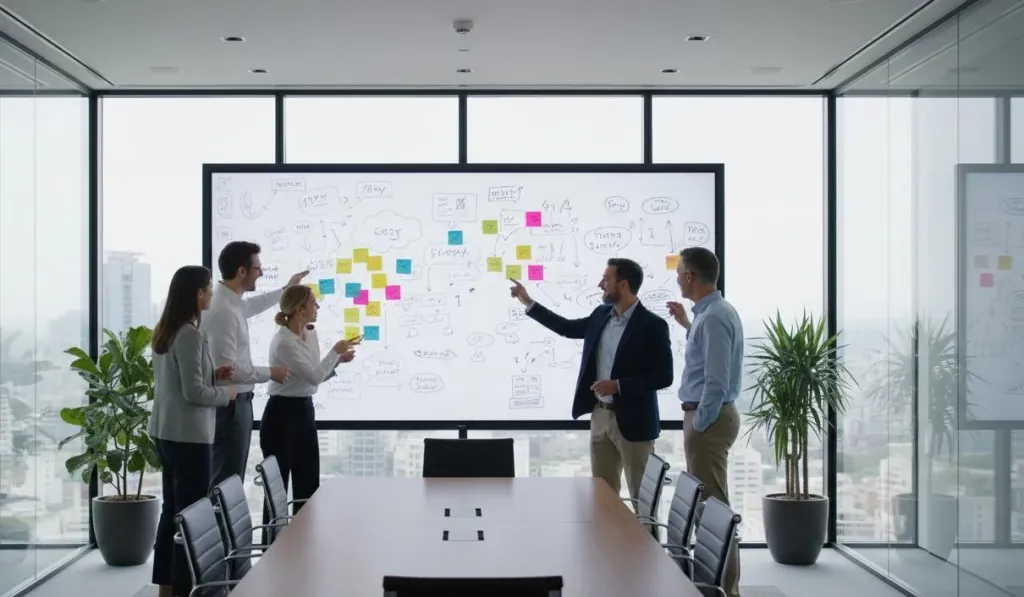
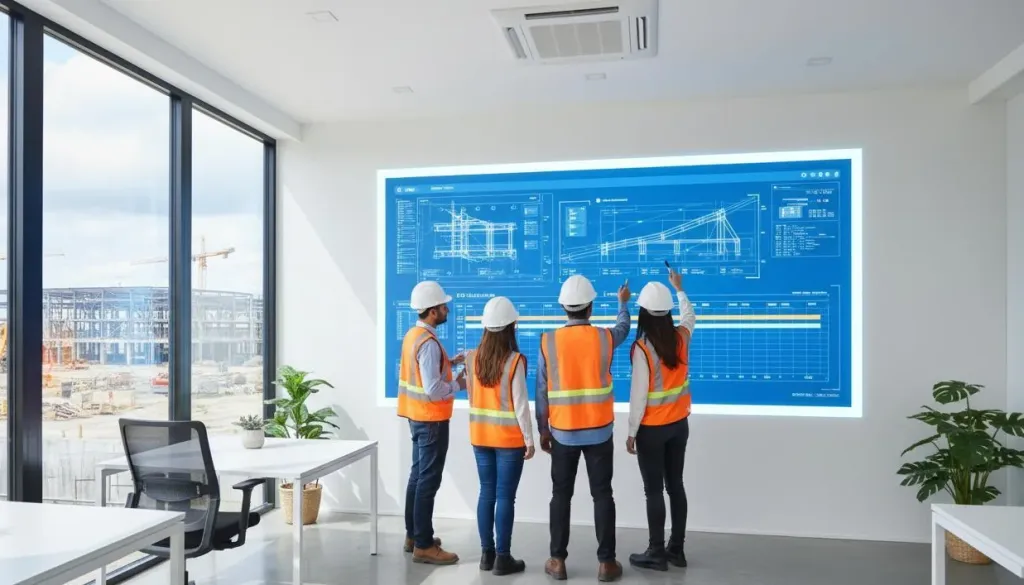
Design reviews are where small misalignments become expensive problems. A smart board lets your team display full-scale drawings, models, and specifications while multiple stakeholders annotate the same image in real time. Architects can flag dimension conflicts. Engineers can note structural concerns. Contractors can spot constructability issues before they reach the field. Every mark is captured digitally and saved to your project folder, so decisions made in the room do not disappear when the meeting ends.
Daily Field Huddles and Safety Briefings
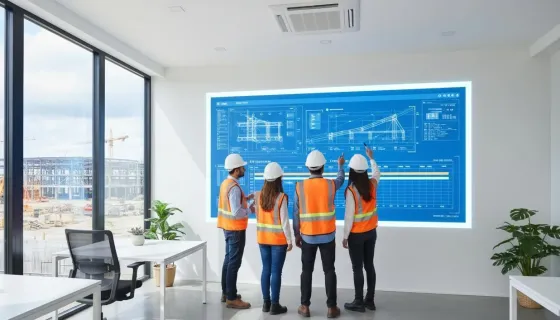
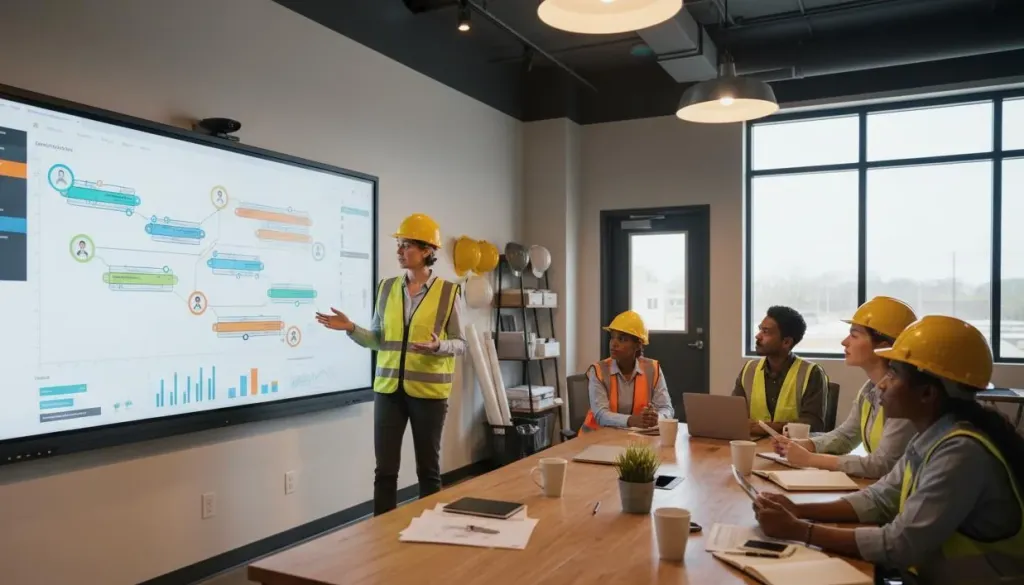
Site superintendents run better daily huddles when crews can see the work visually. A smart board mounted in a job site trailer lets you display the day's sequence plan, highlight safety zones, and walk trade contractors through their tasks with drawings everyone can read from across the room. Instead of relying on verbal briefings that get misremembered, you have a single visual reference that stays consistent from the morning huddle through the shift.
Permit and Submittal Tracking
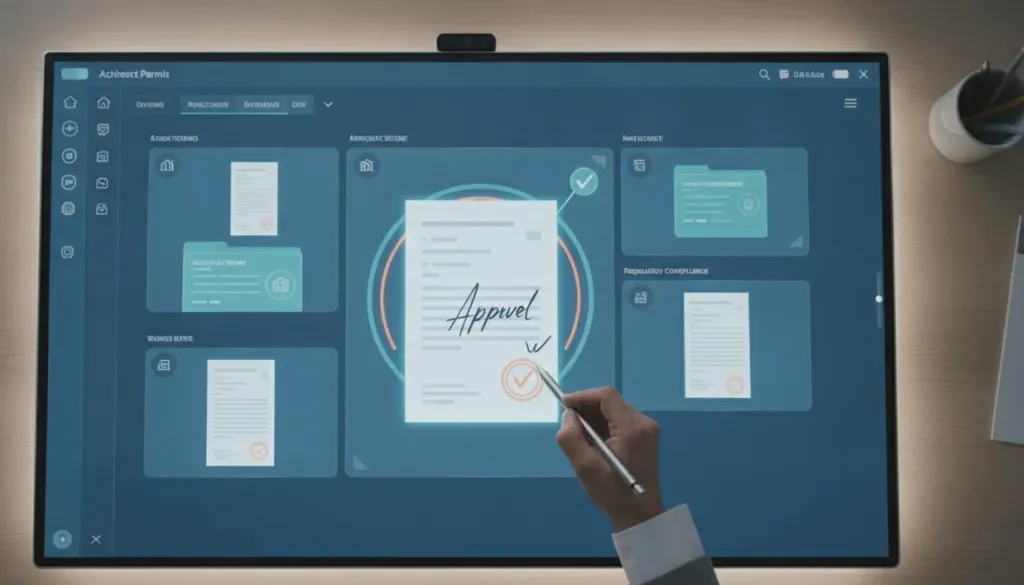
The construction permit process involves multiple documents, approval stages, and compliance checkpoints that are easy to lose track of. A smart board functions as a live dashboard where your team displays permit status, submittal logs, and approval timelines in one visible place. During weekly reviews, everyone sees what is pending, what is approved, and what needs follow-up without digging through spreadsheets or email threads. This visibility alone prevents the delays that push schedules off track.
RFI and Change Order Resolution
RFIs accumulate fast on complex projects, and change orders carry cost implications that demand quick decisions. A smart board becomes your war room display for reviewing RFI logs, comparing revised drawings against originals, and walking through change order scopes with the full team present. When owners, architects, and contractors can all see the same document simultaneously and mark it up together, resolution cycles compress from days to hours.
BIM Model Walkthroughs with Remote Stakeholders
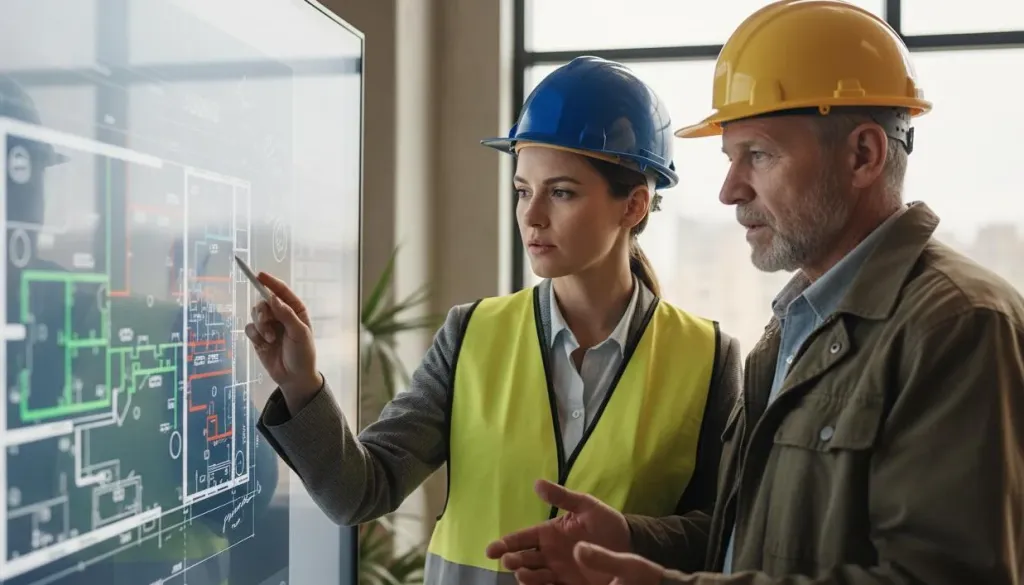
Building Information Modeling is standard on modern projects, but sharing those models effectively remains a challenge. A smart board with integrated video conferencing lets you host live BIM walkthroughs where remote architects, engineers, and owners can follow along as you navigate the model on screen. You can rotate 3D views, zoom into details, and annotate clashes or coordination issues while everyone watches. This turns static file sharing into an interactive working session.
Client Presentations and Progress Reviews
Owners and clients respond better to presentations they can interact with. Instead of emailing static PDFs or slide decks, you can walk clients through progress photos, updated schedules, and milestone achievements on a large touch display. They can ask questions, request closer looks at specific areas, and see annotations added in real time. The session feels collaborative rather than one-directional, which builds confidence and speeds approvals.
Office-to-Field Alignment Sessions
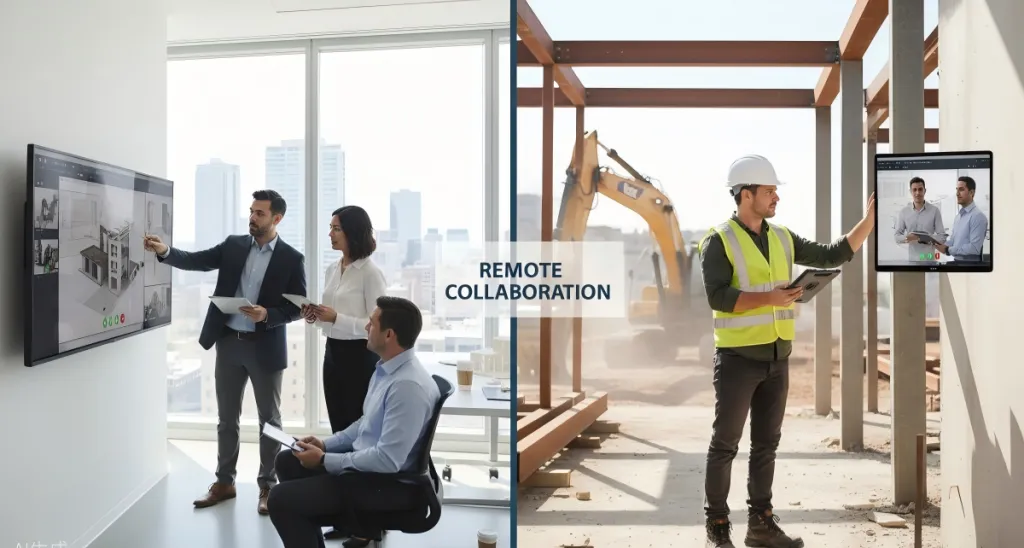
One of the most persistent friction points in construction is the gap between what the office plans and what the field executes. A smart construction tool like an interactive board bridges that gap by giving both teams the same visual reference during coordination calls. The project manager in the home office and the superintendent on site can look at the same drawing, make live markups, and confirm alignment before work proceeds. No more relying on phone descriptions of what someone thinks they are looking at.
As-Built Documentation and Project Closeout
At closeout, teams need to compile as-built drawings, inspection reports, warranty information, and final punch lists. A smart board serves as the hub where all stakeholders review closeout deliverables together, verify completeness, and assign outstanding items visually. Rather than passing checklists back and forth, the entire team works from a single shared view until everything is signed off.
What to Look for in Construction Collaboration Tools
If these use cases resonate with your workflow, the next step is evaluating which board fits your environment. When comparing construction collaboration tools, prioritize these capabilities:
Display size and resolution: A 55-inch or larger 4K screen ensures detailed drawings and BIM models are readable for everyone in the room.
Touch and annotation: Multi-touch support lets multiple users write, draw, and erase simultaneously without lag.
Software compatibility: Native integration with Procore, Bluebeam, AutoCAD, Revit, and video conferencing platforms keeps your team in familiar tools.
Field durability: Anti-glare coatings, robust hardware, and easy mounting matter when the board lives in a job site trailer rather than a climate-controlled office.
The best collaboration tools for architects and contractors are the ones that fit naturally into workflows already in motion. A smart board earns its place not by replacing your existing systems, but by making the moments where teams need to align faster, clearer, and more effective.
Frequently Asked Questions
1. What is a smart board for construction?
A smart board for construction is a large interactive display that serves as a shared digital workspace. It allows teams to view blueprints, annotate plans, run video conferences, and manage project documents collaboratively in real time.
2. Where do smart boards add the most value on a construction project?
Smart boards add value at multiple touchpoints including design review meetings, daily field huddles, construction permit and submittal tracking, RFI resolution, client presentations, BIM model walkthroughs, as-built documentation, and cross-team coordination between the office and job site.
3. Can smart boards integrate with construction software?
Yes. Most smart boards for construction integrate with BIM software, CAD programs, Procore, Bluebeam, AutoCAD, Revit, and video conferencing platforms. This allows teams to work directly within their existing toolset without switching contexts.
4. Are smart boards practical for small and mid-sized construction firms?
Yes. While the upfront cost is a consideration, many smaller firms find that the reduction in rework, faster decision-making, and improved alignment between office and field teams offset the investment within a few projects.
The Bottom Line
A smart board for construction delivers value at the specific moments where teams need to see the same thing and decide together. Whether you are running daily huddles, tracking construction permit approvals, or walking clients through a BIM model, the right interactive display turns fragmented communication into focused collaboration. Start by identifying which two or three touchpoints cause the most friction on your current projects. That is where a smart board will pay for itself first.