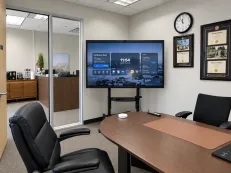
Smart Board for Conference Room: How to Choose the Best Solution for Modern Meetings in 2026
Explore the definitive 2026 guide to selecting the ideal conference room smart board by comparing key features, room-size compatibility, and hybrid meeting capabilities to find the perfect display solution for your business.
smart board for conference room
conference room display solutions
Updated: Aug 19, 2026 · 9 minutes read
Global Business, Brought Near.
No Installer, No Hassle, Just Works.
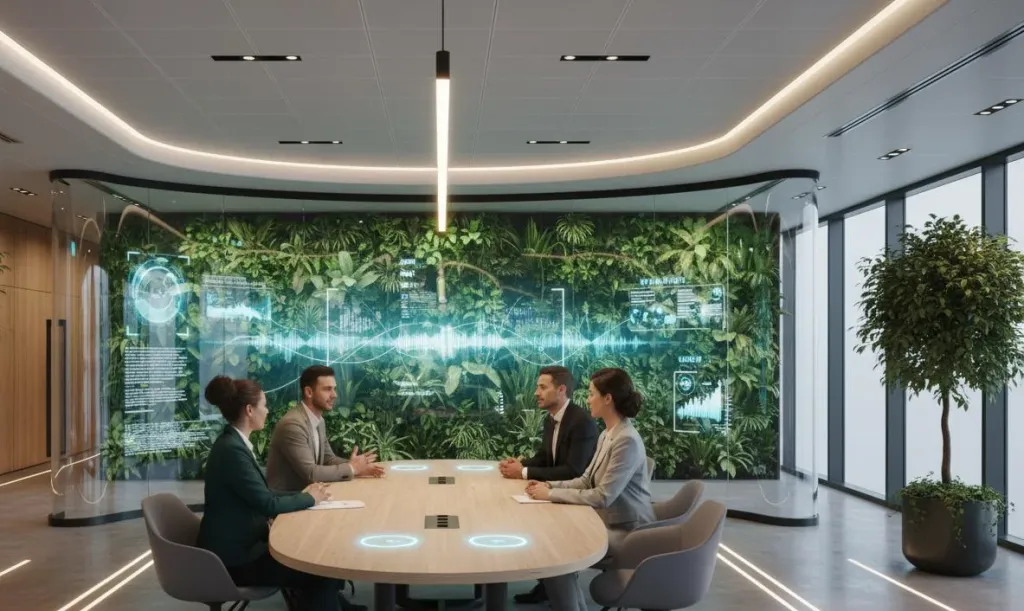
Conference rooms have undergone more transformation in the past five years than in the previous two decades. The shift to hybrid work, the demand for real-time collaboration across distributed teams, and the expectation that meetings should be productive have all converged on one technology: the smart board for conference room environments. Choosing the right conference room display solution in 2026 means understanding how hybrid teams collaborate, what IT departments need to manage at scale, and why the traditional projector-and-whiteboard setup no longer meets modern standards. This guide walks through everything decision-makers need to evaluate before investing in smart meeting room technology.
What Is a Smart Board for Conference Rooms?
A smart board for conference rooms is an all-in-one interactive display that replaces traditional whiteboards, projectors, and separate video conferencing hardware with a single integrated system. It combines a large-format 4K touchscreen with built-in computing, wireless connectivity, video conferencing capabilities, and digital whiteboarding software.
Unlike traditional whiteboards that capture nothing unless photographed, or projectors that require darkened rooms, smart boards function as the central nervous system of a modern meeting space. Multiple participants can write, draw, annotate documents, and share screens simultaneously, with content saved to cloud storage or emailed to attendees.
The distinction matters because not every large touchscreen qualifies as a true conference room smart board. Displays marketed as "interactive panels" may lack integrated cameras, microphone arrays, or native video conferencing apps. A genuine smart meeting room technology solution unifies display, collaboration, and communication into one device that IT teams can deploy and manage centrally.
Several factors are driving business upgrades in 2026. Hybrid work has permanently altered meeting dynamics, and IT departments face pressure to standardize meeting room technology across dozens of rooms while minimizing support tickets. Smart boards address both challenges by offering consistent user experiences and remote management capabilities.
Why Smart Boards Improve Modern Meetings
The productivity gains from deploying smart boards for conference rooms extend beyond replacing outdated equipment. They fundamentally change how teams communicate and make decisions.
Hybrid Collaboration That Actually Works
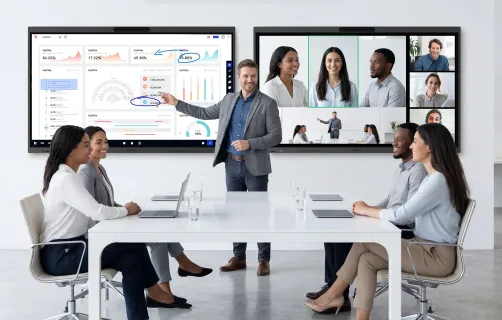
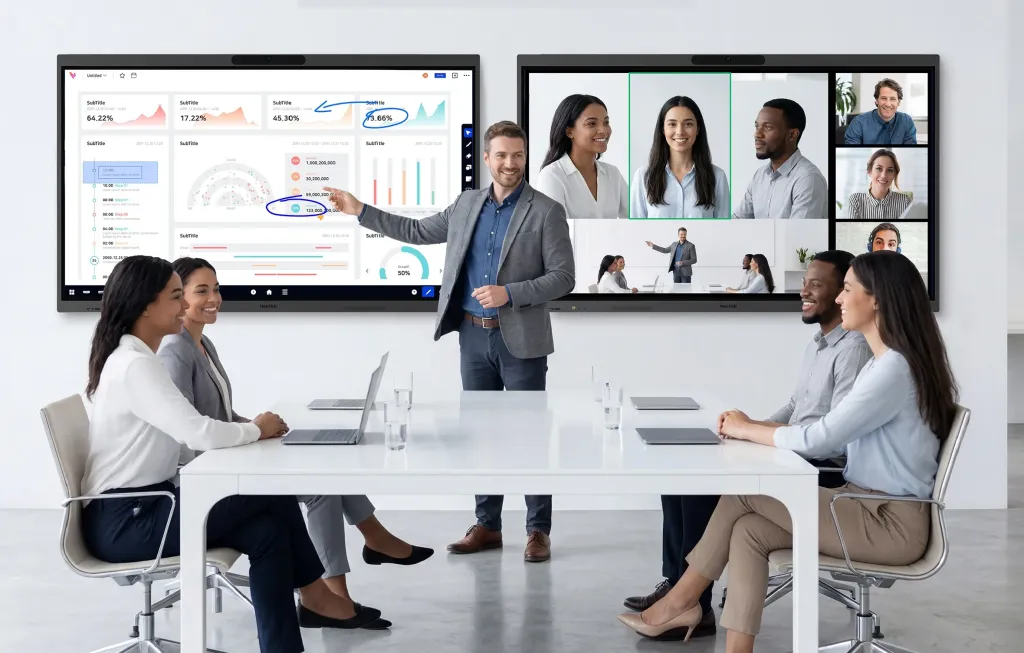
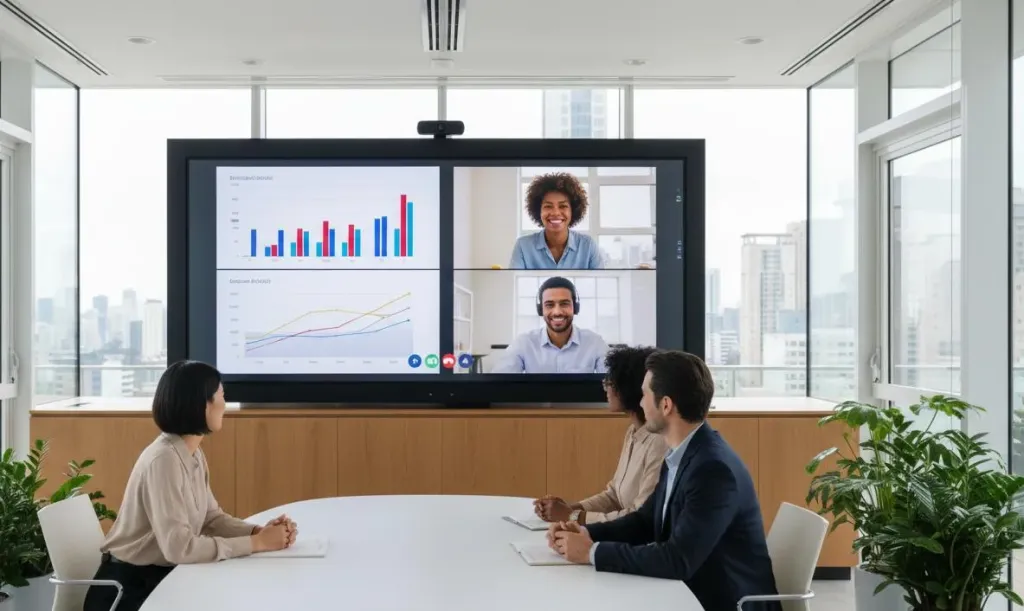
Traditional conference rooms were designed for everyone to be physically present. When remote participants dial in, they often become second-class citizens, squinting at low-quality camera feeds and missing whiteboard content. Smart boards level this playing field. Remote participants see the same screen content, can contribute to digital whiteboards in real time, and appear on camera through integrated ultra-wide lenses.
Team Communication Without Friction
All-in-one smart meeting room technology eliminates friction points through wireless screen sharing, one-touch meeting joins, and automatic device recognition. Teams walk into a room and start working immediately instead of hunting for cables or restarting disconnected calls.
Interactive Brainstorming and Visual Thinking
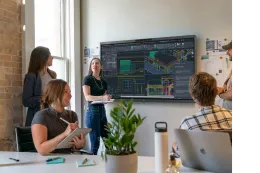
Smart boards transform passive presentations into active working sessions. Multiple participants can annotate on spreadsheets, mark up design files, or sketch ideas using finger touch or stylus input. The best smart boards support multiple simultaneous touch points so teams build on each other's contributions naturally.
Measurable Engagement and Productivity Benefits
Organizations that deploy interactive displays report shorter meetings, faster decision cycles, and higher participant satisfaction. When content is visible and savable in real time, discussions stay focused, and outcomes become actionable.
Key Features to Look for in a Smart Board for Conference Room Use
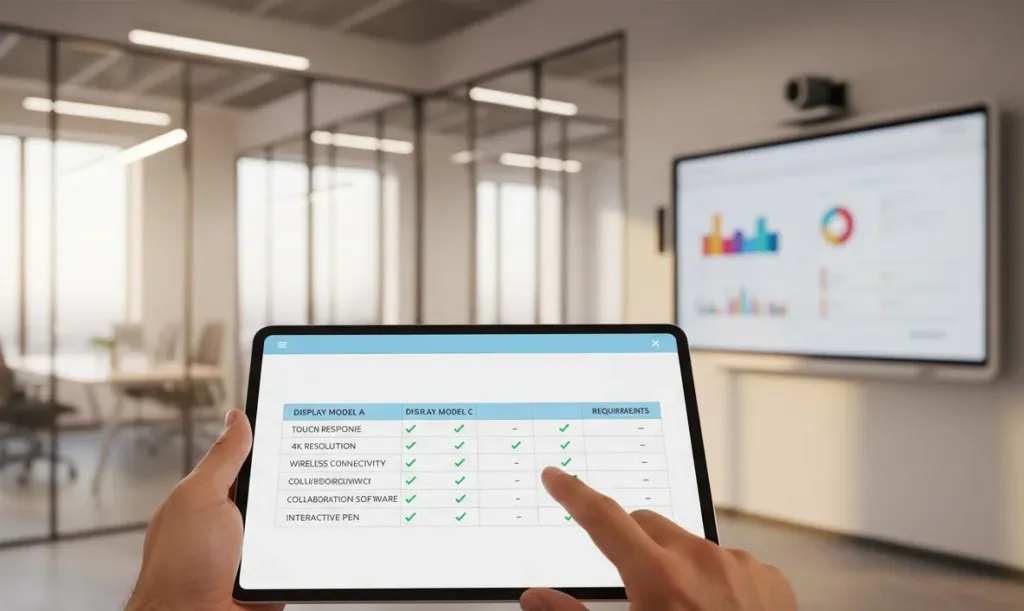
Evaluating conference room display solutions requires looking beyond marketing specifications to understand which features deliver real business value. Here are the criteria that matter most in 2026.
Display Size and Visibility
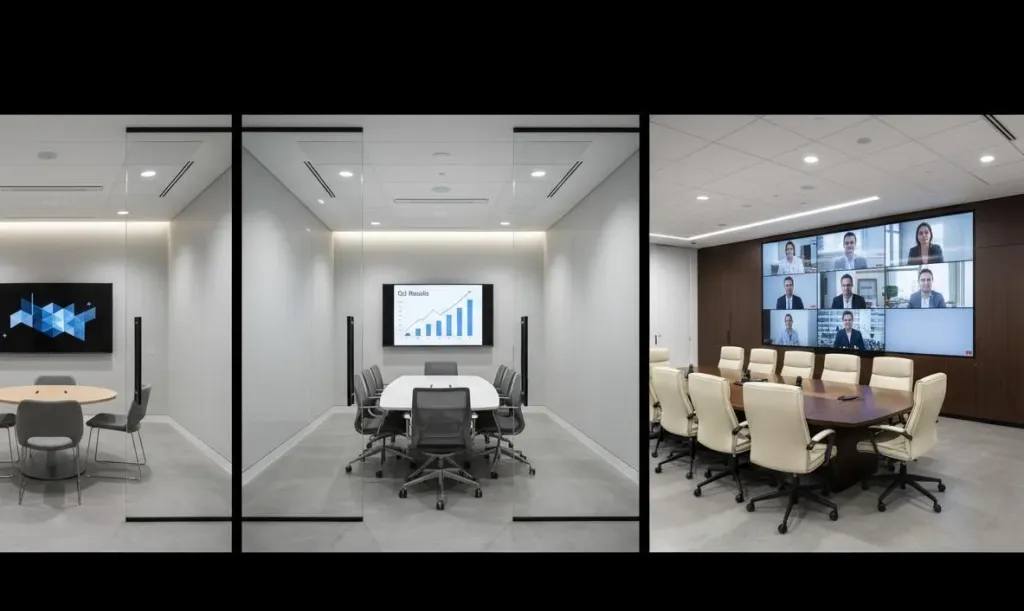
Room size determines display size. Participants seated farthest from the display should still read standard presentation text comfortably. For small rooms, 55 to 65 inches typically suffices. Medium rooms need 75 to 86 inches. Large boardrooms benefit from 86 inches and above, or dual-display configurations.
4K UHD has become the baseline resolution expectation. Lower resolutions may save money upfront, but create readability issues with detailed financial models or design mockups.
Touch and Whiteboarding Experience
When evaluating touch technology, test writing latency, palm rejection accuracy, and how the display handles switching between pen, finger, and eraser inputs. Whiteboarding software should support infinite canvases, shape recognition, handwriting-to-text conversion, and easy export to common formats.
Wireless Screen Sharing and BYOD Support
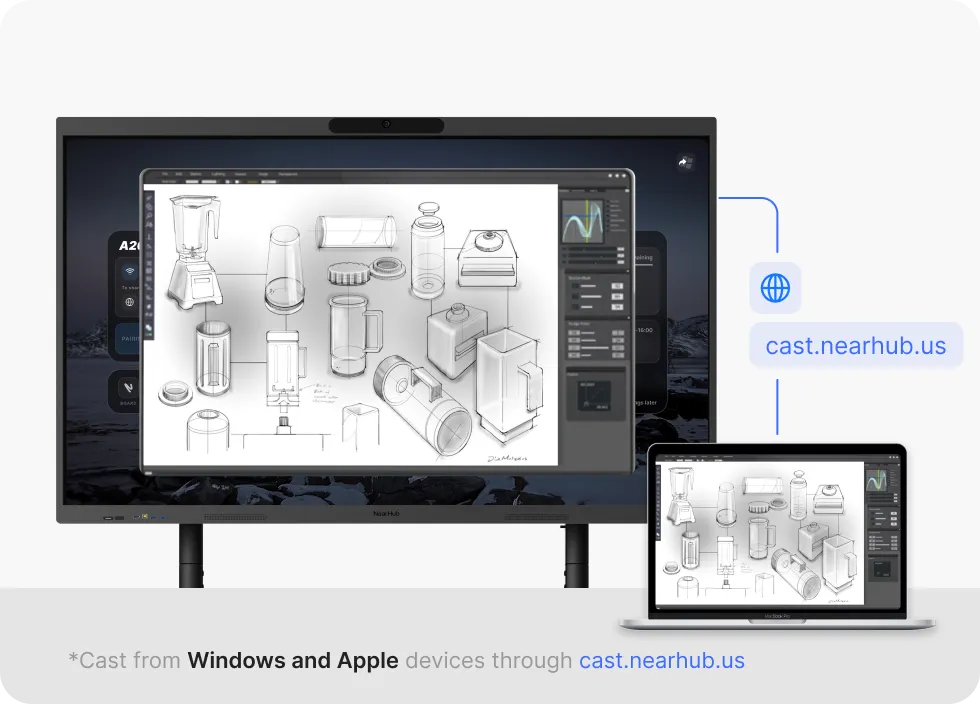
Bring-your-own-device compatibility is non-negotiable in 2026. The best smart boards support multiple simultaneous wireless connections from laptops, tablets, and phones without requiring proprietary software or adapter dongles. Look for native AirPlay, Miracast, and Google Cast support alongside dedicated wireless sharing apps.
Video Conferencing Compatibility
A conference room smart board must integrate seamlessly with your video conferencing platform. Check for native certification with Zoom, Microsoft Teams, Google Meet, and Webex rather than generic compatibility claims. Native apps deliver better audio synchronization, more reliable screen sharing, and access to features like breakout rooms.
Built-in Audio and Camera Systems
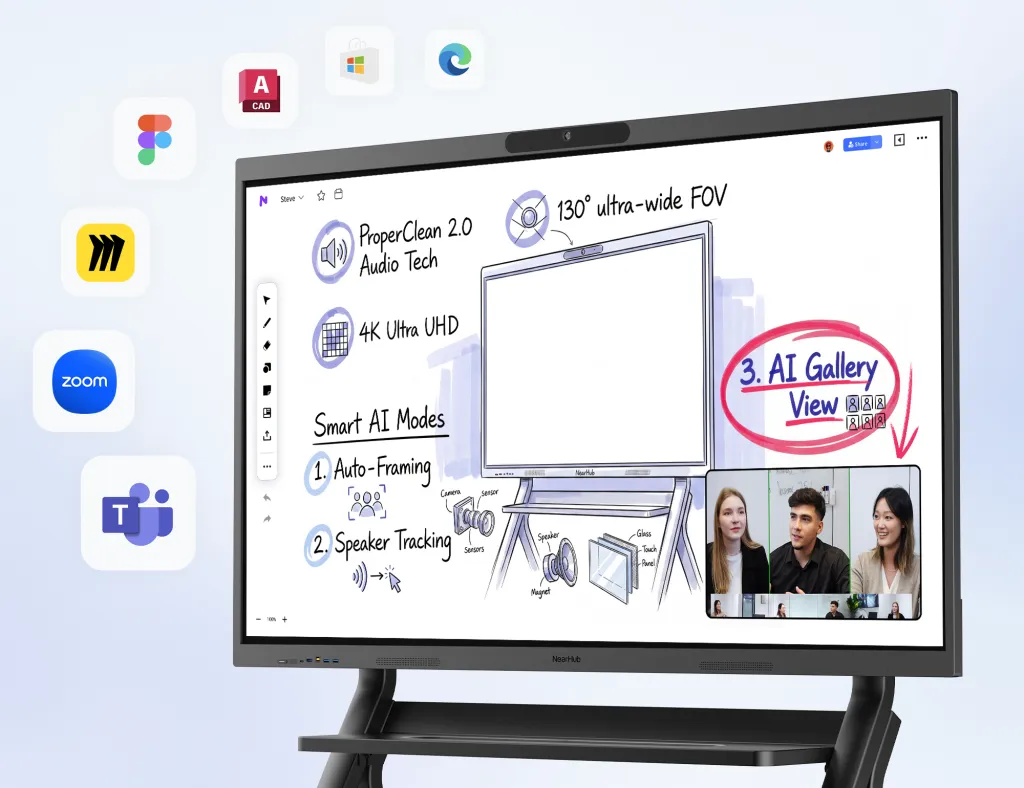
All-in-one smart boards should include integrated microphone arrays with sufficient pickup range for the room size and noise suppression algorithms that filter out keyboard clicks and side conversations. Ultra-wide lenses with AI Gallery View ensure remote participants can see everyone clearly, while auto-tracking features keep the speaker in focus.
Android vs Windows OPS Ecosystem
Smart boards run on either Android-based operating systems or Windows OPS (Open Pluggable Specification) modules. Android systems offer faster boot times, lower power consumption, and simpler app installation through Google Play. Windows OPS modules provide full compatibility with Microsoft Office, enterprise security policies, and access to legacy Windows applications. Some organizations choose dual-system smart boards that support both systems, allowing users to switch based on the meeting type.
Enterprise Deployment and Security
For organizations managing multiple conference rooms, remote device management is essential. IT administrators should be able to update firmware, monitor usage, and enforce security policies across all deployed smart boards from a central dashboard. Look for enterprise-grade encryption and single sign-on integration.
Smart Board vs Traditional Conference Room Setup
Understanding what a smart board replaces helps justify the investment and clarifies why all-in-one conference room display solutions have become the standard for modern workplaces.
Smart Board vs Projector
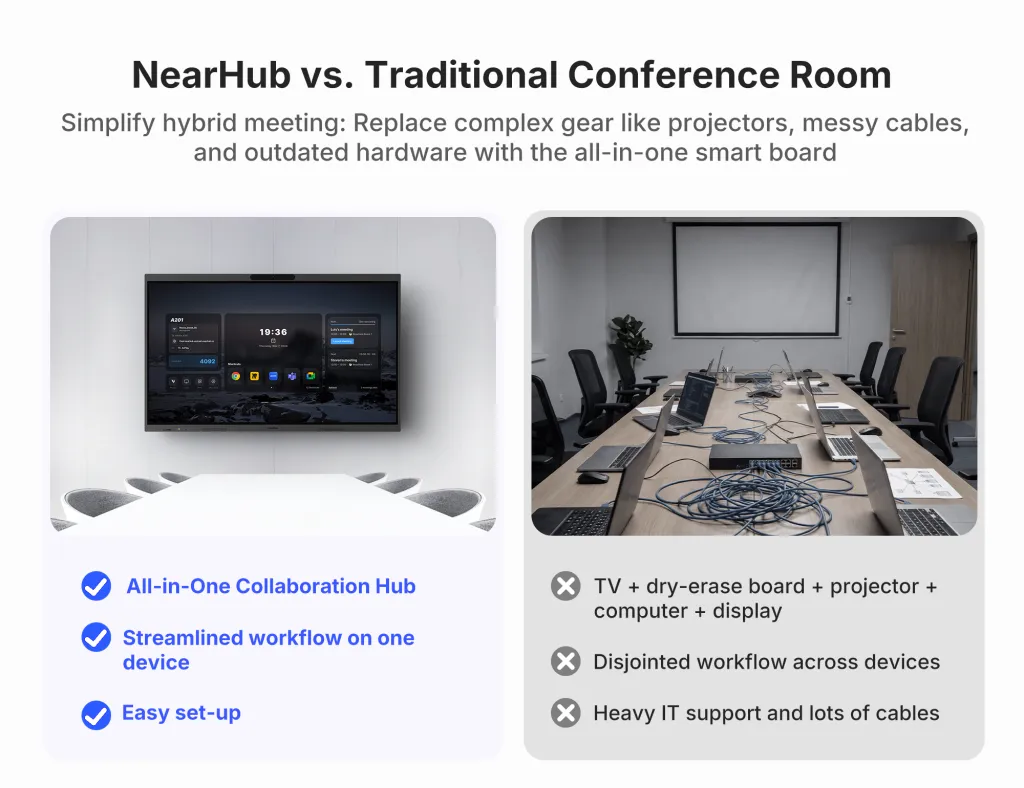
Projectors have served meeting rooms for decades, but their limitations are increasingly problematic. Lamp brightness degrades over time, images wash out under office lighting, and setup time adds friction to every meeting. Most critically, projectors offer no interactivity, no integrated conferencing, and no way to save content.
Smart boards eliminate these pain points. They produce consistent brightness regardless of ambient light, require minimal maintenance, and turn every meeting into an interactive working session.
Smart Board vs TV Display
Consumer-grade TVs might seem cost-effective, but they are not designed for conference room workloads. Commercial smart boards use toughened glass for continuous touch input, anti-glare coatings for wide viewing angles, and hardened panels built for daily use. TVs lack integrated cameras, microphones, and whiteboarding software. Building equivalent functionality with external accessories creates a cluttered system with multiple failure points.
Benefits of All-in-One Collaboration Systems
The case for all-in-one smart meeting room technology becomes clear when the total cost of ownership is calculated. A projector plus screen, camera, microphone, speakers, and wireless adapter often costs more than a single smart board while delivering an inferior experience. All-in-one systems reduce cable clutter, simplify support, and create consistent experiences across every room.
How Smart Boards Support Hybrid Meetings
Hybrid meetings are the defining workplace challenge of 2026. When half a team is in the office and half is distributed across home offices and co-working spaces, maintaining productive collaboration requires technology that bridges the physical divide. A well-chosen smart board for conference room environments makes this possible.
Real-Time Collaboration Between Remote and In-Room Teams
Traditional hybrid meetings suffer from asymmetry. In-room participants share physical whiteboards and read body language while remote participants see a fixed camera angle and struggle to contribute.
Smart boards solve this by making the display itself the shared workspace. When someone writes on the board, remote participants see it instantly. When a remote participant shares their screen, it appears on the smart board for everyone to annotate. The display becomes common ground where physical and digital collaboration converge.
Interactive Presentations and Workshops
Training sessions and workshops suffer most from hybrid asymmetry. Smart boards enable interactive presentations where poll results, sticky notes, and sketches accumulate in real time regardless of participant location. Facilitators can run breakout sessions where remote groups collaborate on digital canvases while in-room groups use the main display.
Visual Communication and Brainstorming
Humans process visual information significantly faster than text. Smart boards leverage this by making visual communication the default meeting mode. Mind maps, process flows, and concept diagrams can be built collaboratively with contributions from every participant, whether they are touching the screen in Manhattan or drawing on a tablet in Madrid.
Choosing the Right Smart Board for Different Room Sizes
Not every conference room has the same requirements. Matching conference room display solutions to room type ensures optimal visibility and budget allocation. If you're unsure how display size impacts visibility and collaboration, this guide to choosing the best whiteboard size explains how room dimensions, viewing distance, and use cases influence the ideal setup.
Small Meeting Rooms and Huddle Spaces
Huddle rooms for two to four people need compact technology. A 55-inch to 65-inch smart board provides sufficient visibility. The focus should be on wireless screen sharing and quick meeting joins, with built-in audio handling small spaces well.
Medium Conference Rooms
Rooms seating six to twelve people are the most common scenario for smart boards in conference rooms. A 75-inch to 86-inch display ensures readability from the back row. Integrated audio and camera quality become critical here. The microphone array must pick up voices clearly from six to ten feet away, and the camera should capture the full table. Dual-screen configurations can be valuable when content and video need dedicated display real estate.
Large Boardrooms and Training Spaces
Executive boardrooms and training facilities seating twelve to thirty people demand premium conference room smart board solutions. Displays of 86 inches or larger maintain visibility across deep rooms. Advanced audio systems with extended microphone pickup ensure everyone is heard, and training spaces benefit from recording capabilities.
Recommended Solution for Modern Conference Rooms
After evaluating the market landscape against the criteria outlined above, one solution stands out for organizations seeking a complete smart meeting room technology upgrade: the NearHub Board Max.
The NearHub Board Max addresses the requirements that IT managers prioritize when standardizing conference room display solutions, designed as an all-in-one setup rather than a consumer display adapted for business.
Ultra-Wide 4K Camera
The integrated 130°ultra-wide 4K camera captures the entire conference room with exceptional clarity, ensuring remote participants can see everyone at the table without distortion. This matters in hybrid meetings where facial expressions carry as much information as spoken words.
AI Gallery View
The AI-powered gallery view intelligently frames speakers and creates optimized video layouts that keep remote participants visually connected. Rather than static wide shots where speakers become indistinguishable, the system actively manages how participants appear to remote viewers.
Wireless Collaboration
Native wireless screen sharing supports multiple simultaneous connections from laptops, tablets, and smartphones without app installations or adapter dongles. Teams can compare documents side by side and switch presenters seamlessly.
Interactive Whiteboarding
The whiteboarding experience includes infinite canvas support, multi-user input, handwriting recognition, and one-touch export to cloud storage. Content created during sessions persists after meetings end.
Hybrid Meeting Support
Built-in video conferencing certification for major platforms ensures reliable meeting joins and stable performance during calls. The integrated microphone array with noise suppression and the high-fidelity speaker system deliver audio quality that rivals dedicated conference phone hardware.
All-in-One Conference Room Setup
Perhaps most importantly for IT teams managing multiple locations, the NearHub Board Max deploys as a single device that replaces a projector, screen, whiteboard, camera, microphone, speakers, and wireless sharing hardware. Remote management capabilities allow administrators to monitor status, push updates, and enforce security policies across every unit from a centralized dashboard.
Organizations evaluating the best smart boards for conference rooms should consider the NearHub Board Max as a benchmark for what comprehensive smart meeting room technology should deliver. You can explore the full specifications and configuration options at NearHub's official product page.
Future Trends in Smart Conference Room Technology
The smart board category continues to evolve rapidly. Organizations making purchasing decisions in 2026 should consider how their investment will age alongside emerging capabilities.
AI-Powered Collaboration
Artificial intelligence is moving beyond camera framing into real-time meeting assistance. Transcription services that generate searchable meeting records, sentiment analysis that gauges engagement, and smart summarization that extracts action items are becoming standard features. Smart boards with sufficient processing power will receive these capabilities through software updates.
Hybrid-First Workplaces
The debate about whether hybrid work is temporary has concluded. Future-proof conference room display solutions must assume every meeting will include remote participants. This means prioritizing smart boards with superior audio pickup, intelligent cameras, and software integrations that make remote participants feel included.
Smart Office Ecosystems
Smart boards are becoming nodes in broader smart office ecosystems. Integration with room booking systems, occupancy sensors, and environmental controls creates seamless workplace experiences. A meeting room that adjusts lighting and temperature automatically and launches the correct conferencing platform before participants sit down is no longer science fiction.
Sustainability and Efficient Meeting Spaces
Environmental responsibility is increasingly influencing purchasing decisions. Modern smart boards consume less power than projector systems while eliminating consumable waste. LED backlighting and automatic power management are becoming differentiating factors for buyers focused on sustainability. As ESG initiatives become a larger part of workplace strategy, this ESG in business guide explores how organizations are aligning technology investments with long-term sustainability and operational efficiency goals.
Frequently Asked Questions About Smart Boards for Conference Rooms
What is the difference between a smart board and an interactive whiteboard for conference rooms?
While the terms are often used interchangeably, a smart board for conference rooms typically refers to an all-in-one display system that combines a 4K touchscreen, built-in video conferencing camera, microphone array, wireless screen sharing, and whiteboarding software. An interactive whiteboard may refer to a simpler touch-enabled display without integrated collaboration tools. For modern businesses, smart boards offer a more complete conference room display solution.
How much should businesses budget for a smart board conference room setup in 2026?
Conference room smart board costs vary by size and capability. Entry-level interactive displays for small huddle rooms start around $2,500–$4,000. Mid-range all-in-one smart boards for medium conference rooms typically range from $5,000–$9,000. Premium solutions for large boardrooms with advanced AI cameras and enterprise security features can reach $10,000–$18,000. Factor in mounting, installation, and software licensing when building your budget.
What size smart board is best for a medium conference room?
For medium conference rooms that seat 6–12 people, a 75-inch to 86-inch smart board provides optimal visibility. Participants seated at the back of the room should be able to read text and see details clearly without straining. If your team frequently reviews detailed spreadsheets, architectural drawings, or design mockups, consider an 86-inch display or larger to ensure content remains legible from all seating positions.
Do smart boards work with existing video conferencing platforms like Zoom and Microsoft Teams?
Yes. Most modern smart meeting room technology supports native apps for Zoom, Microsoft Teams, Google Meet, and Cisco Webex. Look for smart boards that are certified for your primary conferencing platform. All-in-one systems with built-in Android or Windows OPS modules can run these applications directly, eliminating the need for external compute devices and simplifying the user experience.
What makes a smart board better than a projector for conference rooms?
Smart boards outperform projectors in nearly every category. They deliver 4K resolution with no degradation from ambient light, require no lamp replacements, offer touchscreen interactivity that projectors cannot match, and integrate cameras, microphones, and speakers into one device. Smart boards support wireless screen sharing from any device, while projectors typically require cable connections. Over five years, total cost of ownership is often lower than projector systems.
Conclusion
Choosing the right smart board for conference room spaces is ultimately about improving how teams collaborate. The best systems simplify meetings, support seamless hybrid participation, and reduce the everyday friction caused by disconnected tools and outdated meeting setups.
When comparing options, focus on the essentials: the right screen size for your room, responsive touch and whiteboarding performance, native Zoom and Teams compatibility, and reliable audio-video quality for hybrid meetings.
Organizations that invest in modern smart meeting room technology gain more productive discussions, better engagement between remote and in-room participants, and a more efficient collaboration experience overall. Whether upgrading one meeting room or standardizing across multiple offices, the right conference room smart board delivers long-term value far beyond presentations alone.