Introduction: The Frustration of Distance in Deep Work
If you have ever sat in a hotel conference room at 2 a.m. squinting at a grainy PDF of a derivation someone emailed you twelve hours ago, you already know the pain point. When research teams are spread across time zones, the hardest part is not the video call itself—it is the stuff that lives between the words. Complex LaTeX formulas, annotated bibliographies, hand-drawn circuit diagrams, and multi-step proofs do not travel well inside a chat thread or a static slide deck. By the time you finish explaining equation (4.7) over a lagging screen-share, half the room has mentally checked out, and the other half is furiously scribbling notes they will misinterpret later.
That disconnect is exactly why so many research groups are moving away from traditional video conferencing and toward a new generation of collaborative infrastructure. The shift is not just about "going digital." It is about creating a shared cognitive space where a smartboard becomes the virtual lab bench, the chalkboard, and the conference poster session all at once. In this post, we will look at how a whiteboard collaboration software built on an infinite canvas can solve the specific headaches of remote academic work, and why top cloud platforms for external team collaboration are becoming as essential to modern labs as pipettes and preprints.
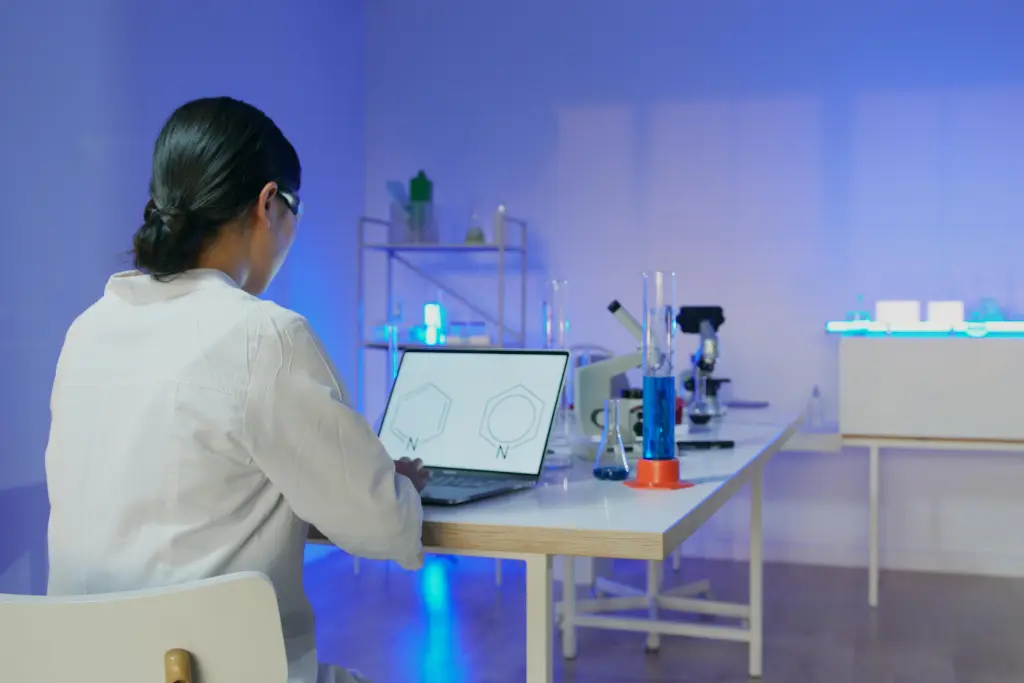
How a Research Collaboration Can Be Enhanced by Infinite Canvas Technology
Let us start with the basics. A standard video call gives you a rectangle of faces and a rectangle of slides. That is fine for a status update, but it is terrible for the iterative, messy, nonlinear work that actual research requires. When you are co-developing a mathematical model or debating the implications of a recent meta-analysis, you need room to spread out. You need to write a hypothesis on the left, paste a journal excerpt on the right, sketch a graph in the middle, and draw an arrow connecting all three—while your colleague in another hemisphere does the same thing in real time.
An infinite canvas platform removes the borders. There is no "next slide" button forcing you to collapse your thoughts into bullet points. Instead, you get a persistent, zoomable workspace that behaves like a physical whiteboard the size of a football field. A post-doc in Berlin can drop in a scanned page from a 1987 topology paper, a principal investigator in Boston can annotate it with a stylus, and a visiting scholar in Singapore can add a sticky note questioning the boundary conditions. Everyone sees the same living document evolve, and nothing gets lost in translation because the visual context is preserved.
What makes this especially powerful for STEM collaboration is the fidelity of the input. Modern cloud-based collaboration tools support high-resolution handwriting recognition, which means your partial differential equations look like equations, not like chicken scratch interpreted by a tired OCR engine. You can import PDFs directly onto the canvas, mark them up with digital ink, and export the entire session as a vector file for your lab notebook. That level of detail is what separates a casual brainstorming session from genuine scholarly communication.
Academic Networking: Turning Isolated Labs into a Single Distributed Brain
Academic networking has always been about more than swapping business cards at a conference mixer. It is the invisible web of trust that lets you send a half-baked idea to a colleague and know you will get honest, constructive feedback. The problem is that geography has historically gated that trust. If you were not in the same department or at the same annual meeting, the friction of collaboration was simply too high. You might exchange emails for months without ever achieving the shared mental model that comes from standing side by side at a chalkboard.
Remote research teams are changing that equation. When your lab adopts a virtual whiteboard as its default meeting space, you stop thinking about collaboration as a scheduled event and start treating it as an ambient, ongoing process. A graduate student can leave a question on the canvas at midnight, and the advisor can respond with a voice comment and a revised diagram at dawn. Because the canvas persists between sessions, the conversation does not reset to zero every time someone joins a new Zoom link. The institutional knowledge accumulates, layer by layer, like sediment becoming rock.
This is particularly valuable for cross-border research and international consortia. Funding agencies love multi-site studies, but they rarely budget for the logistical nightmare of coordinating them. Time-zone differences, language barriers, and incompatible software ecosystems can kill a promising collaboration before it produces a single paper. A unified digital workspace acts as the neutral ground where everyone brings their own device, speaks their own language, and still works from the same source of truth. The canvas becomes the shared language, transcending the limitations of email threads and patchy video connections.
And here is the human side of it: when you can see your colleague’s handwriting, their doodles, and their real-time reactions to your ideas, the relationship stops feeling transactional. It starts feeling like a real partnership. If you ever need to break the ice with a new collaborator, you can even share a few team building memes on the canvas before the serious work begins. A little humor goes a long way in making distributed research teams feel like a community rather than a committee.

Scientific Data Visualization: Seeing the Story Inside the Numbers
Numbers do not speak for themselves; they whisper. To hear them, researchers need to visualize relationships, map variables, and manipulate models in real time. In a physical lab, this might mean gathering around a monitor to look at a MATLAB plot. In a remote setting, it usually means one person shares their screen while everyone else watches passively, unable to interact with the dataset directly. That is not collaboration; that is a broadcast.
A research remote setup built on an infinite canvas flips that dynamic. Instead of one driver and many passengers, everyone has their hands on the wheel. You can embed interactive charts, 3D molecular models, or heat maps directly onto the canvas and let multiple users manipulate them simultaneously. A biostatistician can adjust a regression line while an epidemiologist watches the confidence intervals shift in real time. A physicist can annotate a spectroscopy curve while a materials scientist overlays a phase diagram to compare peaks. The data becomes a conversation piece rather than a presentation artifact.
This synchronous editing capability is a game-changer for research productivity. When scientific data visualization is collaborative rather than sequential, you compress weeks of back-and-forth into a single afternoon. You no longer need to export a figure from Python, email it to a co-author, wait three days for feedback, realize the color scale was misleading, re-export, and repeat. You just open the canvas, drop in the dataset, and iterate together until the story emerges. The visual feedback loop tightens, and the science moves faster.
For fields that rely on large, complex visual inputs—think satellite imagery, genomic sequencing maps, or architectural simulations—the ability to zoom and pan across a massive canvas is not a luxury; it is a necessity. Standard screens are too small to hold the full context, and static files are too rigid to support exploration. An infinite canvas gives your data the breathing room it deserves, and it gives your team the spatial freedom to think in the nonlinear, associative way that breakthroughs often require.
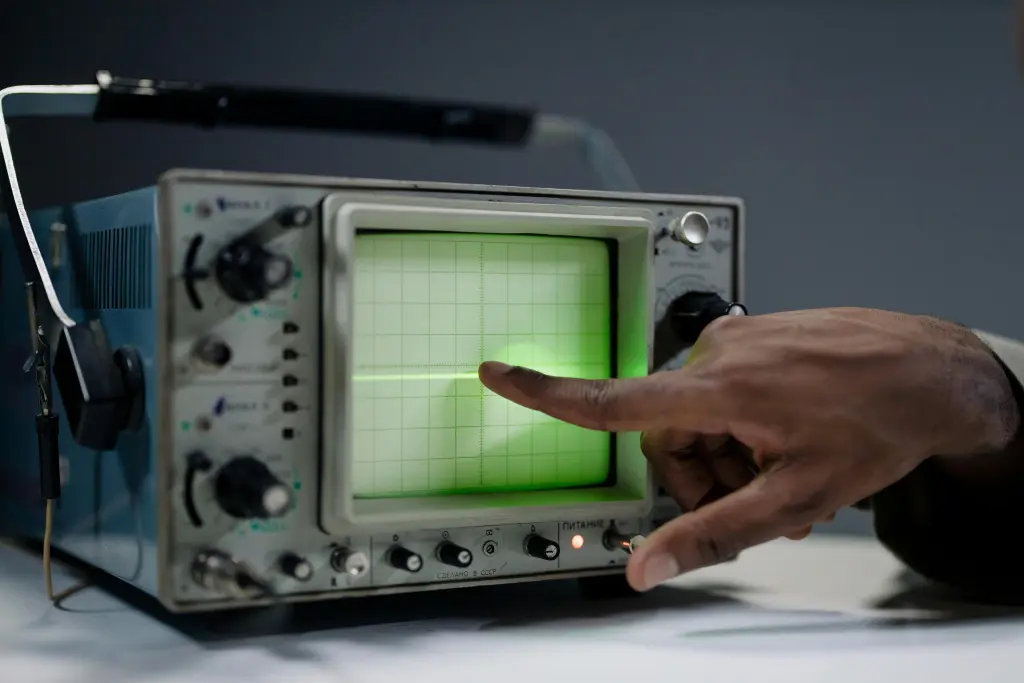
Research Remote: Solving the Specific Pain Points of Virtual Lab Meetings
Let us get concrete about the pain points mentioned at the top, because they are the daily reality for millions of researchers. When you are running a virtual lab meeting, you are usually juggling three or four different tools: the video call, the shared document, the reference manager, and the chat window. The cognitive load of switching between contexts is exhausting, and it fractures the group’s attention. Worse, when the meeting ends, the artifacts are scattered across four different cloud accounts, none of which talk to each other.
A unified online research collaboration platform solves this by consolidating everything into one persistent environment. The video feed lives in a corner of the screen. The canvas occupies the rest. Your references are pinned to the board as embedded PDFs. Your chat is a thread of comments anchored to specific objects on the canvas. When the meeting ends, you do not have a folder full of orphaned files; you have a single, shareable link that contains the entire intellectual history of the session.
This matters enormously for research methodology and reproducibility. When a peer reviewer asks, six months later, how you arrived at a particular assumption, you can send them a link to the exact canvas where the decision was made. They will see the original paper you cited, the annotations you added, the alternative models you considered, and the consensus you reached. It is a living audit trail, and it makes your work more transparent and more defensible.
Another under-appreciated benefit is the support for hybrid meetings. Not everyone in a research group is fully remote; some are in the office, some are at home, some are in the field. A multi-screen display setup connected to a cloud-based collaboration tool means that the people in the physical conference room and the people joining from laptops are looking at the same canvas, manipulating the same objects, with the same level of agency. There is no "second-class citizen" experience for the remote participants. The boundary between physical and digital dissolves, which is exactly what modern scholarly communication needs.
Do I need special hardware to use an infinite canvas for academic work?
Not necessarily. Most whiteboard collaboration software runs in a standard web browser, so a laptop or tablet is enough to get started. However, if your lab is doing heavy scientific data visualization or you want the tactile feel of handwriting complex formulas, a large interactive display or a stylus-enabled tablet will significantly improve the experience. Many institutions find that pairing a smartboard with personal devices creates the ideal hybrid workflow.
How does this differ from just using Google Docs or Overleaf for collaborative writing?
Google Docs and Overleaf are excellent for linear text, but research is rarely linear. You need spatial reasoning, free-form sketching, and the ability to juxtapose unrelated ideas until they form a connection. An infinite canvas is designed for the exploratory phase of research—the phase where you do not yet know what the final paper will look like. Once the ideas are mature, you can absolutely export your notes into a traditional document. Think of the canvas as the sandbox and the text editor as the publishing house.
Security is a valid concern, especially for labs handling sensitive patient data, proprietary industry partnerships, or pre-publication results. When evaluating top cloud platforms for external team collaboration, look for enterprise-grade encryption, SOC 2 compliance, granular access controls, and the ability to host data in specific geographic regions to comply with local regulations. The best providers treat academic security requirements as seriously as corporate ones.
Can we really collaborate in real time without lag, even with large datasets?
The performance depends on your internet connection and the platform’s architecture, but modern cloud-based collaboration tools use intelligent vector rendering and differential syncing to keep latency low. For most academic use cases—annotating PDFs, sketching diagrams, editing text—real-time performance is smooth across continents. If you are working with massive raw datasets, you may want to host the heavy files locally and link to them from the canvas rather than embedding them directly.
What about researchers who are not tech-savvy?
The best tools are designed to be as intuitive as a physical whiteboard. If someone can use a tablet to scroll through a PDF, they can use an infinite canvas. Most platforms offer onboarding templates specifically for education and research, so your lab can start with a pre-built structure rather than a blank screen. And because the learning curve is gentle, you can spend your time doing science instead of troubleshooting software.
Conclusion: The Future of Research Is Borderless and Infinite
Geography has been the silent tax on academic progress for generations. It has forced brilliant minds to wait for conferences, to compress complex ideas into emails, and to accept that some collaborations were simply too logistically expensive to pursue. Those days are ending.
By adopting an infinite canvas platform, research teams are not just solving the practical problem of how to share a screen. They are rebuilding the very environment in which ideas are born, tested, and refined. A whiteboard collaboration software gives you the space to think out loud, visually and spatially, with colleagues anywhere on the planet. It turns top cloud platforms for external team collaboration into genuine intellectual commons, not just file repositories.
Whether you are a solo researcher looking for a better way to organize your literature review, a graduate student coordinating a multi-site study, or a lab director trying to keep your team building memes and your serious science in the same friendly space, the technology is ready for you. The canvas is infinite. The possibilities should be, too.