Digital Sports Whiteboard: How Interactive Displays Are Transforming Sports Education
Learn how a digital sports whiteboard helps PE teachers and coaches teach tactics more effectively.
digital sports
whiteboard
football
Updated: Aug 19, 2026 · 4 minutes read
Global Business, Brought Near.
No Installer, No Hassle, Just Works.
The 2026 FIFA World Cup has drawn global attention to how elite teams prepare their players. Behind every tactical masterclass lies hours of visual instruction in meeting rooms. That approach is no longer reserved for professional academies. The digital sports whiteboard has become a standard tool in PE programs, youth sports clubs, and coaching education classrooms across the United States.
Key Takeaways
Static boards limit learning – Traditional chalkboards and magnetic diagrams disappear after use, fail to engage visual/kinesthetic learners, and offer no replay or annotation capability.
Video annotation bridges theory and practice – Coaches can pause, circle, and arrow over live footage, giving students immediate visual correction that connects film study to tactical drawing.
Multi‑touch turns lectures into active problem‑solving – Multiple students can move icons, draw routes, and build solutions together, which improves retention and decision‑making more than passive listening.
All sessions become reusable curriculum – Every annotated play and diagram can be saved, shared, and reused across sports (soccer, basketball, football, etc.), building a lasting digital library for future classes.
The Limitations of Static Teaching Tools
PE teachers and youth coaches have long relied on chalkboards and magnetic sports whiteboards to explain tactics. A traditional football tactics whiteboard offers a fixed diagram and plastic tokens. The coach moves the pieces and hopes students visualize the play. Once erased, the lesson disappears. There is no replaying a sequence, annotating over video, or saving material for review. Visual and kinesthetic learners often struggle to translate static diagrams into on-field understanding.
Infinite Canvas for Visual Play-Building
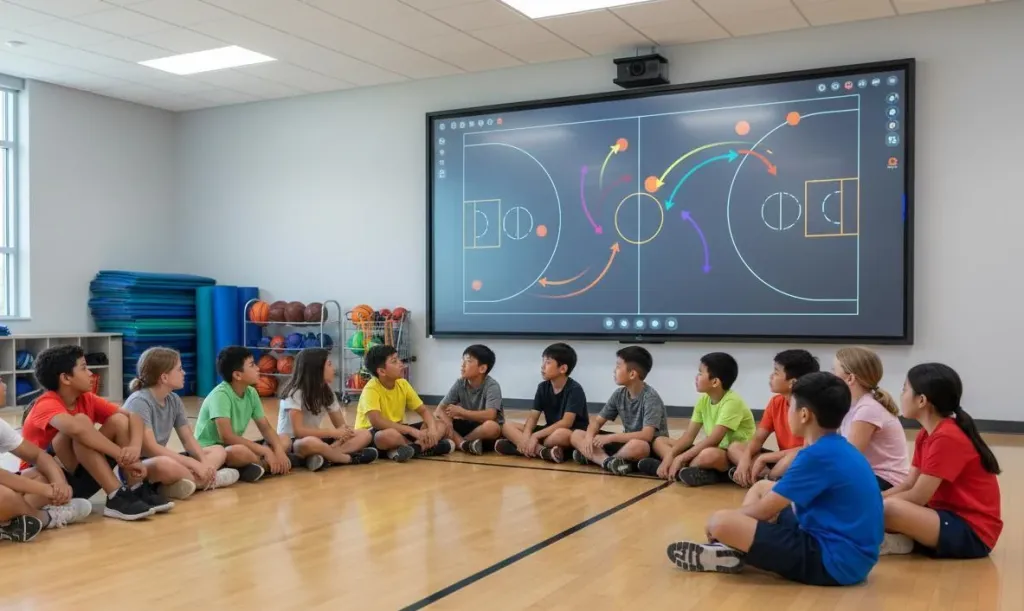
Unlike a fixed chalkboard, a digital sports whiteboard offers an infinite canvas. Teachers can zoom, pan, and layer information without constraints. A teacher explaining a soccer set piece can start with a full-field view, zoom into the penalty area, add annotations showing player runs, and switch colors to differentiate offensive and defensive movements. This flexibility makes a single board adaptable across grade levels and sports — from teaching basketball spacing to elementary students to preparing high school rugby players for complex patterns.
Video Annotation for Technique Instruction
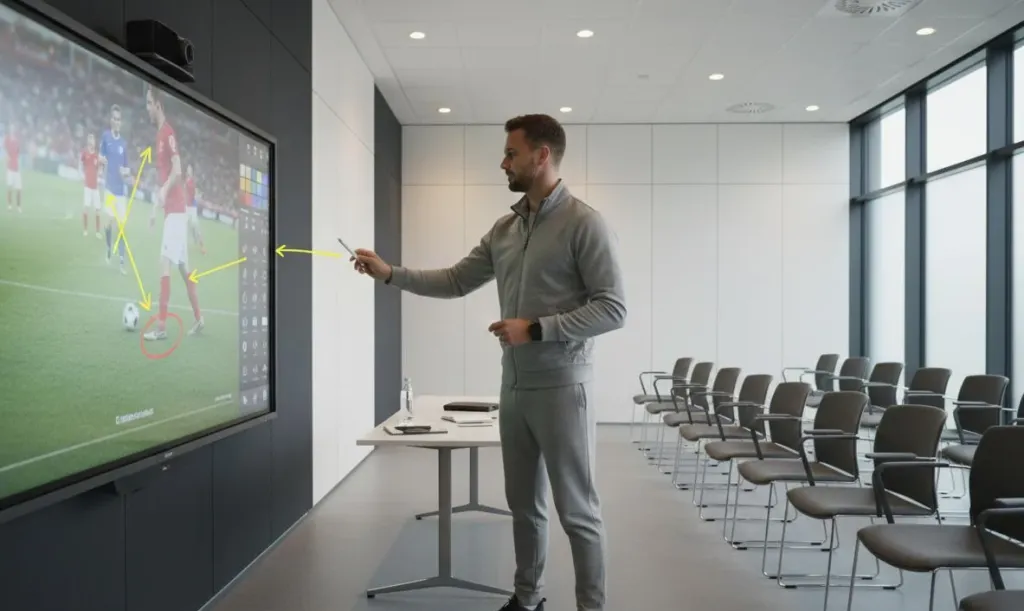
The ability to annotate directly over video transforms how coaches teach technique. A teacher can pause a clip of a proper corner kick, circle the planting foot, draw an arrow showing hip rotation, and highlight the follow-through — all on the same surface where the video plays.
For whiteboard sports programs at any level, this eliminates the disconnect between watching film and drawing tactics. Students see the technique in action and receive visual correction cues overlaid on the footage. Teachers compare side-by-side clips of correct and incorrect form, annotate both, and save the lesson for future classes or absent students.
Multi-Touch Collaboration for Student Participation
Interactive displays with multi-touch capability turn tactical instruction from a lecture into a hands-on activity. Several students can approach the board at once, moving digital player icons to solve a tactical problem, drawing passing lanes, or competing in groups to diagram the best defensive setup.
This engages kinesthetic learners who benefit from physical interaction. For younger students, touching and dragging elements makes learning feel like play. For older athletes, it builds tactical vocabulary and decision-making confidence. Research in sports pedagogy shows that students retain tactical concepts better when they actively construct solutions rather than passively receive instruction.
Saving, Sharing and Mirroring for Every Classroom
Every annotated session and student-generated play diagram on a digital tactical whiteboard can be stored as a file. Teachers build a reusable curriculum — a basketball motion offense lesson created this semester becomes next year's foundation. Coaches share practice plans through learning management systems, and students review materials on their own devices.
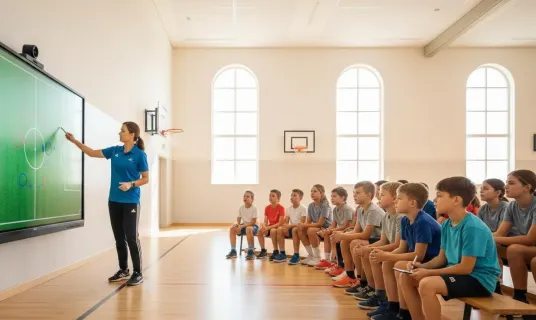
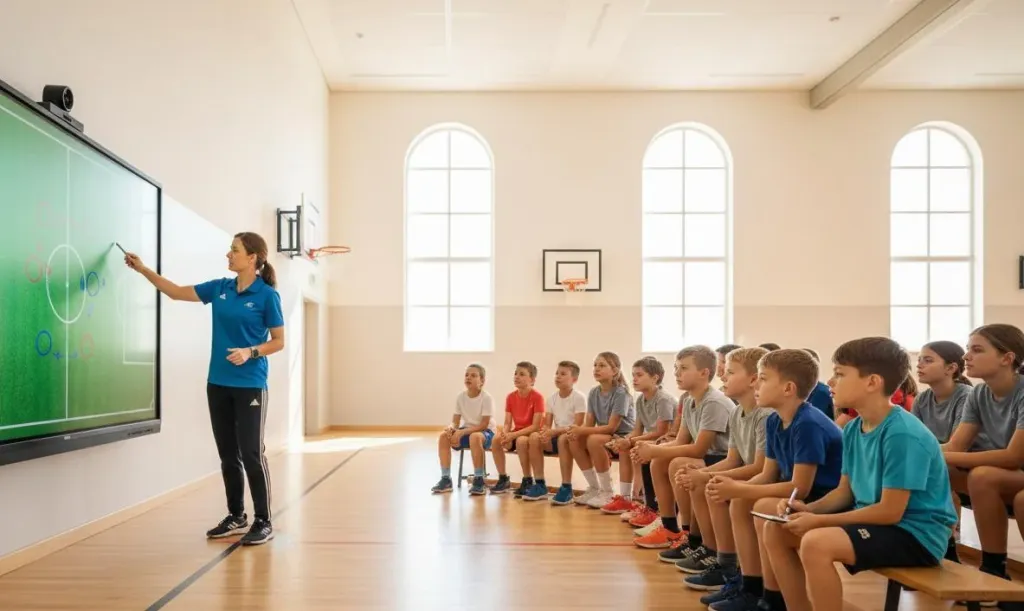
In gymnasiums where students sit yards from the display, screen mirroring to secondary screens or student tablets ensures everyone can follow. This proves valuable in coaching clinics where dozens of participants need to see detailed annotations without crowding around one board.
Finding the Right Board for Your Teaching Environment
For educators exploring this technology, the market includes interactive displays designed for classroom and training room use. Devices like the NearHub Board Max offer large-format touch displays, built-in conferencing support for remote coaching sessions, and full operating system compatibility for running sports whiteboard applications. Many models are available with portable stands, allowing the board to move between classrooms, gymnasiums, and training rooms as needed.
Frequently Asked Questions
1. How does a digital sports whiteboard help PE teachers explain tactics to students?
A digital sports whiteboard allows PE teachers to draw plays in real time using touch or stylus input, annotate over video clips to highlight correct technique, save lesson materials for future classes, and engage students through interactive participation. The visual, hands-on approach helps students understand spatial positioning and game strategy more intuitively than verbal explanation alone.
2. Can students interact directly with a digital sports whiteboard during class?
Yes. Most interactive displays support multi-touch input, allowing multiple students to approach the board simultaneously to move player icons, draw passing routes, or solve tactical scenarios. This collaborative approach keeps students actively engaged and turns tactical instruction into an interactive learning activity rather than a passive lecture.
3. Is it easy to save and share lesson materials created on a digital sports whiteboard?
Digital whiteboards running full operating systems can save annotated sessions as files that teachers can email, upload to learning management systems, or share with students for review. This means tactical lessons, video annotations, and play diagrams created during class become part of a reusable digital curriculum that students can access outside the gym or classroom.
4. What sports can be taught using a digital tactical whiteboard?
A digital tactical whiteboard can be used for virtually any sport. Teachers can install whiteboard applications that offer templates for soccer, basketball, American football, rugby, hockey, volleyball, and more. The same device serves across an entire physical education department, with coaches simply switching between sport-specific templates and drawing tools as needed.
The Bottom Line
The digital revolution in sports education is about giving coaches and teachers tools that match how modern students learn. A digital sports whiteboard turns tactical instruction into a visual, participatory, and repeatable experience — helping students at every level understand the game more deeply and carry that understanding from the classroom onto the field.