Best Headphones with Microphone for Computer: How to Choose the Right One for Work, Meetings & Calls (2026 Guide)
A comprehensive guide to choosing the best headphones with microphone for computer use in 2026.
Computer Headsets
Noise Cancellation
Remote Work
Updated: Aug 19, 2026 · 8 minutes read
Global Business, Brought Near.
No Installer, No Hassle, Just Works.
Your computer headset is more than an accessory — it is the tool that determines how clearly people hear you and how comfortably you work through hours of meetings. With countless options available, choosing the right headphones with microphone for computer can be challenging. This guide breaks down the features that matter most, including microphone technology, noise cancellation, connectivity, battery life, and comfort, helping remote workers, professionals, and online educators find the perfect headset for everyday communication.
Key Takeaways
The best headphones with microphone for computer are not just about audio quality — microphone performance, comfort, connectivity, and noise cancellation determine the overall communication experience.
Wireless headsets have become the preferred choice for modern professionals because they provide mobility, multi-device switching, and reliable connections through Bluetooth and USB dongles.
A boom microphone and AI-powered ENC technology significantly improve voice clarity by reducing background noise during meetings, calls, and online teaching.
Choosing the right headset depends on your work environment: remote workers, call center agents, teachers, and business travelers all have different requirements.
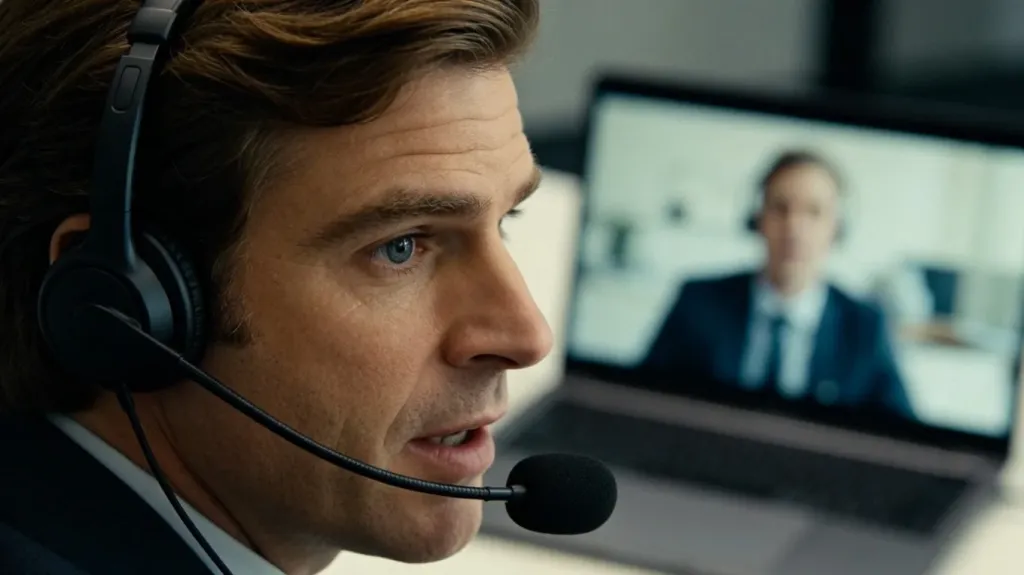
If you spend hours each day on Zoom, Microsoft Teams, Google Meet, or Webex, the headset you use matters more than most people realize. Your microphone quality determines how clearly colleagues and clients hear you. Your headphone comfort determines how you feel after a back-to-back meeting marathon. Finding the right headphones with microphone for computer use is about choosing a communication tool that supports your work style, fits your environment, and holds up through long hours of daily use.
This guide covers every factor that matters — microphone technology, noise cancellation, battery life, comfort, and connectivity — so you can make a confident decision.
Wired vs. Wireless: Which Headphone Type Fits Your Workflow?
The first decision most buyers face is whether to go wired or wireless.
Wired headsets connect via USB-A, USB-C, or a 3.5mm jack. They draw power from the host device, deliver zero-latency audio, and never run out of battery. They remain popular in call centers where reliability is non-negotiable. If you sit at a desk all day and rarely move during calls, a wired model is a dependable choice.
Wireless headphones with microphone for computer have become the preferred option for most professionals in 2026. Bluetooth 5.4 and 2.4 GHz USB dongle connections now deliver audio quality that rivals wired models, with ranges up to 33 feet. Wireless freedom means you can grab a drink, pace during a brainstorm, or stretch without losing your call. Multi-point connectivity lets you switch seamlessly between your computer and phone — handy when an urgent mobile call comes in during a Teams meeting.
For most remote and hybrid workers, a wireless headset with USB dongle backup is the sweet spot. The dongle provides a dedicated, low-latency connection to your computer, while Bluetooth covers pairing with mobile devices. Some headsets, like the Nearity EP320, even support USB cable for wired mode when the battery runs low.
Feature
Wired Headsets
Wireless Headsets
Audio latency
Zero
Minimal with dongle; slightly more over Bluetooth
Battery dependency
None
20–45 hours typical per charge
Mobility during calls
Limited by cable length
Up to 33 ft range
Multi-device switching
Manual (unplug/replug)
Seamless with multipoint
Price range
$30–$150
$50–$300
Why Microphone Quality Matters Most
When evaluating headphones for computer with microphone, most people focus on sound quality first. But for professional communication, your microphone is the more important component. Poor mic quality damages your credibility faster than anything else.
Boom microphones outperform inline and built-in mics by a wide margin. The boom arm positions the capsule close to your mouth, capturing your voice at a high signal-to-noise ratio while rejecting ambient sound.
Number of microphones matters too. Single-mic headsets handle quiet environments but struggle in busy offices. Dual-mic systems use one capsule for your voice and another to sample and subtract environmental noise. Quad-mic configurations — like the four-microphone array in the Nearity EP320 — provide the most advanced noise rejection available in a consumer-grade headset.
Environmental noise cancellation (ENC) takes this further. AI-powered ENC systems — particularly those running on dedicated DSP chips like the HiFi5 processor found in the EP320 — use neural networks to distinguish your voice from background noise. The result is up to 99.9% background noise suppression, meaning callers hear your voice and virtually nothing else.
Noise Cancellation: Understanding the Three Layers
Noise management operates on three distinct layers, and understanding each helps you evaluate product claims accurately.
Passive noise isolation comes from the physical ear cup design. Over-ear headsets with thick, closed-back cushions create a seal that blocks 15–25 dB of ambient sound. This requires no power and improves with cushion fit.
Active noise cancelling (ANC) uses ear cup microphones to detect ambient noise and generate an anti-noise signal. ANC is a listening feature — it helps you hear call audio more clearly. It does not affect what your callers hear.
Environmental noise cancellation (ENC) filters noise from your outbound voice signal so callers hear less background disruption. ENC is a communication feature — it makes you sound better to others. The best headsets combine ANC for what you hear with ENC for what others hear, making them ideal as a noise cancelling headphone with mic for office or any noisy work setting.
Comfort, Battery Life, and Connectivity: The Practical Essentials
Comfort can make or break a headset.
Memory foam cushions with protein leather conform to your ears and distribute pressure evenly. Look for deep cushions with at least 20mm of padding, adjustable headbands with padded slings, and a total weight under 300 grams. Rotatable boom mics and ear cups add versatility for different wearing preferences.
Battery life should be measured in talk time, not standby time.
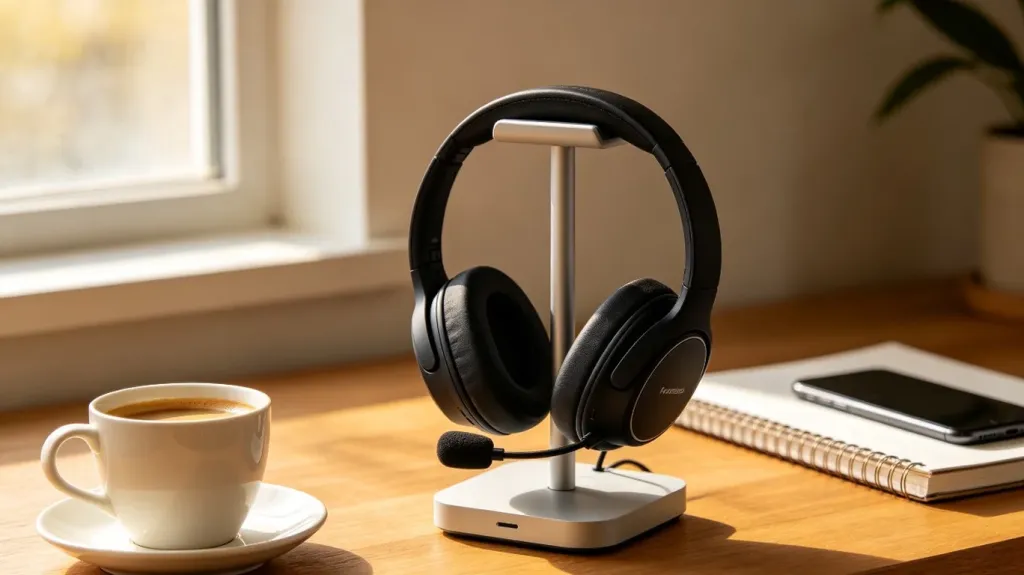
For a full workday, 20 hours of talk time is the minimum. Premium models now offer 30–35 hours. A charging stand — like the one included with the EP320 — eliminates battery anxiety by keeping the headset docked and powered between calls.
Connectivity matters more than ever.
The most versatile headsets offer three connection methods: a USB dongle (2.4 GHz) for plug-and-play computer use, Bluetooth 5.4 for wireless pairing with phones and tablets, and a USB-C cable for wired backup. This triple-connectivity approach ensures compatibility with Windows, Mac, Linux, Android, and iOS, as well as Zoom, Teams, Webex, and Google Meet.
A headset for work should transition smoothly between your desktop meeting and an urgent phone call without requiring you to switch devices or disconnect anything.
Choosing the Right Headset for Your Work Style
Remote Workers and Hybrid Professionals
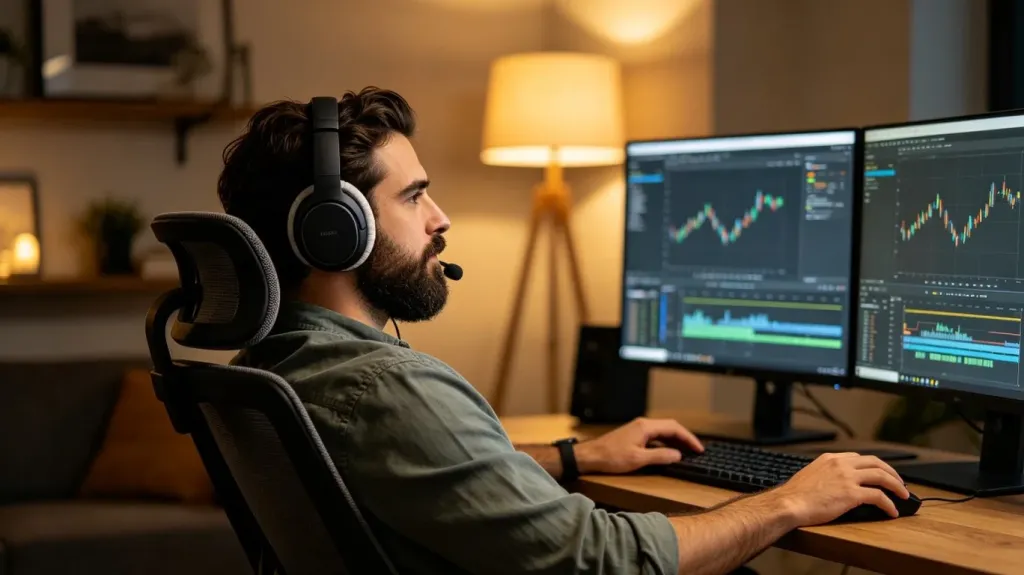
If your primary workspace is a home office where you take four or more video calls daily, prioritize microphone quality, comfort, and wireless flexibility. A quad-mic AI ENC system ensures you sound professional regardless of background noise. A charging stand keeps the headset powered and accessible. Bluetooth multipoint is valuable if you also take calls on your phone.
Customer Support Agents and Call Center Staff
Call center professionals need a noise cancelling headphone for work that excels on both sides: high ENC for outbound voice clarity and good ANC for incoming audio. A boom mic that maintains consistent positioning through eight-hour shifts, a wired or USB dongle connection for zero dropouts, and deep cushioning for comfort are all essential.
Online Teachers and Trainers
Educators need clear, consistent voice transmission so students can follow without straining. A boom mic with strong ENC handles background noise from classrooms or busy homes. Wireless models let teachers move around while presenting, and comfort matters for sessions lasting 60–90 minutes or longer.
Sales Representatives and Business Travelers
A wireless headphone with noise cancelling mic that combines portability with professional audio is essential for frequent travelers. Long battery life eliminates charging anxiety during travel days. Bluetooth covers laptop-to-phone transitions at airports, hotel rooms, and client sites.
Nearity EP320: The Best Value Wireless Headset for Professionals
After evaluating the full landscape of computer headsets in 2026, the Nearity EP320 stands out as the strongest value proposition for professionals who need reliable microphone quality, all-day comfort, and wireless flexibility without paying a premium price.
The EP320 combines four-microphone AI-powered ENC with a HiFi5 DSP processor — a combination typically found in headsets costing twice its $127.50 price point. Its neural network achieves 99.9% background noise suppression. Bluetooth 5.4 with multi-point connectivity pairs with two devices simultaneously, and the included USB dongle provides dedicated plug-and-play computer connection. Battery life reaches 35 hours of continuous talk time with a charging stand included in the box.
Comfort features include pillow-soft ear cushions, a stretchable padded headband, a 250-degree rotatable boom mic for left or right wearing, and 180-degree rotatable ear cups that adapt to different head shapes. Three connection methods — USB dongle, Bluetooth 5.4, and USB-C cable — cover every scenario across Windows, Mac, Linux, Android, and iOS, with seamless support for Zoom, Microsoft Teams, Webex, and Google Meet.
For professionals comparing against more expensive alternatives from Jabra, Poly, and Sennheiser, the EP320 delivers comparable microphone quality, battery life, and comfort at a significantly lower price point.
FAQs
Are wireless headphones with microphone for computer as good as wired ones for calls?
Modern wireless headsets with Bluetooth 5.4 and USB dongle connections deliver call quality that is virtually indistinguishable from wired models. The main advantage of wireless is freedom of movement during long meetings. Wired headsets still have a slight edge in zero-latency audio, but for video calls and VoIP, the difference is negligible.
What is environmental noise cancellation and why does it matter for a computer headset?
Environmental noise cancellation (ENC) uses multiple microphones and AI-powered algorithms to detect and filter out background sounds like keyboard typing, barking dogs, or office chatter. For anyone taking calls from a home office, open-plan workspace, or noisy environment, ENC ensures your voice comes through clearly without the distractions your callers would otherwise hear.
How long should the battery last on wireless headphones for computer use?
For a full workday, look for at least 20 hours of talk time on a single charge. Premium models like the Nearity EP320 offer up to 35 hours of continuous talk time and 45 hours of music playback. A charging stand is a valuable accessory that keeps your headset powered and ready between calls.
What connectivity options should I look for in a computer headset?
The most versatile headsets offer three connection methods: Bluetooth for pairing with phones and tablets, a USB dongle (2.4 GHz) for plug-and-play computer connectivity without Bluetooth, and a USB-C or USB-A cable for wired use. This triple-connectivity approach ensures compatibility with Windows, Mac, Linux, iOS, and Android devices, as well as major platforms like Zoom, Microsoft Teams, and Google Meet.