Wireless Headphones for Android: Why Codec Support Matters More Than Brand
Find the best wireless headphones for Android with aptX, LDAC support, and clear call quality.
wireless headset
android headphones
Bluetooth Codecs
Updated: Jul 13, 2026 · 8 minutes read
Global Business, Brought Near.
No Installer, No Hassle, Just Works.
Not all wireless headphones perform the same on Android—even expensive models can deliver disappointing audio if they're using the wrong Bluetooth codec. From SBC and AAC to aptX and LDAC, codec compatibility directly affects music quality, call clarity, and latency. In this guide, you'll learn how Android Bluetooth codecs work, which features matter most for different use cases, and how to choose wireless headphones that unlock your phone's full audio potential.
Key Takeaways
Bluetooth codec support matters more than brand when choosing wireless headphones for Android.
SBC is the universal fallback, but aptX and LDAC deliver noticeably better sound quality and lower latency.
For business calls, microphone quality and AI noise cancellation are more important than codec alone, though aptX still improves the overall calling experience.
aptX Adaptive offers the best balance of audio quality, connection stability, and battery efficiency for most Android users.
If you regularly switch between your Android phone and PC, prioritize multipoint connectivity or USB + Bluetooth hybrid headsets over chasing the highest-bitrate codec.
Before buying, verify your phone and headset support the same Bluetooth codecs to avoid leaving audio performance on the table.
Wireless Headphones for Android: Why Codec Support Matters More Than Brand
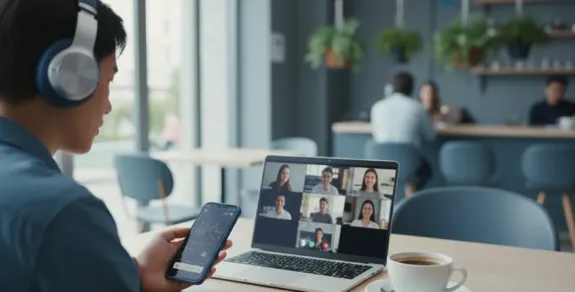
You're fifteen minutes into a client call, walking from your car to a coffee shop, using your premium wireless headphones with your Android phone. The call sounds… fine. Not great. Not terrible. Just fine. You assume it's the connection, or the coffee shop WiFi, or maybe Zoom having an off moment. What you don't realize is that your $250 headphones and your $1000 Android phone are communicating through the audio equivalent of a tin can and string—Bluetooth's ancient SBC codec—while both devices are perfectly capable of a much richer conversation.
The Android Bluetooth audio ecosystem is uniquely frustrating. Unlike iPhones, which use AAC codec consistently across all headphones, Android supports multiple audio codecs that create a compatibility lottery. Two identical headphones can sound dramatically different on the same Android phone depending on which codec they negotiate during pairing. This article explains why codec awareness is the most underappreciated factor in Android headset selection, and how to ensure you're getting the audio quality you paid for.
First Principles: How Bluetooth Codecs Work on Android
When your headset connects to your Android phone, they negotiate a codec—a compression algorithm that determines how audio data is transmitted wirelessly. Think of it as the language they use to communicate. If both devices speak the same advanced language (aptX, LDAC), you get high-fidelity audio. If they fall back to the basic language that all Bluetooth devices share (SBC), you get the lowest common denominator of audio quality.
According to the Android Developers documentation, Android supports multiple Bluetooth audio codecs—including SBC, AAC, aptX, and LDAC—and automatically negotiates the best codec supported by both the source device and the headset.
SBC: The Universal Fallback
SBC (Subband Codec) is the mandatory baseline codec that all Bluetooth audio devices must support. It transmits audio at approximately 328 kbps with noticeable compression artifacts. SBC was designed in 2003 when Bluetooth bandwidth was severely limited, and it shows. While functional for voice calls, SBC introduces latency, reduces dynamic range, and creates the slightly "flat" or "compressed" quality that makes wireless audio sound worse than wired.
When your headset and Android phone can't agree on a better codec, they fall back to SBC. This happens more often than you'd expect—sometimes because the headset doesn't advertise its codec support properly, sometimes because Android's Bluetooth stack defaults conservatively, and sometimes because of interference forcing a more robust (but lower quality) connection.
AAC: The iPhone Standard That Android Supports Poorly
AAC is the codec that Apple uses across its ecosystem, and Android technically supports it. However, Android's AAC implementation has historically been inconsistent across manufacturers. Some Android phones encode AAC efficiently; others introduce additional latency or quality loss. If you bought a headset optimized for iPhone (like AirPods Pro), you're likely using AAC on Android—and getting a second-tier implementation of it.
aptX: The Android-Native Upgrade
aptX is Qualcomm's codec family designed specifically for Android devices with Qualcomm Snapdragon processors. It transmits at 352 kbps with significantly lower latency and better audio quality than SBC. aptX Adaptive dynamically adjusts bitrate based on connection conditions, ensuring consistent quality even in challenging wireless environments. For most Android users, aptX support in a headset guarantees a meaningful quality upgrade over SBC.
LDAC: The Hi-Res Option
LDAC is Sony's codec that transmits up to 990 kbps—three times the bitrate of standard aptX. It enables hi-res audio streaming that approaches wired quality. However, LDAC requires a stable wireless connection and can experience dropouts in congested environments. It's excellent for music listening in optimal conditions but may be overkill for calls where the voice frequency range is narrower.
The Trade-Off Matrix: Codec Selection for Different Use Cases
Scenario: Primarily Business Calls on Android
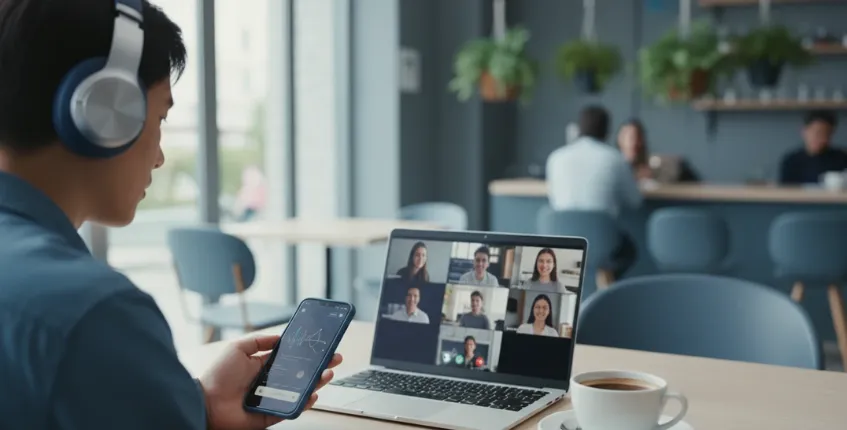
If your Android headset usage is 80%+ voice calls (Zoom, Teams, phone calls), codec matters less than microphone quality. Voice calls use narrow frequency ranges that SBC handles adequately. What matters more is the headset's microphone system—4-mic ENC for noise cancellation, boom mic positioning for voice clarity, and DSP processing for noise suppression.
However, codec still affects the experience. aptX or AAC provides lower latency than SBC, which improves lip sync on video calls. The reduced compression also makes your voice sound more natural to callers. A headset with aptX support and a 4-mic ENC array delivers better real-world call quality than an SBC-only headset with identical microphone hardware.
Decision guidance: Prioritize microphone quality and ENC over codec support, but choose aptX-compatible headsets when available. The combination of good mic hardware and aptX transmission delivers the best overall call experience on Android.
Scenario: Mixed Calls and Music on Android
If you use your headset for both work calls and music/podcasts during commutes, codec support becomes more important. SBC makes music sound flat and compressed—fine for background listening, disappointing for focused enjoyment. aptX makes music sound noticeably better, with clearer highs, fuller bass, and better stereo separation. LDAC takes this further for hi-res audio enthusiasts.
The trade-off: LDAC's higher bitrate consumes more battery and can be less stable in congested wireless environments (subways, busy streets). aptX Adaptive offers the best balance—high quality when conditions allow, automatic fallback when they don't.
Decision guidance: aptX Adaptive is the sweet spot for mixed-use scenarios. It delivers music quality you'll notice while maintaining call reliability without manual codec management.
Scenario: Multi-Device Switching (Android + PC)
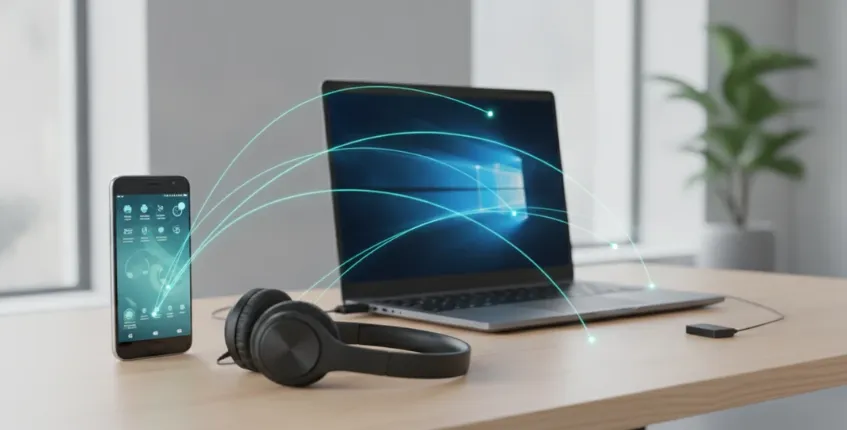
Many Android users also connect their headset to a PC for work calls. Here's where codec compatibility gets complicated: your headset may use aptX with your Android phone but fall back to SBC when connected to your PC's Bluetooth. Or it may use the USB dongle for PC (bypassing codec concerns entirely) and Bluetooth for phone.
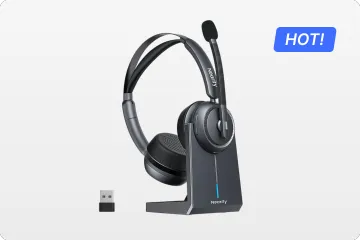
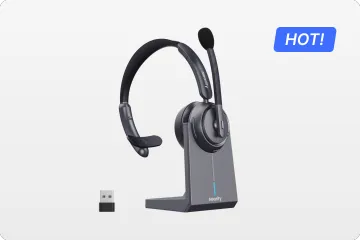
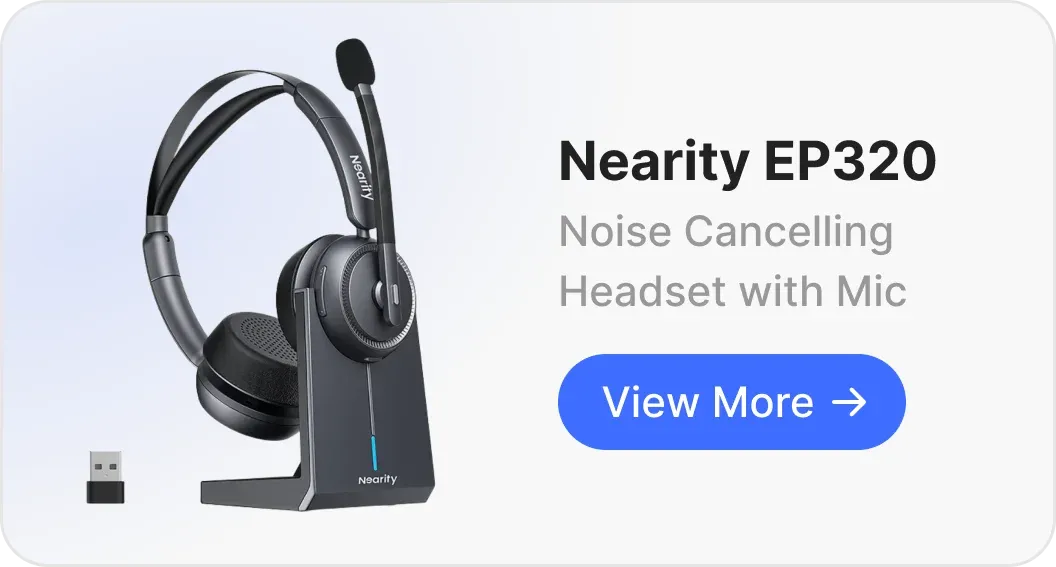
The Nearity EP320 handles this by offering USB dongle for PC, Bluetooth 5.4 for Android phone, and USB-C cable as a universal backup. The Bluetooth 5.4 connection supports high-quality codecs for Android use, while the USB dongle eliminates codec variables entirely on PC.
Decision guidance: If multi-device switching is central to your workflow, prioritize connectivity flexibility (USB + Bluetooth) over codec optimization for a single device.
What to Look for in Wireless Headphones for Android
Codec support minimum: At minimum, ensure your headset supports AAC (for basic Android compatibility) and preferably aptX (for quality Android audio). Check your Android phone's specs—most modern Samsung, Google Pixel, and OnePlus devices support aptX, but budget phones may not.
Bluetooth 5.4: The latest Bluetooth standard offers improved stability, lower latency, and better power efficiency. While it doesn't directly affect audio quality, it creates a more reliable foundation for whatever codec you're using. A stable connection at aptX quality beats an unstable connection that keeps falling back to SBC.
Multipoint pairing: If you use your Android phone alongside a PC or tablet, Bluetooth multipoint maintains simultaneous connections to two devices. When a call comes in on your phone while you're working on your PC, the headset intelligently switches without manual reconnection.
Call-quality microphone: Android's codec quality only matters if the microphone capturing your voice is equally capable. Look for 4-mic ENC arrays with dedicated DSP processing for noise suppression. The best codec in the world can't fix a poor microphone signal.
Battery life: Codec efficiency affects battery consumption. aptX and LDAC use more power than SBC. A headset that advertises 40 hours at SBC may deliver 25–30 hours at LDAC. Ensure the battery life at your preferred codec covers your typical usage between charges.
Where the Nearity EP320 Fits for Android Users
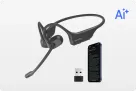
This Wireless Headphones for Androidconnects to Android phones via Bluetooth 5.4 with support for high-quality audio codecs. The 4-mic AI ENC array ensures that regardless of codec, the microphone signal transmitted to your callers is clean and noise-free. For Android users who take professional calls in varied environments, the combination of codec flexibility and microphone noise handling addresses the two factors that determine real-world call quality.
The multipoint connection lets you pair simultaneously with your Android phone and PC, switching between devices without manual reconnection. At 35 hours of talk time, the battery covers heavy use even with advanced codecs that consume more power than SBC.
FAQs
Will any Bluetooth headset work with my Samsung phone?
Yes, all Bluetooth headsets work with Samsung phones. However, audio quality varies significantly based on codec support. Samsung devices support SBC, AAC, aptX, and LDAC. For the best audio quality, choose a headset that supports aptX or LDAC to take advantage of your Samsung phone's codec capabilities. If your headset only supports SBC, you're getting the lowest possible audio quality regardless of your phone's capabilities.
Why does my headset sound worse on Android than on my friend's iPhone?
Your headset may be optimized for AAC (the iPhone standard) and using a suboptimal implementation of AAC on Android. Alternatively, your Android phone may be defaulting to SBC codec while the iPhone uses AAC efficiently. The solution: check which codec is active on your Android (Settings > Developer Options > Bluetooth Audio Codec) and select the best available option. If your headset supports aptX but your Android isn't using it, try reconnecting or manually selecting aptX in the developer options.
Is it worth buying headphones specifically for Android?
If you're an Android-exclusive user, yes—choosing headphones with aptX or LDAC support ensures you're getting the best audio quality your phone can deliver. If you frequently switch between Android and iPhone, prioritize headsets that excel at both AAC (for iPhone) and aptX (for Android). Many modern business headsets support both codec families, making them truly cross-platform.
How do I force my Android to use a better codec?
Enable Developer Options (Settings > About Phone > tap Build Number 7 times), then go to Settings > Developer Options > Bluetooth Audio Codec. Here you can see the active codec and select a different one if your headset supports multiple options. Note that forcing a high-bitrate codec like LDAC in a congested wireless environment may cause dropouts. aptX Adaptive is often the best choice because it automatically adjusts quality based on conditions.
Does Bluetooth codec affect call quality or just music?
Codec affects both, but the impact is more noticeable on music due to the wider frequency range. For voice calls, the difference between SBC and aptX is more subtle but still present—lower latency improves lip sync on video calls, and reduced compression makes voices sound more natural. The microphone quality and noise cancellation have a larger impact on call quality than codec choice, but codec is still worth optimizing for the best overall experience.
Ready for optimal Android call quality? Explore the Nearity EP320 with Bluetooth 5.4, 4-mic ENC, and multi-device connectivity for Android professionals.