
































































Let’s be honest — you’ve been in that meeting.
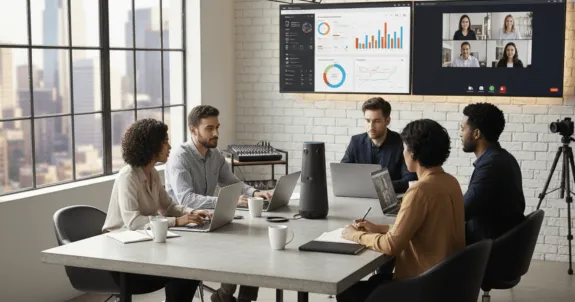
Six people sit in the conference room, four join remotely. The meeting starts — laughter in the room, but online participants only see the side of someone’s face and hear a muffled echo.
One remote teammate — let’s call her Sarah — unmutes with a brilliant idea.
“Hey, I was thinking…”
Silence.
The room keeps talking. Finally, she types: “CAN YOU HEAR ME??”
The flow breaks. The energy fades. The idea loses its spark.
Sound familiar? For many teams, hybrid meetings still feel like a ghost session — half the room alive, half invisible. And it’s costing you: lost ideas, lost engagement.
Key Takeaways
- While wired setups are rigid
- Hybrid meetings fail due to bad tech.
- plug-and-play ease for modern conference cameras.
Research shows that over 70% of meetings are now hybrid, yet technical issues remain the number one complaint. You’ve tried to fix it. You bought a "better webcam" or even a "fancy conference room camera," but the results are still disappointing.
Here’s the truth: The problem isn't your people, and it's not the hybrid model. It's your video conference setup.
💻 The Unseen Foundation: What Fails Before Your Meeting Starts
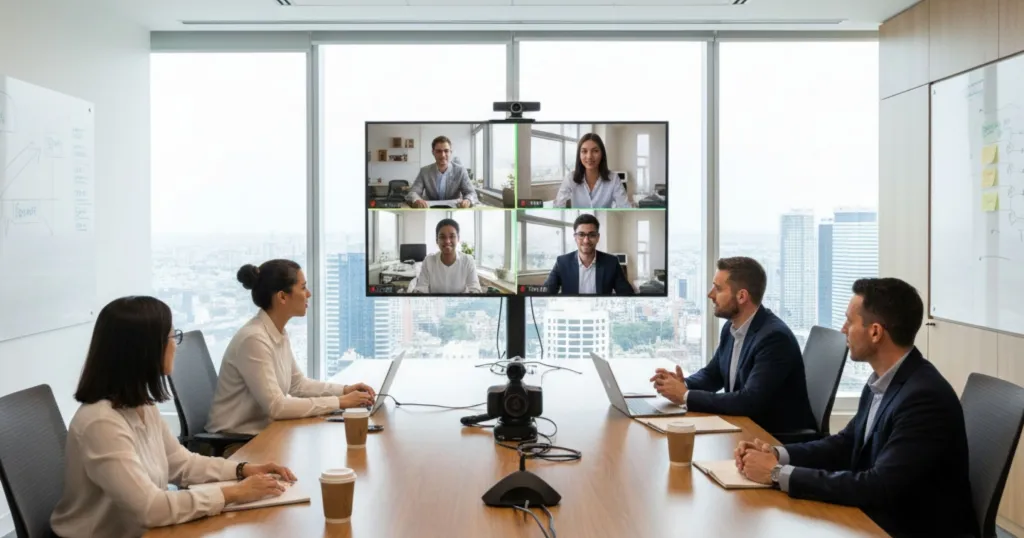
I’ve seen companies spend thousands on a new camera, only to have it look grainy and sound like a tin can. Why? They forgot the foundation. Before you buy any new gear, you must get your room and your network right.
Your Network: Wi-Fi is Not Your Friend Here
Your IT team knows this, but it bears repeating: Wi-Fi is for convenience, not for critical infrastructure.
For a high-stakes, 4K video conference, Wi-Fi is a gamble. It's a shared resource, meaning your call is competing for bandwidth with everyone else in the office. The signal can be degraded by microwaves, thick walls, and even other wireless devices. This is what causes performance bottlenecks and frequent disruptions—the lag, the frozen video, and the dropped audio.
Your Room: Acoustics and Lighting 101
The second half of your foundation is the room itself.
1. Acoustics (Stop the Echo)
Your microphone is only half the audio system; the room is the other half. If your conference room is a minimalist box of glass, concrete, and drywall, you’re creating an echo chamber. Sound waves bounce off these hard surfaces, and the microphone can't tell the difference between your voice and the echo of your voice.
The Fix: Add soft surfaces. Anything to absorb sound.
- Carpets or area rugs
- Curtains
- Acoustic wall panels
- Soft, upholstered furniture
2. Lighting (Stop the Silhouette)
The number one mistake in video conferencing? Sitting with a bright window or light source behind you. Your camera's sensor gets overwhelmed by the bright light and plunges you into a dark, anonymous "silhouette."
The Fix: Your primary light source should always be in front of you, facing you. This provides soft, even light that illuminates your face, allowing remote participants to see your expressions and stay engaged.

🎥 The "Eyes" of the Room: An Evolution in Camera Technology
Once your foundation is set, it’s time to focus on the gear.
The traditional setup — separate webcam, mic, speakers, and PC — was a mess of cables and confusion, leading to the dreaded “pre-meeting scramble.”
Now, the industry has evolved into two clear paths for modern collaboration spaces:
Path 1: All-in-One Video Bar
Brands like Logitech, Poly, and Yealink simplified conferencing with AIO devices that combine the camera, microphones, and speakers in one compact unit. Fast to deploy, cable-free, and ideal for clean, front-of-room setups.
Path 2: 360° Center-of-Table Camera
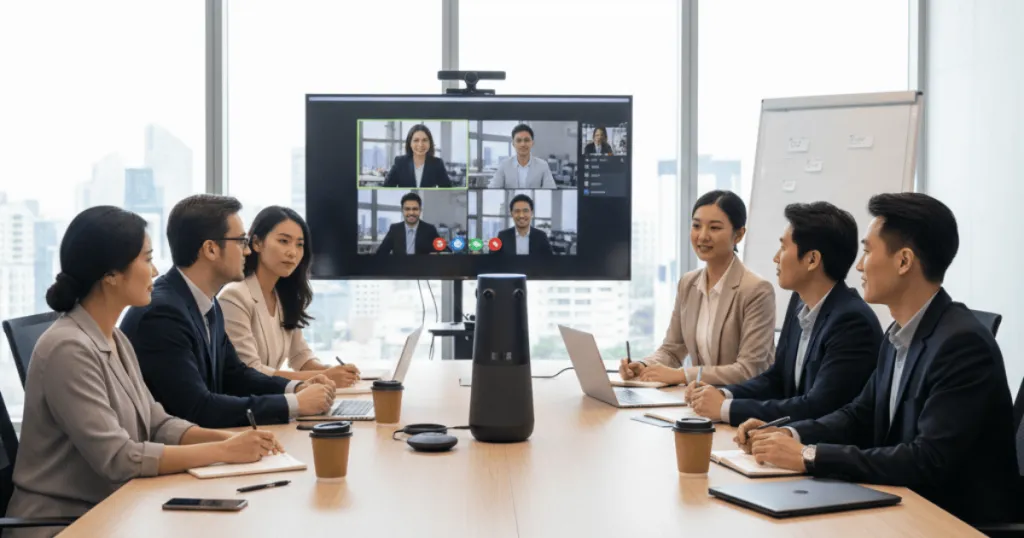
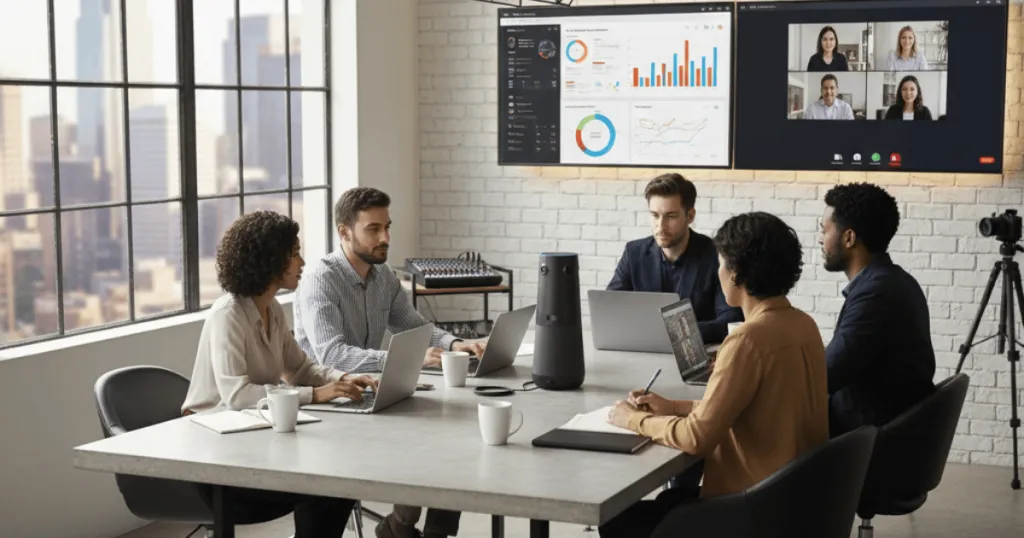
The true game-changer. Placed in the center of the table, 360° cameras from Owl Labs, Jabra, and Nearity capture every angle, putting remote participants at the heart of the discussion. It’s not just better framing — it’s a shift in meeting equality, giving everyone a virtual seat at the table.
⚡ The "Magic Link": Security, Simplicity, and the Rise of the Dongle
Once your foundation and camera are set, the next question is how to connect — especially in today’s BYOM (Bring Your Own Meeting) world, where guests or employees walk in with their own laptops.
This is often where the chaos begins: searching for the right cable, adapter, or port. Within minutes, the table becomes a mess of tangled wires and wasted time.
Some suggest, “Just use Wi-Fi.”
That’s a trap.
The Problem: Untrusted Devices
Your IT team will never give guests access to the secure corporate Wi-Fi — for good reason. Guest networks are often slow, unencrypted, and vulnerable to malware or eavesdropping. The last thing you want is confidential presentations exposed over insecure connections.
The Solution: A Point-to-Point Wireless Dongle
This isn’t Wi-Fi or Bluetooth. It’s a dedicated, encrypted, hardware-based link — essentially, a wireless cable. Plug the dongle into your laptop, and it instantly connects to the receiver in the room.
Why it matters:
- Simple: Plug in and start — no apps, no passwords.
- Reliable: 4K video with zero lag, unaffected by office Wi-Fi traffic.
- Secure: The laptop never touches your corporate or guest network.
This is the perfect balance between wired stability and wireless freedom — the future of effortless, secure hybrid meetings.

✨ The Wireless Contenders: Comparing Dongle-Based Setups
Now you’re convinced — the wireless dongle is the key to secure, simple, and reliable hybrid meetings.
But not all solutions are created equal. Most fall into two types:
Option 1: Component Setup (Barco ClickShare + Separate Camera)
A classic high-end choice — powerful but complex. You buy a wireless presentation system and a separate camera from different brands. Setup means extra cables, compatibility issues, and higher costs. It works, but it’s not seamless.
Option 2: The "Integrated" Setup (The All-in-One Winner)
This is the next generation, and it's where Nearity 360 Alien shines. This solution integrates all the components into one elegant, unified system.
The 360-degree true 4K camera, powerful microphone array, the Hi-Fi speaker, and the dedicated wireless connection are all part of one single product.
The process is the definition of "Plug and Play." There are no drivers to install, no apps to download, no software to configure. The dongle instantly creates a private, high-bandwidth link that handles the full True 4K video, audio input, and audio output.
While the component system is powerful, it's a solution from the last era. Nearity 360 Alien represents the future: a complete, all-in-one collaboration ecosystem that delivers on the promise of a truly simple, wireless, and powerful 4K hybrid meeting. It's the ultimate expression of the wireless dongle philosophy.
👋 The Human Element: 7 Fail-Proof Video Conference Tips
Even the best tech can’t save a bad meeting. I’ve seen teams spend $10,000 on top-tier hardware but forget to upgrade their “human software.”
The best technology is invisible — it only shines when supported by smart, human-centered habits. Here are key tips for running seamless hybrid meetings:
- Assign Roles: Great meetings have two leaders — one to run the agenda, another to support remote participants and monitor chat.
- Start Remote-First: Call on remote attendees first and use their names to ensure inclusion.
- Prepare Early: Share the agenda and materials at least 24 hours ahead so everyone can follow along.
- Mind Your Camera: Look into the lens, not the screen, and keep it at eye level to maintain natural eye contact.
- Test Before You Start: Take 10 minutes before the meeting to test audio, video, and your quick setup — avoid the “Can you hear me?” chaos.
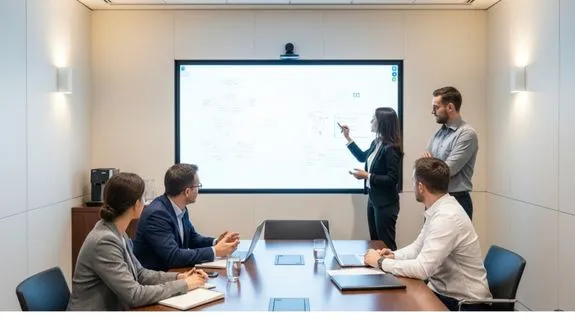
- Stay Interactive: Use polls, whiteboards, and breakout rooms to keep participants engaged.
- Fight Fatigue: Keep it short, add breaks, and ask — “Could this have been an email?”
While these tips form the human foundation, getting the hardware right is just as important. Smart tech needs smarter habits — together, they create truly productive meetings.
🚀 Conclusion: The Future of Meetings is Seamless
We've covered a lot. We've gone from the disconnected "séance" of a broken hybrid meeting to a complete, professional video conference setup. We've established that a professional network cabling installation is the non-negotiable "backbone" of a reliable system. We've traced the evolution from a simple webcam to the inclusive, 360-degree conference camera.
Most importantly, we've unlocked the future of connection: the secure, simple, and reliable wireless dongle. This technology is the key to solving the BYOM chaos, eliminating cable clutter, and protecting your network, all while delivering a flawless 4K experience. The future of meeting rooms isn't some far-off promise of AI and VR. The future is right now. It's about achieving "meeting parity." It's about simplicity, reliability, and inclusion. It's about technology that is so good, so simple, and so seamless that you and your team can finally forget about the tech and get back to what matters: the connection, the ideas, and the work.
Stop letting bad tech cost you good ideas. It's time to invest in a ideal solution that just works and makes every participant a first-class participant.
❓ Frequently Asked Questions (FAQ)
1. What is the single most important piece of equipment for a video conference?
Audio. Hands down, audio is the most crucial element. Think about it: if your video fails, you can turn off your camera and continue the meeting. But if the audio fails, the typical response is to reschedule. Always invest in high-quality microphones and speakers first.
2. How can I improve my video quality for free?
Focus on two things you can control: lighting and your internet connection. First, change your lighting. Never sit with a bright window behind you. Instead, position your main light source facing you. Second, if you can, use a wired Ethernet connection instead of Wi-Fi. It's more stable and will reduce lag and choppiness.
3. What's the real difference between a wireless dongle and just using my office Wi-Fi?
Reliability and security. Your office Wi-Fi is a shared resource; your video call is competing with hundreds of other devices, which causes lag. A proprietary wireless dongle creates a private, dedicated, encrypted stream between the laptop and the receiver. More importantly, it provides a secure "air-gap," allowing guests to present without ever joining your internal corporate network or the insecure guest network.
4. Do I really need a 360-degree camera?
For a single person at a desk, no, a good 1080p webcam is fine. But for a hybrid meeting room with multiple people, it's the new standard. A traditional front-of-room camera creates a "bowling alley" view. A 360-degree camera sits in the center and gives remote viewers a virtual "seat at the table," solving the inclusion problem.
5. What is "BYOM" and how is it different from "BYOD"?
This is a key trend.
- BYOD (Bring Your Own Device): This just means you bring your laptop to the meeting.
- BYOM (Bring Your Own Meeting): This means you bring your laptop and run your preferred meeting software (like your personal Zoom, Teams, or Webex account) from it. A true BYOM system lets your laptop instantly and wirelessly take over the room's professional-grade camera, microphones, and speakers, all with a single connection.
Works Cited
- https://its.umich.edu/communication/videoconferencing/hybrid-meetings
- https://developers.cloudflare.com/reference-architecture/design-guides/securing-guest-wireless-networks/
- https://fedtechmagazine.com/article/2020/04/common-videoconferencing-problems-and-how-fix-them-perfcon
- https://www.pcmag.com/picks/the-best-webcams
- https://www.tomshardware.com/best-picks/best-webcams
- https://blog.webex.com/workspaces/best-video-conferencing-equipment/
- https://www.workshopper.com/post/how-to-run-a-hybrid-meeting
- https://www.securityindustry.org/2024/03/19/balancing-wireless-innovation-with-wired-reliability/
- https://www.flotek.io/blog/guide-to-the-advantages-of-network-cabling
- https://www.benq.com/en-us/business/resource/trends/what-is-wireless-presentation-system.html
- https://www.digitalcameraworld.com/buying-guides/best-conference-webcam
- https://onlinelearning.utoronto.ca/hybrid-meetings/





 sales@nearhub.us
