



































































In 2026, remote work has evolved from a temporary "work-from-home" trend into a sophisticated, high-performance lifestyle. As hybrid models become the global standard, the line between a mediocre home office and a professional command center has never been clearer.
Whether you are a digital nomad or a corporate leader, your remote work set up is no longer just about a desk and a chair—it is an investment in your physical health, cognitive longevity, and professional presence.
Key Takeaways
- Ergonomic chair and sit-stand desk are the foundation of any productive home office.
- High-quality headsets like the Nearhub EP320 ensure crystal-clear audio and reduce fatigue.
- AI-powered collaboration tools streamline communication and task management.
- Proper lighting, acoustic management, and biophilic design enhance focus.
- Establishing a solid daily routine is as important as investing in hardware and software.
Why Your Remote Work Set Up Matters More Than Ever
The "honeymoon phase" of working from the kitchen table is officially over. According to longitudinal tracking by the Mayo Clinic and other leading ergonomic research institutions, an unoptimized workspace leads to an approximately 30% increase in digital fatigue and can trigger long-term musculoskeletal disorders (MSDs).
A high-performance remote work set up does three things:
- Reduces Friction: One-click connectivity means you spend less time troubleshooting and more time creating.
- Protects Health: Ergonomic precision prevents "Tech Neck" and lower back strain.
- Signals Intent: A dedicated space tells your brain (and your family) exactly when you are in "deep work" mode.
Designing the Physical Remote Work Set Up: Beyond the Desk
Creating a workspace that fosters flow requires looking beyond the hardware. It is about the environment as a whole.
Ergonomics 101: The Chair and Desk Duo
The foundation of any remote work set up is the relationship between your spine and your work surface.
- The Smart Sit-Stand Desk: Static desks are relics. In 2026, we look for desks with programmable memory and under-desk treadmill compatibility. Switching between sitting and standing every 45 minutes is the gold standard for maintaining metabolic health.
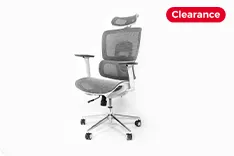
- Dynamic Support: Your chair should not just be comfortable; it should be active. High-end models now feature "pixelated support" that moves with your micro-movements, ensuring your lower back never loses contact with the lumbar support.
Lighting and Environment: Boosting Focus
- Circadian Lighting: Use smart bulbs that mimic natural daylight cycles—cool blue light in the morning for alertness and warm amber tones in the late afternoon to prepare your body for rest.
- Biophilic Design: Incorporating plants isn't just aesthetic; they improve air quality and reduce stress levels by up to 15%.
- Acoustic Management: If you can't have a separate room, use geometric acoustic panels or heavy curtains to dampen echoes, ensuring your voice sounds rich and professional on calls.
The Tech Foundation: High-Speed Gear
- Wired Reliability: While Wi-Fi 7 is common in 2026, the most stable remote work set up still relies on a shielded Ethernet connection for the main workstation.
- Single-Cable Docks: A high-wattage Thunderbolt 5 docking station should be the heart of your desk, connecting your dual 4K monitors, peripherals, and power via one single cable.
Essential Remote Work Tools to Streamline Your Workflow
To stay competitive, you need the best tools for remote work that leverage AI to cut through digital noise.
Communication Tools: Staying Connected Without the Noise
- Slack & Microsoft Teams: Still the leaders, but in 2026, their AI assistants (like Copilot and Slack AI) are essential for summarizing 100+ unread messages into three actionable bullet points.
- Krisp AI: An absolute must-have. It uses neural networks to remove not just background noise, but also the "room echo" and other voices, making you sound like you’re in a private studio.
Project Management: Keeping the Team on Track
- Monday.com & Asana: These have evolved into "Work OS" platforms. They don’t just track tasks; they predict project bottlenecks before they happen.
- Notion: The ultimate "Second Brain." For documentation and internal wikis, Notion remains the most flexible remote work tool for distributed teams.
Security Tools: Protecting Data in a Home Office
As the perimeter of the office disappears, security is paramount.
- Zero-Trust VPNs: Traditional VPNs are slow. 2026 demands Zero-Trust Network Access (ZTNA) solutions that verify every request without slowing down your connection.
- 1Password for Business: Managing shared credentials securely is no longer optional.
The High-Performance Gear: Must-Have Remote Work Tools in 2026
If you’re looking to upgrade, these three categories represent the pinnacle of remote work tools this year. They focus on "smart" features that reduce physical strain and digital friction.
| Category | Top Pick 2026 | Key Benefit |
| Headset | Nearhub EP320 | AI-Powered ENC + HiFi5 DSP for 99% noise cancellation |
| Webcam | Logitech MX Brio 4K | Exceptional low-light performance + AI Auto-Framing |
| Chair | Herman Miller Embody | Pixelated pressure distribution for 12+ hour comfort |
Best Headset: Crystal Clear Audio for Professional Communication
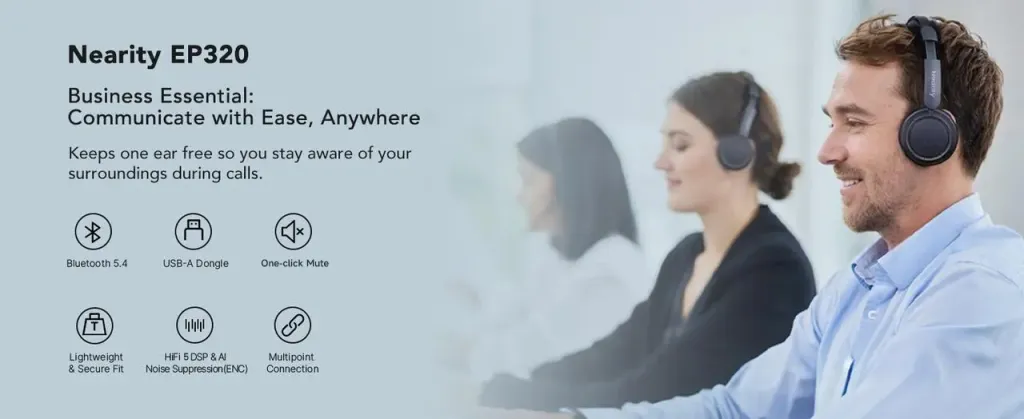
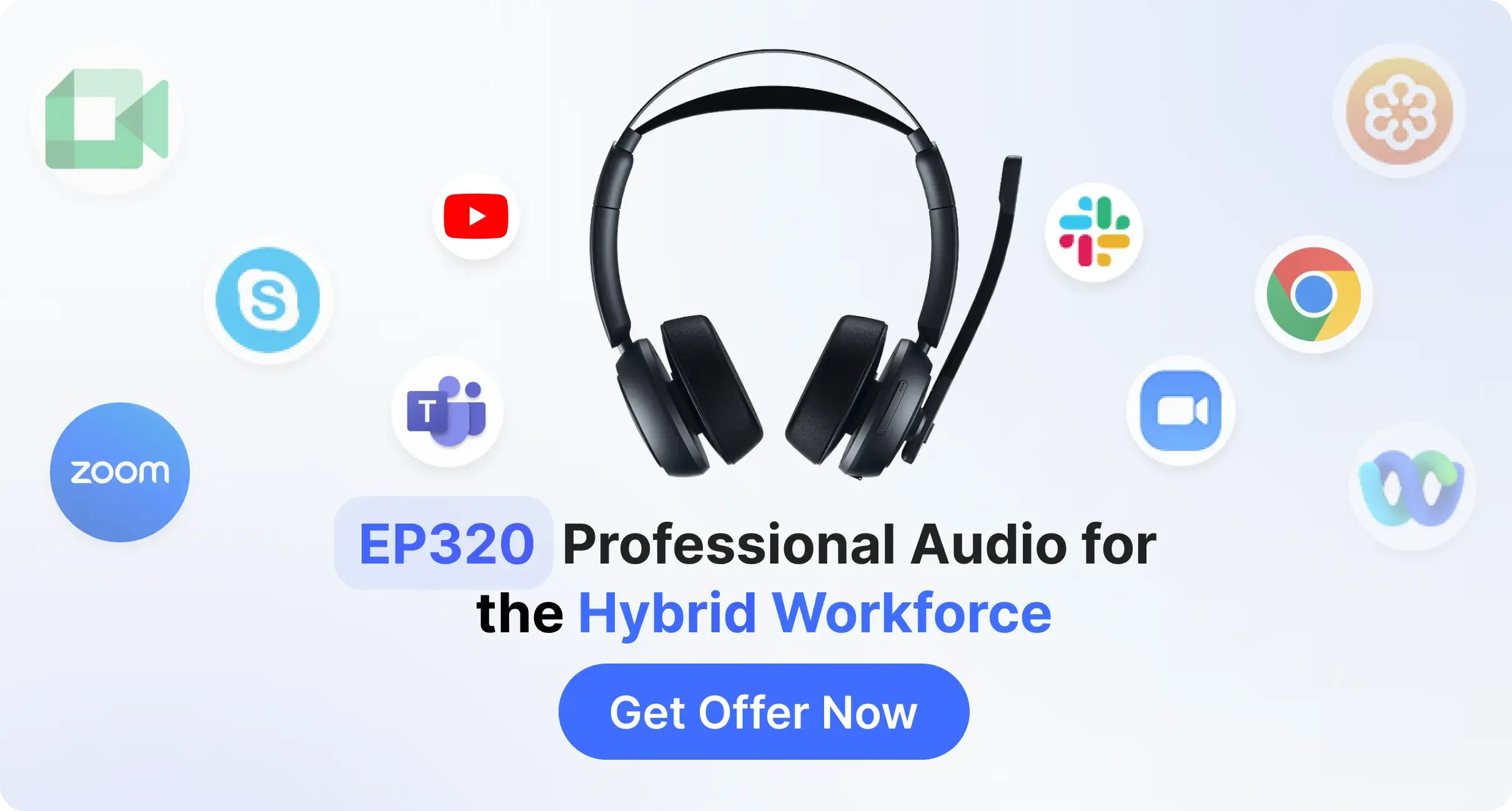
In 2026, your voice is your brand. The best noise cancelling headset must provide studio-quality isolation even in a domestic environment. For those seeking the wireless headphone with noise cancelling mic, our top recommendation for this year is the Nearhub EP320.
The Nearhub EP320 is engineered specifically for the demands of high-stakes virtual meetings. It stands out due to its advanced AI-powered Noise Cancellation (ENC), which utilizes a HiFi5 DSP to filter out 99% of ambient noise—from barking dogs to keyboard clicks.
- Exceptional Comfort: Featuring protein leather ear pads and memory foam, it’s designed for 8-hour wearability without ear fatigue.
- Reliable Connectivity: It uses a dedicated USB dongle to ensure a "zero-drop" connection, which is far more stable than standard Bluetooth for critical calls.
- Productivity Features: A 250° rotatable mic for dual-side use and a massive 35-hour talk time battery life.
Best Webcam: The 4K Standard for Executive Presence
Standard 1080p is no longer enough. The Logitech MX Brio (or the latest 2026 successor) offers 4K resolution with HDR, ensuring you look sharp even in low-light home office conditions. Its "Show Mode" allows you to tilt the camera down to show physical documents on your desk.
Best Ergonomic Chair: Long-Term Support for Your Spine
The Herman Miller Embody remains the gold standard. Its pixelated pressure distribution prevents the physical toll of 12+ hour workdays, making it a cornerstone of a healthy remote work set up.
5 Pro-Tips to Optimize Your Remote Work Daily Routine
Even the best remote work set up fails without a solid routine.
- The "Commute" Ritual: Spend 10 minutes walking or stretching before sitting down to create a mental "firewall."
- Time-Blocking with AI: Use tools like Reclaim.ai to automatically protect your deep-work blocks.
- The 20-20-20 Rule: Every 20 minutes, look at something 20 feet away for 20 seconds to prevent eye strain.
- Digital Minimalism: Turn off all non-human notifications during work hours.
- Hard Shutdown: Physically close your laptop at the end of the day. In 2026, "unplugging" is the ultimate productivity hack.
Conclusion: Investing in Your Future Self
Building the perfect remote work set up is not an act of luxury—it is an act of professional self-care. By choosing the best tools for remote work like the Nearhub EP320, which is the ideal bluetooth noise cancelling headset with mic, and prioritizing ergonomics, you aren't just getting through your to-do list; you are ensuring that you can perform at your peak for years to come.
Your workspace is the laboratory of your career. Make sure it’s equipped for success.
FAQs
Why do I need a professional business headset like the Nearhub EP320 instead of standard earbuds?
While consumer earbuds like AirPods are great for music, they lack the dedicated AI noise-cancellation (ENC) found in professional gear. The Nearhub EP320 features a HiFi5 DSP specifically designed to isolate your voice and eliminate up to 99% of background noise, ensuring you sound authoritative and clear during high-stakes meetings.
How do I prevent ear pain during long back-to-back meetings?
Physical fatigue is usually caused by heavy frames or poor material choice. Look for headsets with protein leather and memory foam, such as the Nearhub EP320. Its lightweight, ergonomic design distributes pressure evenly, making it comfortable for 8+ hours of wear without the "clamping" sensation common in cheaper models.
Is a dedicated USB Dongle better than using standard Bluetooth?
Yes, significantly. Standard Bluetooth is prone to interference from household electronics like Wi-Fi routers. A dedicated 2.4GHz USB dongle, like the one included with the Nearhub EP320, transforms the device into a high-performance usb headset with microphone. This setup provides a "zero-latency" connection and much higher stability, which is crucial for professional video calls where audio desync can be distracting.
How do I choose between a laptop and a desktop for my home office?
A laptop combined with a docking station offers the best of both worlds: portability for travel and a multi-monitor, high-performance experience when you are at your desk.
What is the most important part of a remote work set up?
While high-end gadgets are great, ergonomics is the most critical factor. A supportive chair and a desk at the correct height prevent long-term physical strain, which is the leading cause of burnout and decreased productivity in remote workers.




 sales@nearhub.us
