Wireless Noise Cancelling Headset with Mic: The Online Teacher's Guide (2026)
Discover why a wireless noise cancelling headset with mic is essential for online English teachers.
Online Teaching
Wireless Headsets
Noise Cancelling
Updated: Aug 20, 2026 · 8 minutes read
Global Business, Brought Near.
No Installer, No Hassle, Just Works.
For online English teachers, a clear voice is not just a convenience — it is part of the learning experience. Background noise, unclear pronunciation, and unstable connections can interrupt lessons and make language learning more difficult. This guide explains what makes a headset suitable for online teaching, compares essential features like noise-cancelling microphones and wireless connectivity, and explores why the Nearity EP320 is designed for teachers who need reliable audio performance during long virtual classes.
Key Takeaways
Audio clarity is essential for online English teaching, where pronunciation and listening accuracy directly affect learning outcomes.
The best teaching headsets combine noise-cancelling microphones, stable wireless connectivity, and all-day comfort.
A boom microphone provides clearer voice pickup than built-in laptop or earbud microphones.
Bluetooth 5.4 + USB dongle connectivity improves reliability for Zoom, Teams, and Google Meet lessons.
Nearity EP320 delivers 4-mic AI noise cancellation, 35-hour talk time, and professional comfort for virtual classrooms.
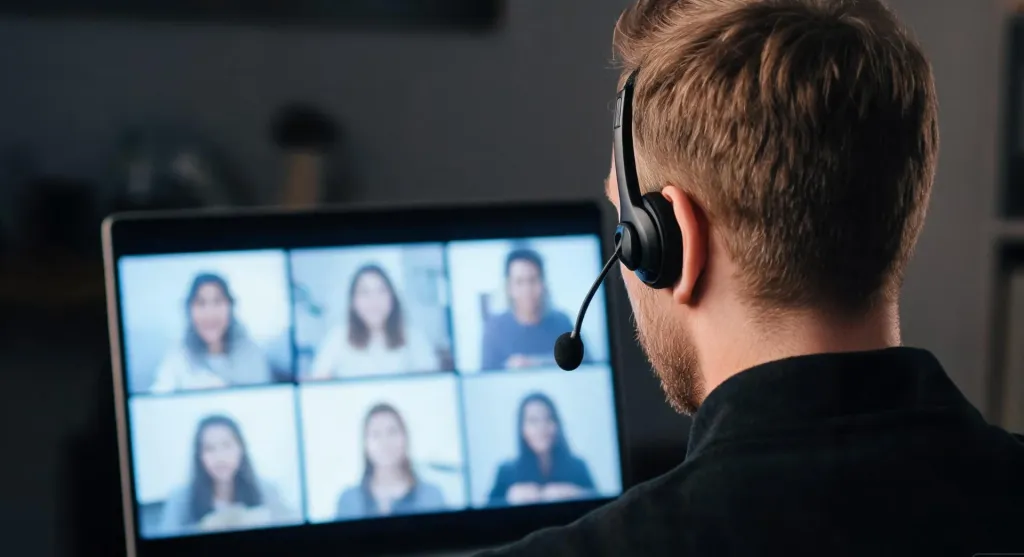
Teaching English online demands more than a good camera and lesson plan. Every vowel sound, pronunciation cue, and conversational nuance depends on whether students can hear you clearly. For language tutors and ESL instructors who log into Zoom, Teams, or Google Meet daily, a wireless noise cancelling headset with mic is the single most important tool in the virtual classroom.
When audio breaks down, learning breaks down. Students mishear phonemes, lose the thread of a listening exercise, or grow frustrated repeating "can you say that again?" This guide covers the challenges teachers face, the features that separate professional teaching headsets from consumer headphones, and how the Nearity EP320 fits into the picture.
Why Online English Teachers Need a Professional Headset
Language learning is an audio-first discipline. Unlike a math lecture where a whiteboard carries most of the information, an English lesson lives and dies by sound. Students need to hear the difference between "ship" and "sheep," catch the intonation of a question, and parse connected speech at natural speed. When a microphone distorts or picks up keyboard clatter, every learning moment suffers.
Research on online language instruction shows that audio clarity directly affects comprehension. When learners strain to hear, cognitive load shifts from processing language to decoding sound — leaving less bandwidth for learning and more frustration on both sides of the screen.
A professional teaching headset solves this by placing a dedicated microphone close to the mouth, where it captures the full frequency range of speech without the ambient pickup that laptop mics and webcam arrays suffer from. Among the best tools for online teaching, a quality headset sits alongside a stable internet connection as non-negotiable infrastructure.
The wireless component matters too. Teachers move — to grab a flashcard, gesture during a role-play, or adjust a whiteboard. A cable tethered to a laptop restricts that natural movement. A wireless headset with mic for work removes that constraint while maintaining the audio fidelity language instruction demands.
Common Audio Challenges in Online Teaching
Before choosing a headset, it helps to understand what goes wrong when you do not have one. Most online teachers have lived through these scenarios.
Background noise bleed. Home offices are rarely soundproofed. Dogs bark, neighbors mow lawns, children play in the next room, and HVAC units hum. Built-in laptop microphones capture all of it, sending a muddy mix of your voice and environment to students already working to parse English.
Echo and feedback loops. When speakers output student audio and the microphone picks it back up, everyone hears themselves delayed. Speakerphone setups are notorious for this. A headset eliminates the loop because speaker audio stays isolated in the ear cups.
Mic positioning problems. Built-in mics sit 18 to 24 inches from the mouth on a laptop lid. At that distance, the signal-to-noise ratio drops, and the microphone compensates by boosting gain — amplifying room noise along with speech. A boom mic positioned two inches from the mouth captures a cleaner voice signal without aggressive gain.
Connectivity drops. Budget Bluetooth headsets suffer pairing drops, audio stutter, and latency spikes that interrupt lessons mid-sentence. A headset with noise cancelling mic using a dedicated USB dongle rather than relying solely on built-in Bluetooth avoids most of these issues.
Comfort fatigue. Teaching four or five classes back-to-back with ill-fitting earbuds leads to ear pain and headaches — and the temptation to remove the headset mid-lesson, exactly when a student asks a question. Physical comfort directly affects teaching endurance and lesson quality.
Key Features to Look for in the Best Headsets for Online Teaching
Not every headset qualifies as a teaching tool. When evaluating the best headsets for online teaching, focus on features that directly impact voice clarity, reliability, and daily comfort.
Active or Environmental Noise Cancellation
The microphone-side noise cancellation matters more than speaker-side ANC for teaching. Look for headsets with multiple microphones working together — a 4-mic array captures your voice from multiple angles while algorithmically suppressing ambient noise from other directions. AI-powered ENC systems trained on large noise datasets distinguish human speech from background clutter far better than basic noise gates. This is what allows a noise cancelling headphone for work to keep your voice clean even when a garbage truck rolls by outside.
Boom Microphone Design
A dedicated boom mic extending toward the mouth is non-negotiable for language instruction. The closer the mic sits to the sound source, the better the signal-to-noise ratio. Look for a boom that rotates so you can position it on either side and adjust the angle. Avoid headsets relying solely on inline or earbud-mounted mics — they are too far from the mouth for clear speech capture.
Wireless Stability and Range
Bluetooth 5.4 is the current standard for low-latency, stable wireless audio. It pairs quickly, maintains a strong signal through walls, and supports multi-point connection — meaning you can stay paired to both your computer and phone simultaneously. A USB dongle provides an even more stable connection than built-in Bluetooth. Look for a range of at least 30 feet so you can step away from the desk without dropping the call.
Battery Life for Back-to-Back Classes
A full teaching day can mean six or more hours of continuous calls. Target at least 30 hours of talk time on a single charge. A charging stand on your desk makes docking between sessions effortless. Among the best noise cancelling headset options, battery life above 35 hours means you can teach a full week on two or three charges.
All-Day Comfort
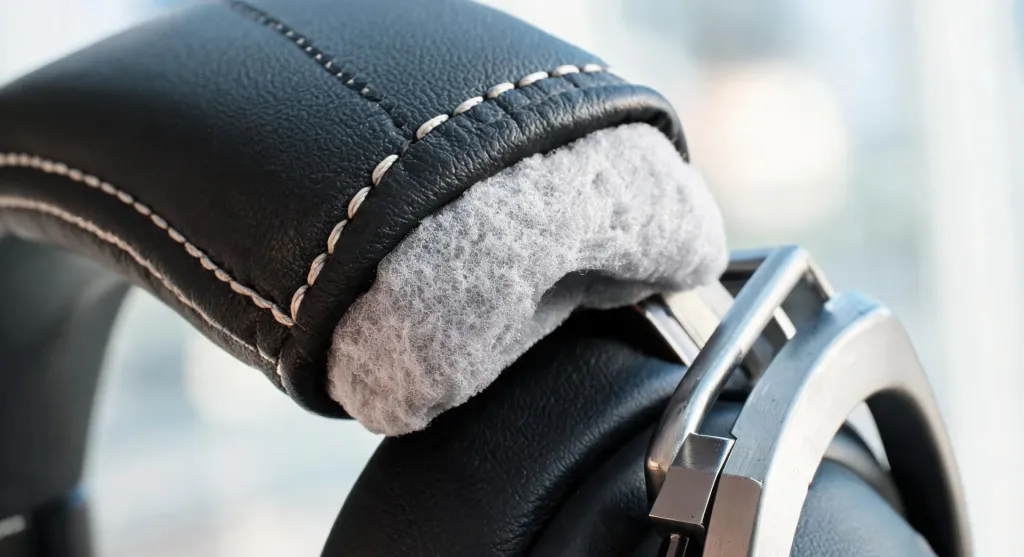
Weight, clamping force, ear cushion material, and headband padding determine whether a headset stays comfortable through a five-class marathon. Pillow-soft memory foam cushions wrapped in protein leather distribute pressure evenly and allow airflow. A padded leather sling under the headband prevents hard plastic from pressing into the skull. These details separate a headset for work that disappears on your head from one you want to rip off after hour two.
Platform Compatibility and On-Headset Controls
A teaching headset should work across Zoom, Teams, Google Meet, and Webex without driver installs. USB dongle and USB-C connections offer the broadest compatibility, and plug-and-play setup means teaching within minutes of unboxing. A dedicated mute button is one of the most underrated features — when you need to cough or confer with someone in the room, a physical button silences the mic instantly.
Wireless Noise Cancelling Headset with Mic vs Regular Headphones
Many teachers start with what they already own: consumer headphones or earbuds paired with a laptop's built-in microphone. It works — sort of. But the gap between "sort of works" and "professional-grade audio" becomes obvious the first time a student says "I cannot hear the difference between those two sounds."
The core difference is microphone quality and noise handling. Regular headphones are designed primarily for listening. Their microphones — if present — are typically inline or embedded in the ear cup, positioned inches from the mouth and optimized for phone calls, not language instruction. They capture speech, but also everything else in the room.
A wireless noise cancelling headset with mic is purpose-built for voice communication. The boom mic sits close to the mouth for a strong, clean signal. Multi-mic arrays and DSP-driven noise cancellation actively filter ambient sound before it reaches the student. The result is a voice that sounds present, natural, and intelligible — the exact qualities language learners need.
Feature
Regular Headphones
Wireless Noise Cancelling Headset with Mic
Microphone position
Inline or ear-cup, far from mouth
Boom mic, 1–2 inches from mouth
Noise cancellation
Minimal or none on mic side
Multi-mic ENC with AI processing
Best use case
Music, casual listening
Voice calls, teaching, communication
Battery life for calls
Varies, often under 15 hours
30–45+ hours of talk time
Platform integration
Basic
Optimized for Zoom, Teams, Webex
Comfort for long sessions
Varies
Ergonomic, all-day design
Nearity EP320: A Reliable Wireless Headset for Online English Teachers
The Nearity EP320 was designed for the all-day, voice-critical work that online teaching demands. Rather than building a consumer headphone and hoping teachers adapt, Nearity engineered the EP320 around the communication problems that plague virtual classrooms and professional calls.
At its core is a 4-mic environmental noise cancellation system powered by a HiFi5 DSP processor and an AI algorithm trained on extensive noise datasets. It suppresses up to 99.9% of background noise — when a dog barks, a fan runs, or a family member walks through the room, students hear your voice, not the chaos. For language instruction where every phoneme matters, that isolation is the difference between a student hearing "thirteen" and "thirty."
The EP320 connects via Bluetooth 5.4, a USB dongle, or a USB-C cable — three reliable paths to a stable connection. Multi-point pairing lets you connect to your computer and phone simultaneously, switching from a Zoom lesson to a parent call without re-pairing. The wireless range reaches 33 feet, enough to grab a book from across the room mid-lesson without dropping audio.
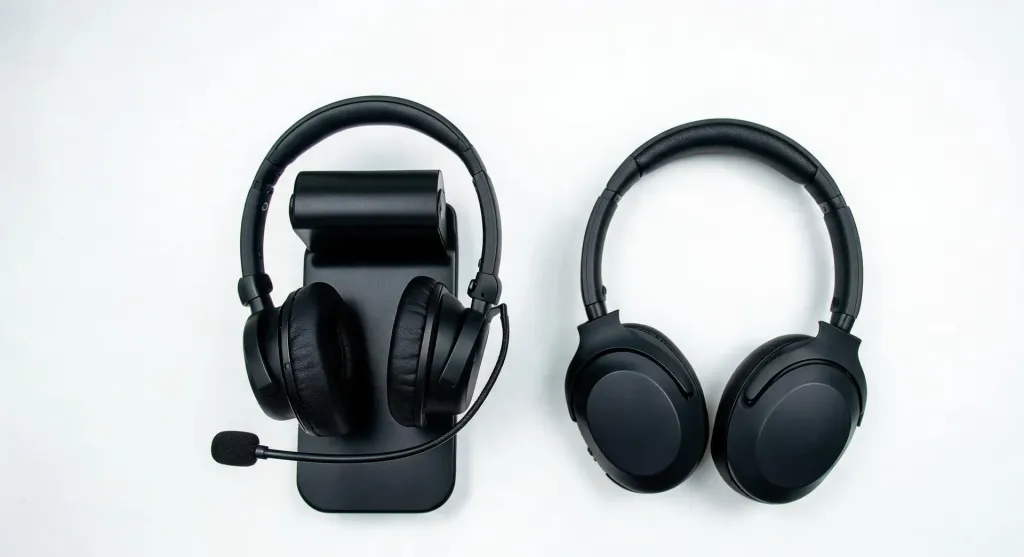
Battery life is where the EP320 pulls ahead of most consumer options. It delivers up to 35 hours of continuous call time and 45 hours of music playback on a single charge. For a teacher running five one-hour classes daily, that is a full week on two charges. The included charging stand keeps the headset docked and ready between lessons.
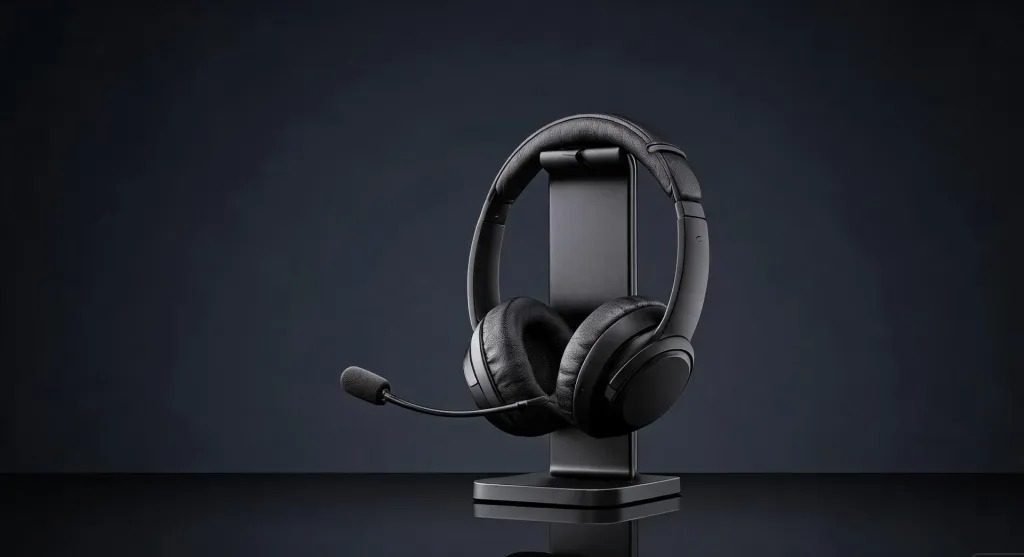
Comfort matches the battery. Pillow-soft ear cushions and a padded leather headband sling distribute weight evenly. The 250° rotatable boom mic supports left or right wearing, and 180° rotatable ear muffs adjust to different head shapes. On-headset controls include a dedicated mute button and multi-function button for call management.
The EP320 works with Windows, Mac, Linux, Android, and iOS, integrating with Zoom, Teams, Google Meet, and Webex. Priced at $127.50 (regularly $149.99), it ships with replaceable ear cushions, charging stand, USB dongle, and USB cable — backed by a 12-month warranty. For anyone who has wasted money on a wireless headphone with noise cancelling mic that delivered static, the EP320's 4-mic AI noise cancellation and 35-hour battery life make a strong case.
FAQs
Is a wireless noise cancelling headset with mic good for online teaching?
Yes. It eliminates background distractions, keeps your voice clear for students, and gives you freedom to move during long teaching sessions. Models with multi-mic ENC and Bluetooth 5.4, like the Nearity EP320, are specifically designed for clear communication on Zoom, Teams, and Google Meet.
What makes the Nearity EP320 suitable for online English teachers?
The EP320 features a 4-mic AI-powered noise cancellation system suppressing up to 99.9% of background noise, Bluetooth 5.4 for stable connections, 35 hours of call battery life, and compatibility with Zoom, Teams, and Webex. Its lightweight design with pillow-soft ear cushions supports all-day teaching comfort.
How long does the EP320 battery last during online classes?
Up to 35 hours of continuous call time and 45 hours of music playback on a single charge. The included charging stand makes topping up between lessons effortless, so most teachers can go several days without plugging in.
Are wireless headsets with mic reliable for work-from-home teaching?
Modern wireless headsets with Bluetooth 5.4 and USB dongle connectivity are highly reliable for remote teaching. They offer stable connections up to 33 feet, multi-point pairing for switching between devices, and hardware mute controls for quick classroom management.