Why Do My Bluetooth Headphones Keep Cutting Out? Causes and Fixes
Learn why Bluetooth headphones keep cutting out during calls and meetings, plus proven fixes and when to upgrade to a professional wireless headset for reliable audio.
Bluetooth Troubleshooting
Wireless Headset
Professional Audio
Updated: Aug 19, 2026 · 8 minutes read
Global Business, Brought Near.
No Installer, No Hassle, Just Works.
Bluetooth headphones cutting out during important calls can damage productivity and professionalism. From wireless interference and weak signals to battery limitations and device conflicts, several hidden factors can interrupt your audio experience. This guide explains why Bluetooth headphones keep cutting out, provides practical troubleshooting solutions, and explores how professional headsets like the Nearity EP320 deliver more reliable connections for modern work environments.
Key Takeaways
Bluetooth dropouts are usually caused by interference, distance, battery issues, or outdated software—not just defective headphones.
2.4 GHz interference from Wi-Fi routers and wireless devices can disrupt Bluetooth connections.
USB dongle headsets provide a more stable connection for professional calls by creating a dedicated wireless link.
Bluetooth 5.4, long battery life, and AI noise cancellation improve reliability for remote work and meetings.
Nearity EP320 combines stable connectivity, 45-hour battery life, and AI-powered noise cancellation for uninterrupted communication.
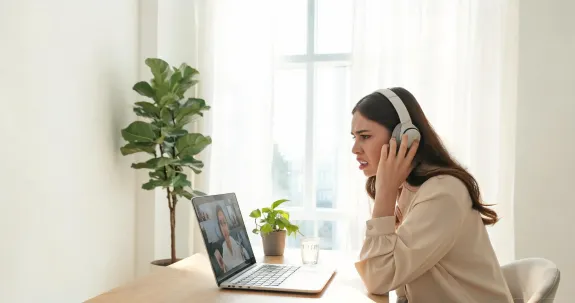
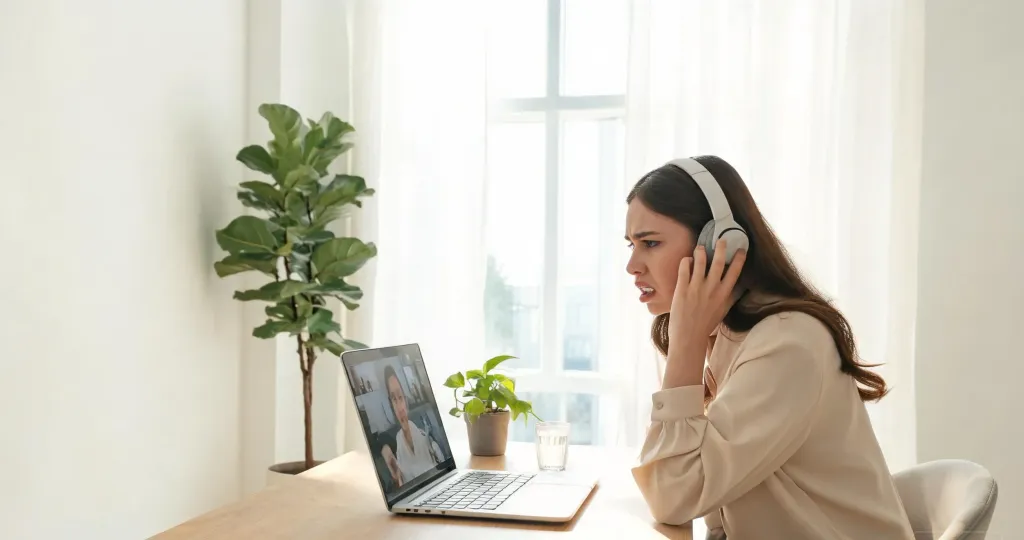
You are in the middle of an important Teams call, presenting quarterly numbers to leadership, when your audio suddenly stutters and dies. Your Bluetooth headphones keep cutting out at the worst possible moment, and you have no idea why. If this scenario feels familiar, you are not alone. Bluetooth audio dropouts are one of the most common frustrations reported by remote workers, hybrid professionals, and call center teams.
Understanding why your Bluetooth headphones keep cutting out is the first step toward fixing the problem for good. In this guide, we will walk through the most common causes of Bluetooth connection problems, show you how to troubleshoot them, and explain when it makes sense to upgrade to a purpose-built professional wireless headset.
Why Do My Bluetooth Headphones Keep Cutting Out?
Bluetooth headphones cutting out is rarely caused by a single issue. Instead, several overlapping factors—signal interference, distance, battery levels, and device congestion—work together to degrade your wireless audio experience. Let us break down each culprit so you can identify what is happening in your environment.
Signal Interference From Everyday Electronics
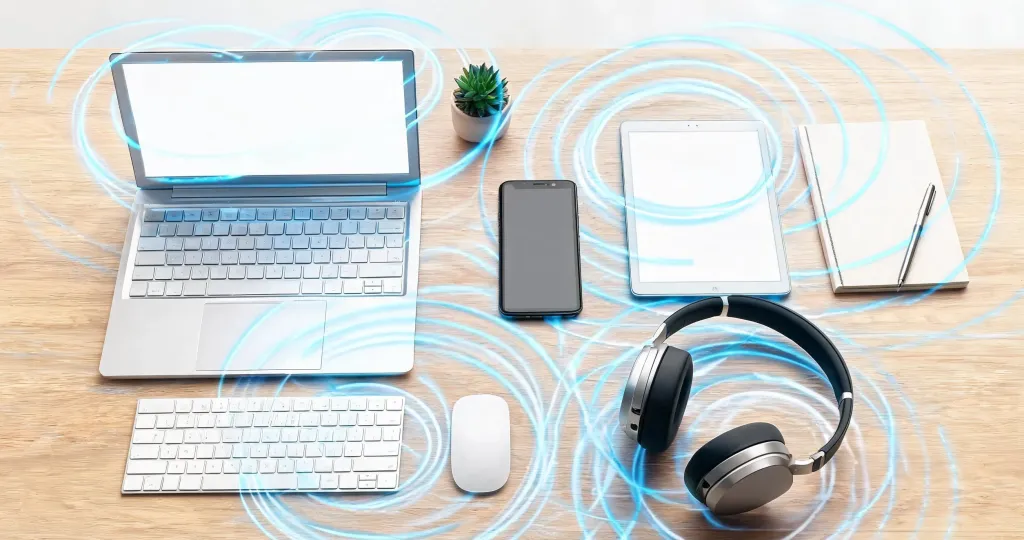
Bluetooth operates in the crowded 2.4 GHz radio frequency band, which is also home to Wi-Fi routers, microwave ovens, cordless phones, wireless keyboards, baby monitors, and even USB 3.0 ports. When multiple devices broadcast on nearby channels, electromagnetic interference can corrupt the data packets traveling between your headphones and your computer or phone.
If your audio dropouts happen every time you heat lunch in the microwave or when someone in the next room starts a video stream, interference is the likely culprit. Microwave ovens, in particular, can leak radiation at 2.45 GHz, which sits directly on top of Bluetooth channels. Wi-Fi routers set to 2.4 GHz mode can also overwhelm nearby Bluetooth radios, especially in apartment buildings where dozens of networks overlap.
A technical evaluation from Idaho National Laboratory found that Bluetooth performance can be negatively affected when operating alongside Wi-Fi systems in the same frequency spectrum, especially under conditions involving overlapping channels and higher network activity.
Physical barriers like metal filing cabinets, mirrors, and reinforced walls also reflect or absorb Bluetooth signals, creating dead zones in your office or home. Even aquariums and large water containers can attenuate radio waves because water molecules absorb 2.4 GHz energy. If your desk sits against a shared wall with a neighbor's router or near a kitchen, you may be fighting an invisible battle for clean spectrum.
Distance and Physical Obstructions
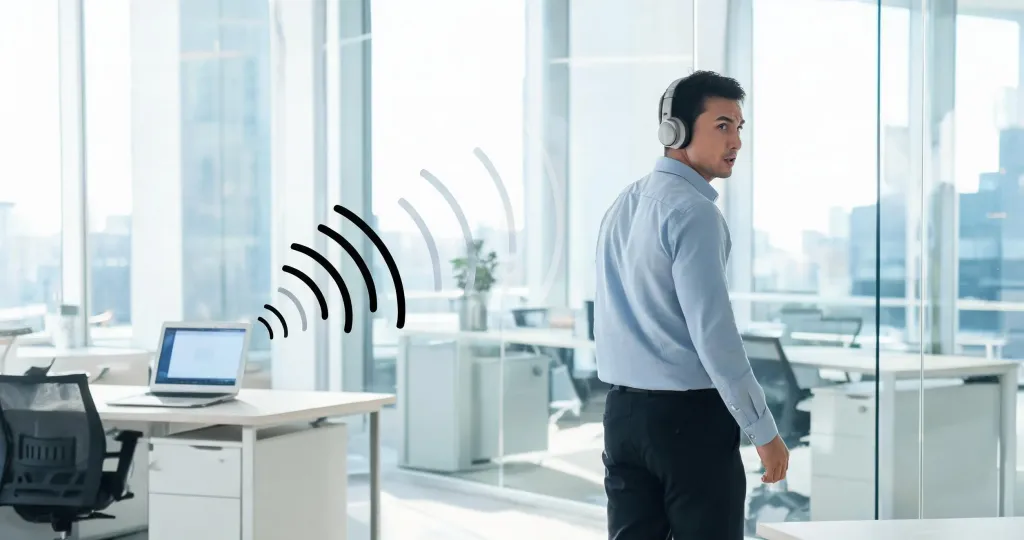
Consumer Bluetooth headphones are typically rated for a range of about 33 feet (10 meters) in open air. In reality, indoors that number drops significantly. Walking into another room, turning a corner, or even placing your body between the headset and the source device can weaken the signal enough to cause dropouts.
Low Battery and Power-Saving Modes
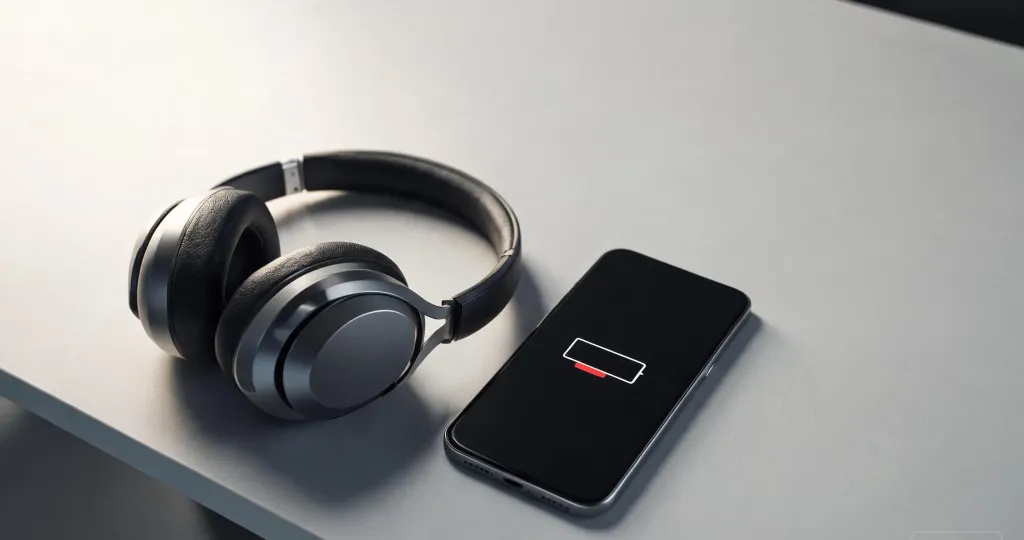
When your headphone battery drops below 20 percent, many models automatically throttle their radio transmitters to conserve power. This power-saving behavior reduces signal strength and can introduce intermittent dropouts even when you are sitting right next to your laptop.
Frequent dropouts combined with a blinking low-battery LED are a clear sign that your headphones need charging. Unfortunately, many consumer models offer only 15 to 20 hours of total battery life, which means mid-week charging is unavoidable for heavy users.
Device Congestion and Pairing Conflicts
Modern professionals often pair the same headphones with a laptop, a smartphone, and sometimes a tablet simultaneously. While multipoint Bluetooth is convenient, it also increases the chance of pairing conflicts. Your headphones may struggle to decide which device to prioritize, causing brief disconnections when notifications arrive on the secondary device.
Additionally, if your workspace is filled with Bluetooth peripherals—wireless mice, keyboards, speakers, and fitness trackers—the 2.4 GHz spectrum becomes congested. In dense office environments or shared co-working spaces, this congestion can make consumer Bluetooth connections unreliable.
Outdated Firmware or Corrupted Drivers
The software stack managing your Bluetooth connection matters just as much as the hardware. Outdated Bluetooth drivers on Windows or macOS, buggy firmware inside the headphones, or a corrupted pairing profile can all introduce instability. Some manufacturers release firmware updates that fix known connectivity bugs, but many users never install them.
If your headphones worked perfectly six months ago and now cut out constantly despite no changes to your environment, a software issue is a strong possibility.
How to Fix Bluetooth Headphones Cutting Out
Before you consider replacing your gear, try these proven troubleshooting steps. Many Bluetooth connection problems can be resolved in minutes with the right adjustments.
1. Reduce interference Move your Wi-Fi router at least three feet away from your desk, switch it to the 5 GHz band if possible, and avoid placing your laptop's USB 3.0 ports directly next to your Bluetooth adapter. If you cannot relocate the router, log into its admin panel and set the 2.4 GHz channel to 1, 6, or 11—these are the only non-overlapping channels and can reduce collisions with Bluetooth. If dropouts coincide with microwave use, relocate your workspace or schedule calls away from meal prep times.
2. Stay within range and minimize obstacles Keep your phone or laptop within 10 feet of your headphones, and avoid putting your body or thick walls between the devices. Elevating your laptop on a stand can improve line-of-sight to your headset. If you need to move around during calls, consider a headset with a dedicated USB dongle that offers extended indoor range and better wall penetration.
3. Charge before critical calls Get into the habit of charging your headphones overnight. If your headset does not display battery percentage, set a calendar reminder to charge every two days. Avoid using fast chargers not approved by the manufacturer, as inconsistent voltage can damage the battery and reduce its effective capacity over time. For professionals who rely on uninterrupted audio, a headset for work with 35 to 45 hours of battery life removes this worry entirely.
4. Clear old pairings and re-pair On your phone or computer, delete the headphone's Bluetooth profile and re-pair from scratch. This eliminates corrupted connection data. On Windows, go to Settings > Bluetooth & devices, click the three dots next to your device name, and select Remove device. On macOS, open System Settings > Bluetooth, click the info icon, and choose Forget This Device. If you use multipoint mode, try disabling it temporarily to see if a single-device connection is more stable.
5. Update firmware and drivers Check your headphone manufacturer's app for firmware updates. Some brands release mobile apps that walk you through the update process with a single tap. On Windows, open Device Manager, locate your Bluetooth adapter, right-click, and select Update driver. If Windows reports the best drivers are already installed, visit your laptop manufacturer's support page directly—Windows Update often lags behind vendor releases. On macOS, ensure you are running the latest operating system version, as Apple bundles Bluetooth improvements with system updates.
6. Adjust Bluetooth power settings On Windows, your computer may be aggressively power-managing the Bluetooth radio. Open Device Manager, expand Bluetooth, right-click your adapter, choose Properties, then navigate to the Power Management tab. Uncheck the box that says "Allow the computer to turn off this device to save power." This prevents Windows from suspending the Bluetooth chip during idle moments, which is a common cause of sudden dropouts.
7. Restart both devices A simple restart of your headphones and your computer or phone can clear temporary glitches in the Bluetooth stack. Power the headphones off completely, reboot the source device, and then reconnect. If problems persist, perform a factory reset on the headphones according to the manufacturer's instructions.
When It Is Time to Upgrade Your Wireless Headset
Troubleshooting helps, but consumer Bluetooth headphones have inherent limitations. If you have tried every fix and your audio still drops during meetings, the hardware itself may be the bottleneck. Consumer headphones are optimized for music and casual use, not for back-to-back video calls, enterprise communication platforms, and noisy office environments.
That is where professional wireless headsets come in. A purpose-built bluetooth noise cancelling headset with mic is engineered specifically for the demands of remote work, call centers, and hybrid offices. These devices combine advanced Bluetooth chips, dedicated USB wireless dongles, extended battery life, and enterprise-grade noise cancellation to deliver reliable, all-day communication.
What Makes the Nearity EP320 a Reliable Alternative
The Nearity EP320 is a professional wireless headset designed to eliminate the exact frustrations described in this guide. Here is how it addresses each common cause of Bluetooth dropouts.
Bluetooth 5.4 with extended range The EP320 uses Bluetooth 5.4, the latest standard, which offers faster data transmission, better error correction, and improved stability compared to older Bluetooth versions found in most consumer headphones. Real-world testing shows the EP320 maintaining stable audio through two load-bearing walls at distances exceeding the standard 33-foot rating.
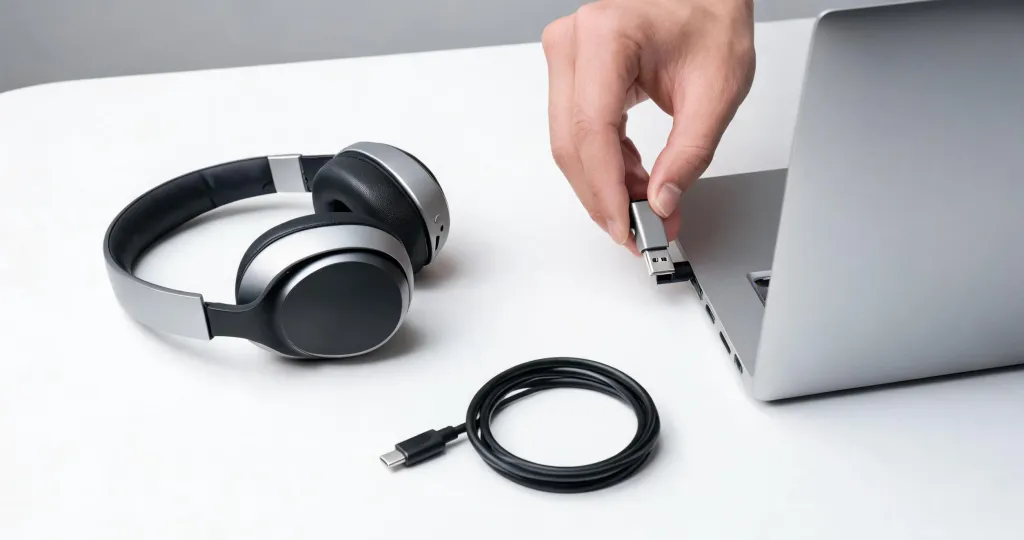
Dedicated USB dongle for zero-drop connectivity For professionals who cannot afford interruptions, the included USB wireless dongle creates a direct RF link to your computer. This bypasses the built-in Bluetooth stack entirely, eliminating driver conflicts and reducing interference from other 2.4 GHz devices. It is plug-and-play on Windows, macOS, and Linux—no IT tickets required.
Wired USB-C backup for zero downtime Even the best wireless connection benefits from a safety net. The EP320 includes a USB-C cable that delivers wired audio and charging simultaneously. If your battery ever runs low during a critical call, you can switch to wired mode instantly without dropping the conversation.
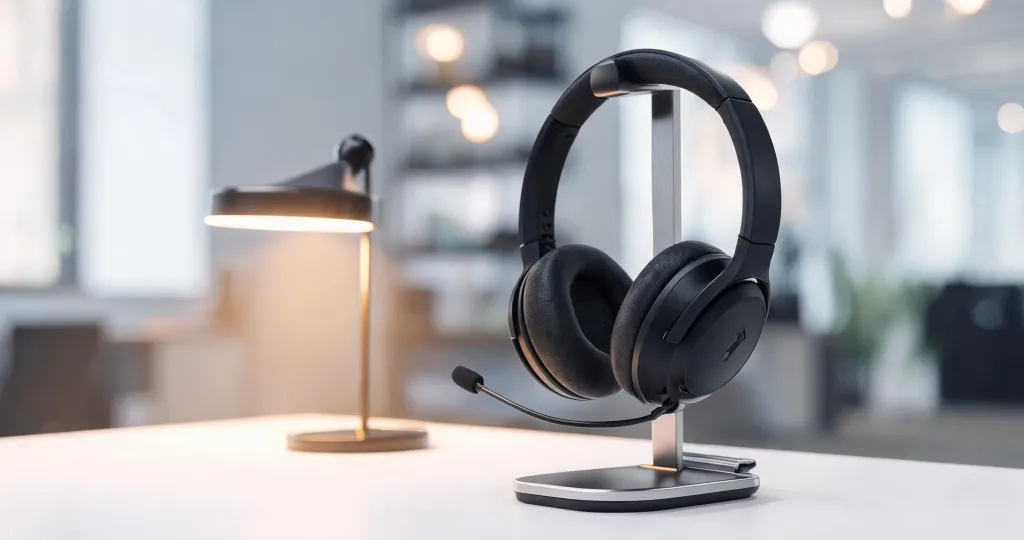
45-hour battery life Battery anxiety disappears with 45 hours of music playback or 35 hours of continuous talk time on a single charge. The included charging stand makes it effortless to top up between meetings, and a quick-charge feature provides hours of use from just a few minutes of charging.
4-microphone AI noise cancellation Beyond connectivity, call clarity matters. The EP320's four-microphone array with HiFi5 DSP and AI-powered environmental noise cancellation suppresses up to 99.9 percent of background noise. Whether you are working from a bustling office, a noisy home with children, or a coffee shop, your callers hear only your voice.
Choosing the Right Headset for Your Role
Different professionals have different priorities. Here is how to match your needs to the right features.
Remote and hybrid workers need a wireless headphone with noise cancelling mic that handles both work calls and personal audio. The EP320's HiFi driver system delivers rich music playback while its AI noise cancellation keeps household chaos out of meetings.
Call center and customer service teams require all-day comfort and crystal-clear voice transmission. A noise cancelling headphone for call center use must block ambient chatter while keeping the agent's voice isolated. The EP320's 250-degree rotatable boom mic and lightweight design support eight-hour shifts without fatigue.
Executives and sales professionals need to look polished on every call. A noise cancelling headphone for work that offers instant mute controls, seamless device switching, and reliable connectivity protects your credibility with clients and stakeholders.
Online educators and tutors need their students to hear every word. A headset with noise cancelling mic ensures that background distractions in the home do not interrupt the learning experience.
IT and workplace technology managers need hardware that deploys quickly and scales without friction. The EP320's plug-and-play USB dongle requires no additional drivers on most systems, and its durable construction withstands the wear and tear of shared workstations. Because it is compatible with all major operating systems and UC platforms, training time is minimal and replacement cycles are longer.
FAQs
Why do my Bluetooth headphones keep cutting out only during video calls?
Video calls place higher bandwidth demands on your Bluetooth connection than music streaming because they transmit both audio input and output simultaneously. If your headset lacks a dedicated USB dongle or uses an older Bluetooth version, the combined load can cause dropouts. Switching to a headset with a USB wireless dongle or upgrading to Bluetooth 5.3+ often resolves this.
Can Wi-Fi cause Bluetooth headphones to cut out?
Yes. Both Wi-Fi and Bluetooth operate on the 2.4 GHz frequency band. When your router, microwave oven, or wireless peripherals compete for the same spectrum, interference occurs. Moving your router to a different channel, switching to 5 GHz Wi-Fi, or keeping your headphones closer to the source device reduces these conflicts.
How do I know if my Bluetooth headphones are too old to fix?
If your headphones use Bluetooth 4.2 or older, lack firmware update support, and continue cutting out after trying all troubleshooting steps, the hardware is likely outdated. Modern professional headsets use Bluetooth 5.4, dedicated USB dongles, and wired backup options that eliminate most connectivity issues.
What is the most reliable connection type for work headsets?
A dual-mode connection—wireless via USB dongle plus Bluetooth—offers the best reliability for professional use. The USB dongle creates a direct RF link that bypasses your computer's Bluetooth stack, while Bluetooth provides mobility. A wired USB-C backup ensures zero downtime if the battery runs low.
Why does my headset cut out when I walk into another room?
Bluetooth signals weaken rapidly through walls, especially older drywall with metal studs, concrete, or mirrors. Consumer headphones typically reach about 33 feet in open space but often drop to 10-15 feet indoors. Enterprise headsets with optimized antennas and USB dongles maintain stable connections through multiple walls.