Whiteboard App for Brainstorming: From Quick Sketches to Enterprise Collaboration
Discover how whiteboard apps transform brainstorming sessions.
whiteboard app for brainstorming
brainstorming tools
Updated: Aug 20, 2026 · 9 minutes read
Global Business, Brought Near.
No Installer, No Hassle, Just Works.
This guide examines the full landscape of whiteboard solutions for brainstorming. We will walk through lightweight web apps that take the minimal philosophy seriously, explore full-featured collaboration platforms that power distributed teams, and look at how interactive smart boards are redefining what a whiteboard app for brainstorming can be when software and hardware are designed as one system. Whether you are a solo founder sketching product concepts or an enterprise team running structured design sprints, understanding where each approach shines will help you choose the right tool for the way your team actually works.
Quick Comparison: Whiteboard Apps at a Glance
Before diving into each category, here is how the most notable tools mentioned in this guide compare across the dimensions that matter for brainstorming.
Tool
Type
Best For
Collaboration
Pricing
Learning Curve
Excalidraw
Minimal web app
Developers, designers, hand-drawn diagrams
Real-time via shared link
Free (open source)
Low
Witeboard
Minimal web app
Ultra-simple shared scribbles, 1:1 tutoring
Real-time via shared link
Free
None
Miro
Collaboration platform
Large remote teams, structured workshops, agile ceremonies
Microsoft 365 organizations, Teams-native workflows
Real-time + Teams integration
Included with M365
Low
Use this table as a quick reference, then read on to understand the trade-offs behind each rating and which category aligns with your team's size, workflow, and physical setup.
Why Traditional Brainstorming Methods Fall Short
Physical whiteboards have been the default brainstorming surface for decades, and for good reason. They are immediate, spatial, and social. Everyone in the room can see the same canvas, move around it, and add to it without learning an interface. But the strengths of physical whiteboards are also their limitations.
Space runs out. A typical office whiteboard holds perhaps twenty sticky notes and a few diagrams before it becomes unreadable. Once it is full, someone has to transcribe the contents into a document, photograph it, or simply erase it and move on. In practice, a lot of valuable context gets lost in that translation.
Remote participants are second-class citizens. In a hybrid meeting, someone on a video call can barely read a physical whiteboard through a conference camera, let alone contribute to it. The whiteboard becomes a physical barrier to inclusion rather than a collaboration surface.
There is no version history. If the team decides to explore a different direction, the previous iteration is gone. If someone accidentally erases a section, it is gone. Physical whiteboards are ephemeral by design, which is fine for quick discussions but problematic when brainstorming is meant to produce actionable outcomes.
Digital whiteboard apps solve these problems at a fundamental level. They offer infinite canvas space, automatic saving, searchable history, and the ability to include remote team members as equal participants. The question is no longer whether to use a digital whiteboard app for brainstorming, but which type of digital whiteboard fits your specific workflow.
The Full Spectrum of Whiteboard Solutions
Not all whiteboard apps serve the same purpose. The category has expanded to cover everything from single-purpose sketching utilities to enterprise collaboration suites that integrate with your entire software stack. Thinking about whiteboard solutions as a spectrum helps clarify what you are actually shopping for.
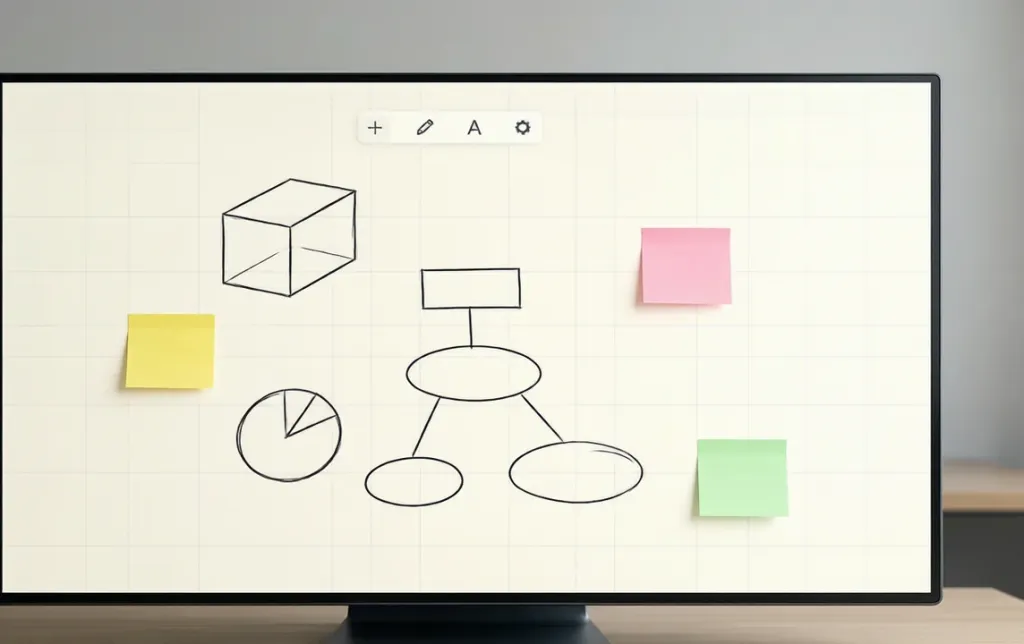
At one end, you have minimal whiteboard apps designed for speed and zero friction. These tools prioritize getting an idea out of your head and onto a screen as quickly as possible. They typically run in a browser, require no account, and offer only the most basic drawing tools. They are the digital equivalent of the back of a napkin.
In the middle, you find full-featured collaboration platforms like Miro, Mural, FigJam, and Microsoft Whiteboard. These are purpose-built for team brainstorming. They include real-time multiplayer editing, template libraries, voting mechanisms, timers, integrations with project management tools, and granular permission controls. They are powerful, but they also introduce complexity.
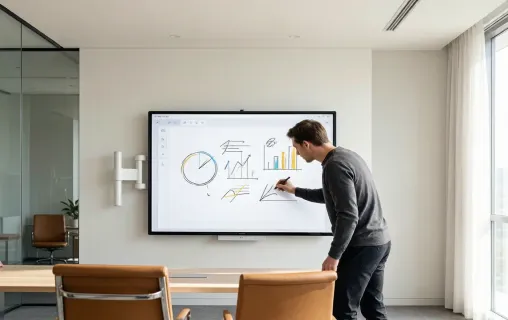
At the far end of the spectrum sit hardware-integrated interactive smart boards. These are large-format touchscreen displays—typically 55 to 86 inches—that run whiteboard software natively on built-in computing hardware. They combine the tactile immediacy of a physical whiteboard with the infinite scalability of digital software. Crucially, they are designed for rooms, not just individual users.
Understanding where your team sits on this spectrum is the first step toward making a good choice.
Minimal Whiteboard Apps: When Less Is More
The appeal of a minimal whiteboard app is obvious. You open a URL, and you are drawing within seconds. No onboarding flow, no template gallery to scroll through, no notification about a new feature you do not care about. Tools like the recently discussed Excalidraw, and Witeboard exemplify this philosophy.
Excalidraw has become the darling of the developer and designer community because of its distinctive hand-drawn aesthetic. Everything you draw looks intentionally sketch-like, which lowers the psychological barrier to sharing rough ideas. It is open source, runs entirely in the browser, supports end-to-end encrypted collaboration, and saves files locally. For technical teams who need to diagram architecture or wireframe interfaces during a brainstorming session, it is hard to beat.
Witeboard takes minimalism even further. It is literally just a white canvas with a pen tool. You share a link, and others can draw on the same canvas. That is it. There are no shapes, no text boxes, no export options beyond taking a screenshot. For a five-minute brainstorming huddle where the goal is simply to get everyone looking at the same scribble, Witeboard is genuinely useful.
These tools shine in specific contexts. Solo creators who need a fast scratchpad. Developers who want to sketch a quick system diagram. Educators who need a simple drawing surface for a remote tutoring session. The common thread is that the user values speed above all else and does not need their output to persist or integrate with a larger workflow.
The limitations become apparent as soon as the use case scales. Minimal apps rarely offer structured templates for common brainstorming formats like mind maps, SWOT analysis, or user journey maps. They lack facilitation controls—timers, voting, participant cursors—that keep large group sessions on track. They rarely integrate with Slack, Jira, Notion, or other tools where ideas need to go after the brainstorm ends. And perhaps most importantly, they are not designed for a room full of people standing around a display.
If your brainstorming happens primarily on individual laptops, minimal whiteboard apps are a valid choice. If your brainstorming happens in meeting rooms with multiple stakeholders, you will quickly feel the ceiling.
Full-Featured Collaboration Platforms: The Team Standard
When brainstorming moves from a personal activity to a team sport, the requirements change. You need structure without rigidity, flexibility without chaos, and inclusion without friction. This is where full-featured collaboration platforms dominate.
Mirois arguably the most widely adopted online whiteboard platform, with over 100 million users. Its infinite canvas can hold thousands of objects—sticky notes, shapes, images, embedded videos, documents—without slowing down. It offers hundreds of templates for brainstorming, retrospectives, user story mapping, and strategic planning. Its integration ecosystem connects with Jira, Asana, Slack, Zoom, and more than one hundred other tools. For large remote teams running regular structured workshops, Miro has become the default.
Muralcompetes in the same space but leans more heavily into facilitation. It was designed by consultants who ran design-thinking workshops for enterprises, and that DNA shows. Mural offers guided activities, anonymous voting, timed brainstorming rounds, and private mode where participants can write ideas without seeing each other's contributions until the reveal. These features reduce groupthink and give quieter team members an equal voice.
FigJam, Figma's collaborative whiteboard tool, has become the go-to for design and product teams already embedded in the Figma ecosystem. Its interface feels lighter and more playful than Miro or Mural, and the handoff from brainstorming to high-fidelity design is seamless because both tools share the same file format and component system.
Microsoft Whiteboardbenefits from its deep integration with the Microsoft 365 ecosystem. If your organization lives in Teams, Outlook, and OneDrive, Microsoft Whiteboard offers the path of least resistance. It supports intelligent ink that converts rough sketches into clean shapes, and its recent updates have added a substantial template library and improved touch support.
These platforms solve the core problems that minimal apps cannot. They give remote participants the same presence as in-room attendees. They provide structure through templates without forcing rigidity. They connect brainstorming output to project execution through integrations. And they offer administrative controls—SSO, data residency, user management—that enterprises require.
The trade-off is complexity. New users often report feeling overwhelmed by the sheer number of features. A first-time Miro user can spend twenty minutes just figuring out where the sticky note tool is hidden. These platforms also operate on freemium models that can become expensive at scale. Miro's free plan limits you to three editable boards. Mural's free trial is time-bound. FigJam's free tier is generous but still limited compared to paid plans.
For teams that brainstorm regularly and need their output to flow into project management tools, the investment is usually worth it. For teams that only occasionally need a shared canvas, the learning curve and subscription cost may be harder to justify.
Key Features to Demand in a Whiteboard App for Brainstorming
Regardless of which category you choose, certain capabilities separate effective brainstorming tools from frustrating ones. Use this checklist when evaluating any whiteboard app for brainstorming.
Infinite canvas. Brainstorms expand. Ideas spawn sub-ideas. Diagrams grow branches. A fixed page size forces artificial constraints that can limit creative thinking. The best tools offer an unbounded workspace that grows with your session.
Real-time multi-user editing. Every participant should see changes as they happen, not after a sync cycle. Cursor presence—seeing where others are pointing and drawing—creates the sense of shared space that makes remote brainstorming feel natural.
Template library. Starting from a blank canvas is liberating for some and paralyzing for others. A well-curated template library for mind maps, user story maps, retrospectives, and prioritization matrices helps teams get started quickly and maintain structure.
Cross-device accessibility. The same whiteboard should be usable on a laptop during a meeting, a tablet while commuting, and a large touchscreen during a workshop. Cloud synchronization is non-negotiable.
Export and integration. Brainstorming is not the end goal; it is the input to decision-making and execution. Look for tools that export to PDF, PNG, or SVG, and that integrate with project management platforms so ideas can become tickets and tasks without manual transcription.
Video conferencing integration. If you run hybrid meetings, the whiteboard should embed directly into your video call or at least screen-share without lag. Switching between a video call and a separate whiteboard tab fractures attention.
Low latency touch and stylus input. For teams using touchscreen displays, writing should feel as responsive as pen on paper. Delays as small as fifty milliseconds create a subtle but persistent sense of disconnection between hand and screen.
The Hardware Ceiling: Why Software-Only Tools Leave Room-Based Brainstorming Behind
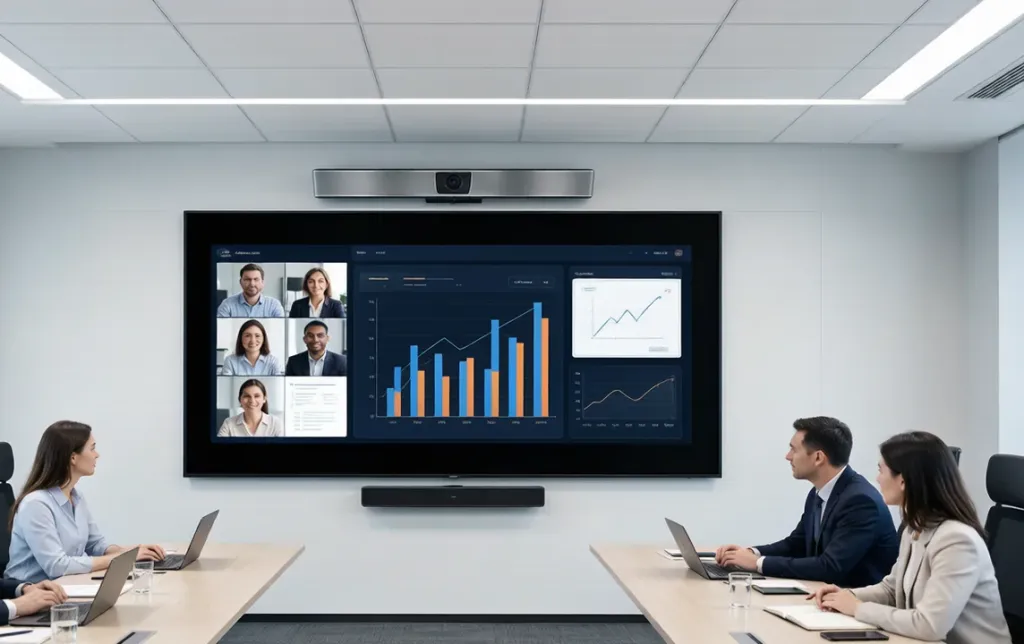
Here is a scenario that plays out in offices every day. A team books a conference room for a brainstorming session. Someone brings a laptop, opens Miro, and shares their screen on the room's TV display. The remote participants join the Miro board on their own devices. The in-room participants try to follow along on the TV, but the 55-inch screen is too small for everyone to read the sticky notes from their seats. Someone stands up to point at something and accidentally blocks the camera. The person running the session has to toggle between the video call and the whiteboard, losing eye contact with remote attendees every time they look down at their laptop.
This is not a failure of the whiteboard software. Miro, Mural, and FigJam are excellent at what they do. The problem is a mismatch between software designed for personal devices and an environment that demands a shared physical surface.
When a whiteboard app is confined to a laptop screen, it becomes a private workspace that one person shares with others. The collaborative magic of a physical whiteboard—multiple people standing around it, pointing, drawing, and reacting in real time—is lost. Remote participants see a shared screen, but they cannot feel the energy of the room. In-room participants see a display, but they cannot interact with it directly.
The solution is not to abandon digital whiteboard apps. It is to run them on a surface that matches the scale and social dynamics of in-person collaboration. That surface is the interactive smart board.
Interactive Smart Boards: When the Whiteboard Becomes the Room
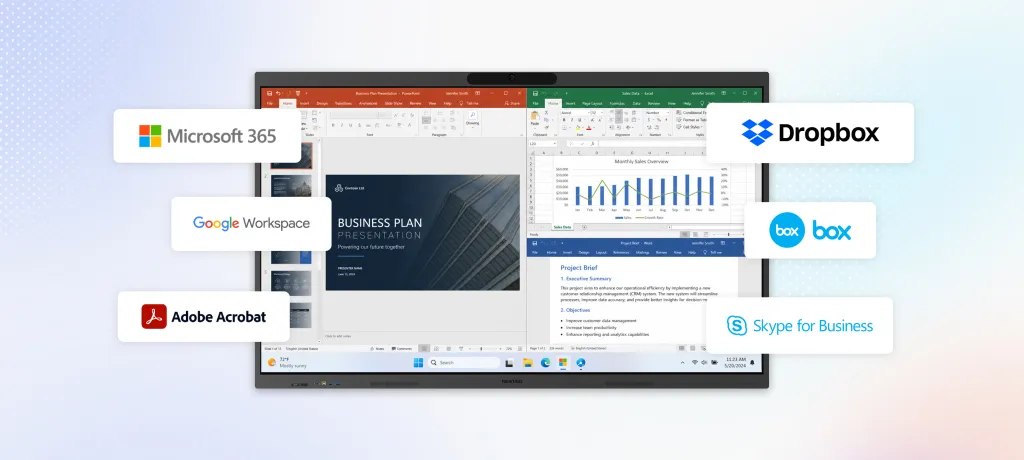
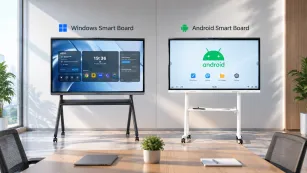
An interactive smart board is essentially a giant touchscreen computer mounted on a wall or rolling stand. Sizes typically range from 55 inches to 86 inches, with 4K resolution that makes text and diagrams readable from across a conference room. They run full operating systems—often Windows or Android—and can install any whiteboard app or video conferencing software you would use on a laptop.
But calling them "big tablets" misses the point. Interactive smart boards are designed for a specific social context: a group of people standing or sitting around a shared vertical surface, manipulating content together.
The difference is tactile and social. On a laptop whiteboard, one person drives. On an interactive smart board, anyone can walk up and add to the canvas. Multi-touch support—often twenty to forty simultaneous touch points—means multiple people can write, move objects, and zoom at the same time without stepping on each other's input. The activity becomes genuinely collaborative rather than presentational.
For hybrid teams, the impact is even more pronounced. A well-designed interactive smart board integrates a 4K camera, a microphone array with noise reduction, and native support for Zoom, Microsoft Teams, and Google Meet. Remote participants do not just see a shared screen; they see the room, the whiteboard, and the participants' body language. The whiteboard itself becomes the shared visual anchor that keeps both in-room and remote participants aligned.
Bridging Software and Hardware Seamlessly
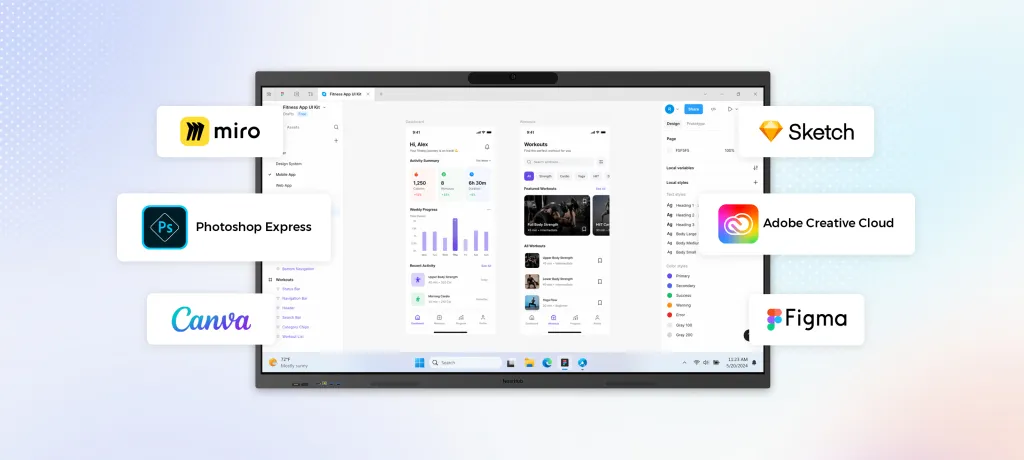
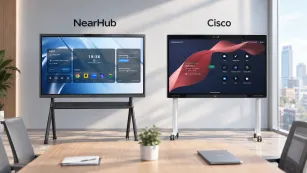
The NearHub Board Max illustrates what happens when a whiteboard app for brainstorming is built into hardware designed for collaboration. It runs Windows 11 Pro, so teams can install Miro, Mural, or Microsoft Whiteboard. Its 4K display supports forty touch points with low latency, while built-in AI camera and microphone array handle hybrid meetings without separate AV hardware. For teams outgrowing laptop whiteboarding, an all-in-one smart board is a meaningful upgrade.
Comparing Whiteboard Approaches: A Decision Framework
Choosing between a minimal web app, a full-featured platform, and an interactive smart board depends on how your team works, where they work, and what happens to ideas after the brainstorm ends.
Factor
Minimal Web App
Collaboration Platform
Interactive Smart Board
Setup time
Instant
Minutes (sign-up, invite)
One-time installation
Best group size
1–2 people
3–20+ remote participants
4–12 in-room + remote
Collaboration style
Async or 1:1 sharing
Real-time multiplayer
Tactile group + remote sync
Persistence
Manual save or ephemeral
Cloud auto-save
Cloud auto-save
Templates & structure
None
Extensive
Extensive (via installed apps)
Remote participant equity
Limited
Excellent
Excellent with built-in AV
Integration with tools
None
100+ app integrations
Full OS app ecosystem
Hardware required
Any browser
Any device
Dedicated display
Ideal use case
Quick sketches, personal notes
Distributed team workshops
Hybrid meeting rooms, training
If you are a freelancer or a small startup where everyone works on laptops and brainstorming is informal, a minimal app or a free collaboration platform tier is probably sufficient. If you are a distributed team that runs structured brainstorming sessions weekly, a paid collaboration platform is the right investment. If your organization has physical meeting rooms and a mix of in-person and remote participants, an interactive smart board eliminates the friction of laptop-and-TV setups and creates a more natural collaboration environment.
Common Mistakes Teams Make When Choosing a Whiteboard Tool
Even with a clear understanding of the options, teams often stumble in implementation. Avoid these predictable pitfalls.
Choosing based on price alone. A free minimal app saves money upfront but may cost more in lost productivity if the team outgrows it in three months. Conversely, an enterprise platform with features no one uses is wasted budget. Match the tool to the workflow, not the invoice to the accounting department's preference.
Ignoring the in-room experience. Remote-first tools often treat the physical meeting room as an afterthought. If half your team is in the office, the whiteboard solution needs to work for people standing in front of a display, not just people staring at thirteen-inch laptop screens.
Neglecting data governance. Brainstorming boards often contain sensitive product plans, customer data, or strategic decisions. Free tools may not offer the security controls, data residency options, or compliance certifications that enterprises require. Verify SOC 2, GDPR, or HIPAA compliance before committing.
Skipping the onboarding. A powerful tool that no one knows how to use is worse than a simple tool that everyone understands. Allocate time for training, especially for platforms with extensive feature sets. Create internal template libraries so teams do not start from scratch every session.
Failing to connect brainstorming to execution. The best brainstorming session is worthless if the output dies on the whiteboard. Before choosing a tool, map out how ideas will move from the canvas into your project management system, documentation wiki, or sprint backlog.
FAQ
What is the best whiteboard app for brainstorming?
There is no single best app because teams have different needs. Excalidraw and Witeboard excel for quick, no-frills sketching. Miro and Mural are the strongest choices for structured remote collaboration. For organizations that need to combine in-room and remote brainstorming into one seamless experience, an interactive smart board running full whiteboard software—such as the NearHub Board Max—provides the most complete solution.
Can a digital whiteboard truly replace a physical one?
Digital whiteboards replicate the core function of physical whiteboards—shared visual space—and add capabilities that physical boards cannot match. Infinite space, automatic saving, version history, remote access, and integration with other tools make digital whiteboards strictly more capable for most professional use cases. The one area where physical whiteboards still win is absolute immediacy: there is no device to unlock, no app to open, no battery to charge. Interactive smart boards narrow that gap by always being on and ready in the meeting room.
How much should we budget for a whiteboard solution?
Minimal web apps are free. Collaboration platforms typically range from eight to fifteen dollars per user per month for paid tiers. Interactive smart boards represent a hardware investment—usually three to eight thousand dollars depending on size and specifications—but they replace multiple pieces of AV equipment and do not carry per-user software costs beyond the applications you choose to run.
Do we need an interactive smart board if everyone has a laptop?
Not necessarily. If your team is fully remote and always will be, a software platform is the right choice. But if you have meeting rooms where people gather, the laptop-and-TV setup creates persistent friction. Someone has to host, share their screen, manage the video call, and act as the proxy for remote participants who want to add to the board. An interactive smart board distributes that control to everyone in the room and gives remote participants a clearer, more stable view of the canvas.
What is the biggest trend shaping whiteboard apps in 2026?
The dominant trend is the integration of generative AI directly into the canvas. Platforms like Miro and FigJam are rolling out AI agents that can cluster sticky notes by theme, generate diagrams from text prompts, and suggest next steps based on the content of the board. Another significant trend is the convergence of whiteboard software with interactive hardware, as teams realize that software alone cannot fix the social and physical limitations of laptop-based collaboration.
Conclusion
The r/webdev post about the minimal whiteboard app struck a chord because it reminded us that tools should get out of the way of thinking. That principle is valid whether you are sketching alone or facilitating a workshop for twenty people.
For individual quick sketches, minimal web apps deliver exactly what you need: speed and simplicity. For distributed teams that brainstorm regularly, full-featured collaboration platforms provide the structure, templates, and integrations that turn ideas into action. And for organizations with meeting rooms and hybrid workforces, interactive smart boards represent the next evolution—combining the immediacy of physical whiteboards with the infinite scalability of digital software.
If your team has reached the point where laptop screens and shared TV displays are limiting the quality of your brainstorming sessions, exploring a dedicated interactive smart board is a logical next step. The NearHub Board Max, with its Windows-native software ecosystem, 4K multi-touch display, and integrated AI camera and microphone system, offers one integrated path forward. You can learn more about its specifications and see how it fits into a modern hybrid collaboration workflow at the NearHub Board Max product page.
Whatever tool you choose, the goal remains the same: create a space where ideas flow freely, everyone can contribute, and the best thinking does not get erased when the meeting ends.