In today's highly competitive education market, attracting new students isn't just about having excellent teachers or a strong curriculum. During enrollment consultations, parents are paying attention to something else as well: the learning environment.
Many tutoring centers still rely on traditional whiteboards, printed worksheets, and teacher-led presentations. While these methods can be effective, they often fail to create the strong first impression that modern families expect. Parents increasingly associate technology-rich classrooms with higher-quality instruction, stronger student engagement, and better learning outcomes.
This presents a challenge for many after-school tutoring centers. Even when they have outstanding teachers and proven academic results, outdated classroom equipment can make their programs appear less innovative compared to competitors.
That's why more institutions are turning to interactive flat panel displays. Equipped with 4K ultra-high-definition visuals, touch-enabled collaboration tools, and wireless screen sharing, these displays help create a premium learning experience that immediately communicates professionalism and educational excellence.
In this article, we'll explore how interactive displays can strengthen education branding, build parent trust, and ultimately help tutoring centers increase enrollment.
After School Tutoring: Why Parents Expect More Than Traditional Classrooms
The expectations of parents have changed dramatically over the past decade.
Today's students grow up surrounded by smartphones, tablets, streaming content, and interactive applications. As a result, parents expect educational environments to reflect the digital world their children are already familiar with.
When families visit an after-school tutoring center, they aren't only evaluating academic programs. They're subconsciously asking questions such as:
- Is this institution investing in modern learning tools?
- Will my child be engaged during lessons?
- Does this environment prepare students for the future?
- Is this center more advanced than competing programs?
The physical classroom often becomes a visual representation of educational quality.
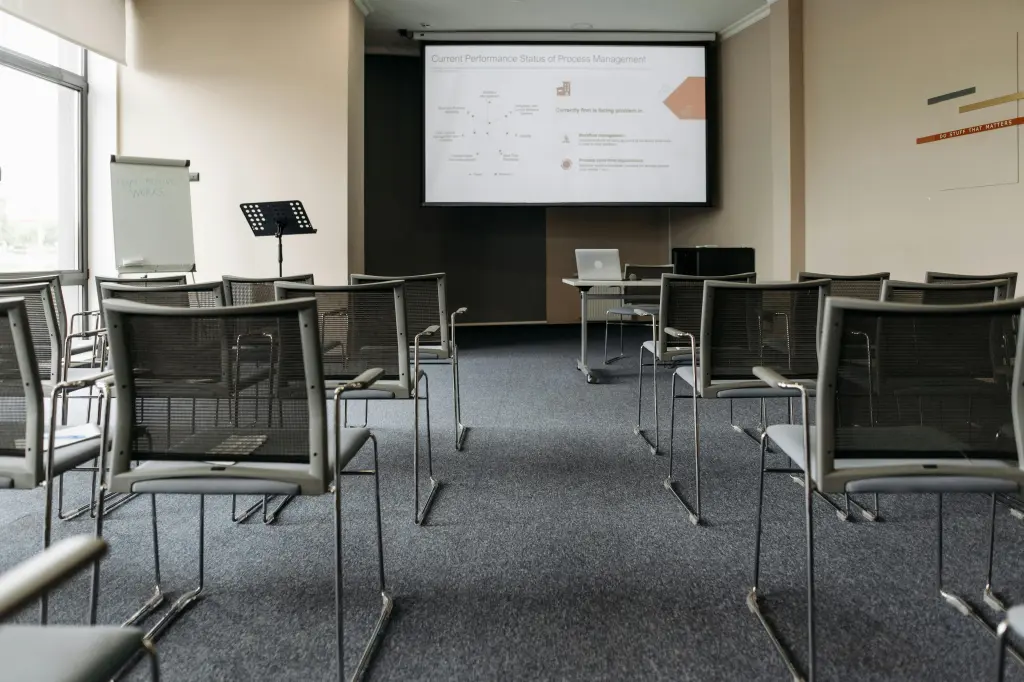
Imagine a parent entering two different tutoring centers. One uses a traditional whiteboard with handwritten notes. The other features a large 4K interactive display where teachers can annotate lessons, display multimedia content, and instantly share student work.
Even before discussing curriculum details, the second environment creates a stronger impression of professionalism and innovation.
This is one reason why technology investments can directly support enrollment growth.
Education Branding: Technology as a Symbol of Teaching Excellence
Many education providers think branding begins and ends with logos, websites, or marketing materials. In reality, education branding extends into every interaction parents have with your institution.
The classroom itself is one of the most powerful branding tools available.
A modern classroom communicates several important messages:
- The institution invests in quality education.
- Teachers have access to advanced instructional tools.
- Students benefit from engaging learning experiences.
- The organization embraces innovation.
These messages help establish trust long before parents see exam scores or student testimonials.
For premium tutoring centers, technology can also help justify higher tuition fees. When parents perceive a learning environment as modern and professional, they are often more willing to invest in programs that deliver a superior educational experience.
An advanced smartboard serves as both a teaching tool and a visual statement about your institution's commitment to excellence.
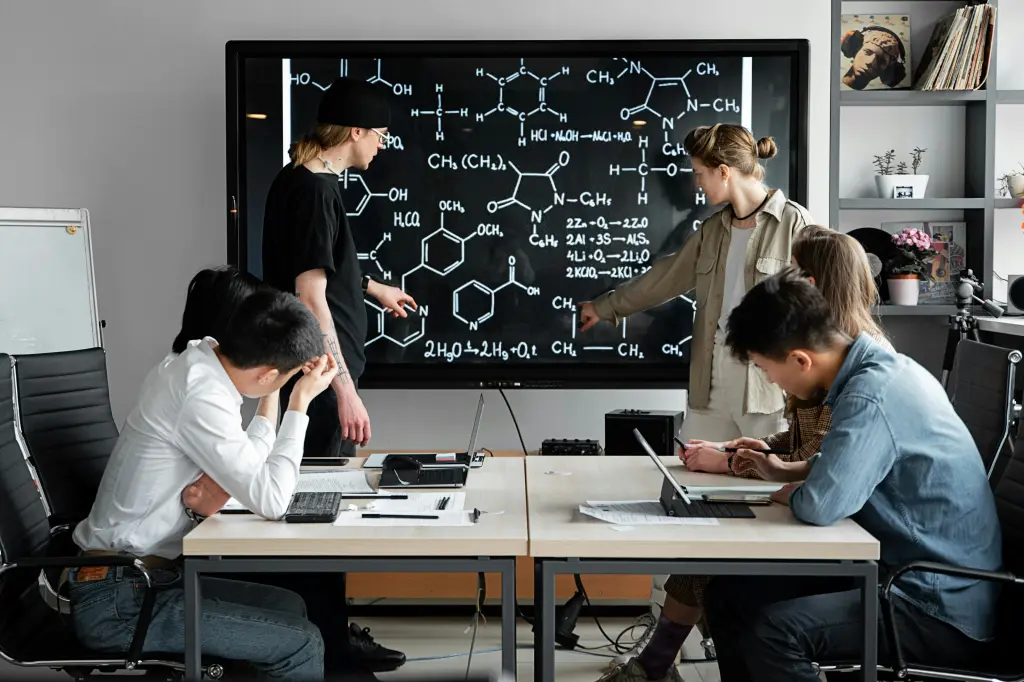
Interactive Flat Panel Display Technology Creates Stronger First Impressions
Enrollment consultations are often the deciding factor in whether a family chooses your institution.
During these meetings, interactive displays can dramatically enhance presentations and classroom demonstrations.
Instead of explaining teaching methods verbally, instructors can demonstrate them in real time.
For example, a math teacher can:
- Display interactive problem-solving exercises
- Annotate directly on the screen
- Compare multiple solution methods
- Save lesson notes instantly
Similarly, language instructors can showcase videos, pronunciation exercises, and collaborative activities with just a few taps.
The result is a more engaging and memorable experience for parents.
Unlike projectors, which often suffer from poor brightness and image quality, modern interactive displays provide crystal-clear visuals that remain sharp under all lighting conditions.
This professional presentation reinforces the perception that the institution operates at a higher standard.
Modern Classrooms Benefit from 4K Ultra-HD Visual Learning
Visual learning plays an increasingly important role in student engagement.
Research consistently shows that students retain information more effectively when concepts are presented visually alongside verbal instruction.
With 4K resolution, educational content becomes significantly more impactful.
Detailed diagrams, scientific illustrations, maps, charts, and educational videos appear clearer and easier to understand.
In subjects such as:
STEM Education
Teachers can display highly detailed scientific models, engineering diagrams, and mathematical visualizations that help students grasp complex concepts more quickly.
Language Learning
Students can interact with multimedia content, pronunciation exercises, and reading materials that encourage active participation.
Test Preparation
High-resolution displays make it easier to review practice exams, annotate questions, and highlight key concepts during group discussions.
These enhanced visual experiences help create a classroom atmosphere that feels both modern and academically rigorous.
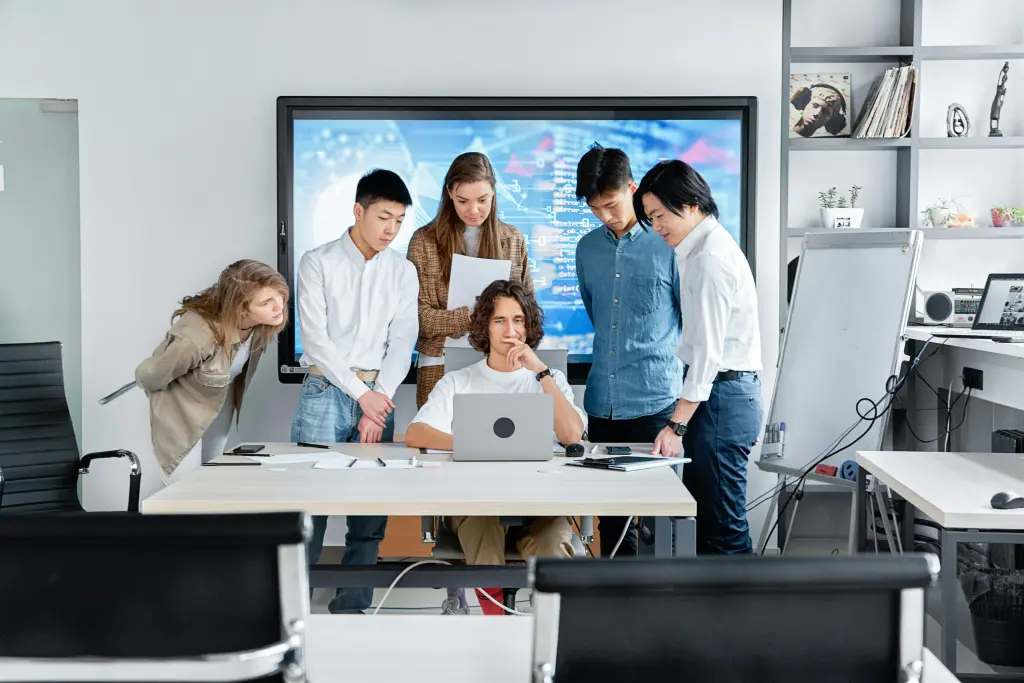
Wireless Screen Sharing Encourages Student Participation
One of the most valuable features of modern interactive displays is wireless screen sharing.
Traditional classrooms often limit participation because only the teacher controls the presentation.
With wireless casting, students can instantly share content from laptops, tablets, or smartphones.
This creates a more collaborative learning environment where students become active participants rather than passive listeners.
For tutoring centers, this capability is particularly useful during:
- Group problem-solving sessions
- Student presentations
- Project-based learning
- Collaborative discussions
- Hybrid learning environments
Parents observing these activities during consultations can immediately see how technology supports student engagement.
Choosing the Right Display Size for Maximum Classroom Impact
The effectiveness of an interactive display depends partly on selecting the appropriate screen size.
A display that is too small may reduce visibility for students sitting farther away, while an oversized screen can overwhelm smaller classrooms.
Understanding the standard size of whiteboard for classroom helps institutions choose a solution that maximizes visibility and learning effectiveness.
When properly sized, interactive displays ensure every student can clearly view lesson content regardless of where they are seated.

Interactive Learning Extends Beyond Traditional Lessons
Technology becomes even more powerful when paired with engaging educational resources.
Many tutoring centers use digital activities to reinforce concepts and maintain student motivation.
For example, teachers can incorporate free educational games for students directly into lessons using an interactive display.
This transforms routine review sessions into engaging learning experiences that students actively enjoy.
Gamified learning activities can increase participation, improve knowledge retention, and make lessons feel more dynamic without sacrificing academic rigor.
Finding the Best Whiteboard for Classroom Success
Not all interactive displays are created equal.
When evaluating classroom technology, institutions should consider factors such as:
- Display resolution
- Touch responsiveness
- Wireless casting capabilities
- Built-in software
- Durability
- Ease of use
Choosing the best whiteboard for classroom ensures teachers can focus on instruction rather than troubleshooting technology.
The ideal solution should integrate seamlessly into daily teaching workflows while delivering a smooth and intuitive experience for both educators and students.
Frequently Asked Questions
Do interactive displays really influence enrollment decisions?
Yes. Parents often use classroom technology as an indicator of educational quality. Modern teaching tools help create stronger first impressions and increase confidence in the institution.
Are interactive displays suitable for small tutoring centers?
Absolutely. Even smaller learning centers can benefit from improved student engagement, professional presentations, and stronger education branding.
How does 4K resolution improve learning?
Higher resolution improves content clarity, making text, diagrams, videos, and educational materials easier to see and understand.
Can students interact directly with the display?
Yes. Most interactive flat panel displays support multi-touch functionality, allowing multiple students to collaborate on activities simultaneously.
Is wireless screen sharing difficult to use?
Modern systems are designed for simplicity, allowing teachers and students to share content from laptops, tablets, and smartphones with minimal setup.
Conclusion: Premium Learning Environments Create Premium Perceptions
In the education industry, perception matters.
Parents want to see evidence that a tutoring center is investing in student success and staying ahead of educational trends. While excellent teaching remains the foundation of any successful institution, modern classroom technology helps communicate that excellence more effectively.
By incorporating 4K interactive displays, wireless screen sharing, and collaborative learning tools, tutoring centers can create modern classrooms that impress parents, engage students, and strengthen their overall education branding.
The result is more than just a technology upgrade. It's a powerful way to build trust, enhance your institution's premium image, and support long-term enrollment growth.