topmost

Back-to-School Deals are Here — Save Big on Your Board

No Installer, No Hassle, Just Works with Nearity 360 Alien

Unlock $300 Worth Free Shipping?

Go Big and Beyond with the New Win11 Pro NearHub Board!

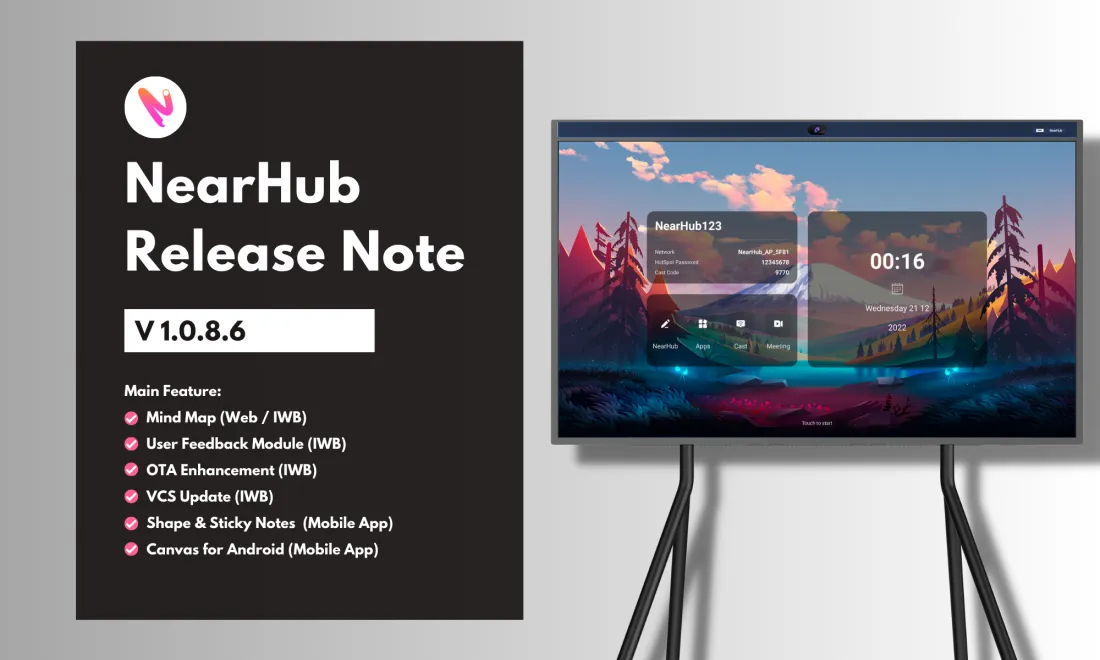
NearHub Release Note V1.0.8.6

NearHub Release Note V1.

Updated: Aug 19, 2026 · 8 minutes read
Global Business, Brought Near. No Installer, No Hassle, Just Works.

Release Note

- Release time: 07/06/2023

- Compatible model: Web SaaS, NearHub S55/S65/S75, Pad, Mobile

- Click to get started for free


NearHub Canvas (Web SaaS)

Features and Enhancement

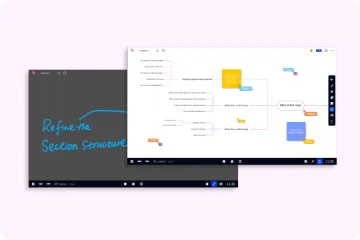
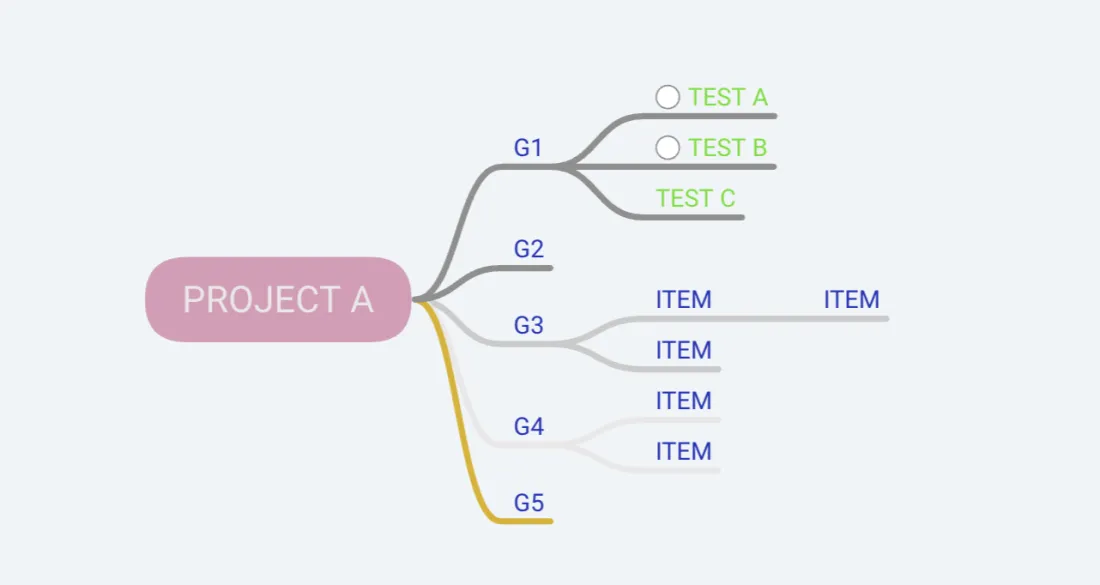
  • Added mind map functionality for creating and organizing ideas visually.
  • Added quick download icons for iOS, Android, and Windows in the whiteboard management interface, allowing users to easily access the app on their preferred devices.
  • The mini-map is now enabled by default upon entering the whiteboard, providing an overview of the canvas and easy navigation.
  • Optimized whiteboard data and user data management.
Bugfix

  • Fixed some UI layer logic bugs.

NearHub Canvas (IWB & Pad)

Features and Enhancement

  • Added whiteboard details.
  • Added feedback module for issue reporting, allowing users to provide valuable feedback and report any problems they encounter.

  • Added mind map functionality for brainstorming, organizing thoughts, and creating visual diagrams.

  • The mini-map is now set to open by default upon loading the whiteboard, providing users with a quick overview of the canvas.

  • Optimized the renewal logic for expired teams, streamlining the process for extending team subscriptions.

  • Automatically matches the server address based on the user's location.

Bugfix

  • Fixed the issue where the undo functionality did not work properly for eraser actions.
  • Fixed various bugs related to the quick creation button for images.


NearHub Canvas (Mobile App)

iOS Download | Android Download

Features and Enhancement

  • Enhanced tool command triggering for smoother operation.

  • Made adjustments to gesture events for mobile devices.
    - When selecting the brush or eraser tool, it will automatically enable single-finger writing and two-hand drag to zoom mode.

  • Added shapes and sticky notes, offering additional tools for creativity and collaboration on the go.


NearHub OS (IWB)

Features and Enhancement

  • Optimized the onboarding experience with improved guidance pages after initial startup.

  • Enhanced OTA upgrade experience:
    • Fixed a bug where users were unable to initiate another update after a failed attempt, ensuring a smoother upgrade process.
    • Added a prompt to contact customer support in case of multiple upgrade failures, providing quick assistance for resolving upgrade issues.
  • Maintained and updated versions of video conferencing software (Zoom/Google Meet/Teams/Webex Meeting) in NearHub Store, ensuring users have access to the latest versions for seamless collaboration.

Bugfix

  • In the camera settings page, the "Close-up Group" has been changed to "Gallery Mode".

If you find any bugs or features that need optimization during your product experience, feel free to submit a ticket at any time. We also welcome everyone to join our NearHub Community for in-depth communication.

Author:By The NearHub Team

Share To:
More interesting articles for you