topmost

Back-to-School Deals are Here — Save Big on Your Board

No Installer, No Hassle, Just Works with Nearity 360 Alien

Unlock $300 Worth Free Shipping?

Go Big and Beyond with the New Win11 Pro NearHub Board!

NearHub Release Note V1.0.8.2

NearHub Release Note V1.

Release Note
Updated: Aug 19, 2026 · 8 minutes read
Global Business, Brought Near. No Installer, No Hassle, Just Works.

Release Note

- Release time: 04/28/2023

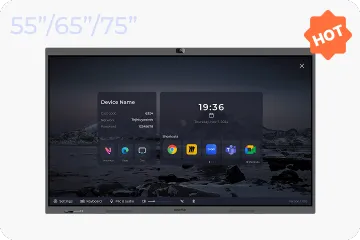
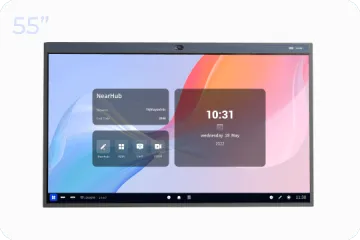
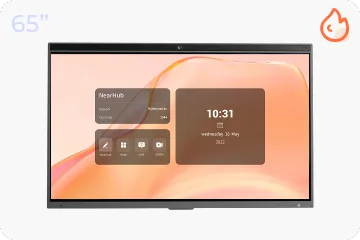
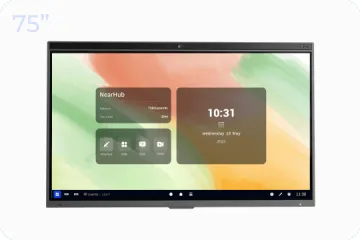
- Compatible model: Web SaaS, NearHub S55/S65/S75, Pad

- Click to get started for free


NearHub Canvas (Web SaaS)

Features and Enhancement

  • Adjusted to: Allow user to change SKU after submitting order

  • Added profile display about NearHub Canvas

  • Support sliding to adjust the thickness of the brush

  • Optimized the adaptability between the NearHub Canvas and the MagicPad S13, expanded button functions and optimized the rendering framework

  • Optimized the adaptation of the Japanese version

Bugfix

  • Fixed the problem that the long-time online account is automatically logged out, but the whiteboard is not logged out and can still be operated
  • Fixed the bug that invitees can rename the whiteboard in the whiteboard interface
  • Fixed the problem of WeChat scan code login failure

  • Fixed the bug that the prompt text was wrong when editing the user name with more than 32 characters

  • Added the total amount field on the order creation page

  • Added the interactive prompt of deleting the team successfully

  • Fixed other bugs


NearHub Canvas (IWB & Pad)

Features and Enhancement

  • (Ipad)Added hand and pen separation function

  • (IWB)Added information display about Canvas version

  • Supports sliding to adjust the thickness of the brush

  • Added the option to clear the content of the whiteboard with one click
  • Optimized the UI of the whiteboard settings button
Bugfix

  • Fixed the bug of broken handwriting

  • Fixed the bug that the editable permission of the trial version was invalid


NearHub OS (IWB)

Features and Enhancement

  • Optimized speaker tracking and split-screen close-up functions

Bugfix

  • Fixed some bugs

NearHub Mobile App 

Features and Enhancement

  • Adjusted the style of the whiteboard preview page, select the whiteboard with a blue frame

  • Optimized the team switching experience

Bugfix

  • Solved the bug that the whiteboard shared to me could not be clicked to enter the internal viewing


  • Fixed the issue where the password box on the login page was covered by the keyboard

  • Canceled the offline mode on the app side
  • Fiexd some known bugs


If you find any bugs or features that need optimization during your product experience, feel free to submit a ticket at any time. We also welcome everyone to join our NearHub Community for in-depth communication.

Author:By The NearHub Team

Share To:
More interesting articles for you