- View products
- View products

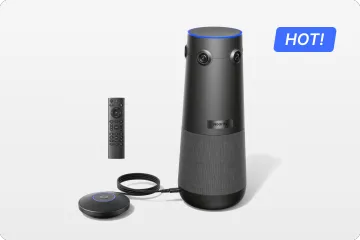
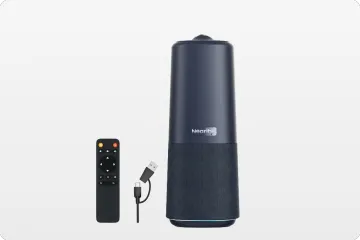
True 4K 360° All-in-1 Camera for Hybrid Meetings
Nearity 360 Alien

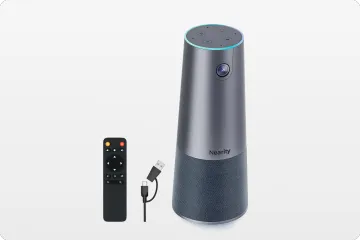
True 4K 120° All-in-1 Camera for Team Collaboration
Nearity 120 Max

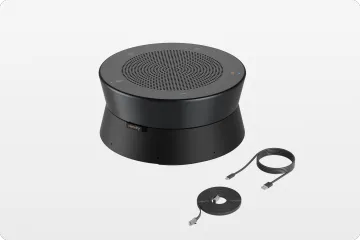
Professional Audio&Pioneering Daisy-Chain
Nearity A20S

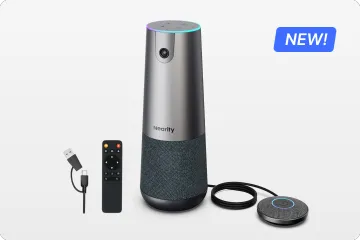
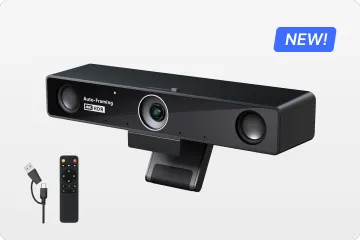
4K UHD 120° Webcam for Hybrid Meeting
Nearity V30S
360° All-in-one Camera for Pro Group Chat
Nearity 360 Basic
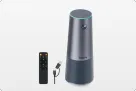
All-in-one Camera for Group Meeting
Nearity C45

Powerful PTZ Camera with 10x Hybrid Zoom
Nearity V410
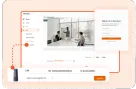
Firmware Updater and Device Controller
NearSync
- View products
- Meeting Room
- Meeting Scenario
- Whiteboard
-
Release time: 03/29/2024
NearHub OS:
-
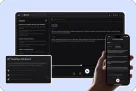
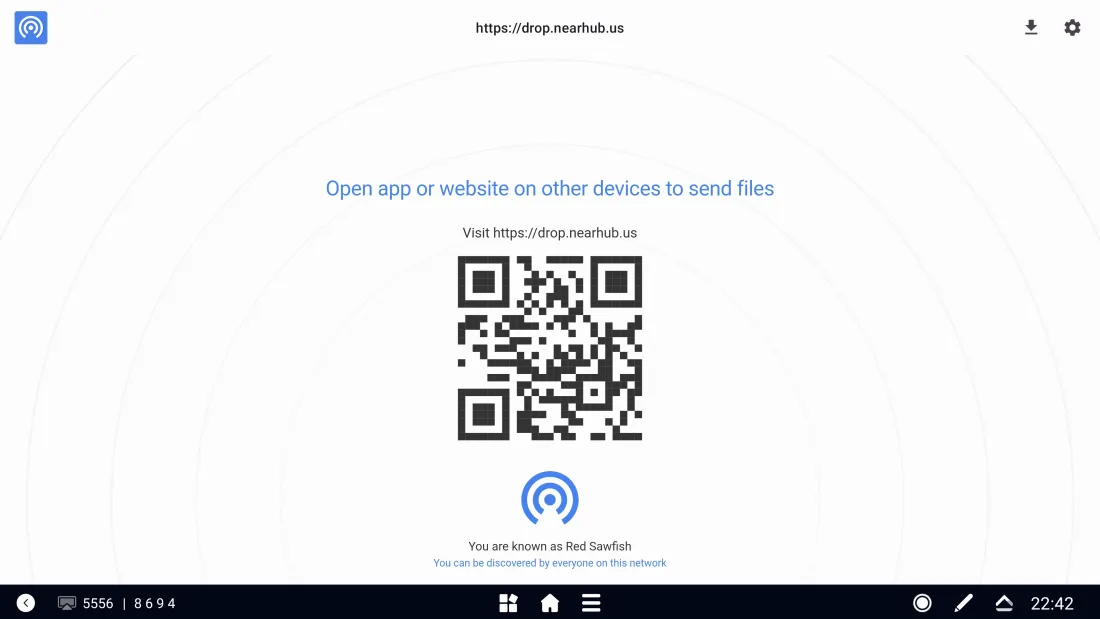
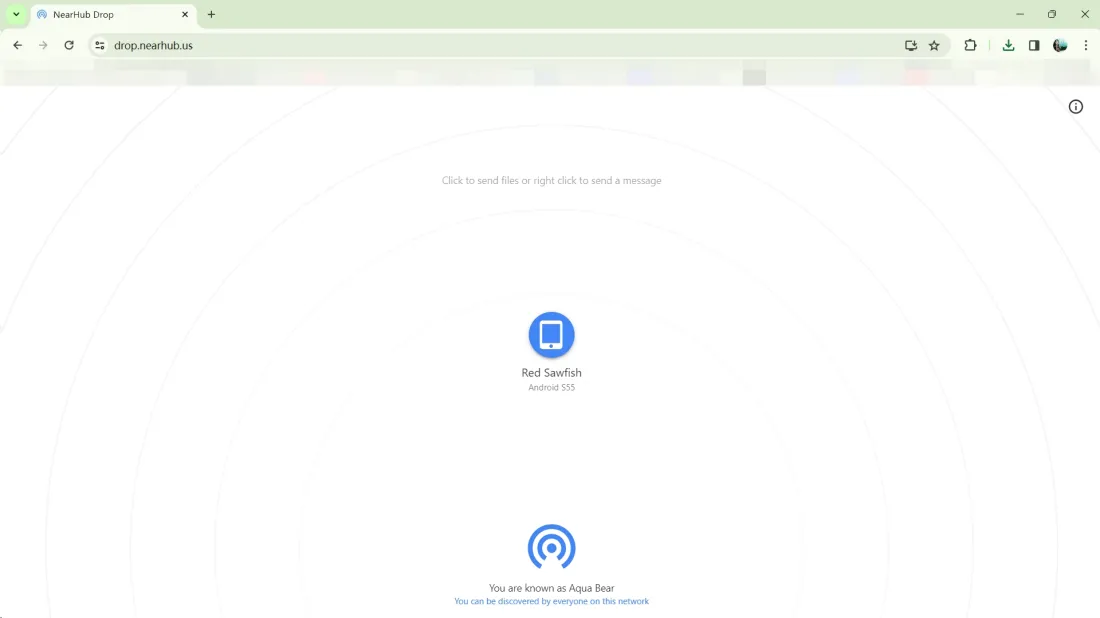
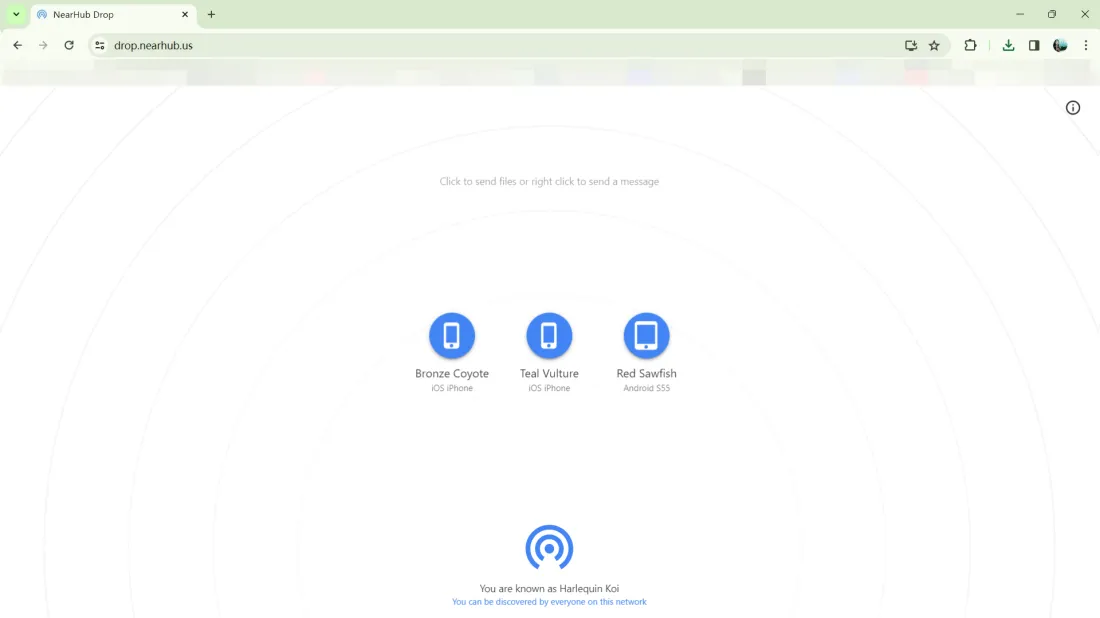
New Feature - Added NearHubDrop file transfer tool: we support uploading files in any format to NearHub Board from any device on the same network. This feature also allows users to seamlessly transfer files to other devices(mobile phone, tablet, laptop, computer), streamlining file sharing and collaboration processes.
-
Laptop & Computer: Open the webpage at https://drop.nearhub.us/ in your web browser to complete the connection, and click the device button on the screen to start transferring
-
Mobile phone & Tablet: Open an application that supports code scanning or the system's default scanning function, and scan the QR code on the whiteboard then your device will appear on the whiteboard transfer list. Similarly, just click on the device to start transferring any files to other devices.
-
Optimization (Performance) - Optimized some text errors in the system: Text errors in the system have been addressed and optimized, ensuring a smoother and more professional user interface.
-
Optimization (Performance) - Enhanced stability of NearHub Tail screen mirroring: We improved stability in NearHub Tail screen mirroring for a reliable screen sharing experience.
-
Optimization (Interaction) - Improved administrator permission control logic: We fixed the logic closure and enhanced logic for administrator permission control. Now the permissions on the control panel cannot be changed arbitrarily, but only with administrator privileges and Pin code, which provides better control and management for customers.
-
Bug fix - Fixed the issue of Zoom software experiencing repetitive updates: The issue that caused duplicate updates to the Zoom software has been resolved. Users now have a more stable software experience.
NearHub Canvas:
-
Optimization (Performance) - Improved the quality of PDF content exports: We enhanced the quality of PDF content exports for better output.
-
Optimization (Performance) - Optimized the waiting time for local board uploads: We optimized waiting times for uploading local whiteboard content, enhancing utilizing efficiency. Now users can upload their local board to the whiteboard faster.
-
Optimization (Performance) - Enhanced the loading effect of whiteboards: We improved the loading of the online whiteboard, now the progress bar and the loading state of the whiteboard are keeping the same.
-
Optimization (Interaction) - Improved real-time effect display for multi-device synchronization: We enhanced real-time effect display for multi-device synchronization, ensuring a smoother synchronization experience.