- View products
- View products

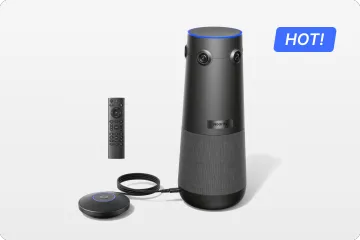
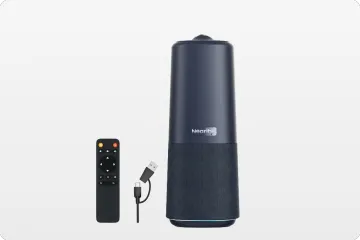
True 4K 360° All-in-1 Camera for Hybrid Meetings
Nearity 360 Alien

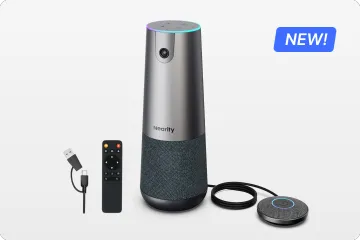
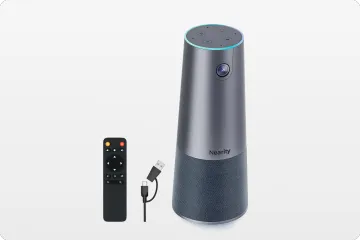
True 4K 120° All-in-1 Camera for Team Collaboration
Nearity 120 Max

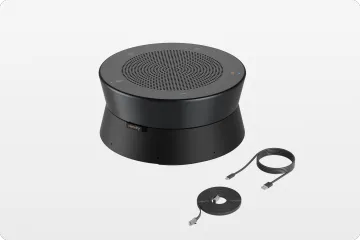
Professional Audio&Pioneering Daisy-Chain
Nearity A20S

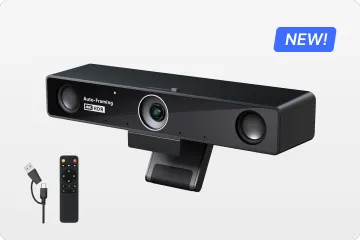
4K UHD 120° Webcam for Hybrid Meeting
Nearity V30S
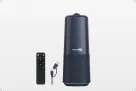
360° All-in-one Camera for Pro Group Chat
Nearity 360 Basic
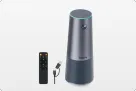
All-in-one Camera for Group Meeting
Nearity C45
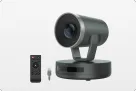
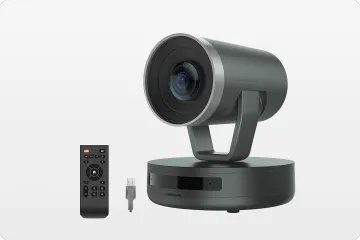
Powerful PTZ Camera with 10x Hybrid Zoom
Nearity V410
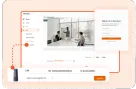
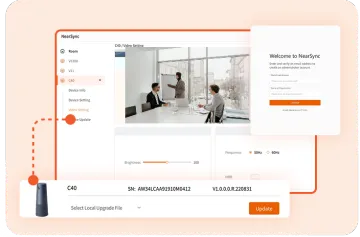
Firmware Updater and Device Controller
NearSync
- View products
- Meeting Room
- Meeting Scenario
- Whiteboard
-
Release time: 13/12/2023
-
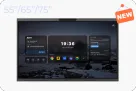
Optimization(Performance) - Improve SoundBar firmware update process: We have improved the SoundBar firmware update process to enhance the stability of the update and user experience.
-
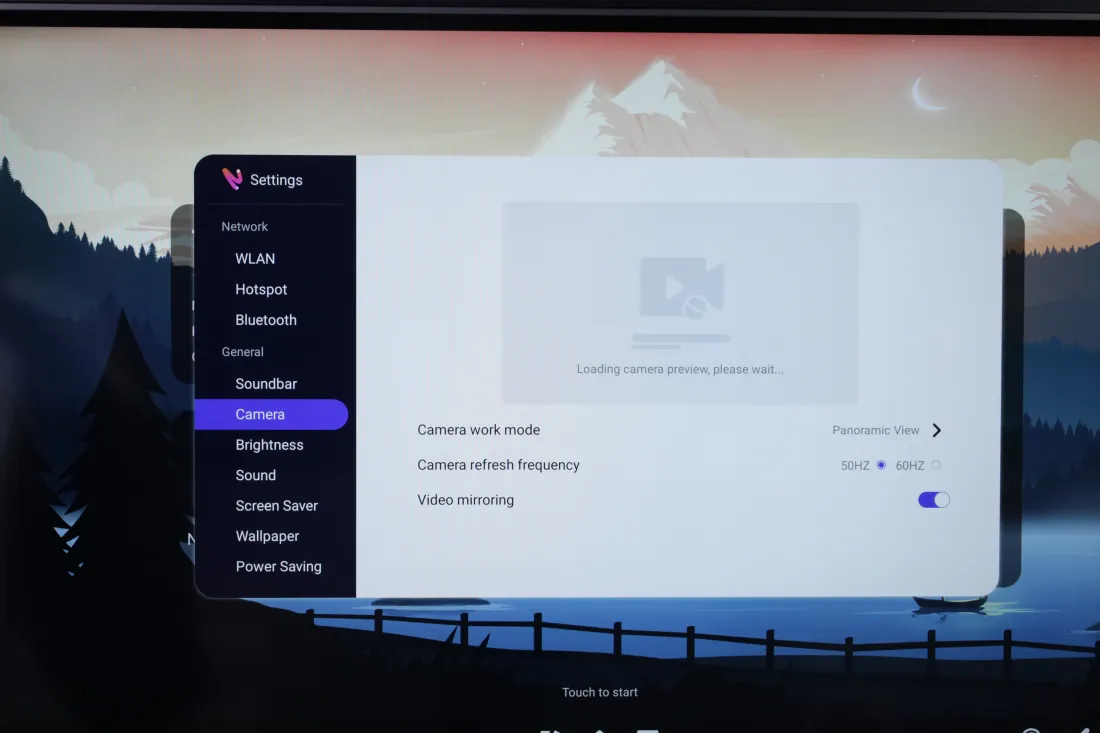
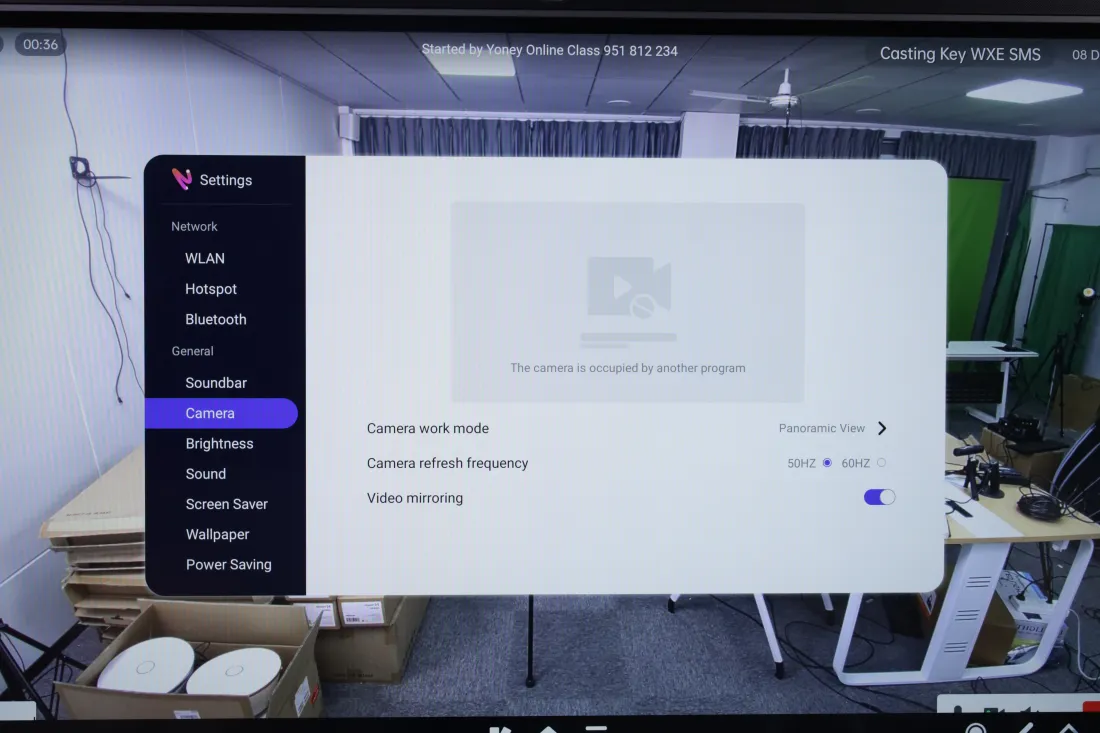
Optimization(Interaction) - add four display states for camera:We added four camera display statuses (No device, Camera initialization, Camera occupied, Camera exception) to give users a clearer picture of the camera status and improve their control and management of the camera status.


-
Optimization(Interaction) - Launcher supports slide up to show toolbar: Launcher now supports the slide-up display toolbar, allowing users to access and switch tools more quickly, and operate and switch more quickly.
-
Optimization(Interaction) - Screenshot function supports preview: We have optimized the screenshot function, and now our whiteboard supports preview, so that users can more intuitively understand the effect of the screenshot, and a more accurate and convenient screenshot operation.

-
Bug fix - fix camera switching lagging: We have fixed the problem of camera switching lag, and improved the smoothness and stability of camera use.
-
Bug fix - Fix the problem that Tail can't do BYOM properly: We have fixed the issue where NearHub Tail could not do BYOM (Bring Your Own Meeting) properly to ensure that users can use the related functions smoothly.
-
Bug fix - AirPlay can't cast screen in special scenes: We have solved the problem of AirPlay not being able to cast screen in special scenarios, so that Apple users can use the casting function in a more stable way.