Most Comfortable Headphones for Long Use: How to Choose in 2026
Compare earbuds, over-ear headphones, and professional headsets to find the most comfortable headphones for long use, with a buying guide and the Nearity EP320 recommendation.
Headphone Comfort
Work Headset
Audio Technology
Updated: Aug 19, 2026 · 8 minutes read
Global Business, Brought Near.
No Installer, No Hassle, Just Works.
Wearing headphones for eight hours a day requires more than good sound quality — comfort determines productivity. From pressure points caused by earbuds to heat buildup from over-ear designs, every headphone style has different strengths and limitations. This guide compares comfortable earbud headphones, comfortable over ear headphones, and professional headsets, helping you choose the most comfortable headphones for long use based on your work style and daily needs.
Key Takeaways
Over-ear headphones usually provide the best comfort for long sessions by reducing ear canal pressure.
Professional headsets combine comfort, a boom microphone, and reliable call performance for all-day work.
Weight, ear cushions, and fit are key factors when choosing headphones for extended use.
Earbuds are portable, but may cause discomfort during hours of continuous wear.
Nearity EP320 delivers lightweight comfort, AI noise cancellation, and long battery life for professional communication.
If you spend six or more hours a day on calls, in meetings, or deep in focused work, the headphones you wear stop being an accessory and start being part of your body. Finding the most comfortable headphones for long use means understanding how earbuds, over-ear headphones, and professional headsets differ in how they interact with your ears, neck, and workday. This guide compares the three styles and shows you how to choose — including where the Nearity EP320 fits as a purpose-built option for all-day communication.
Why Headphone Comfort Matters More Than Ever
The shift to hybrid and remote work has quietly extended the time people spend wearing audio devices. A typical remote worker's day can stack up to nine or more hours of active audio use — morning standups, client calls, internal syncs, background music, and an evening review. For many office professionals and call center employees, that is now the baseline.
Comfort is not a luxury feature. It is a productivity factor. Pressure points around the ears, heat buildup inside ear cups, and ear canal soreness from in-ear tips all compound over hours. The discomfort starts subtly: first a slight ache, then the urge to remove the headphones every twenty minutes, then genuine pain. Audiologists recommend the 60/60 rule — no more than 60% volume for 60 minutes at a time — but the physical fit matters just as much. A headset that fits well lets you work through back-to-back meetings without thinking about it; one that fits poorly becomes the most noticeable thing on your desk.
Before diving into specs, it helps to understand the fundamental comfort trade-offs between the three dominant styles.
Comfortable Earbud Headphones: Portable but Pressured
Earbuds — whether true wireless or connected — win on portability and discretion. They slip into a pocket, pair instantly, and add almost no weight to your head. For short calls or a quick focus session, they are hard to beat.
The comfort problem with comfortable earbud headphones emerges over time. In-ear designs insert silicone tips into the ear canal, creating sustained pressure that turns into pain within an hour or two for users with narrow canals. The seal traps moisture and warmth, and prolonged insertion can contribute to earwax buildup. Traditional earbuds that rest just outside the canal avoid the pressure but sacrifice bass and noise isolation.
Studies examining in-ear wearable devices have found that prolonged occlusion of the ear canal can influence perceived discomfort due to pressure, temperature, and moisture accumulation. These factors are important considerations when selecting headphones for continuous daily use.
For all-day wear, earbuds are usually the weakest option.
Comfortable Over Ear Headphones: The Long-Session Standard
Over-ear headphones are widely considered the gold standard for extended comfort. Instead of inserting into the ear or pressing on the auricle, they enclose the ear entirely, distributing clamping force across the headband and the surrounding cushion. This shifts pressure away from sensitive cartilage and onto the skull and skin, which tolerate it far better.
The most comfortable over ear headphones share a few traits: large ear cups that do not touch the ears, plush memory foam or protein leather cushions, adjustable headbands, and a total weight under 200 grams. They also typically house larger drivers (40–50mm), which improves sound quality and allows lower, safer listening volumes.
The main drawback is heat. After three or more hours, the enclosed space inside the ear cup can become warm. Breathable cushion materials help, but for most office and remote workers, this is a minor trade-off compared to long-duration earbud pain.
Professional Headset for Office: Built for the Meeting Marathon
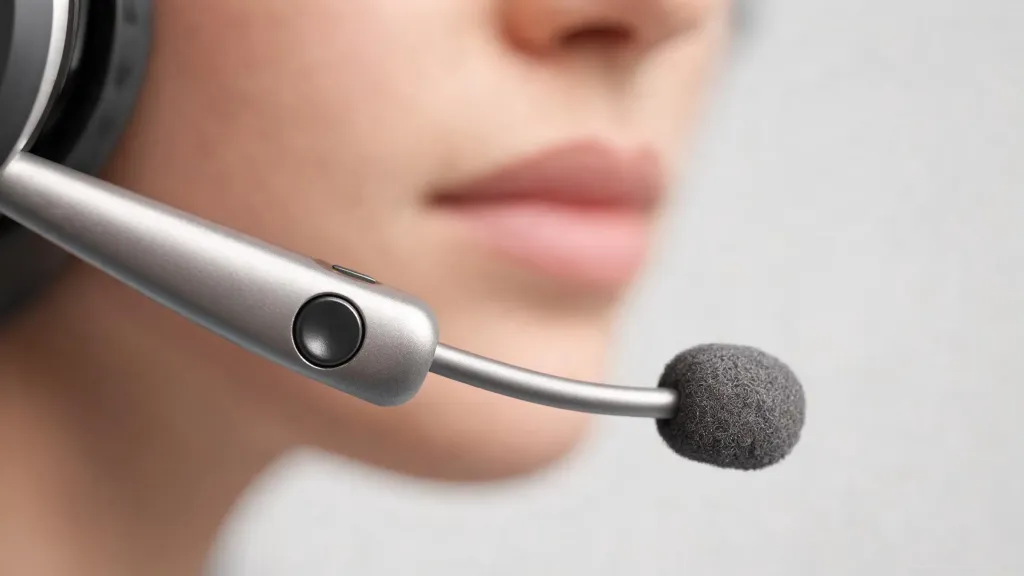
A professional headset for office use takes the over-ear comfort foundation and adds the tools communication-heavy work demands: a boom microphone, call controls, and broad platform compatibility. Where consumer over-ear headphones optimize for music, a professional headset optimizes for voice — capturing yours clearly and rendering others' naturally so you do not strain to understand them.
The boom microphone is the defining feature. By positioning the mic close to your mouth, a boom mic captures your voice with far more clarity than an inline or earbud microphone, while picking up far less background noise. For headphones for long meetings, a boom mic is the difference between sounding present and distant.
The comfort equation mirrors over-ear headphones, with added emphasis on weight and balance. A headset worn for eight hours needs to be light enough that the neck never tires and balanced enough that it does not slide forward when you lean in to type.
How to Choose the Most Comfortable Headphones for Long Use
Choosing the right pair comes down to matching criteria to how you actually work.
1. Match the style to your daily wear time. If your audio use is under two hours and highly mobile, earbuds are sufficient. For four or more hours a day, prioritize over-ear or professional headset designs.
2. Check the weight. Look for headsets under 200 grams. Heavier headsets place more load on the neck and skull, noticeable after a few hours. The Nearity EP320 weighs 184 grams.
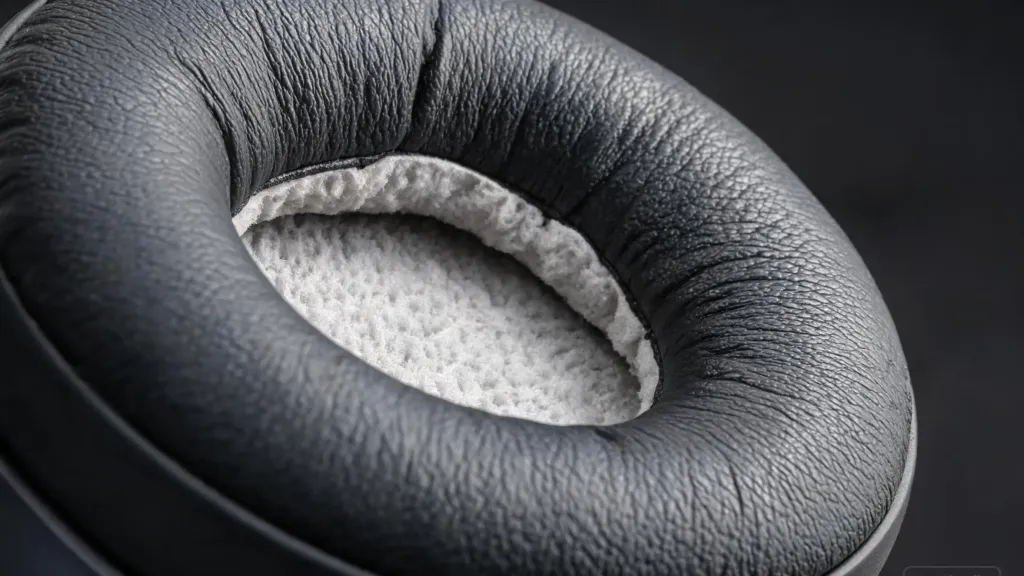
3. Evaluate the ear cushions. Cushion material determines pressure distribution and heat buildup. Memory foam wrapped in protein leather conforms to the head and creates a good acoustic seal while remaining soft enough for all-day contact.
4. Confirm the microphone meets your call demands. For client calls, sales, teaching, or call center work, a boom microphone is essential. For occasional internal calls, a built-in mic may suffice.
5. Verify battery life covers your longest day. A headset that dies mid-meeting is unprofessional. Aim for at least 30 hours of talk time so a single charge covers two to three workdays.
6. Check platform compatibility. Confirm the headset works with Teams, Zoom, Webex, and Google Meet, and offers both wireless and wired options as a backup.
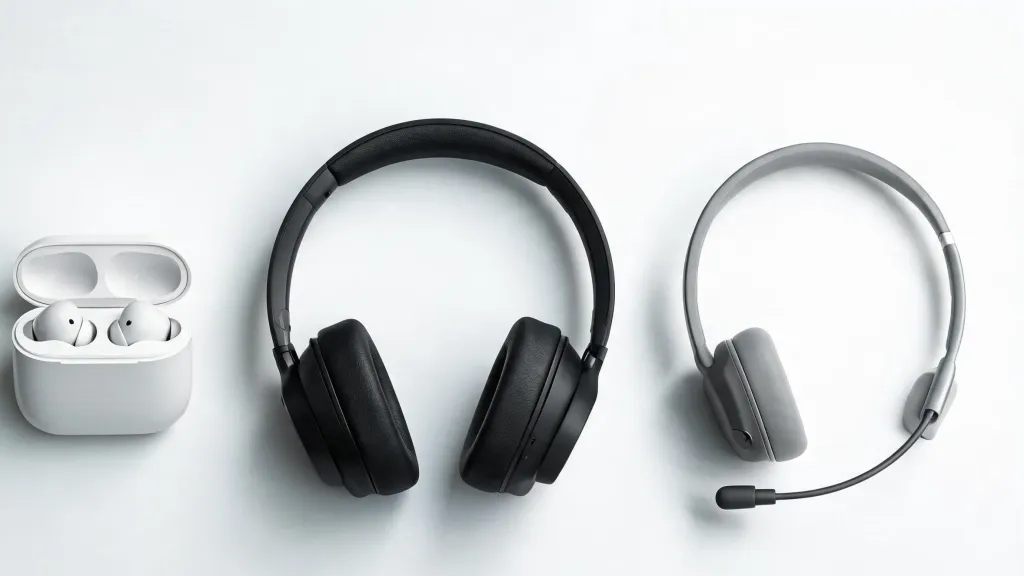
Comparison: Earbuds vs Over-Ear vs Professional Headset
Factor
Earbuds
Over-Ear Headphones
Professional Headset
Comfort over 4+ hours
Low — canal pressure
High — pressure on skull
High — over-ear design plus light weight
Microphone quality
Fair — inline/earbud mic
Fair to good — depends on model
Excellent — dedicated boom mic
Best for
Short, mobile calls
Music and focus sessions
All-day calls and meetings
Battery life
5–8 hours typical
20–40 hours
30–45 hours
Portability
Excellent
Low — bulky
Low — bulky
Typical weight
5–10g per bud
250–350g
180–300g
Noise cancellation
Good (in-ear seal/ANC)
Very good (ANC)
Very good (ANC + boom mic)
The pattern is clear: for long, communication-heavy workdays, a professional headset combines over-ear comfort with the voice clarity work demands.
Nearity EP320: A Comfortable Professional Headset Solution
For workers whose days are defined by back-to-back calls and meetings, the Nearity EP320 is engineered around the comfort and clarity factors this guide emphasizes. It is a wireless headset for work that targets the pain points remote workers and call center teams report.
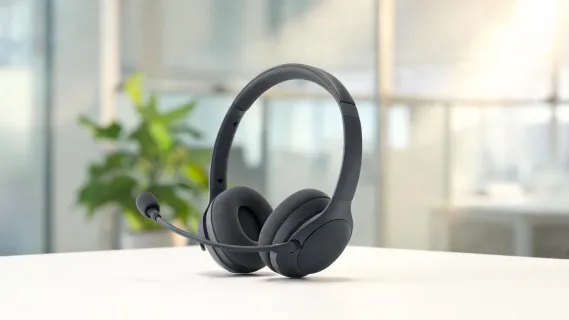
Weight and ergonomics. At 184 grams, the EP320 sits below the 200-gram threshold. The ear cushions are pillow-soft protein cotton (memory foam), and the headband includes a padded leather sling that spreads weight rather than concentrating it at one point. Ear muffs rotate 180 degrees, and the boom mic rotates 250 degrees for left- or right-side wearing.
Microphone clarity. The standout feature is a four-microphone array paired with a HiFi5 DSP processor and an AI-trained neural network that suppresses up to 99.9% of background noise. Where most ANC headsets struggle to isolate human speech from typing or ambient chatter, the EP320's boom mic positions the pickup close to your mouth and uses AI to strip out everything else. For anyone who needs a headset with noise cancelling mic, this is the configuration that delivers on the promise.
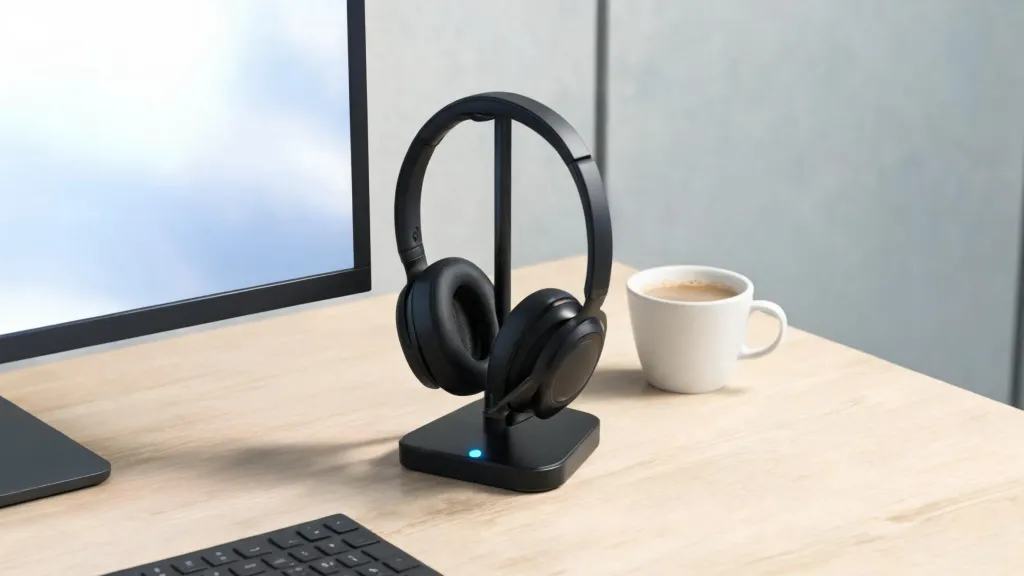
Battery and charging. The EP320 provides 35 hours of talk time and 45 hours of music playback. A charging stand is included, so you drop the headset onto the base between calls rather than fumbling with a cable.
Connectivity. Bluetooth 5.4 with a 33-foot range, multi-point pairing for two simultaneous devices, plus USB dongle and USB-C wired options. It is plug-and-play with Teams, Zoom, Webex, and Google Meet across Windows, Mac, Linux, Android, and iOS. For organizations standardizing on a professional headset for office deployment, the connection flexibility removes the compatibility friction that generates IT tickets.
At $149.99 list — and frequently available for less — the EP320 delivers enterprise-grade features at a price that undercuts comparable business headsets.
Recommendations by Work Scenario
Different roles stress different priorities. Here is how to match a headset to your day.
Remote and hybrid workers. Your day mixes calls with deep-focus blocks in a home environment with unpredictable noise. You need an over-ear design comfortable for eight-plus hours and a boom mic that filters out household sounds. The EP320's multi-point connection also lets you switch between a laptop meeting and an incoming phone call without re-pairing.
Call center employees. Clarity, endurance, and reliability are everything. Calls are continuous and background noise is constant. A lightweight, boom-mic professional headset for office with long battery life and a wired backup is the right tool. The EP320's 99.9% noise suppression and plug-and-play compatibility make it well suited here.
Office professionals in open plans. Over-ear headphones create a subtle but real psychological boundary — colleagues are less likely to interrupt someone visibly wearing them. Pair that with a boom mic, and a noise cancelling headphone for work doubles as both a focus shield and a meeting tool.
Sales and field roles. You take calls from anywhere. With 35 hours of talk time and AI noise cancellation that handles street bustle, the EP320 functions as a noise cancelling headphone for call center-grade demands in a mobile form.
Common Comfort Mistakes to Avoid
Even the right headset can feel wrong if set up poorly. Watch for these issues.
Ignoring the headband adjustment. Most comfort complaints trace back to a headband set too tight or positioned poorly. The band should rest on top of the head with ear cups fully enclosing the ears without pressing on cartilage.
Choosing style over cushion material. Stiff cushions cause pain within an hour. Memory foam with a protein leather or breathable fabric cover is the proven combination for long sessions.
Wearing earbuds for marathon days. Earbuds are fine for a 30-minute call. Wearing them all workday invites canal soreness and fatigue. If your day runs long, switch to an over-ear or professional headset.
Overlooking glasses interference. Glasses arms can break the seal of over-ear cushions, reducing bass and creating pressure points. If you wear glasses, test the seal and look for softer, deeper cushions.
Neglecting battery management. A headset that dies mid-call is a comfort failure of a different kind. Choose a model with enough talk time for your longest day, and use a charging stand so topping up is frictionless.
FAQs
Are over-ear headphones more comfortable than earbuds for long use?
Yes. Over-ear headphones distribute pressure across the headband and ear cushions instead of inserting into the ear canal, reducing ear fatigue during sessions of four hours or more. Earbuds are lighter and more portable, but can cause canal pressure and soreness after extended wear.
What weight is comfortable for all-day headset use?
Ergonomic research suggests headsets under 200 grams are comfortable for extended wear. The Nearity EP320 weighs 184 grams, below this threshold and suitable for full workday use.
How long should a work headset battery last?
A work headset should deliver at least a full workday of talk time. For hybrid workers averaging six to nine hours of daily audio use, a headset with 30 hours or more of talk time, such as the Nearity EP320 with 35 hours, removes charging anxiety.
Can I use one headset for both meetings and music?
Yes. A professional headset with a wide frequency response (20Hz to 20kHz) and a quality boom microphone can handle both voice calls and music. The Nearity EP320 covers the full audible range and includes a dedicated mute button, so it transitions between meetings and focus music without switching devices.