Best Earbuds for Meetings: Clear Audio Picks for Zoom & PC Calls
A complete guide to choosing the best earbuds for meetings, designed to help you sound clear and confident on Zoom and PC calls with reliable connectivity, all-day comfort, and work-focused microphone performance.
wireless earbuds
hybrid working
bluetooth earbuds
Updated: Aug 19, 2026 · 6 minutes read
Global Business, Brought Near.
No Installer, No Hassle, Just Works.
You join a Zoom meeting on time and start speaking—only to hear, “Can you repeat that? Your audio cut out.” In remote and hybrid work, poor sound quality doesn’t just interrupt the conversation; it affects how professional and reliable you come across in meetings, interviews, and client calls.
As virtual meetings become a daily routine, choosing the best earbuds for meetings is essential. In this 2026 guide, we focus on what really matters for work earbuds—clear microphones, stable connections, and all-day comfort—and compare top options for Zoom calls, hybrid offices, and long meeting days.
Key Takeaways
Meeting earbuds prioritize voice clarity over sound quality — clear microphone performance matters more than music tuning for Zoom and PC calls.
Connection stability is critical for professional meetings — earbuds with USB dongle support are more reliable than Bluetooth alone for PC-based calls.
Comfort determines all-day usability — lightweight and open-ear designs reduce fatigue during back-to-back meetings.
Noise control improves focus and communication — ENC microphones and ANC help maintain clear calls in noisy home or office environments.
Purpose-built work earbuds outperform general consumer models — earbuds designed for meetings deliver better reliability, clarity, and productivity.
Why Choosing the Right Earbuds for Meetings Matters
Many people assume any pair of wireless earbuds will work for meetings. In reality, earbuds designed for music or workouts often perform poorly in professional communication.
Meetings Have Different Audio Priorities
Meeting‑focused earbuds emphasize very different features compared to entertainment earbuds:
Microphone clarity over soundstage – Your voice matters more than immersive audio.
Connection stability over codecs – Dropped calls are worse than compressed music.
Long‑term comfort – Meetings can last hours, not minutes.
Workday reliability – Enough battery for multiple calls without constant charging.
When these elements fall short, meetings become frustrating for both you and your teammates.
Poor Audio Hurts Productivity and Perception
Industry reports on remote collaboration consistently show that audio issues are among the top complaints in virtual meetings, as highlighted in the State of Remote Work collaboration report by Webex. Participants lose focus, repeat information, and disengage when sound quality is unreliable.
That’s why investing in purpose‑built ear buds for work—rather than general consumer earbuds—can significantly improve both productivity and professional presence.
Key Factors to Consider When Choosing Earbuds for Meetings
Before looking at specific recommendations for the best earbuds for meetings, it’s important to understand what separates great meeting earbuds from average ones.
Bluetooth vs USB Dongle Connectivity
Connectivity is the foundation of any meeting setup.
Bluetooth earbuds offer:
Convenience and portability
Easy pairing with laptops and phones
Support for multipoint switching
However, Bluetooth can introduce:
Interference in busy offices
Occasional latency
Inconsistent performance with conferencing software
USB dongle connections provide:
More stable audio streams
Lower latency
Better compatibility with Zoom, Microsoft Teams, and Google Meet
For frequent or high‑stakes meetings, earbuds that support a USB dongle are often the safer, more professional choice.
Microphone Quality & Call Clarity
For meetings, microphone performance matters more than speaker quality.
Look for earbuds with:
Dual or multi‑mic arrays
AI or ENC noise reduction
Beamforming technology
These features help isolate your voice while reducing distractions such as keyboard noise, office chatter, or background hum. The result is clearer communication and fewer interruptions.
Active Noise Cancellation (ANC) & Transparency Mode
ANC helps block out distractions so you can stay focused during meetings, especially in shared or noisy environments.
Transparency (or ambient) mode allows you to:
Hear coworkers nearby
Stay aware of your surroundings
Avoid feeling isolated during long workdays
Both modes are valuable, but the best balance depends on how and where you work.
Comfort for Long Meetings
Comfort is often underestimated until you’re three hours into back‑to‑back calls.
Key comfort factors include:
Lightweight construction
Pressure distribution
Open‑ear vs in‑ear design
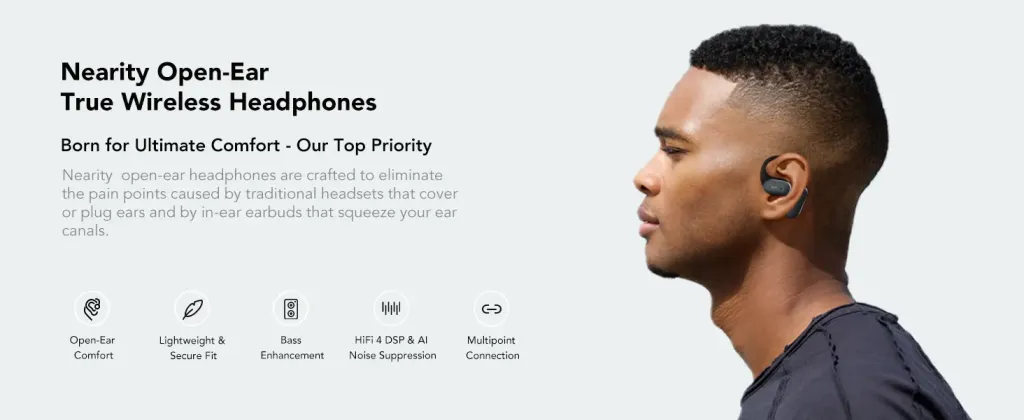
Open-ear designs are gaining popularity for all-day use, especially in work settings. By avoiding a sealed ear canal, they reduce pressure and heat buildup, which helps minimize ear fatigue during long sessions.
Battery Life & Daily Reliability
Meeting earbuds should comfortably last:
Multiple meetings per day
A full work shift without anxiety
Fast charging and reliable charging cases add convenience for busy professionals.
Best Earbuds for Meetings (Top Picks)
Below are the best earbuds for work calls and meetings, organized by real-world work scenarios. Each category includes two carefully selected options, with Nearity MemPod Fit 2 highlighted where it offers a clear meeting-focused advantage.
Model
Design Type
Mic & Call Clarity
PC Connectivity
Long-Meeting Comfort
Best For
Nearity MemPod Fit 2
Open-ear
ENC dual-mic, voice-focused tuning
Bluetooth + USB-C dongle
⭐⭐⭐⭐⭐
All-day meetings, PC-based calls
Jabra Evolve2 Buds
In-ear
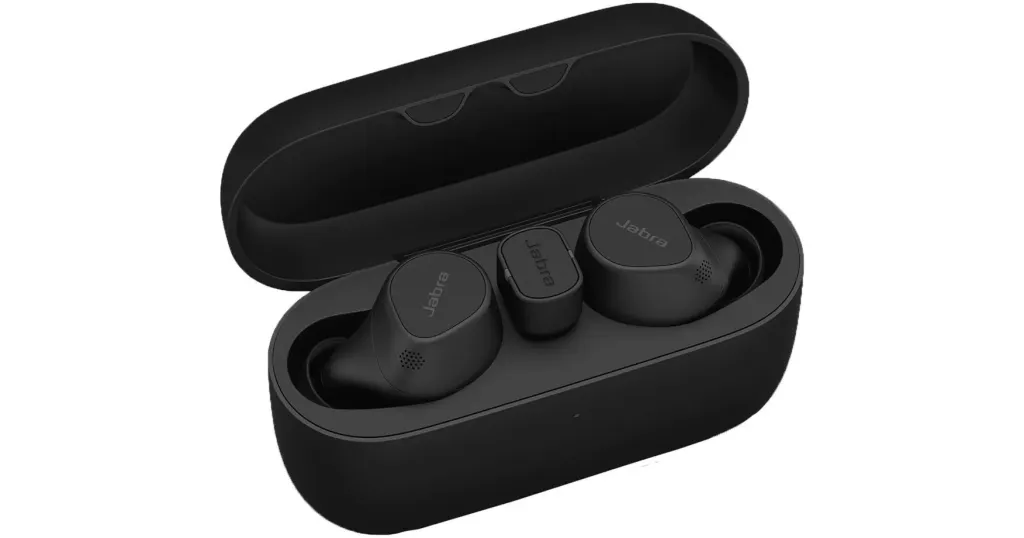
Multi-mic, enterprise-tuned
USB dongle + Bluetooth
⭐⭐⭐
Corporate / IT-managed environments
Soundcore Space A40
In-ear
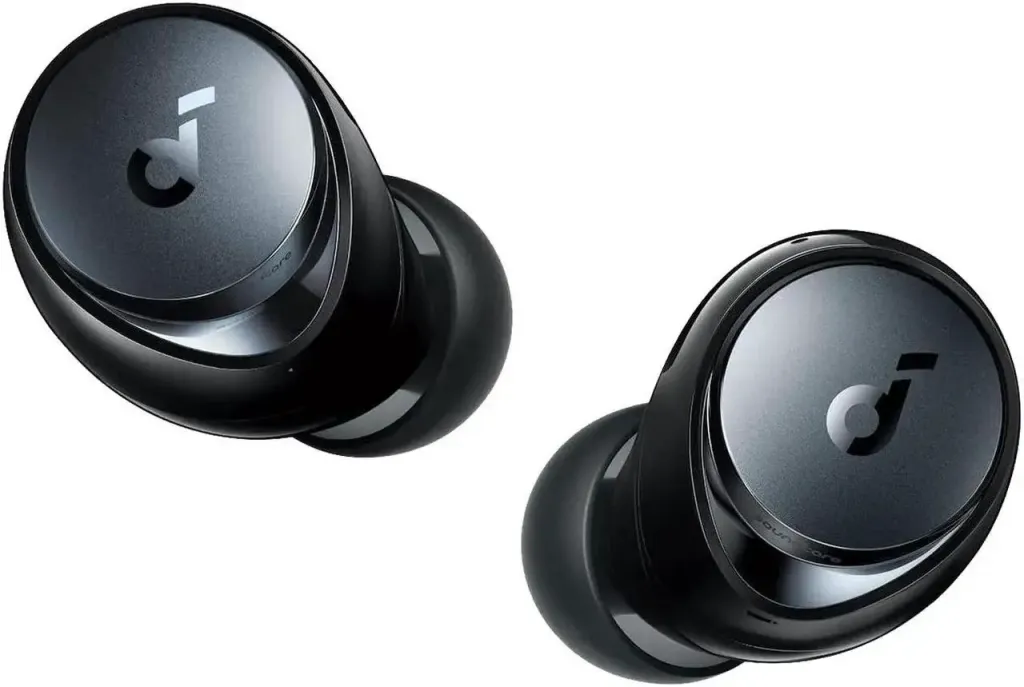
Solid everyday call quality
Bluetooth only
⭐⭐⭐
Hybrid work, noisy locations
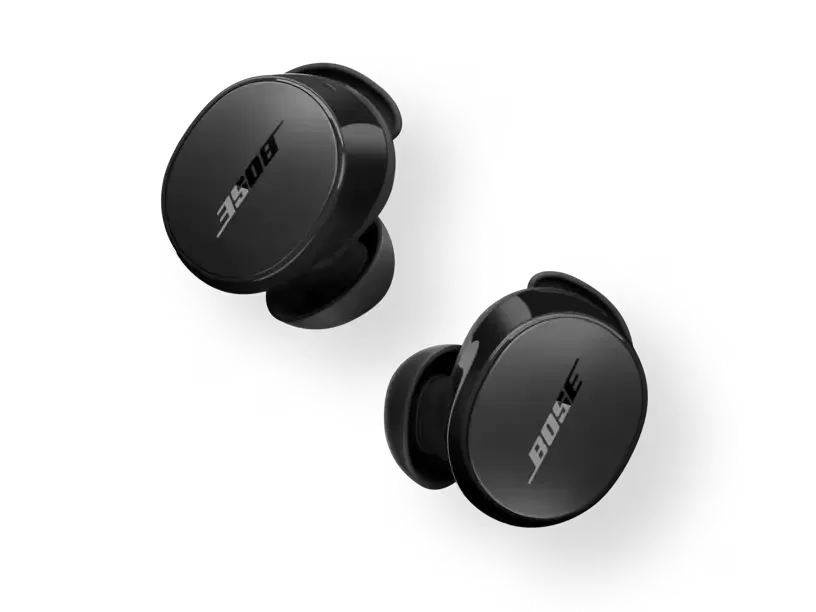
Bose QuietComfort Earbuds
In-ear
Clear calls, strong ANC
Bluetooth only
⭐⭐⭐⭐
Focused work in loud environments
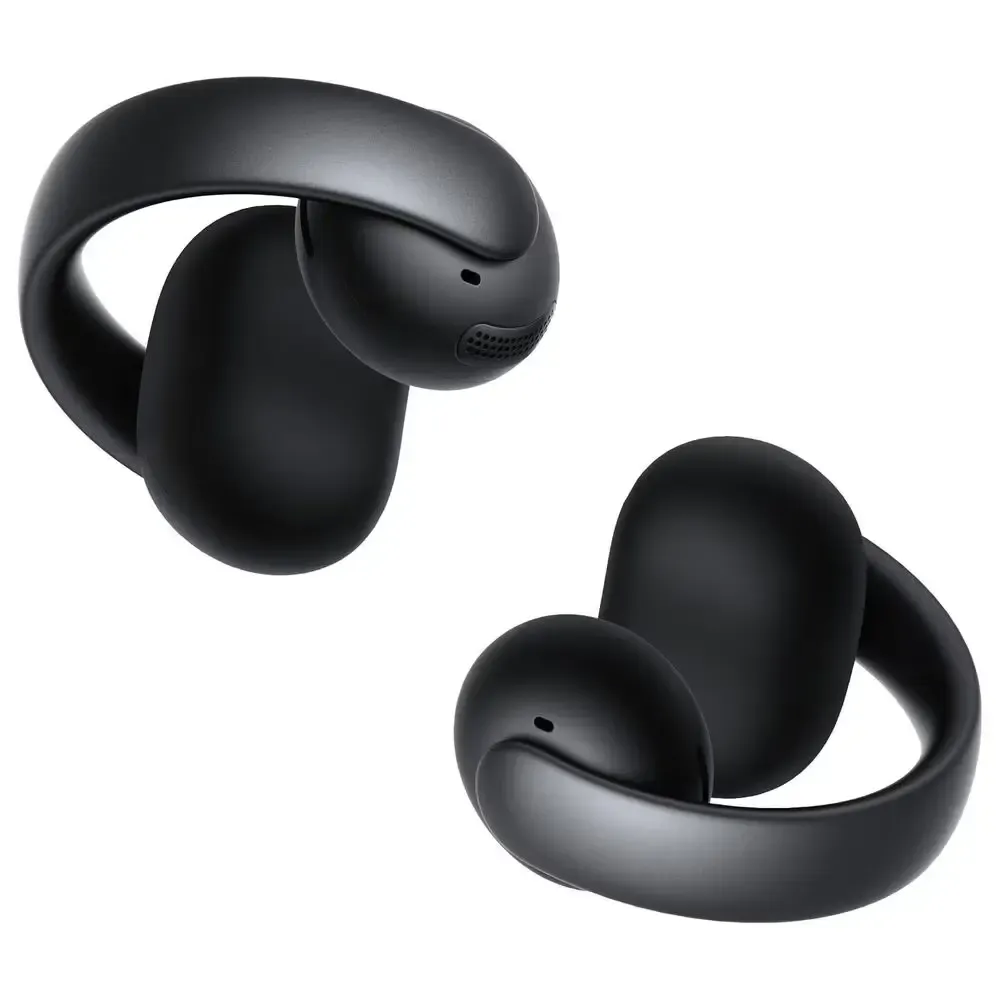
Soundcore AeroClip
Open-ear
Basic call clarity
Bluetooth only
⭐⭐⭐⭐
Comfort & ambient awareness
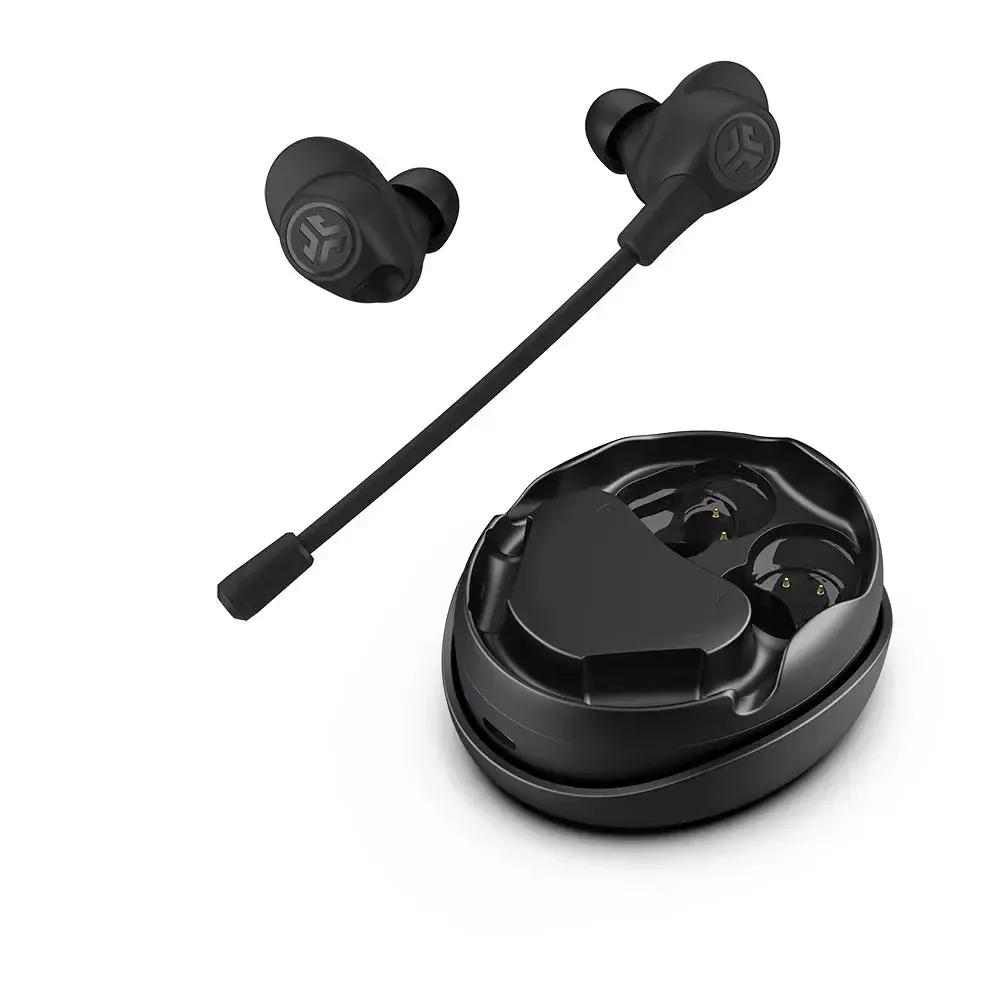
JLab Work Buds
In-ear
Entry-level mic performance
Bluetooth only
⭐⭐
Occasional meetings, budget users
1. Best All-Around for Meetings
This category is ideal for professionals who attend meetings daily and need one dependable solution for calls, collaboration, and long workdays.
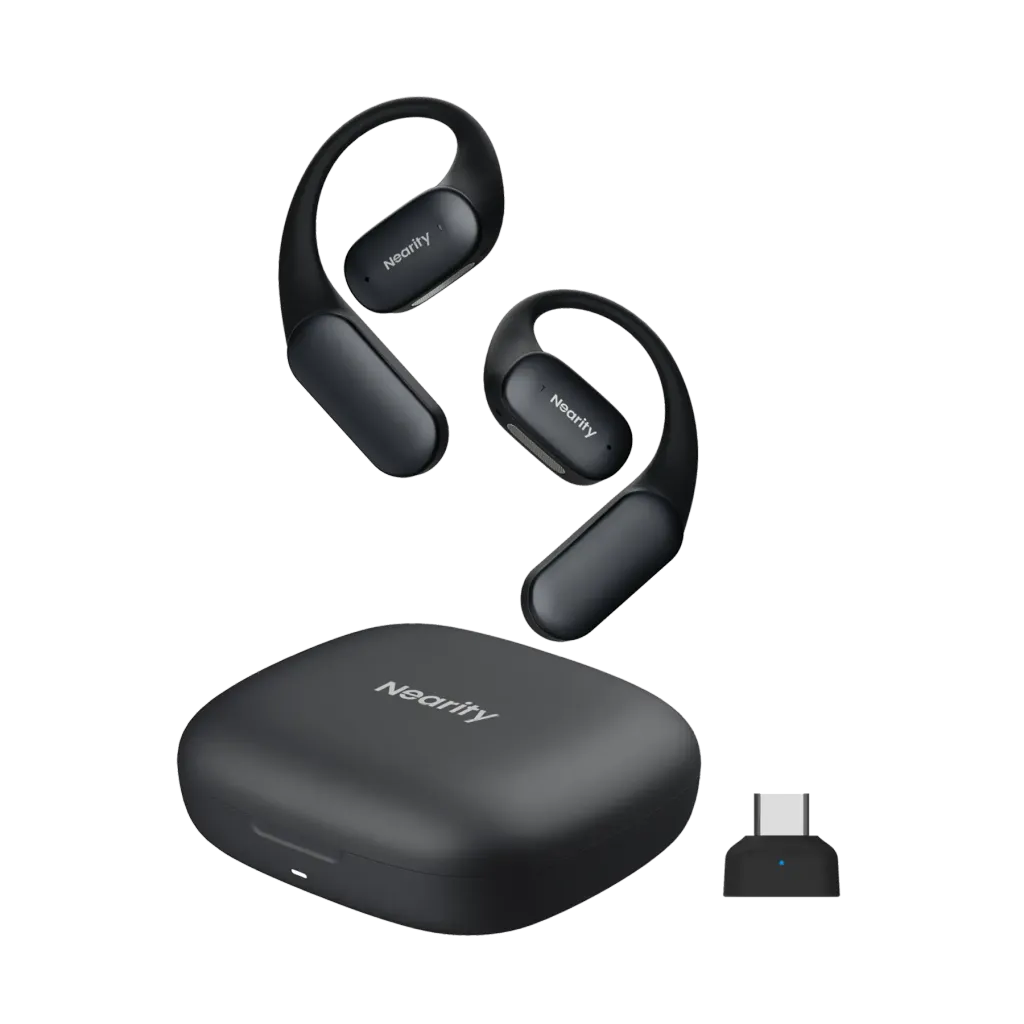
Design & Comfort: Open-ear, ultra-lightweight (around 9.9 g), designed to avoid ear pressure for long sessions. This level of comfort is unmatched by typical in-ear designs, making it ideal for back-to-back meetings or all-day virtual collaboration.
Call Clarity: ENC dual-microphone system with HiFi4 DSP processing isolates your voice from ambient office noise such as keyboard clicks and fan hum. In real-world calls, this ensures you are heard clearly without requiring repetition, giving a professional edge.
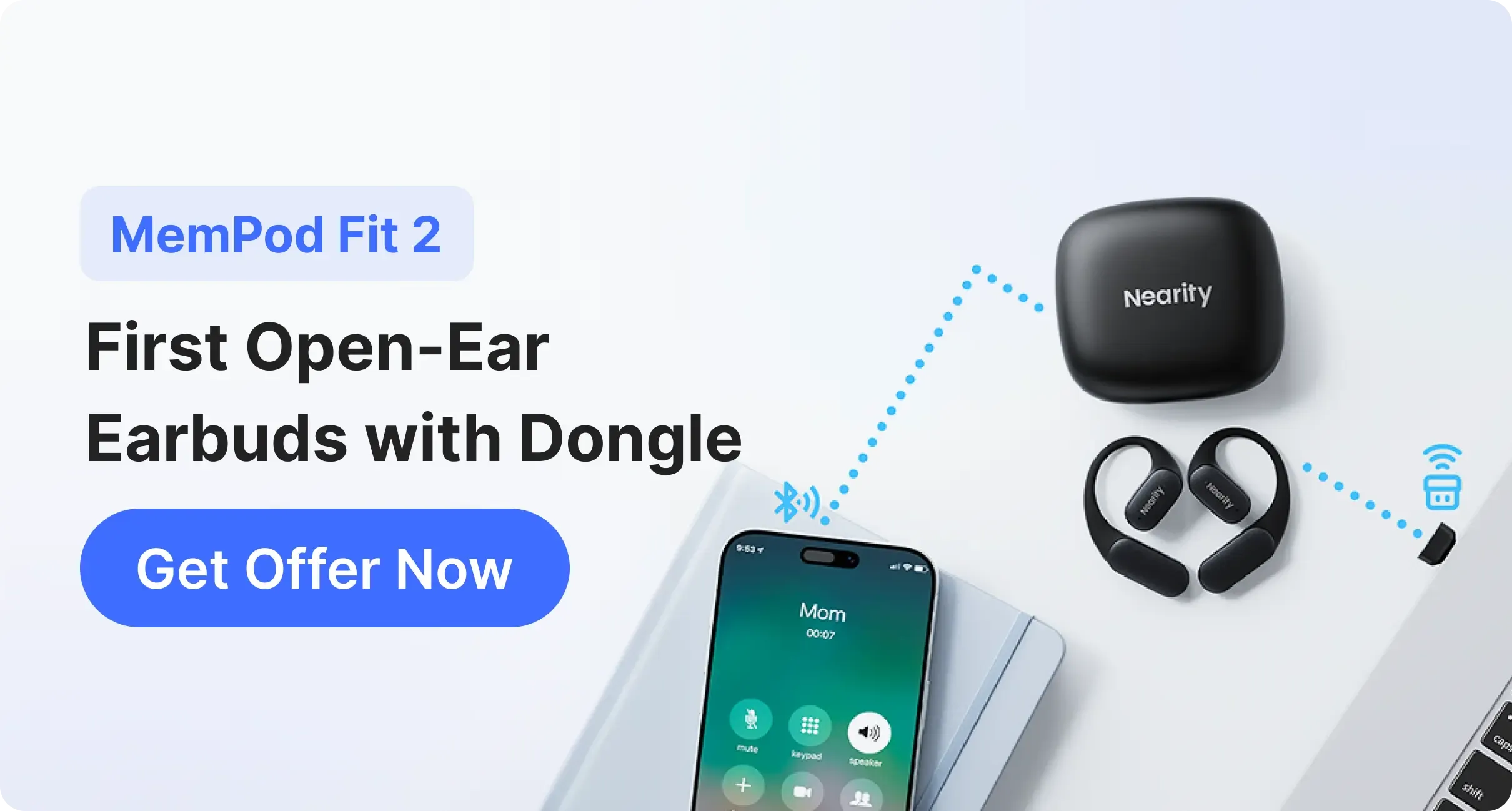
Connectivity: Bluetooth multipoint enables seamless switching between laptop and phone. Additionally, the optional USB-C dongle guarantees low-latency, highly stable PC connections, outperforming many competitors who rely on Bluetooth alone.
Best For: Professionals attending multiple daily meetings who need maximum comfort, reliable call clarity, and flexible device connectivity.
Design & Comfort: Open-ear, ultra-lightweight design makes these earbuds most comfortable even during all-day back-to-back meetings, reducing ear fatigue.
Call Clarity: ENC dual-mic with HiFi4 DSP ensures your voice is crisp and intelligible, effectively managing office noise and household distractions.
Connectivity: Bluetooth multipoint plus optional USB-C dongle provide seamless switching between devices and highly stable PC call performance, surpassing most competitors.
Best For: Professionals in collaborative offices or hybrid work environments requiring both environmental awareness and premium call clarity.
4. Best Value & Budget-Friendly Picks
Affordable options that still meet essential meeting requirements.
Design & Comfort: In-ear, standard fit suitable for short sessions.
Call Clarity: Provides basic noise cancellation and adequate call quality; struggles in louder environments.
Connectivity: Bluetooth only; no dongle support.
Best For: Entry-level users needing affordable earbuds for sporadic calls.
Bluetooth vs USB Dongle: Which Is Better for Meetings?
Both connection types have their place.
Bluetooth offers flexibility and easy device switching.
USB dongles provide greater stability, lower latency, and fewer compatibility issues.
For frequent or business‑critical meetings, dongle support—like that offered by MemPod Fit 2—can significantly improve reliability.
Conclusion
Choosing the best earbuds for meetings means focusing on real‑world performance rather than entertainment features. Voice clarity, comfort, and connection stability are what truly matter in professional settings.
For users who spend hours in virtual meetings, Nearity MemPod Fit 2 stands out with its lightweight open‑ear design, meeting‑focused microphone performance, and flexible connectivity options.
FAQs
1. Are earbuds better than headsets for Zoom calls?
Earbuds offer better portability and comfort for long sessions, especially if you wear glasses. Headsets typically offer slightly better mic positioning but can cause "headset hair" and ear sweat during long days.
2. How do I stop my earbuds from disconnecting from my PC?
Ensure you are using at least Bluetooth 5.0. If the issue persists, consider a model with a dedicated USB dongle or a modern Bluetooth 5.4 device like the Nearity MemPod Fit 2.
3. Does Zoom noise cancellation work with any earbuds?
Yes, Zoom has built-in software noise cancellation, but it works best when paired with hardware that also has ENC. Combining the two results in the clearest possible audio for your participants.
4. Why does my voice sound muffled on my earbuds?
This is often caused by a poor fit or the microphones being blocked by hair or clothing. If you use a "seal" type earbud, ensure you have the right size tip. Alternatively, an open-ear design keeps the mic unobstructed.
5. Can I use gaming earbuds for professional meetings?
You can, but be careful. Many gaming earbuds emphasize "low latency" over "voice clarity" and may have unprofessional RGB lighting.