













































As the demand for flexible remote jobs reshapes the global labor market in 2026, the physical office must evolve into a strategic asset rather than a mandatory requirement. This comprehensive guide details the shift toward "Productivity-Based Presence," moving away from stagnant cubicles toward a tripartite zoning model: Focus Zones, Collaboration Theaters, and Social Anchors. We delve into advanced acoustic engineering, biophilic design, and the critical role of hardware-software integration—specifically the use of Room Calendar Sync—to eliminate technical friction and ensure "presence equity" for distributed teams.
Key Takeaways
- Zoning for Success: The most critical design factor is the strict separation of quiet focus areas from high-intensity collaborative spaces to prevent acoustic interference.
- Eliminating "Setup Tax": By syncing company room calendars with interactive whiteboards, teams can join meetings with a single tap, saving 5-10 minutes of technical friction per session.
- Presence Equity: Interactive canvases like NearHub ensure that remote workers have an equal visual and collaborative voice, making location irrelevant to the quality of output.
- The Office as a Service: High-performance design shifts the office's role from a site of management oversight to a premium destination that provides tools superior to the average home office.
- Biophilic & Biological Focus: Integrating circadian lighting and natural elements is essential to combat "fluorescent fatigue" and promote long-term employee well-being in hybrid environments.
- Documentation at Speed: One-click digital note sharing and recording allow for seamless asynchronous follow-ups, keeping both remote and on-site staff perfectly aligned.
We have all felt that specific type of Sunday night anxiety—the one where you realize you have to spend Monday morning fighting for a desk in a cluttered office, only to spend the rest of the day on video calls. For many professionals seeking flexible remote jobs, the dream of a balanced work-life often hits the cold reality of poorly designed office spaces. If your current workspace feels like a relic of the past, you are not alone. This is why we have created this comprehensive Ultimate Guide to Hybrid Workplace Design, a deep dive into turning your physical office into a high-performance hub that actually supports your digital workflow.
As we navigate the complexities of 2026, the demand for flexible remote jobs continues to reshape the corporate landscape. However, a remote-first mindset doesn't mean the office is dead; it means the office must work harder to justify the commute. In this guide, we will explore how hybrid office design can bridge the gap between home comfort and professional-grade collaboration, ensuring that your team stays productive, secure, and connected.
Why Traditional Offices are Failing Flexible Remote Jobs
The primary reason most office returns feel forced is a fundamental mismatch between the environment and the task. When people look for flexible remote jobs, they are looking for autonomy and efficiency. Traditional office layouts—with their rows of cubicles and lack of private call spaces—actively fight against these goals.
The "Noise Pollution" Crisis
In an era where most work involves high-concentration tasks or digital meetings, the open-office plan has become a liability. Professionals who thrive in flexible remote jobs often find it impossible to maintain their "flow state" in a room where three different Zoom calls are happening within earshot.
Tech-Induced Friction
Nothing kills the motivation of a hybrid worker faster than spending 15 minutes trying to find an HDMI adapter. In a high-performance hybrid office layout, technology must be invisible and instantaneous. If the tech setup in the office is inferior to what employees have at home, the office is no longer a tool; it's a hindrance.
Defining the 2026 Hybrid Workplace Design: More Than Just Desks
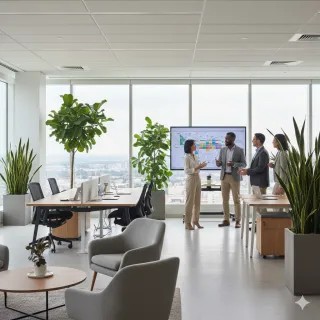
By 2026, hybrid workplace design has evolved from a temporary fix into a strategic business asset. It is no longer about "fitting people in"; it is about "empowering work to happen." A successful hybrid office layout treats the physical space as a high-tech laboratory for collaboration.
According to a 2026 report by McKinsey & Company, firms that optimize their physical spaces for collaborative high-value activities see a 25% increase in cross-departmental innovation. This proves that hybrid office design is not just about aesthetics—it is about the bottom line.
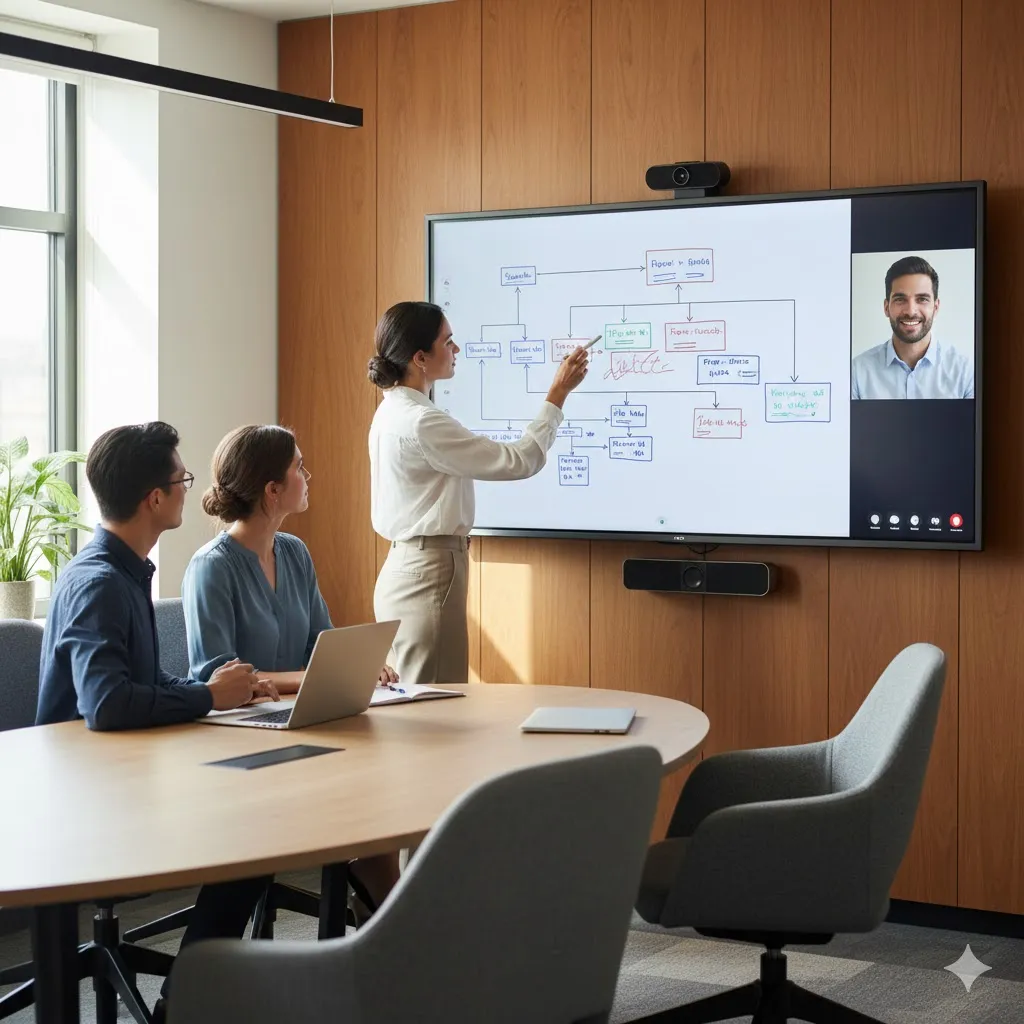
The Three Core Zones of Hybrid Design
- The Focus Zone: Soundproof pods or quiet libraries for deep-focus tasks.
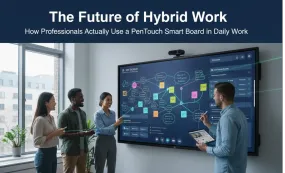
- The Collaboration Theater: Spaces equipped with a smart white board for active brainstorming.
- The Social Anchor: Areas designed for unplanned interactions that build company culture.
Bridging the Gap: Technological Solutions for Flexible Remote Jobs
The "missing link" in most hybrid strategies is the interface between the remote worker and the office participant. To support flexible remote jobs, the technology must provide "presence equity"—making the person on the screen feel as important as the person in the chair.
Visual Equality with Interactive Canvases
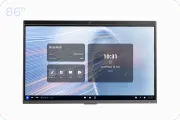
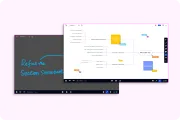
Using NearHub interactive solutions allows teams to share a single digital canvas. When an office-based employee draws on the board, the remote employee sees it instantly on their laptop. This creates a unified experience that is essential for maintaining the momentum of hybrid jobs.
Wireless Freedom and High Fidelity
A modern hybrid office design prioritizes wireless protocols. Learning how to use a smart board through proximity-based connections means employees can walk into a room and have their presentation live in seconds, without ever touching a cable.
Strategic Integration: How to Use Room Calendar for Seamless Productivity
One of the most innovative features in 2026 hybrid office layout planning is the deep integration of room calendars with collaborative hardware. This feature specifically addresses the "meeting room chaos" that often plagues large organizations.
Synchronized Schedules for High Efficiency
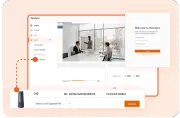
Imagine walking into a conference room where the smart white board is already prepared for you. By syncing your company's account calendar (such as Outlook or Google Workspace) with the board, the launcher page automatically displays the day's schedule.
- One-Touch Entry: You don't need to type in a meeting ID. Just tap the scheduled meeting on the launcher, and you are instantly connected.
- Real-Time Availability: The board's display can show if the room is currently booked, preventing awkward interruptions.
- Contextual Prep: If you attached a PDF or brief to the calendar invite, it can be ready to open directly on the board.

Reducing the "Setup Tax"
For those in flexible remote jobs, time is the most valuable currency. By integrating room calendars, you eliminate the "setup tax"—the 5 to 10 minutes usually wasted at the start of every meeting. This level of automation is what defines a truly modern hybrid workplace design.
The Core Elements of Effective Hybrid Office Design
A beautiful office that doesn't function is a failure. When planning your hybrid office layout, you must consider the biological and psychological needs of your workforce.
Acoustic Intelligence
Sound management is the top priority for 2026. Use soft textures, acoustic baffles, and strategic zoning to ensure that the "Collaboration Theater" doesn't disrupt the "Focus Zone." This is vital for employees who move between quiet flexible remote jobs environments and loud office brainstorms.
Dynamic Lighting and Ergonomics
Human-centric lighting that shifts color temperature throughout the day helps maintain the circadian rhythms of employees. Furthermore, every desk in a hybrid office design should be a "sit-stand" desk, allowing for physical movement during long strategy sessions.
| Design Component | Traditional Layout | 2026 Hybrid Layout |
|---|---|---|
| Desk Ratio | 1:1 (One desk per person) | 0.6:1 (Hot-desking & Zones) |
| Meeting Tech | Projectors & Dongles | Interactive 4K Boards & Sync |
| Quiet Space | None / Open Plan | Dedicated Soundproof Pods |
| Documentation | Paper / Photos of Boards | Instant Digital PDF Exports |
| Scheduling | Manual / Paper on Door | Real-time Room Calendar Sync |
How Modern Tech Empowers Flexible Remote Jobs and Collaboration
The ultimate goal of any hybrid workplace design is to make the location irrelevant to the quality of the work. If a team can produce world-class results regardless of where they are sitting, the hybrid jobs model has succeeded.
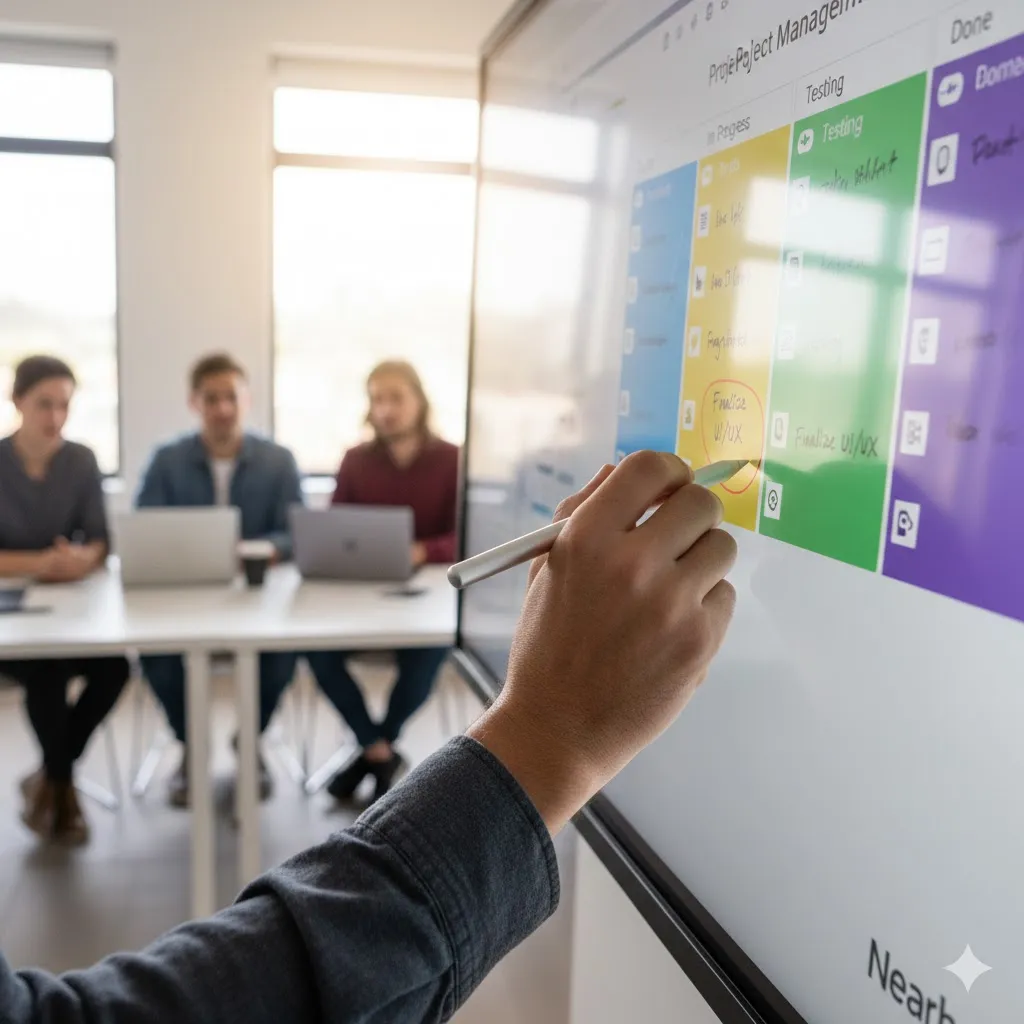
The NearHub Ecosystem
NearHub has become a leader in this space by focusing on the "User Experience" of the meeting. By mastering how to use a smart board, teams can turn a standard meeting into a high-speed sprint. The ability to drag-and-drop web content, annotate over live video, and then save the entire session to a QR code or email is transformative.
Building Culture Through Interaction
Technology shouldn't just be for work; it should be for connection. High-definition video walls in common areas can act as "virtual windows" between different office branches, helping to maintain a sense of community for those in flexible remote jobs.
Future-Proofing Your Hybrid Workplace Design for 2027 and Beyond
The world of work is not standing still. As we look past 2026, the integration of AI and spatial computing will further evolve hybrid office design.
- AI Spatial Mapping: Smart offices will track occupancy patterns to automatically adjust lighting and heating.
- Holographic Presence: The next step beyond 4K displays will be 3D holographic participants.
- Self-Cleaning Surfaces: Using UV-C light to maintain hygiene in high-traffic hot-desking areas.
FAQ Section
What is the most important part of hybrid workplace design?
Zoning. You must separate the "Quiet" areas from the "Collaborative" areas to ensure that people can actually get work done when they come into the office.
How does room calendar sync work on a smart white board?
It connects directly to your enterprise email/calendar account. The board then reads the room's specific schedule and displays meetings on the home screen for one-touch joining.
Are flexible remote jobs better for productivity?
Studies show that it depends on the individual, but most workers are more productive when they have the autonomy to choose the right environment for their specific task.
Do I need a special computer for a hybrid office layout?
No. Most modern hybrid office design setups allow you to connect any laptop via a single cable or wireless protocol, making it easy for anyone to use the space.
Is nearhub compatible with Microsoft Teams and Zoom?
Yes. High-quality interactive boards like NearHub are designed to be "platform agnostic," meaning they run all major video conferencing software natively.
Conclusion & CTA
Successfully designing a workspace in 2026 requires a radical shift in perspective. It is no longer about management oversight; it is about providing a high-performance service to your employees. By focusing on hybrid office design that prioritizes quiet focus, active collaboration, and seamless tech integration—such as the room calendar sync feature—you create an environment that attracts top talent.
The future of work is not about where you are; it is about how you connect. As more professionals transition into flexible remote jobs, the physical office must evolve into a "High-Performance Hub" that serves as the heart of the organization’s collective intelligence. Don't let your office reality lag behind your remote strategy.
Looking for a reliable flexible remote jobs? Check out our NearHub interactive whiteboard here: https://www.nearhub.us/product/interactive-smart-whiteboard-s-pro.



 sales@nearhub.us
