From Whiteboards to Winning Bots: How Firestorm Robotics Powers Innovation with NearHub
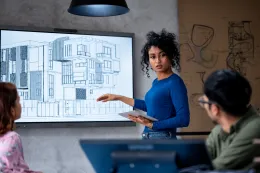
Firestorm Robotics, a middle and high school robotics team in Acworth, Georgia, has transformed its collaboration and design process using the NearHub Smart Board.
Updated: Aug 19, 2026 · 8 minutes read
Global Business, Brought Near.
No Installer, No Hassle, Just Works.
Firestorm Robotics faced challenges with traditional whiteboards, limited brainstorming space, and disconnected remote members. By integrating the NearHub Smart Board into their workflow, they now enjoy real-time collaboration, interactive design reviews, and effortless remote participation. NearHub’s 4K HDMI support enhances CAD model visualization, while YouTube integration helps break down complex robotics concepts. This article explores how NearHub has revolutionized Firestorm Robotics’ competition preparation, making teamwork more efficient and innovation-driven.
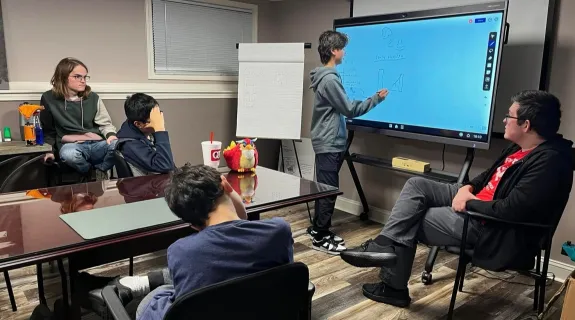
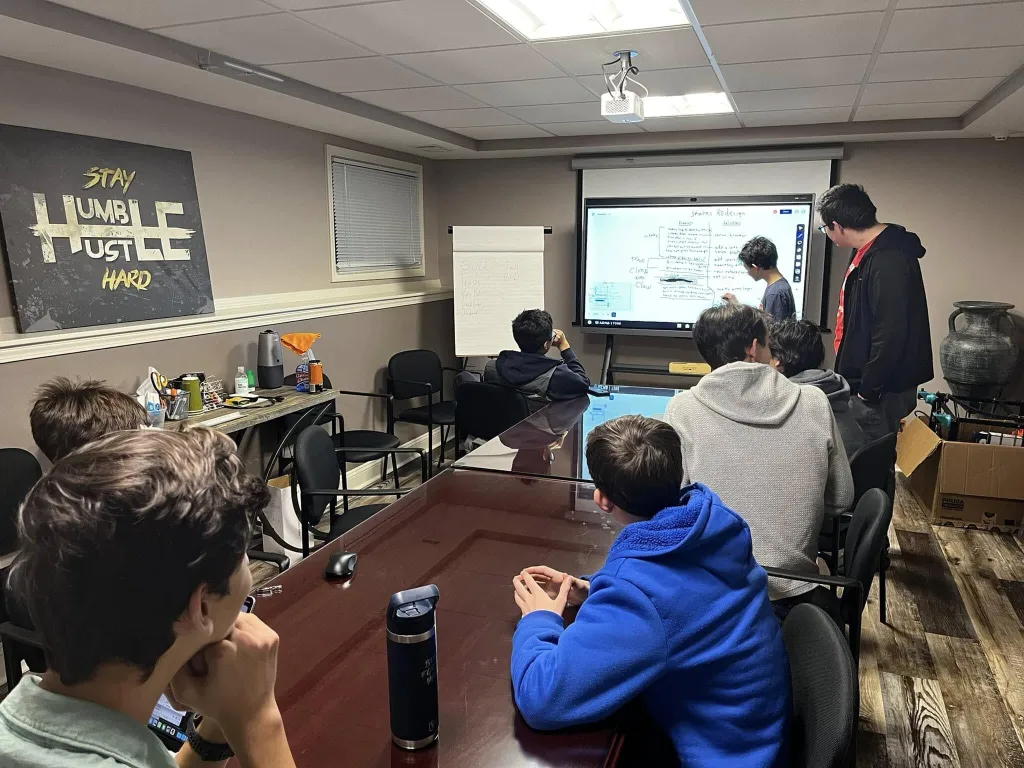
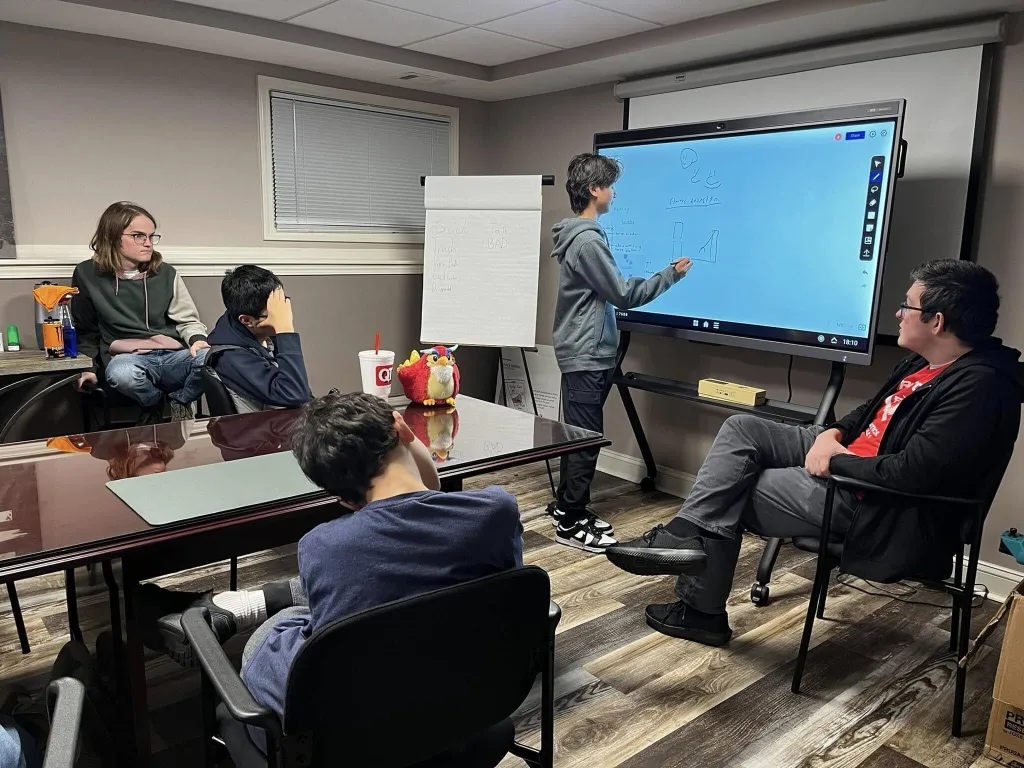
At Firestorm Robotics, a middle and high school robotics team based in Acworth, Georgia, collaboration is essential to our success. During competition season, we need a reliable, high-tech solution to brainstorm ideas, refine robot designs, and keep both in-person and remote team members engaged. Traditional whiteboards limited our creativity, making it difficult to capture and refine ideas efficiently. That’s why we switched to the NearHub Smart Board, and it has completely transformed our workflow.
From brainstorming new robot designs to analyzing competition strategies, NearHub provides a seamless, interactive, and collaborative workspace that has become an essential tool for our team. Here’s how it helps us innovate and stay ahead.
From Limited Whiteboards to Unlimited Creativity
Before using NearHub, our brainstorming sessions were constrained by the limitations of traditional whiteboards. Markers ran out, space filled up too quickly, and erasing valuable notes became frustrating. Additionally, our remote team members missed out on discussions, making it difficult to maintain a cohesive workflow.
With NearHub’s unlimited digital whiteboard, we can now:
✔ Instantly add images, sketches, and notes in real time ✔ Expand the workspace without worrying about running out of space ✔ Save all brainstorming sessions for future reference
This has eliminated the constraints of physical whiteboards, allowing our team to focus entirely on innovation and design.
Seamless Remote Collaboration
Robotics teams often have members working from different locations, especially during busy competition seasons. Before NearHub, our remote teammates struggled to stay engaged in discussions, leading to communication gaps.
With NearHub’s built-in split-screen video conferencing and screen-sharing capabilities, remote students can now:
✔ Join live brainstorming sessions in real time ✔ Interact with on-screen content as if they were in the same room ✔ Collaborate on design improvements without delays
This has completely transformed the way we work together, ensuring that every team member has a voice in our design and strategy sessions.
Enhancing Design and Learning with YouTube & CAD Integration
One of the most powerful features of NearHub is its ability to integrate multiple tools into one workspace. For robotics design, this is a game-changer.
🚀 4K HDMI Connection for CAD Models
We can now connect our laptops and interact with high-resolution CAD drawings directly on the board.
This makes it easier to analyze, modify, and test robot designs in real time before building prototypes.
📺 YouTube Integration for Learning & Strategy
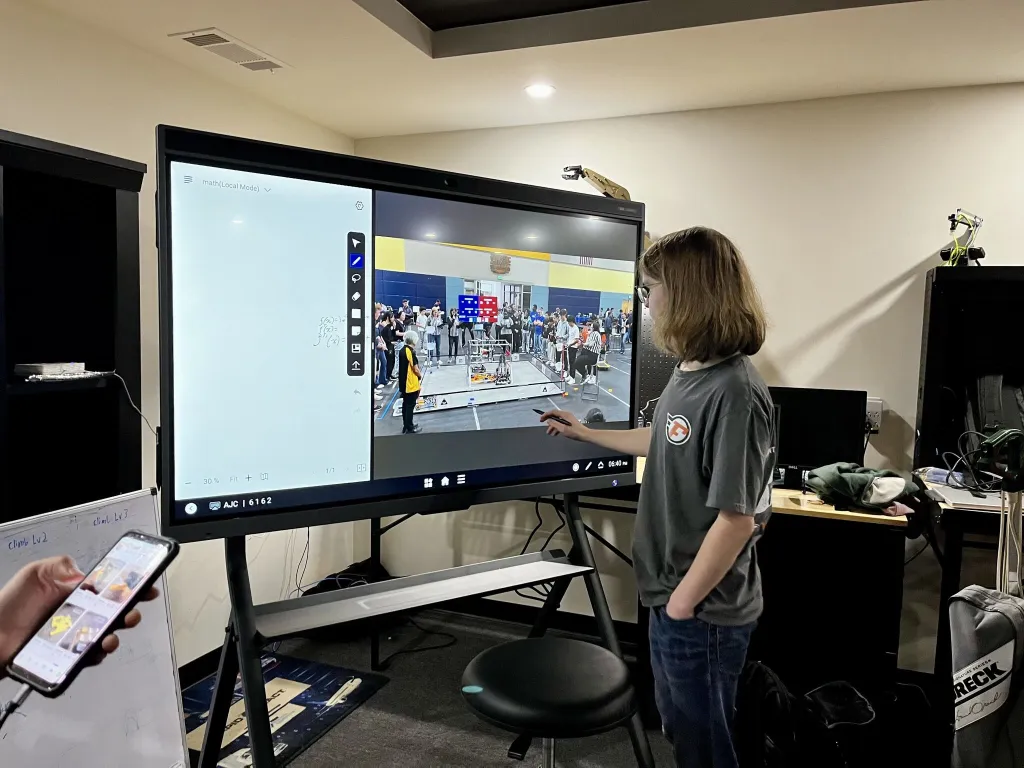
We often watch robotics tutorials and analyze past competition footage.
With NearHub, we can freeze frames from YouTube videos, send them to the whiteboard, and annotate key details.
This allows us to break down complex mechanical concepts and learn from other teams’ strategies.
These features streamline our design process and provide a hands-on learning experience, making it easier to troubleshoot and optimize our robots.
Never Lose an Idea Again: Automatic Save & Organization
Before NearHub, we had trouble keeping track of brainstorming sessions. Important ideas would get erased from whiteboards, and design notes would get lost in notebooks.
Now, with NearHub’s automatic save and cloud storage, we can:
✔ Store every meeting’s notes and sketches for future reference ✔ Review previous design iterations easily ✔ Ensure that no idea is ever lost
This feature has significantly improved our team’s efficiency, allowing us to build upon previous discussions and continuously refine our strategies.
Why Firestorm Robotics Recommends NearHub
After using NearHub, our team has completely stopped using flip charts and traditional whiteboards—this smart board does everything we need and more! Whether it’s brainstorming, CAD modeling, strategy planning, or remote collaboration, NearHub has streamlined our entire process and helped us focus on what truly matters: innovation and competition success.
If you're a robotics team, engineering club, or any organization that values collaboration, design, and innovation, NearHub is a must-have tool.
👉 Take your team's creativity and efficiency to the next level—get NearHub today at NearHub.us!