Best Ed-Tech Tools for Collaboration in 2026: A Complete Guide for Classrooms, Hybrid Learning & Training
Discover the best ed-tech tools for collaboration in 2026 — from communication platforms to interactive smart whiteboards.
best ed-tech tools for collaboration
collaborative learning tools
digital tools for the classroom
Updated: Aug 19, 2026 · 8 minutes read
Global Business, Brought Near.
No Installer, No Hassle, Just Works.
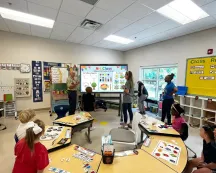
Education in 2026 looks nothing like the classrooms of a decade ago. Students arrive with laptops and tablets, teachers manage lessons across physical and digital spaces, and collaboration no longer means simply dividing into groups around a poster board. Today's learners expect seamless, interactive experiences — whether they are sitting in the third row or joining from their kitchen table.
Finding the best ed-tech tools for collaboration has become one of the most important decisions for K-12 educators, school administrators, and corporate trainers. The right combination of hardware and software can transform passive instruction into active, engaging learning. The wrong choices lead to technical headaches, disengaged students, and wasted budget.
This guide breaks down the most effective collaborative learning tools available in 2026, organized by category and use case. Whether you are equipping a single classroom, rolling out district-wide classroom collaboration technology, or designing a corporate training program, you will find practical recommendations you can act on today.
Why Collaboration Technology Matters More Than Ever
The shift toward digital and hybrid learning has exposed the limitations of traditional teaching tools. A standard projector and whiteboard setup cannot support multiple students interacting simultaneously. Basic video conferencing fails to create true participation parity between in-room and remote learners. Static worksheets do not foster the critical thinking and communication skills employers demand.
Research consistently shows that collaborative learning improves retention, deepens understanding, and builds social-emotional skills. A 2025 Stanford study found that students in technology-enabled collaborative environments demonstrated 34% better problem-solving outcomes than those in traditional lecture settings. The key is not merely adding technology, but choosing digital tools for the classroom that genuinely facilitate interaction.
The challenge most educators face is fragmentation. One platform for video calls, another for documents, a third for assessments, and a physical whiteboard that does not connect to any of them. The best tools for student collaboration integrate seamlessly, reducing friction so teachers can focus on teaching rather than troubleshooting.
The Main Categories of Ed-Tech Collaboration Tools
Understanding the landscape starts with knowing how different tools serve different purposes. Most education technology tools for collaboration fall into four categories.
Communication and Video Conferencing Tools
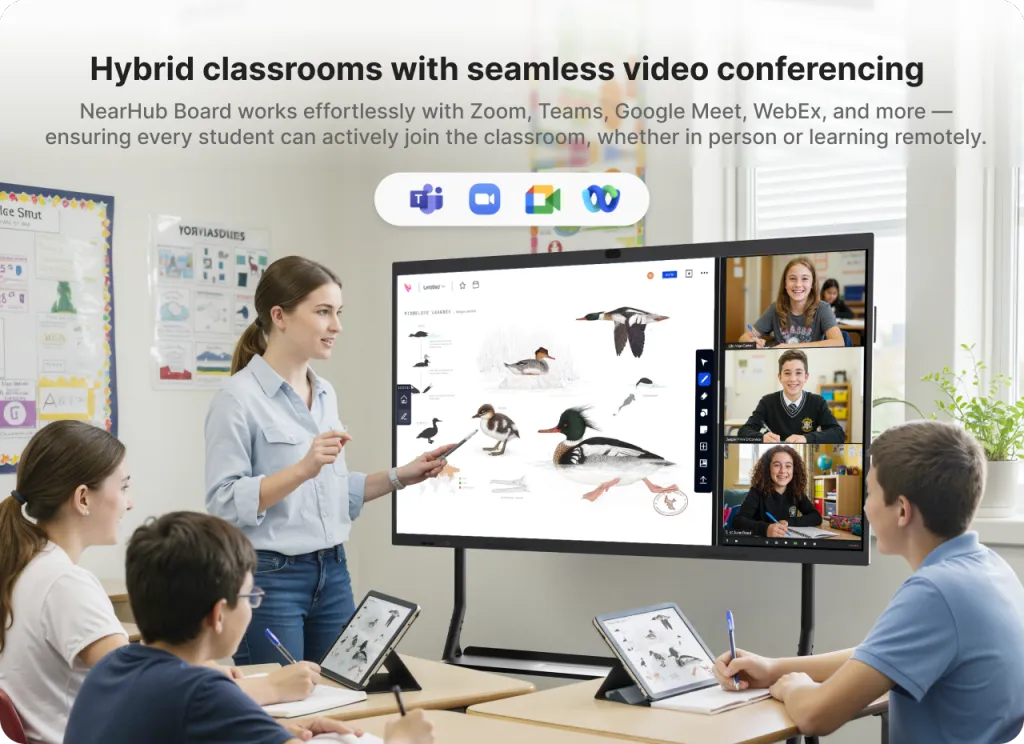
These platforms connect learners and instructors across locations. They form the backbone of hybrid learning environments and enable real-time discussion, screen sharing, and breakout sessions.
Top picks in this category:
Zoom for Education — Breakout rooms, whiteboard integration, and attendance tracking make it a staple for hybrid classrooms.
Microsoft Teams — Deep integration with Office 365 Education, assignment management, and threaded conversations.
Google Meet — Simple, reliable, and tightly connected to Google Workspace for Education.
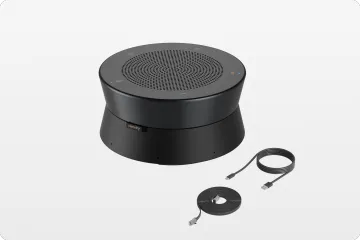
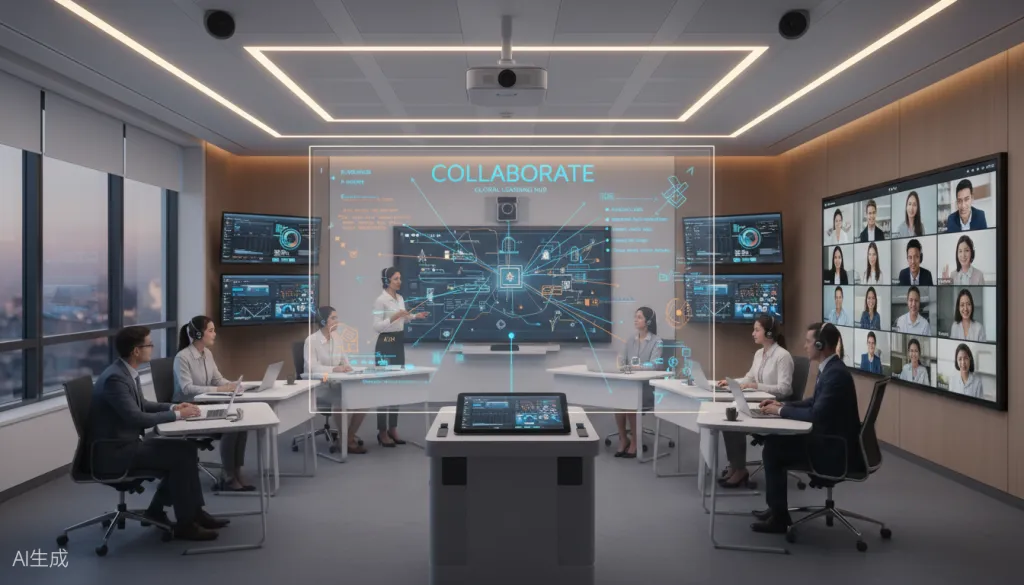
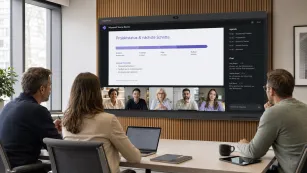
While these applications run on any device, their effectiveness in a physical classroom depends heavily on how they are presented. The Interactive Smart Whiteboard is an all-in-one collaboration hub with built-in video conferencing capabilities and a high-quality microphone array, allowing teachers to launch Zoom, Teams, or Meet directly from the board. Remote students appear life-size on the 4K display, while in-room participants can interact with shared content simultaneously — eliminating the disconnect between software and hardware that often undermines hybrid lessons.
Content Collaboration and Digital Workspace Tools
These applications enable students and teachers to create, edit, and share content together in real time. They are essential for tools for group work in classroom settings.
Top picks in this category:
Google Workspace for Education — Docs, Sheets, and Slides with simultaneous editing and commenting.
Padlet — Digital bulletin boards where students post text, images, videos, and links collaboratively.
Canva for Education — Design-focused collaboration perfect for visual projects and presentations.
Miro / Mural — Infinite digital canvases for mind mapping, brainstorming, and project planning.
Assessment and Engagement Tools
These platforms keep students actively participating through quizzes, polls, and gamified activities. They turn passive listeners into engaged contributors.
Top picks in this category:
Kahoot! — Game-based quizzes that make review sessions competitive and fun.
Nearpod — Interactive lessons with polls, quizzes, and virtual reality field trips.
Pear Deck — Google Slides add-on for formative assessment and real-time student response.
Flipgrid — Video discussion platform where students record and share responses.
For educators using Google Classroom specifically, incorporating Google Classroom games can further boost participation with interactive activities that integrate directly into your existing workflow.
Hardware: Interactive Smart Whiteboards
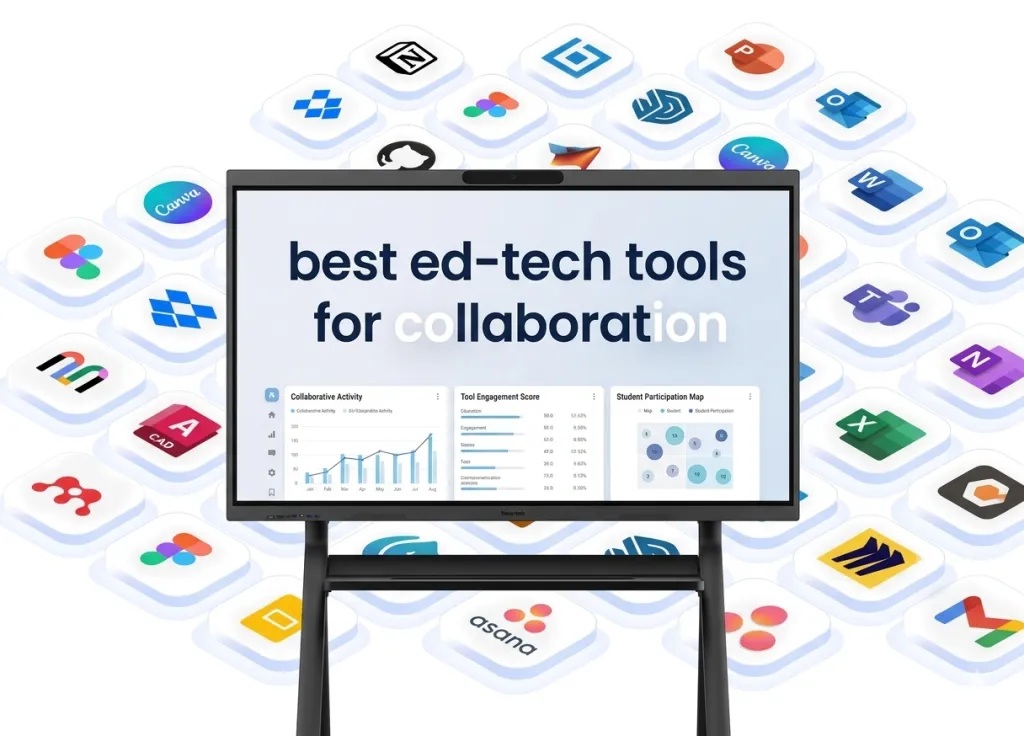
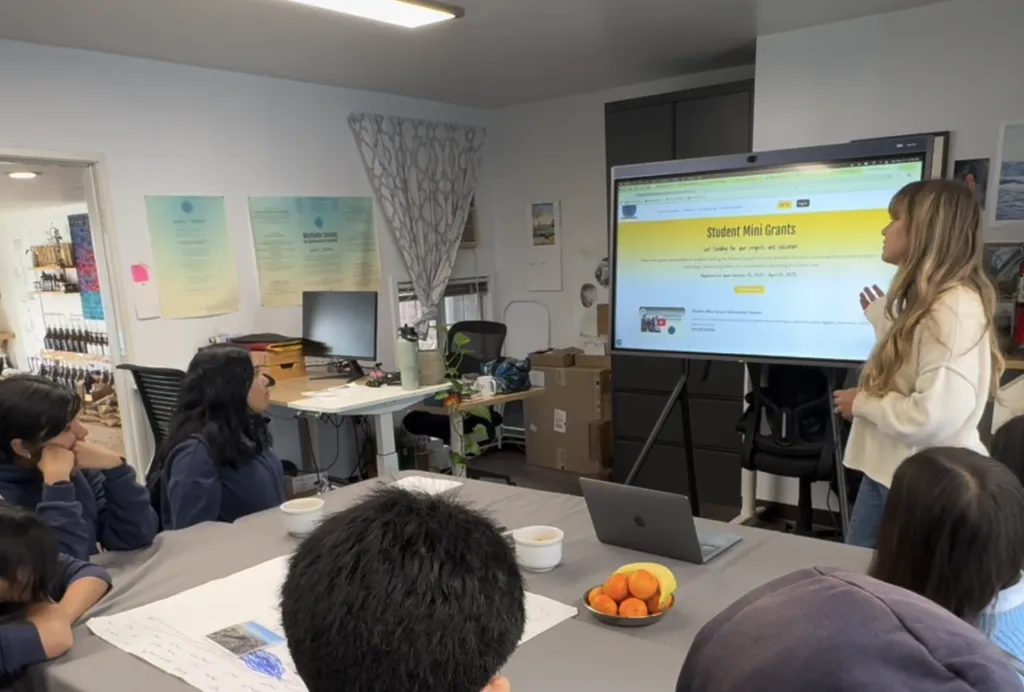
While software gets most of the attention, the physical centerpiece of a modern collaborative classroom is increasingly an interactive whiteboard for classroom use. These large-format touch displays replace traditional whiteboards and projectors, offering multi-touch annotation, wireless screen sharing, and native app integration. For a deeper look at how smart boards are transforming K-12 environments specifically, see our guide on smart boards for K-12 education.
TheNearHub Board Max exemplifies what this category offers in 2026. With a 4K UHD display, 40-point multi-touch capability, built-in video conferencing, and seamless integration with Google Workspace, Microsoft Office, and popular LMS platforms, it functions as the central collaboration hub for any learning environment. Unlike projector-based systems, it performs well in bright rooms, requires no bulb replacements, and supports multiple students interacting on screen simultaneously.
Comparing the Top Collaboration Tools
Tool
Category
Best For
Key Strength
Pricing Model
NearHub Board Max
Hardware
Central classroom hub
Multi-touch, 4K, built-in video
One-time purchase
Google Workspace
Content
Document collaboration
Real-time editing, cloud-native
Free for schools
Microsoft Teams
Communication
Schools using Office 365
Deep integration, assignments
Free for schools
Zoom Education
Video
Hybrid classrooms
Breakout rooms, reliability
Per-license
Kahoot!
Assessment
Quick engagement
Gamification, ease of use
Freemium
Padlet
Content
Visual brainstorming
Simple, versatile posting
Subscription
Nearpod
Assessment
Interactive lessons
VR field trips, formative assessment
Per-teacher
Miro
Content
Project planning
Infinite canvas, templates
Freemium
This comparison highlights an important principle: no single tool does everything. The most effective classroom collaboration technology strategies combine a hardware centerpiece like an interactive smart board with two to three software platforms chosen for specific instructional needs.
How to Choose the Right Collaboration Tools for Your Environment
Selecting from among the many online collaboration tools for teachers requires evaluating your specific context against a few key criteria.
Assess your infrastructure. Schools with strong Google Workspace adoption should prioritize tools within that ecosystem. Districts standardized on Microsoft should lean into Teams and OneNote. Mixing platforms without a strategy creates login fatigue and integration headaches.
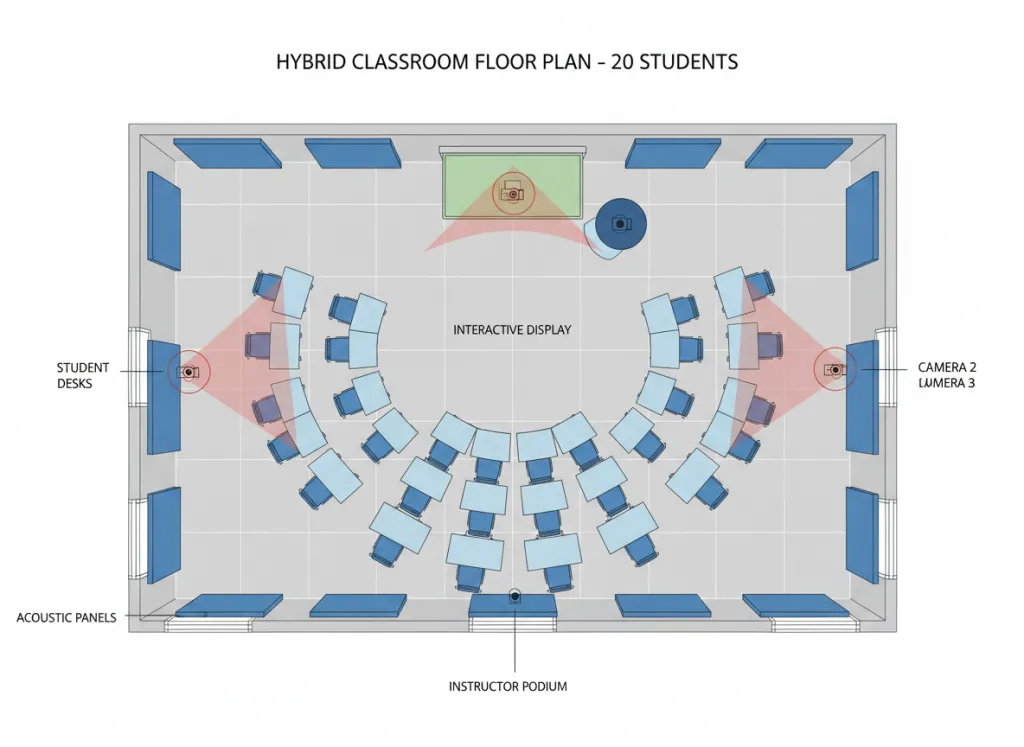
Consider your physical space. A traditional classroom with rows of desks has different needs than a flexible learning lab or a corporate training room. If your space supports group work and movement, an interactive smart whiteboard becomes significantly more valuable as a shared interaction point.
Plan for hybrid parity. Even if most of your instruction happens in person, having hybrid learning collaboration tools ready ensures continuity during absences, weather closures, or guest expert visits. Every tool you evaluate should work equally well for in-room and remote participants. For organizations managing both in-person classrooms and remote staff, exploring dedicated collaboration tools for remote teams can provide additional insights into building a cohesive hybrid infrastructure.
Evaluate total cost of ownership. Free software is appealing, but factor in training time, IT support needs, and whether premium features are eventually necessary. For hardware, consider lifespan, warranty, maintenance, and energy consumption. Interactive displays typically last ten years with minimal maintenance, while projector systems require frequent bulb and filter replacements.
Pilot before scaling. Start with one classroom or one department. Gather teacher and student feedback, measure engagement changes, and identify integration issues before district-wide rollout.
Future Trends: Where Classroom Collaboration Is Heading
The next wave of education technology tools will be shaped by several converging trends.
AI-powered personalization is already appearing in adaptive learning platforms. Expect collaboration tools that automatically group students based on skill levels, suggest differentiated activities within shared workspaces, and provide real-time coaching during group discussions.
Immersive collaboration through augmented and virtual reality will move from novelty to practicality. Students will collaborate on three-dimensional models in shared virtual spaces, conduct virtual science experiments together, and take field trips without leaving the classroom.
Unified ecosystems will replace the current patchwork approach. The frustration of managing dozens of separate apps is driving demand for integrated platforms where communication, content creation, assessment, and hardware control live in one coherent system.
Sustainability considerations will influence hardware choices. Schools are increasingly prioritizing energy-efficient displays with long lifespans over cheaper alternatives that require frequent replacement.
FAQs
What are the best ed-tech tools for collaboration in 2026?
The best approach combines hardware and software. For hardware, the NearHub Board Max provides a central collaboration hub with 4K multi-touch display and built-in video conferencing. For software, Google Workspace for Education, Microsoft Teams, Kahoot!, and Padlet cover the essential categories of content collaboration, communication, assessment, and brainstorming. The exact mix depends on your existing infrastructure and instructional goals.
How do interactive whiteboards improve classroom collaboration?
Interactive whiteboards replace passive projection with active participation. Multiple students can annotate simultaneously using touch or styluses. Teachers can pull in content from any app, save entire lessons for later review, and wirelessly mirror student devices to the main display. The result is a shared digital canvas that makes student thinking visible and encourages peer-to-peer interaction.
What is the difference between software and hardware collaboration tools?
Software tools like Google Docs or Zoom run on existing devices and enable digital workflows, communication, and content sharing. Hardware tools like interactive smart whiteboards create physical interaction points in the room where students gather, touch, and collaborate together. The most effective classrooms use hardware as the focal point and software to extend collaboration beyond the physical walls.
How do I choose collaboration tools for a hybrid learning environment?
Prioritize tools that offer seamless video integration, cloud-based access from any device, real-time synchronization between remote and in-person participants, and asynchronous options for students in different time zones. Test whether remote students can genuinely participate equally, not just observe.
Are interactive smart whiteboards worth the investment for schools?
For schools committed to active learning, yes. They eliminate projector maintenance costs, work reliably in bright rooms, support multi-user interaction, integrate with modern software ecosystems, and typically remain current for a decade. Schools report higher student engagement and smoother lesson delivery after adoption.
Making Your Decision
The search for the best ed-tech tools for collaboration ultimately comes down to alignment: matching the right tools to your environment, your technical infrastructure, and your instructional goals. Start by identifying your biggest collaboration pain points. Is it keeping remote students engaged? Enabling seamless group work? Reducing administrative friction?
If your classroom or training room still relies on a projector and static whiteboard, upgrading to an interactive smart whiteboard like the NearHub Board Max can serve as the foundation of your collaboration strategy, providing the central hub that connects your software tools and gives every student a literal touchpoint for active learning.
Whatever combination you choose, remember that technology serves pedagogy, not the reverse. The best tools are the ones that fade into the background, letting teachers teach and students learn together naturally.
Ready to transform your classroom collaboration experience? Explore how the NearHub Board Max integrates with your existing ed-tech stack to create a seamless, engaging learning environment for every student, in every seat, in every modality.